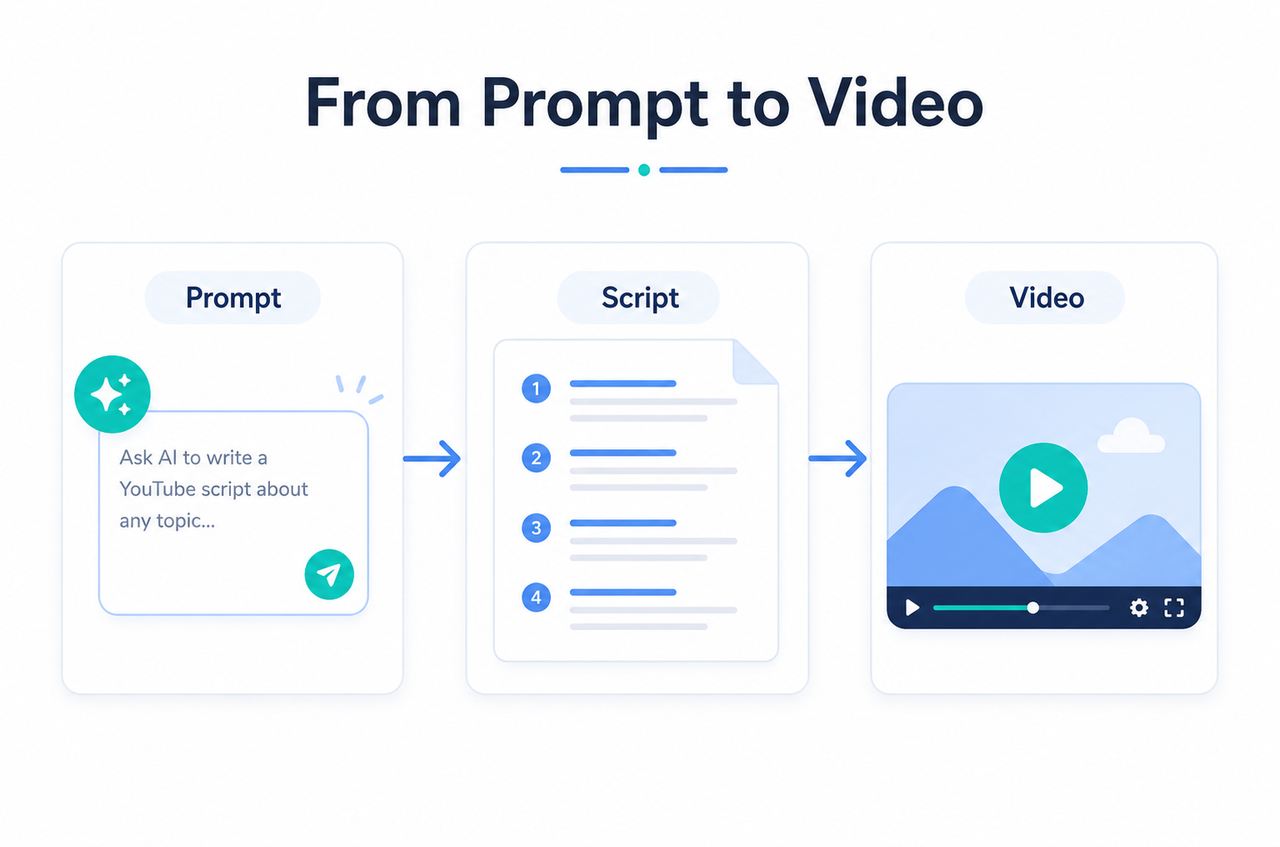
How to Make a Short Film: : A Step-by-Step Guide
 RoboNeo TeamJuly 10, 2026
Filmmaking used to mean weeks on set, large budgets, and location scouts. Now you can draft a script, shape scenes, and export clips from a laptop with AI tools—often in a single afternoon, not a full production cycle.
This guide breaks that process down from a rough idea to a finished clip so beginners, creators, and marketers can all follow it. To find out which tools actually deliver, we tested the major AI options by generating short films from scratch and comparing consistency across scenes.
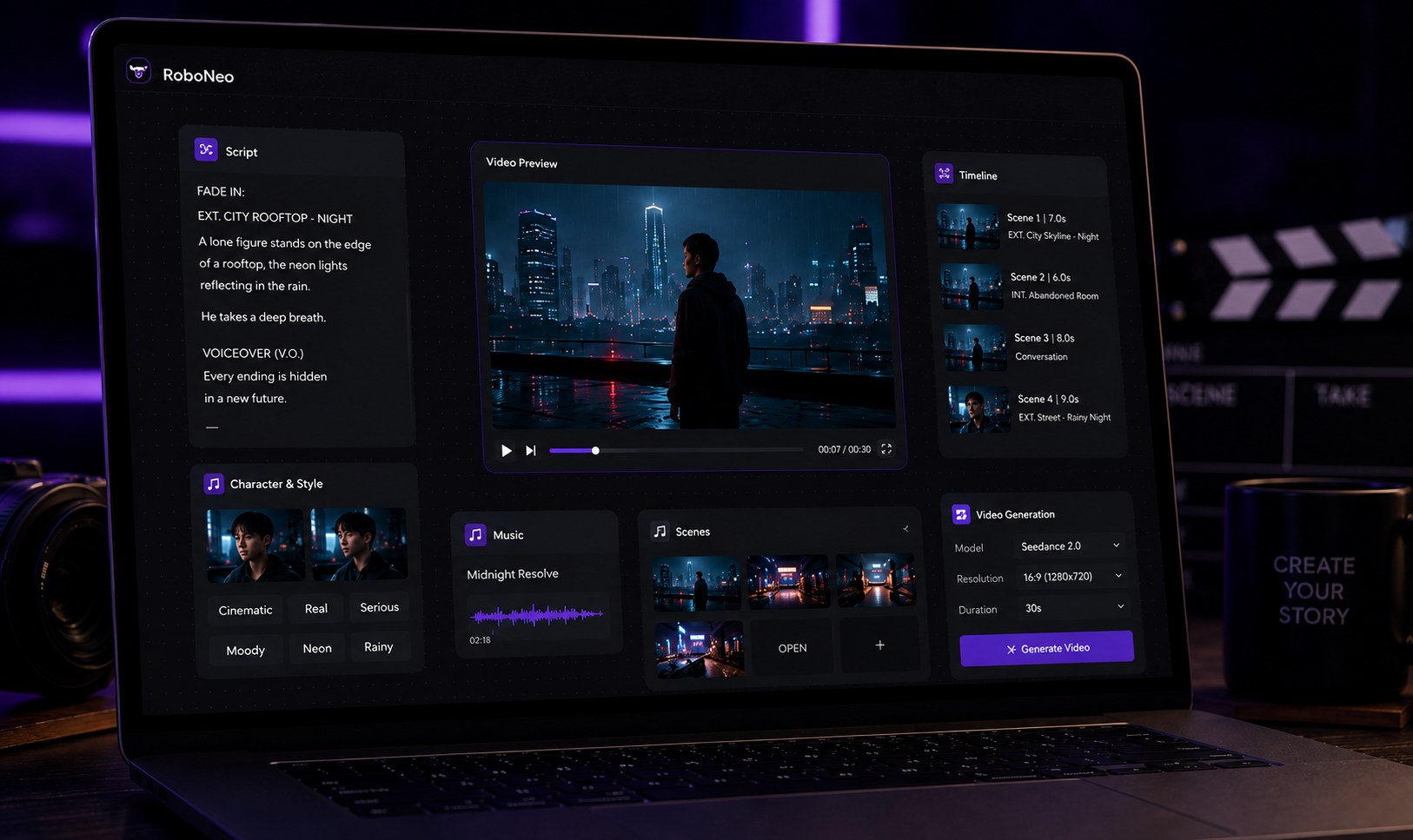
What to Prepare Before Making a Short Film
A strong short film still starts with a clear plan. AI can speed up production, but it works best when your story, visuals, and creative direction are already clear.
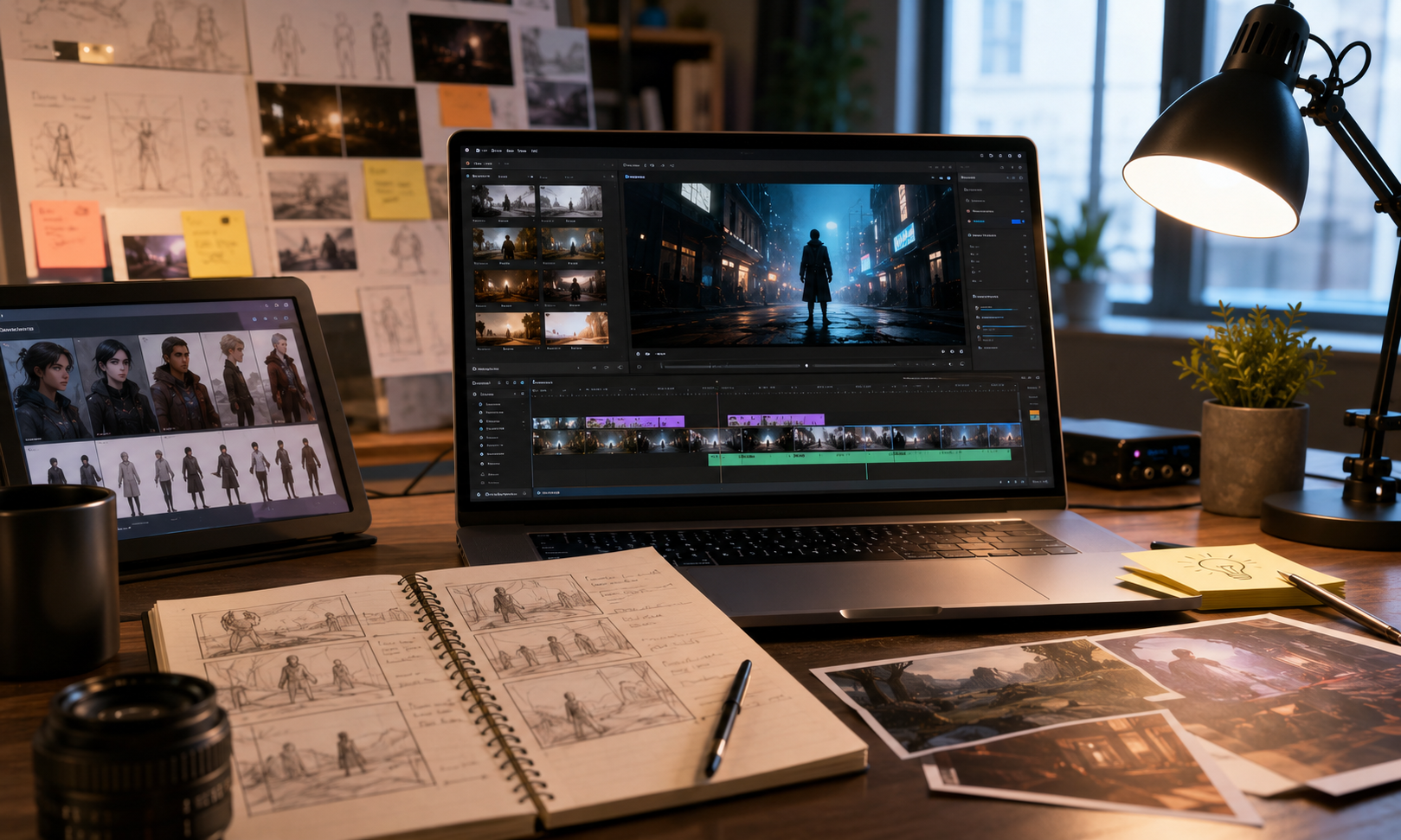
1. Choose a Simple Story Idea
Making your first AI-assisted short film? Start small. One or two characters, one location, and one clear emotional arc. If the idea isn't quite there yet, run it through an story generator to test-drive a few premises before drafting the script. Fewer moving parts means less hassle with the visuals and a much tighter story.
2. Write a Short Film Script
Keep your writing straightforward. Lay out the scene locations, what the characters are doing, the dialogue, and the big visual moments. It doesn't need to be complex, but it has to paint a clear picture of what we are actually going to watch. Before you jump into generating clips, prepare a explicit script so your narrative and visuals have enough direction to work smoothly.
3. Create Characters, Scenes, and Shot Lists
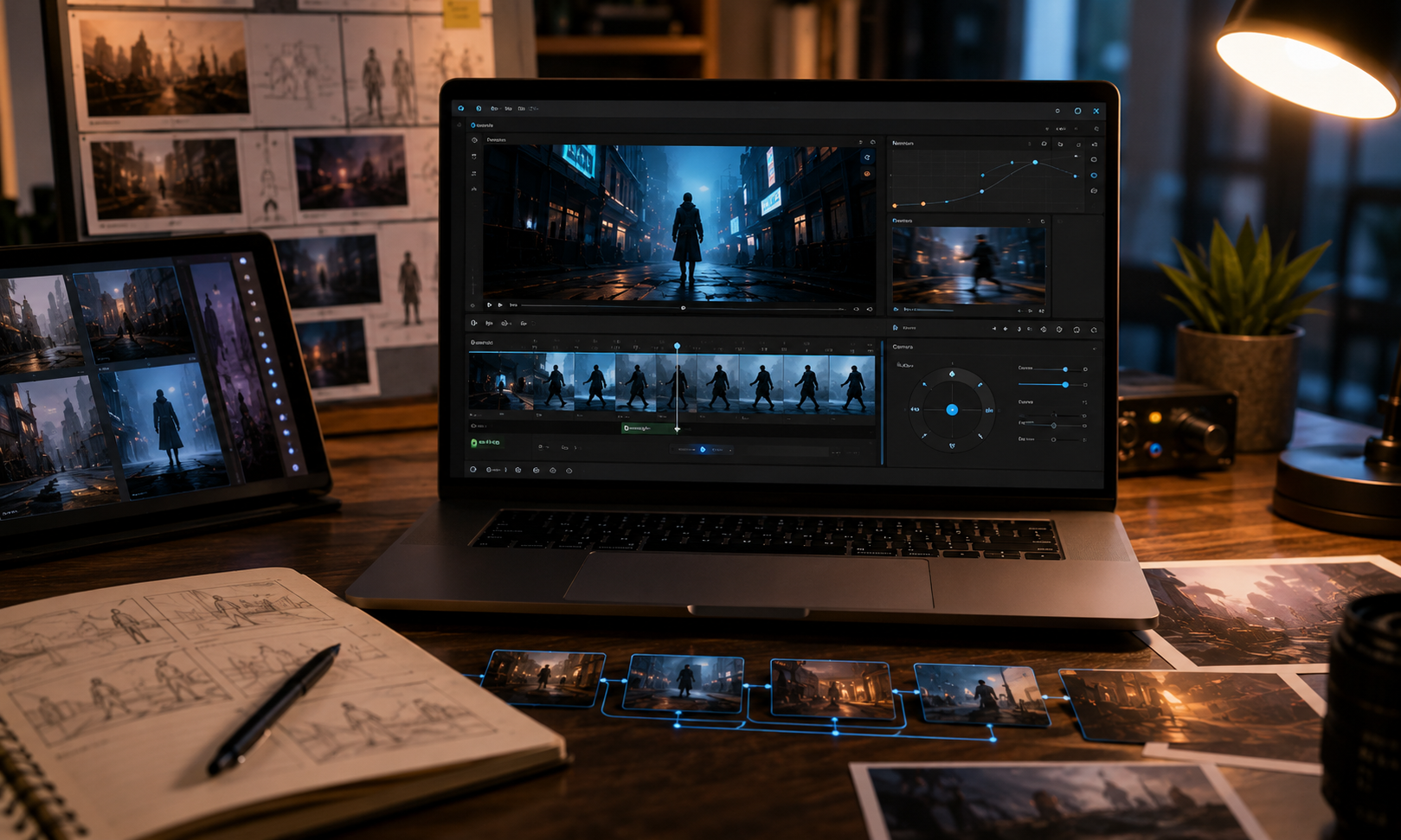
Plan before generating. Before you create visuals, turn the script into clear creative instructions:
Characters: Describe each character’s appearance, clothing, mood, and key expressions.
Scenes: Define the location, lighting, atmosphere, and visual style.
Shot Lists: Break each scene into shots, such as wide shots, close-ups, or over-the-shoulder shots.
More detail means more control. This step helps the AI keep the final video consistent in style, tone, and visual flow.
4. Plan Your Budget, Location, and Schedule
AI can cut costs. You may still need paid tools for writing, image generation, video generation, and editing. Set a simple timeline for each step, and check permissions before using real people, real locations, or brand assets.
Steps to Make a Short Film with AI Tools
Filmmaking used to mean hauling around cameras, setting up lights, and wrangling actors, locations, and crews. AI completely flips the script. Instead of shooting every single scene on location, you can cook up visuals, bring them to life, and piece your clips together using AI tools. This slashes production costs, speeds up prototyping, and lets you try out different looks before locking things in. We ran this exact workflow across a dozen short film concepts to see where it actually holds up — the steps below reflect what worked.
Step 1. Script and Idea Refinement
Everything starts with the story. Use ChatGPT or other tools to bounce ideas around, sharpen the dialogue, or stretch a basic concept into a rough first draft. Once you have a readable script, chop it up into specific scene notes, camera angles, and visual prompts.
Step 2. Visual Scene Generation
Build out the look. Feed prompts from your shot list into an AI image generator. Keeping things consistent can be tricky since your character needs to look the same from shot to shot. Just remember: if you're using real people's likenesses, always get their permission first.
Step 3. Motion and Clip Generation
Now, let's add some actual movement. Toss your static images into an AI video generator to build short clips packed with camera pans, moving characters, or shifting atmospheric effects. Keep things subtle during the quiet moments, then ramp up the energy for your action sequences. This is the exact point where your project really wakes up.
Step 4. Assembly and Editing
Put it all together. Once you’ve gathered your visual assets, throw them into a video editor like CapCut. Line up your clips, trim the timing, and smooth things over with transitions. Finally, layer in dialogue, music, and sound effects to bring the whole film together.
Tips to Create a Better Short Film
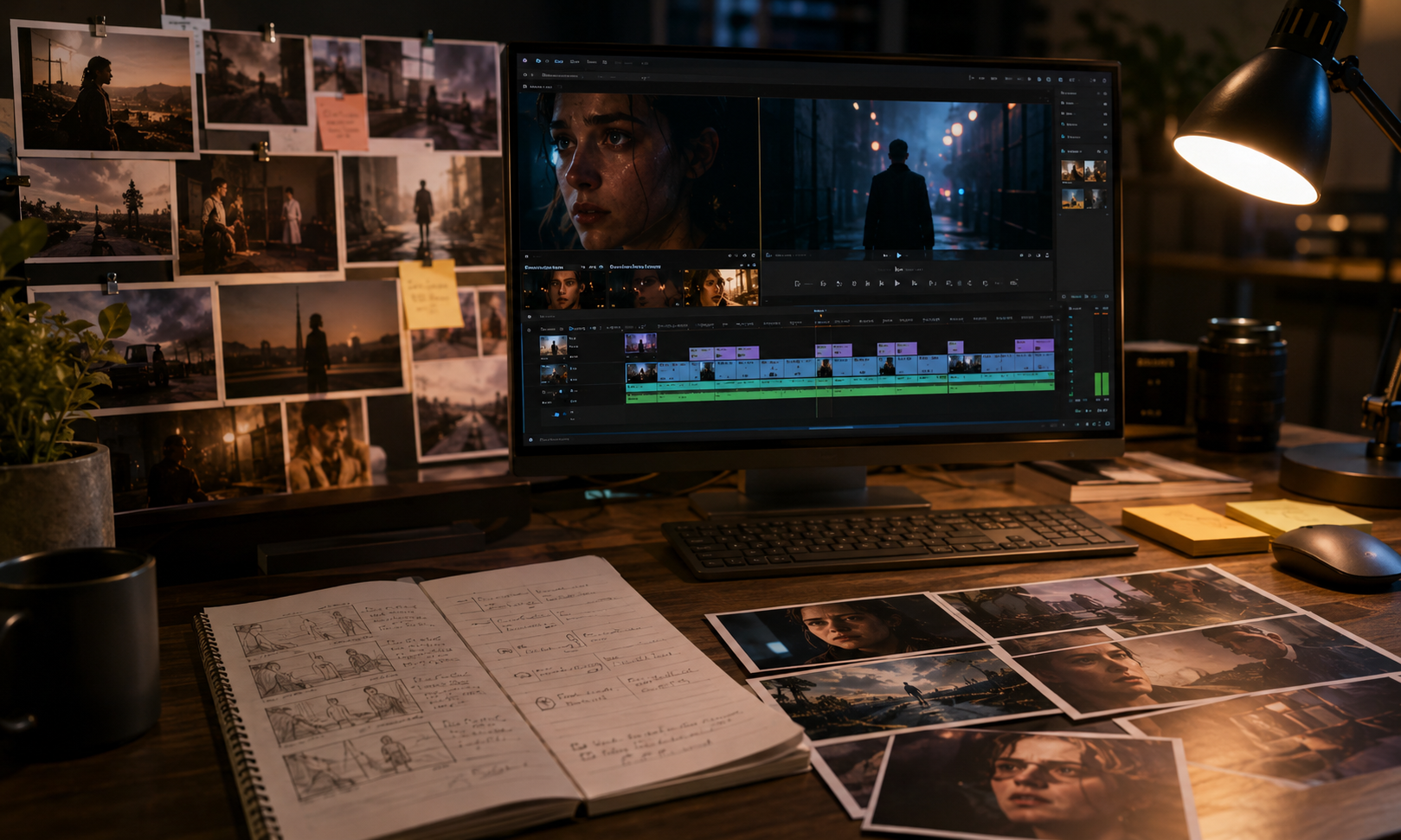
AI cranks out visuals fast, but story holds the film together. Before dumping every scene into a prompt box, take a step back. Before putting every scene into a prompt box, take a step back and consider the limitations of AI video generation technology, especially when it comes to character consistency and fluid motion.
Flashy renders catch the eye for a second. But tight pacing, raw emotion, and a razor-sharp focus are what actually keep an audience watching until the end.
1. Keep the Story Focused
Pick one idea. A short film works best when every scene feeds the same central story. Add too many characters, locations, or side plots, and the film starts to lose its shape. Keep it clean. Give viewers one clear thread to follow.
2. Move Each Scene Forward
Give every scene a job. A scene should reveal something new, sharpen a character, raise tension, or move the story closer to its ending. If it does none of that, why keep it? Cut it. Let the film breathe.
3. Show More, Say Less
Film works through images. Instead of explaining every emotion through dialogue, use expressions, camera angles, lighting, and small setting details to show what a character feels. A nervous glance can say more than a full speech. So can silence. So can an empty room.
4. End with a Clear Point
Make the final moment count. The ending can feel quiet, emotional, surprising, or slightly open, but it should still feel planned. Tie it back to the main idea, and give viewers something that stays with them after the film ends.
FAQ
What is a short film?
A short film is a complete story told in a shorter format, usually anywhere from one minute to about 40 minutes. It can be live-action, animated, AI-generated, or a mix of different styles, but it still needs a clear idea, structure, and ending.
How can I make a short film as a beginner?
It's easier to start small. Come up with one clear idea, write a short script, and map out a simple shot list before you create anything. Beginner-friendly tools can help you build scenes, put clips together, and edit the final video, but a focused story keeps the whole project easier to finish.
How long should a short film be?
Keep it tight. Beginners usually do better with 3–10 minutes. A shorter runtime gives you more control over the story, visuals, pacing, and emotional rhythm without making the project too hard to pull off.
How to produce a short film with a small budget?
Cut out the extras. Work with a small cast, stick to simple locations, and build the story around scenes you can create without high production costs. AI tools can help with scripting, scene creation, video clips, and editing, so you can avoid a large crew, expensive gear, or a full on-site shoot.
Do I need a camera crew to make a short film?
Not always. A camera crew helps when you shoot live action, but AI tools now let you make a short film digitally. Build scenes. Create clips. Add sound. Edit the final video without traditional filming equipment.
You May Be Interested
Instagram Reel Dimensions: Size, Ratio & Resolution Guide
How to Restore Old Photos: Repair Fading and Damage

7 Best Free AI Photo Enhancer in 2026

How to Make Picture Higher Resolution: Upscaling Guide

How to Write Romantic Fiction: Tips for a Better Love Story

Runway AI Video Generator Review: Features and Pricing

How to Fix Overexposed Photos: Better Editing Tips
How to Brighten a Dark Picture Without Washing It Out

How to Remove a Watermark from a Photo: Easy Methods
How to Remove Proof from a Photo Safely and Cleanly
DPI vs PPI: Key Differences for Print and Screen

1080p vs 1440p: Which Resolution Is Better?
How to Upload HD Video to Facebook: Best Settings

What Is Frame Interpolation? How It Works and Uses

How to Make a Memorial Video: AI Tips for Meaningful Memories
Movie-Quality AI Video Prompts: Complete Guide

What Is Upscaling? Video Enhancement Explained
Photographic Noise Explained: Causes, Types, and Fixes
How to Fix Grainy Photos: Reduce Noise and Improve Quality
Can You Set Display Quality on YouTube? Settings Guide
How Do You Write Dialogue? Video Script Writing Guide
Talking Animals in Stories: Create AI Video Characters
Linear and Nonlinear Storytelling: A Guide for Video
Animatic vs. Storyboard: Key Differences and Best Uses

What Is Character Motivation? Video Storytelling Guide
What Is a Film Storyboard? Purpose, Parts, and Process
Open Ending Meaning: A Guide for Film and Video
How to Create an Anime Movie: The Complete Process
Horror Movie Ideas: 15 Scary Plots for Low-Budget Films
Movie Ideas to Make at Home: 15 Easy Beginner Films
How to Make a Product Video: Scripts, Shots, and Sharing

How to Make Realistic AI Videos: Tips and Mistakes
What Is 8K Resolution? Uses, Benefits, and 4K Comparison

PicWish Watermark Remover Review: Is It Worth Using?

How Can I Improve Video Quality? Practical Fixes

What Is 2K Resolution? Pixel Size, Uses, and Differences
What Is a Show Bible? TV Writing Guide and Template
What Is a Cliffhanger? Types, Examples, and Writing Tips
How Long Is a Short Film? A Runtime Guide for Filmmakers
How to Write a Movie Script: Steps for First-Time Writers
How Many Scenes in a Movie? A Screenwriter’s Guide

How to Write a Drama Script: 6 Clear Steps for Beginners
3 Best Background Noise Removal Apps for 2026
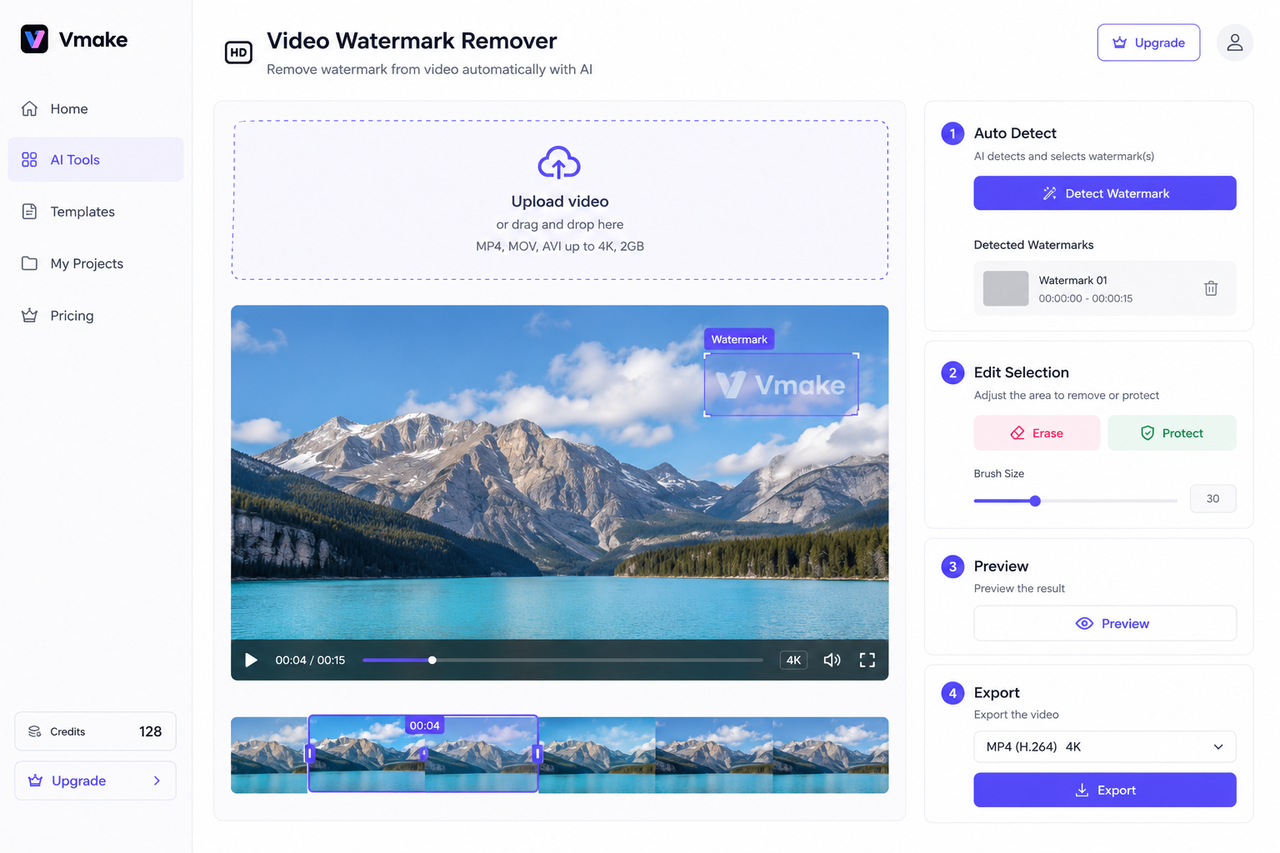
Vmake AI Video Watermark Remover: Tested and Reviewed
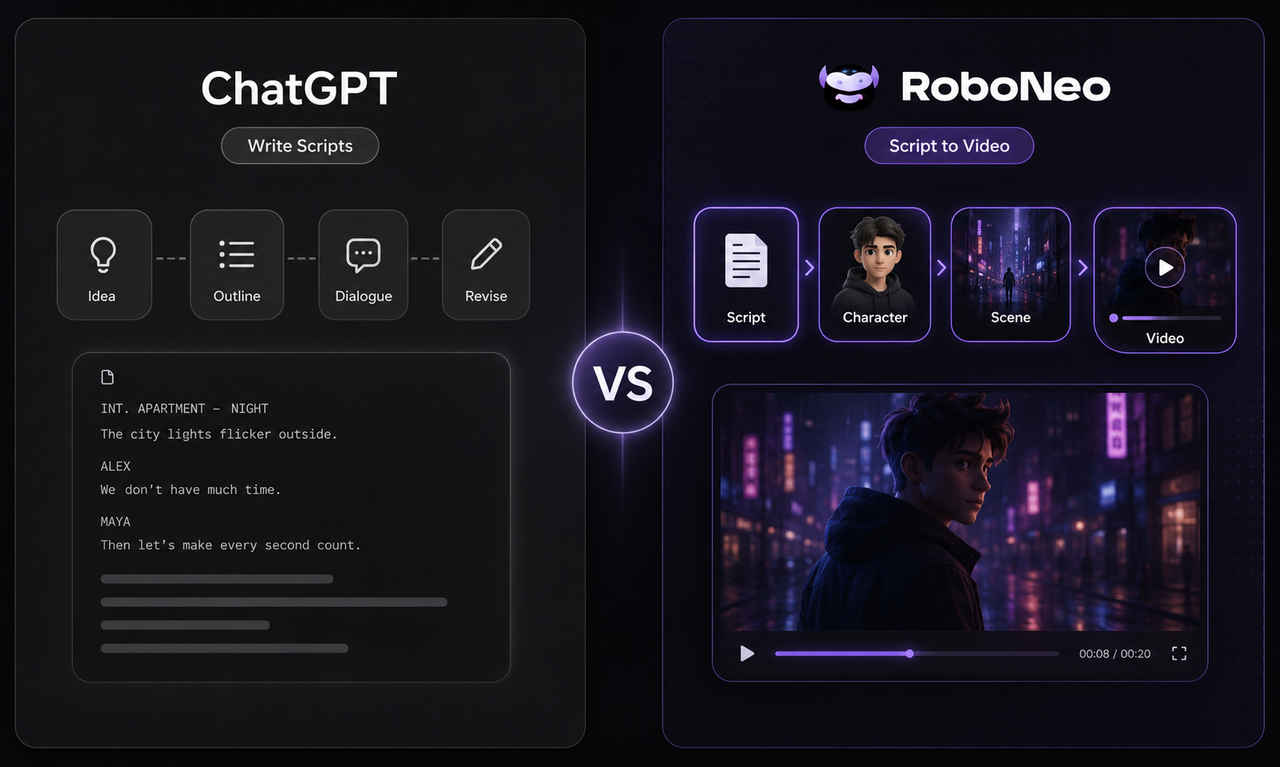
ChatGPT Script vs RoboNeo AI Script Generator
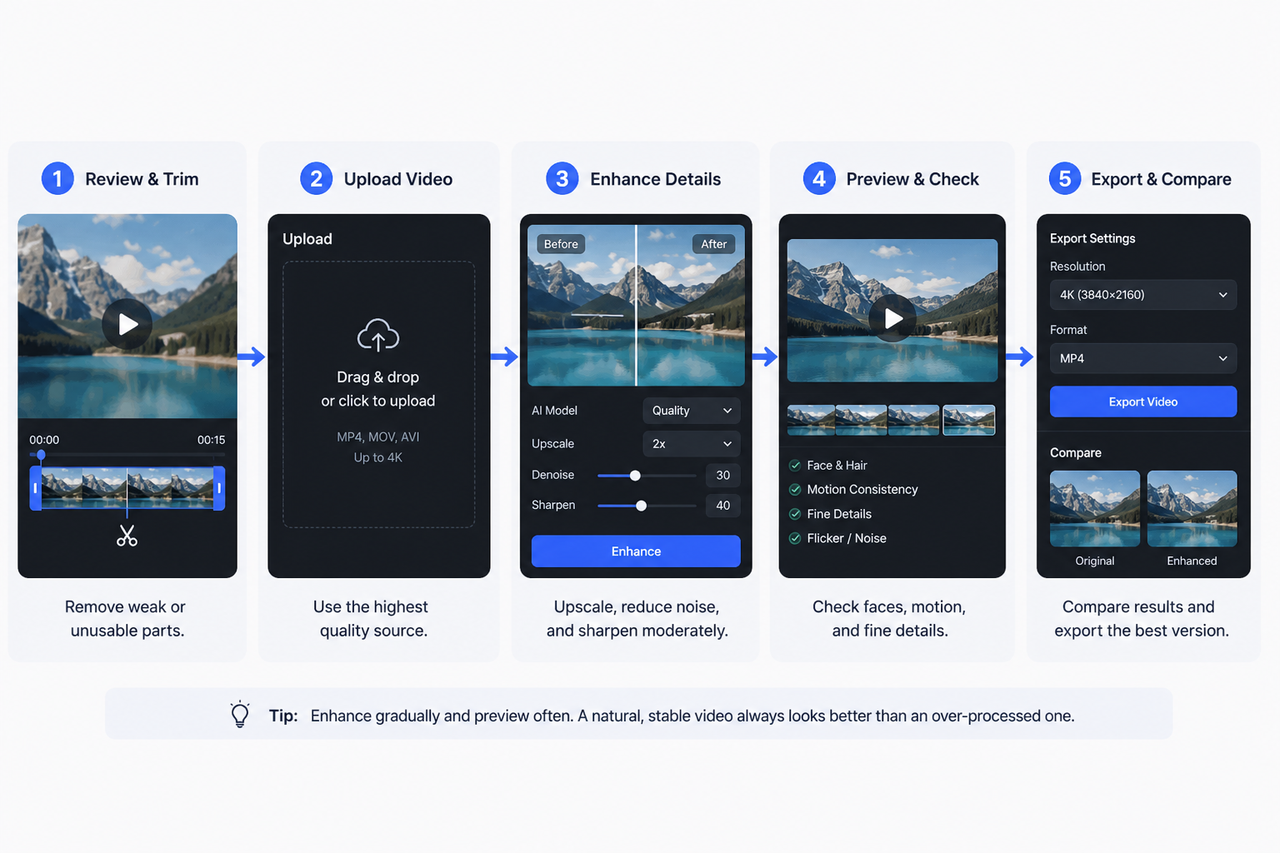
How to Enhance Sora AI Video Quality in 2026?
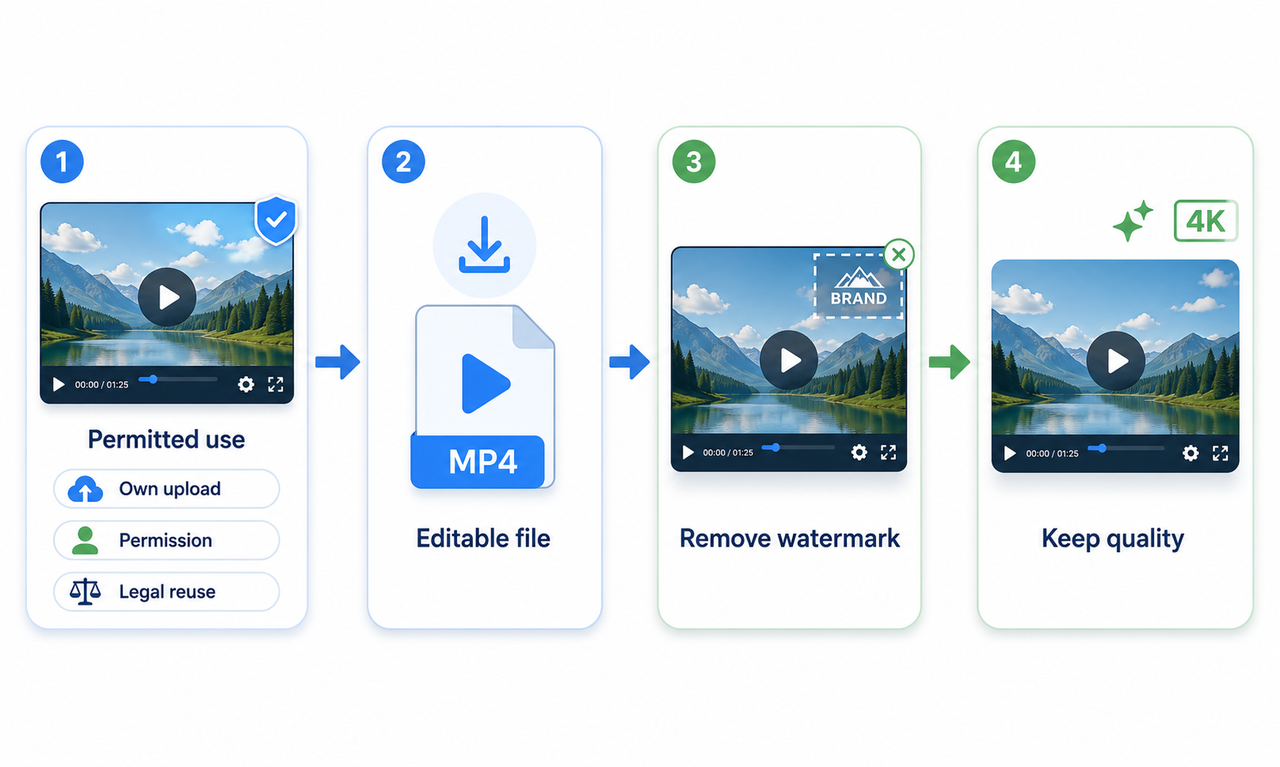
How to Download YouTube Videos and Remove Watermarks
Best AI Features for Enhancing UGC Video Quality in 2026
SnapTik TikTok Downloader Review: Pros, Cons and Alternative
How to Remove Watermark from Video with AI (2026 Guide)

How Long Does It Take to Write a Script? A Practical Guide
Canva AI Video Generator vs RoboNeo: Key Differences
How to Write a TV Commercial Script: Step-by-Step Guide
Character AI Alternative: 7 AI Chat Tools to Try in 2026

How to Create AI Video from Script: A Complete Guide
Best TikTok Script Generator in 2026
How to Write a Video Script: 7 Steps for Beginners
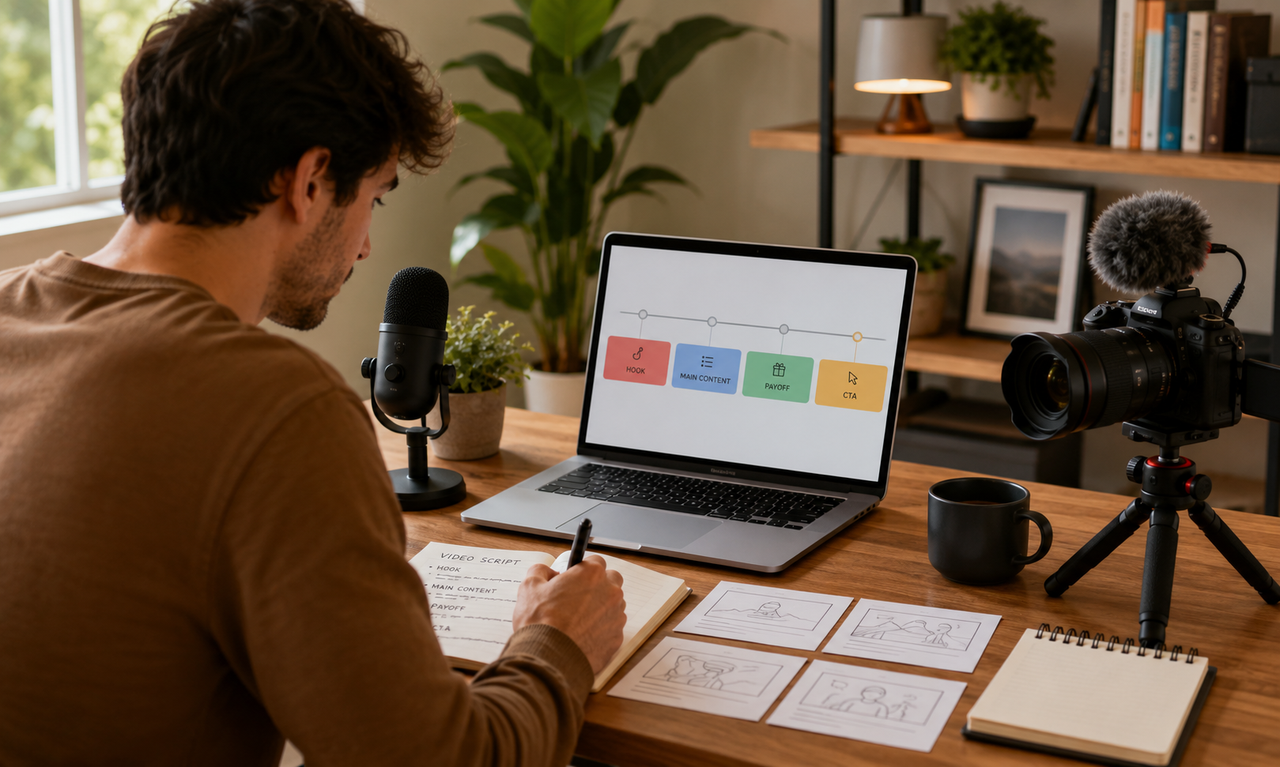
How to Write Script for Youtube Video: Complete Guide
How to Turn Long YouTube Videos into TikToks with an AI Video Clip Generator
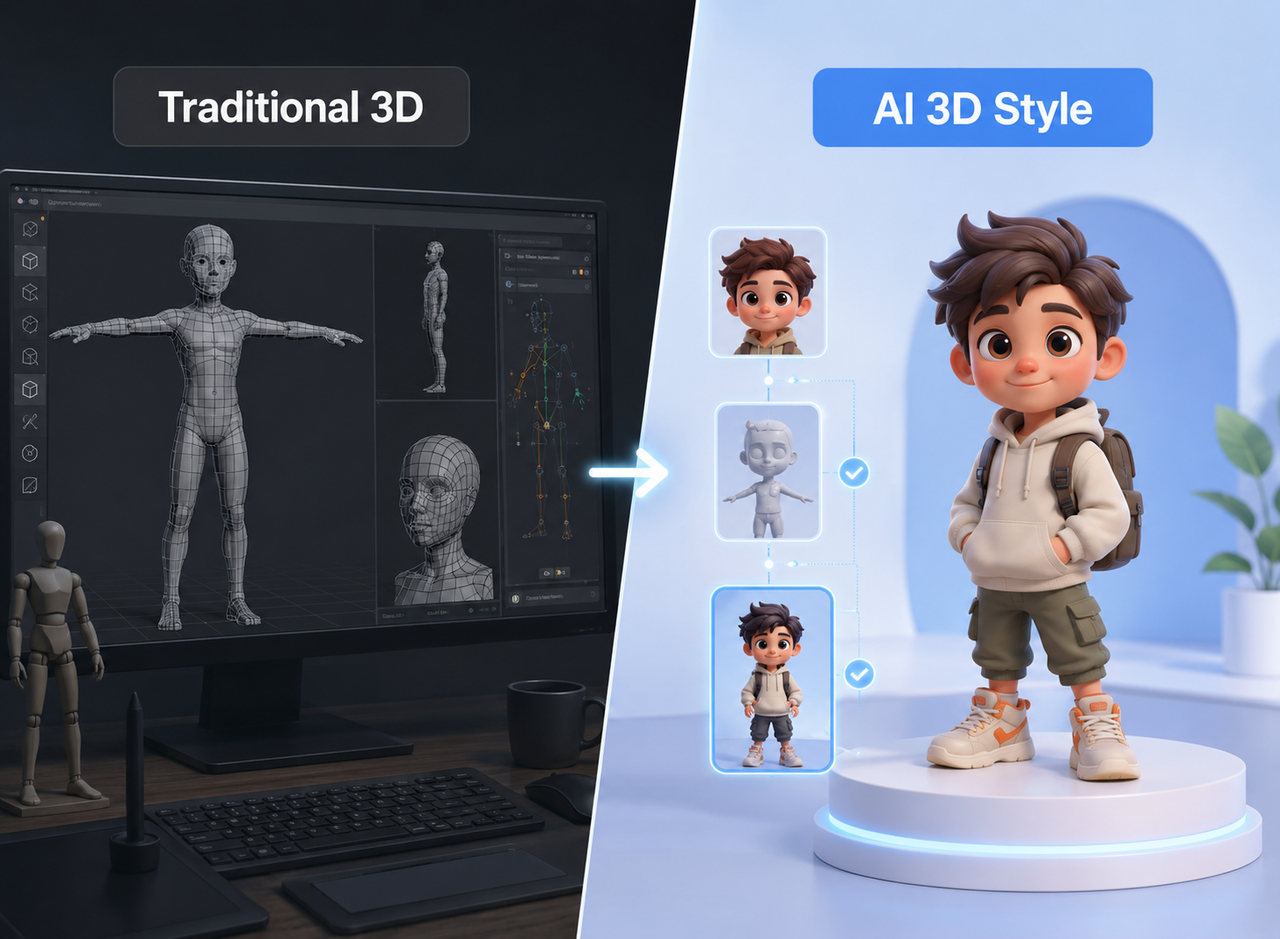
Best 3D Character Creator to Make Custom Characters
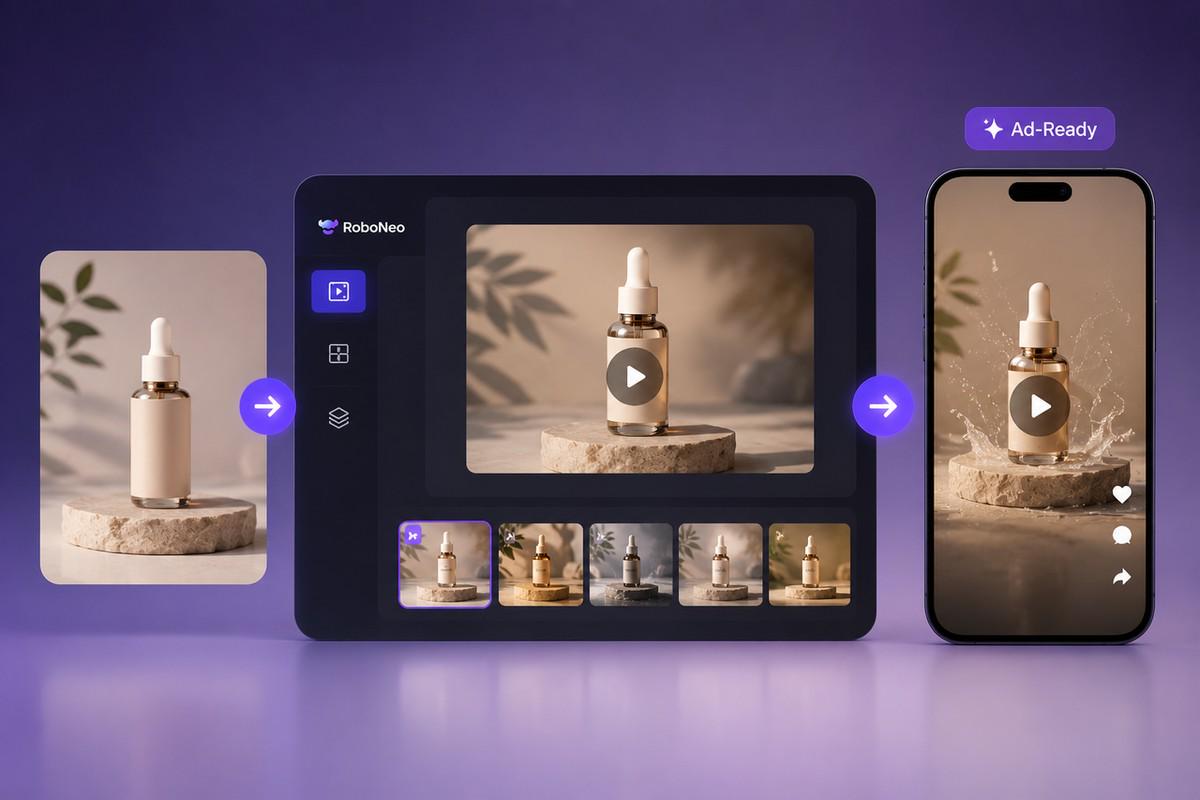
6 Best AI Video Generators in 2026
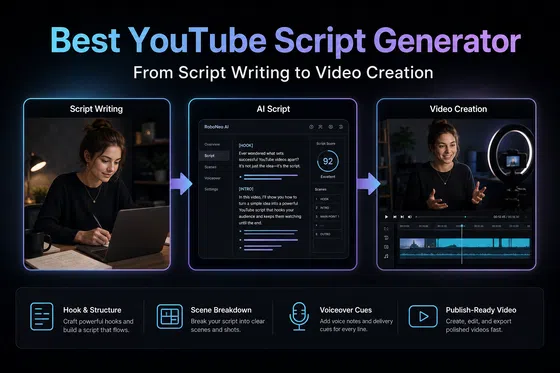
Best YouTube Script Generator: From Script Writing to Video Creation