ChatGPT vs RoboNeo AI Script Generator: What Each One Is Built For
 RoboNeo TeamJuly 22, 2026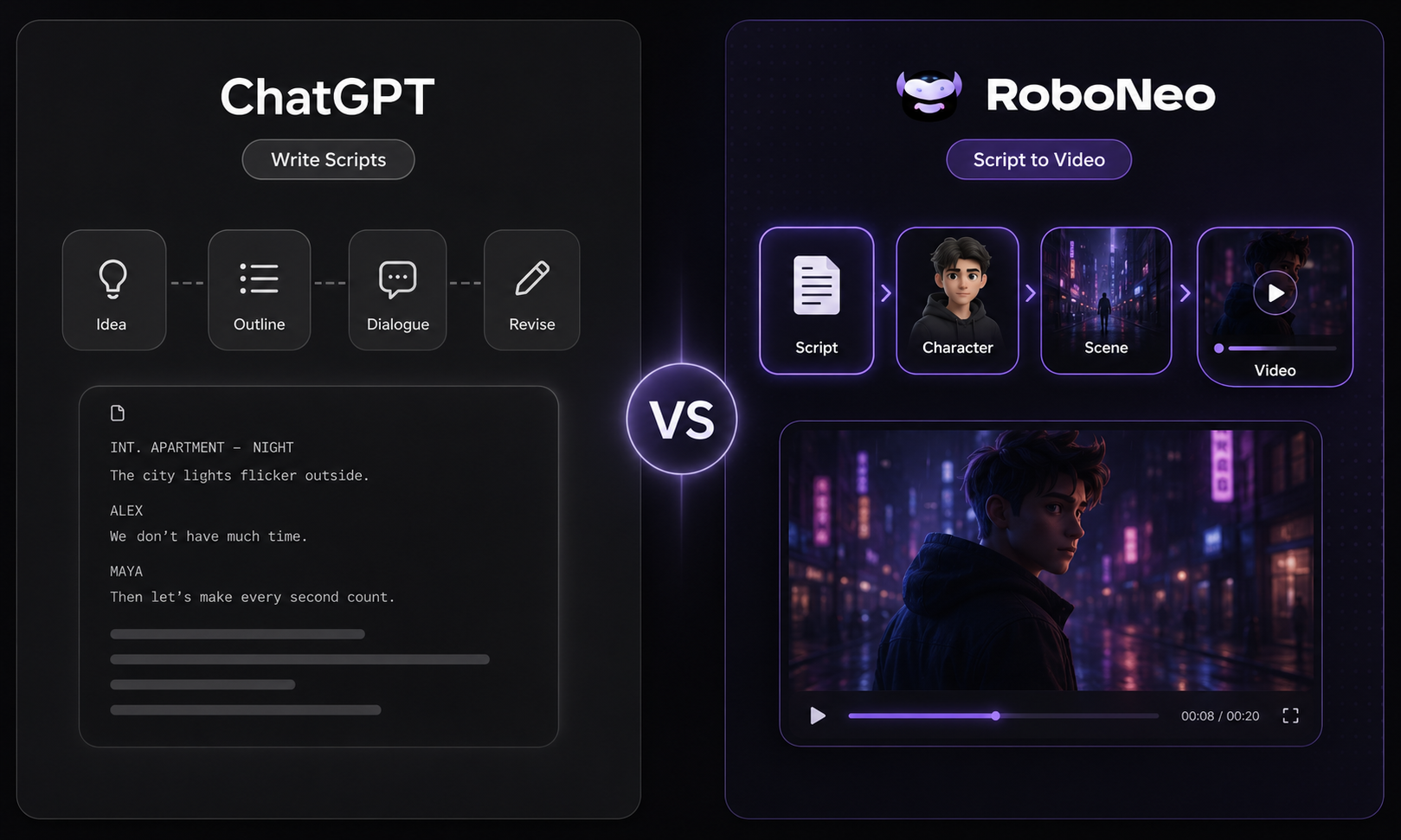
ChatGPT lives for the written word. It hashes out scripts, sharpens dialogue, and polishes rough drafts until they shine. RoboNeo plays a different game entirely by tying the text directly to the actual video frames.
This article breakdown pits their workflows against each other and maps out exactly where each software shines so you can pick the right engine for your next project.
RoboNeo AI Script Generator vs ChatGPT: Key Differences
Both tools can generate scripts, but they support different parts of the creative process. ChatGPT focuses on writing and revision, while RoboNeo carries the script into image and video production.
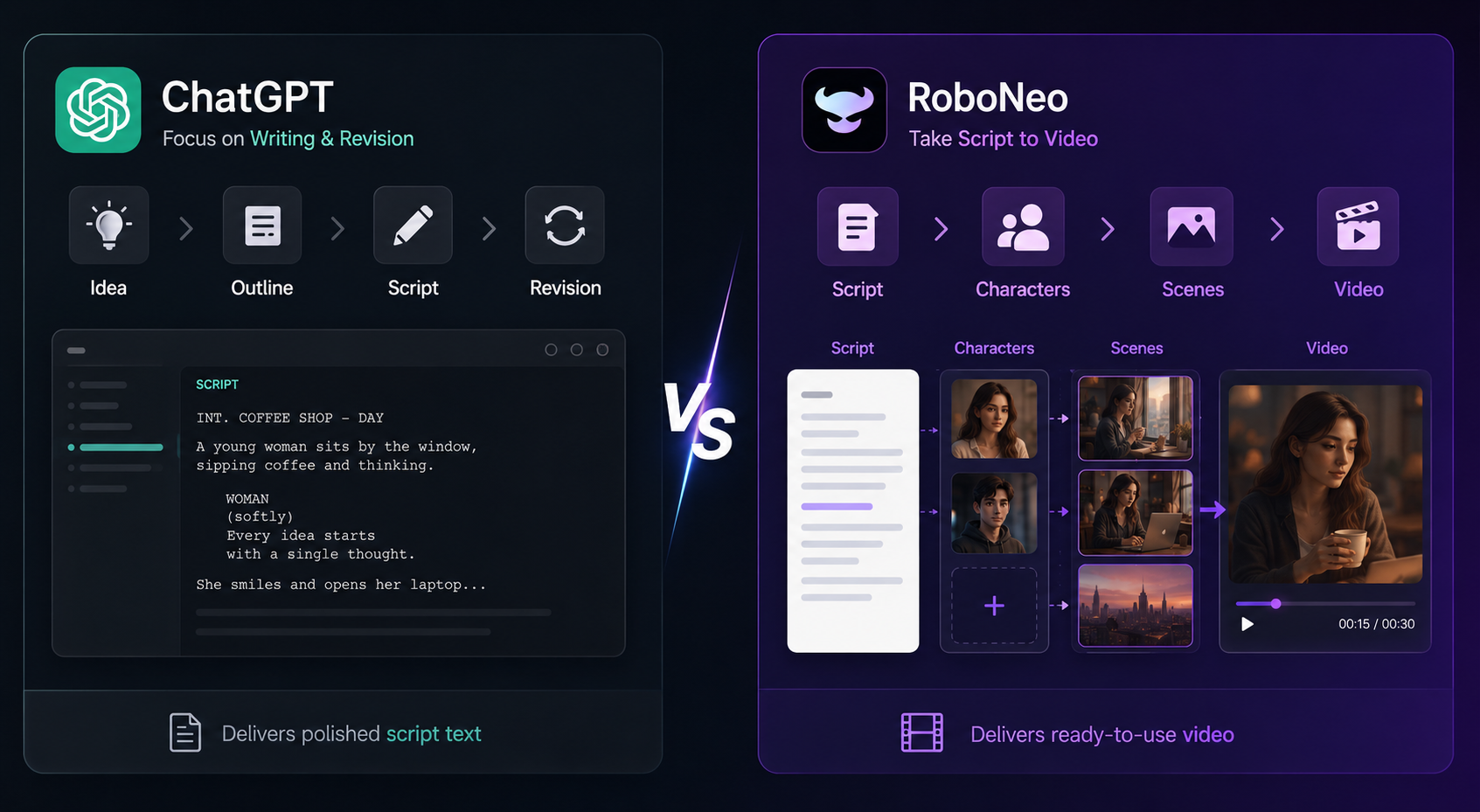
| Feature | ChatGPT | RoboNeo AI Script Generator |
| Script Ideas and Creative Direction | Useful for brainstorming hooks, plots, characters, and different creative angles. | Develops ideas around visual hooks, pacing, scenes, and the final video. |
| Script Structure and Dialogue Writing | Handles outlines, longer dialogue, voiceovers, rewrites, and tone changes. | Creates concise dialogue, actions, captions, and scene-based scripts. |
| Scene Planning and Visual Details | Describes locations, shots, movements, and transitions in text. | Uses character, setting, action, and style details to guide visual generation. |
| Script-to-Video Workflow | Requires the script to be moved into a separate video tool. | Connects scriptwriting, visual generation, editing, and video production in one workflow. |
How to Create Scripts with RoboNeo
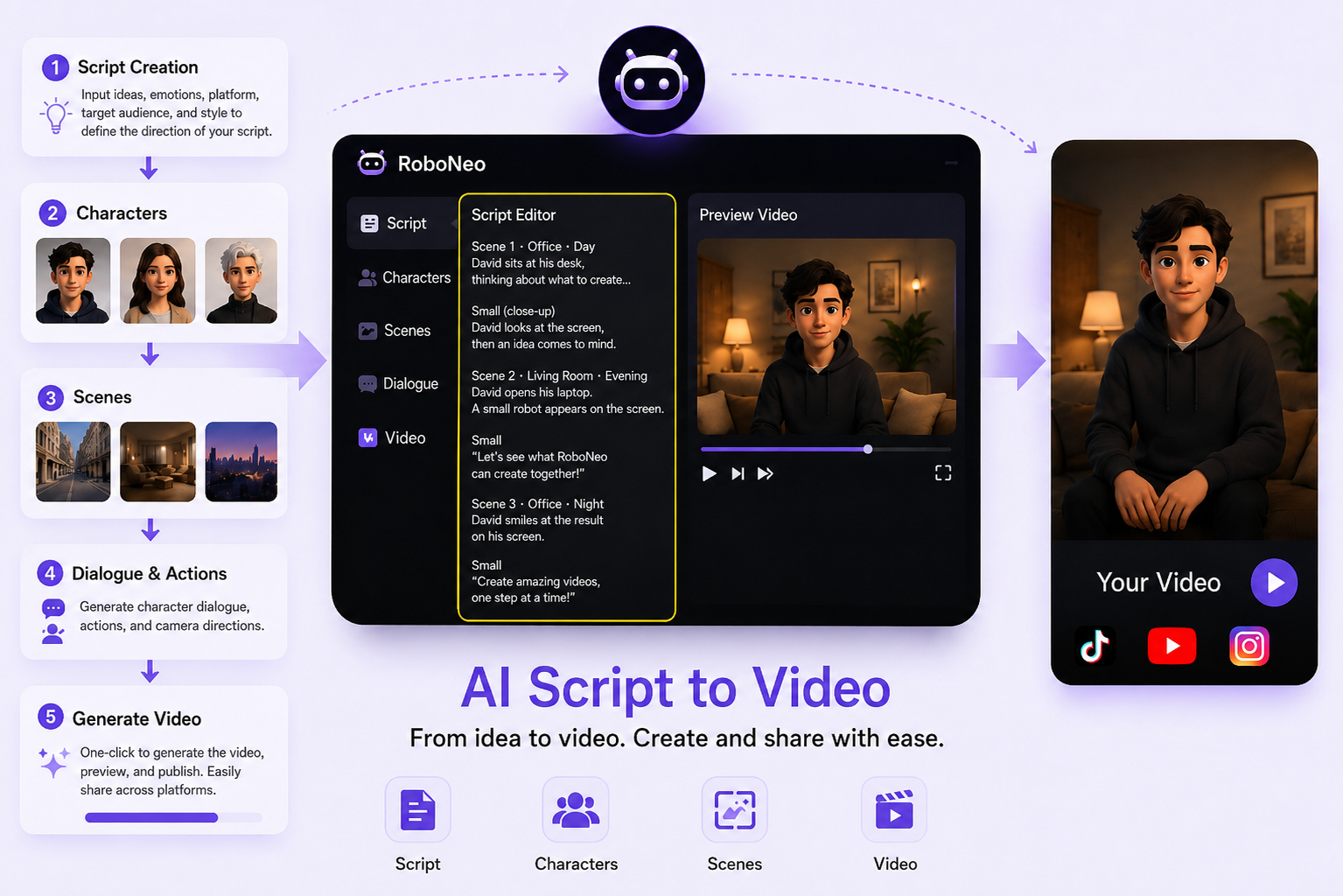
Tired of swapping between five tools just to make one video? RoboNeo merges writing and visual design. It manages your scripts, characters, scenes, and video generation in one spot. Think of it as a specialized ai script generator vs ChatGPT—built specifically for visual flow, not just plain text.
Step 1: Start with a Script Idea
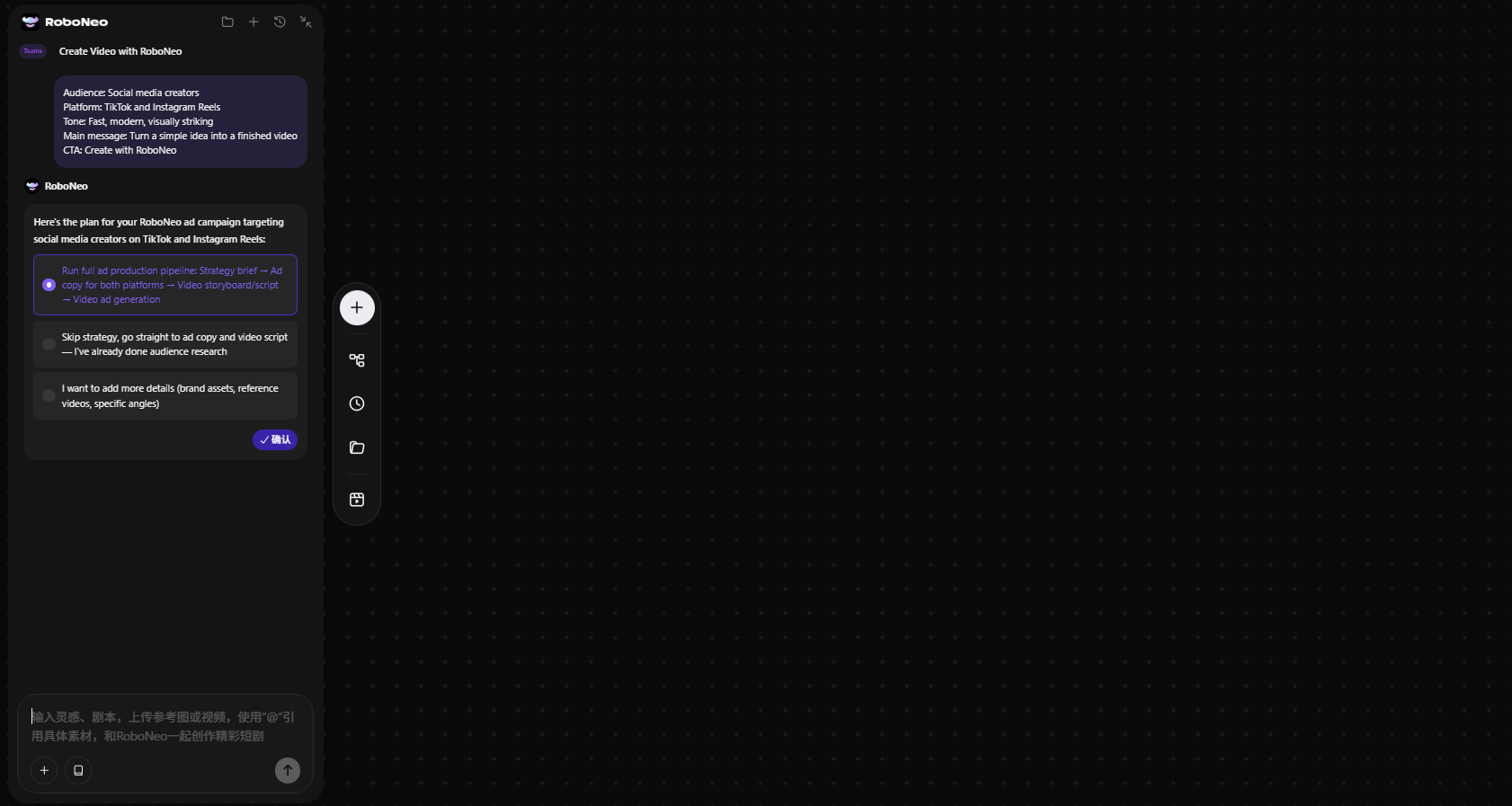
Enter a topic or project brief with the audience, platform, tone, length, and main message. RoboNeo’s script tool can turn these details into a structured script draft and help develop the opening hook, dialogue, scene flow, and visual directions. You can review and refine the generated script before moving on to characters and scenes. For ads, include the product and CTA. For short dramas, add the characters, setting, and main conflict. For YouTube projects, you should also define the opening hook, scene notes, voiceover style, and intended viewer action.
Step 2: Build Characters and Scenes
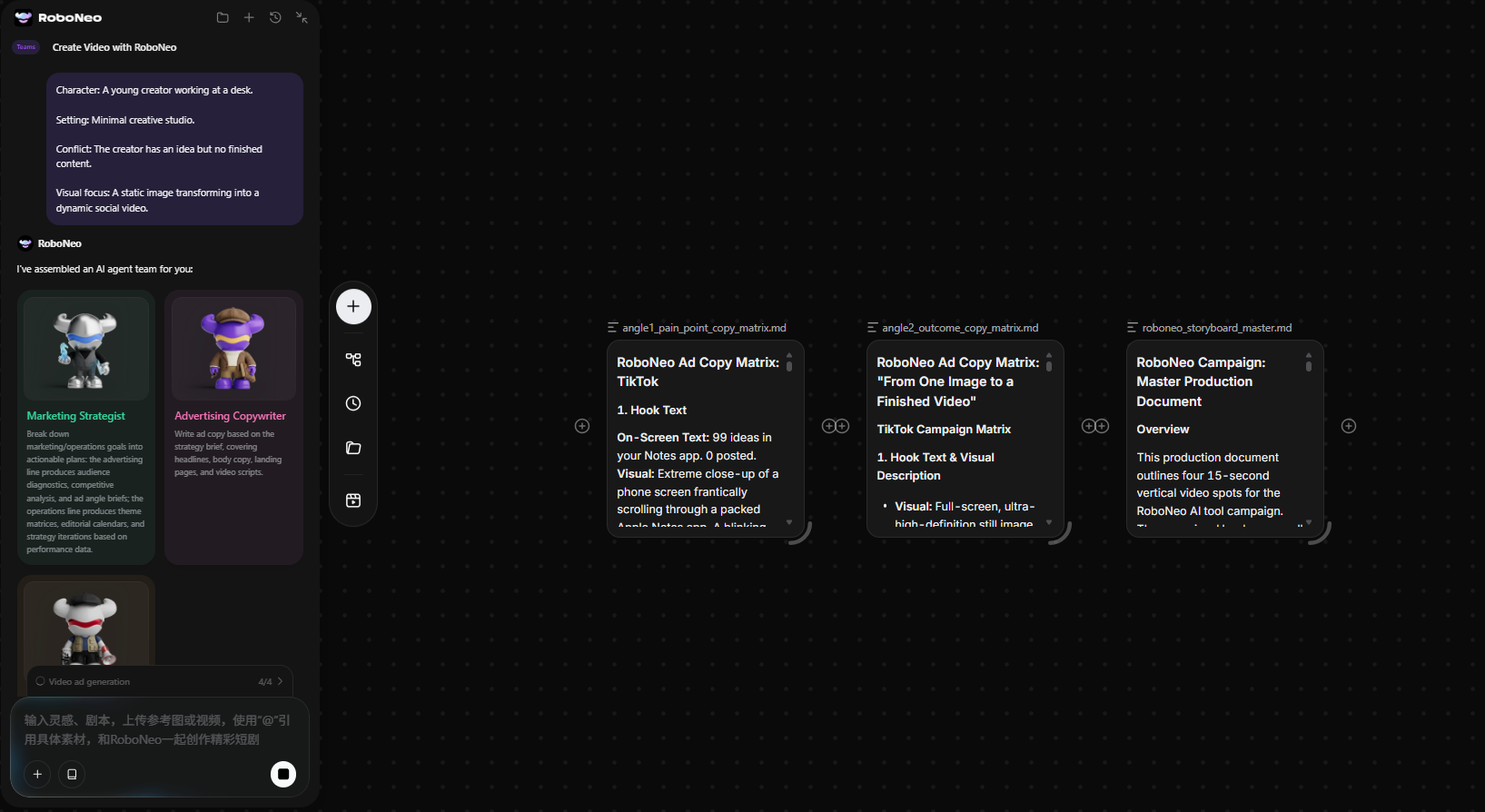
Flesh out your cast. Give each character a distinct look and a clear job in the plot. Now, chop your narrative into distinct scenes. Every single scene needs a specific setting, an overriding mood, a clear action, and a main visual focal point. Don't overcomplicate this part. Just paint a clear picture.
Step 3: Add Dialogue and Actions
Time to give your characters a voice. Draft the lines yourself or let the engine generate them. Keep the talk punchy. Nobody likes long-winded monologues. Once the dialogue sounds right, drop in physical actions, facial cues, and simple camera angles to guide the visual output.
Step 4: Generate Visual Content
This is where the magic happens. Use your scene setups to create an AI video from a script, rendering images or video segments for each part. Inspect the output closely. Do the characters look the same from shot to shot? Is the product placement correct? If a scene misses the mark, tweak the prompt and run it again.
Step 5: Export and Publish Your Video
You are almost at the finish line. Play the complete video from start to finish. Watch it with a critical eye. Double-check your subtitles, flow, cuts, and visual style. Once everything looks seamless, export the file in the right aspect ratio for TikTok, YouTube, or Instagram, and hit publish.
How to Write a Script with ChatGPT
ChatGPT is great for whipping up, tweaking, and smoothing out script text. Once the script is done, you still need to hand it over to a video generator or editing tool.
Step 1: Start with a Prompt
Lay out the topic, audience, platform, tone, length, and key message. Toss in any required characters, product specs, or calls to action.
Step 2: Create the Outline
Have ChatGPT break your ideas down into a hook, main scenes, and a close. Look over this skeleton first to make sure the structure works before you move on to any actual writing.
Step 3: Write Dialogue and Scenes
Now, turn that outline into real dialogue, voiceovers, action notes, and scene setups. Working on it section by section makes it way easier to keep the tone and pacing on track.
Step 4: Polish the Script
Use ChatGPT to cut down long parts, smooth over bumpy transitions, rewrite awkward lines, or punch up the opening hook. Give the final draft a quick read-through to make sure it sounds like your brand.
Step 5: Turn It into Video
Copy your finished script into RoboNeo’s text-to-video workflow. Add visual cues, scene directions, captions, voiceover, and output settings, then generate the first video draft.
Use Cases
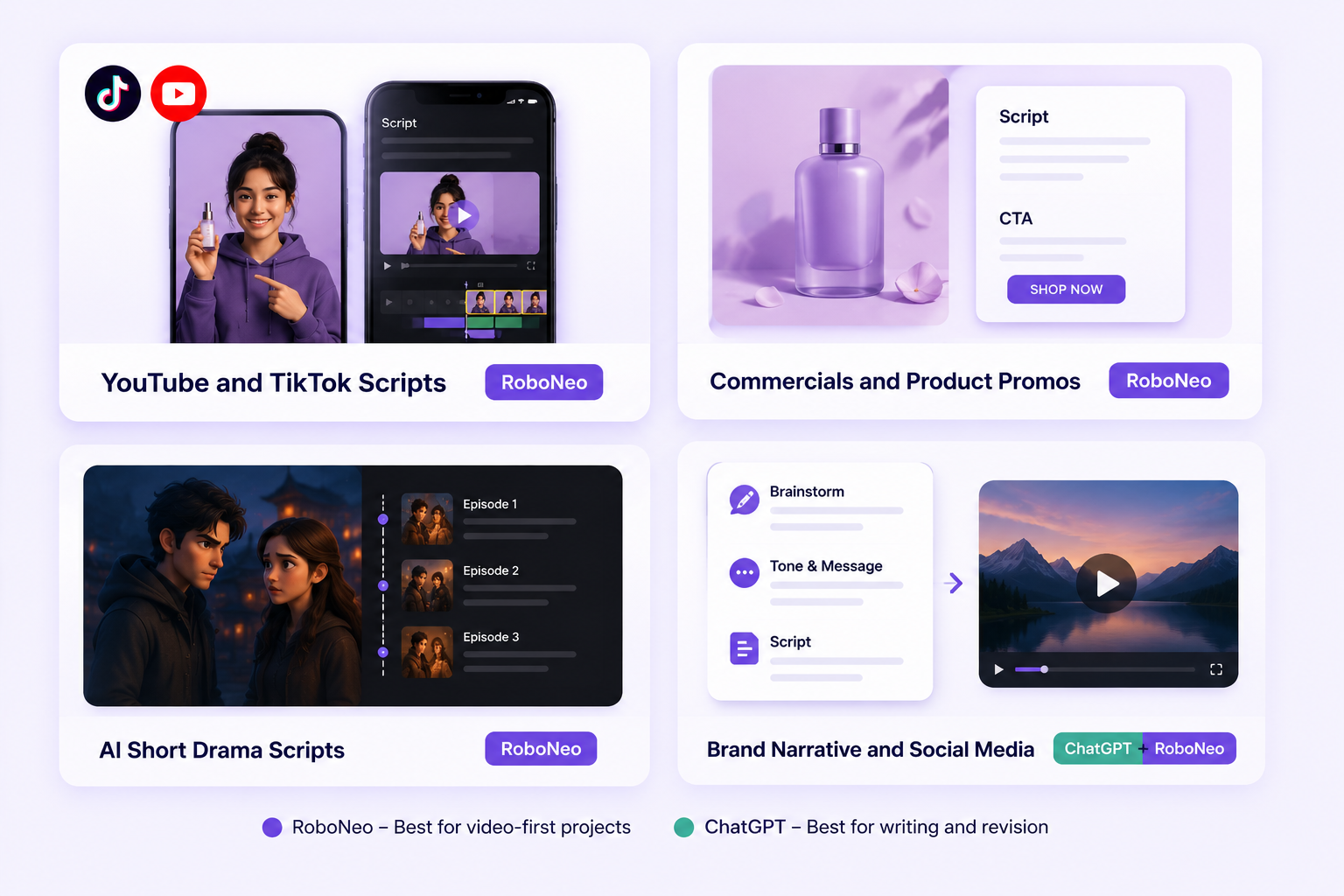
RoboNeo is the better fit for video-first projects, while ChatGPT is useful for selected writing and revision tasks.
YouTube and TikTok Scripts
RoboNeo: If you are creating TikToks or YouTube Shorts, RoboNeo keeps the dialogue, visual cues, and scene beats in one workflow. Its approach also works well for anyone looking for the best TikTok script generator to turn short ideas into clear, video-ready scenes.
ChatGPT: This is your play for long-form content. Use it to outline 10-minute tutorials or draft dense, voiceover-heavy essays where deep research matters more than quick visual cuts.
Commercials and Product Promos
RoboNeo: It works especially well for commercials and product promos. You can use its AI advertising generator to turn the hook, product message, and CTA into ready-to-generate scenes, keeping the script and visuals aligned from the start.
AI Short Drama Scripts
RoboNeo: Keeping episodic content visually consistent is a massive pain, but this tool handles it well. It strings together characters, dialogue, and specific video clips so your mini-series actually looks cohesive from episode one to ten.
Brand Narrative and Social Media
RoboNeo: Use this to spin basic brand concepts into visual stories and quick social clips. It bridges the gap between a raw idea and a ready-to-render video.
ChatGPT: Keep this on hand for the prep work. It is excellent for brainstorming your brand's core message or dialing in your specific tone of voice before you ever touch a video editor.
FAQ
Can RoboNeo AI Script Generator write a full video script?
RoboNeo can help develop characters, scenes, dialogue, actions, and visual directions, then continue into image and video generation. The final result should still be reviewed for pacing, accuracy, and consistency.
Can I turn a ChatGPT script into a video?
Copy the completed script into a video generation tool such as RoboNeo, then add visual references, scene details, voiceover, captions, and output settings.
Is RoboNeo AI Script Generator free?
RoboNeo currently offers a free plan with limited credits. Available credits, exports, models, and paid plan limits may change, so check the live pricing information before starting a larger project.
Who owns the copyright to a script written by ChatGPT?
Under OpenAI’s current terms, users own the generated output as between themselves and OpenAI, where permitted by law. However, output may not be unique, and copyright protection can depend on local law and the level of human authorship involved.
You May Be Interested
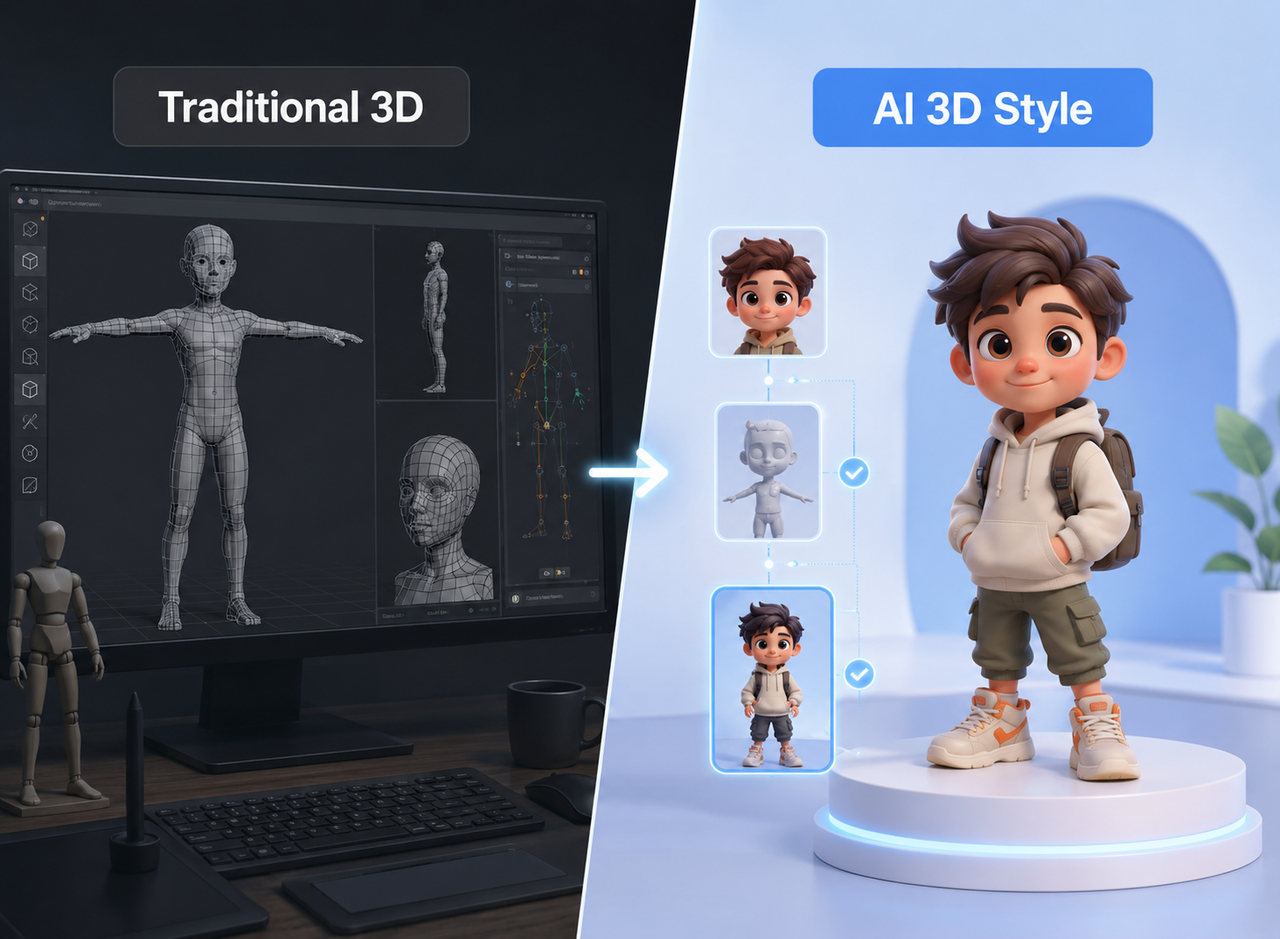
Best 3D Character Creator to Make Custom Characters
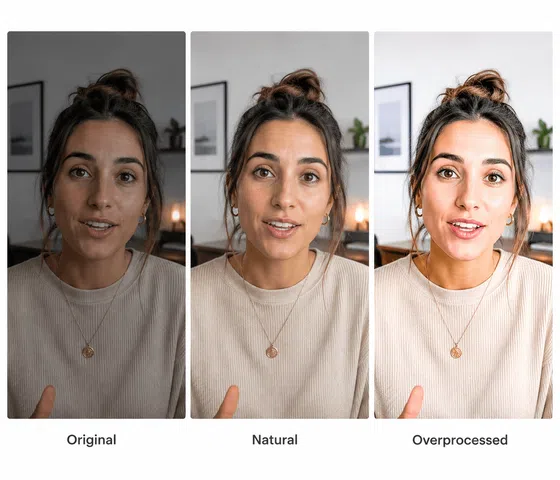
Best AI Features for Enhancing UGC Video Quality in 2026
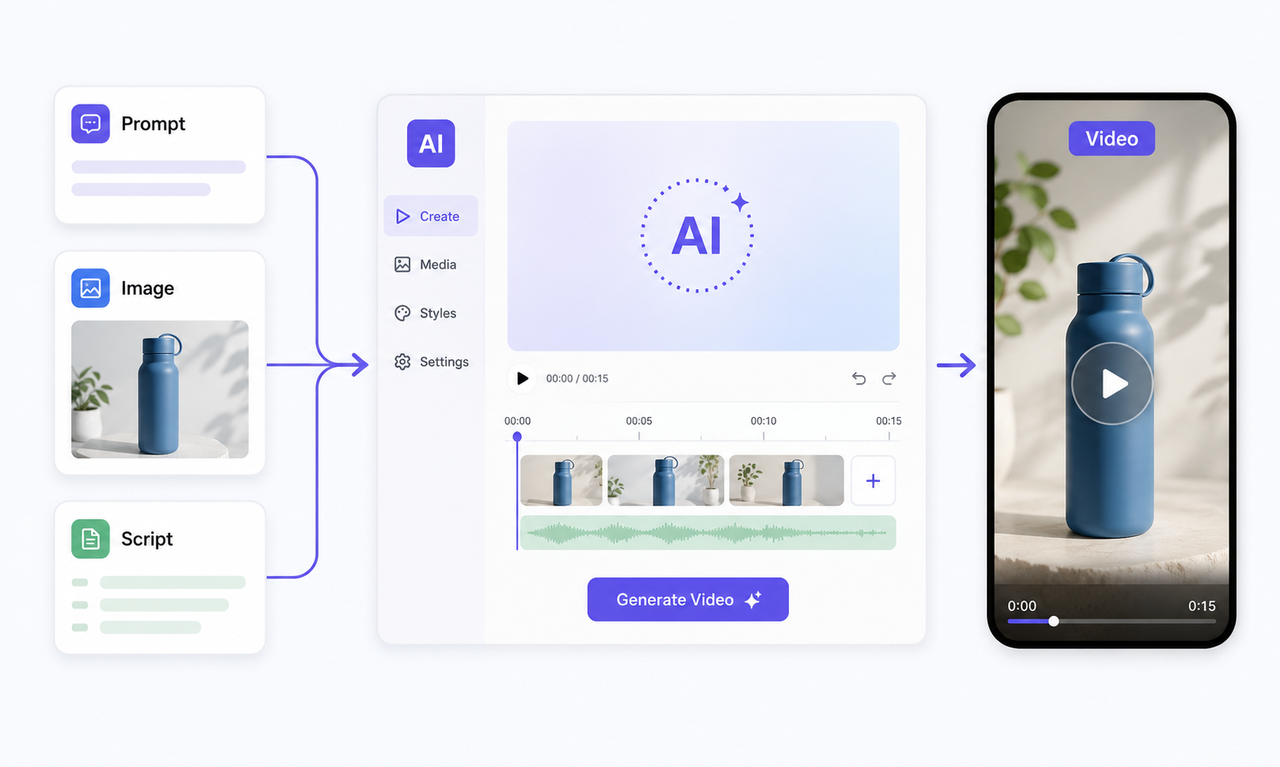
Best Free AI Video Generator: Top Tools to Try
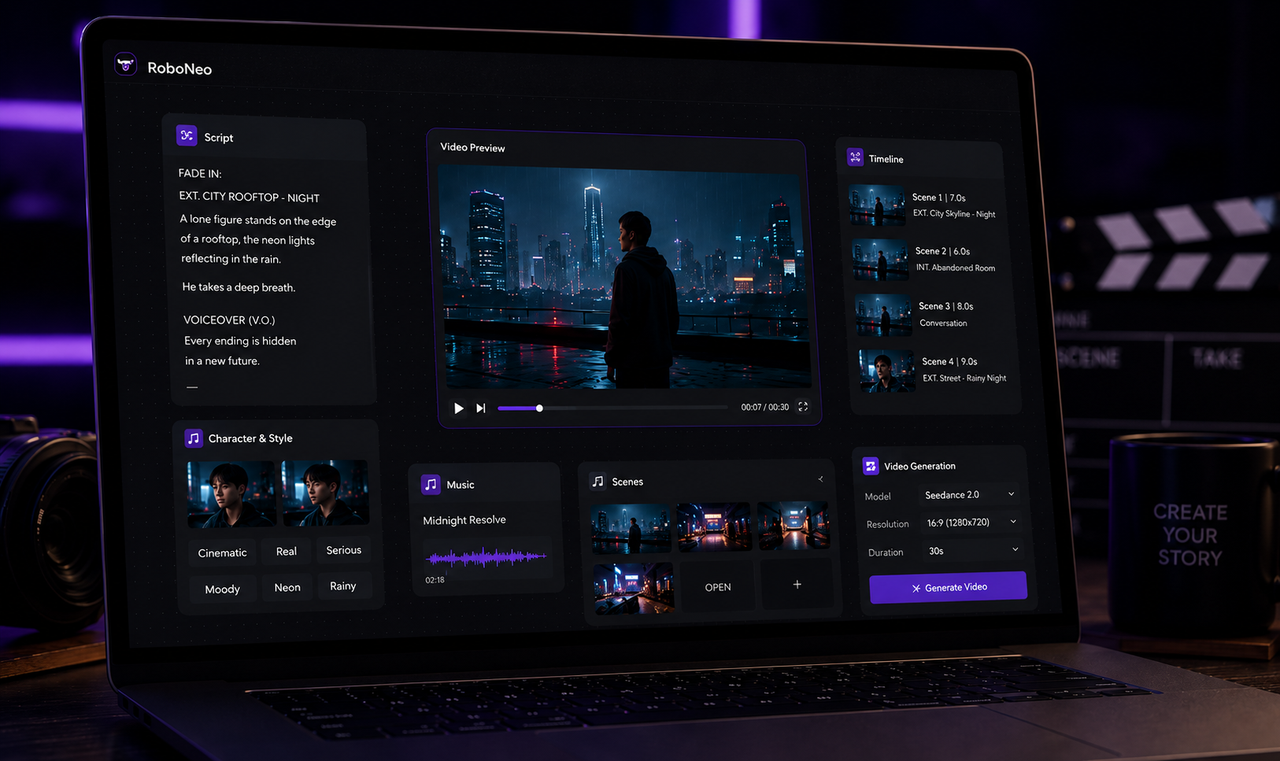
How to Make a Short Film in 2026: From Script to Screen