1080p vs 1440p: Complete Resolution Comparison Guide
 RoboNeo TeamAugust 25, 2026
Deciding between 1080p and 1440p isn't just about getting a sharper picture. It also comes down to how big your files get, how smooth your edits run, how hard your gear has to work, and how your video shows up on different screens.
All in all, 1080p is still the go-to for everyday watching, posting on social media, and knocking out videos quickly. On the flip side, 1440p gives you crisp detail and extra breathing room when editing, especially on bigger monitors. We'll break down 1080p vs 1440p across image quality, editing workflow, system performance, and storage so you can figure out what works best for you.
What Is the Difference Between 1080p and 1440p?
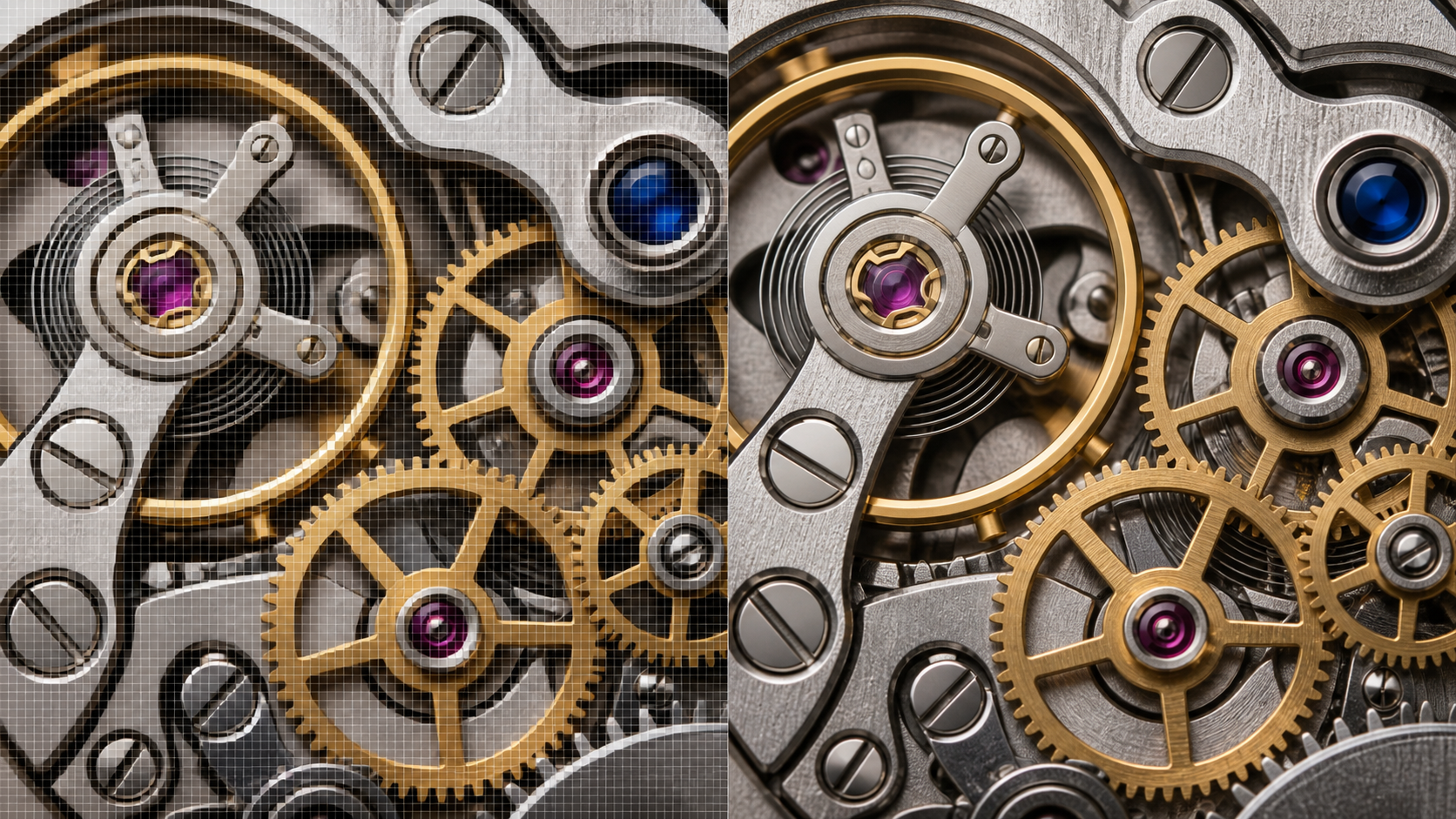
The main difference between 1080p and 1440p is the number of pixels used to create an image. A 1080p frame contains 1920 × 1080 pixels, or about 2.1 million pixels in total. A 1440p frame measures 2560 × 1440 and contains approximately 3.7 million pixels.
That means 1440p displays about 78% more pixels than 1080p. The additional pixels can improve fine details, text clarity, and edge definition. However, they also place greater demands on graphics hardware, storage, and video processing.
| Feature | 1080p | 1440p |
| Pixel dimensions | 1920 × 1080 | 2560 × 1440 |
| Total pixels | About 2.1 million | About 3.7 million |
| Common name | Full HD | QHD |
| Typical use | Streaming, social media, everyday work | Gaming, editing, detailed video |
| Hardware demand | Lower | Higher |
| File size | Smaller | Larger |
Neither option is automatically right for every user. Screen size, viewing distance, device performance, and content purpose all influence the final choice.
1080p Resolution Explained
Also known as Full HD, 1080p is one of the most widely supported video and display formats. Most televisions, laptops, phones, streaming services, and social media platforms can display it without difficulty.
Its balance between clarity and efficiency makes it suitable for everyday activities. Someone watching a film on a 24-inch monitor, joining a video call, or uploading a short cooking tutorial to Instagram will usually find 1080p clear enough.
Smaller files are another advantage. They upload faster, require less storage, and are generally easier to edit on entry-level computers.
1440p Resolution Explained
Often called QHD, 1440p sits between 1080p and 4K. It provides more visual information than Full HD without creating the same performance demands as 4K.
The improvement becomes especially noticeable on larger monitors. On a 27-inch screen, interface elements, subtitles, product details, and fine textures can look cleaner than they do at 1080p. This extra clarity is valuable for video editors, designers, gamers, and creators working with visually complex scenes.
Although 1440p is sometimes described as 2K, QHD is the more accurate term for a 2560 × 1440 display. The meaning of 2K resolution changes between digital cinema and consumer displays, so checking the actual pixel dimensions prevents confusion.
1080p vs 1440p: How Do They Compare in Image Quality?
When comparing 1440p vs 1080p, the specifications only tell part of the story. The visible difference depends on how the content is viewed.
A person watching a television from across the living room may struggle to notice a major improvement. Place the same content on a large desktop monitor viewed from two feet away, and the additional definition becomes easier to see.
Content quality matters as well. A sharp, properly focused 1440p recording can reveal fine textures that a 1080p version cannot preserve. Poor lighting, heavy compression, or motion blur can reduce that advantage.
Detail and Sharpness Differences
Higher pixel density allows 1440p to create smoother edges and more defined details. Small text tends to look cleaner, while hair, fabric, leaves, and product surfaces can retain more texture.
Consider an online store showing a close-up video of a wristwatch. At 1440p, engraving on the case and texture on the strap may remain visible during a slow zoom. A 1080p version can still look good, but close inspection may reveal softer lines.
The difference becomes less obvious on smaller screens. On a phone, both versions may appear similarly sharp because the pixels are packed into a compact display.
Video Quality and Viewing Experience
Films, YouTube videos, and AI-generated scenes can benefit from the additional visual information in 1440p. Landscapes may show more texture, wide shots can preserve distant objects, and detailed animations can appear cleaner.
Yet resolution cannot repair weak source material by itself. A compressed 1080p clip with lost details will not suddenly become perfectly sharp just because it is exported at 1440p. Lighting, focus, bitrate, and compression remain essential parts of video quality. When the source looks soft, AI video upscaling can improve resolution, reduce compression noise, and recover some visible edge detail, although it cannot recreate every missing element.
Higher resolution also brings practical costs. Longer 1440p videos take up more space and may buffer more often on a slow connection. For viewers using mobile data, an efficient 1080p stream can provide a smoother experience.
1080p vs 1440p for Video Creation and AI Content
For AI video creators, the choice involves generation speed, editing needs, and the final publishing platform. A 1080p output delivers clear visuals while keeping processing and upload requirements manageable. This makes it useful for creators producing short-form content on a regular schedule.
1440p contains more image information, giving editors greater control over faces, products, textures, and complex backgrounds. A marketing team preparing a product launch video may prefer this extra detail because the footage could later appear on presentation screens, websites, and event displays.
RoboNeo supports AI-assisted video generation and optimization throughout the creative workflow. When existing footage needs clearer details or a higher-quality output, RoboNeo AI Enhancer can help improve video clarity and prepare content for different platforms and devices.
Resolution should still match the source and destination. Generating every draft at the highest available setting can waste time when the final video will only appear as a small mobile post.
Choosing Resolution for Social Media Videos
TikTok, Instagram Reels, and YouTube Shorts prioritize vertical formatting, fast loading, and engaging content. For most posts, 1080p provides sufficient detail and broad device compatibility.
A café owner posting a 15-second clip of a new drink can produce, review, and upload a 1080p video quickly. The same clip rendered at 1440p may take longer to process without creating an obvious improvement on a phone screen. A creator starting from product images or other static visuals can use an AI video generator to produce short social content before selecting the appropriate resolution and aspect ratio for each platform.
Creators may still select 1440p when the footage contains intricate products, wide landscape shots, or material that will be reused elsewhere. Keeping a higher-resolution master also provides more flexibility for future edits.
Choosing Resolution for Professional and Creative Projects
Advertising, product presentations, visual concepts, and portfolio work often benefit from 1440p. More pixels provide room for reframing, stabilization, and moderate cropping without reducing the final output below 1080p.
A designer can crop a horizontal 1440p product demonstration into several platform-specific versions while preserving reasonable sharpness. Starting with 1080p would leave less room for the same adjustments.
Professional does not always mean higher resolution. A project with a short deadline or limited computing resources may run more smoothly in 1080p. Creators who regularly work with soft, compressed, or AI-generated footage can compare different best AI video enhancers based on their upscaling quality, processing speed, and supported workflows.
Performance and Storage Differences Between 1080p and 1440p
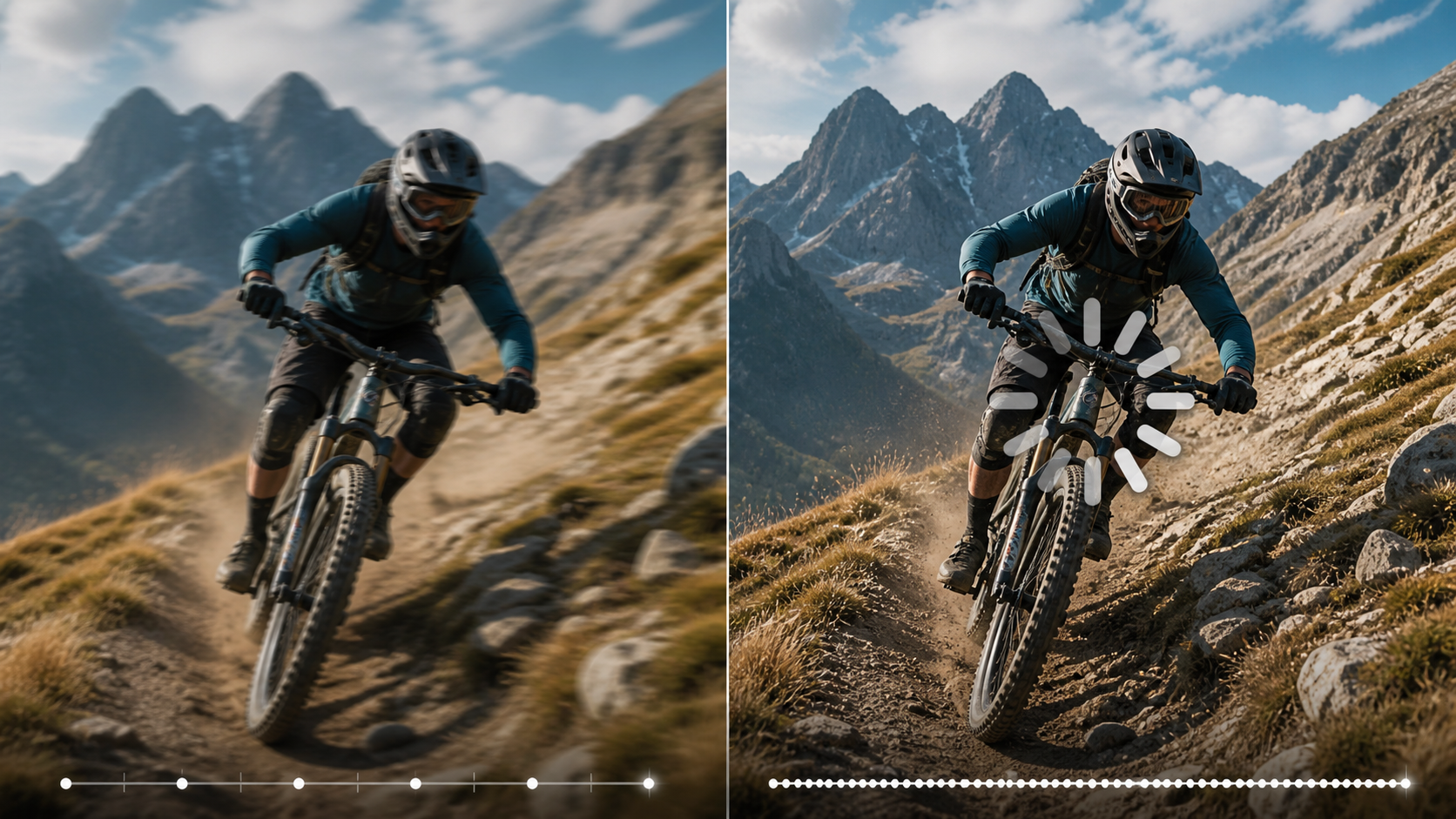
The additional pixels in 1440p must be generated, displayed, edited, and stored. As a result, resolution affects the entire production workflow rather than only the finished image.
Users should consider whether their equipment can handle the larger workload comfortably. Frequent lag, long exports, and storage shortages may outweigh a modest increase in clarity.
Hardware Requirements
Playing a 1440p video is usually manageable on a modern device, but editing or generating it requires more processing power. Graphics cards must render more pixels, processors may handle larger frames, and video editing software needs additional memory.
A student editing short 1080p clips on a basic laptop may enjoy smooth previews. Switching the same project to 1440p could introduce delayed playback or longer export times, particularly when multiple effects are applied.
The main hardware considerations include:
GPU and processor performance
Available system memory
Monitor resolution
Storage speed and capacity
Editing or AI generation software requirements
Proxy files can make 1440p editing easier on modest hardware, but they add another step to the workflow.
File Size and Processing Time
1440p generally creates larger files than 1080p, although the exact difference depends on bitrate, codec, frame rate, length, and compression settings.
A five-minute 1440p video does not always have to be 78% larger than its 1080p counterpart. Efficient codecs can reduce the gap, while a high bitrate can increase it. Nevertheless, comparable settings usually result in more storage use and longer upload or export times.
For creators publishing several videos each week, these differences accumulate quickly. A 1080p workflow can reduce cloud storage costs and make backups easier. A carefully managed 1440p workflow offers higher-quality master files but requires more planning.
Is 1440p Better Than 1080p?
So, is 1440p better than 1080p? In terms of pixel count and potential image detail, yes. In practical use, the better choice depends on what you are creating, where it will be viewed, and how much performance you can dedicate to it.
A higher resolution provides little value when viewers use small screens or when the original material lacks detail. Conversely, a large monitor, professional editing workflow, or detail-heavy project can make the advantages of 1440p worthwhile.
When 1440p Is the Better Choice
Choose 1440p when you:
Use a 27-inch or larger monitor at a normal desk distance
Produce detailed product, advertising, or portfolio videos
Need room for cropping, reframing, or stabilization
Plan to display content on larger screens
Have enough hardware performance and storage capacity
When 1080p Is Still Enough
1080p remains suitable for everyday streaming, office tasks, online meetings, and most social media videos. It is also a sensible option when faster generation and editing matter more than maximum detail.
Users with smaller displays or limited hardware may receive a better overall experience from smooth 1080p playback than from demanding 1440p content. For quick drafts and frequent publishing, its efficiency is difficult to ignore.
FAQ
Is 1440p better than 1080p?
1440p provides more pixels and can produce a sharper image than 1080p. Whether it is the better option depends on your screen size, content type, hardware, and budget.
Can you tell the difference between 1080p and 1440p?
The difference is easier to notice on larger screens viewed at a close distance. It may be subtle on phones, smaller monitors, or televisions viewed from across a room.
Is 1440p worth it for video editing?
1440p is worthwhile when you need more detail for cropping, stabilization, color work, or large-screen presentation. Simple social media projects often work efficiently at 1080p.
Does 1440p use more storage than 1080p?
Yes. Under similar encoding settings, 1440p video usually requires more storage because each frame contains more pixels. Codec, bitrate, frame rate, and video length also affect the final size.
Should I create AI videos in 1080p or 1440p?
Use 1080p for quick social posts, drafts, and projects intended mainly for mobile viewing. Choose 1440p for commercial presentations, detailed visuals, post-production flexibility, or content that may appear on larger displays.
You May Be Interested
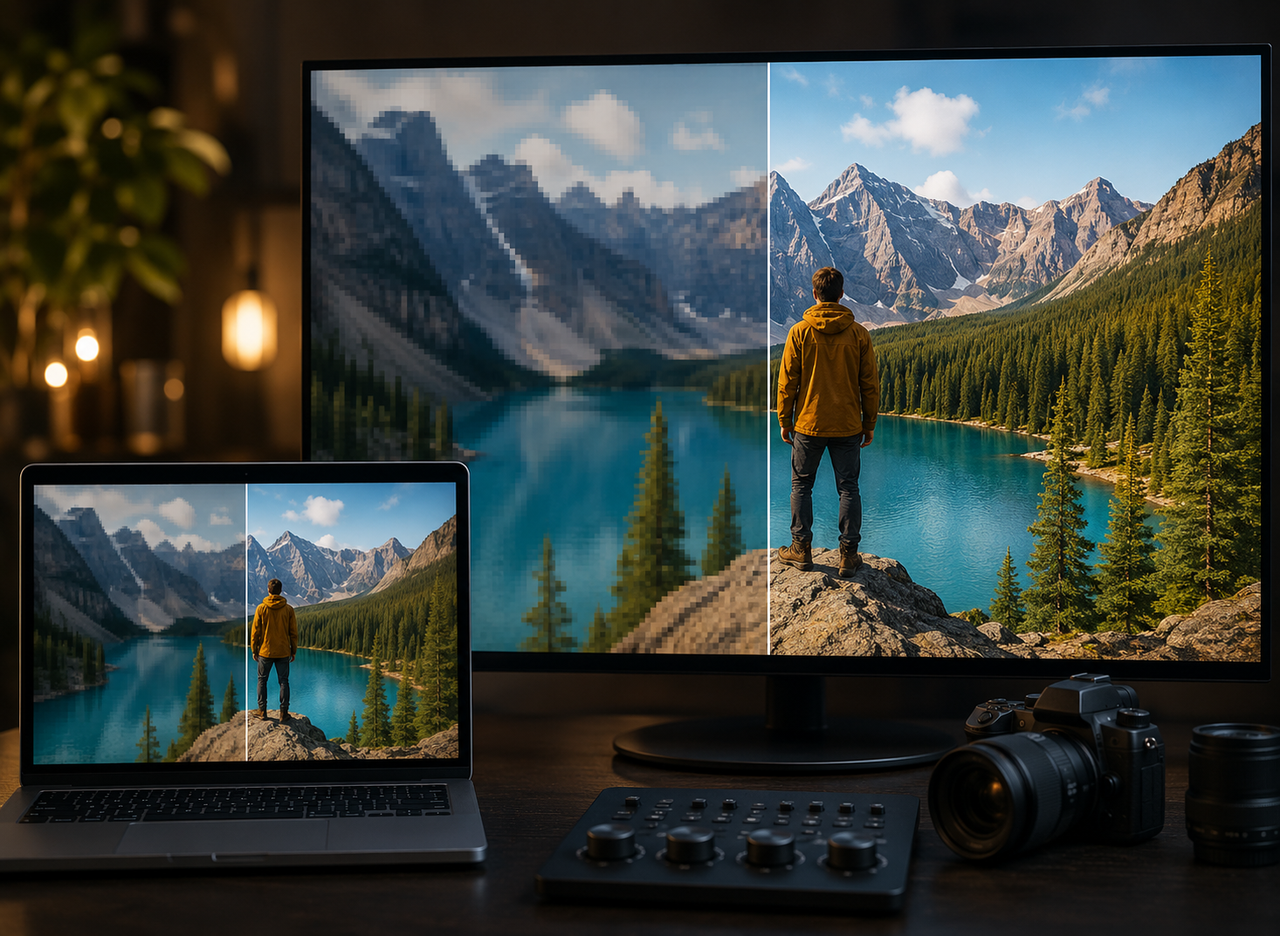
4K vs 1080p: Should You Upscale 1080p Video to 4K?
How to Turn Long YouTube Videos into TikToks with an AI Video Clip Generator
6 Best Ai Character Generator in 2026: Tested & Compared

How to Choose the Best AI Text to Video Generator in 2026 (+ Our Top Pick)
6 Best AI Video Generators in 2026