RoboNeo vs Canva AI Video Generator: Comparison Guide
 RoboNeo TeamJuly 10, 2026
Choosing between RoboNeo and Canva's AI Video Generator comes down to the kind of video you're making. Canva is an all-in-one design platform with straightforward video tools built in, while RoboNeo is built specifically for short-form content, product ads, and repeatable social campaigns. We tested both tools side by side across image-to-video generation, templates, and social content creation, using real use cases to see how they actually perform. This breakdown compares how they stack up and which fits your workflow best.
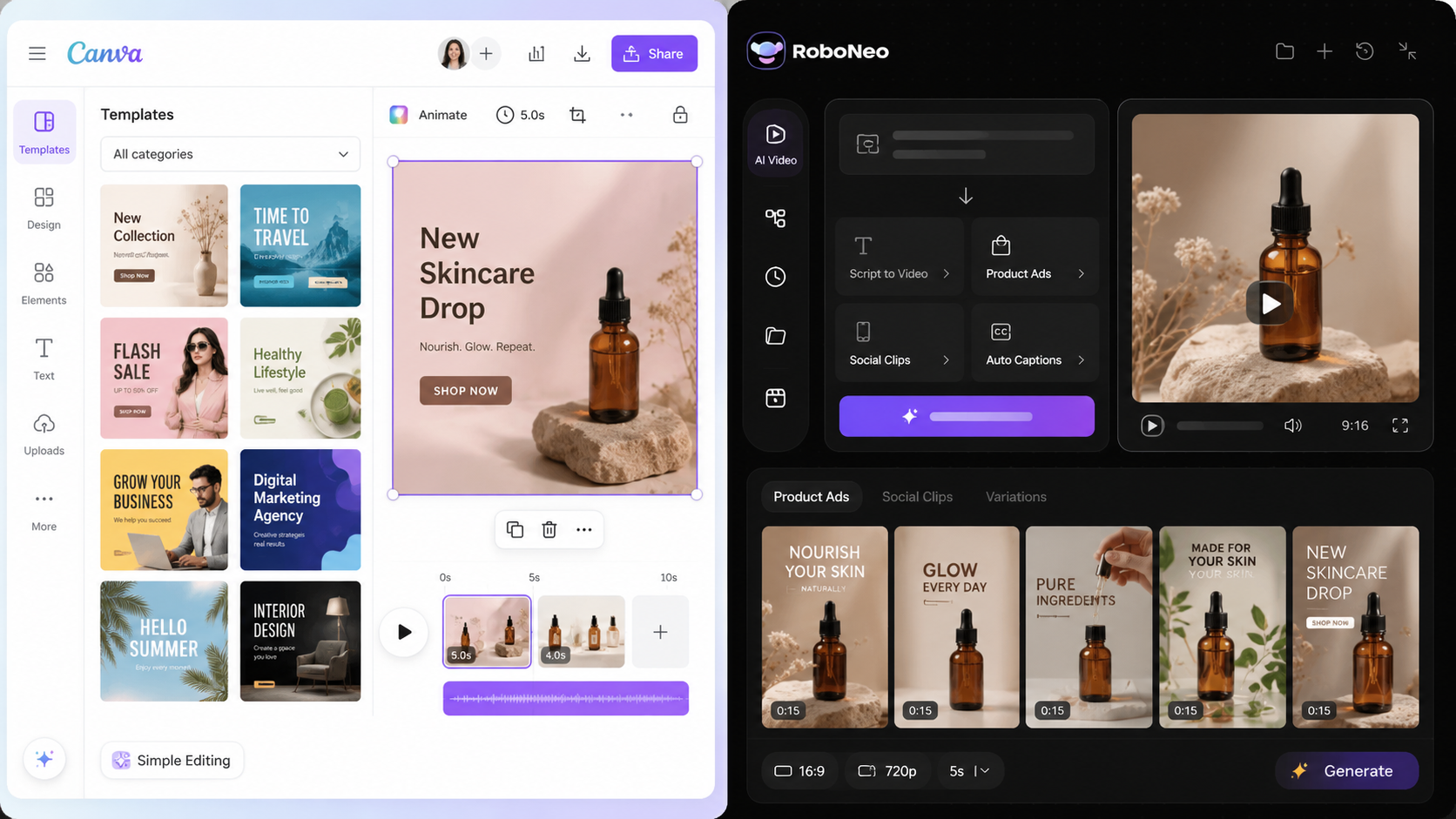
RoboNeo vs Canva: Side-by-Side Comparison
Feature | RoboNeo | Canva AI Video |
Main Focus | AI video creation for ads, social content, and brand videos | All-in-one design with AI video tools |
Core Workflow | Prompt, image, or script-based AI video workflow | Template-based editing with AI features |
Best For | Creators, marketers, agencies, and video-first teams | Beginners, small businesses, and general design users |
1. Image-to-Video Ability
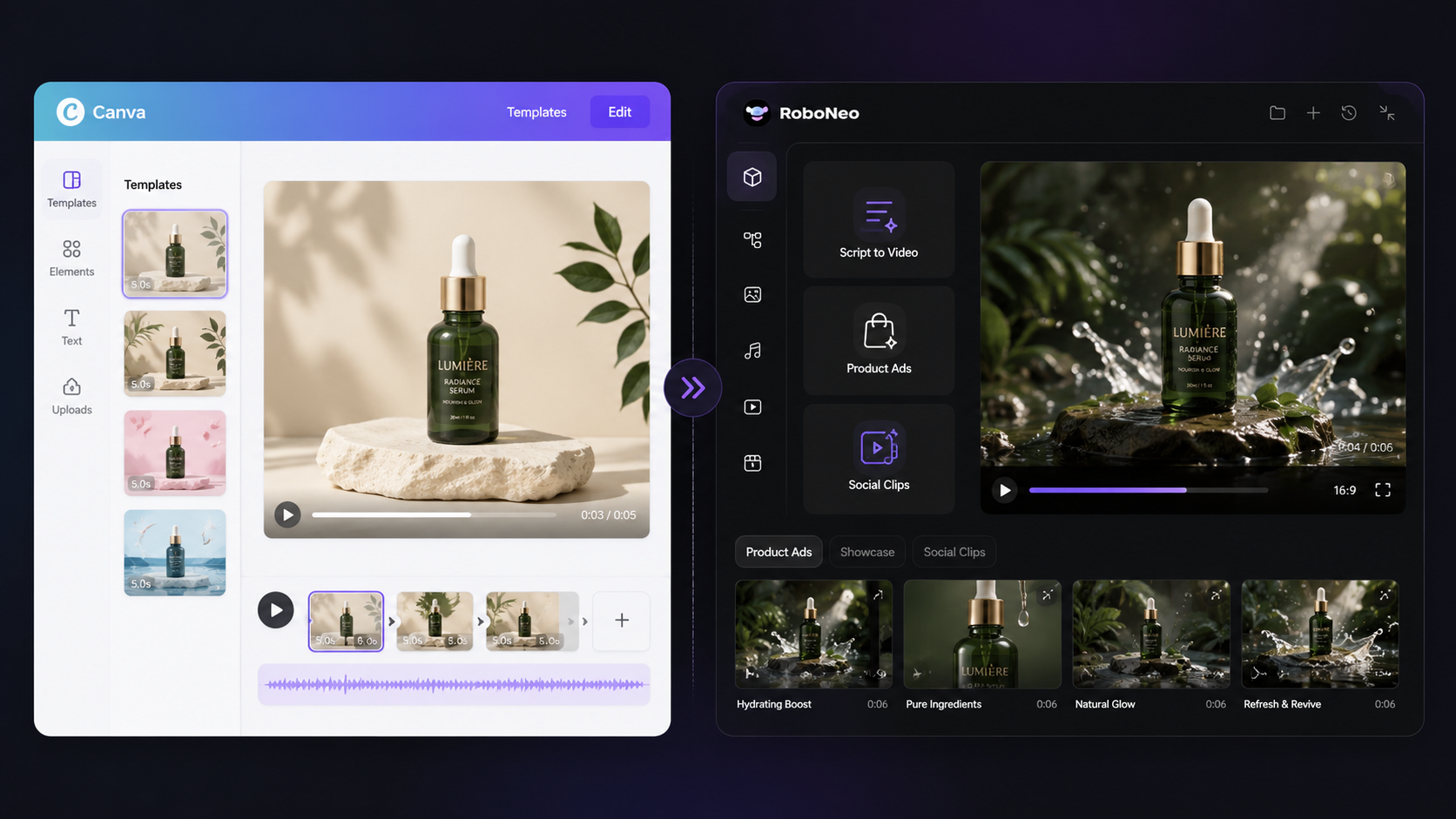
Canva is great for adding simple motion to images and whipping up basic videos from templates. RoboNeo takes things up a notch, though—it can take your product shots or visual assets and turn them into way more dynamic video scenes for ads, showcases, and short social clips.
2. Templates and Editing Tools
Canva is all about templates, letting you play around with a simple drag-and-drop editor for quick fixes. RoboNeo, on the other hand, leans into AI, helping you crank out scenes, styles, and different video versions from just a prompt, image, or basic idea.
3. Social Media Content Workflow
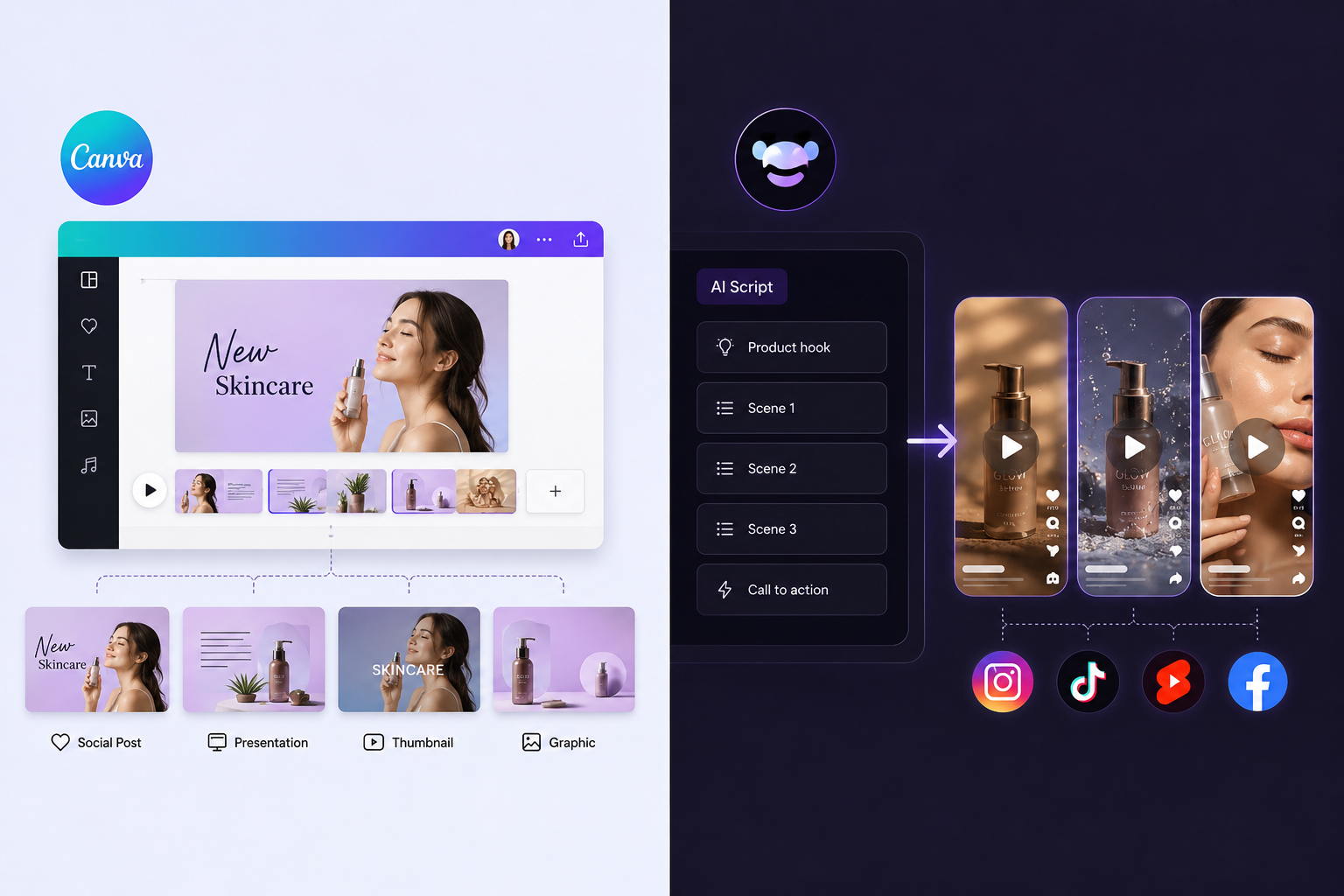
Canva handles your entire visual lineup. It’s great when video is just one piece of a bigger design package, like slides, graphics, and thumbnails. RoboNeo takes a different route. It’s built from the ground up for fast, short clips—especially when teams want to create AI video from script ideas to push out Reels, Shorts, and paid social ads.
4. AI Short Drama and Story-Based Videos
Canva can help assemble story-style videos, but most scene building is manual. RoboNeo is better for AI short dramas and story-based videos because users can start from a prompt, script, or scene idea.
Best Use Cases for Canva AI Video Generator
Think internal announcements, educational clips, or repurposed blogs and infographics. Canva works great when you need to turn static company updates or text-heavy slides into something more engaging to watch.
When planning a YouTube-style explainer, finding the best prompt for YouTube script writing can help you organize the structure and key points before moving into design.
Common Canva use cases include:
Animated social posts, quick promo clips, and simple product videos: Great for grabbing attention on a busy feed without spending hours on a single timeline.
Internal announcements, educational clips, and repurposed blog or infographic content: You can quickly turn static company updates or dry text into something your team actually wants to watch.
Basic branded videos for small campaigns or daily social updates: Well-suited for keeping your brand front and center every single day without burning out your creative fuel.
Best Use Cases for RoboNeo AI Video Creation
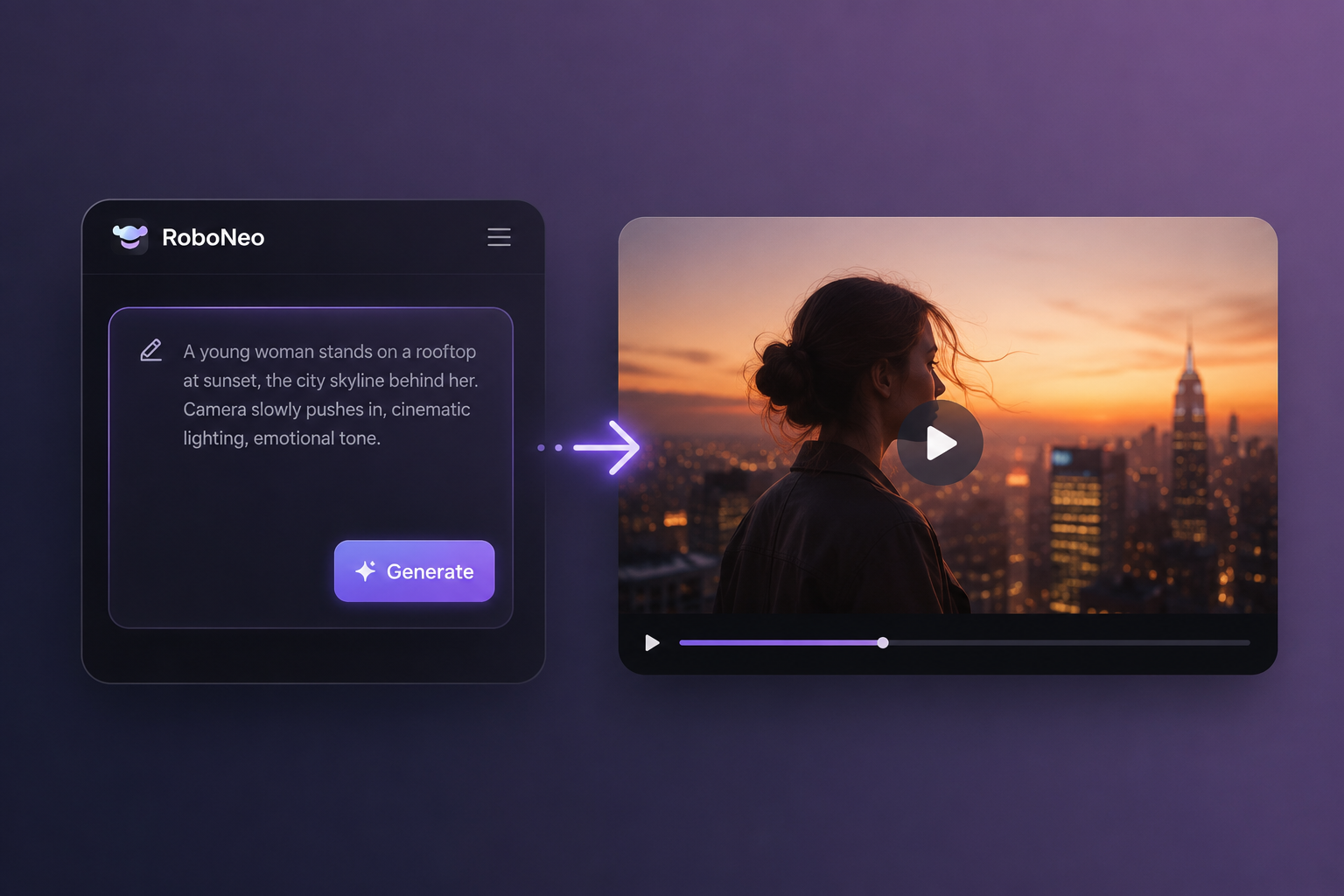
If you're making short dramas, story videos, or narrative-driven ads, RoboNeo works best when you begin with a compelling plot or character hook instead of a finished layout. Choosing a text-to-video workflow is the most straightforward approach. It lets you generate individual clips directly from your scene descriptions before you take the project into editing.
Common RoboNeo use cases include:
Image-to-video content for TikTok, Reels, Shorts, and paid social: Perfect for breathing life into flat photos and feeding the endless hunger of social media algorithms.
AI short dramas, story videos, and narrative ad creatives: It handles the heavy lifting when you need to weave an actual plot or a character-driven hook into your marketing mix.
Product ads, brand video assets, and repeatable short-form video workflows: If your team needs to test multiple creative directions but doesn't want to rebuild everything from scratch, this is where RoboNeo comes in handy. It pairs well with an AI advertising generator because the whole point isn't to make a single, perfect video. It's about getting enough ad variations that you can easily adjust, track, and recycle down the road.
Conclusion
Go with Canva if you just need to whip up quick graphics, simple videos, and everyday marketing stuff. It’s the easier pick when video is just one small part of your workflow.
Lean toward RoboNeo if video is your main focus. It’s much better for short-form campaigns, product ads, and cranking out endless creative tests.
FAQ
Is Canva AI Video Generator free?
You can start for free, but expect paywalls. Canva AI video generation locks its best AI features, premium stock assets, and high-res exports behind paid plans. Check their current feature limits before diving in.
Is Canva AI Video Generator safe for commercial use?
Yes, but watch your back. Always check the fine print on AI policies and third-party assets. If you are running paid ads, double-check likeness rights and brand safety permissions first.
What can RoboNeo do that Canva doesn't for video?
RoboNeo puts AI production in the driver's seat. While Canva treats video as a graphic design add-on, RoboNeo specializes in flipping text prompts, static photos, and scripts into ready-to-use short-form assets.
Is RoboNeo better than Canva for TikTok and Reels video creation?
If you need sheer volume, yes. RoboNeo cuts out the friction when spinning up endless clips from product photos or campaign ideas. Canva works fine for quick, one-off tweaks, but it cannot match RoboNeo's speed.
Which tool is better for short-form video creators?
It depends on your workflow. Stick with Canva if you mostly handle broad graphic design and basic video editing. Move to RoboNeo if you want an AI-first engine to flood the zone with short-form clips and ad variations.
You May Be Interested
How to Turn Long YouTube Videos into TikToks with an AI Video Clip Generator
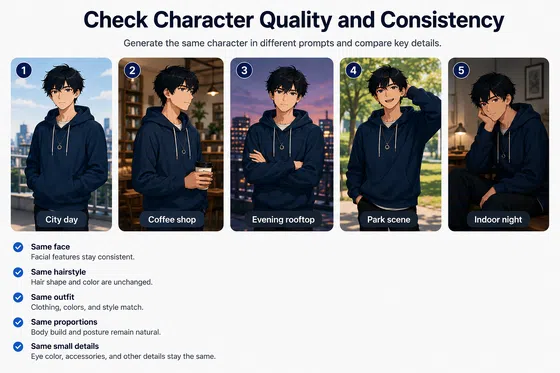
6 Best Ai Character Generator in 2026: Tested & Compared
How to Choose the Best AI Text to Video Generator in 2026 (+ Our Top Pick)

Best Free AI Story Generators in 2026: Tested and Ranked
Best TikTok Script Generator in 2026