6 Best AI Video Generators in 2026
 RoboNeo TeamJuly 3, 2026
Video has become the main format across social feeds, product pages, and paid campaigns. AI video generators help small teams turn text prompts, product photos, or rough clips into finished videos without a studio, a camera crew, or complex editing tools.This guide compares six tools based on target audience fit, how each end-to-end workflow works, and where each one falls short. Treat this as a shortlist to test, not a fixed ranking, because the right tool depends on your content goals, your assets, and how much review work you are willing to do.
Why Use AI Video Generators
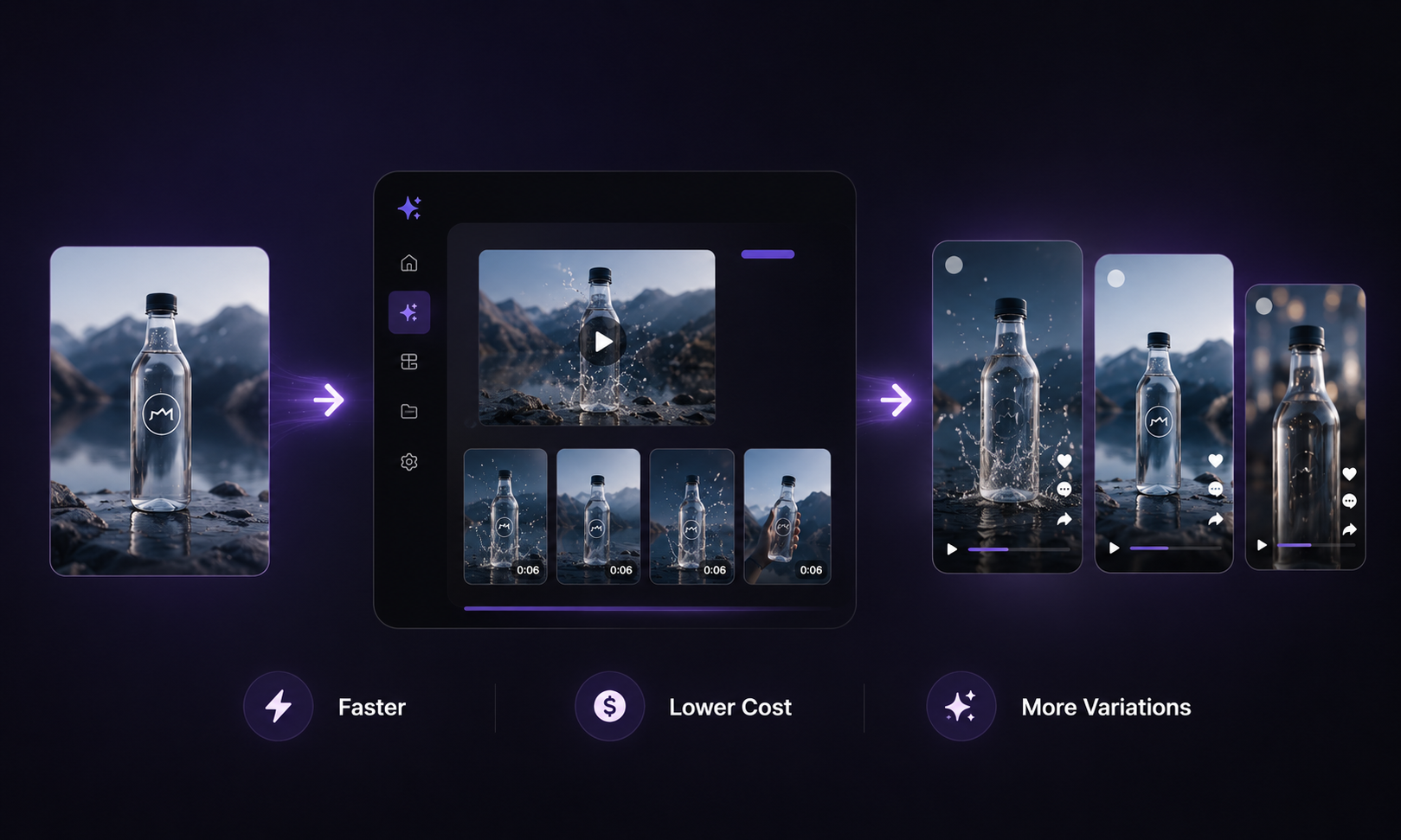 Most teams adopt these tools to fix production bottlenecks rather than experiment for novelty. These tools are most valuable when you need more clips, faster turnaround, and lower cost per usable asset across multiple platforms.
Faster Video Production
A prompt or a product image can become a draft clip in minutes instead of days. That speed matters most when you publish daily or refresh ad creatives every week. RoboNeo, for example, supports batch generation so teams can produce multiple variations in a single run.
Lower Content Creation Costs
AI generation removes some recurring costs of shoots, stock footage, and manual editing. The number worth tracking is cost per usable asset, not cost per generation, because rejected drafts still consume credits and review time.
Easier Creative Testing
Generating multiple versions of the same concept makes A/B testing more practical. You can test different hooks, colors, or pacing and compare performance before scaling spend. This iteration loop is the main reason paid-social teams turn to AI video tools.
More Content from Existing Assets
A single product photo, logo, or short clip can seed many outputs. Image-to-video tools and AI video morphing features stretch existing brand assets further, which helps e-commerce operators who already have product imagery but lack motion content.
How to Choose an AI Video Generator
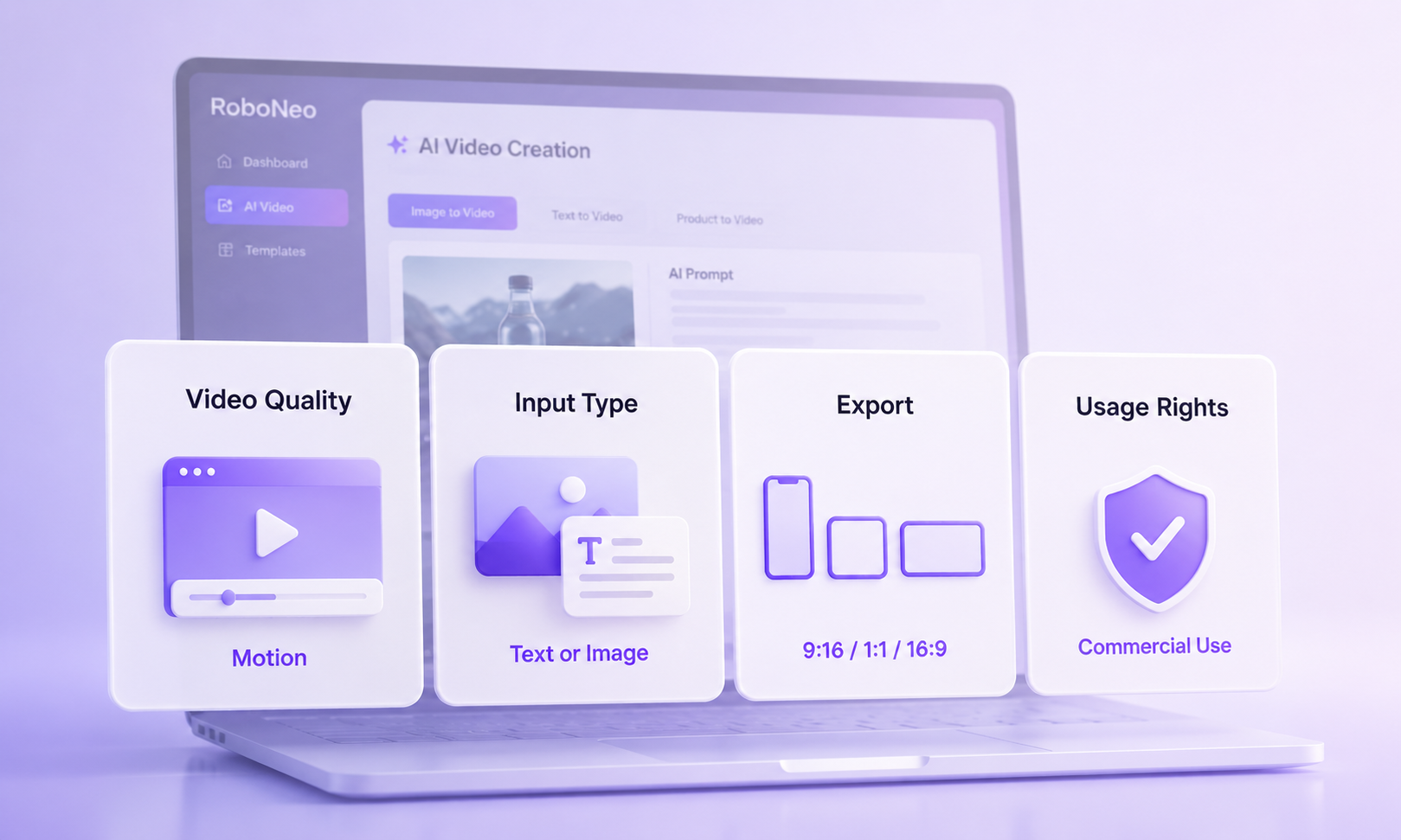 The right tool matches your content type and passes your review standards. Check core features first, prepare your assets, then test with real content before committing budget. The steps below move from screening features to running a controlled trial.
Step 1. Check Video Quality and Motion
Check whether the subject stays clear, lighting remains consistent, and motion feels smooth. Motion control is especially useful when product movement, camera direction, or scene transitions need to feel intentional. Choppy or flickering output is a common failure when image sequences are stitched into video, so review motion quality on your own subjects, not demo reels.
Step 2. Compare Text-to-Video and Image-to-Video
Text-to-video suits concept-first work where you describe a scene, campaign idea, or short visual concept before generating the first draft. Image to video suits brand work where you must keep an exact product or character. If brand consistency matters, prioritize tools with strong image-to-video and reference control.
Step 3. Review Editing and Export Options
Check how you make edits, whether by prompt, by timeline, or both. Confirm export resolutions, aspect ratios, and platform presets for TikTok, Reels, and YouTube. A clip that cannot export in the right ratio creates extra rework.
Step 4. Check Free Plan and Usage Rights
Free plans differ more than the landing pages suggest. Some credit offers run out fast once you actually produce. Before you publish paid content, check the commercial-use terms and what happens to your uploads and prompts. Free limits and pricing change often, so verify the numbers on each tool's live pricing page before you pay.
Step 5. Prepare Product Images and Brand Assets
Gather clean product photos, logos, fonts, and color references before testing. An AI image editor can also help refine source assets before turning them into video. Image-to-video and brand-consistency features only work well with quality inputs, so good assets directly improve output quality.
Step 6. Test One Real Project Before Subscribing
Run a genuine task end to end during the free or trial period:
- Choose one real campaign or content brief, not a demo idea.
- Generate three to five variations from the same input.
- Score motion quality, brand accuracy, and how much manual fixing each needs.
- Confirm export ratios and resolution match your publishing platform.
- Check commercial-use terms and data handling before you publish.
6 Top Picks for AI Video Creation
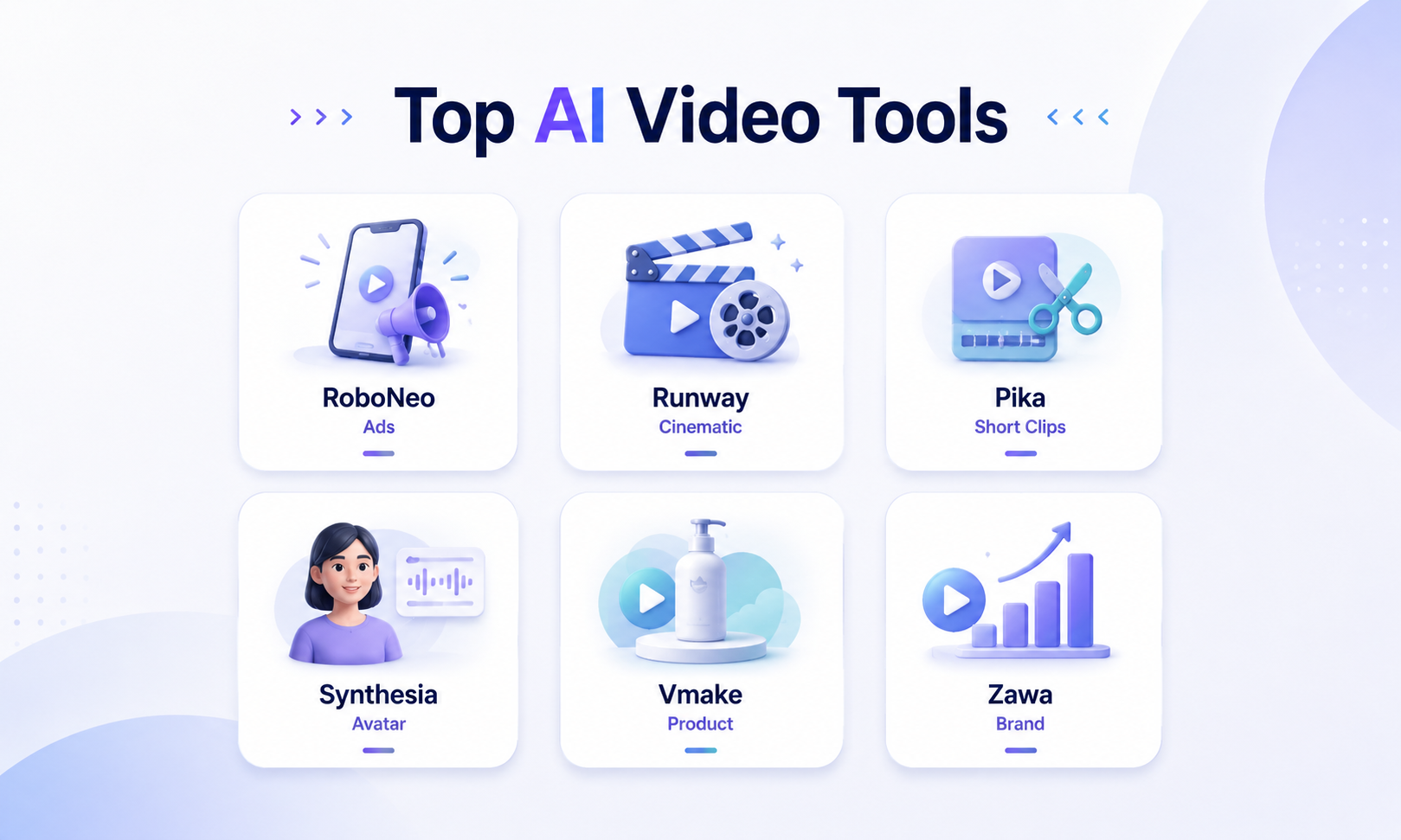 These six tools cover different jobs, from cinematic experiments to e-commerce product motion. The table summarizes fit, and the notes below add workflow detail and where each tool is less suitable.
| Tool | Recommended For | Use Case | Key Strength | Limits |
| RoboNeo | Growth and paid-social teams | Social ads, product motion | Batch variations, image-to-video | Confirm current limits on live page |
| Runway | Creators, video artists | Cinematic experiments | Flexible visual styles | Higher learning curve |
| Pika | Short-form creators | Trend-led clips | Fast playful outputs | Less suited to long-form |
| Synthesia | Business and L&D teams | Avatar presenter videos | Talking-head consistency | Not for cinematic scenes |
| Vmake | E-commerce operators | Product videos | Catalog-focused workflow | Narrower creative range |
| Zawa | Brand social teams | Branded social content | Brand-style consistency | Verify features on live page |
RoboNeo for Social Ads and Product Motion
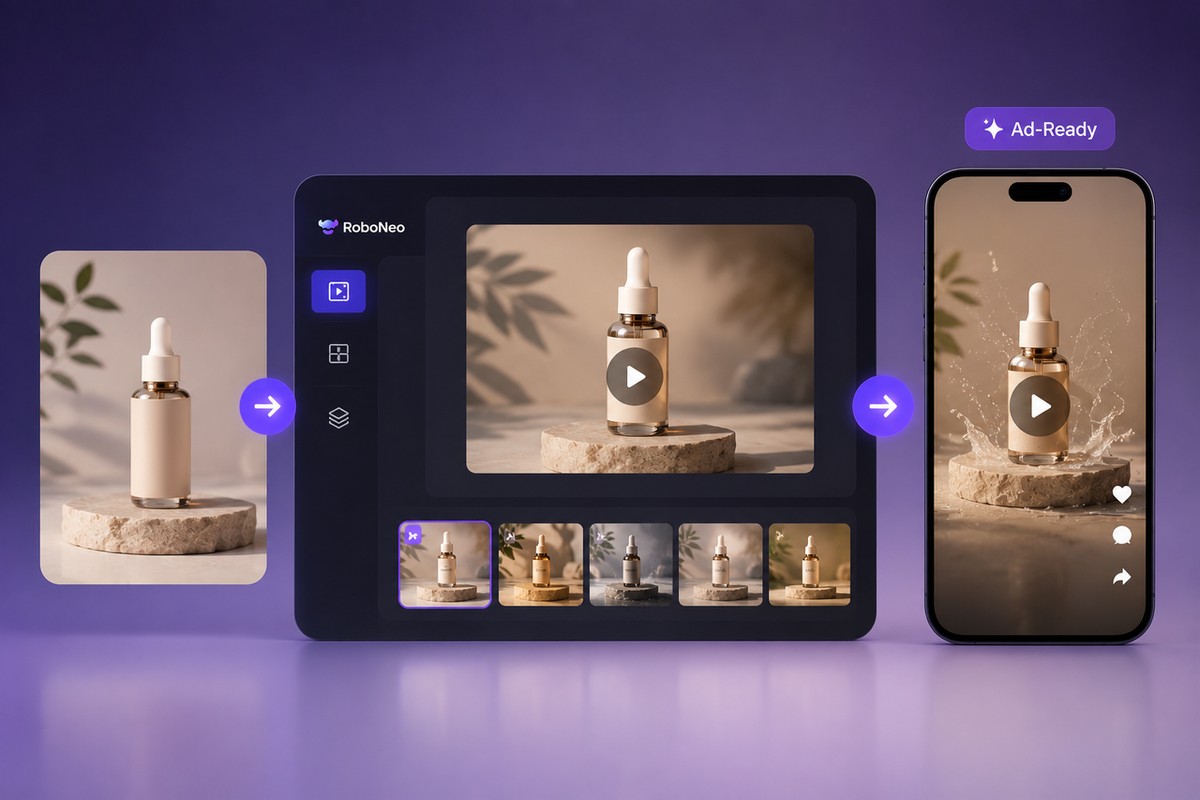
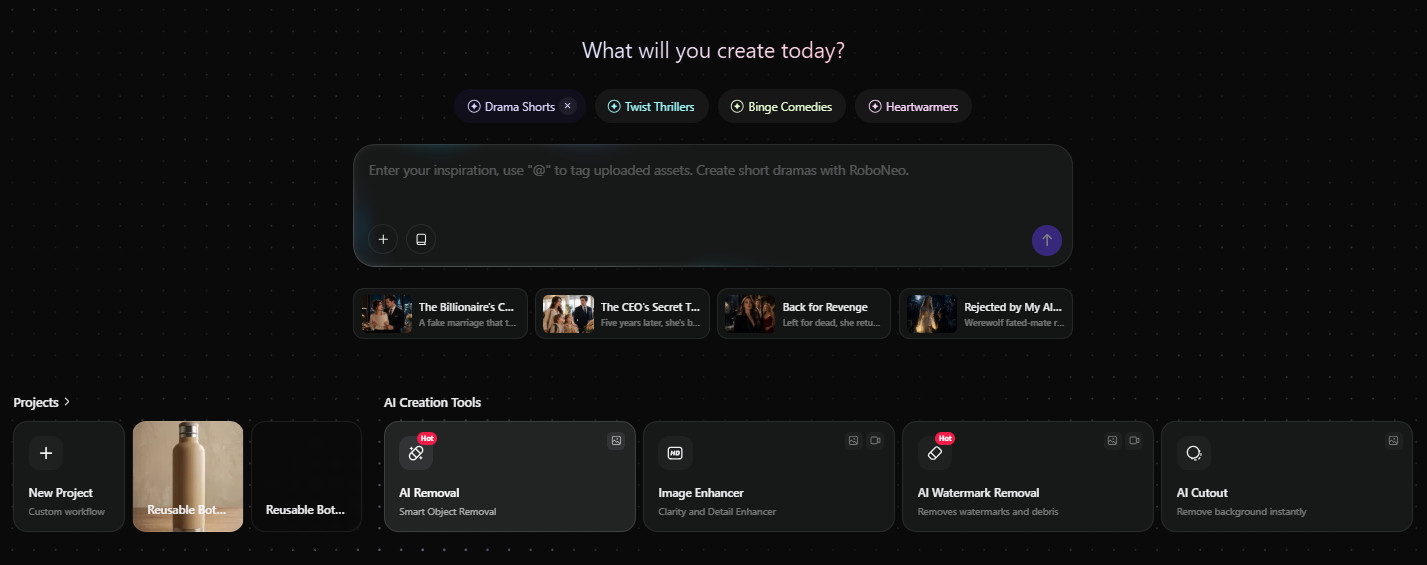
RoboNeo is an AI social media creation tool designed for creators, growth teams, and agencies. It supports one-sentence editing, image-to-video generation, and morph transitions that smoothly calculate motion between two frames instead of producing jumpy cuts.This workflow works well for paid social. You feed a product image or prompt into an AI advertising generator and quickly create multiple ad-ready variations for TikTok, Meta, or YouTube, then review and iterate. It is not a good fit for long-form scripted videos, which tend to use more credits. That said, you can still try the core features before committing to a paid plan. Just make sure to check the latest plan and usage limits before scaling.
Runway for Cinematic Visual Experiments
Runway works well for creators who want more stylistic freedom and control over visual experiments. It rewards users comfortable with iterative prompting and creative exploration.It is a strong fit for art-led or concept work. It is a weaker fit for teams that need a fast, repeatable ad-production line, since the open-ended workflow takes more time to standardize.
Pika for Trend-Led Short Videos
Pika focuses on quick, playful short clips that match social trends. It works well for creators publishing meme-style or fast-turnaround content.Use it when speed and trend relevance matter more than polish. It is less suitable for long product walkthroughs or formal business videos that need precise brand control.
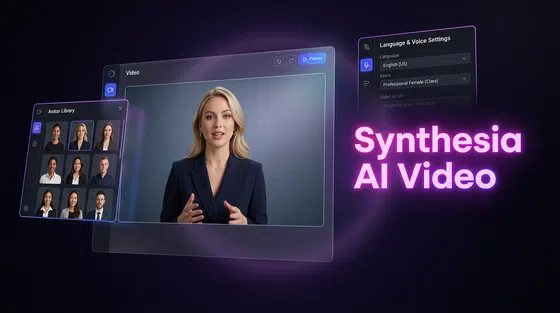
Synthesia for Avatar Business Videos
Synthesia targets business and training teams that need avatar presenters reading scripted content. It is built around talking-head consistency and multilingual narration.It fits explainers, onboarding, and internal communication. It is not the right tool for cinematic ads or motion-heavy product showcases, where an avatar format limits the visual story.
Vmake for E-commerce Product Videos
Vmake is oriented toward e-commerce product videos and catalog content. It suits operators who already have product imagery and want motion versions for listings and ads.It is a practical fit for store and marketplace assets. Its creative range is narrower than general-purpose generators, so it is less suited to broad brand storytelling.
Zawa for Brand Social Content
Zawa positions itself around branded social content with a consistent style. It targets teams that publish frequently and want outputs that stay on-brand.Confirm its current feature set and limits on the live page, since smaller tools change quickly. It fits steady social output more than one-off cinematic projects.
FAQ
How long does it take to create a video with AI?
Most short drafts generate in a few minutes, from prompt or image to first clip. Total time depends on how many revisions and review passes you need, so plan for iteration rather than a single perfect generation.
Which AI video generator is better for YouTube?
No single tool wins, because YouTube hosts both short-form and long-form content. For short clips, short video tools work well, and for presentations or news-style content, avatar tools fit better. Always confirm export resolution and aspect ratio support on each tool's guideline.
Can AI video generators make product ads?
Yes, several tools are built specifically for ad and product content. RoboNeo's owned pages describe generating ad-ready variations for paid social, and Vmake focuses on e-commerce product videos. Review brand accuracy and commercial-use terms before running paid spend.
Are free AI video generators enough for business use?
Sometimes, but free tiers often limit credits, resolution, or commercial rights. Some advertised free credits are limited in practice, so verify current limits on the live page and read usage terms before publishing business content.
Can AI-generated videos be used commercially?
It depends on each tool's license and the inputs you use. Commercial rights vary by plan, and using copyrighted source material can be risky. Confirm the commercial-use policy and data handling terms in writing before you publish.
You May Be Interested

Best Free AI Story Generators in 2026: Tested and Ranked
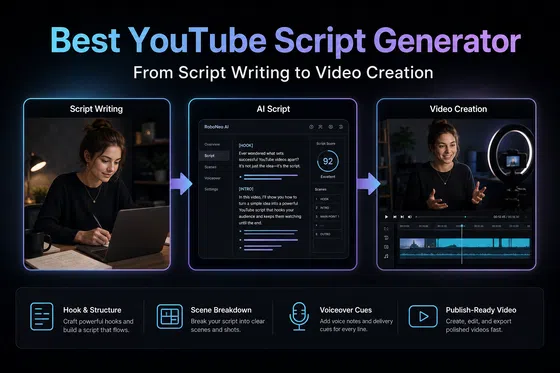
Best YouTube Script Generator: From Script Writing to Video Creation
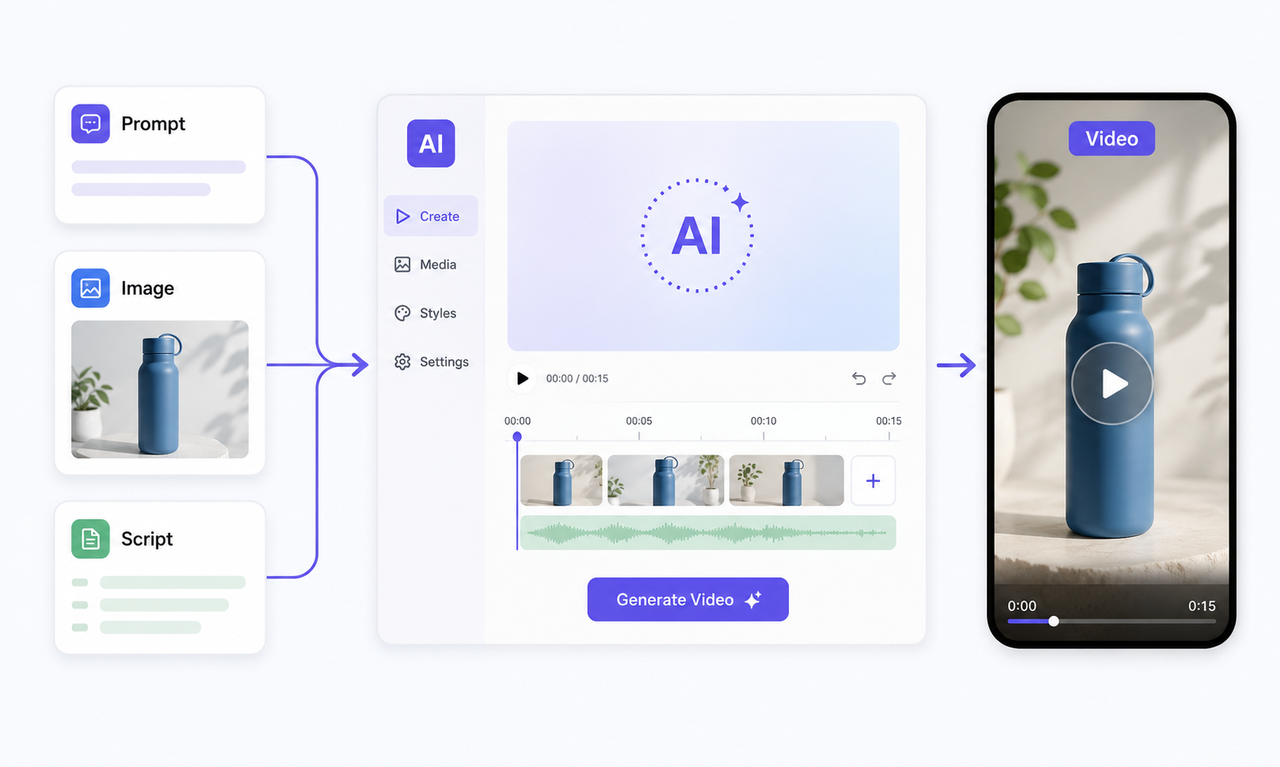
Best Free AI Video Generator: Top Tools to Try
Best AI Text to Video Generator: Tools Compared for 2026
AI Video Generator Online: How to Create Videos Fast