Instagram Reel Dimensions: Best Size and Resolution to Use
 RoboNeo TeamAugust 25, 2026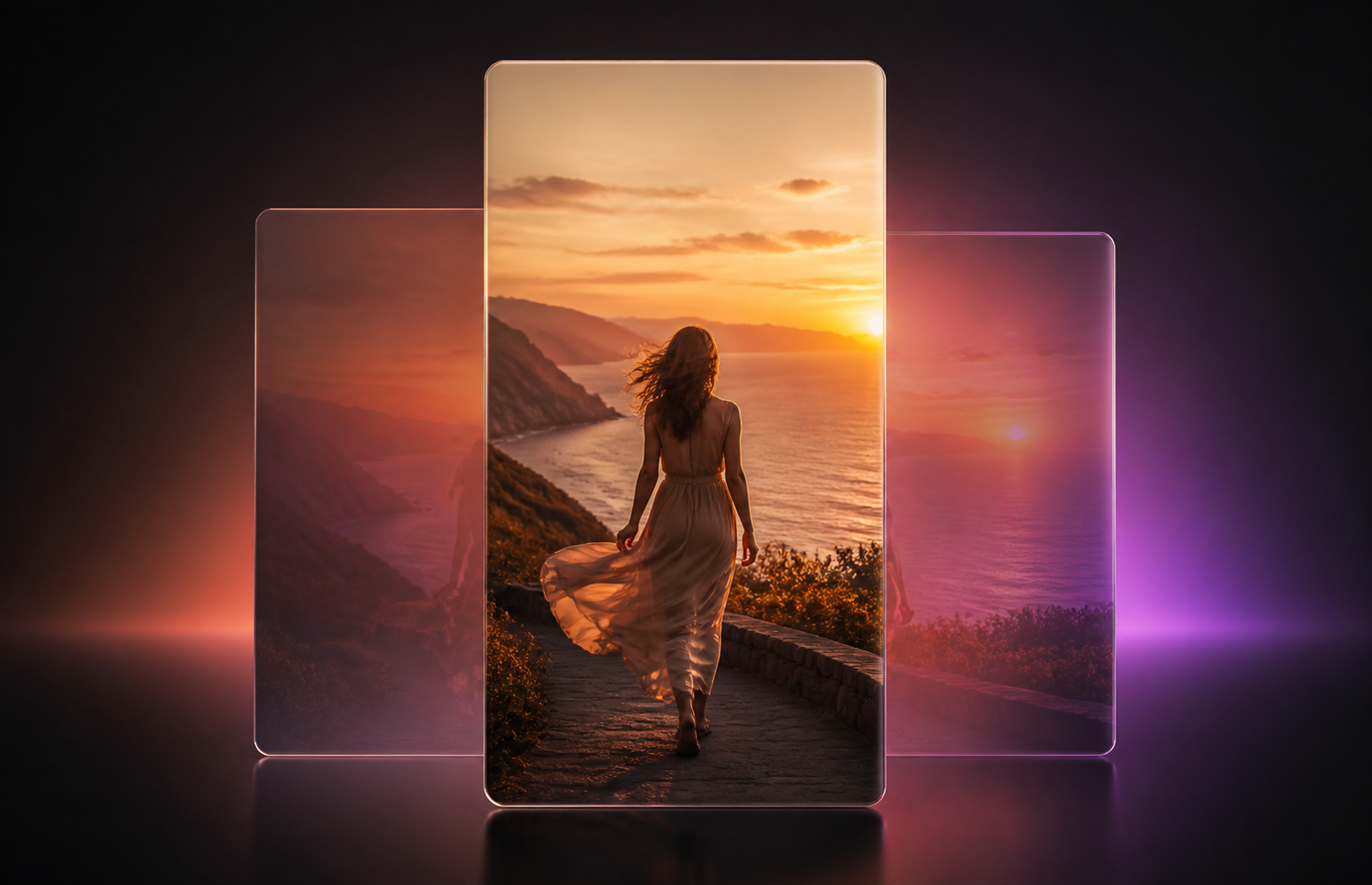
The recommended Instagram Reel dimensions are 1080 × 1920 pixels with a 9:16 aspect ratio. This vertical format fills a mobile screen and gives creators enough space for people, products, captions, and visual movement. Although Instagram accepts several video proportions, an uploadable size is not always the best production size. The frame may also appear differently in full-screen playback, the profile grid, and the cover preview. This guide explains the dimensions, cropping behavior, resolution choices, and export checks that help Reels display correctly.
Instagram Reel Dimensions and Specs at a Glance
For most creators, 1080 × 1920 should be the default canvas. Instagram officially accepts Reel aspect ratios from 1.91:1 to 9:16, with a minimum frame rate of 30 FPS and a minimum resolution of 720 pixels.
| Specification | Recommended Setting | Supported Range | Best Use |
| Reel dimensions | 1080 × 1920 pixels | Minimum resolution of 720p | Standard Reels for mobile viewing |
| Aspect ratio | 9:16 | 1.91:1 to 9:16 | Full-screen vertical playback |
| Frame rate | 30 FPS or higher | Minimum 30 FPS | Smooth everyday video and motion |
| Orientation | Vertical | Horizontal to vertical formats accepted | Tutorials, products, UGC, and talking-head videos |
| Cover dimensions | 1080 × 1920 pixels | Cropped in profile placements | Reel covers designed for a vertical canvas |
| Source resolution | 1080p or 4K | Depends on the recording device | 4K for flexible editing; 1080p for final delivery |
These settings separate the preferred format from the broader range that Instagram permits. A horizontal restaurant tour may upload successfully, but it will not fill the Reels screen in the same way as a vertical 9:16 edit. Reels can use an aspect ratio between 1.91:1 and 9:16, but 9:16 remains the practical choice for full-screen content.
How Does Instagram Crop Reels in Different Placements?
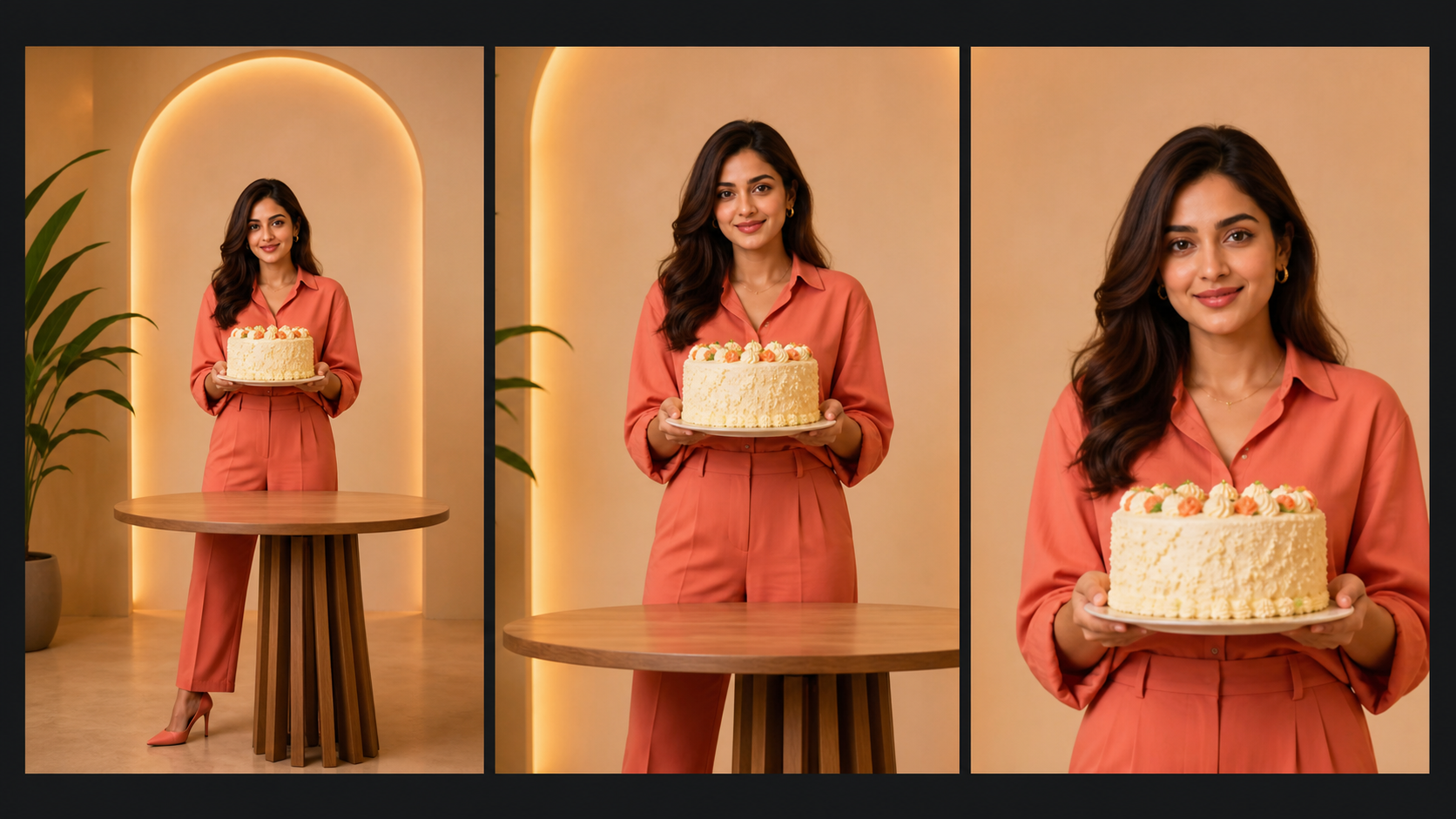
One video can look balanced in the Reels viewer and poorly framed on a profile page. The underlying file has not changed. Instagram simply displays different portions of it according to the placement.
Full-Screen Reels Use the 9:16 Frame
The main Reels viewer is built around a vertical phone screen. A 1080 × 1920 canvas uses that space efficiently without black bars or artificial background padding.
A fitness instructor recording a standing workout can keep their full body visible while leaving room for exercise labels. In a product demonstration, the presenter can place the product near the center and use the upper area for a short title. Both compositions take advantage of the height of the 9:16 frame.
Supported ratios and recommended production ratios should not be treated as the same thing. A 1:1 or 4:5 video may be accepted, but it will occupy less of the full-screen Reels experience. Starting with standard Instagram Reels dimensions gives creators more control over what viewers see. The same vertical framing principles also apply when creators turn long YouTube videos into TikToks or prepare clips for Instagram Reels and YouTube Shorts.
Interface elements also cover parts of the frame. Captions appear near the bottom, while engagement buttons occupy space along the right side. A price, product feature, or subtitle placed against those edges may be difficult to read even when it remains technically inside the video.
Profile Grid Crops the Reel Preview
The full Reel uses a 9:16 frame, but its profile grid preview is shorter. The current grid presents vertical posts in an area closer to 3:4, which means the top and bottom of a 9:16 composition may not appear in the preview.
Consider a fashion Reel with the model's face near the top edge and the shoes near the bottom. The full-screen version may show the outfit perfectly, while the profile grid displays only the torso. A cooking video can encounter the same problem if the dish sits at the bottom of the frame and the cook stands near the top.
The safest approach is to review both placements before publishing. Keep the main person, finished dish, product, or other identifying subject within the central region. Secondary background details can extend toward the edges because losing them will not change the meaning of the preview.
Reel Covers Need a Separate Crop Check
A Reel cover can be designed on the same 1080 × 1920 vertical canvas as the video. However, Instagram may crop that cover when it appears in the profile grid. This is why a title that looks centered in a design tool can appear incomplete after publication.
Faces, logos, products, and essential title words should remain close to the middle of the cover. Decorative shapes and background photography can occupy the outer areas. A 1080 × 1920, 9:16 cover provides the full vertical design space, although part of it may be hidden on the profile page.
A skincare brand might position a serum bottle in the center and keep “Morning Routine” directly above it. Leaves, shadows, and color gradients can extend toward the top and bottom because the cover still communicates its subject if those elements are cropped.
Should Instagram Reels Be 1080p or 4K?
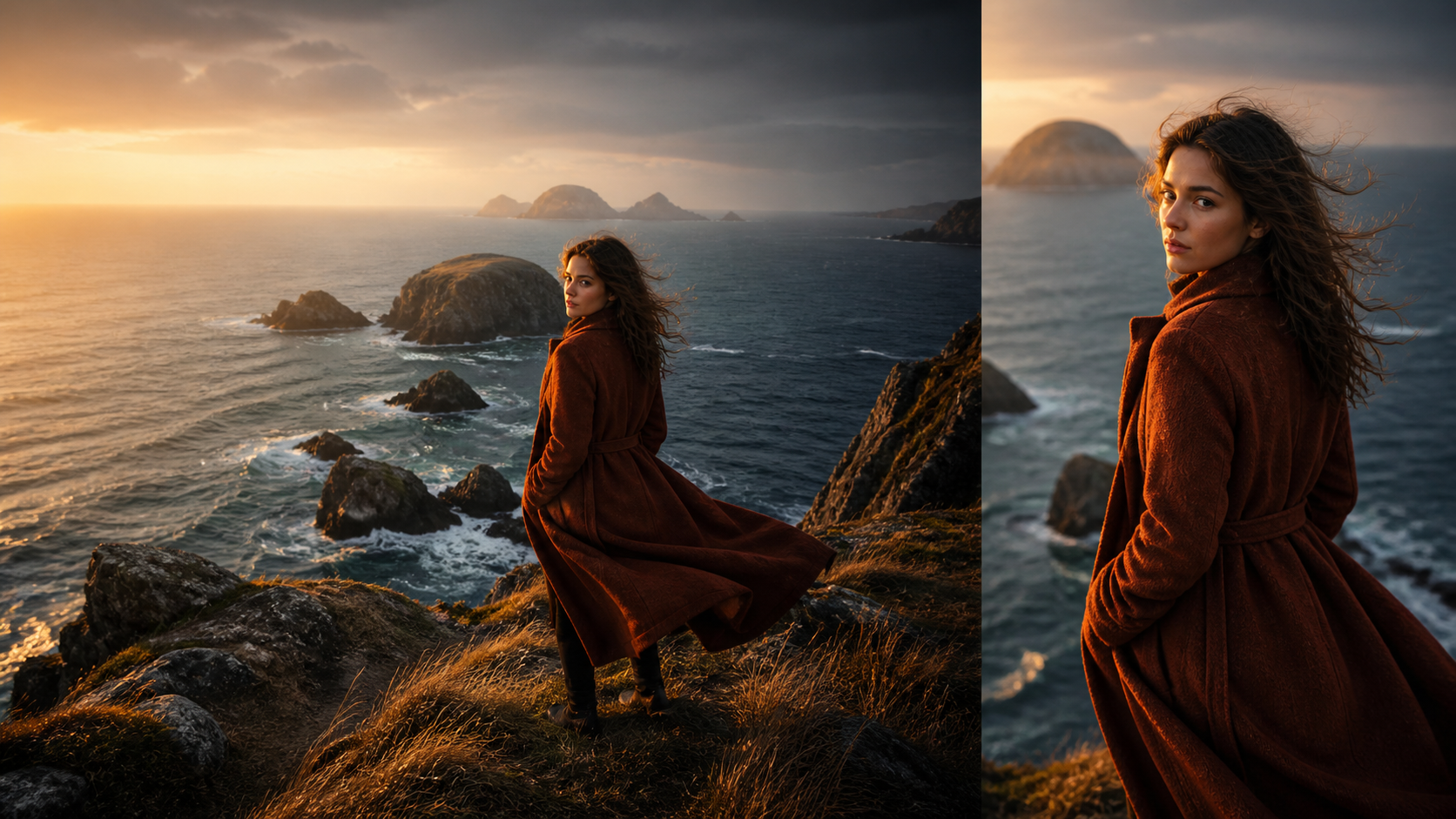
More pixels do not automatically produce a better Reel. The right choice depends on whether the resolution refers to the original recording or the final editing canvas.
1080p Works for Most Reels
A 1080 × 1920 export provides a standard 9:16 vertical frame and is sufficient for most social content. It works well for mobile recordings, talking-head advice, tutorials, unboxings, UGC, and straightforward product demonstrations.
A café filming a barista making latte art does not necessarily benefit from a 4K final file. A clean 1080p recording with good lighting and accurate focus will usually look better than a dark 4K clip with motion blur. The smaller file is also easier to edit, store, and upload.
For creators who publish frequently, 1080p can simplify the workflow. Editing ten short product clips at this resolution places less pressure on a phone or laptop than maintaining a fully 4K timeline. When the source file has a lower resolution, creators can upscale a video to 1080p or 4K with AI before completing the final vertical edit.
4K Offers More Editing Flexibility
Recording in 4K can be useful even when the final Instagram Reel dimension remains 1080 × 1920. The larger source frame provides extra pixels for cropping, reframing, stabilization, and modest digital zooms.
A travel creator may record a wide 4K scene containing two people and later convert it into a vertical Reel. The editor has more freedom to follow one person without immediately losing image quality. A jewelry video can also use a closer crop to highlight a clasp or stone while still delivering a sharp 1080p result.
Source resolution and final output dimensions therefore serve different purposes. Use 4K when the editing process needs flexibility, but plan the published Reel around a 1080 × 1920 vertical canvas. If cropping noticeably reduces clarity, the RoboNeo AI Video Upscaling can increase the working resolution and improve visible details before export. An oversized file alone cannot recover information that was missing from the original shot.
How to Fix Instagram Reels That Are the Wrong Size or Blurry
Sizing and image quality should be addressed in the right order. First correct weak source footage when possible, then build the vertical composition, and finally export one clean file for upload.
Resize and Reframe the Video to 9:16
A 16:9 landscape clip, 1:1 square post, or 4:5 portrait video should never be stretched to fill a 9:16 frame. Stretching changes natural proportions, making faces look narrow or products appear unusually tall.
Instead, crop and reposition the footage according to its subject. A horizontal interview may need alternating close-ups of each speaker rather than one wide shot. For a furniture demonstration, keeping the complete desk visible may require extending the background above and below instead of cutting off the legs. Screen recordings need another type of check: buttons, menus, and cursor movements must remain readable after the sides are removed.
When the original composition cannot survive a central crop, a designed layout can preserve more information. The main video might occupy the upper portion while supporting text or a secondary detail shot fills the lower area. Creators who remove an Instagram watermark should perform the same framing check because cropping an edge can change the video's aspect ratio or push the subject off-center.
Improve Low-Resolution Footage Before Resizing
Changing a 720p canvas to 1080 × 1920 increases its pixel count, but it does not automatically restore facial detail, product texture, or readable edges. The problem becomes more noticeable when a small horizontal clip is heavily cropped for vertical viewing.
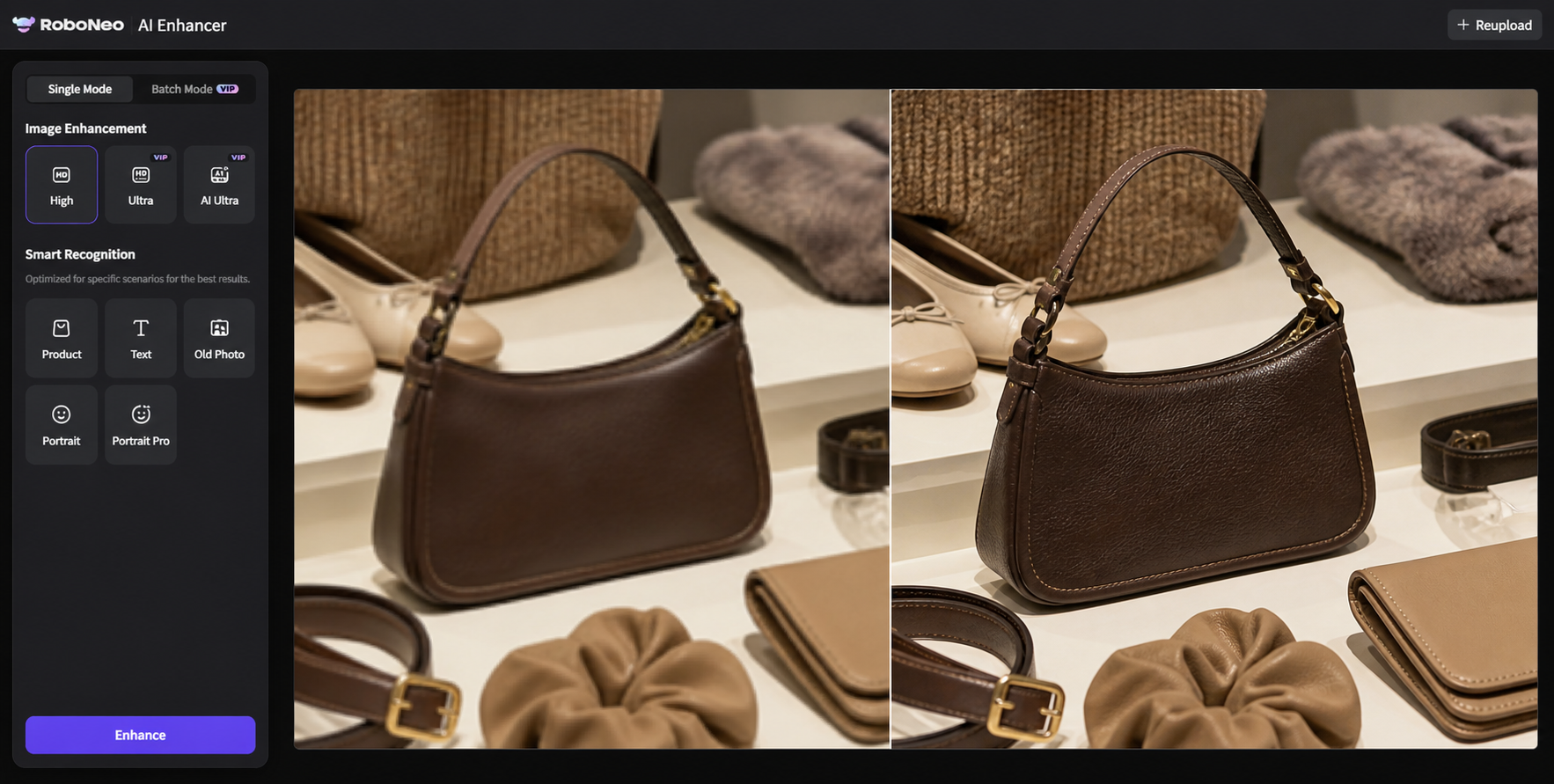
Low-resolution, soft, or compressed footage can be processed with RoboNeo AI Enhancer before the final Reel is cropped and exported. Enhancement can improve the usable appearance of the source, after which the subject can be reframed according to the correct Instagram Reel dimensions.
A seller working with an older product clip may need to enlarge one item from a crowded scene. Improving the footage before that crop gives the editor a cleaner starting point. Enhancement still has limits: severe motion blur, missed focus, and completely hidden details cannot always be reconstructed convincingly.
Enhance Instagram Reels with RoboNeo
Export a Clean Final File Before Uploading
Repeated processing often causes avoidable quality loss. A video that is exported from one app, compressed in a messaging service, edited again, and then uploaded to Instagram has already passed through several rounds of compression.
Before uploading, complete one final review:
Confirm that the resolution matches the planned 1080 × 1920 output and that the aspect ratio remains 9:16.
Check the full-screen version, profile grid crop, cover, subtitles, interface-safe areas, and clarity of the original footage.
Watch the exported file on a phone rather than relying only on the editing preview. Small captions that appear comfortable on a desktop monitor may be difficult to read on a mobile screen. This final check also reveals whether a product has been cut off or a person's face sits too close to the grid crop.
FAQ
Can I upload a horizontal video as an Instagram Reel?
Yes. Instagram accepts Reel aspect ratios between 1.91:1 and 9:16. However, horizontal footage will not create the same full-screen vertical experience. Reframing it to 9:16 is generally better when Reels are the main publishing destination.
Is 1080 × 1350 a good size for Instagram Reels?
Instagram can accept 1080 × 1350 video, but that resolution uses a 4:5 aspect ratio rather than the standard 9:16 Reel format. For content intended primarily for full-screen Reels, 1080 × 1920 is the more suitable choice.
Do Instagram Reels and Stories use the same dimensions?
Both can be created at 1080 × 1920 with a 9:16 aspect ratio, but their interface layouts require different composition checks. Stories need space for account information, reply controls, links, and stickers. Reels must account for captions, engagement buttons, covers, and profile grid cropping.
A design can therefore use the same canvas for both formats without using exactly the same text placement. Preview each version separately before publishing.
Why does my Instagram Reel look blurry after uploading?
Common causes include weak original footage, heavy cropping, repeated compression, incorrect scaling, and Instagram’s own processing. Begin with the clearest source available, avoid enlarging a small clip more than necessary, and create one clean final export instead of repeatedly saving and recompressing the video.
Should I record Reels vertically or crop them later?
Record vertically when the content is mainly intended for Instagram Reels. This keeps people, products, and important background details inside the final 9:16 composition. Horizontal recording makes sense when the same footage must also serve YouTube or other widescreen platforms, but the subject should remain near the center so a later vertical crop is still possible.
You May Be Interested
4K vs 1080p: Should You Upscale 1080p Video to 4K?
How to Turn Long YouTube Videos into TikToks with an AI Video Clip Generator
Best AI Features for Enhancing UGC Video Quality in 2026

How to Choose the Best AI Text to Video Generator in 2026 (+ Our Top Pick)
3 Best Background Noise Removal Apps for 2026