7 Steps to Write a Video Script in 2026
 RoboNeo TeamJuly 6, 2026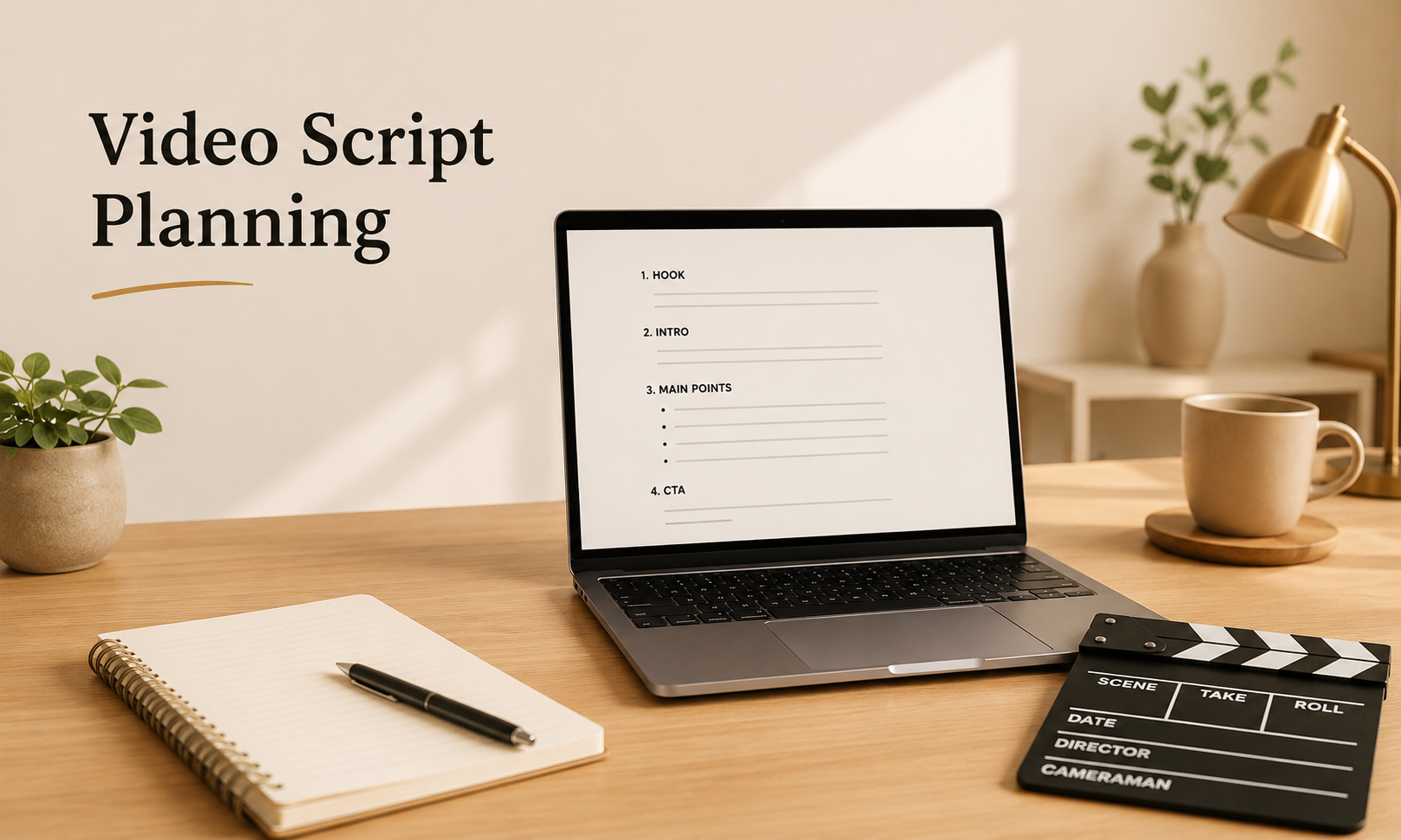
This guide explains how to write a video script from scratch, including what a script covers, the easiest format for beginners, and a seven-step workflow for YouTube videos, short-form clips, product ads, and so on.
What Does a Video Script Include?
A video script is the written plan for everything in your video: spoken lines, on-screen visuals, timing, and the call to action. It keeps your message focused so you do not waste filming time or lose the viewer halfway through.
Why Beginners Need a Script
Without a script, most beginner videos drift. You repeat points, forget the hook, or run long. A script forces decisions before production, which leads to fewer retakes, tighter pacing, and a clearer payoff for the viewer.
What a Video Script Includes
A complete script covers four layers: spoken content, visual direction, timing cues, and the closing action. These details also make the script easier to hand off to an AI video generator when the project moves from planning to a first draft.
Script vs Outline vs Storyboard
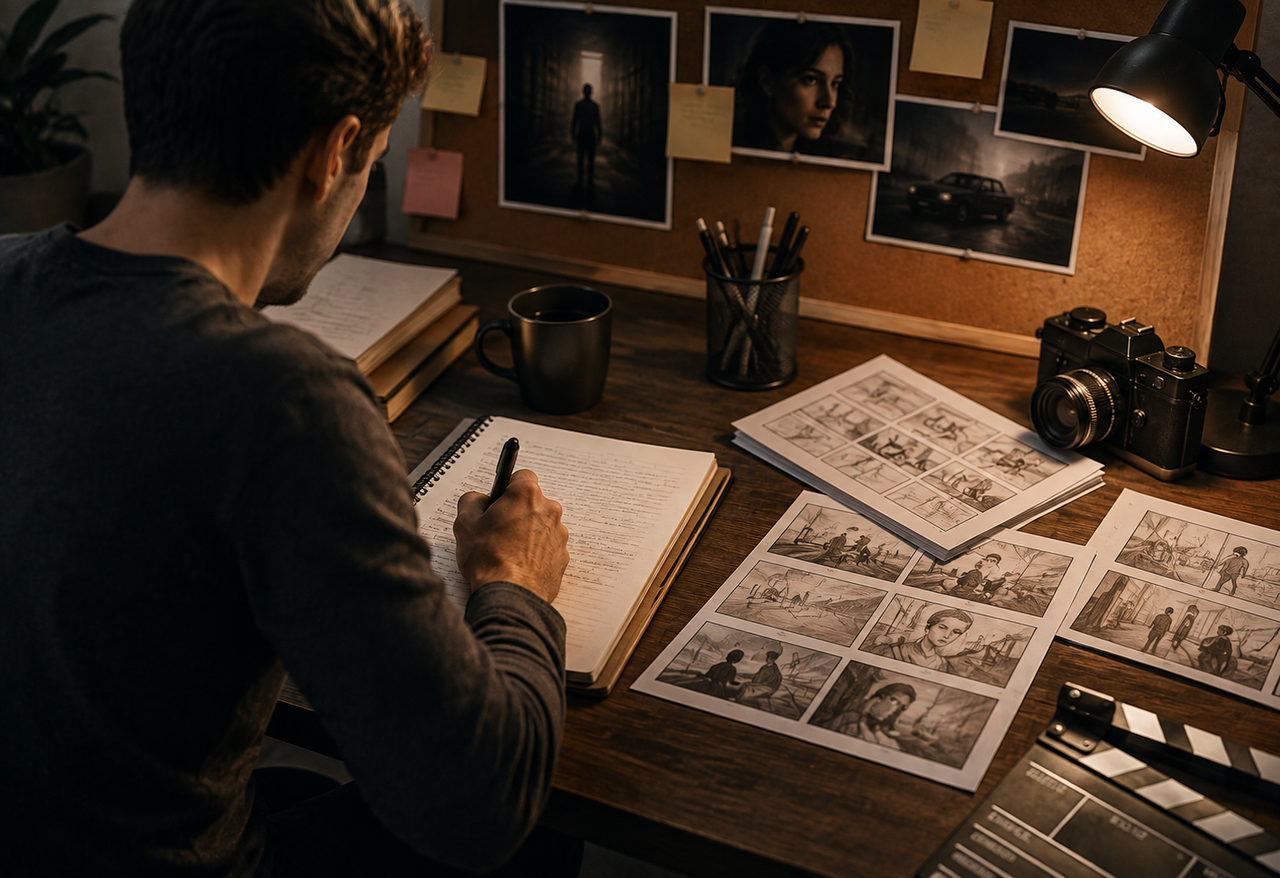
A script includes the actual words and scene notes. A storyboard sketches each shot visually. Beginners usually need an outline and a script. A storyboard is optional unless your video is heavily visual.
Video Script Format for Beginners
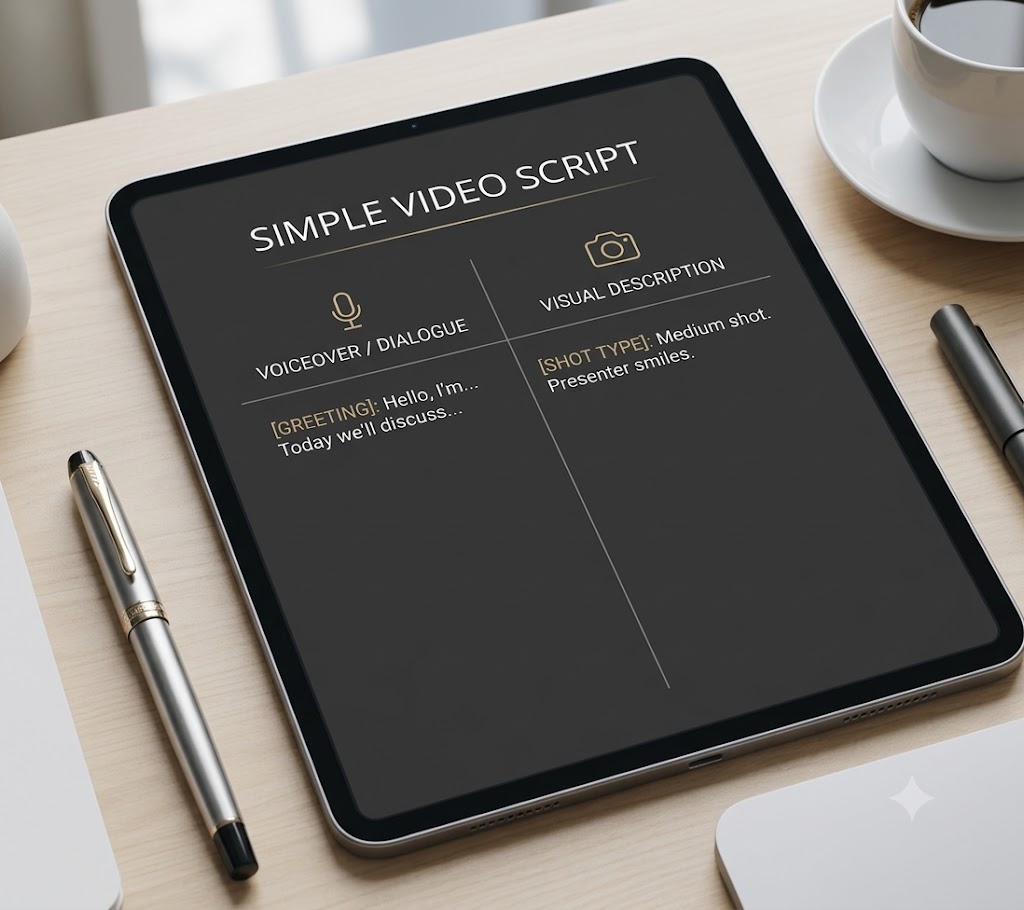 The format you choose decides how easy your script is to film from. For beginners learning how to make a video script, the goal is not a perfect screenplay but a simple layout that connects voiceover, visuals, and timing at a glance, so you are not decoding your own notes during a shoot.
Voiceover and Dialogue Lines
Write spoken lines exactly as you want them spoken, including contractions and short sentences. Read each line aloud while drafting. If you stumble, the viewer will too, so cut or simplify it.
Scene and B-Roll Notes
Next to each spoken section, note what appears on screen: a talking head, a product close-up, a screen recording, or B-roll. These notes tell you what to film and what to layer in during editing.
Timing and Caption Cues
Add rough timestamps so you know your pacing. Mark where captions, text overlays, or key phrases should appear. If the final video includes product movement or scene transitions, motion control can also help keep the visual pacing aligned with the script. Timing cues keep a 60-second video from quietly becoming 90 seconds.
Simple Two-Column Script Layout
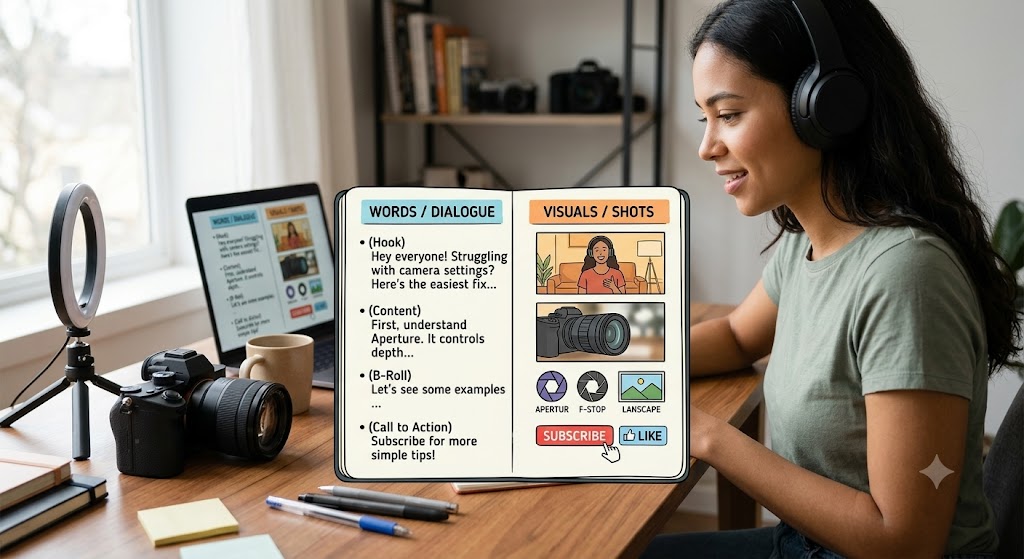
Most beginners do best with a two-column structure: words on one side, visuals on the other. The table below shows what belongs in each part.
| Script Section | What to Include | Beginner Tip |
| Hook (0–5s) | First spoken line, opening visual | Lead with the problem or payoff, not an intro |
| Voiceover/Dialogue | Exact spoken words | Keep sentences short and natural |
| Scene/B-Roll | Shot type, on-screen action | Note one clear visual per line |
| Timing | Rough timestamps | Mark where pace must speed up |
| Captions/Text | Key phrases on screen | Reinforce, do not repeat every word |
| CTA | Closing action | Be specific: follow, click, comment |
A Simple 7-Step Video Script Workflow
This is the core process, and the order matters. Each step helps you move from a rough idea to a script that is easier to film, edit, and publish, so you do not end up polishing a video around the wrong goal.
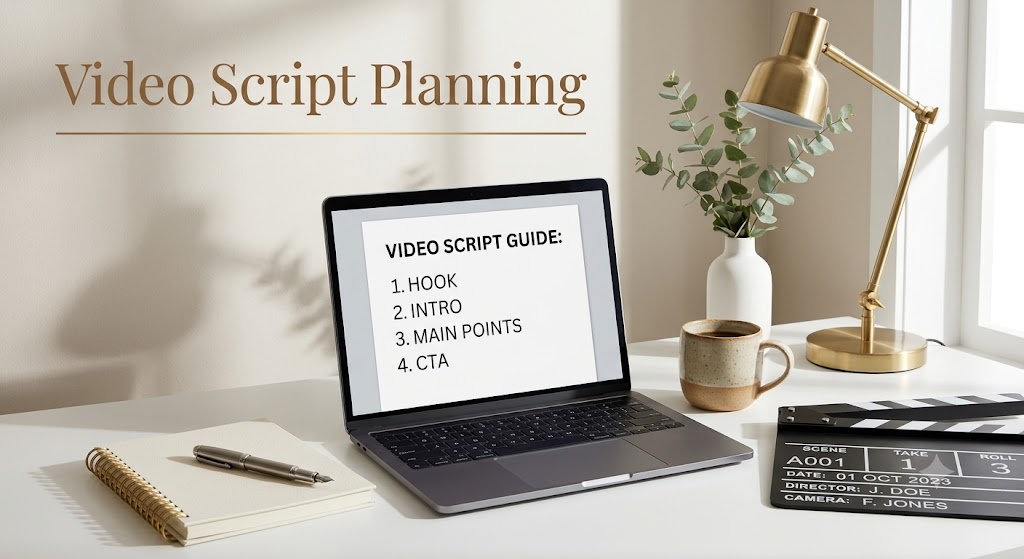
Step 1: Define the video goal
Write one sentence stating what the video should achieve: explain a feature, drive clicks, grow followers, or train staff. If you cannot name one goal, the script will lose focus. Stop and decide before writing.
Step 2: Understand the target viewer
Note who watches and what they already know. A script for first-time buyers differs from one for existing customers. Match vocabulary, pace, and depth to that viewer.
Step 3: Build a simple outline
List three to five main points in order. This outline is your skeleton. Confirm the points flow logically before writing full sentences, because reordering an outline is far faster than rewriting a script.
Step 4: Write a strong hook
After you have a basic outline, write the first five seconds as the first line on the page. State the problem, promise, or surprising fact immediately. Many creators write two or three hook variations and choose the sharpest one.
Step 5: Draft the main script
Turn each outline point into spoken lines. When writing a script for a video, keep one idea in each sentence and use words you would actually say aloud. Do not polish too early; get a full draft down so you can see the whole arc.
Step 6: Add visual and scene notes
Go back through and mark what appears on screen for each section. This is also where you flag B-roll, screen recordings, or text overlays you will need to capture.If you do not have every shot ready, an AI image generator can help create simple visual references for scenes, thumbnails, or B-roll planning.
Step 7: Review the CTA and flow
Read the whole script start to finish. Confirm the ending matches the goal from step one, and that the call to action is clear and single. Check that every spoken section has a visual note you can actually film. One CTA outperforms three competing ones, and a weak line is cheap to rewrite now and expensive to reshoot later.
Script Tips for Common Video Goals
YouTube Explainer Scripts
YouTube viewers give you slightly more time, but the first 15 seconds still decide whether they stay. Open with the problem, preview what they will learn, then deliver value in clear sections. Use a script generator or outline tool to speed up drafting, then rewrite in your own voice.
TikTok and Instagram Scripts
Short-form scripts need a hook in the first second and almost no setup. Write tight, cut filler words, and front-load the payoff. A Shorts script often runs 100 to 150 words for 60 seconds. Captions and on-screen text carry as much weight as the voiceover.
Product and Ad Scripts
Product and ad scripts need a clearer structure than casual social videos because every line should support the offer, product benefit, or CTA. An AI advertising generator is most useful here when the script already has a clear hook, selling point, and final action. Include the product angle, key selling point, visual cue, and final action in a simple sequence.F
Business and Training Scripts
Internal and training videos prioritize clarity over hooks. Use plain language, number steps, and add scene notes that show the actual screen or process. Accuracy matters more than entertainment, so review with a subject expert before filming.
FAQ
How do you start a video script?
Start with the goal and viewer before writing the first line. Decide what the video should achieve, who it is for, and what the viewer should understand or do by the end. After that, write a simple outline and create a hook that introduces the main problem, benefit, or question in the first few seconds.
How long is a 60-second script?
A 60-second video script is usually around 100 to 150 words, depending on speaking speed, pauses, and visual pacing. Short-form videos often need fewer words because captions, product shots, and on-screen text also carry part of the message.
What is the easiest video script format?
The easiest format for beginners is a two-column script. Put the spoken lines or voiceover on one side, and the visuals, scene notes, captions, or B-roll on the other side. If you are learning how to make a script for a video, this format keeps the writing process simple and helps you see whether every line has a clear visual purpose.
Can AI write a video script?
Yes, AI can help draft a video script, generate hook ideas, turn an outline into spoken lines, or adapt one script for different platforms. After the script is approved, an AI video generator can also help turn the script, scene notes, and visual direction into a first video draft. However, the output should still be reviewed by a person. Check the tone, facts, brand voice, CTA, and whether the script sounds natural when read aloud.
Do video scripts need scene notes?
Yes, scene notes are useful even for simple videos. They show what should appear on screen while each line is spoken, such as a product close-up, screen recording, talking-head shot, or text overlay. Without scene notes, the script may sound clear but still be hard to film or edit.
You May Be Interested
Best Prompt for YouTube Script in 2026
Best TikTok Script Generator in 2026

Best YouTube Script Generator: From Script Writing to Video Creation
How to Write Script for Youtube Video: Complete Guide
How to Write a Script for a Short Film: Complete Guide

How to Write a TV Commercial Script: Step-by-Step Guide

How to Write a Commercial Script: 6 AI-Powered Steps