How to Make a Product Video: Plan, Create, and Share
 RoboNeo TeamAugust 22, 2026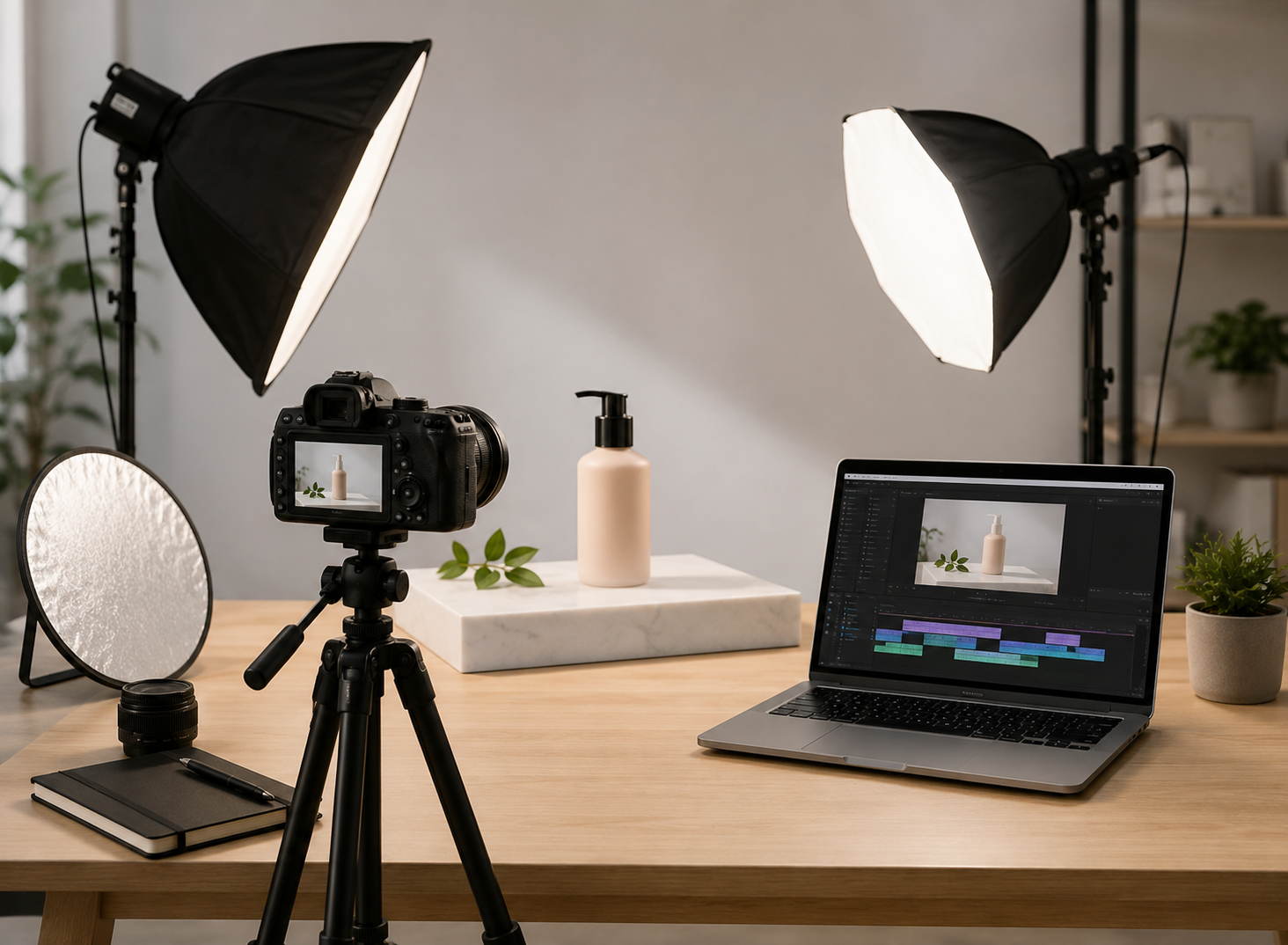
A good product video does more than show what an item looks like. It helps viewers understand why the product matters, how it fits into everyday life, and what they should do next.The process usually starts before filming. A clear goal, a focused script, the right production method, and platform-specific editing all make the final video more effective.
Define the Goal and Choose a Product Video Format
Before writing a script or setting up a camera, decide what viewers should learn or do after watching.
Identify the Audience, Goal, and Main Message
Each product video should have one main purpose. It might introduce a new product, explain a key feature, show how something works, or encourage shoppers to complete a purchase.
Trying to cover every specification often weakens the message. A portable blender video, for instance, does not need to explain every technical detail. Showing someone making a smoothie at a desk can communicate convenience much faster.The CTA should match the goal. An ad may send viewers to a product page, while a software demo can invite them to start a free trial. A tutorial may simply encourage users to try the feature shown.
Match the Format to the Customer Journey
Different formats work better at different stages.
Product demos show how the product works.
Explainer videos focus on the problem and solution.
Product ads build interest around one main benefit.
Tutorials teach a specific task.
Testimonial videos add credibility through customer experience.
Someone discovering a product for the first time may respond better to a short ad. A shopper already comparing options may want a detailed demo instead.
Plan the Script, Storyboard, and Shot List
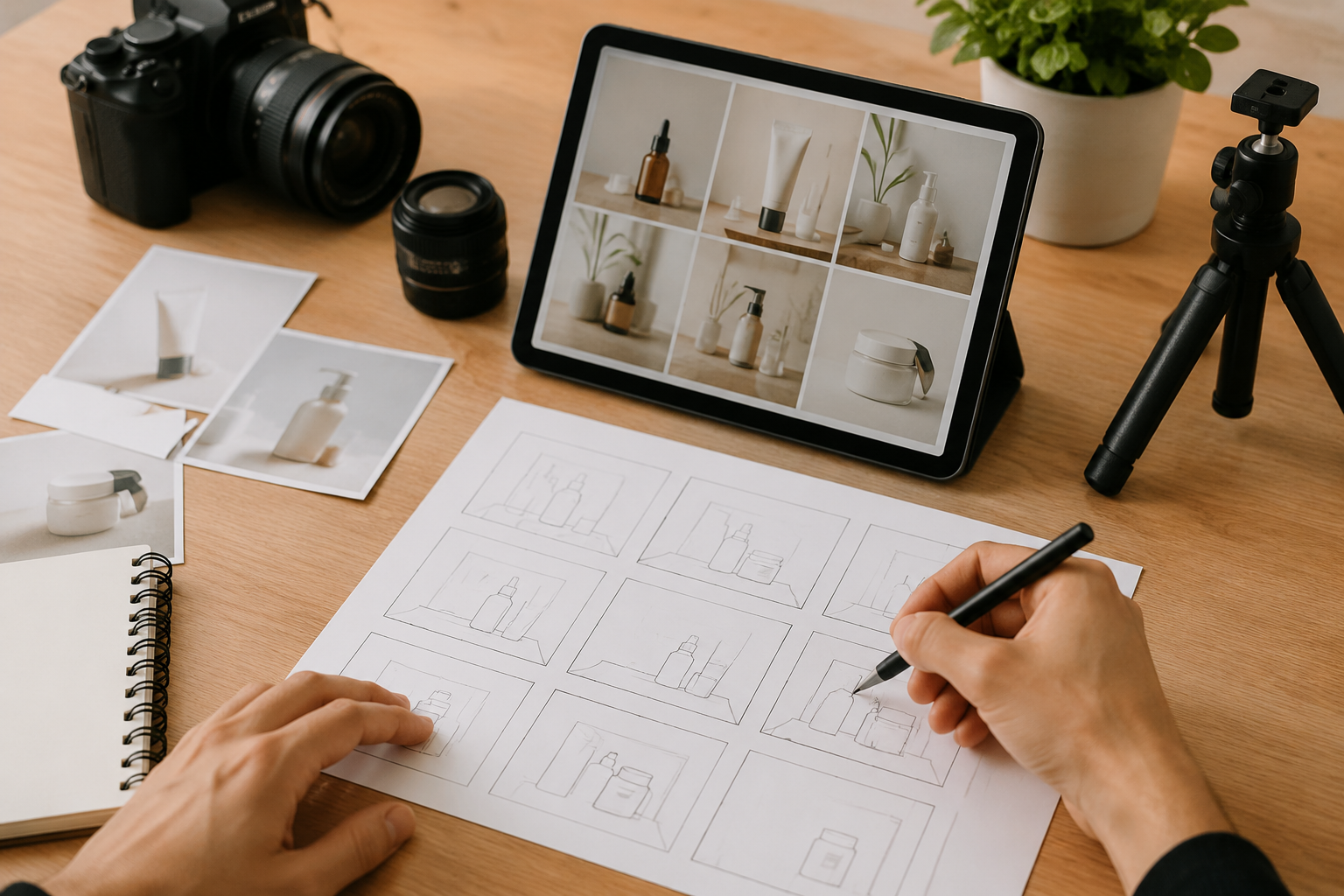
Planning turns product information into scenes that can actually be filmed or generated.
Write a Focused Product Video Script
A simple structure works well for a product video script: Hook, Problem, Solution, Proof, and CTA.
The product or customer problem should appear early. A stain remover ad could open with coffee spilling onto a white shirt rather than a long logo animation.Benefits should also be shown, not just described. Saying a vacuum is easy to maneuver is less convincing than showing it move around furniture with one hand.Whenever possible, let the action prove the claim.
Turn the Script Into a Storyboard
When turning a script into scenes, the storyboard can stay simple. Rough frames are enough if they show the subject, camera angle, product action, narration, and approximate duration.
Continuity matters too. If a person opens a package with the label facing the camera in one shot, the next close-up should not suddenly show it turned around. Clothing, props, lighting, and product condition should remain consistent.
Prepare a Practical Shot List
The shot list converts the storyboard into production tasks.Note the product, location, people, props, lighting, camera setup, and audio needed for each scene. Similar shots can be filmed together instead of following the final video order.
A skincare brand, for instance, may capture every bathroom shot first before moving to a bedroom setup.
Create the Product Video
Depending on budget and available materials, a product video can be filmed, created with an AI video generator, or produced using a mix of both methods.
Film the Product in a Controlled Setup
Start with a clean product and an uncluttered background. The setting should feel believable without distracting from the item being shown.
Soft, consistent lighting usually works best, especially with glass, metal, screens, or glossy packaging. Locking exposure, white balance, and focus can also prevent unwanted changes between shots.Capture more than the main demonstration. Product close-ups, user reactions, environmental footage, and natural sounds give the editor more flexibility.
Make a Product Promotional Video With AI
AI can be useful for ecommerce sellers, solo creators, and small marketing teams that lack a studio, actors, or enough footage.
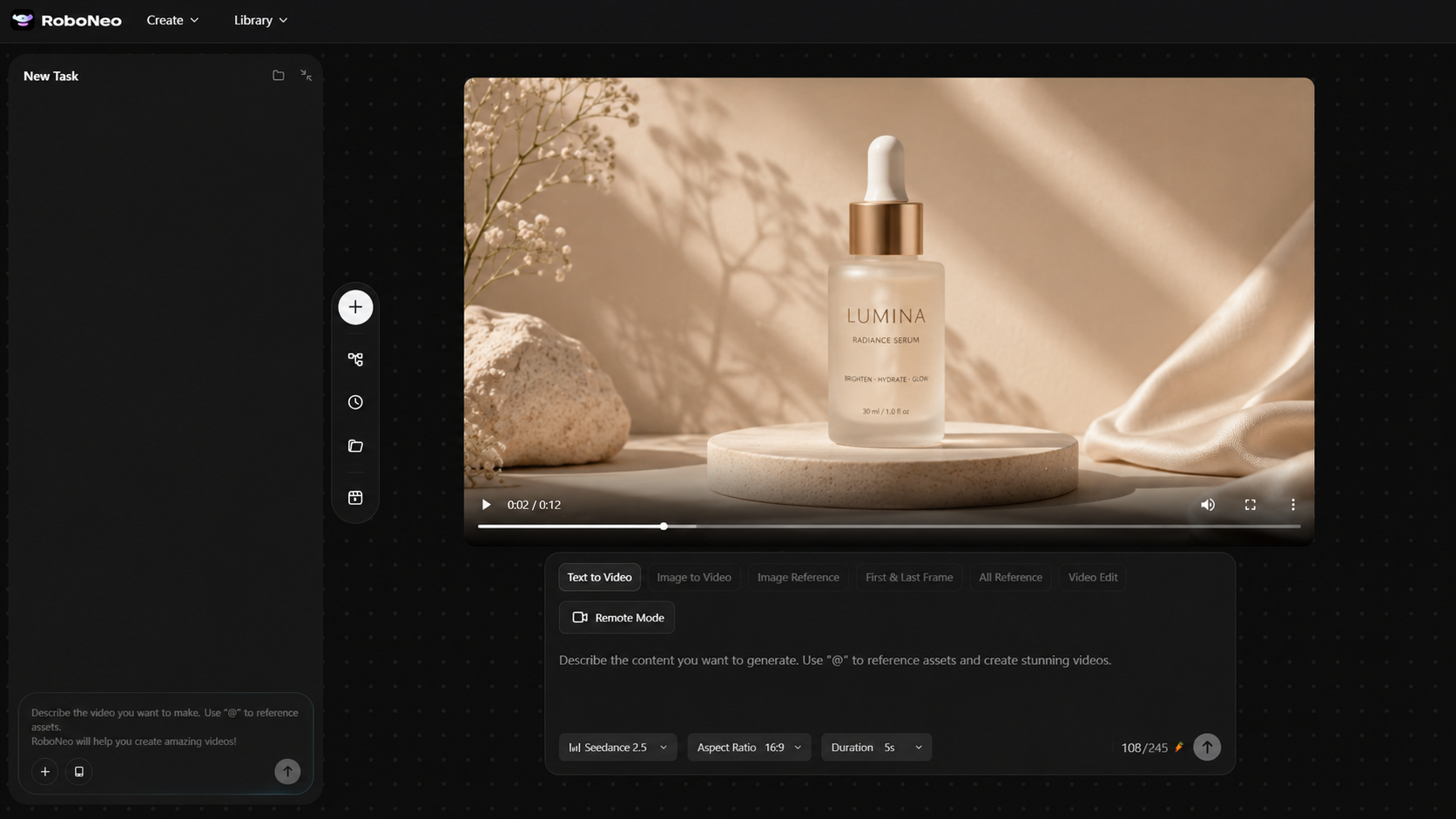
With RoboNeo, creators can start from product images, marketing copy, or a creative description and turn those materials into a promotional video. This approach works well for launch teasers, ecommerce content, social ads, and concept videos.
Before generating, define the product appearance, key benefit, setting, audience, framing, and visual style.Generated footage still needs review. Packaging text, logos, buttons, proportions, and product actions can change or distort. Any scene showing a real feature should match what the product can actually do.
Create Product Videos with RoboNeo
Combine AI Visuals With Real Footage
A hybrid workflow can balance credibility and creative flexibility.Real footage works best for product details, controls, materials, and actual performance. When the product's original look needs to stay consistent, Reference image to video can use existing visuals as a starting point for AI-generated scenes.To make both sources feel consistent, keep the aspect ratio, color tone, light direction, camera movement, and editing pace similar.
Edit and Share the Product Video
Editing should make the message clearer, not simply faster.
Build a Clear First Cut
Arrange the essential shots around the hook, problem, solution, proof, and CTA. Remove repeated information, unnecessary pauses, and attractive footage that does not help explain the product.The product should appear early. Each cut should move the viewer toward a new action, benefit, or result.
Add Text, Audio, and Brand Elements
On-screen text should support the visuals rather than repeat the entire voiceover. Product names, key benefits, simple steps, and the CTA are usually enough.
Captions also need to remain readable on a phone. Keep them away from areas likely to be covered by platform buttons or usernames.
Music should sit behind narration and important product sounds. Branding should stay consistent without taking attention away from the product.
Adapt and Export the Video for Each Platform
Different platforms need different formats.Product pages and YouTube often work well in 16:9. TikTok, Instagram Reels, and YouTube Shorts favor 9:16, while some social feeds use 1:1 or 4:5.Do not rely only on automatic cropping. Recheck the product position, subtitles, cover image, CTA, and main action for every version.
Share the Video Across Relevant Channels
Distribution should follow the goal.A detailed demo can live on a product page or help center. Short ads suit TikTok, Reels, and Shorts. Longer tutorials can go on YouTube and support email campaigns or sales materials.The same footage can be reused, but the opening, caption, CTA, and cover should match the platform.
Common Product Video Mistakes to Avoid
Even polished videos can fail if the product appears too late or the message is unclear.Common problems include long logo openings, listing too many features, using several CTAs, or creating attractive scenes that never show how the product works.Backgrounds, props, and effects should support the product rather than compete with it. Mobile framing, caption size, and silent viewing also need attention.
For AI-generated content, check for distorted packaging, incorrect parts, unrealistic actions, or features the real product does not support.After publishing, views alone are not enough. Completion rate, click-through rate, and conversions usually reveal more about whether the video achieved its original goal.
FAQ
How long should a product video be?
It depends on the format. Short ads often run 15–30 seconds, while simple demos may last 30–90 seconds. Tutorials can be longer when more explanation is genuinely needed.
Can I make a good product video with a phone?
Yes. A stable phone, good lighting, a clean background, and locked exposure can produce strong footage. A tripod or simple microphone may improve quality more than immediately buying an expensive camera.
How much does product video production cost?
Costs vary by production style, crew size, location, equipment, actors, animation, and editing. A solo creator can work with a phone and existing materials, while larger commercial projects may require a full production team.
Do product videos need professional voiceover?
Not always. Short ads may work with text, music, and natural product sounds. For more complex products, clear narration can help explain features and steps.
Can AI-generated product videos be used commercially?
That depends on the platform's terms and the rights attached to the materials used. Before publishing, check commercial-use permissions for images, music, fonts, logos, and recognizable people, and make sure the final video does not misrepresent the product.
You May Be Interested
4K vs 1080p: Should You Upscale 1080p Video to 4K?
How to Use an AI Video Generator Online to Create Viral Content
Best AI Video Enhancer in 2026: 8 Tools, Pros and Cons
Best Free AI Video Generator: Top Tools to Try

6 Best Tools to Fix Blurry Videos in 2026