Character AI Alternative: Better AI Chat Tools
 RoboNeo TeamJuly 8, 2026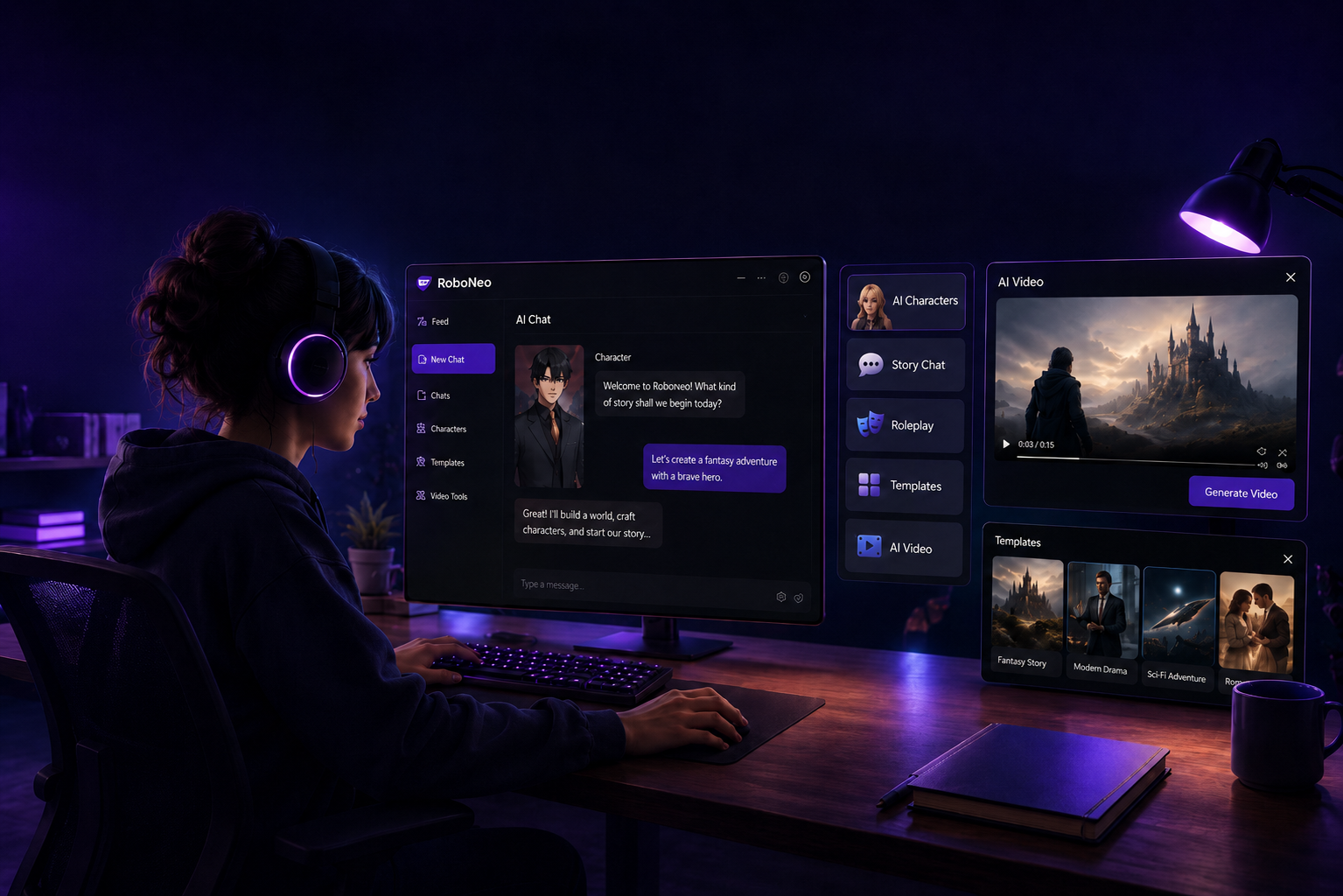
Character AI is a popular choice for AI character chat, but many users look for alternatives with better memory, more flexible roleplay, or stronger creative tools. The right option depends on whether you want casual conversation, story-based roleplay, or character content creation.
This guide covers the best Character AI alternative for companion chat, roleplay, story writing, and short video creation. It also explains how to compare different alternatives to Character AI, choose the right tool, build an AI character, and use practical prompt templates to get better results.
Basic Tools for Character AI Alternatives
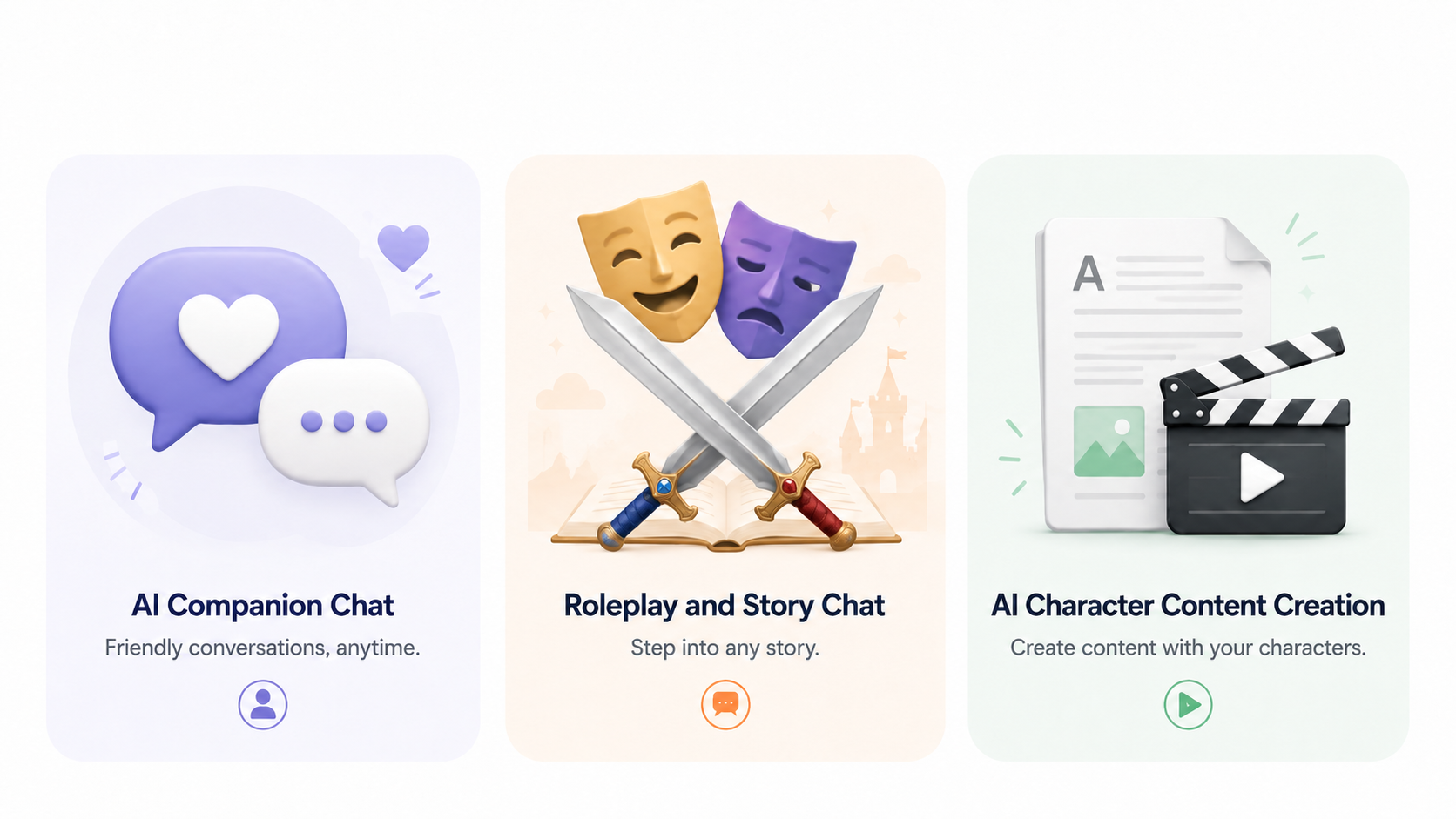
When comparing Character AI alternatives, start with your main use case. Some users need companion chat, while others are closer to choosing a best AI character generator for roleplay, story writing, or character-based video content.
Tool | Best For | Main Strength |
Replika | AI companion chat | Emotional support and casual conversation |
Nomi AI | Companion-style chat | Better memory and natural interaction |
Janitor AI | Roleplay and story chat | Custom characters and flexible roleplay |
SpicyChat AI | Unfiltered story chat | Large character library and open-ended roleplay |
ChatGPT + RoboNeo | Character content creation | Scriptwriting and short video generation |
Tools for AI Companion Chat
AI companion tools are best for users who want a friendly, supportive chat experience rather than complex storytelling.
Replika is one of the most well-known AI companion apps. It works well for daily conversation, emotional support, and casual check-ins. If you want an AI friend to talk to, Replika is a simple place to start.
Nomi AI is another good option for companion-style chat. It focuses more on natural conversation and long-term memory, which can make the AI feel more consistent over time.
Tools for AI Character Content Creation
Some users do not just want to chat with AI characters. They want to turn those characters into scripts, social posts, short dramas, or videos.
For this, ChatGPT + RoboNeo can be a practical workflow:
Use ChatGPT to create the character profile, backstory, dialogue, and scene outline.
Use RoboNeo to turn the script or prompt into short video content.
This works well for creators, marketers, and teams making TikTok-style videos, short drama clips, or character-based ad content.
Tools for Roleplay and Story Chat
If you want roleplay, fictional scenes, or collaborative storytelling, you may need a tool with more character control.
Janitor AI is popular with users who want detailed roleplay and custom characters. It works well for writing backstories, building fictional worlds, and creating longer story scenes.
SpicyChat AI is more open-ended and less restricted. It has a large character library and is often used by users who want more flexible or adult-themed roleplay.
How to Choose the Best Character AI Alternative
The right tool depends on what you want the AI to do. A companion app may be great for daily chat, but not strong enough for long roleplay. A roleplay tool may be flexible, but not ideal for video creation.
Choose Based on Chat, Roleplay, or Story Writing
For casual chat or emotional support, try Replika or Nomi AI.
For roleplay and story chat, try Janitor AI or SpicyChat AI.
For scripts and short videos, use ChatGPT with RoboNeo.
This makes the decision easier and helps you avoid choosing a tool only because it is popular.
Check Memory, Customization, and Free Plan Limits
Memory is important in AI character chat. If the AI keeps forgetting names, relationships, or story details, the conversation can feel broken.
A free Character AI alternative plan is useful for testing, but check message limits, memory, and model quality before building a long-term character.
Step-by-Step Guide to Create an AI Character
Once you choose a tool, the next step is building a character that feels clear and consistent. A strong character profile helps the AI understand how the character should speak, react, and behave.
Step 1. Write a Clear Character Profile
Start with the basics:
Name
Age or background
Appearance
Personality
Backstory
Relationship to the user
Appearance matters more than many beginners expect. If you later use an AI image generator to explore character looks or visual references, these details help keep the character consistent.
Step 2. Set the Personality and Speaking Style
Personality traits help, but speaking style makes the character feel real.
This is also useful when learning how to make a realistic avatar in roboneo, because a believable character needs a clear look, voice, and behavior pattern.
For example, instead of only writing “arrogant,” write:
“He speaks in short, confident sentences, often teases the user, and rarely admits when he is wrong.”
You can also add sample dialogue to guide the AI more clearly.
Step 3. Test the Character in Chat or Roleplay Scenes
After creating the character, test it in different situations. Do not only ask basic questions. Try scenes with conflict, emotion, or surprise.
You can test:
How the character reacts under pressure
Whether the tone stays consistent
Whether the AI remembers key details
Whether the dialogue sounds natural
If the character feels too generic, adjust the profile and add more specific examples.
Step 4. Turn the Character into Short Video Content
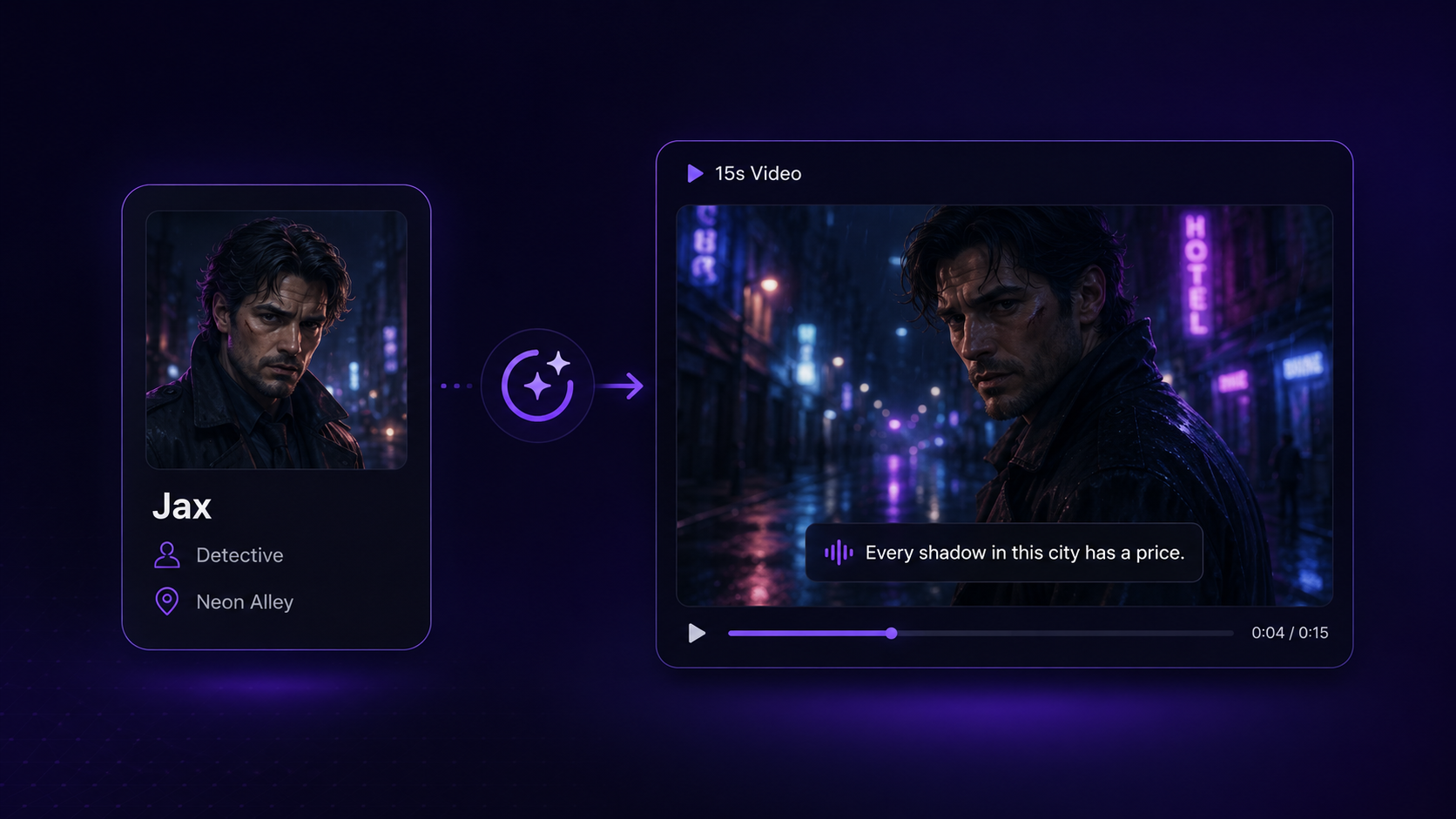
For creators, the character can become the base for a short video. Take the profile, setting, and dialogue, then turn them into a video prompt.
Example:
“Create a 15-second video. A detective named Jax stands in a rainy, neon-lit alley. He looks tired but focused. He turns toward the camera and says, ‘Every shadow in this city has a price.’” A tool like RoboNeo can help turn this type of character prompt into short video content for social media, short dramas, or ads.
Practical Examples: AI Character Prompt Templates
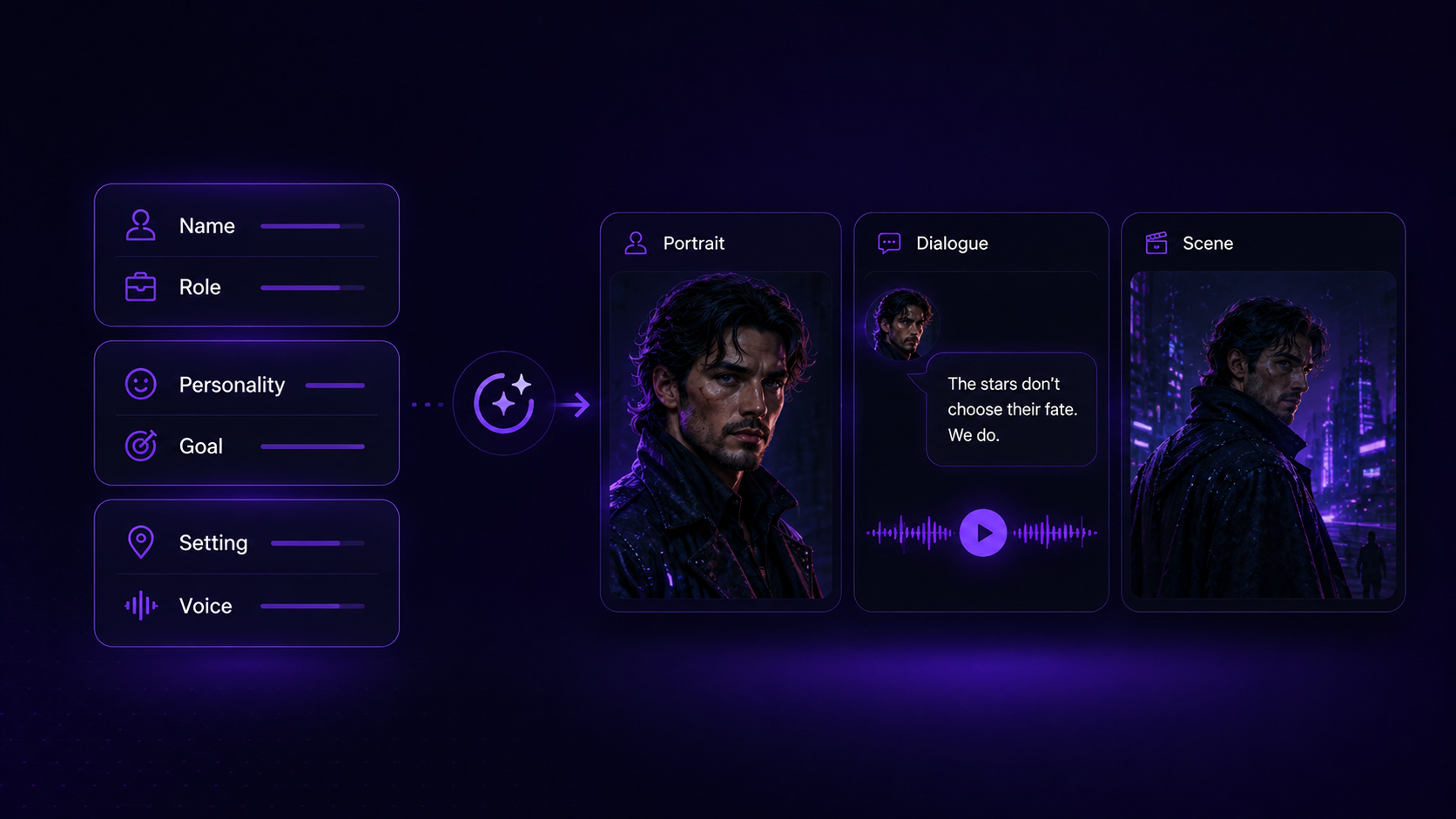
Example 1: AI Companion Character Prompt
Name: Elara
Role: A calm and supportive librarian from a small town
Personality: Patient, warm, and thoughtful
Speaking Style: Gentle and comforting
Goal: Offer a relaxing space for conversation and simple advice
Example 2: Fantasy Roleplay Character Prompt
Name: Kaelen
Role: A disgraced royal knight looking for redemption
Appearance: Worn steel armor, old battle marks, scar over one eye
Personality: Serious, guarded, and loyal once trust is earned
Backstory: He was exiled after being framed for a crime and is now searching for the real traitor.
Example 3: Anime Character Chat Prompt
Name: Ren
Role: The user’s talented rival at a hero academy
Personality: Confident, competitive, and sarcastic
Speaking Style: Short, bold sentences with light teasing
Example Dialogue: “Heh, still trying to catch up? Try not to fall behind.”
Example 4: AI Short Drama Character Prompt
Scene: A futuristic coffee shop at night
Character: Anya, a rogue android sitting alone at a corner table
Action: She hides a glowing data chip under her cup while watching the door
Dialogue: “This has to work. It’s the only way out.”
FAQ
Can I import my Character AI settings into other tools?
Usually, no. Most platforms do not support direct imports from Character AI. You can manually copy your character description, backstory, personality traits, and sample dialogue into the new tool.
What is the best Character AI alternative?
There is no single best option for everyone. Replika and Nomi AI are good for companion chat. Janitor AI and SpicyChat AI are better for roleplay. ChatGPT plus RoboNeo is better for turning AI characters into scripts and short videos.
Why do users look for alternatives to Character AI?
Users often look for alternatives to Character AI because they want better memory, more creative freedom, fewer content restrictions, or more control over character behavior. Some also want features like scriptwriting or video generation.
Do Character AI alternatives remember conversations?
Most AI chat tools have some form of memory, but quality varies. Some remember basic details well, while others may forget important plots during longer chats. It is best to test memory before building a long-term character or story.
Character AI Alternative: Better AI Chat Tools
Best YouTube Script Generator: From Script Writing to Video Creation
How to Write Script for Youtube Video
How to Write a Script for a Short Film