Prompts for Movie-Quality AI Video Generation: A Practical Guide
 RoboNeo TeamAugust 25, 2026
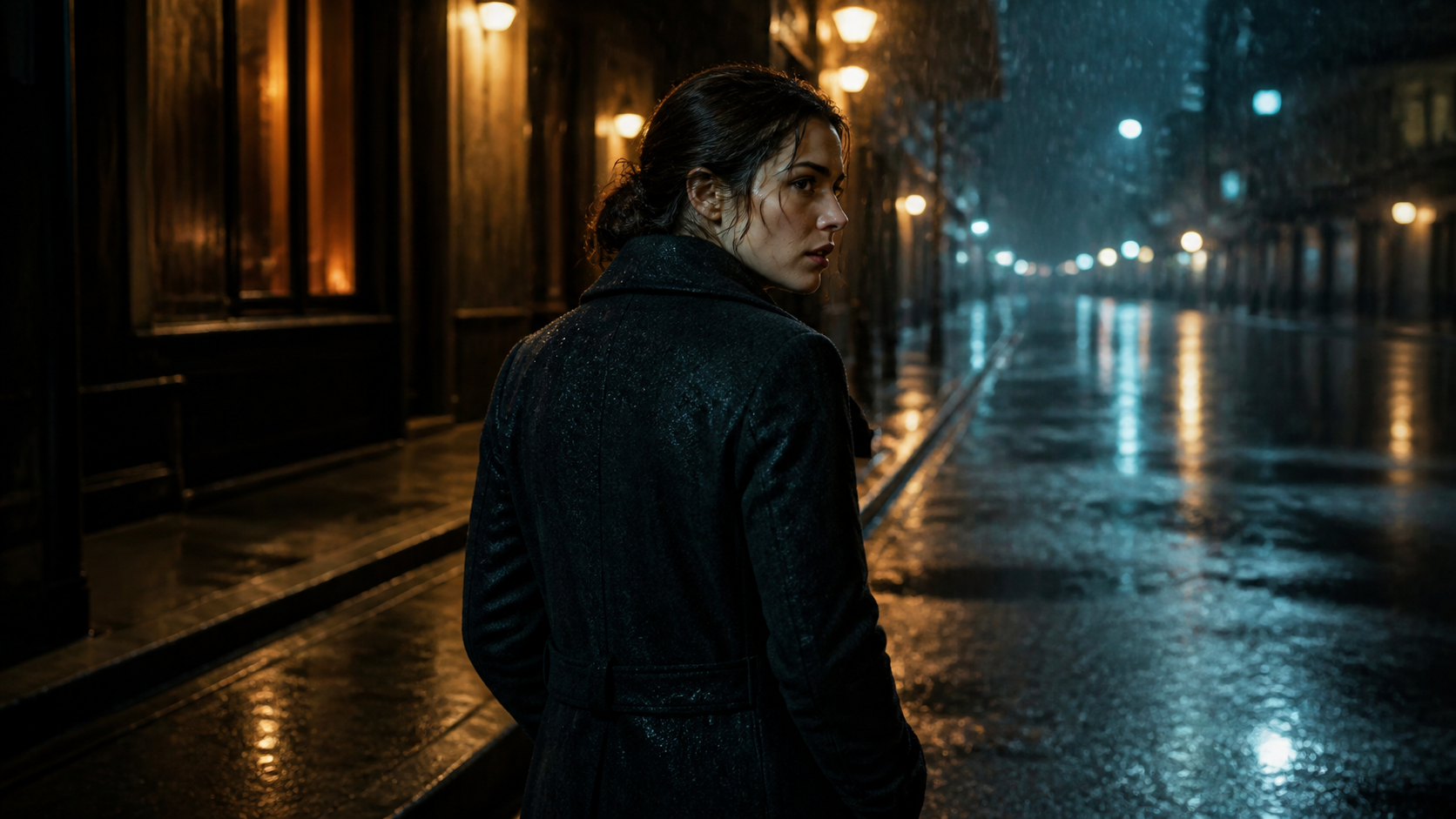 Creating movie-quality AI videos requires more than adding words such as "cinematic," "dramatic," or "realistic" to a prompt. Effective prompts for movie-quality AI video generation need a clear visual plan covering the subject, action, setting, camera movement, lighting, and overall style. When these elements work together, the generated footage is more likely to feel intentional, consistent, and visually convincing.
This practical guide explains how to write prompts for AI video generation, adapt them to different creative projects, and improve early results without making each prompt unnecessarily long or complicated.
What Makes an AI Video Prompt Produce Movie-Quality Results?
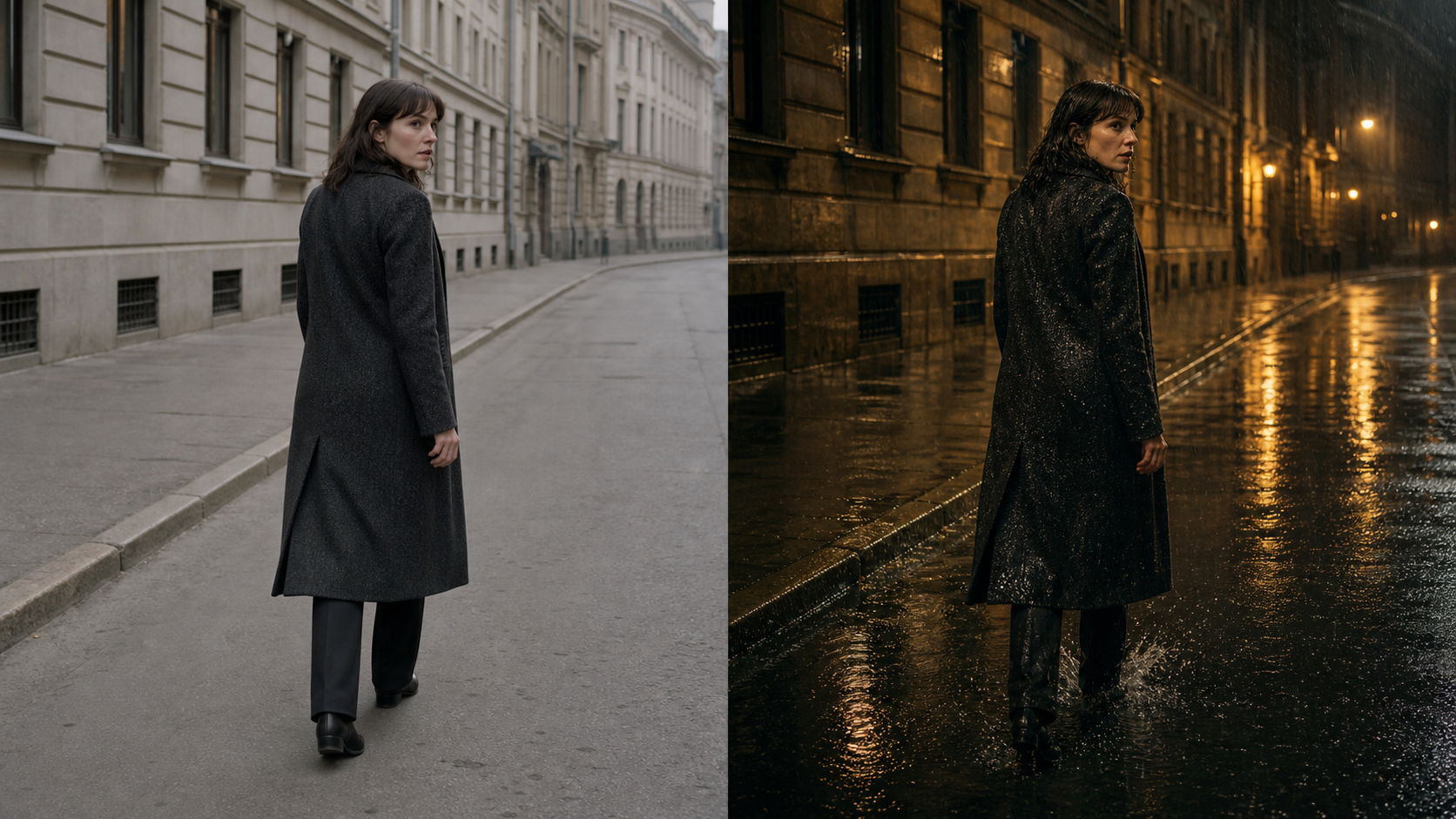
A strong AI video prompt gives the model enough information to understand both the scene and how it should develop over time. Adding more adjectives does not automatically produce better footage. Clear relationships between the subject, movement, environment, and camera usually have a greater impact.
Compare these two prompts:
A cinematic woman walking at night.
A tired detective in a dark wool coat walks slowly through a rain-soaked city street at midnight, glancing over her shoulder as neon signs reflect in the puddles. The camera follows from behind with a slow handheld movement and shallow depth of field.
The second prompt defines what is happening, how the character behaves, and how the viewer experiences the scene. It gives the AI a complete visual direction instead of leaving major decisions undefined.
Define the Subject, Action, and Scene Clearly
Every prompt should answer three basic questions: Who or what appears in the video? What is happening? Where does it take place? This focused approach also makes the process of creating AI videos easier to control, especially for beginners working with text prompts.
A vague subject forces the model to invent important details. "A man running" leaves his age, clothing, speed, surroundings, and motivation undefined. A clearer version might describe "a middle-aged mountain runner in a red windbreaker moving carefully across a narrow ridge at sunrise."
Actions should also be visible and specific. Emotional words alone may not translate well into movement. Instead of stating that a character feels nervous, describe the physical signs of that emotion: tightened shoulders, uneven breathing, hesitant steps, or repeated glances toward a closed door.
Everyday scenes benefit from the same level of clarity. A family breakfast video could show a father pouring coffee while two children reach for toast in a bright kitchen. These small, recognizable actions give the model a concrete sequence to generate.
Add Cinematic Details Without Overloading the Prompt
Camera language, lighting, composition, and atmosphere can make an AI-generated video look more cinematic. These details still need to point toward the same visual direction.
A prompt that requests soft morning light, colorful neon, deep shadows, flat studio lighting, and a vintage documentary look creates several competing instructions. Choosing one lighting setup and one dominant style usually produces a more stable result.
Useful cinematic details include:
Shot size, such as a wide shot, medium close-up, or extreme close-up
Camera angle, such as eye level, low angle, or overhead
Camera movement, including tracking, panning, tilting, or dolly movement
Lighting direction and intensity
Depth of field and focus behavior
Color palette and overall atmosphere
A quiet café scene could use warm window light, muted brown tones, a static medium shot, and gentle background blur. Each element reinforces the intimate mood without crowding the prompt.
Describe Motion and Camera Movement Precisely
Video prompts must describe change over time. A well-composed opening frame will not save a clip when the subject’s motion or the camera path remains unclear.
Subject movement and camera movement should be described separately. "A cyclist races downhill while the camera tracks beside her" is easier to interpret than "dynamic fast cinematic cycling shot." The first version identifies the moving subject, direction, speed, and camera relationship.
Timing matters as well. A slow dolly-in creates suspense, while a rapid handheld push can suggest panic or urgency. If a person picks up a glass, looks toward the window, and walks away, the actions should occur in a manageable order. Asking for every movement at the same time may produce unnatural hands, abrupt transitions, or inconsistent body positions.
Build Different Types of Movie-Quality AI Video Prompts
The best prompt structure changes with the purpose of the video. A short film needs narrative progression, while a commercial requires controlled product presentation. Action scenes need even tighter limits because multiple movements and effects can reduce visual stability.
Cinematic Story and Short Film Prompts
Story-focused prompts should connect visible actions to a character’s goal or emotional change. The model does not need a complete screenplay in one prompt, but it should understand the dramatic purpose of the shot.
A short mystery scene might use this prompt:
An elderly watchmaker sits alone in his dim workshop after closing time. He hears a faint ticking from a locked drawer and slowly turns toward it. The camera begins in a wide shot, then moves closer as his expression changes from confusion to fear. Warm desk-lamp light contrasts with the dark blue street outside.
The prompt establishes a character, an unexpected event, an emotional shift, and a simple camera progression. When using AI to make a short film, dividing the story into several shorter shots is usually more reliable than placing the entire plot in one generation.
The first clip could show the empty workshop. A second clip could focus on the watchmaker hearing the sound. The final shot could reveal his hand approaching the locked drawer. Editing these clips together gives the sequence a clearer rhythm.
Product and Commercial Video Prompts
Commercial prompts focus on shape, material, branding, and controlled movement. The product should remain the visual priority throughout the clip. A clear TV commercial script can also organize the product reveal, key message, and final call to action before visual generation begins.
A skincare advertisement may show a glass serum bottle resting on wet stone as soft morning light passes through the liquid. A slow camera orbit reveals the label while small droplets move naturally across the surface. The restrained action keeps the packaging recognizable and avoids distracting changes.
Product descriptions should remain consistent across different shots. Repeating the same color, material, logo placement, lens choice, and background palette can reduce unwanted visual changes. When human interaction is necessary, simple movement works best. A hand opening a laptop is easier to control than a person carrying it through several environments while the camera repeatedly changes angles.
A local bakery could use the same approach for a short social media advertisement. One clip shows a warm loaf being placed on a wooden counter. Another captures steam rising as the bread is sliced. Consistent lighting and surface materials make the separate shots feel like one campaign.
Action and Fantasy Scene Prompts
Complex action scenes are difficult because they combine rapid movement, character interaction, visual effects, and camera changes. Limiting the number of simultaneous events gives the model a clearer task.
A focused fantasy prompt might read:
A silver-armored knight blocks a single burst of blue dragon fire with a round shield on a ruined stone bridge. Sparks scatter across the wet ground as the camera moves backward in a low tracking shot. Heavy clouds and cold moonlight create a dark medieval atmosphere.
This prompt contains one character action, one visual effect, and one camera movement. It is more controllable than requesting an entire army, multiple dragons, collapsing buildings, explosions, and several camera angles in the same clip.
Additional events can be generated as individual shots. The dragon may appear in a separate wide shot, while the knight’s reaction can be captured in a close-up. This approach creates more editing flexibility and reduces visual errors.
How to Write Effective Prompts for AI Video Generation
Learning how to write effective prompts for AI video generation begins with organizing visual information clearly. The prompt should explain what appears on screen, how the scene develops, and how the camera presents the action.
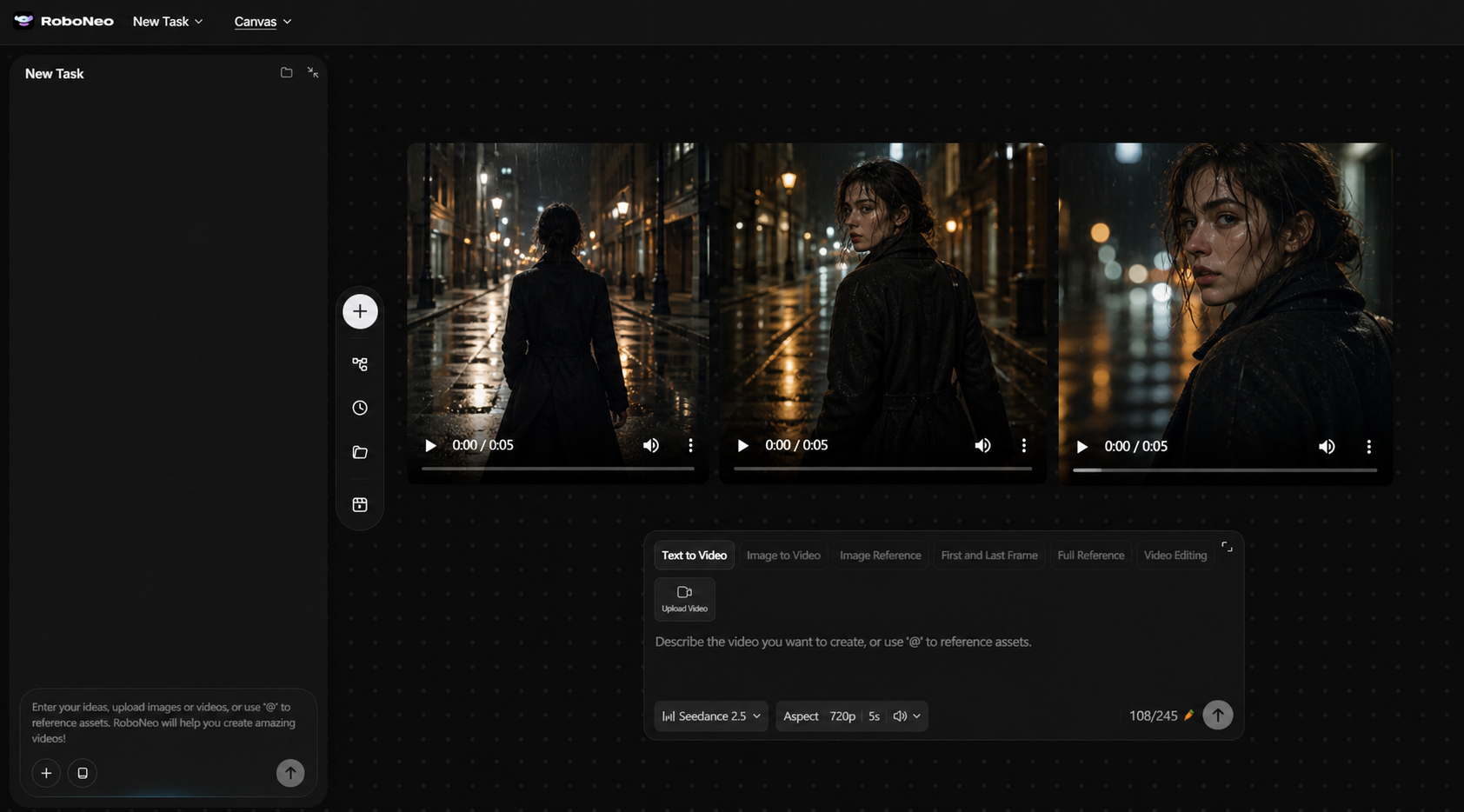
RoboNeo provides an AI video generation tool that helps creators turn written ideas into video content. A structured prompt can communicate the intended story, characters, and visual direction more clearly, supporting a smoother process from early concept development to video production.
Create Better Videos with RoboNeo
Start With a Simple Prompt Structure
The following formula offers a practical starting point:
Subject + Action + Environment + Camera + Lighting + Style
A travel video prompt built around this structure could be:
A solo traveler carrying a canvas backpack steps off an old train in a small mountain village and pauses to look at the snow-covered rooftops. Begin with a wide establishing shot, then move forward slowly. Pale sunrise light and natural colors create a realistic cinematic style.
The sentence does not need to follow the formula mechanically. Its purpose is to prevent essential information from being overlooked. Once the foundation is clear, smaller details can be added where they improve the scene.
Creators learning how to write prompts for AI video generation should begin with one subject, one primary action, and one camera movement. These structured descriptions can then be turned into initial footage with an AI text-to-video tool, while more complex details can be introduced after the basic composition works.
Use Reference Images and Visual Consistency Instructions
Text prompts work well for describing ideas, actions, and atmosphere. When a particular face, outfit, product design, or visual style must appear repeatedly, a reference image-to-video tool can provide more control over the generated footage.
Consistency instructions should identify stable visual features. A recurring character might always have short black hair, a green bomber jacket, and a small scar above the left eyebrow. A product sequence may retain the same white ceramic casing, blue indicator light, and silver logo.
Environment details matter too. If one shot takes place in a modern apartment with pale wooden furniture and warm neutral colors, later prompts should repeat those features. Otherwise, the room may change between generations even when the character remains recognizable.
Reference images cannot control every frame perfectly. Small changes may still appear in facial features, clothing, backgrounds, or product labels. Shorter shots and repeated consistency instructions can make those variations easier to manage.
Control Realism Through Lighting, Texture, and Physics
Photorealistic AI video prompts should describe how materials and movement behave. Convincing physical details often contribute more realism than a general request for “ultra-realistic 4K.”
A rainy street should show water reflecting nearby lights, clothing becoming damp, and footsteps creating small splashes. A heavy suitcase should move differently from an empty plastic bag. Hair and loose fabric should respond to wind coming from the same direction.
Lighting needs a clear source. Window light falling from the left, fluorescent ceiling lights, or a warm lamp behind the subject gives the model a physical basis for shadows and highlights. Conflicting light directions can make faces and objects appear artificial.
Motion also needs appropriate weight. A ceramic cup placed on a table should stop firmly, while a curtain should continue moving after a window is opened. These details help the generated scene follow familiar physical behavior.
Improve AI Video Prompts Through Testing and Refinement
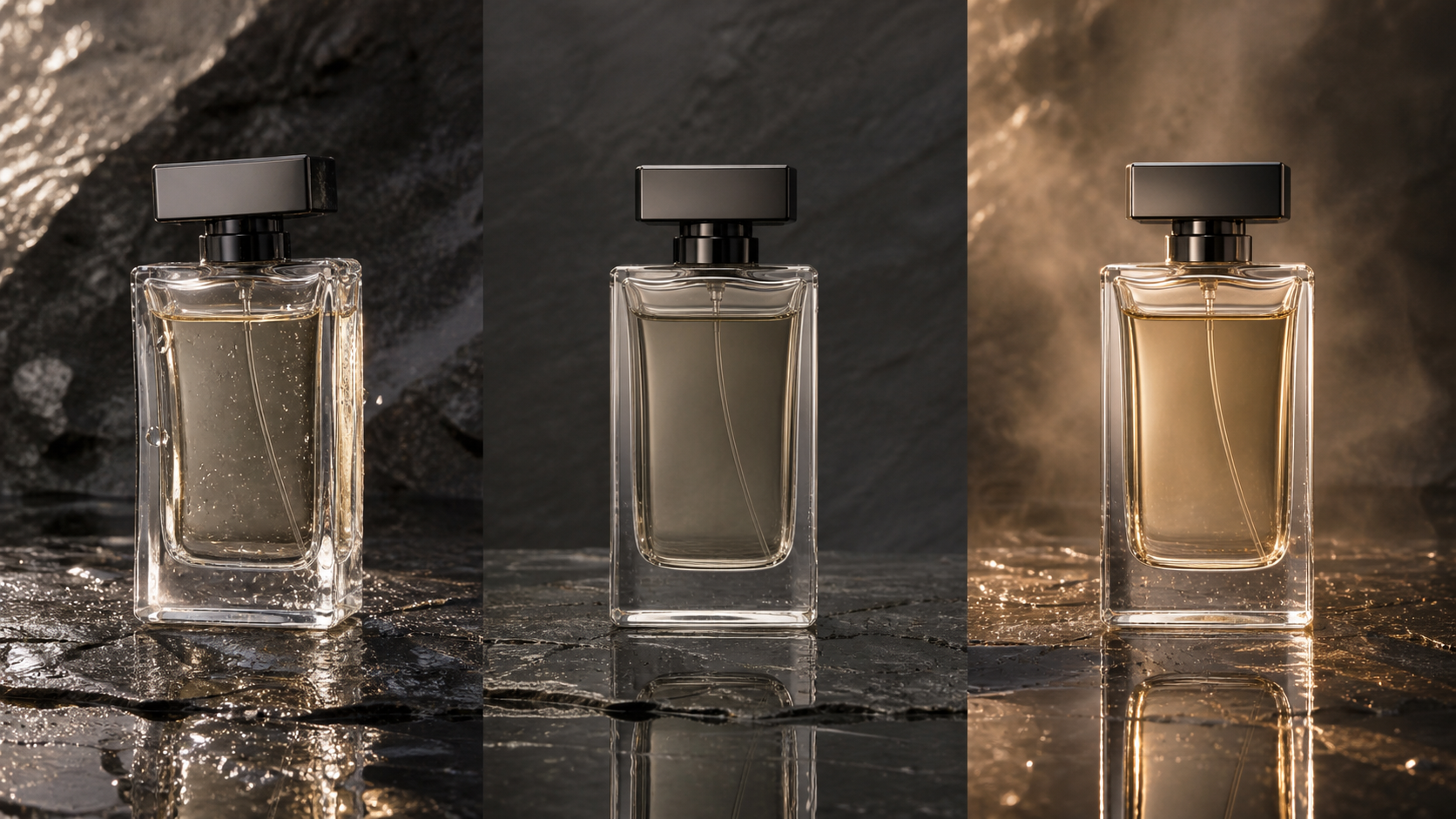
Movie-quality results often emerge through several controlled revisions. The first generation reveals how the model interpreted the prompt and which parts need clearer direction.
Review the First Generation for Visual Errors
The first output should be treated as a visual test. Check whether the subject remains recognizable, the action follows the requested order, and the background stays stable.
Pay particular attention to:
Hands, facial proportions, and body movement
Sudden changes in clothing or product design
Objects appearing or disappearing
Inconsistent shadows and light sources
Camera movement that is faster or rougher than intended
A clip can look impressive at first glance while still containing distracting errors near the end. Reviewing it frame by frame often reveals where the prompt needs more control.
Adjust One Element at a Time
Changing the character, action, camera, lighting, and style together makes it difficult to identify which instruction improved or weakened the result.
When the character looks correct but the movement feels unnatural, preserve the appearance description and simplify the action. If the scene remains visually stable but feels flat, adjust the lighting or camera movement without rewriting everything else.
A kitchen commercial with an unstable background might improve after replacing a complete camera orbit with a slow forward movement. The product description and lighting instructions can remain unchanged. This controlled adjustment makes the source of the improvement easier to identify.
Create a Prompt Library for Future Projects
Successful prompts become useful production assets. Save each prompt with the generated clip, model settings, aspect ratio, duration, and short notes about what worked.
The library can be organized by purpose, including dialogue scenes, product reveals, establishing shots, camera movements, and realistic character actions. Over time, creators can reuse proven structures instead of beginning every project with an empty prompt field.
A saved prompt should remain adaptable. The camera structure from a successful perfume advertisement could later support a watch, cosmetic product, or piece of jewelry after the product-specific details are replaced.
FAQ
What makes an AI video prompt effective?
An effective AI video prompt clearly defines the subject, action, environment, camera behavior, lighting, and visual style. These elements should support the same creative direction. Structured descriptions reduce the amount of important visual information the model must invent.
How long should an AI video prompt be?
There is no ideal word count. A prompt should be long enough to communicate the visual goal without adding irrelevant or conflicting details. Short prompts may leave too much undefined, while extremely long prompts can weaken the priority of the most important instructions.
Should I use text prompts or image references for better results?
Text prompts are suitable for developing original concepts, actions, and story situations. Image references provide stronger control over character appearance, product details, composition, and visual style. Projects that require consistency across several shots often benefit from using both.
How can I make AI videos look more cinematic?
Use deliberate camera angles, shot sizes, movement, lighting, composition, and color direction. A slow tracking shot with controlled side lighting communicates more than repeating the word “cinematic.” The subject’s movement and the camera path should also match the mood of the scene.
Why do AI-generated videos look unrealistic?
Unrealistic results often come from vague prompts, overly complicated action, inconsistent character descriptions, or physically impossible movement. Simplifying the scene, clarifying the motion, defining the light source, and refining one element at a time can improve stability and realism
You May Be Interested
How to Turn Long YouTube Videos into TikToks with an AI Video Clip Generator
6 Best Ai Character Generator in 2026: Tested & Compared
How to Create Stunning Visuals with the Best AI Music Video Generator

5 Best Free AI Story Generators in 2026: Tested & Ranked
Best Prompt for YouTube Script in 2026
Image to Video Girl Dancing Prompts: 20 AI Prompt Ideas