YouTube Video Downloader and Watermark Removal Guide
 RoboNeo TeamJuly 21, 2026
If you're looking to download a YouTube video and strip away its watermark, you should usually stick to your own uploads, clips you've got the green light to edit, or content you can legally reuse.
This guide walks you through the two main steps people actually mean when they search for a YouTube video downloader watermark remover. Along the way, we'll also show you how to keep your video quality from dropping and steer clear of any copyright trouble.
Can You Download YouTube Videos and Remove Watermarks Legally?
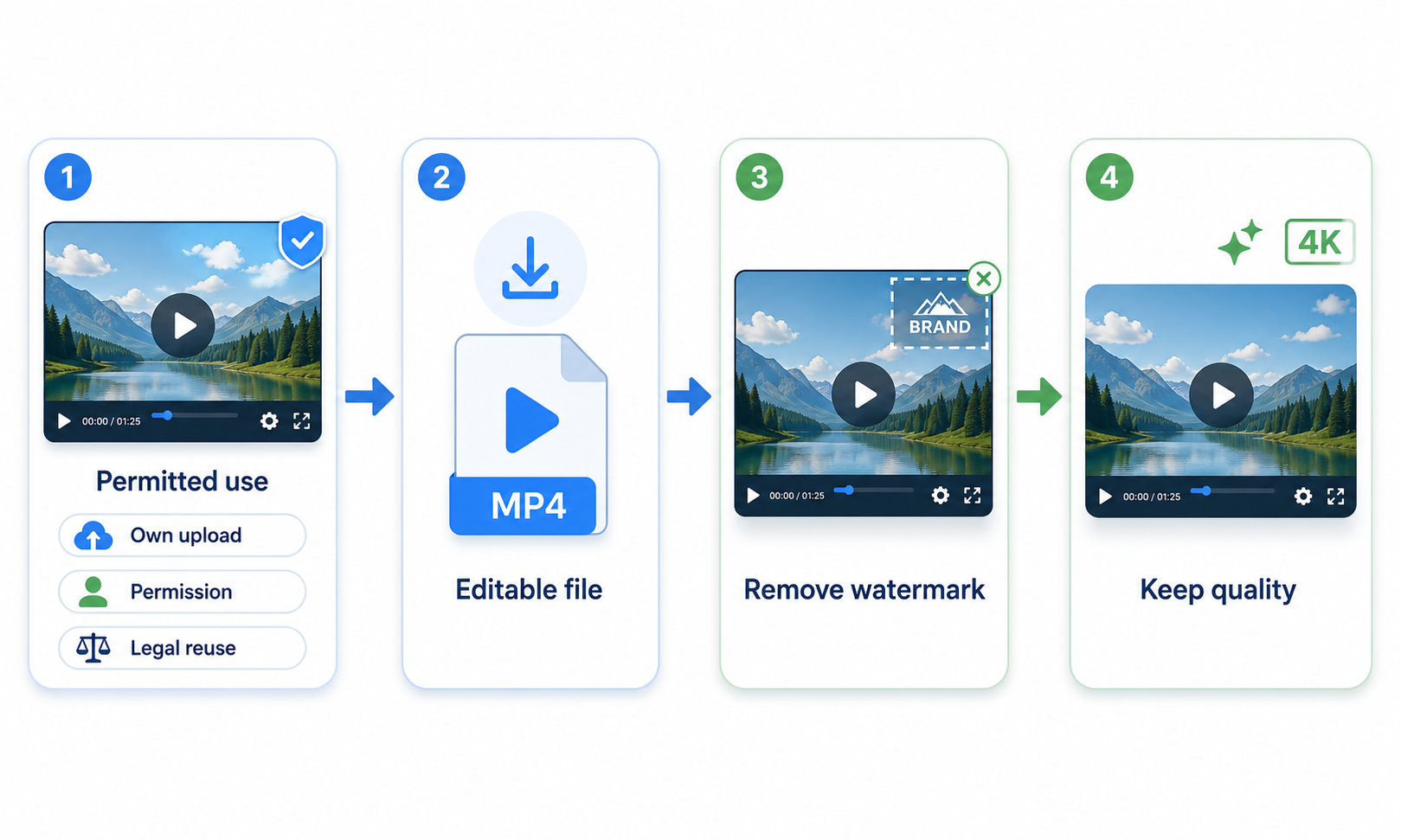
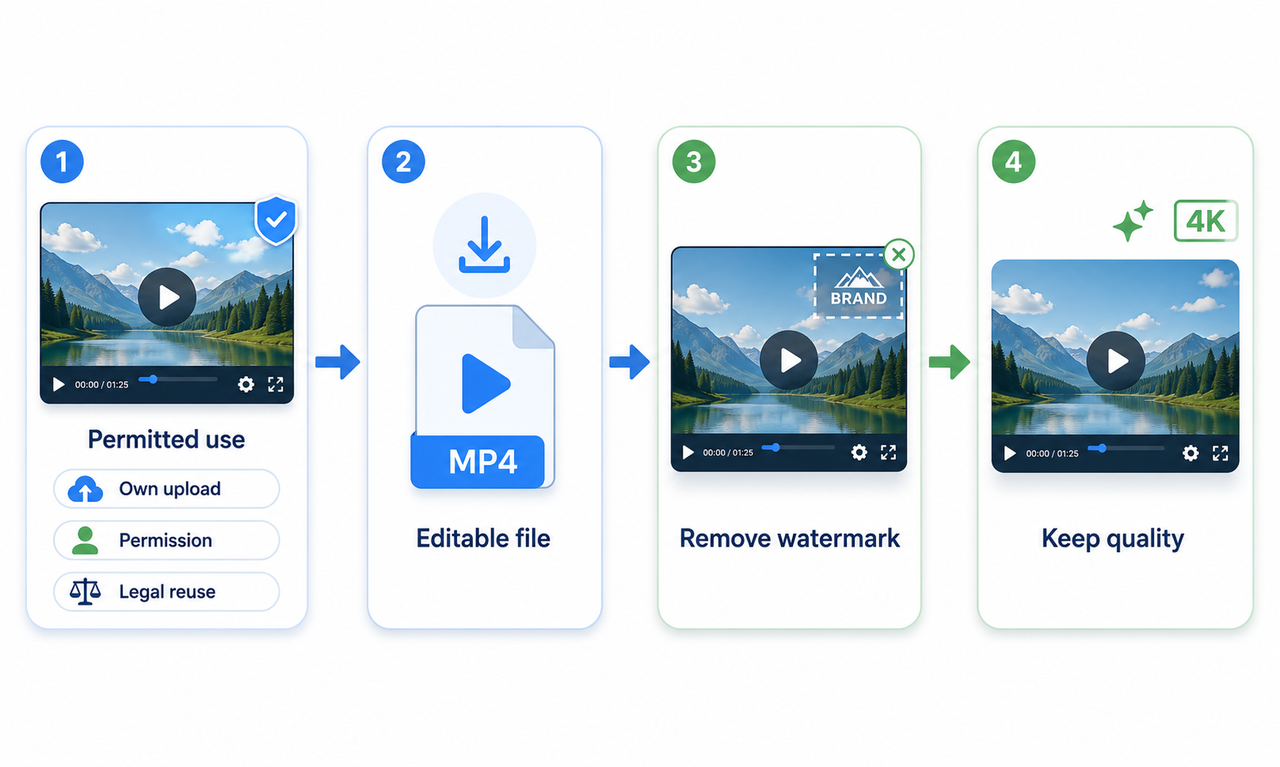
You can generally download and edit a video when you own it, have the creator’s permission, or are using content under a license that allows modification.
This may include:
Videos you uploaded yourself
Content the creator has authorized you to edit
Public-domain footage
Creative Commons videos that allow adaptation
YouTube videos may contain channel logos, usernames, editing-app marks, stock-footage watermarks, or branded overlays. Removing these marks is usually appropriate only when they belong to you or the owner has approved the edit.
Removing someone else’s watermark to hide ownership or avoid giving required credit may violate copyright, licensing terms, or YouTube’s platform rules.
What to Check Before Downloading a YouTube Video
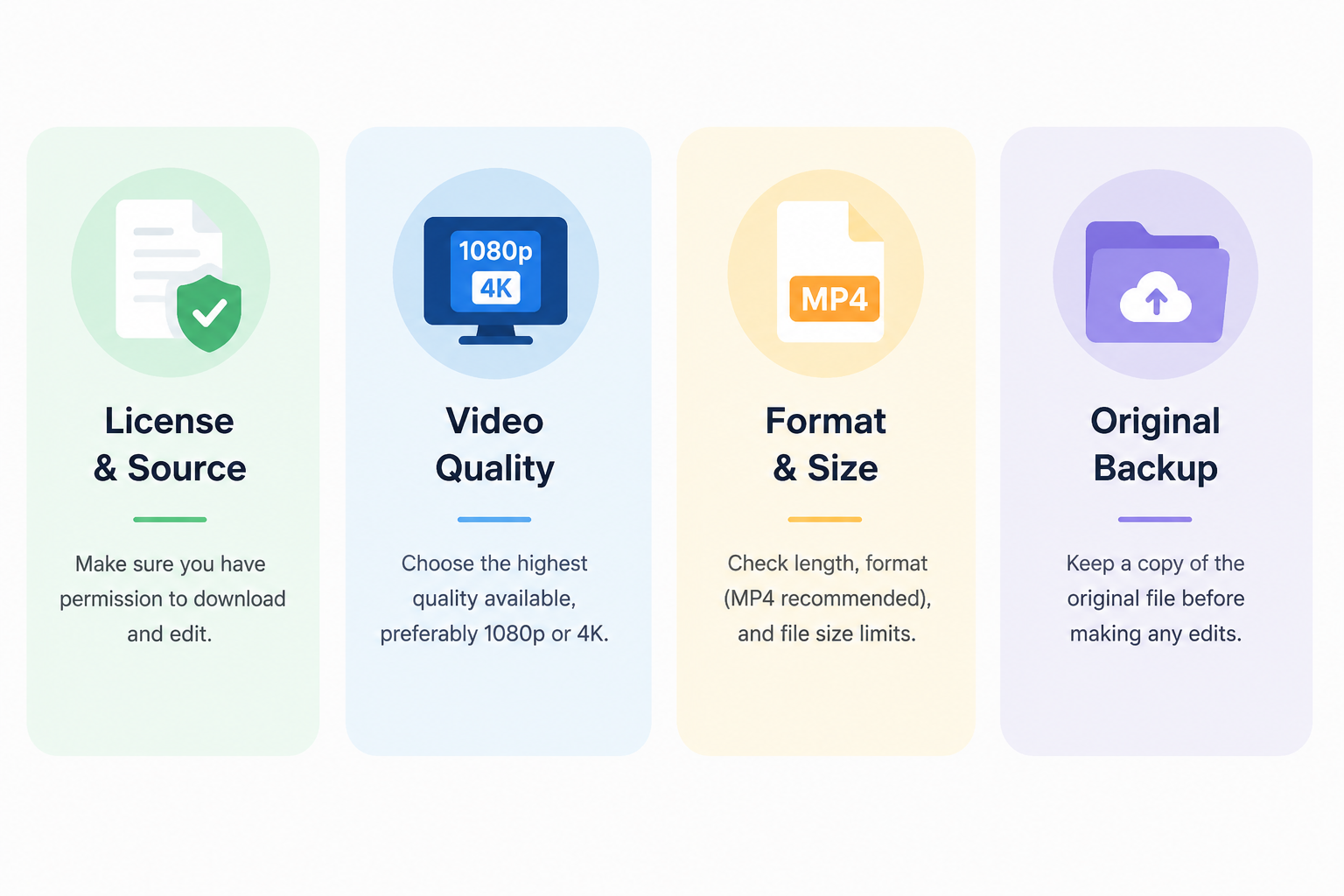
A few checks up front can help you avoid licensing problems, unsupported files, and unnecessary quality loss.
Confirm the Video License and Source
Check who owns the video and whether its license allows downloading and editing. If it belongs to someone else, get written permission before using it.
A publicly available video is still protected by copyright unless the owner or license says otherwise.
Choose the Highest Available Video Quality
Use the highest-quality version you can access, preferably 1080p or 4K. Editing and exporting can soften the image, so a sharper source gives you better results.
For collaborations or when learning how to make ai videos, ask the creator to send over the original file when possible.
Check the Video Length, Format, and File Size
Look into the video’s length, resolution, format, and file size before choosing a tool. Long 4K videos need more storage and processing power. MP4 works with most editors and online tools. Check the upload limits first so you do not get stuck during processing.
Keep a Copy of the Original File
Back up the untouched video before editing. If the removal looks off, you can go back to the clean file without downloading and compressing it again.
How to Download YouTube Videos for Permitted Use
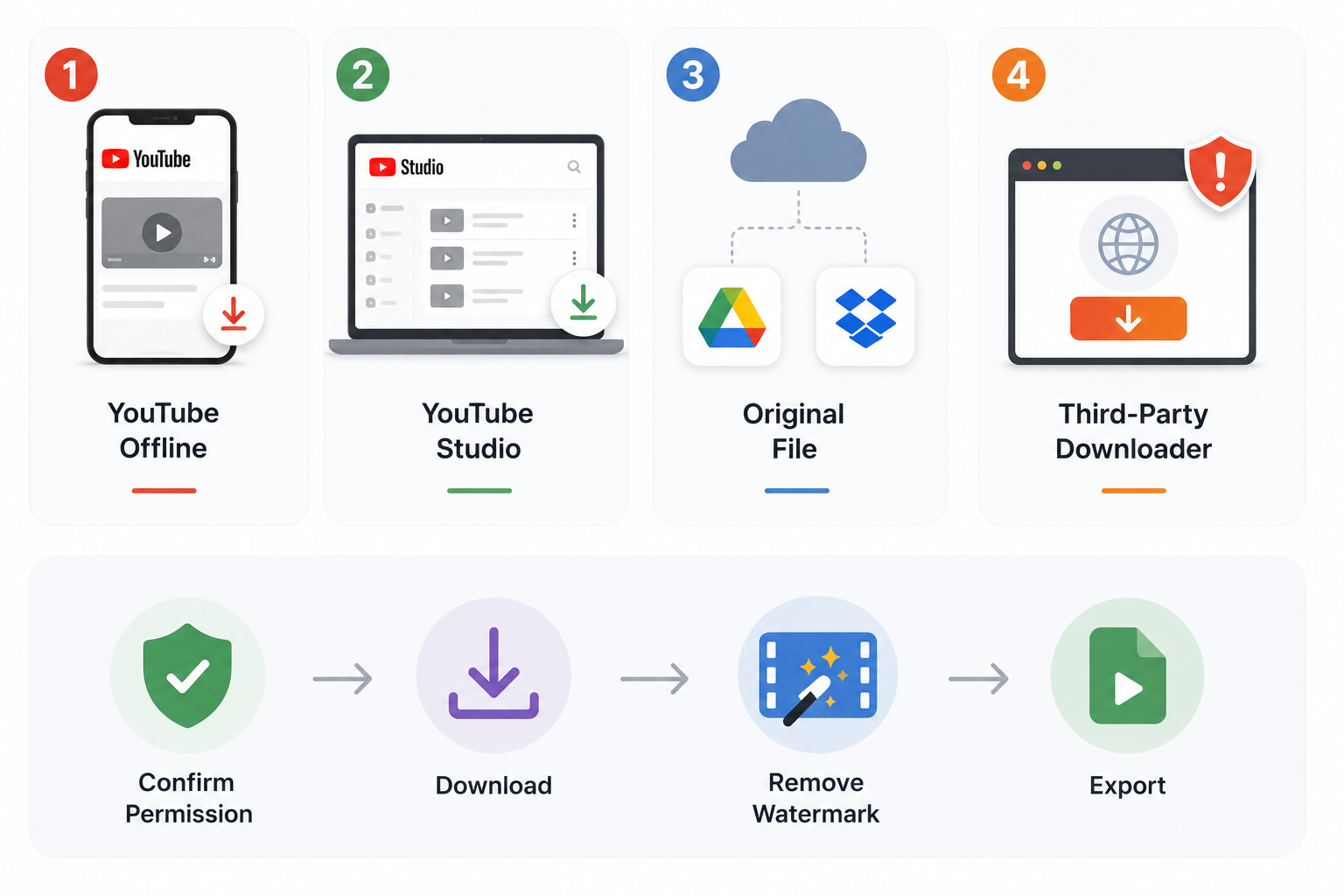
A YouTube video downloader and watermark remover may sound like one tool, but downloading and video watermark removal are usually handled in separate steps. After confirming that you can use the video, choose the most suitable download option:
Use YouTube’s Official Offline Download Option: This saves eligible videos for viewing inside the YouTube app, but the files usually cannot be opened in an external editor.
Download Your Own Videos from YouTube Studio: Open the Content section, find the video, click the three-dot menu, and select Download.
Use the Original File or a Shared Download Link: Ask the creator to share the source file through Google Drive, Dropbox, or another file-sharing service. This often provides better quality than a YouTube download.
Use a Third-Party Downloader Carefully: Only use one when you have permission and the method follows YouTube’s rules. Watch out for malware, intrusive ads, and services that ask for account passwords.
What Types of Watermarks Appear on YouTube Videos?
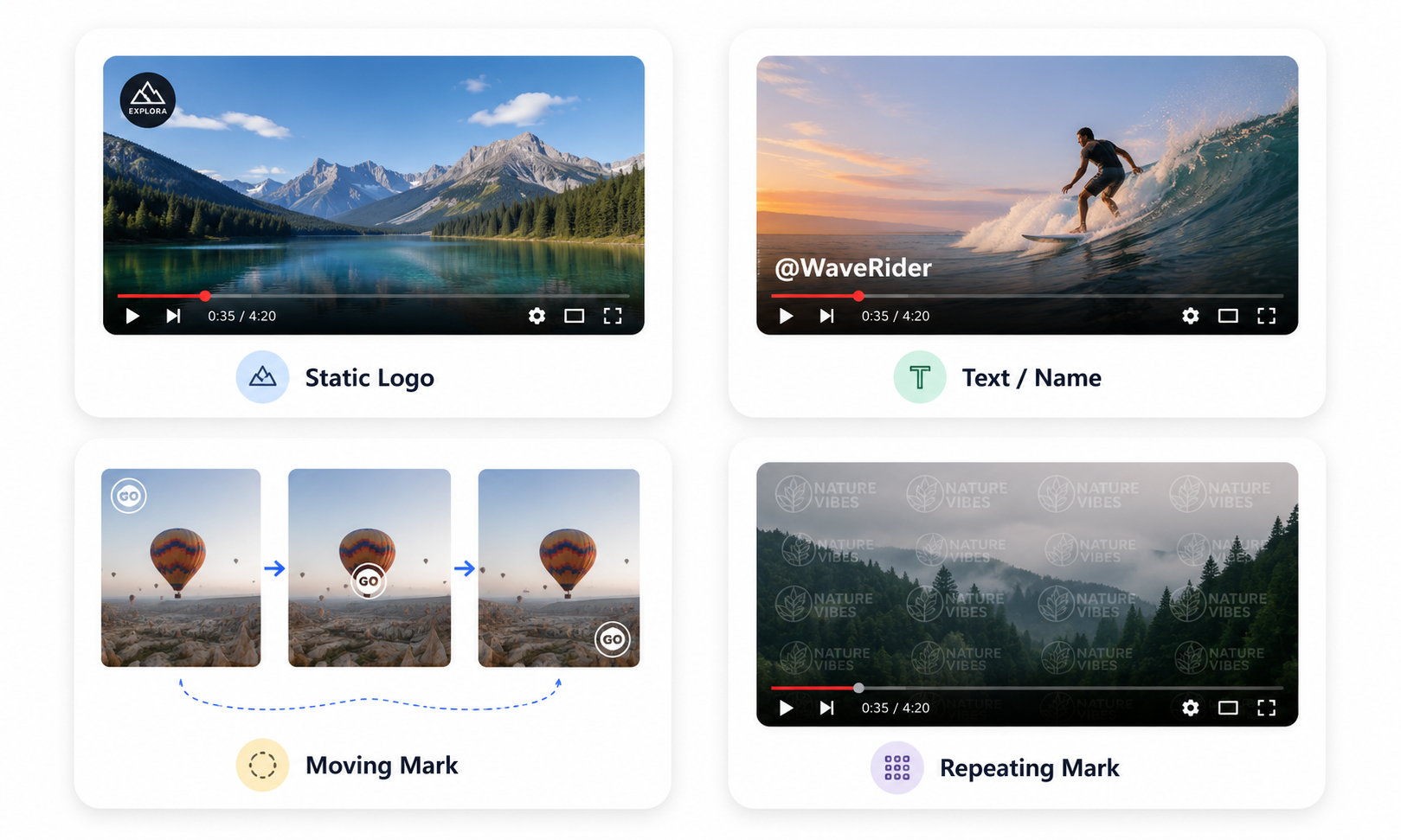
Once you figure out what kind of watermark you're dealing with, it’s much easier to pick the right way to get rid of it.
Static Corner Logos: This is when a logo just sits in one corner for the entire video.
Text, Usernames, and Channel Names: This is when a creator's name, handle, or website is plastered over the footage.
Moving or Animated Watermarks: Instead of staying put, these logos or text blocks bounce around the screen.
Transparent and Repeating Watermarks: These are faint logos or patterns that show up over and over, sometimes covering almost the whole video.
How to Remove a Watermark from a Downloaded YouTube Video
The best method depends on the watermark’s position, movement, and background.
Method 1: Remove the Watermark with an AI Video Tool
An AI tool rebuilds the covered area using nearby pixels and surrounding video frames. A video watermark remover such as RoboNeo works well for corner logos, moving text, and watermarks placed over changing backgrounds while preserving the original frame size.
Results may vary when the watermark covers faces, fine textures, or fast movement. Preview the full video before exporting. For a more detailed workflow, read how to save video without watermarks.
Method 2: Crop the Watermark Out of the Frame
Cropping works best for a fixed watermark near the outer edge. Trim the affected side until the watermark is outside the visible frame.
This method is quick, but it may change the aspect ratio, composition, and resolution. If cropping cuts off important elements, using a specialized tool to remove watermark overlays directly is usually a safer option.
Method 3: Blur or Mask the Watermark
You can cover up a watermark with a blur, mosaic, sticker, or mask. For a moving watermark, motion tracking can keep the effect lined up as it moves.
This approach usually leaves a visible edited area, so it is better suited to casual videos than polished ads or branded content.
Common Problems When Removing Watermarks from YouTube Videos
Getting a clean edit isn't always smooth sailing. If your watermarked video isn't coming out quite right, check out these common hiccups and the quick ways to work around them.
The Removed Area Looks Blurry or Smudged
This usually goes down when the watermark sits over a busy or moving background.
How to fix it: Try starting with a higher-quality video, narrowing down your selection area, or swapping out your removal method.
The Background Flickers During Playback
You'll get that annoying flicker when the patched-up background keeps shifting from frame to frame.
How to fix it: Go through the whole clip and try breaking up busy scenes into smaller, bite-sized pieces.
Cropping Cuts Off Important Content
It's easy to accidentally chop off faces, captions, or other key details right near the edge of the frame.
How to fix it: Try backing off on the crop, shifting the frame around, or letting an AI tool take over instead.
The Exported Video Has Lower Quality
Nobody wants a pixelated mess. This usually happens when the output settings don't match up.
How to fix it: Stick to the original resolution and frame rate, dial in the right bitrate, and try not to run the video through the export process over and over.
The Tool Cannot Process the Video
Your file might just go over what the tool can handle when it comes to length, size, resolution, or format.
How to fix it: Try turning it into an MP4 or chopping up a long video into shorter clips.
FAQ
Can AI remove watermarks from videos?
Yes. AI tools can rebuild the area behind a watermark by analyzing surrounding pixels and nearby frames. Results depend on the watermark size, movement, background, and source quality.
Is it legal to remove a watermark from a YouTube video?
It is generally acceptable when you own the video or have permission to edit it. Removing someone else’s ownership mark without authorization may violate copyright, licensing terms, or platform rules.
Can I remove watermarks from several YouTube videos at once?
Some tools support batch processing, while others handle one video at a time. Check the file limits and plan restrictions before uploading multiple videos.
You May Be Interested

Instagram Reel Dimensions: Size, Ratio & Resolution Guide

How to Restore Old Photos: Repair Fading and Damage

7 Best Free AI Photo Enhancer in 2026

How to Make Picture Higher Resolution: Upscaling Guide

How to Write Romantic Fiction: Tips for a Better Love Story

Runway AI Video Generator Review: Features and Pricing

How to Fix Overexposed Photos: Better Editing Tips

How to Brighten a Dark Picture Without Washing It Out
How to Remove a Watermark from a Photo: Easy Methods

How to Remove Proof from a Photo Safely and Cleanly
DPI vs PPI: Key Differences for Print and Screen

1080p vs 1440p: Which Resolution Is Better?
How to Upload HD Video to Facebook: Best Settings

What Is Frame Interpolation? How It Works and Uses

How to Make a Memorial Video: AI Tips for Meaningful Memories

Movie-Quality AI Video Prompts: Complete Guide

What Is Upscaling? Video Enhancement Explained
Photographic Noise Explained: Causes, Types, and Fixes
How to Fix Grainy Photos: Reduce Noise and Improve Quality

Can You Set Display Quality on YouTube? Settings Guide
How Do You Write Dialogue? Video Script Writing Guide

Talking Animals in Stories: Create AI Video Characters
Linear and Nonlinear Storytelling: A Guide for Video
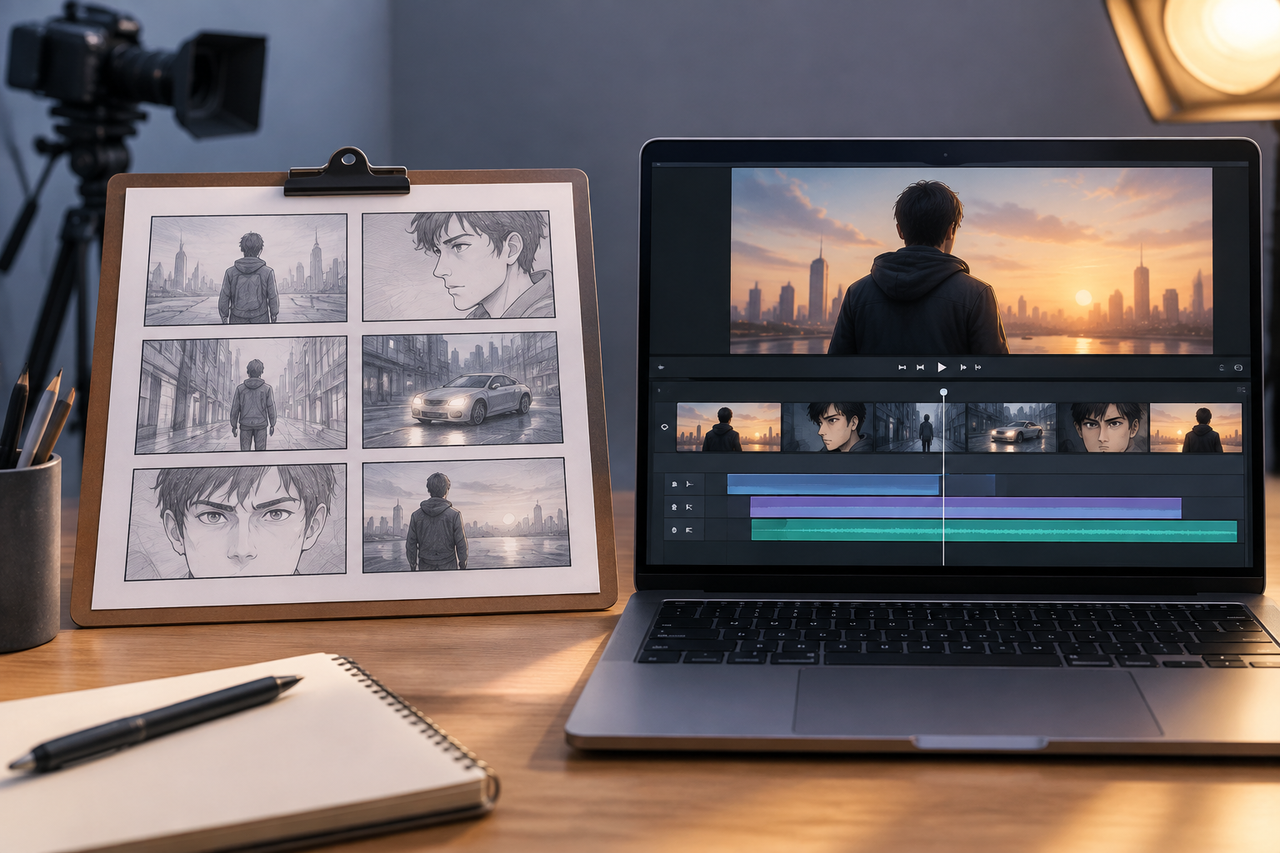
Animatic vs. Storyboard: Key Differences and Best Uses

What Is Character Motivation? Video Storytelling Guide

What Is a Film Storyboard? Purpose, Parts, and Process
Open Ending Meaning: A Guide for Film and Video
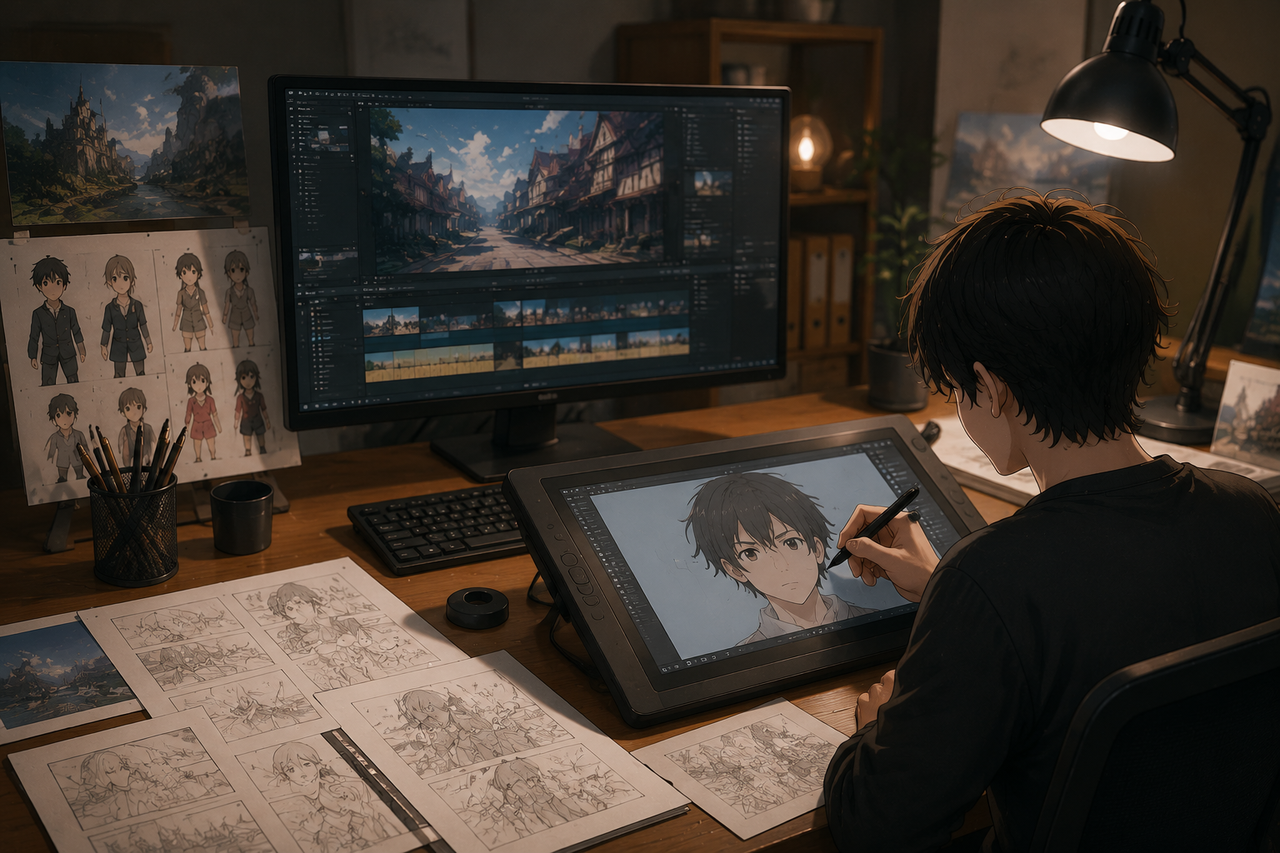
How to Create an Anime Movie: The Complete Process

Horror Movie Ideas: 15 Scary Plots for Low-Budget Films
Movie Ideas to Make at Home: 15 Easy Beginner Films
How to Make a Product Video: Scripts, Shots, and Sharing

How to Make Realistic AI Videos: Tips and Mistakes

What Is 8K Resolution? Uses, Benefits, and 4K Comparison

PicWish Watermark Remover Review: Is It Worth Using?

How Can I Improve Video Quality? Practical Fixes

What Is 2K Resolution? Pixel Size, Uses, and Differences
What Is a Show Bible? TV Writing Guide and Template
What Is a Cliffhanger? Types, Examples, and Writing Tips
How Long Is a Short Film? A Runtime Guide for Filmmakers
How to Write a Movie Script: Steps for First-Time Writers

How Many Scenes in a Movie? A Screenwriter’s Guide

How to Write a Drama Script: 6 Clear Steps for Beginners
3 Best Background Noise Removal Apps for 2026
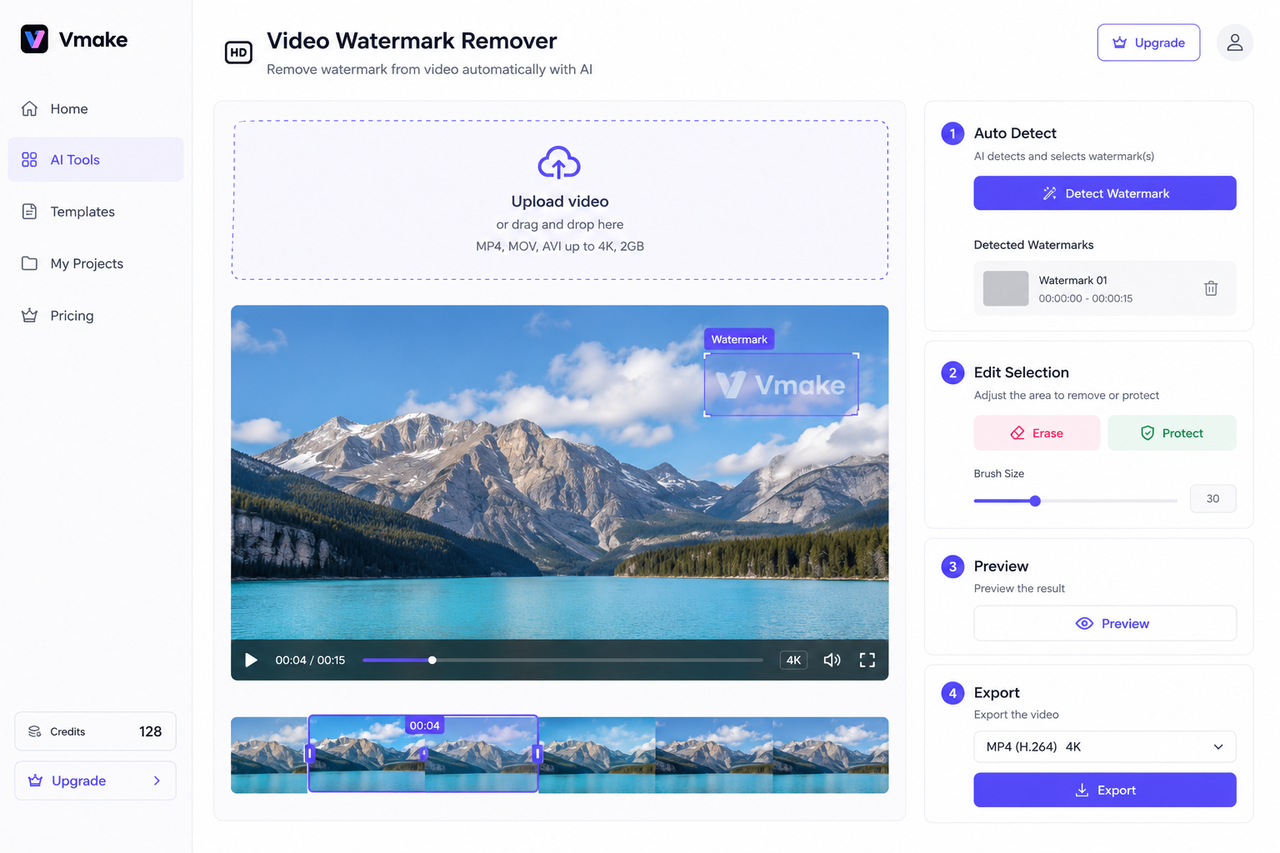
Vmake AI Video Watermark Remover: Tested and Reviewed
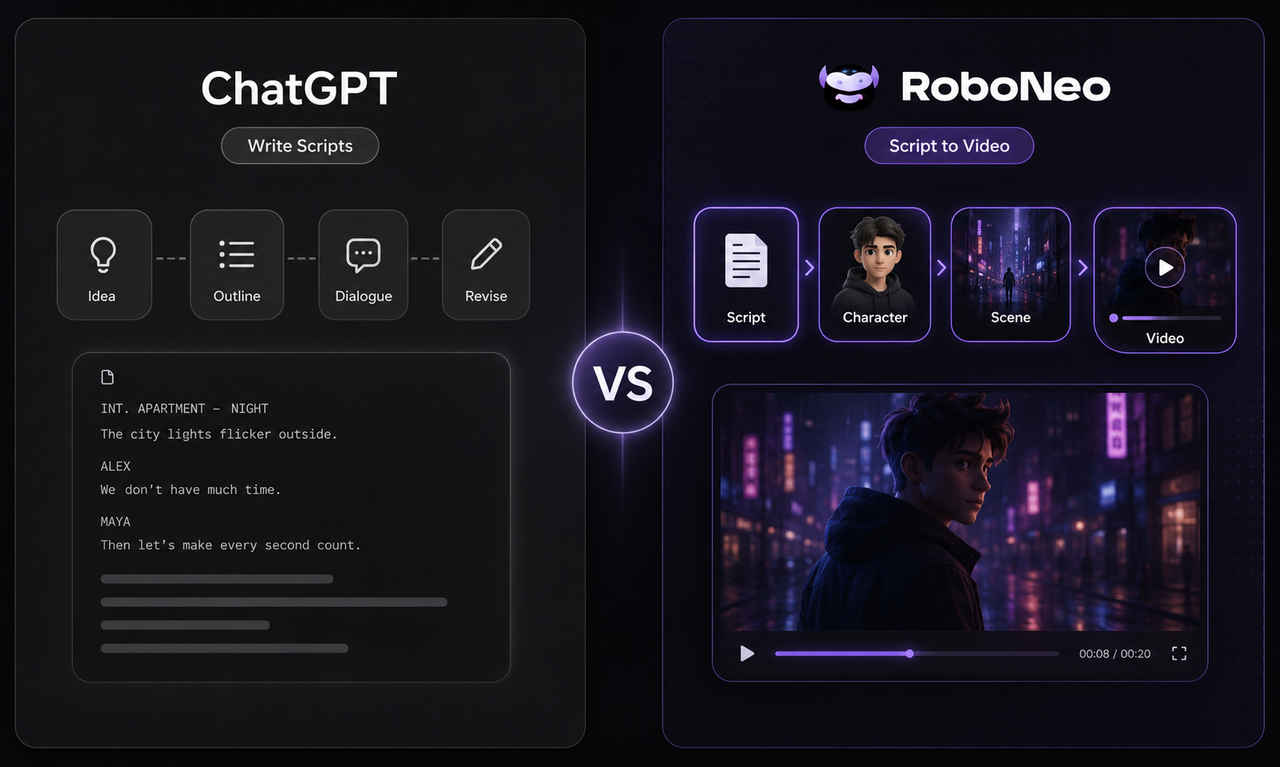
ChatGPT Script vs RoboNeo AI Script Generator
How to Enhance Sora AI Video Quality in 2026?
How to Download YouTube Videos and Remove Watermarks
Best AI Features for Enhancing UGC Video Quality in 2026
SnapTik TikTok Downloader Review: Pros, Cons and Alternative
How to Remove Watermark from Video with AI (2026 Guide)

How Long Does It Take to Write a Script? A Practical Guide
Canva AI Video Generator vs RoboNeo: Key Differences

How to Write a TV Commercial Script: Step-by-Step Guide

Character AI Alternative: 7 AI Chat Tools to Try in 2026

How to Create AI Video from Script: A Complete Guide
Best TikTok Script Generator in 2026

How to Write a Video Script: 7 Steps for Beginners
How to Write Script for Youtube Video: Complete Guide
Why Your AI-Generated Image Sequences Look Choppy as Video (And How We Fixed It)
How to Make a Realistic Avatar in Roboneo: Easy Guide
How to Write a TV Commercial Script: A Step-by-Step Guide
RoboNeo vs Canva AI Video Generator: Key Differences(2026)