Best Prompt for YouTube Script in 2026
 RoboNeo TeamJuly 6, 2026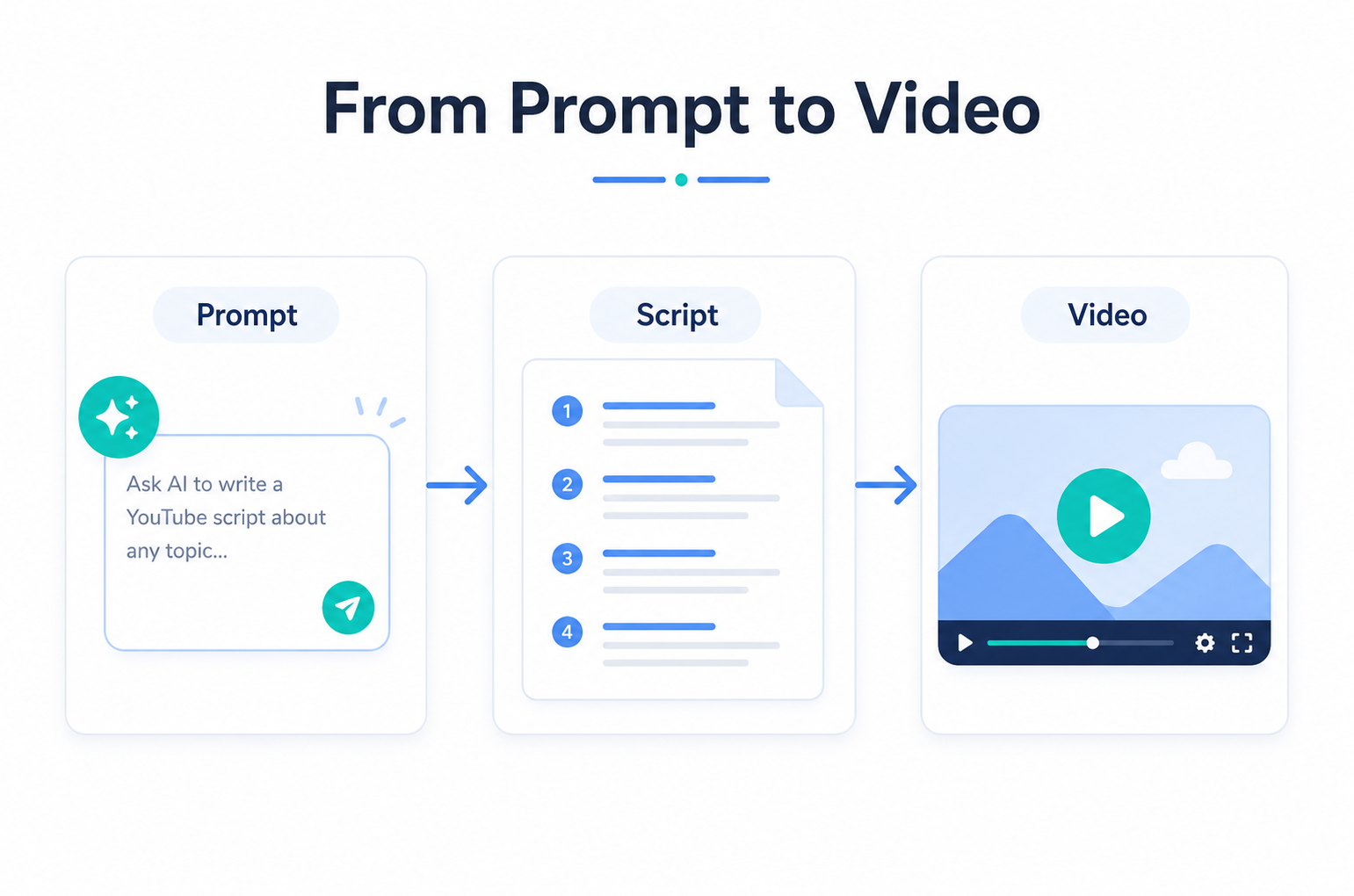
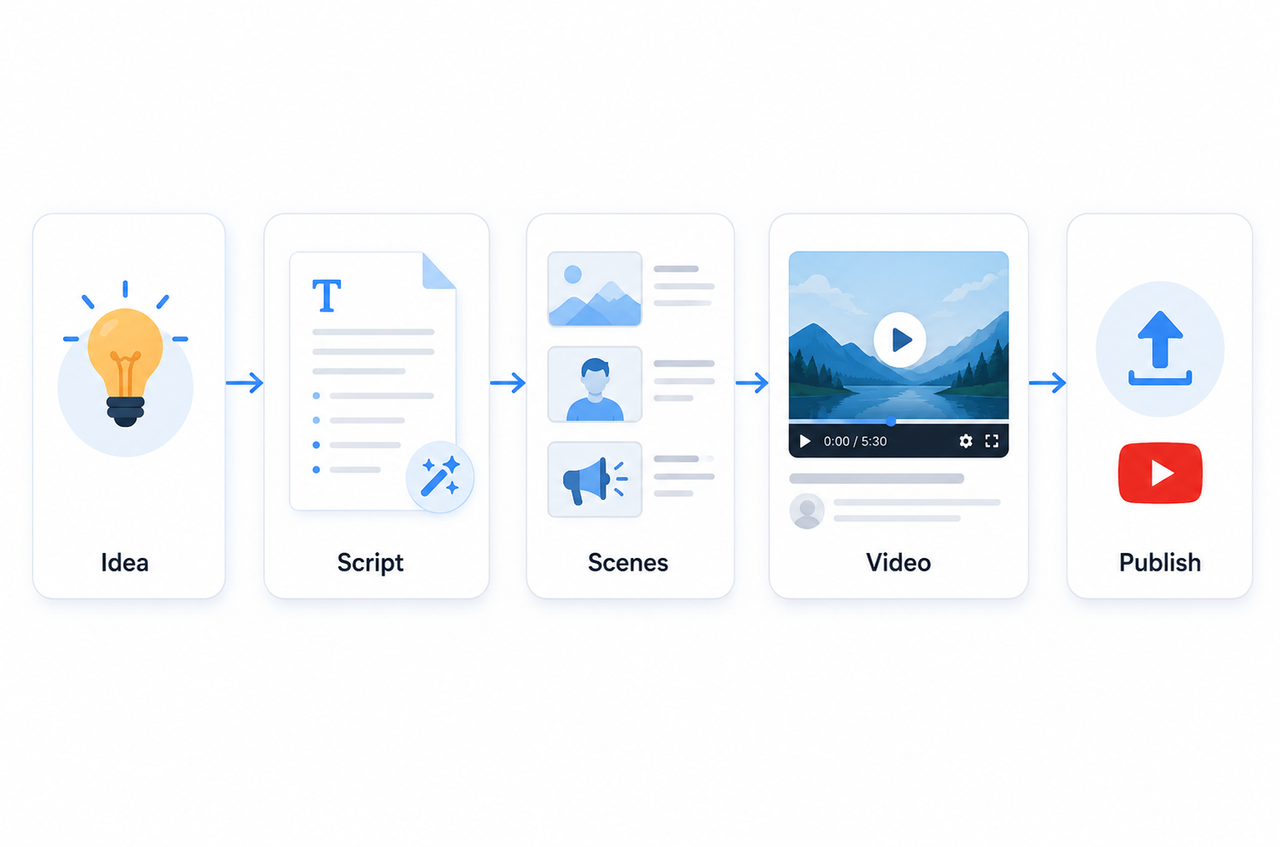
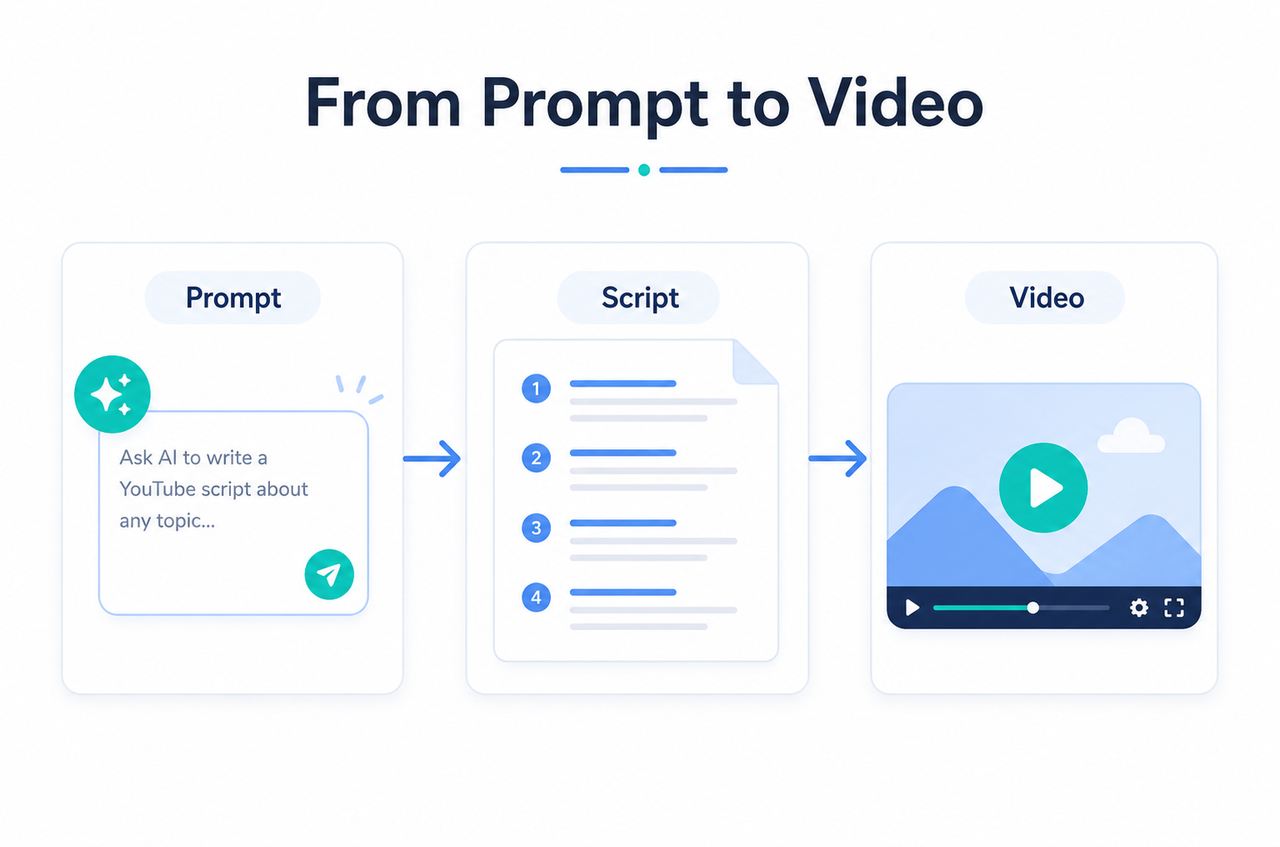
A weak prompt often leads to a generic AI video script because the model has to guess the audience, tone, platform, CTA and more. A stronger prompt sets those details upfront, so the draft comes back more specific and easier to shape into a script you can actually shoot.
This guide explains how to build better AI prompts for YouTube scripts: how to structure a prompt for different video goals, and how to sharpen the output with clearer viewer context, tone direction, scene notes, and CTA instructions.
What Makes a Strong Video Script Prompt?
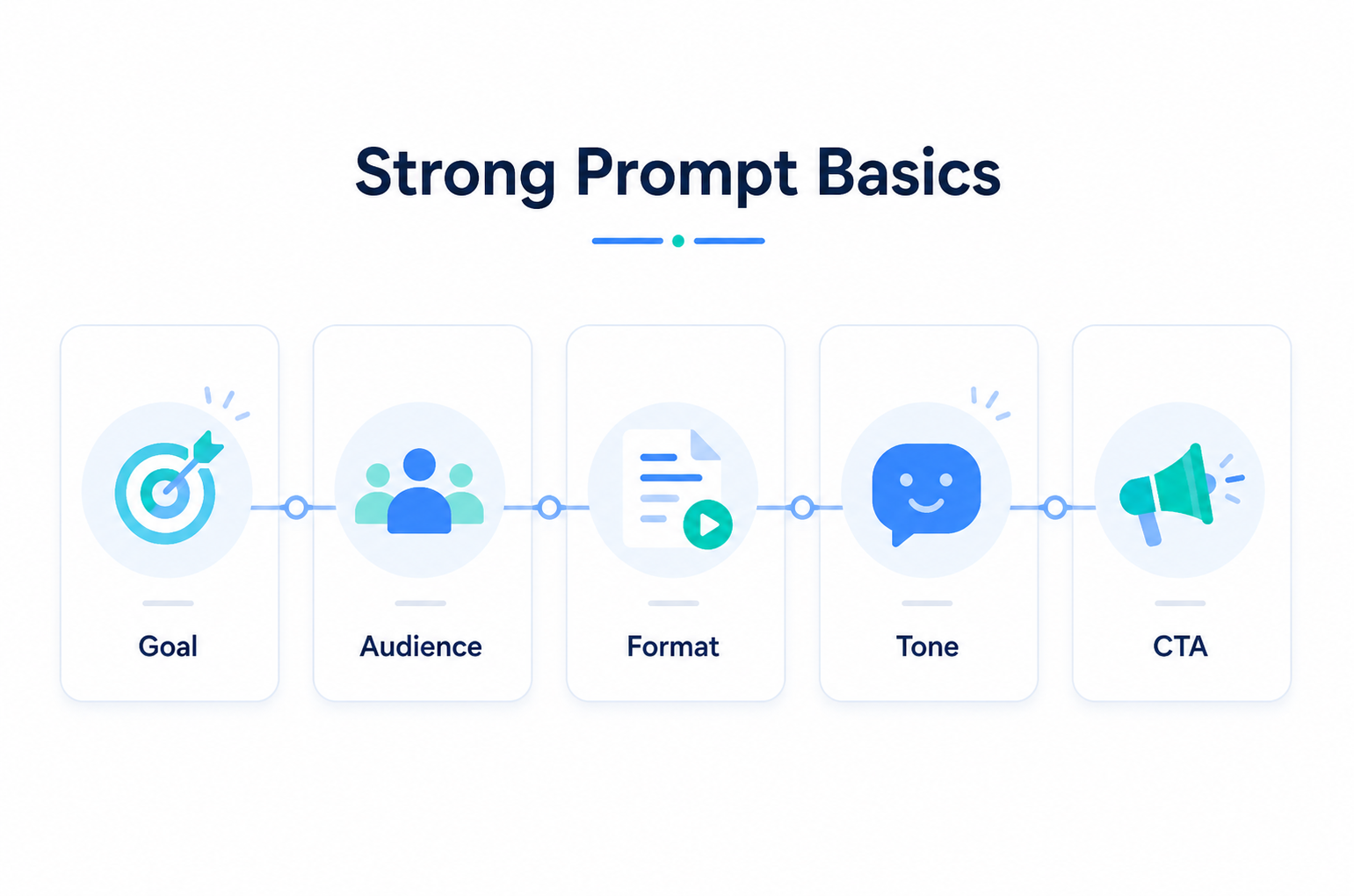
A strong prompt gives AI the context it needs before writing, including the goal, audience, format, tone, and CTA.
Video Goal and Audience Intent
Start with one clear goal, such as educating viewers, promoting a product, or driving conversions. Then describe the viewer’s problem, experience level, and buying or learning stage so the script can better match what they actually need.
Format, Length, and Platform Context
Set the platform and runtime before you ask AI to write. A 15-second YouTube Shorts script needs a fast hook and one main point, while a longer explainer has room for setup, proof, and a short recap.
Hook, Flow, and CTA Direction
Tell AI what kind of hook you want, such as problem-focused, curiosity-led, or benefit-driven. Then define the CTA clearly, whether that means subscribing, commenting, clicking a link, starting a trial, or watching another video.
Voiceover, Scene, and Caption Needs
For social and marketing videos, it is often more useful to ask for voiceover lines, scene notes, captions, and CTA timing, especially if the script will later move into a text-to-video workflow.
Video Script Prompts for Common Goals
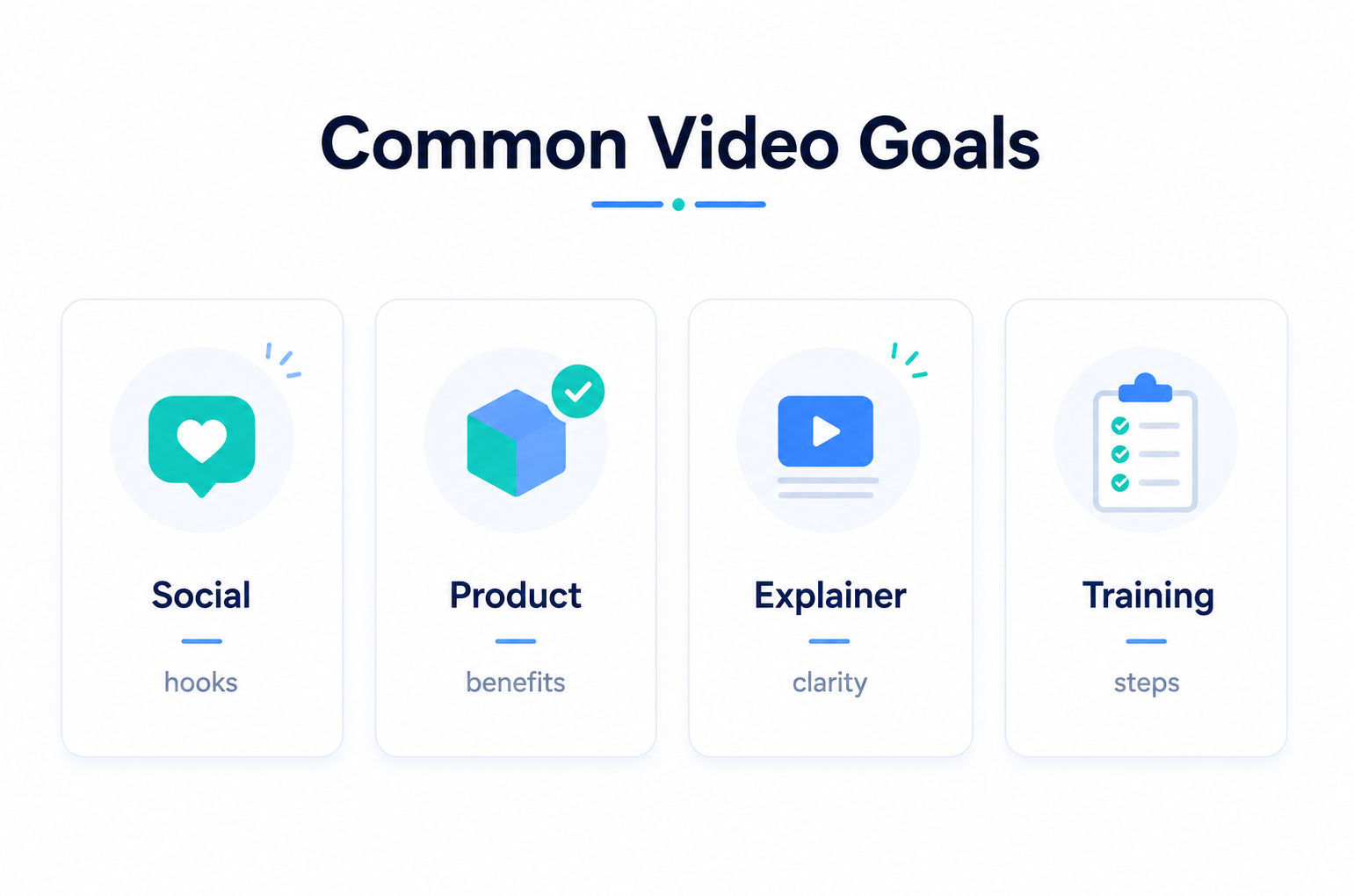
Different video goals need different prompt details. The table below can help you decide what to focus on before generating the script.
Video Goal | Prompt Focus | Best Output to Request |
Social media engagements | Hook, pacing, simple CTA | 3 hooks, short body, caption text |
Product promotion | Pain point, core benefit, proof | 15-second and 30-second versions |
Explainer content | Clear setup, simple language | Scene-by-scene script |
Educational or training video | Learning objective, steps, recap | Step-by-step script and recap |
Social Media Engagement Prompt
For social content, ask for several hooks, a short body, and a low-friction CTA such as comment, save, or watch the next video. Since many viewers watch muted, include caption text in the prompt.
Product Promotion Prompt
For product videos, focus the prompt on one pain point and one core benefit. If the goal is a short ad or conversion video, an AI advertising generator can help shape the script around the offer, proof point, and CTA without making the message feel too broad.
Explainer Content Prompt
Explainer prompts should prioritize clarity. Ask AI to explain one idea per scene, use plain language, and include a short recap. For technical topics, request beginner-friendly wording.
Educational or Training Prompt
For educational videos, state the learning objective first. Then ask for a setup, ordered steps, a recap, and a simple check-for-understanding line.
Can AI Help Write Better Video Scripts?
AI can speed up script writing by turning rough ideas into structured drafts, hooks, variations, and platform rewrites. Once the script structure is clear, an AI video generator can help teams turn written ideas into visual drafts for review. It is especially useful when you need to test different angles or adapt one idea for short-form and longer videos. Still, AI works best as a starting point. The final script should be reviewed for brand voice, product details, claims, offers, and commercial-use safety before production.
How to Improve AI Script Outputs
A good prompt for writing YouTube scripts with AI should give the tool enough context before the full draft begins. Include the viewer, goal, tone, and output format so the result is easier to edit.
Add Clear Viewer Context
Before asking AI to write a script, explain who the video is for. Mention the viewer’s role, main problem, and where they will watch the video. This helps AI choose the right language and avoid a script that feels too broad or generic.
For example, “small business owners who need faster product video ideas” is clearer than “people interested in AI tools.” The first version tells AI the audience, the problem, and the platform, so the script can focus on a real use case.
Request Visual Scene Notes
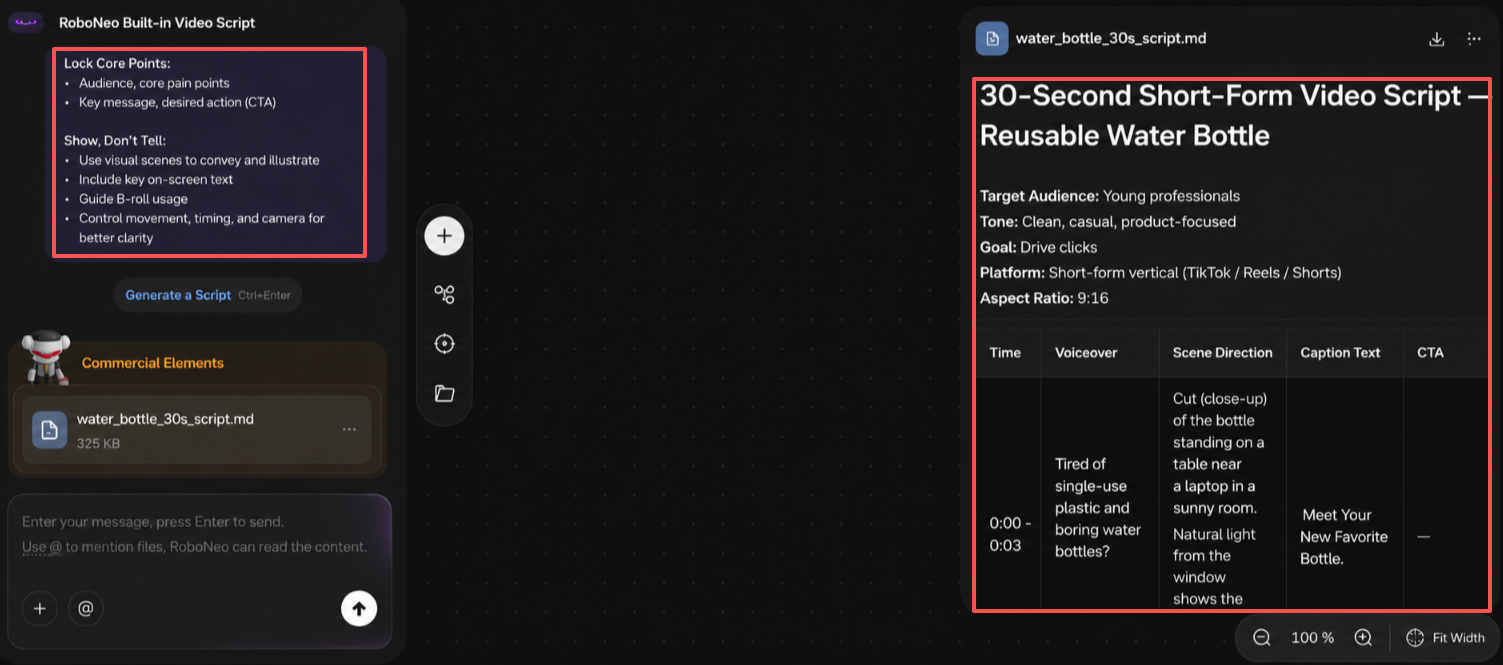
A useful video script should include more than spoken lines. Ask for scene notes, on-screen captions, visual direction, and CTA timing so the script is easier to review, edit, and turn into actual video content. When a scene depends on product movement or camera direction, motion control should also be described clearly in the prompt.
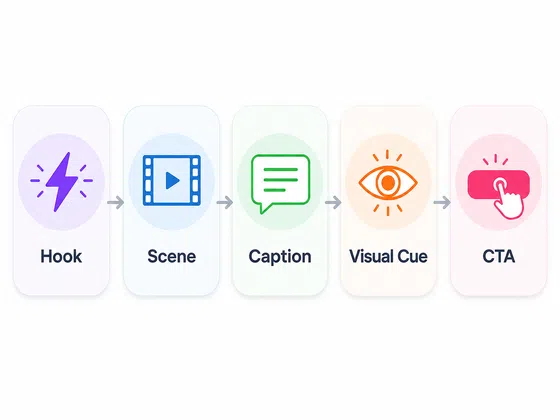
This is especially useful for short-form videos, where visuals and captions often carry the message. A simple format with timestamp, voiceover, scene direction, caption text, and CTA can turn the script into a production guide instead of a block of copy.
For creators, e-commerce sellers, and small marketing teams, this structure also makes it easier to move from scriptwriting into content creation. In a workflow like RoboNeo, clear visual direction can provide stronger inputs for product scenes, short-form marketing videos, and platform-ready social content. This is especially helpful when the goal is not just to write a script, but to develop visual ideas that can support video production.
Define Tone and Speaking Style
Tell AI how the script should sound. Instead of simply saying “professional” or “engaging,” use more specific tone directions, such as calm and expert, fast and casual, warm and direct, or confident but not exaggerated.
You can also tell AI what to avoid, such as long sentences, complex terms, unsupported claims, or overly sales-heavy wording. This makes the draft easier to match with your brand voice.
Refine Weak Hooks and CTAs
If the main script is usable but the opening or ending feels weak, revise those parts separately. Hooks and CTAs often have the biggest impact, so you do not need to regenerate the full script every time.
Ask for several hook options with different angles, such as problem-focused, curiosity-based, benefit-led, or comparison-based. Then request a few CTA options that match the video goal, from soft educational CTAs to more direct product promotion CTAs.
Best AI Prompt for Video Script Writing
Instead of relying on one fixed “best prompt” for every YouTube script, use a flexible template that changes based on the topic, platform, and audience. This keeps the structure consistent while making each script more specific.
Core Prompt Structure
Use labeled inputs so AI can follow the request more easily:
State the video goal and viewer action.
Describe the audience, problem, and viewer stage.
Set the platform, runtime, tone, and speaking style.
Request hook options, body lines, scene notes, captions, and CTA timing.
Ask for the output format you want to edit.
Custom Variables to Add
Add details that change by project, such as product name, core benefit, target audience, offer, proof points, banned claims, brand phrases, words to avoid, and number of variations needed. These details make the output more practical and easier to review.
Prompt Example for Short Videos
“Write three 15-second Youtube script options for first-time buyers of a reusable water bottle. Goal: link clicks. Tone: casual and confident. Include a hook, two body lines, captions, simple scene notes, and a clear CTA. Avoid exaggerated claims.”
This is useful for quick short-form video testing.
Prompt Example for Longer Videos
“Write a 60-second YouTube explainer for a project management app aimed at small marketing teams. Goal: sign-ups. Include a problem setup, three feature scenes, caption ideas, a short recap, and a closing CTA. Use a plain, helpful tone.”
This works better for explainers and product walkthroughs.
AI Video Script Prompt Checklist
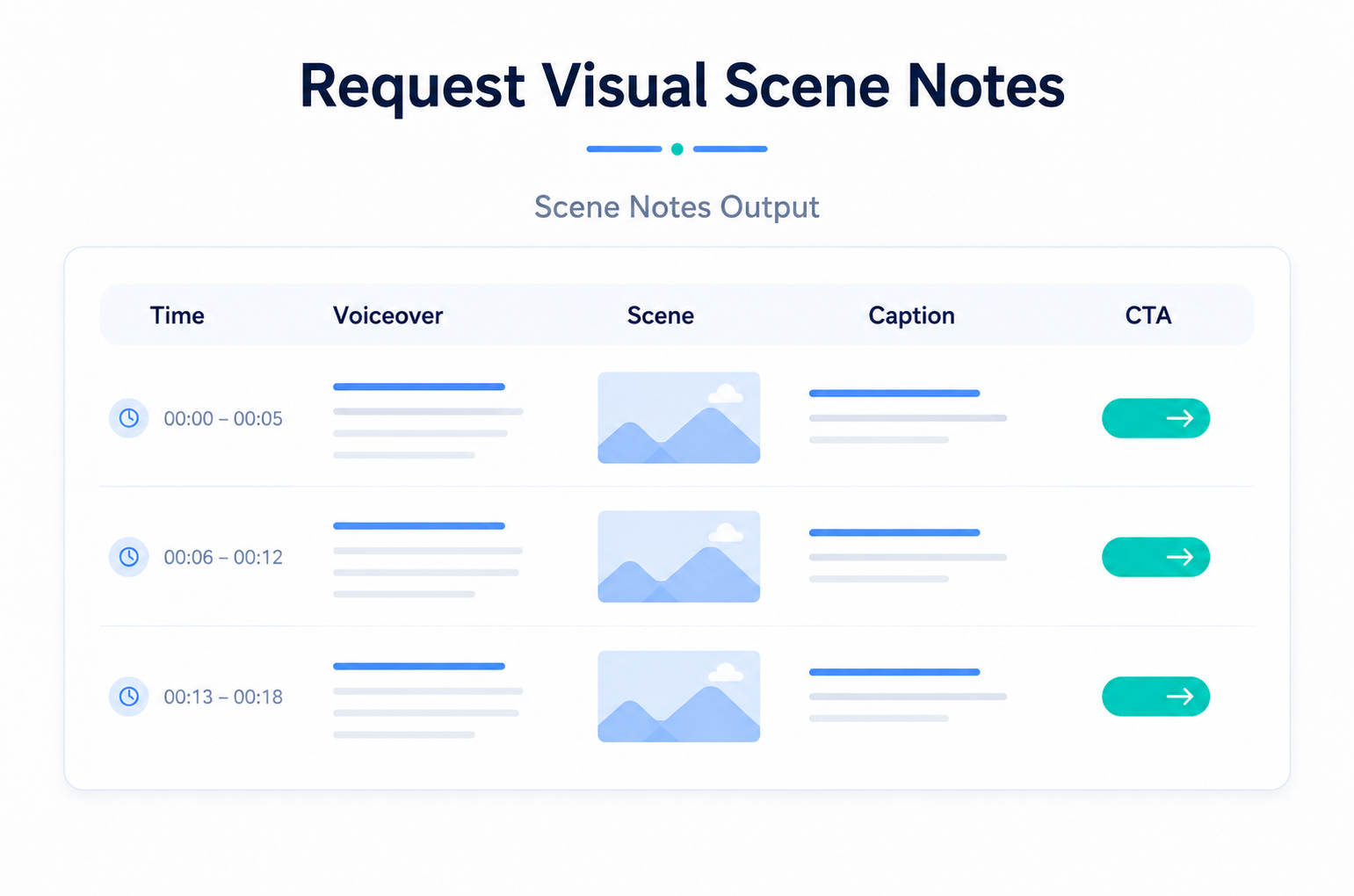
Before using an AI-generated script in production, review it against this checklist:
The hook gives viewers a clear reason to keep watching.
The script matches the platform and target runtime.
The audience and problem are specific.
The main message focuses on one clear idea.
Claims are accurate and safe for commercial use.
The tone matches your brand voice.
Scene notes and captions are clear enough for editing.
The CTA names one specific action.
Tool usage limits, data handling rules, and commercial-use terms have been checked on the live product page.
FAQ
What is the best prompt for a video script?
The best prompt clearly defines the goal, audience, platform, runtime, tone, and CTA in one structured request. It also asks for hook variations and scene notes. No single phrase works for every video, so adapt the structure to each project rather than reusing one generic line.
Can AI write a complete video script?
AI can write a complete draft, but it usually needs human review before use. Models can invent claims, miss brand voice, and skip visual direction. Use AI for speed and variations, then edit for accuracy, tone, and commercial-use safety before production.
How do I prompt AI for short videos?
Keep it short and specific. Name the platform, set a 15 to 30 second runtime, request one hook and one core point, and ask for caption text since many viewers watch without sound. Generate two or three versions so you can test openings.
What should a video script prompt include?
Include the video goal, audience and their problem, platform, runtime, tone, and a defined CTA. For editable output, also request hook variations, scene notes, on-screen captions, and CTA timing so the script works as a production guide.
Should every video use the same prompt?
No. A shared template keeps structure consistent, but the variables should change per goal. A conversion ad, an explainer, and a training video need different focus, runtime, and tone. Reuse the framework, not the exact wording.
You May Be Interested
How to Write a Script for a Short Film
How to Write Script for Youtube Video
6 Best AI Video Generators in 2026
Best Prompt for YouTube Script in 2026
Best TikTok Script Generator in 2026