Best YouTube Script Generator: From Script Writing to Video Creation
 RoboNeo TeamJuly 6, 2026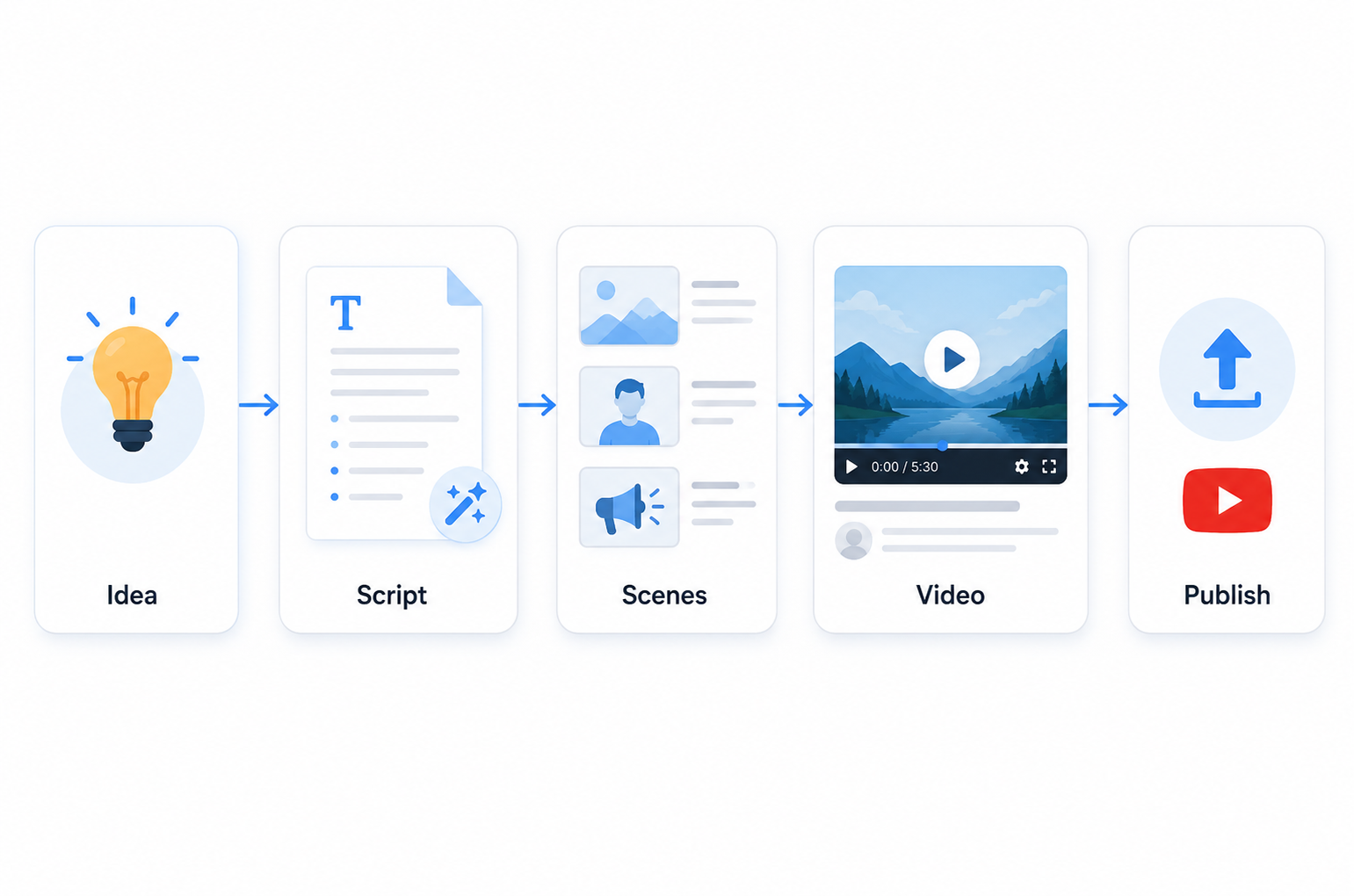
Most creators and growth teams now use YouTube script generators, but not all tools work the same way. Some give you a text draft and nothing else. Others push further, from idea to something you can actually produce. What matters is your next step after the script is written.
This guide breaks down the common script writing needs, practical ways to solve them, and how to test whether an AI YouTube script generator fits your real workflow before you rely on it for regular publishing.
Common YouTube Script Writing Needs
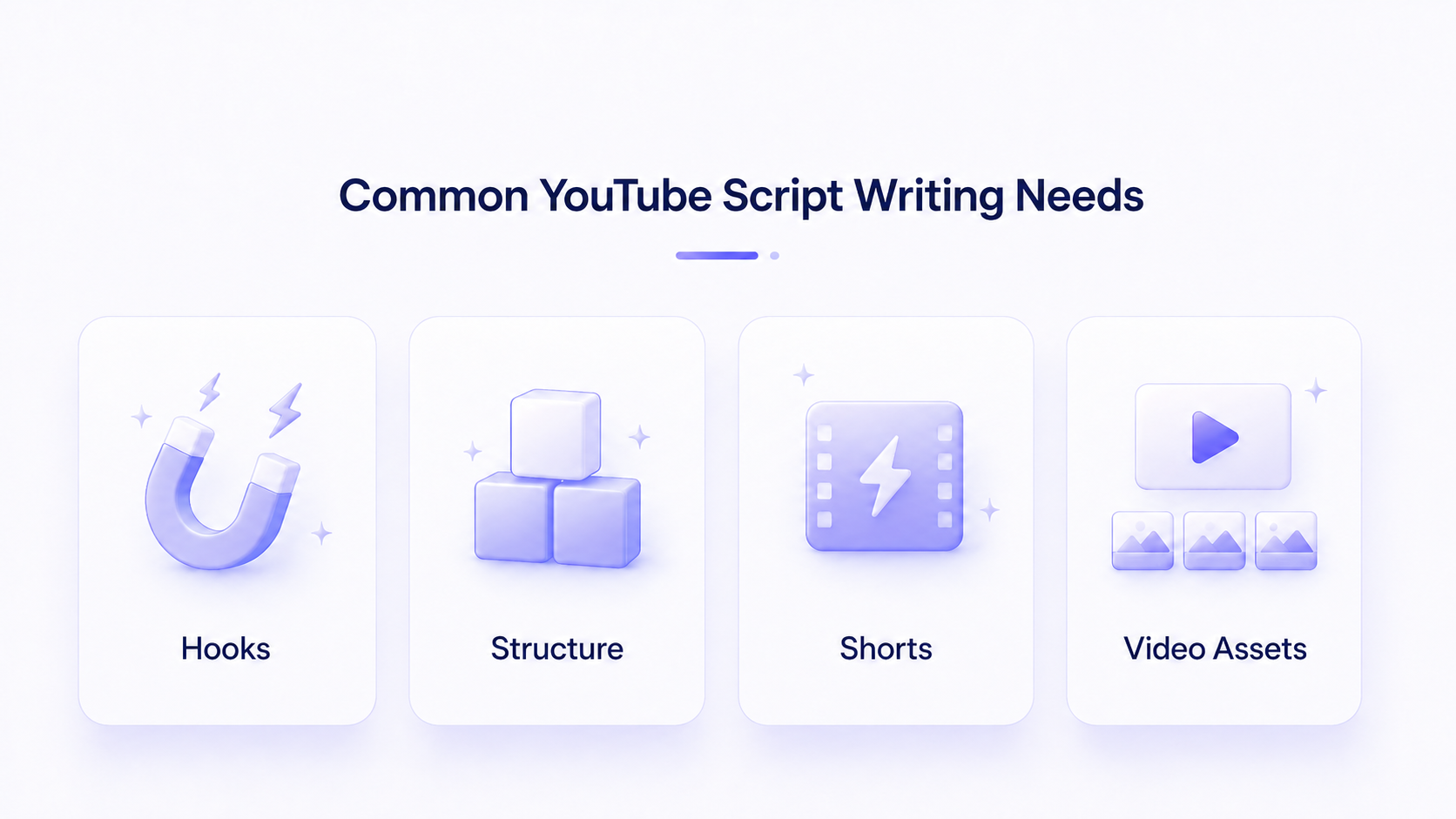
Most YouTube script problems are not really about grammar. They are about attention, structure, pacing, and whether the script can hold up once it becomes a real video. Knowing which need you have helps you pick a tool that solves the right job instead of one that only generates text.
Fixing Weak Hooks and Openings
The first 5 to 15 seconds decide retention. Many creators write strong middles but flat openings. A good generator should offer several hook variations for the same topic so you can test which one holds attention, rather than producing one generic intro line.
Structuring Long-Form Video Scripts
Long-form videos need clear segments, pacing, and logical transitions. Writers often lose structure halfway through. A useful tool maps the full arc, from setup to payoff, and keeps each section tied to a single point so viewers do not drop off mid-video.
Drafting Shorts Ideas Faster
Shorts depend on volume and speed. You need many short scripts quickly, each with a tight hook and a single message. The challenge is producing drafts fast without every clip sounding identical, which weakens your channel over time.
Turning Scripts Into Video Assets
A script is only the starting point. The bigger bottleneck is moving from text to actual footage, voiceover, captions, and edits that are ready to publish. An AI video generator can help close that gap when you need to turn scripts, scene notes, and creative ideas into video drafts faster.
How to Solve Common YouTube Script Writing Problems
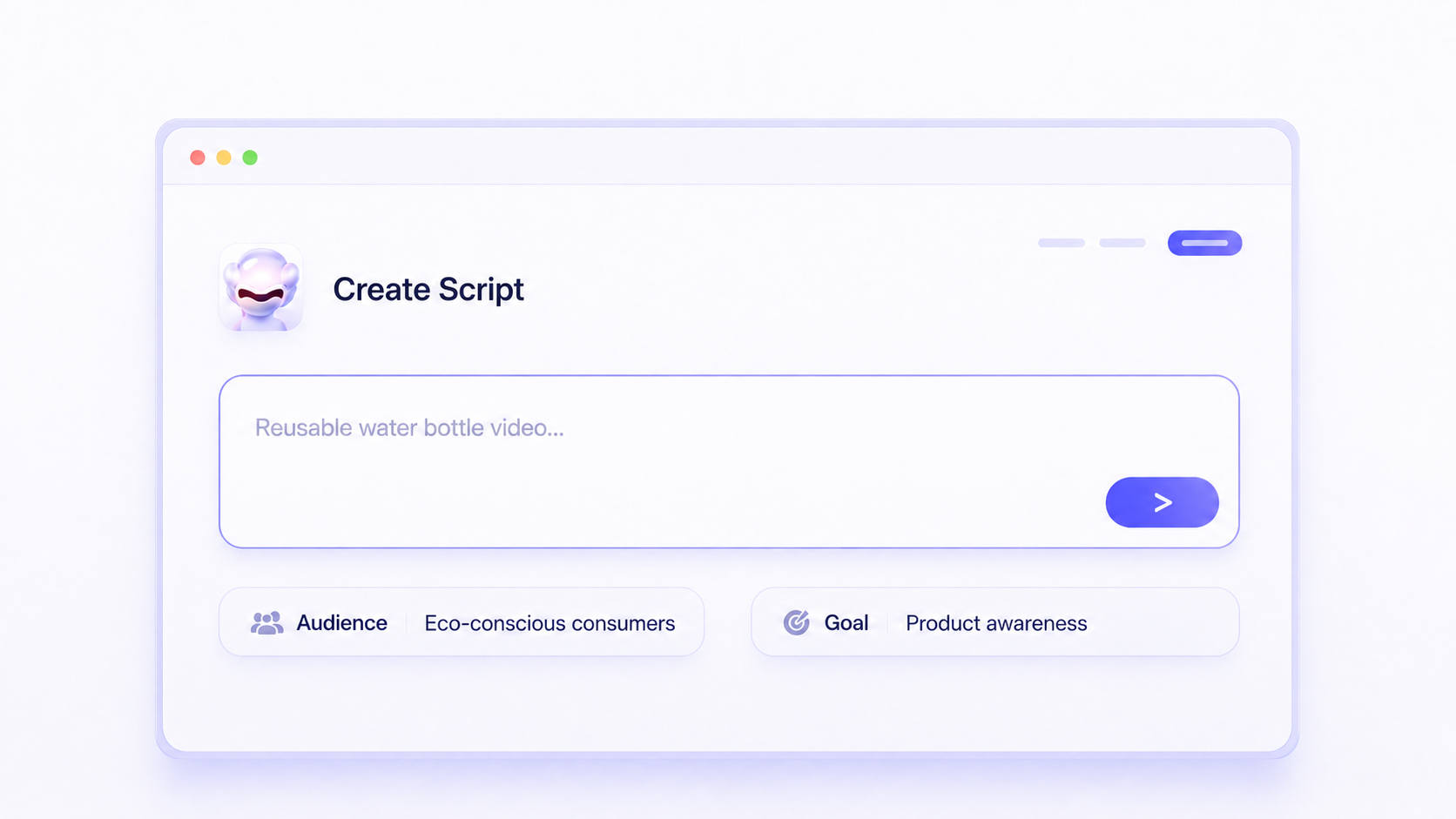
Solving these problems is less about finding one perfect prompt or Youtube script generator, and more about building a repeatable process. The steps below show how to use AI without losing your voice or wasting time on drafts you cannot use.
Use AI to Strengthen the Opening
Ask the tool for three to five hook options framed around curiosity, conflict, or a clear promise. Then judge them against one question: would this stop a scroll? Keep the best, rewrite it in your own tone, and discard the rest.
Build a Clear Script Structure
Define the single goal of the video before generating anything.
Ask the tool for an outline with labeled sections and rough timings.
Generate body copy section by section, not all at once.
Tighten transitions so each part leads into the next.
Read it aloud and cut any line that does not earn its place.
Batch Shorts From One Topic
Batch your Shorts. Give the tool one theme and request several distinct angles, each with a hook and a payoff. Review them together, keep the strongest two or three, and adjust the wording so they sound like you instead of a template.
How RoboNeo Supports YouTube Workflows Beyond Script Writing
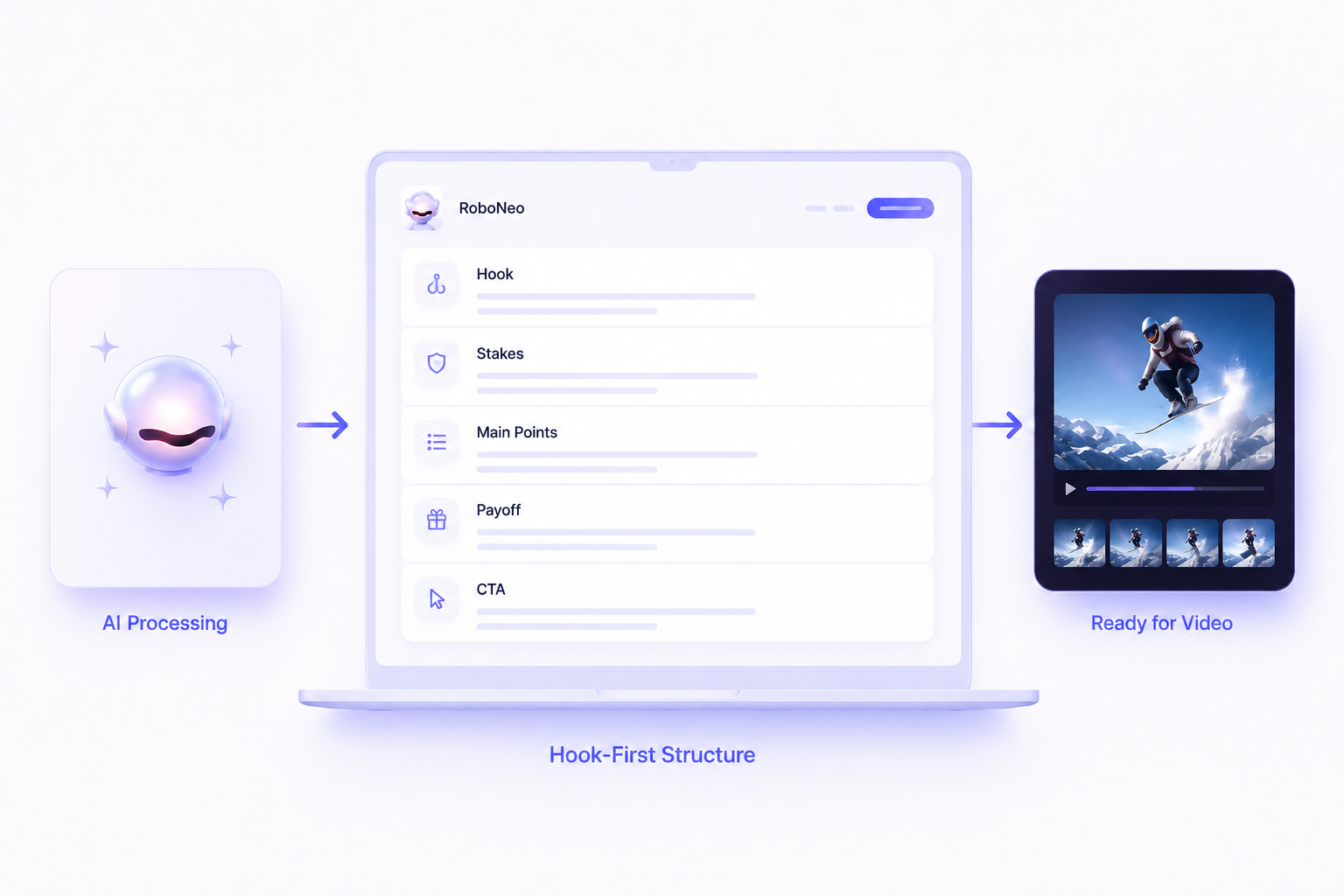
RoboNeo makes more sense for creators and teams that want the script to be one step of a larger production workflow, such as turning a video idea, product image, or campaign brief into short-form videos and adapting them to different uses and platforms.
For creators, e-commerce sellers, and small marketing teams, this can be helpful when the goal is not just to write the script, but to turn the idea into a video draft faster.
Script to Video Support for Creators
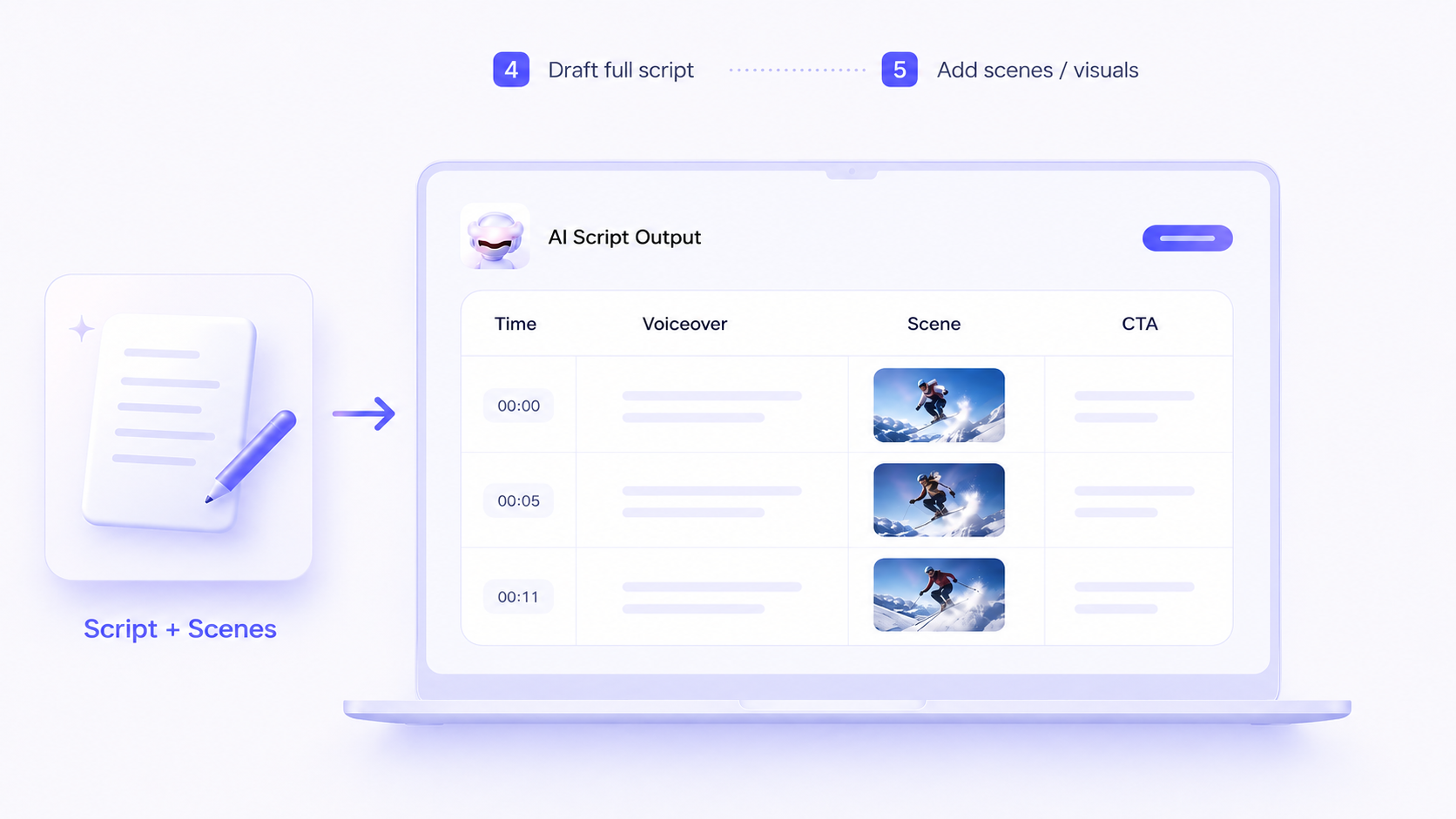
RoboNeo is most useful when the script is not the final deliverable. A text-to-video workflow is especially helpful when creators already have a hook, outline, or finished script and need a first draft they can review. Creators can use ideas, scripts, or visual assets to create editable video drafts with motion, scene changes, and finished output support, reducing the need to build every cut manually.
Product and Ad Script Use Cases
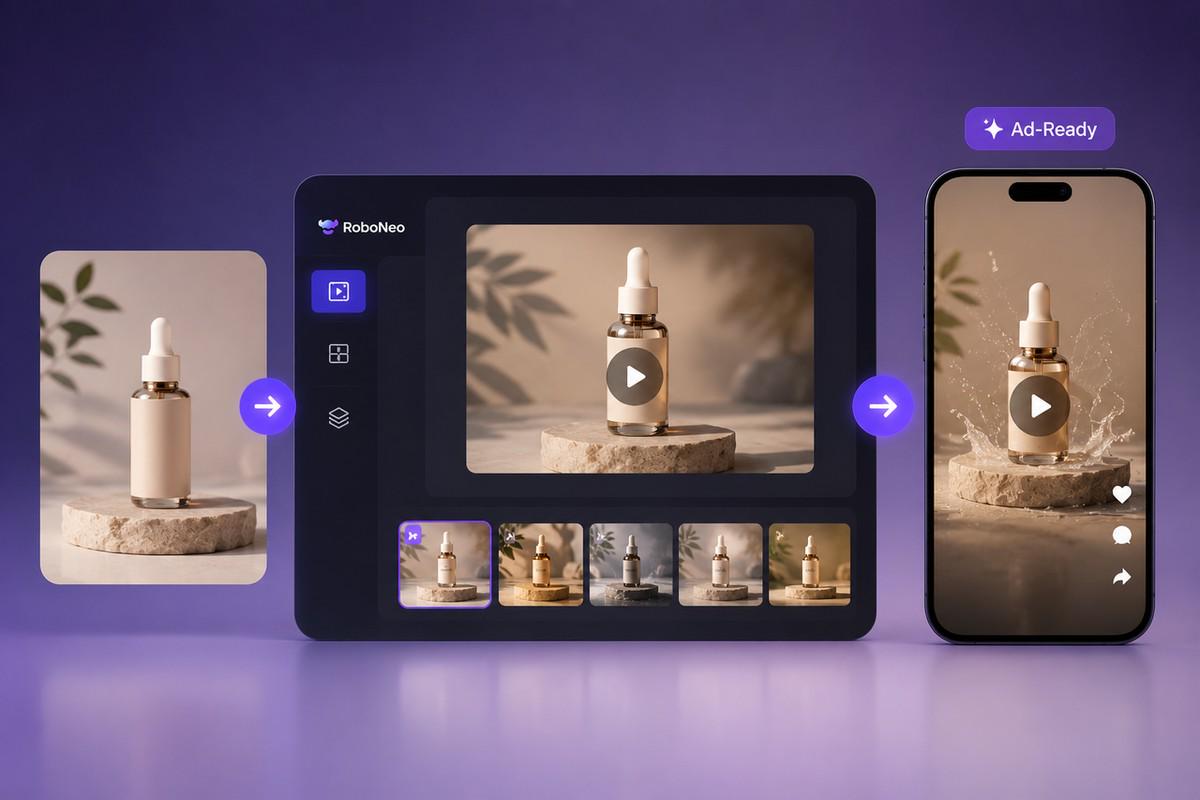
For product videos and paid social ads, an AI advertising generator can help turn a product idea, image, or campaign brief into multiple short-form creative variations for platforms like TikTok, Meta, and YouTube. This makes it easier for e-commerce sellers, agencies, and growth teams to test different hooks, messages, and visual styles.
Where Simple Script Tools Fall Short
Plain script generators stop at words. You still need editing, captions, voice, and platform formatting. For solo creators that may be fine. For teams running frequent campaigns, the cost shows up as slower publishing and a higher cost per usable asset.
Best AI YouTube Video Generators to Compare
AI YouTube video generators are built for different needs. Some are best for script-to-video creation, while others focus on editing, captions, templates, product videos, or ad variations. The right choice depends on how easily the tool turns your idea or script into a usable video draft.
Tool | Best For | Strengths | Limits | Best Fit |
RoboNeo | Turning ideas, scripts, images, and campaign briefs into video | Supports a broader creative workflow for social media video creation, including video production, image generation, editing, and end-to-end content creation support. | Better for creators and teams that need production support, not users who only want a simple text script | Creators, e-commerce sellers, and growth teams that want to move from script to video faster |
InVideo AI | Creating videos from prompts or scripts | Can generate videos from a single prompt and supports stock media access, making it useful for fast YouTube drafts and social video content. | Output may still need editing for brand voice, pacing, and visual accuracy | Creators who want quick video drafts from a prompt or script |
Pictory | Turning scripts, articles, and written content into videos | Strong for script-to-video and content repurposing, with support for visuals, voiceovers, and captions. | Less focused on custom creative direction or campaign-level visual control | Bloggers, educators, coaches, and creators repurposing written content into videos |
VEED | Script-to-video, captions, voiceovers, and online editing | Combines AI script-to-video creation with editing, narration, subtitles, avatars, and export tools. | More useful when editing and formatting are the main needs, rather than building a full creative campaign workflow | Creators who want a browser-based video editing and script-to-video tool |
Canva | Simple script-to-video and template-based video creation | Good for beginners who want to turn scripts or prompts into visual content and then edit inside a familiar design workspace. | Less specialized for advanced AI video production or complex YouTube workflows | Beginners, small teams, and creators already using Canva |
For creators who only need a quick narrated video, tools like Pictory, VEED, Canva, or InVideo AI may be enough. For teams that need scripts, visuals, assets, and video drafts to work together in a broader content workflow, RoboNeo is better suited to production-focused use cases.
How to Check If the Tool Really Fits
Marketing claims rarely match your specific workflow, so run a short test before committing. The checks below focus on output quality and fit, not features on a landing page.
Test With a Real Video Brief
Use a topic you actually plan to publish. Give the tool the same brief you would give a writer, including any reference image if the final video needs to follow a specific product, scene, or visual style. Then judge the draft on how much editing it needs before it is usable.
Compare Hook and Outline Quality
Generate hooks and an outline for the same topic across two tools. Score them on relevance, specificity, and how well they match your audience, not on which one writes the most words.
Review Script-to-Video Needs
Decide whether you need text only or text plus production. If you need an AI YouTube video script generator that also supports video assets, test the export quality, captions, platform formatting, and motion control, since that is where a lot of hidden time is spent.
Check Brand Voice Consistency
Run three scripts and read them back to back. Look for repeated phrasing, off-tone lines, or generic claims. Consistent voice across drafts is a stronger signal than one good sample.
Comparison Table
Criteria | Plain Text Script Tool | Script-plus-video Agent (RoboNeo or Similar Tools) |
Workflow fit | Idea to text | Idea to text and video assets |
Primary output | Script document | Script plus platform-ready creative |
Review effort | Edit text only | Edit text and check exported video |
Creative testing | Manual variation | Batch variations from one input* |
Best for | Solo creators, occasional uploads | Creators, e-commerce, agencies at scale |
Commercial-use risk | Confirm per tool terms | Confirm per tool terms |
Privacy and data | Review data handling policy | Review data handling policy |
Validation Checklist
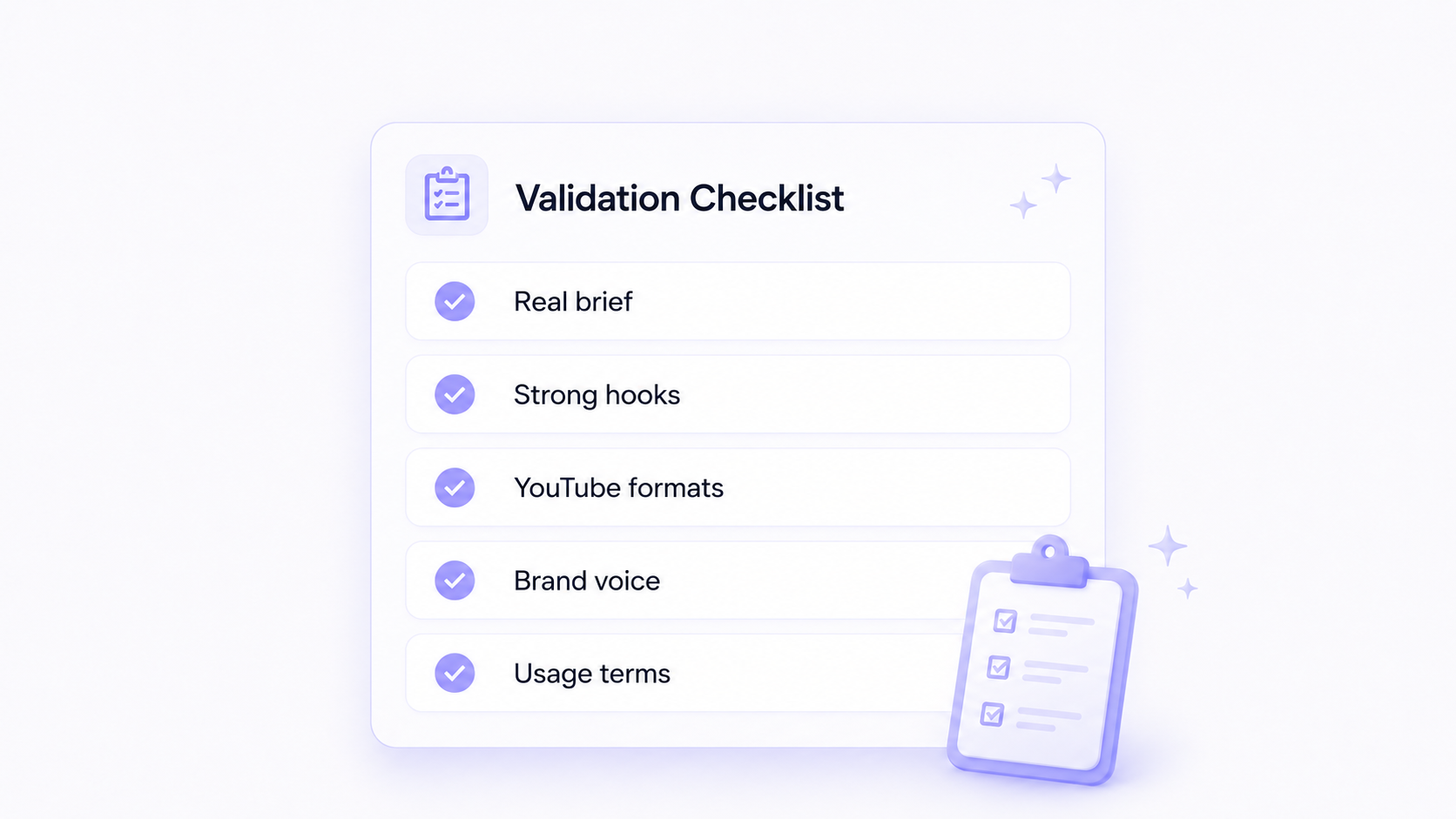
Test with a real brief you plan to publish, not a sample topic.
Score hooks and outlines on relevance, not word count.
Confirm export formats fit YouTube long-form and Shorts.
Read three drafts to judge brand voice consistency.
Review commercial-use terms and data handling before regular use.
Track cost per usable asset, not just subscription price.
Confirm current pricing and usage limits on the tool's live page.
FAQ
What is the best YouTube script generator?
The best YouTube script generator depends on your workflow. A simple writing tool may be enough if you only need a draft. If you need scripts that become videos, a creative agent such as RoboNeo can fit better because it links scripting to production, though you should confirm current features on the live site.
Can AI write a full YouTube video script?
AI can draft a full script including hook, body, and outro. It still needs human editing to fix tone, accuracy, and pacing, so treat the output as a strong first draft rather than a finished script.
Is a free script generator enough?
For occasional uploads, a free tool can cover basic drafting. For frequent publishing or paid campaigns, free tiers often have usage limits and weaker output, so check whether the cost per usable asset is actually lower.
Can AI help with YouTube Shorts scripts?
It is well suited to Shorts because you can batch many short scripts from one theme. Review them together, keep the strongest angles, and rewrite the wording so each clip sounds distinct.
Should I edit AI-generated scripts?
Always edit. AI drafts can include generic phrasing, unsupported claims, or off-brand tone. Human review protects accuracy and voice, and it keeps your channel sounding like you rather than a template.
You May Be Interested
6 Best AI Video Generators in 2026
Best Prompt for YouTube Script in 2026
How to Write a Video Script: 7 Steps for Beginners
How to Write Script for Youtube Video