How to Use AI for Content Creation: From Ideas to Videos
 RoboNeo TeamSeptember 23, 2026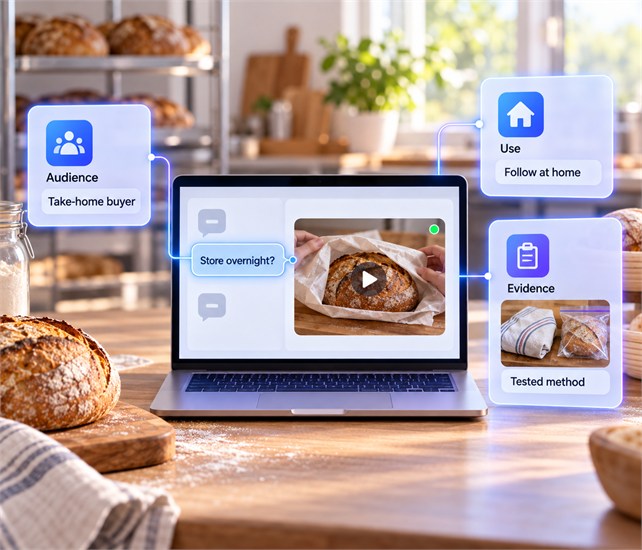
To use AI for content creation, start by deciding what you want to explain, who needs the information, and how you'll present it. With those decisions made, AI can help organize your research, write a draft, and create images or video clips that support the message.
You'll then need to edit those pieces together and review the result. Facts, wording, visual details, usage rights, and platform requirements all need checking before the content is ready to publish.
How Do You Find Ideas for AI Content Creation?
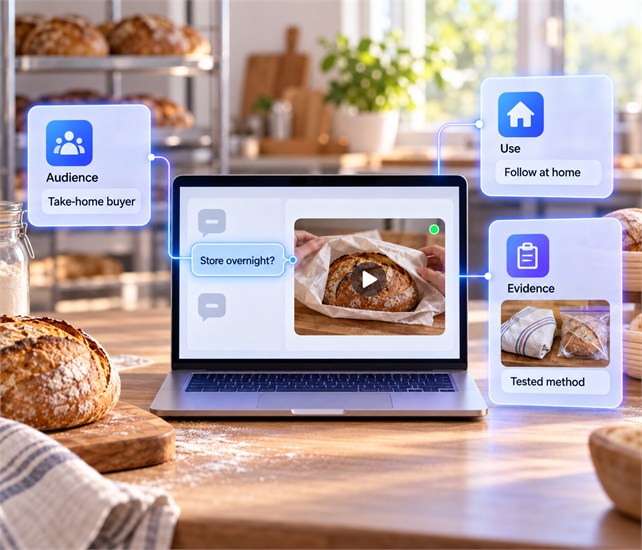
Questions from customers and readers can give you a useful starting point. The next step is choosing one you can answer well. Knowing who asked it, how they'll use the answer, and what evidence you have will help you develop the idea.
Define the Audience and Content Goal
A potential customer may need help choosing a product, while an existing customer needs help using it. Decide which person you're addressing before asking AI to suggest topics.
A bakery that receives questions about storing sourdough overnight could create a tutorial for customers taking bread home. Viewers should finish it knowing how to wrap and store their loaf.
That goal keeps the topic focused. Baking instructions belong in another piece unless they are necessary to explain storage. Use the same reasoning with trending topics: pursue them when they answer a question your audience actually has.
Choose the Main Content Format
Once you know what the audience needs to learn, consider how they could learn it most easily. Written instructions let readers pause and revisit a step. Video helps when the action itself needs demonstrating.
The bakery could show its wrapping method in a short video. The same planning applies when deciding how to make a product video: show the product in use and focus on what the viewer needs to learn. A longer article could explain the reasons behind the method and cover different storage situations.
Choose the main format before producing either version. This tells you whether to prepare footage, still images, written explanations, or a combination. Other versions can follow once the main piece is complete.
Gather Reliable Source Material
The format tells you what assets to prepare; the topic tells you what information to collect. A product tutorial may need the current manual, specifications, customer questions, and notes from testing the product yourself.
Keep sources beside the facts they support. Mark anything that still needs verification, and separate creative suggestions from information you plan to present as fact.
Store approved images, footage, brand guidelines, and writing samples with the research. Check their usage permissions before production so you don't build a scene around material you cannot publish.
How Do You Use AI for Content Creation?
With your topic and materials ready, compare the best AI tools for content creators by the job each one needs to handle. Begin with the structure and writing. Once those explain the subject clearly, create the visuals they need and assemble the finished piece.
Build an Outl ine or Video Script
Tell AI who the content is for, what it should help them do, and which sources to use. Include the desired tone and length, then ask for an outline you can review before drafting.
The outline should follow the order in which the audience needs information. In the bakery tutorial, viewers need to see how to wrap the bread before learning where to store it.
When working out how to write a video script, add the shot and narration needed at each step. For an article, identify the explanation or image each section requires. Remove unrelated sections and fill missing steps while the structure is still easy to change.
Write the First Draft
Once the outline is ready, ask AI to develop it using your reference material. Share a sample of your writing and any phrases you avoid to help it follow your usual tone.
That guidance helps with the wording, but the draft may still leave out details readers need. In the bread-storage tutorial, "store the loaf properly" doesn't explain what to do. Replace it with the wrapping material and storage location supported by your sources or tests.
After filling those gaps, read the instructions in order to make sure someone could follow them. Correct any facts that don't match your sources and remove repeated advice. Finish by reading the draft aloud to catch awkward sentences or places where the explanation moves on too quickly.
Create Images and Videos
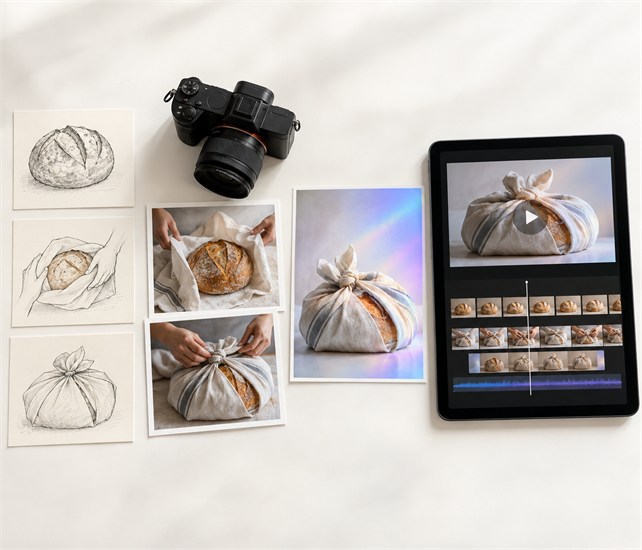
Once the draft is ready, decide what the audience needs to see. In the bread tutorial, a cover image introduces the topic, while footage of the wrapping method shows viewers what to do. You can generate the cover and film the demonstration so the instructions reflect the actual process.
For the cover, RoboNeo lets you start with a written description or upload a reference image. It can also turn a still image into a short moving scene if your video needs an opening shot.
Describe what you want to show and how you'll use it. A wrapped loaf on a kitchen counter, soft morning light, and space for a title would give the tool a clear direction. If you create several related shots, reuse the reference to help keep the loaf, setting, and colors consistent.
The generated result still needs to match that description. Check that the loaf looks right, the title area is clear, and any movement looks natural. Fix or regenerate inaccurate details before placing the image alongside your filmed demonstration. Used this way, generative AI content creation helps you produce supporting visuals while keeping the instructional steps grounded in real footage.
Assemble the Finished Content
Arrange the writing and visuals in the order established by the script. Add narration, captions, and music where they support the explanation.
During a wrapping demonstration, the spoken instruction should match the action on screen. If the narration moves ahead of the footage, adjust the timing so viewers can follow each step.
Check generated speech for mispronounced names and technical terms. Correct subtitle spelling, line breaks, and timing, then remove repeated scenes or explanations. Finally, adjust the length, aspect ratio, and text placement for the publishing channel and save a review version.
What Should You Check Before Publishing AI Content?
The individual parts may look correct but still create problems when combined. Review the complete piece first: does the opening introduce the topic clearly, and does the ending deliver what the title promised?
Then check the details:
Accuracy and language: Verify facts, dates, quotations, product claims, and instructions. Remove unsupported promises, repetition, and vague wording.
Visuals and audio: Inspect people, products, logos, text, and backgrounds. Check that narration and captions match the footage. Run muffled or uneven narration through voice enhancement before export.
Permissions and disclosure: Confirm rights to outside assets and check whether the platform requires an AI label.
Presentation: Preview on a phone and computer. Look for unreadable text, awkward cropping, formatting errors, and uneven volume.
Correct problems even when they affect only a few seconds. A missing word in a caption can reverse an instruction. After making changes, play the exported file to confirm that the fixes appear properly.
How Can You Adapt One Piece of Content for Different Platforms?
Once the main piece is reviewed, AI can help turn it into versions for other channels. Working from that finished source keeps the advice consistent and avoids researching the same topic again.
The bakery could adapt its tutorial into a short video and an email tip. The video would show the wrapping steps. The email could summarize the method and direct readers to the full explanation.
Tell AI what each version needs to accomplish. A request for a 30-second demonstration script calls for visible actions and brief narration. A 100-word email needs enough written detail to make sense without the footage.
This approach to AI-powered content creation reduces rewriting, but each adaptation still needs review. If the original advice applies only to an uncut loaf, preserve that condition. Shorter content must still give people enough information to follow the advice correctly.
FAQ
Can AI create all of my content?
AI can assist with ideas, drafts, visuals, narration, and captions. It still needs your direction, reliable sources, and final review.
Personal experiences and product results must come from real observations. Relying entirely on generated output can introduce errors and leave the content without an original perspective.
Do you need multiple AI tools for content creation?
No. Start with the tasks your project requires. A writing tool and an editor may be enough.
Add image, video, or voice tools when something is missing. Check input options, export formats, commercial-use terms, and costs before committing to another tool.
How do you make AI-generated content sound less generic?
Provide specific sources, a defined audience, and examples of your normal writing. Add observations and judgments from your own experience.
During editing, replace broad claims with useful details. Remove empty openings, repeated conclusions, and transitions that don't explain how one point connects to the next.
Which content creation tasks should remain human-led?
The creator should decide the direction, main argument, and final version. Fact-checking, personal accounts, product evaluations, and sensitive claims also require human judgment.
You need to review visual and audio errors as well. AI can assist with production, but responsibility for the published piece remains yours.
Do you need to label AI-generated content?
It depends on the content and the platform's current requirements. Realistic generated people, voices, and events need particular attention because viewers may mistake them for genuine recordings.
Using AI to organize notes differs from creating a scene that never happened. Check the platform's disclosure policy and obtain any necessary permission to use someone's likeness or voice.
You May Be Interested
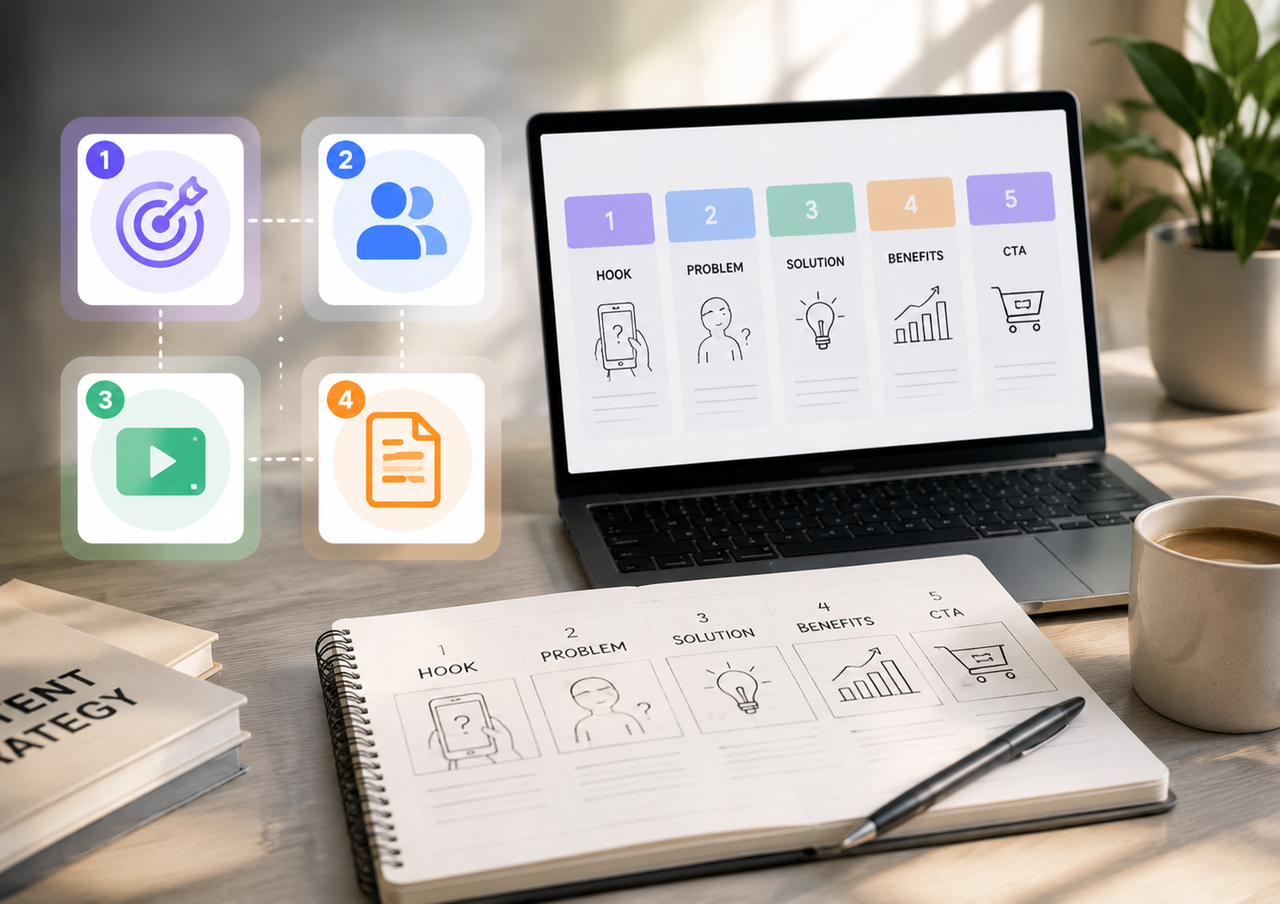
How to Create AI Video from Script: A Complete Guide
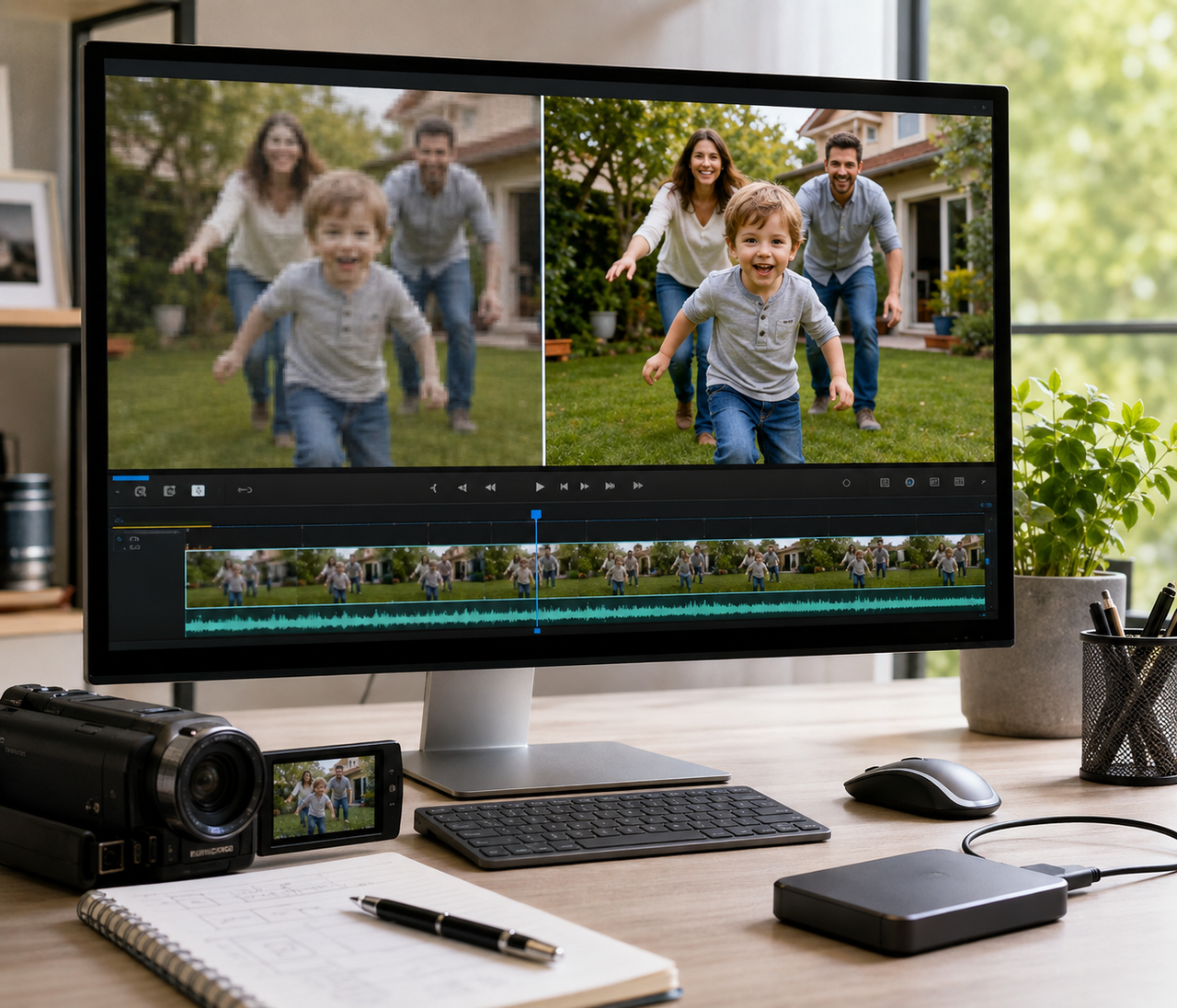
How to Make a 480p Video to 1080p: Step-by-Step Guide
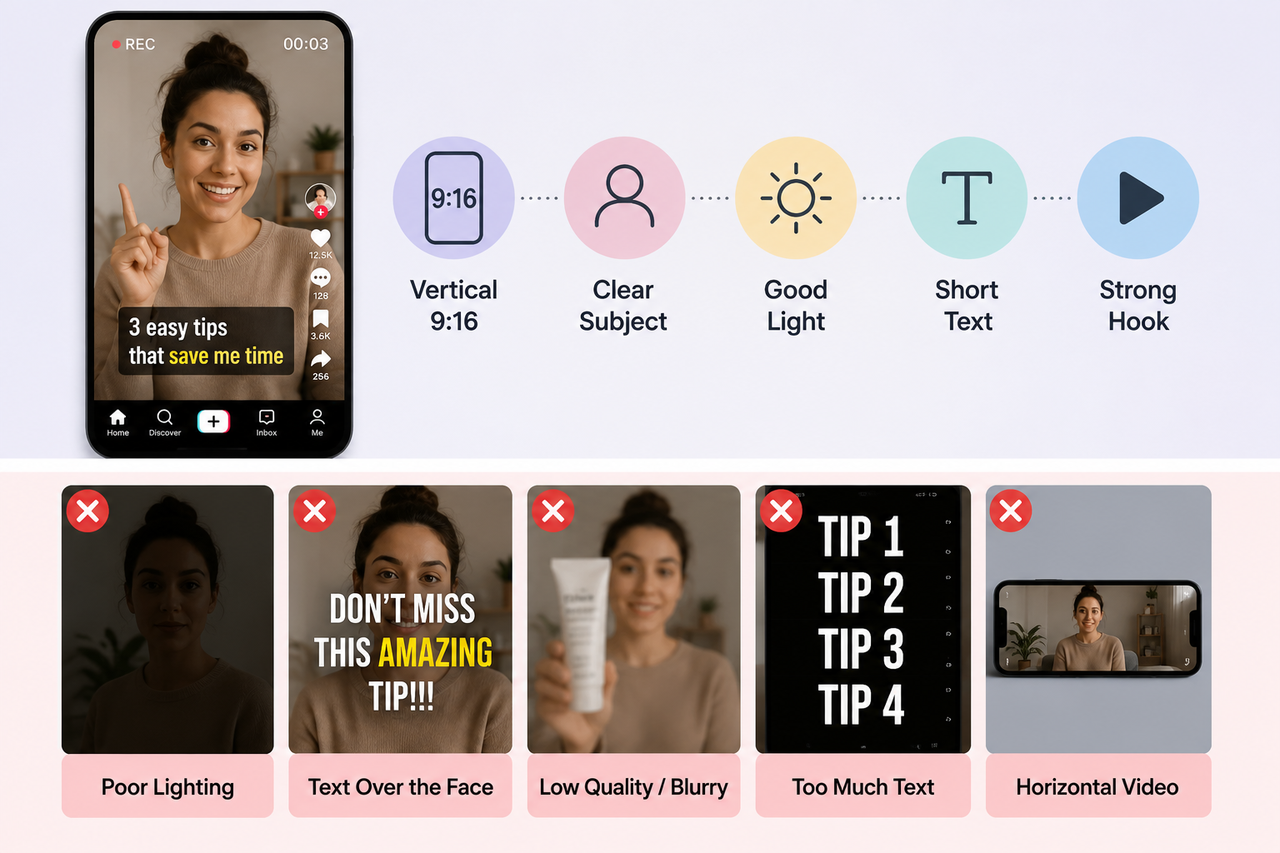
How to Make a TikTok Video in 2026: Easy Guide

How to Make a Video Out of Images: 2 Simple Methods
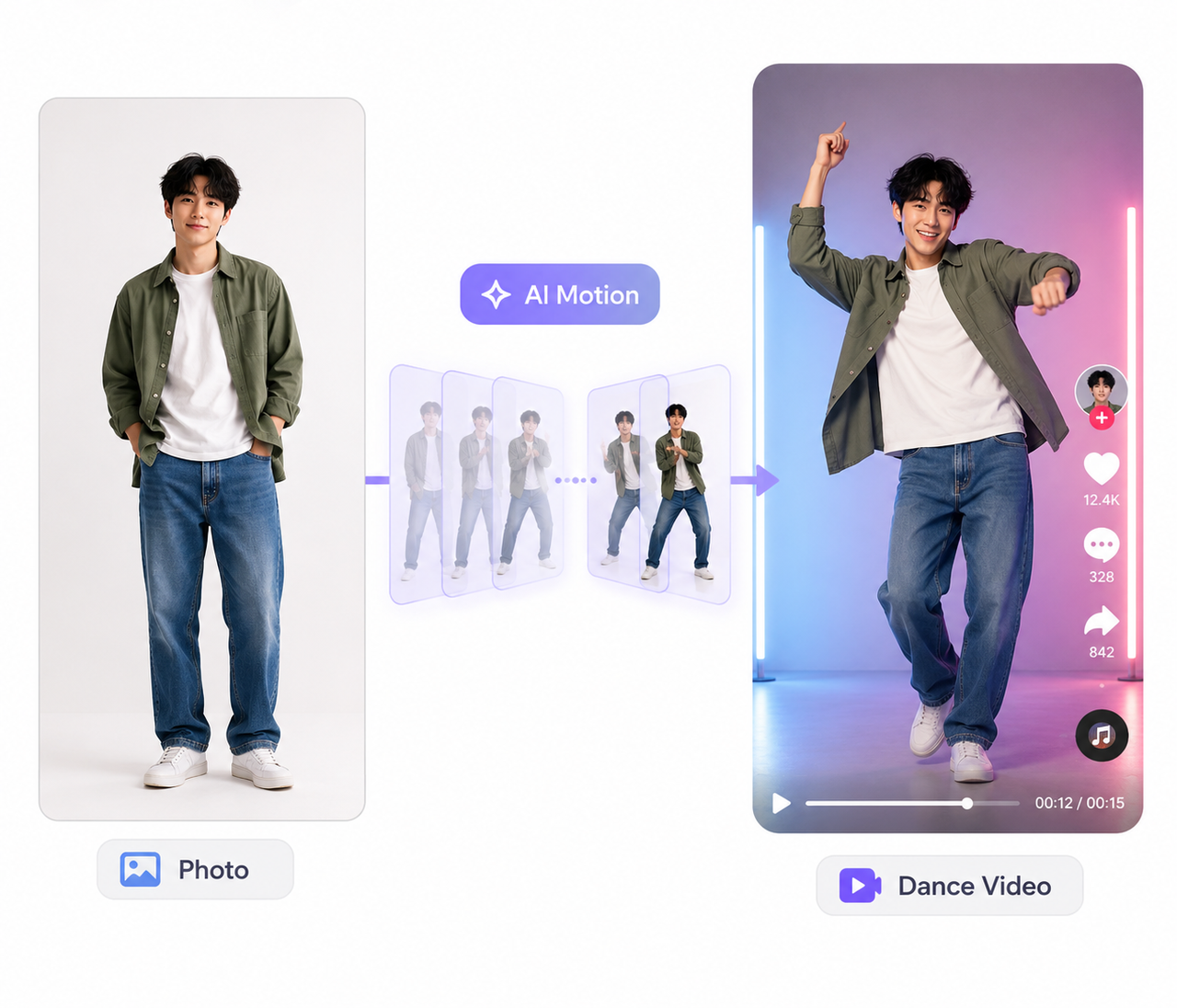
How to Make an AI Dance Video in 2026: Easy Guide