How to Write a Short Film Script Step by Step
 RoboNeo TeamJuly 6, 2026
Writing a short film script means telling one focused story with a clear conflict and a strong ending. This guide covers how to write a short film script step by step, how AI tools can help, and what to check before production. The same approach also works for short drama or micro drama content, where the story needs to hook viewers quickly and stay easy to follow.
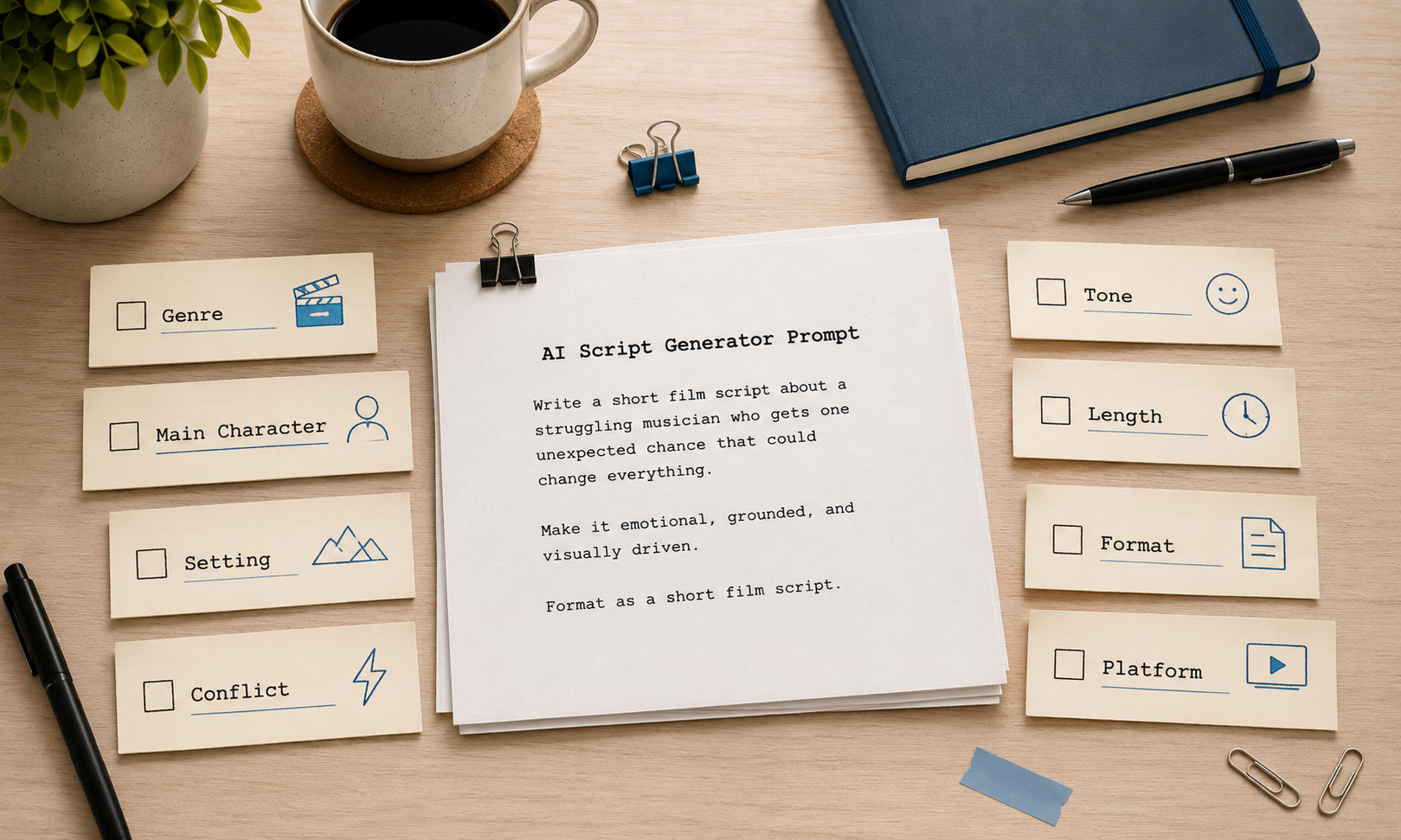
What Makes a Short Film Script Different
Short film scripts need to stay focused because every minute counts. They usually center on one conflict, a small cast, few locations, and a clear ending or twist. There is little room for long backstory or subplots, so every scene should move the story forward. For micro drama or vertical drama, start with a problem, surprise, or emotional hook right away.
Comparison: Writing By Hand vs AI-Assisted vs Hybrid
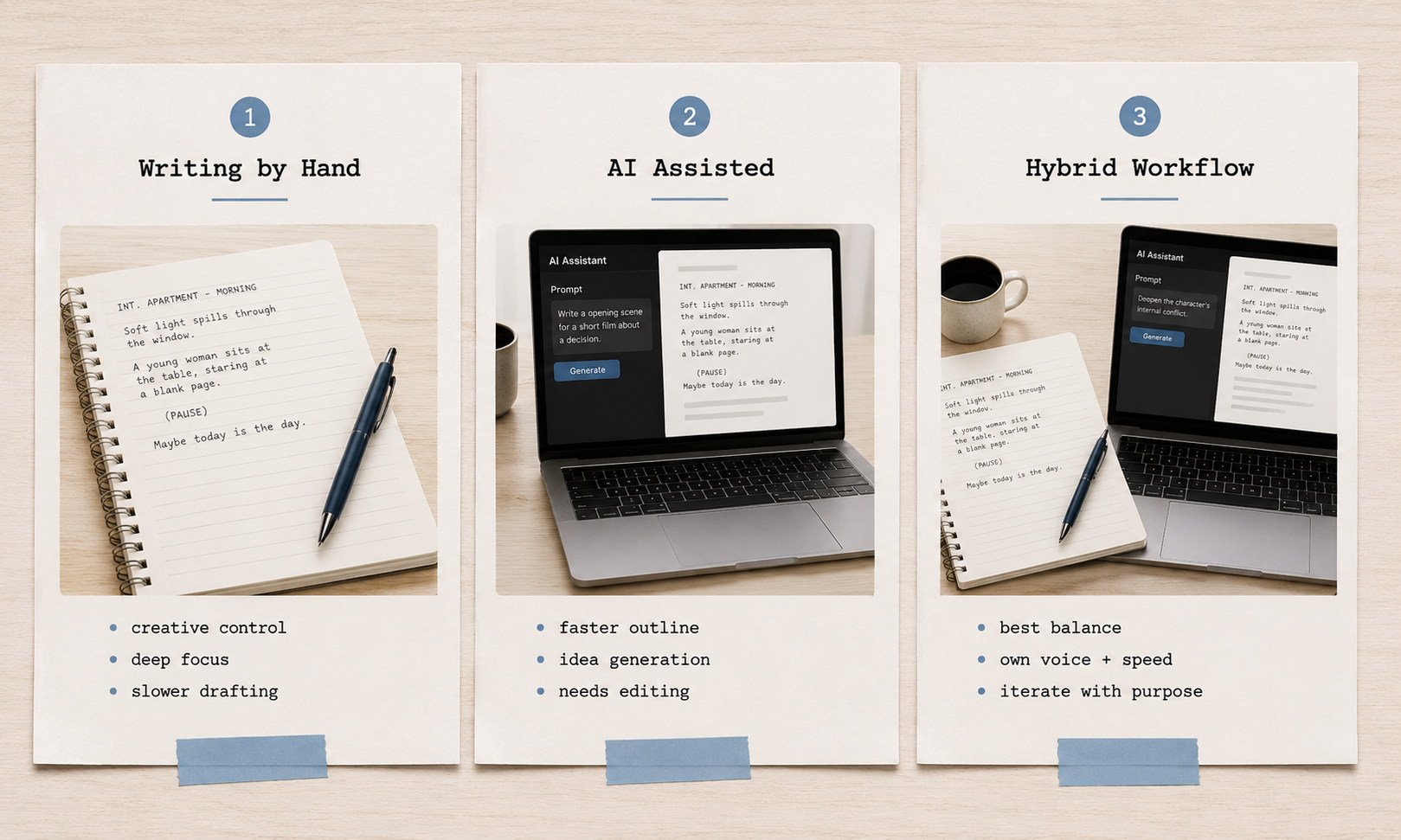
There are a few ways to write a short movie script, and each fits a different workflow.
Writing everything by hand gives you the most creative control, but it can take more time. An AI movie script writer can help you move faster by building outlines, drafting scenes, shaping dialogue, and developing short drama ideas. You will still need to edit the script so it feels focused and personal. For most creators, the best approach is a hybrid workflow: start with your own idea, use AI to speed up the draft, then refine the story in your own voice.
Step-by-Step: Writing Your Short Film Script
Once you know what makes a short script work, the writing process becomes easier. If you want to learn how to write a short film, start simple and build the story one layer at a time.
Step 1: Start with one clear idea
Begin with a story idea you can explain in one sentence.
Example:
“A young woman pretends to be rich at a dinner party, but the waiter turns out to be someone who knows her real past.”
If the idea is too hard to explain, it may be too big for a short film.
Step 2: Define the character’s goal
Decide what the main character wants. It could be love, money, forgiveness, revenge, safety, or the truth.
This goal gives the story direction.
Step 3: Add conflict
Give the character a problem that blocks their goal. The conflict could come from another person, a secret, a mistake, a deadline, or the character’s own fear.
For short drama, micro drama, and vertical drama, the conflict should appear early so viewers understand the story quickly.
Step 4: Build a simple structure
A short film script can follow this basic structure:
Opening: Show the situation and hook the viewer.
Problem: Something changes or goes wrong.
Conflict: The character is forced to act.
Climax: The character makes a choice.
Ending: Show the result, twist, or cliffhanger.
Step 5: Keep the script focused
Use a small cast, limited locations, and short dialogue. Every scene should move the story forward.
For micro drama or vertical drama, start with a problem, surprise, or emotional moment instead of a slow setup.
What to Know Before Using an AI Script Generator
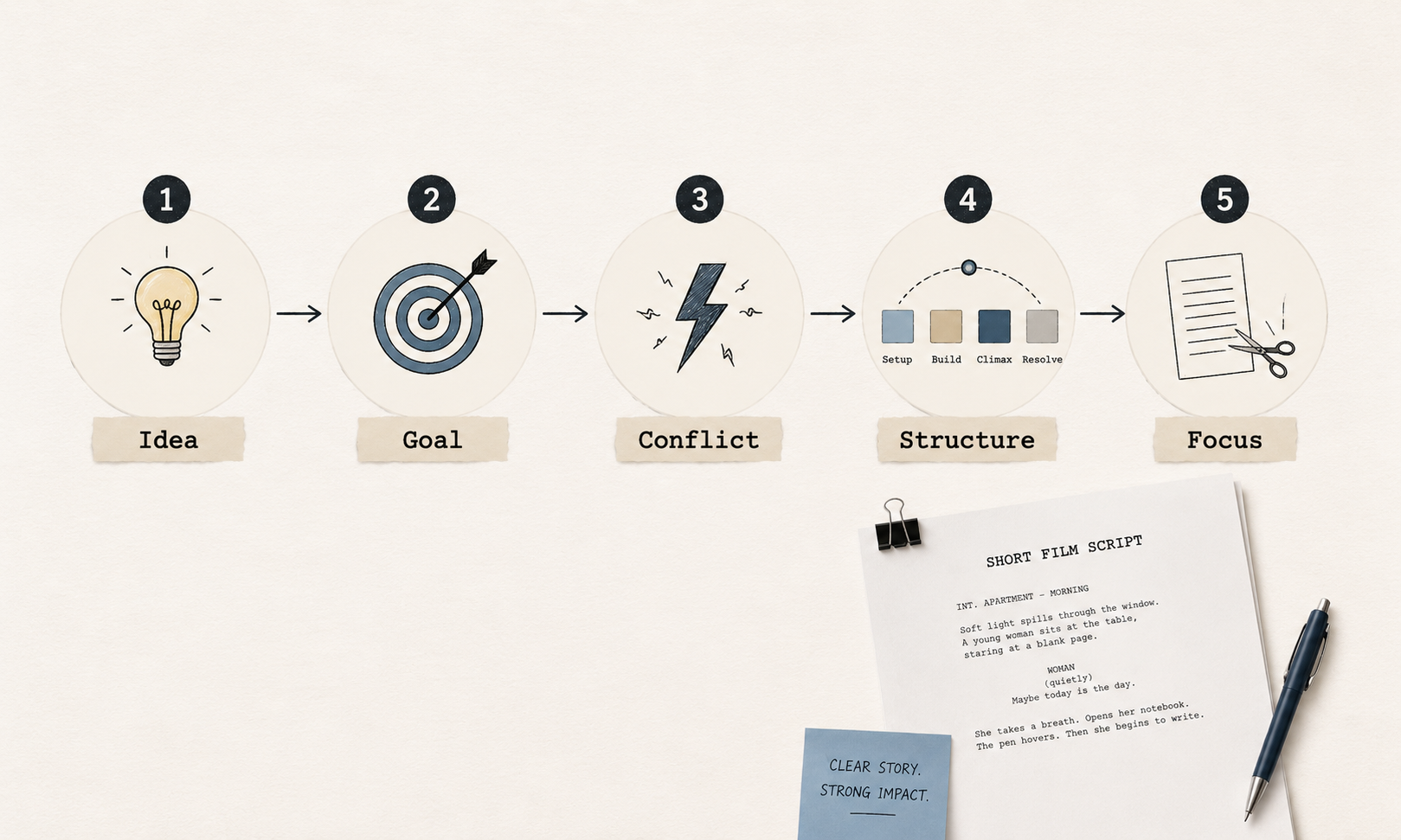
AI can make script writing faster, but it works best when you give it clear direction. Start with the basics of script writing, then define your story, format, and tone before asking AI to create a draft. This gives the tool a stronger starting point and makes the final script easier to edit.
A useful prompt should include:
Genre
Main character
Setting
Conflict
Tone
Length
Format
Target platform
For example: “Write a 3-minute vertical drama script about a young woman who pretends to be rich at a dinner party, but her old classmate exposes her secret. Make it emotional, fast-paced, and easy to film with two main characters.”
This gives the AI enough direction to create a more useful draft.
RoboNeo AI Script Generator
RoboNeo can be useful when your script is part of a larger video workflow. Instead of only writing text, you can use it to develop short drama script ideas, organize scenes, and think about how the story may work visually.
It suits creators who want to go from idea to script and then into video production. For vertical drama or micro drama content, this can help speed up the early creative process.
Canva AI Script Generator
Canva can help with simple scripts, social video ideas, and short-form content drafts. It works well if you already use Canva for design, presentations, or video assets.
For short films, Canva may be more useful for quick content planning than detailed screenplay writing. You may still need to revise the structure and dialogue by hand.
Squibler AI Script Generator
Squibler is more focused on writing and script drafting. It can help with story structure, scenes, and dialogue.
This can be useful if your main goal is to create a screenplay-style draft. For beginners, it can also make the blank page easier to start from.
Key Comparison Table
Tool | Best For | Main Use |
RoboNeo | Short drama and video workflows | Turning ideas into script and visual planning |
Canva | Social video and simple content drafts | Fast script ideas with design/video support |
Squibler | Screenplay-style drafting | Writing scenes, dialogue, and structured scripts |
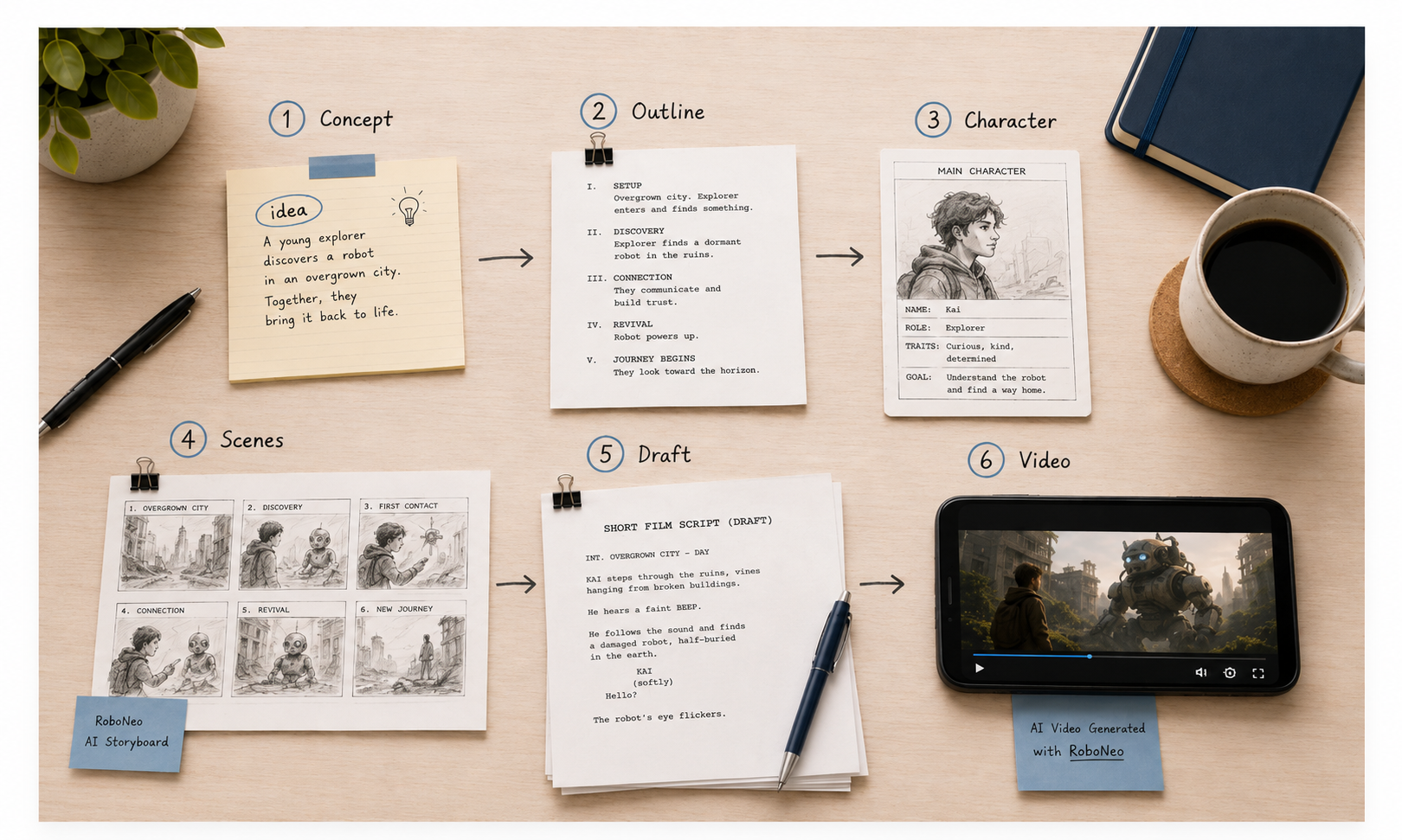
Detailed Steps with RoboNeo AI Script Generator
If you want to use RoboNeo, treat it as a creative assistant. Start with your own idea, then use AI to organize, expand, and refine the script.
Step 1: Prepare a short concept
Start with a clear story idea before asking AI for a full script.
Example:
“A college student fakes a luxury lifestyle online, but her lie is exposed during a live stream.”
A clear concept helps RoboNeo generate a more useful short drama script or micro drama script.
Step 2: Generate a story outline
Ask RoboNeo to turn the idea into a simple outline. Be specific about the format, such as a 60-second micro drama, a 3-minute short film, or a multi-episode vertical drama.
Step 3: Build the main character
Ask for the character’s goal, secret, fear, and emotional change. This makes the story less generic and gives the script stronger direction.
Step 4: Create the scene outline
For a short film, three to five scenes are usually enough. For a micro drama, one strong scene with a clear twist may be enough.
Step 5: Generate the first draft
Use a direct prompt like:
“Write this as a 3-minute vertical drama script. Use simple dialogue, fast pacing, clear action lines, and one emotional twist near the end.”
Once the draft is ready, a text-to-video workflow can turn it into rough scenes or storyboard frames.
Step 6: Revise the script
After the draft is ready, remove slow parts, stiff dialogue, and over-explained lines. Read the dialogue out loud to make sure it sounds natural.
You can also ask RoboNeo for a more emotional version, a funnier version, a darker version, a version with less dialogue, or a version with a stronger cliffhanger.
The best result usually comes from using AI for speed, then editing the script with your own judgment.
Pre-Production Checklist
After the script is written, check whether it can actually be filmed. A strong short film script should match your real budget, cast, locations, and production time.
Check these points before production:
Script length
Number of scenes
Cast size
Locations
Props and costumes
Dialogue length
Shot style
Aspect ratio
Ending or cliffhanger
Music and sound needs
Copyright or usage concerns
If you are shooting in a vertical drama format, think about the phone screen. Close-ups, two-person conflict, phone messages, mirrors, and tight spaces often work well. Large crowd scenes or wide shots may not look clear on mobile.
Frequently Asked Questions
How do I write a short film script for beginners?
Start with one idea, one main character, and one conflict. If you want to know how to write a good script for a short film, keep the story simple and focus on the choice the character makes at the end.
How can AI help with my script if I don't want it generating the ideas?
You can use AI only for support. Give it your own idea and ask it to organize the outline, format the script, polish dialogue, or shorten scenes. This keeps the core story yours.
How long should a short film script be?
A common rule is one script page equals about one minute of screen time. A 5-minute short film is usually around five pages. A 60-second micro drama may only need one or two pages.
Do I own the script if I use an AI generator?
It depends on the tool’s terms. Before using an AI-generated script commercially, check the platform’s usage rules. You should also make sure the script does not copy existing characters, stories, or copyrighted material.
What's the best way to format a short film script?
Use basic screenplay format: scene headings, action lines, character names, and dialogue. Keep action lines short and write only what the audience can see or hear.
How do I avoid generic AI dialogue?
Give the AI clear character details. Tell it how each character speaks, what they want, and what they are hiding. Then read the dialogue out loud and rewrite anything that sounds too formal or flat.
Can AI tools help with the visuals after the script is done?
Yes. AI tools can help create shot ideas, visual prompts, storyboards, or video drafts. This is especially useful for short drama, micro drama, and vertical drama workflows, where scripts often move quickly into production.
You May Be Interested
Best TikTok Script Generator in 2026
How to Write Script for Youtube Video
6 Best AI Video Generators in 2026
Best Prompt for YouTube Script in 2026
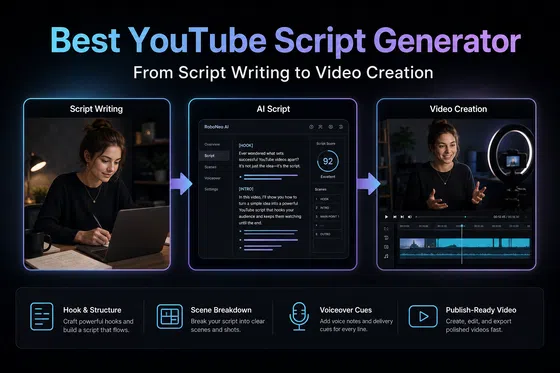
Best YouTube Script Generator: From Script Writing to Video Creation