How to Make a Memorial Video with AI Tools
 RoboNeo TeamAugust 25, 2026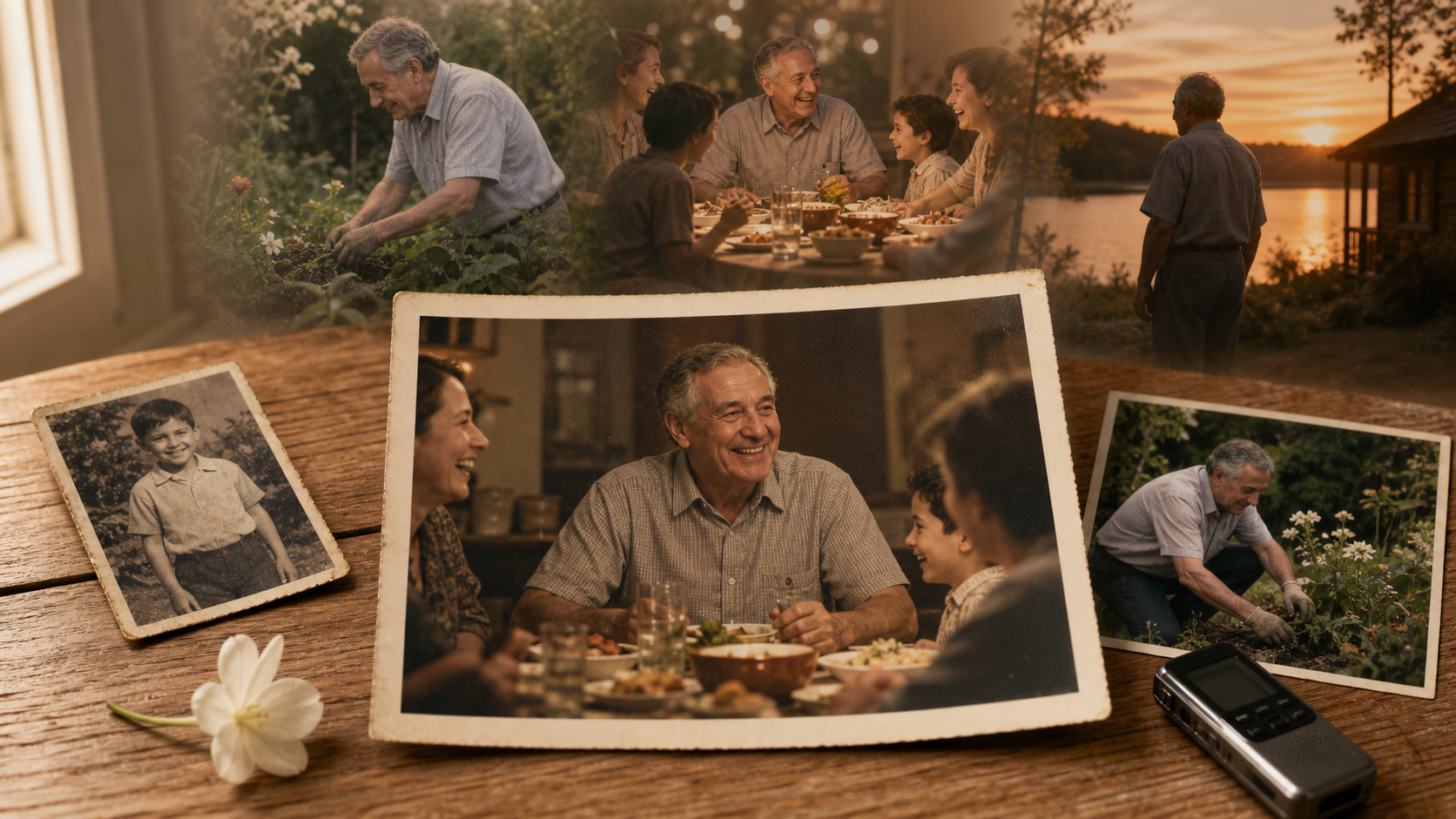
A memorial video brings photographs, personal recordings, music, and shared memories together to honor someone’s life. The most moving videos rarely depend on elaborate effects. Their emotional impact comes from familiar moments: a family holiday, a favorite song, a handwritten note, or the sound of the person’s voice.
AI tools can make this process easier by restoring older photographs, animating selected images, generating supporting visuals, and organizing scattered materials into a coherent story. However, technology should support the memories rather than replace them. This guide explains how to make a memorial video that feels personal, respectful, and emotionally authentic.
What Makes a Meaningful Memorial Video?
A meaningful tribute allows viewers to remember the person behind the photographs. Instead of presenting every available image, it highlights the relationships, experiences, and qualities that shaped their life.
Focus on the Person's Story and Memories
Begin by asking what family and friends remember most clearly. One person may be remembered for hosting Sunday dinners, while another may be associated with gardening, travel, music, or a distinctive sense of humor. These details give the video a personal identity.
Materials should be selected around a clear story rather than placed in a random slideshow. A childhood portrait can introduce the person's early years, followed by graduation photographs, family celebrations, career milestones, and quiet everyday moments.
Ordinary images often carry more emotion than formal portraits. A slightly faded photograph of someone cooking in the family kitchen may be more meaningful than a professionally posed image because viewers recognize the setting and the memory connected to it.
Choose the Right Emotional Tone
Not every memorial video needs to feel deeply solemn. Some families prefer a quiet and reflective tribute, while others want to celebrate a life with warm photographs, cheerful music, and stories that make viewers smile.
The person's character and the viewing occasion should guide the tone. A funeral service may call for gentle pacing and restrained music. A celebration of life could include humorous family clips, travel memories, and lively songs the person loved.
Once the tone is decided, keep it consistent. Sudden changes from somber music to energetic animation can feel distracting unless the transition reflects a deliberate shift in the story.
Prepare the Materials for an AI Memorial Video
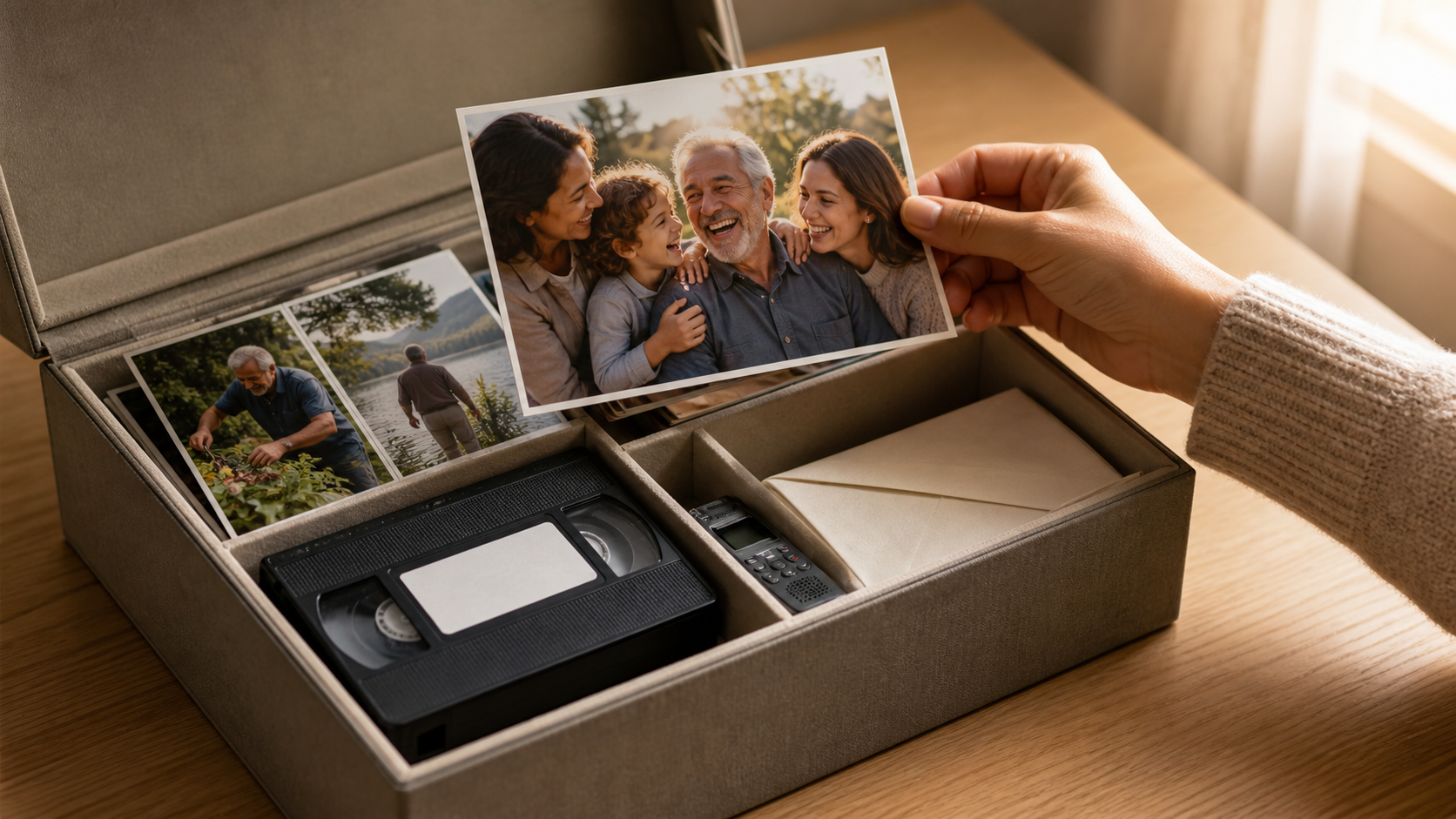
Good preparation reduces editing time and helps AI tools produce more consistent results. Before opening a video editor, collect the materials in one place and identify the memories that deserve the most attention.
Collect Photos, Videos, and Personal Details
Gather clear portraits, candid photographs, home videos, voice recordings, letters, and images of meaningful places. Ask relatives to contribute materials, especially when different family members knew the person during different periods of life.
Useful personal details may include:
Important dates and life milestones
Names of close relatives and friends
Favorite activities, places, songs, or sayings
Short stories that reveal the person’s character
Photographs connected to specific memories
Check names and dates carefully. A small factual error in a memorial video can distract family members from the tribute itself.
Organize the Timeline and Key Moments
A chronological structure is often the simplest option when learning how to make a memory video or turn images into a connected video. It can move from childhood and education to work, relationships, family life, interests, and later years.
Chronology is not the only approach. The video could also be organized around themes: family, friendship, travel, community, and personal passions. A grandfather who spent decades repairing old cars might be introduced through photographs of his workshop before the video moves into family milestones.
Create a folder for each stage or theme. This makes it easier to identify missing periods, remove duplicate photographs, and decide which scenes need additional visual support.
Prepare Text, Voice, and Music Elements
Short captions can provide context without overwhelming the images. A date, location, or brief sentence is usually enough. Longer stories work better as voiceover because viewers can listen while watching the photographs.
A family member's natural voice often feels more personal than a synthetic narration. If several people want to participate, each person can record one short memory. These recordings do not need to sound professionally polished; sincerity matters more than studio quality.
Music should reflect the intended mood and the person's preferences. Confirm that you have permission to use a song before publishing the video online. Instrumental or properly licensed tracks may be safer for public sharing.
How to Create a Memorial Video with AI Step by Step
Once the materials are organized, turn them into a simple scene plan. A clear structure prevents the finished video from becoming a long sequence of unrelated photographs.
Write the Story and Scene Plan
Divide the video into three broad sections. The opening can introduce the person with a name, photograph, and short message. The middle presents key relationships, memories, and life events. The ending offers a final reflection, quotation, or message from the family.
When making a video from photos online, a five-minute tribute might use 40 to 60 carefully selected photographs rather than hundreds of rapidly changing images. Important pictures should remain on screen long enough for viewers to recognize the people and absorb the memory.
Write one sentence describing the purpose of each scene. A scene featuring wedding photographs might focus on the beginning of a lifelong partnership, while a later section could show how the family grew across generations.
Generate or Enhance Visual Scenes With AI
AI can help turn limited materials into a more expressive visual narrative. An old portrait may be enhanced for better clarity, while a still image can receive subtle movement through a slow camera push or gentle environmental motion.
Common uses of AI in a memorial video include:
Adding restrained movement to selected photographs
Creating atmospheric views of meaningful places
Improving faded, noisy, or low-resolution images
Producing supporting scenes when no original footage exists
Imagine that the family has stories about summers spent at a lakeside cabin but only one exterior photograph survives. An AI-generated sunset over a similar lake could support the narration without pretending to be genuine historical footage. Labeling or presenting generated scenes clearly helps preserve authenticity.
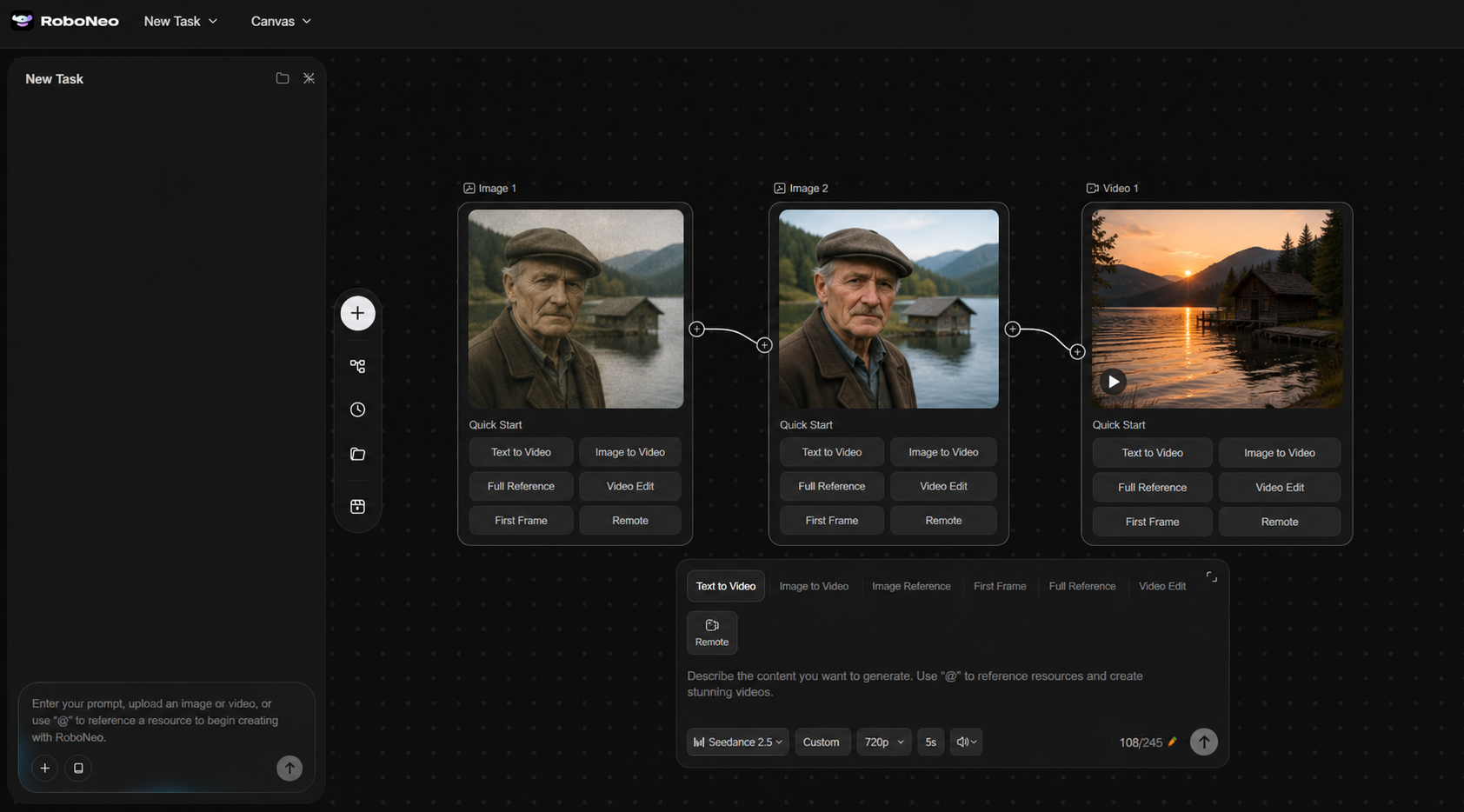
RoboNeo can help creators generate and combine visual content from photographs, written memories, and creative descriptions. It can be used to build additional scenes around a personal story, giving limited source material a more complete visual flow. The strongest results still keep genuine photographs and recordings at the center of the tribute.
AI animation involving a person’s face or voice requires particular care. A slight blink or camera movement may feel natural, but realistic speech that the person never recorded can be upsetting or misleading. Discuss these choices with close family members before including them.
Create Memorial Videos with RoboNeo
Edit the Final Video and Add Personal Touches
Arrange the scenes according to the plan, then adjust their duration and transitions. Simple fades usually suit memorial content better than dramatic visual effects.
Captions should be easy to read and remain on screen long enough to understand. Use one or two fonts throughout the video and choose text colors that contrast clearly with the background.
Music volume also needs careful balancing. It should support photographs and narration without covering the speaker’s voice. During especially emotional recordings, lowering the music can make the words feel more immediate.
Watch the complete video with headphones and again on a television or phone. This reveals captions that are too small, audio changes that feel abrupt, and images that disappear too quickly.
Ways AI Can Improve a Memorial Video
AI is most useful when it solves a practical problem with the source material. It can improve consistency and fill minor visual gaps without changing the truth of the person’s story.
Restore Old Photos and Improve Image Quality
Family archives often contain photographs with fading, scratches, color shifts, or low resolution. AI photo restoration can improve contrast, reduce noise, repair small marks, and make faces easier to see.
Restoration should remain realistic. Excessive sharpening may create artificial facial details, while automatic colorization can guess clothing or background colors incorrectly. Keep a copy of every original image and compare it with the enhanced version before using it.
Animate Photos Into Short Video Moments
An AI video generator can add subtle motion to a still photograph. A slow zoom toward a family group, gentle movement in the background, or a gradual pan across a wide wedding photograph gives viewers time to explore the scene.
Facial animation should be used sparingly. Applying it to every portrait can make the tribute feel artificial. One or two carefully chosen moments usually have greater impact.
Create More Personal Storytelling Elements
AI can also assist with background visuals, narration drafts, captions, and transitions between sections. A written memory about someone’s daily walk through a rose garden could be paired with a quiet garden scene while the narrator tells the story.
Generated content should support an existing memory rather than invent a new event. Maintaining that boundary keeps the tribute personal and trustworthy.
Common Mistakes When Making AI Memorial Videos
AI offers many creative possibilities, but more technology does not automatically produce a more meaningful tribute. Emotional clarity, respectful choices, and accurate memories remain more important.
Using Too Many Effects Instead of Real Memories
Frequent transitions, dramatic animations, and decorative overlays can compete with the photographs. Viewers need space to recognize people and connect with each moment.
Let genuine materials lead the video. Visual effects should clarify the story, smooth transitions, or improve damaged media. A simple photograph accompanied by the person’s favorite song may carry more emotional weight than a heavily animated scene.
Losing Authenticity Through AI-Generated Content
Generated images should not replace important photographs that already exist. Nor should AI be used to recreate uncertain events as though they were documented memories.
Sensitive changes to a person’s face or voice deserve family agreement. If an AI-generated scene represents a remembered place rather than an actual photograph, its role should be clear from the context.
Ignoring Privacy and Family Preferences
Memorial videos often include private photographs, children, addresses, medical information, and personal family stories. A video suitable for a private service may not be appropriate for social media.
Ask relatives for permission before publishing their images or recordings. Remove personal details that could expose living family members. When uploading photographs or voice samples to an AI platform, review how that service stores and processes the material.
FAQ
Can AI create a memorial video from photos?
Yes. AI tools can animate photographs, enhance image quality, generate supporting scenes, and help combine materials into a video. The final tribute will feel more meaningful when its structure and narration come from genuine memories.
How long should a memorial video be?
Most memorial videos are around three to ten minutes, although there is no fixed requirement. A short video may work well during a service, while a longer version can be shared privately with family members. The amount of meaningful material and the viewing setting should determine the length.
What materials do I need before creating a memorial video?
Prepare photographs, home videos, voice recordings, personal stories, important dates, captions, and suitable music. Organizing everything by date or theme will make both AI generation and manual editing more efficient.
Can AI restore old family photos?
AI can reduce noise, correct fading, improve color, and repair some scratches or minor damage. It cannot reliably recover original details that are completely missing, so restored images should be reviewed for inaccurate or artificial changes.
Can I add a voiceover to an AI memorial video?
Yes. A voiceover can describe important events, share family memories, or read a farewell message. Recordings from relatives often feel especially personal, while AI narration may help when no one is comfortable recording. Any recreated voice resembling the person being remembered should only be used with clear family consent.
You May Be Interested
480p vs. 720p: Which Resolution Should You Choose?
New from RoboNeo: Agent Team. The AI That Hired You a Whole Creative Squad
Best AI Video Enhancer in 2026: 8 Tools, Pros and Cons
3 Best Background Noise Removal Apps for 2026

Best AI Tools to Fix Blurry Videos in 2026