
Wan2.6 is Now Live on RoboNeo!
Turn your ideas into high quality images and videos using Wan2.6. Create cinematic visuals, expressive characters, and dynamic scenes with simple prompts and full creative control.
What Is Wan2.6 and Why It Matters
Wan2.6 is a professional AI model designed to generate images and videos from text, images, and references. You describe what you want to see, and the model creates visual content that feels polished and cinematic.
Cast Your Own Lead
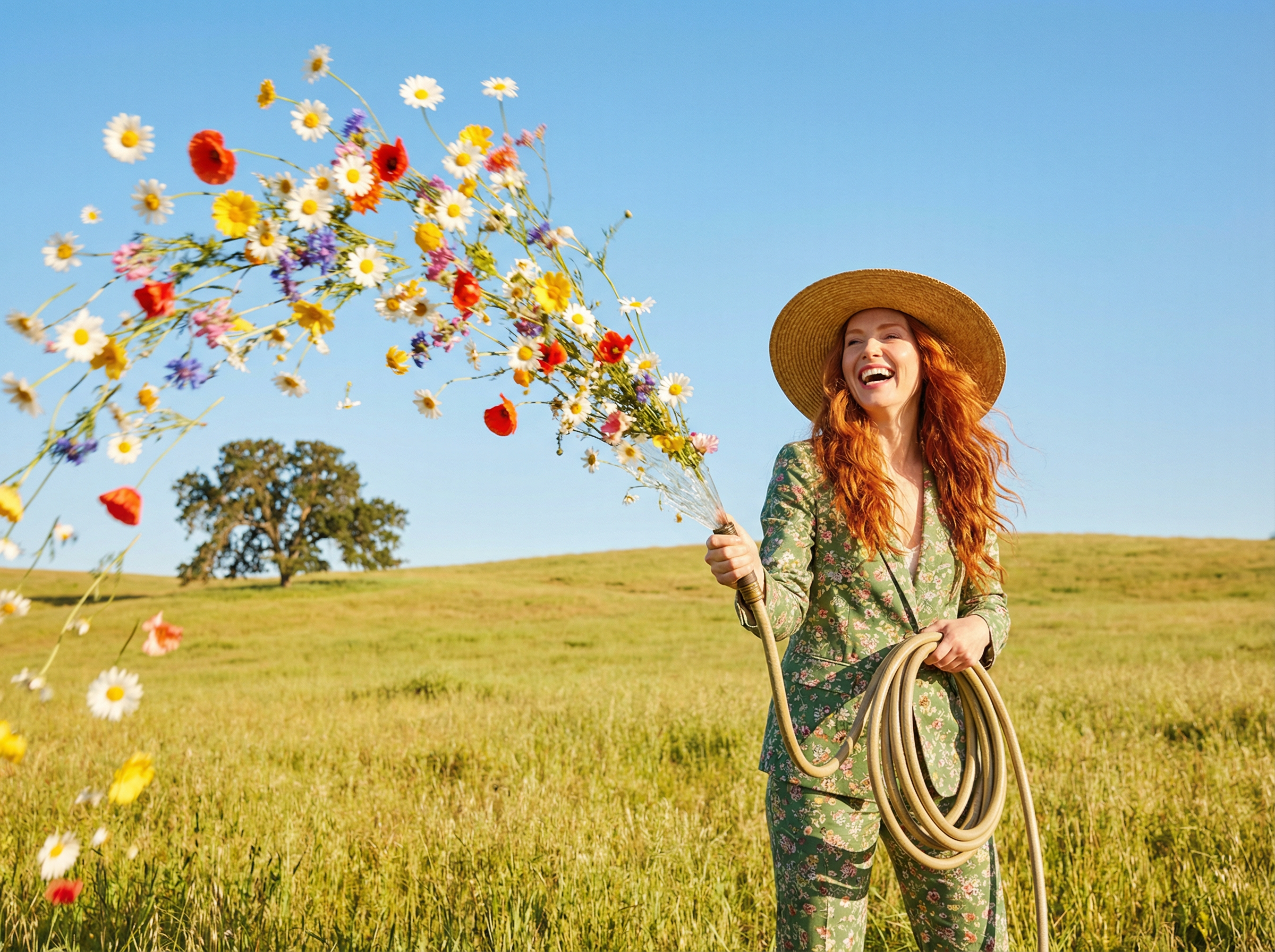
Bring your characters to life with Wan2.6. You can describe how a character looks, moves, and behaves, or upload a reference image to keep the appearance consistent across scenes. Wan2.6 understands expressions, motion, and context, so characters feel natural and recognizable from start to finish.

Text to Image
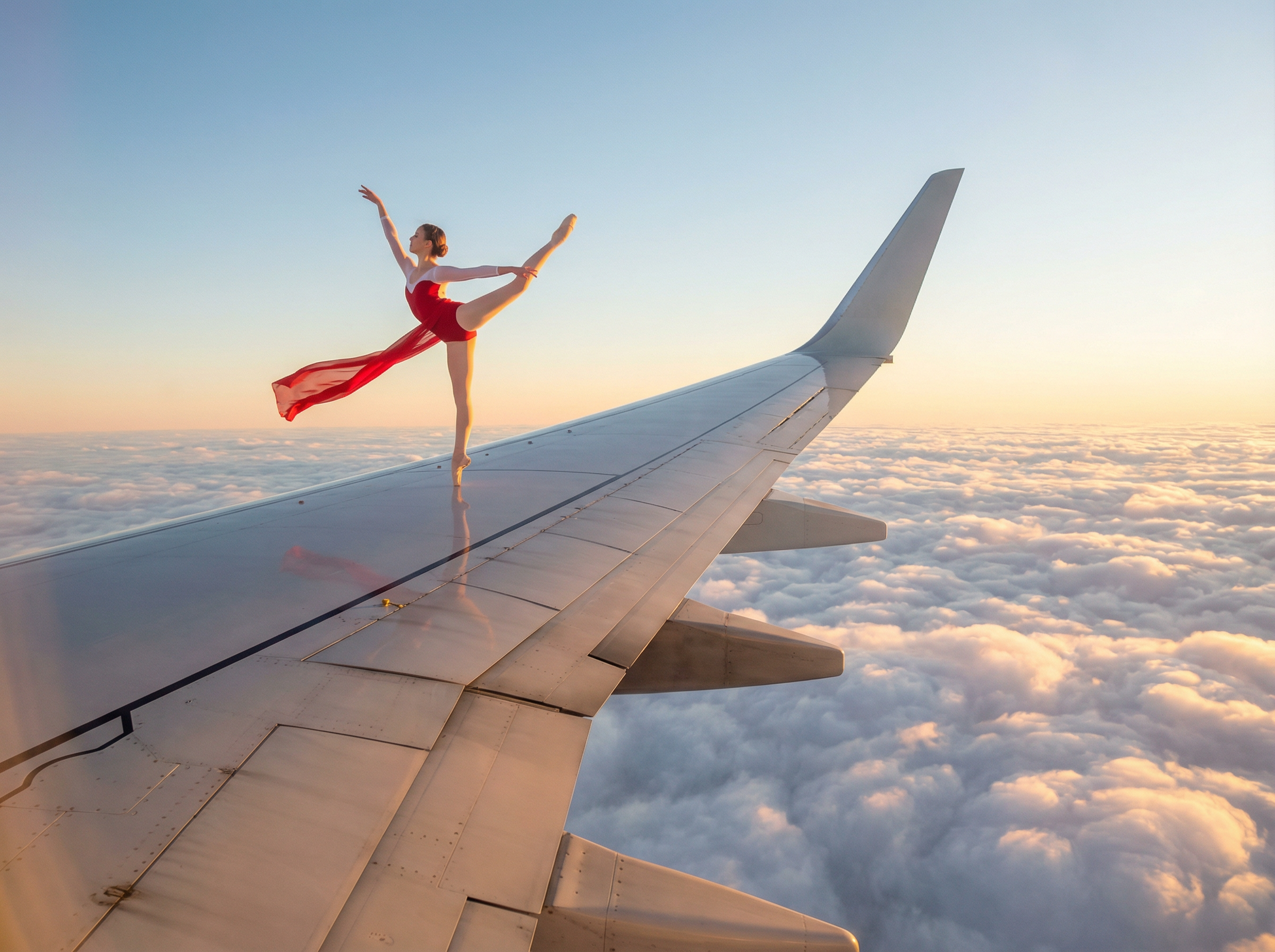
Create detailed images just by describing what you imagine. Wan2.6 turns text prompts into high quality visuals with strong lighting, composition, and style. Whether you need realistic scenes, stylized art, or cinematic frames, the model follows your description closely.
Turn Images Into Motion
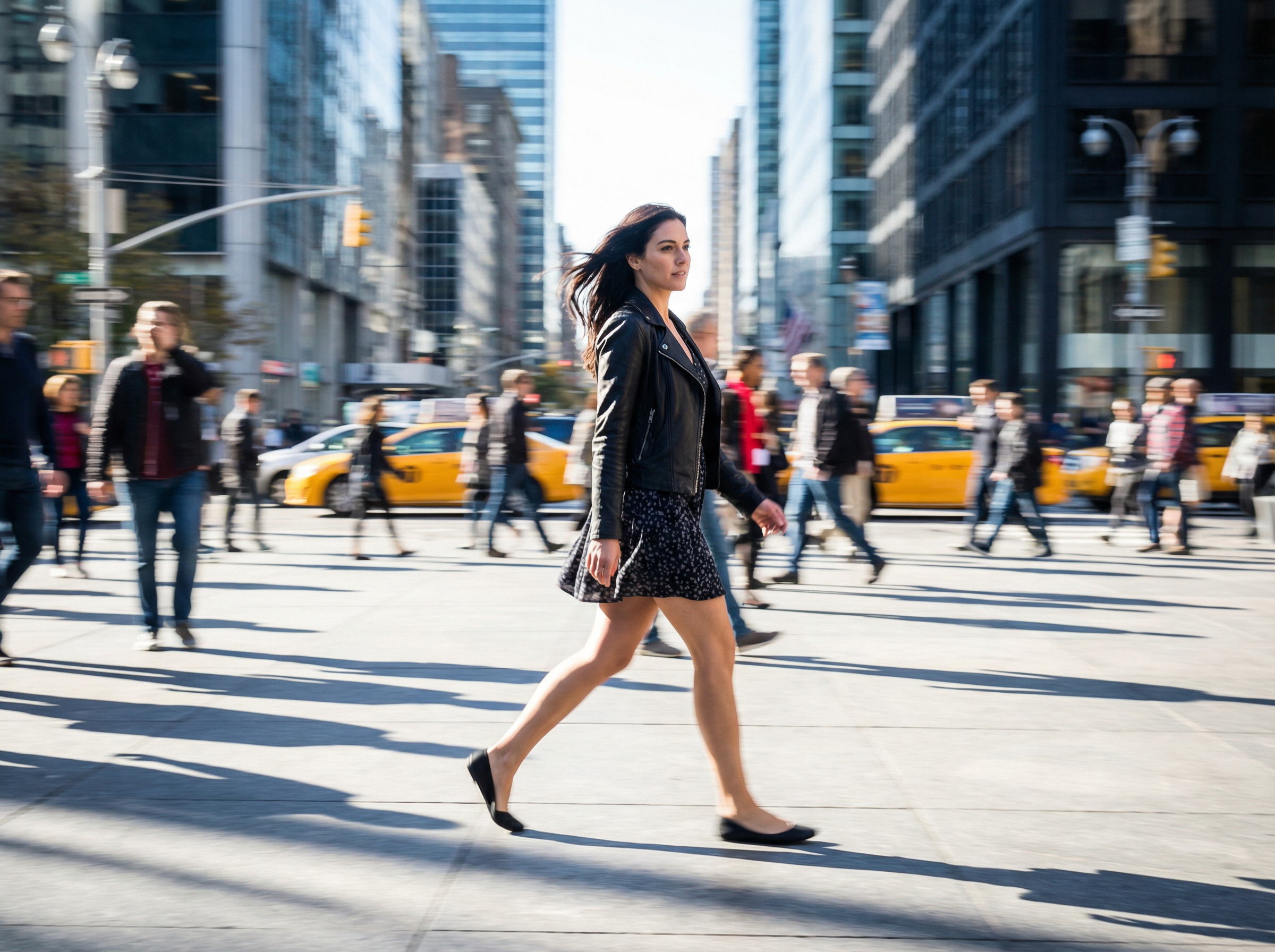
Wan2.6 can transform a single image into a moving scene. You can start with an image and describe how it should move, how the camera behaves, or how the scene evolves. The AI adds motion while keeping the original style and subject consistent.
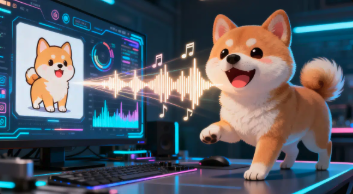
Bring Any Audio to Life
Add sound and motion together in one step. Wan2.6 can generate video with synchronized audio, including voice, sound effects, and movement. Audio and visuals stay aligned, so you do not need separate tools to edit sound later.
This helps you create immersive clips that feel complete right after generation.
How to Use Wan2.6 on RoboNeo
Define Your Vision
Write a clear prompt or upload a reference image or video. Describe the scene, mood, characters, and style.
Choose Your Style
Guide the look and feel through your prompt or references. You can shape pacing, tone, and visual style.
Generate and Refine
Generate your image or video, then use RoboNeo tools to clean visuals, enhance clarity, or prepare the content for publishing.
Key Features of Wan 2.6
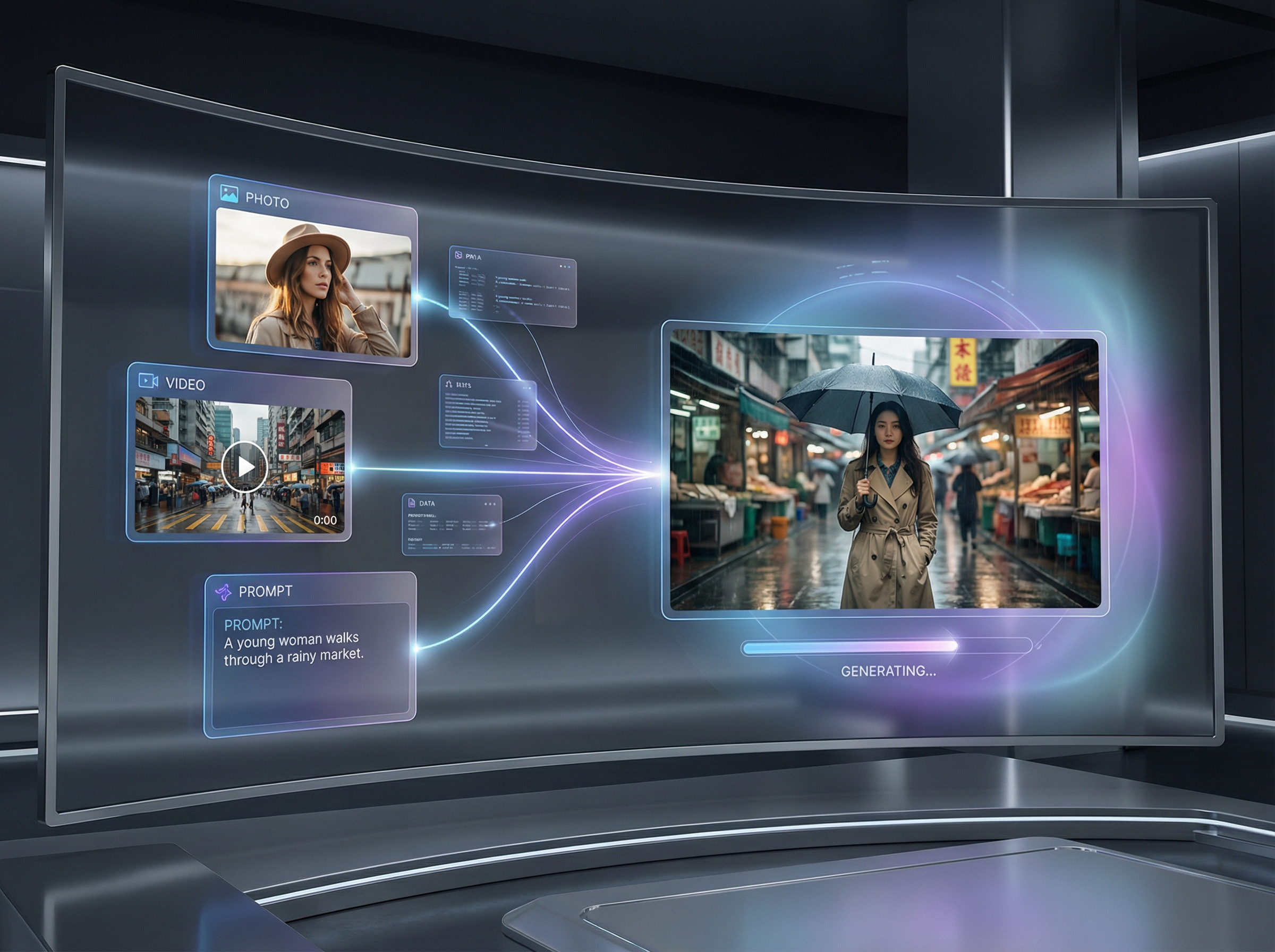
Multimodal Video Reference Generation
Wan 2.6 can generate videos using more than just text. You can guide the AI with images, audio, or short video references, and it will recreate characters, animals, or objects while keeping their look and identity consistent. This makes it easier to reuse the same character or subject across different scenes without starting from scratch.
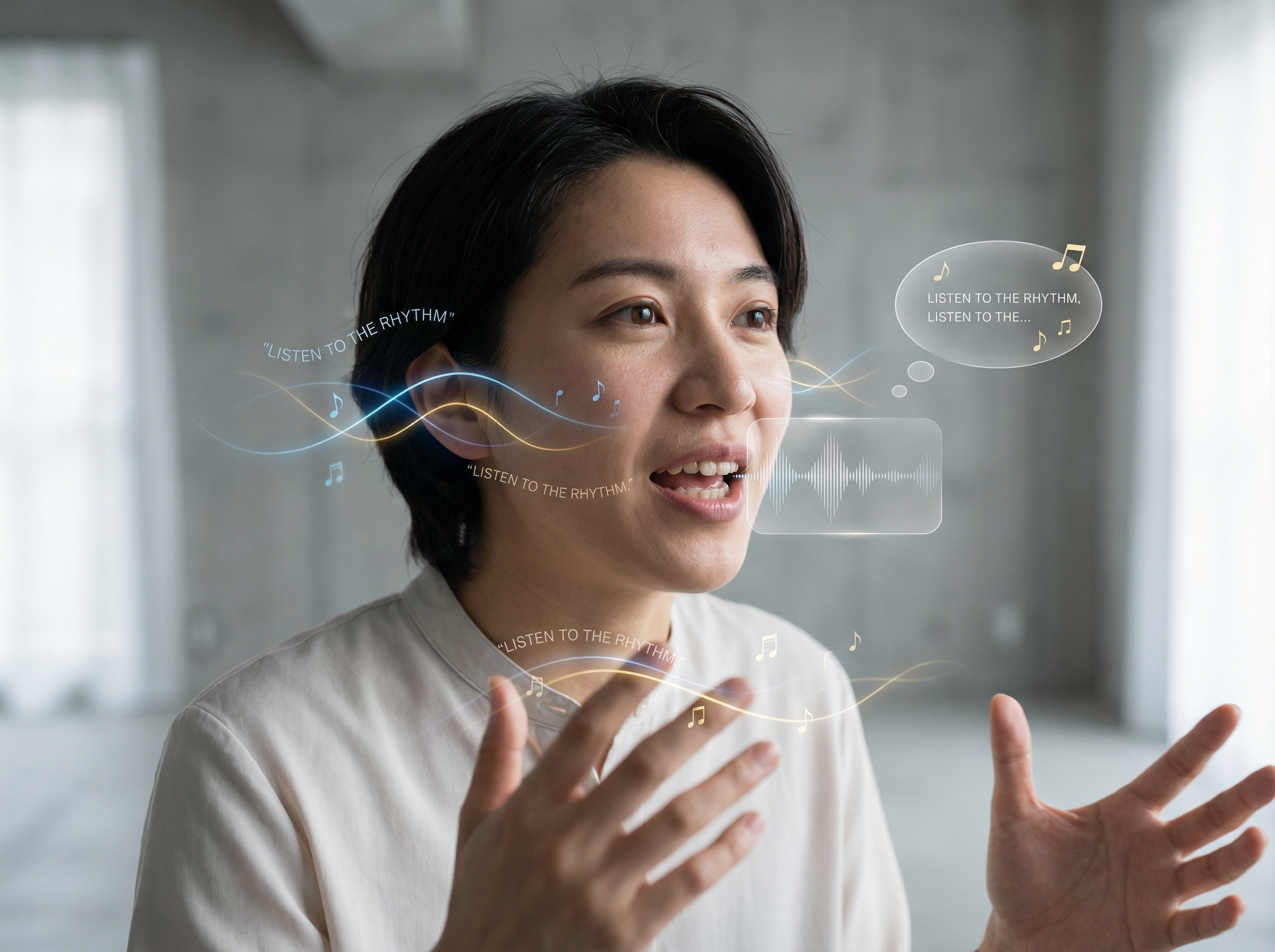
Native Audio Visual Synchronization
Audio and visuals are generated together instead of separately. Voices, dialogue, and sound effects stay in sync with facial movement and action, which makes the final video feel more natural. This is especially useful for storytelling, conversations, and scenes with multiple characters.
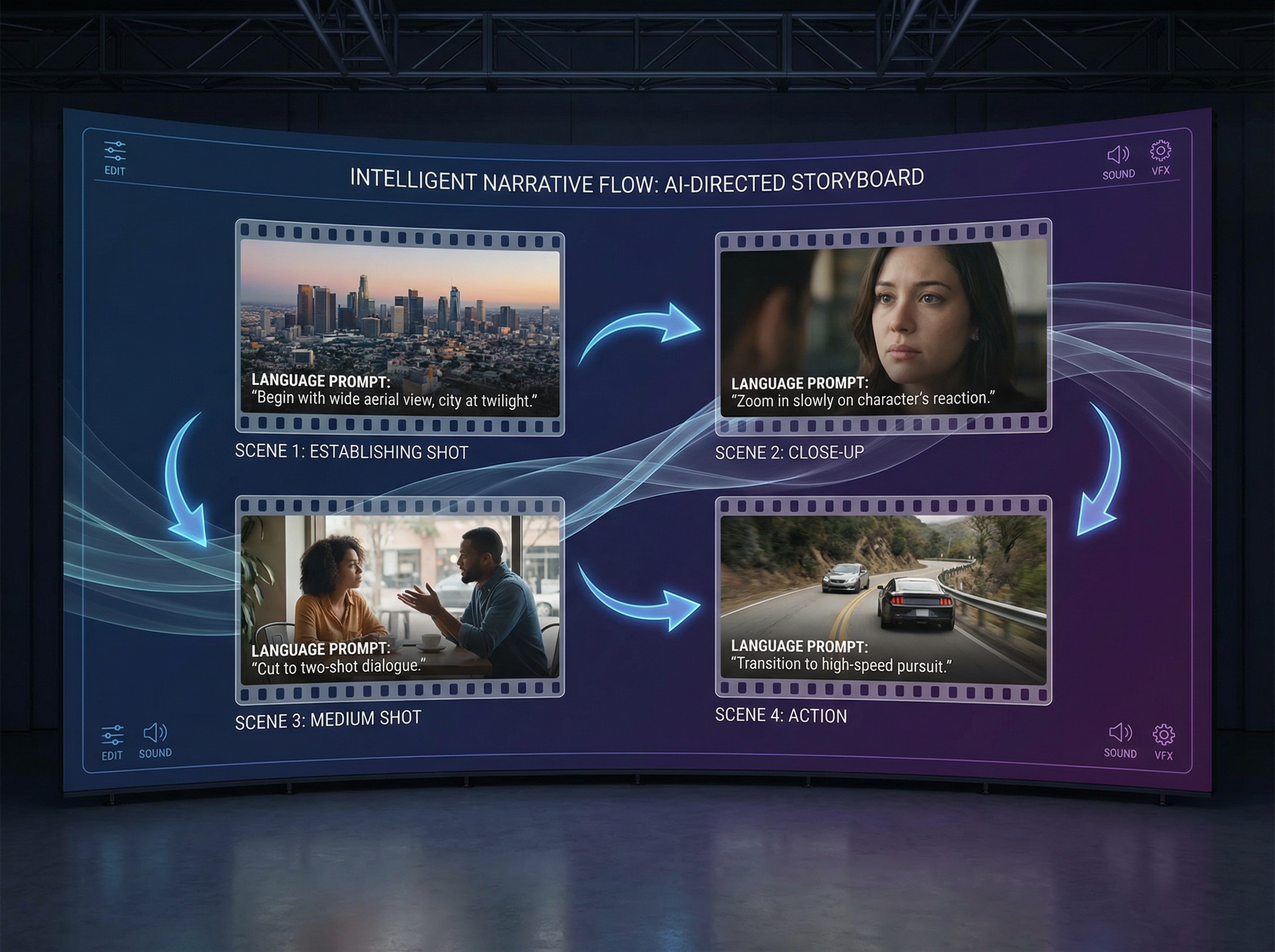
Intelligent Multi Shot Storytelling
Wan 2.6 understands how to create multiple shots inside a single video. It can follow natural language instructions to change camera angles, scenes, or actions while keeping the style and characters consistent. This allows you to create short stories or sequences without manual editing.
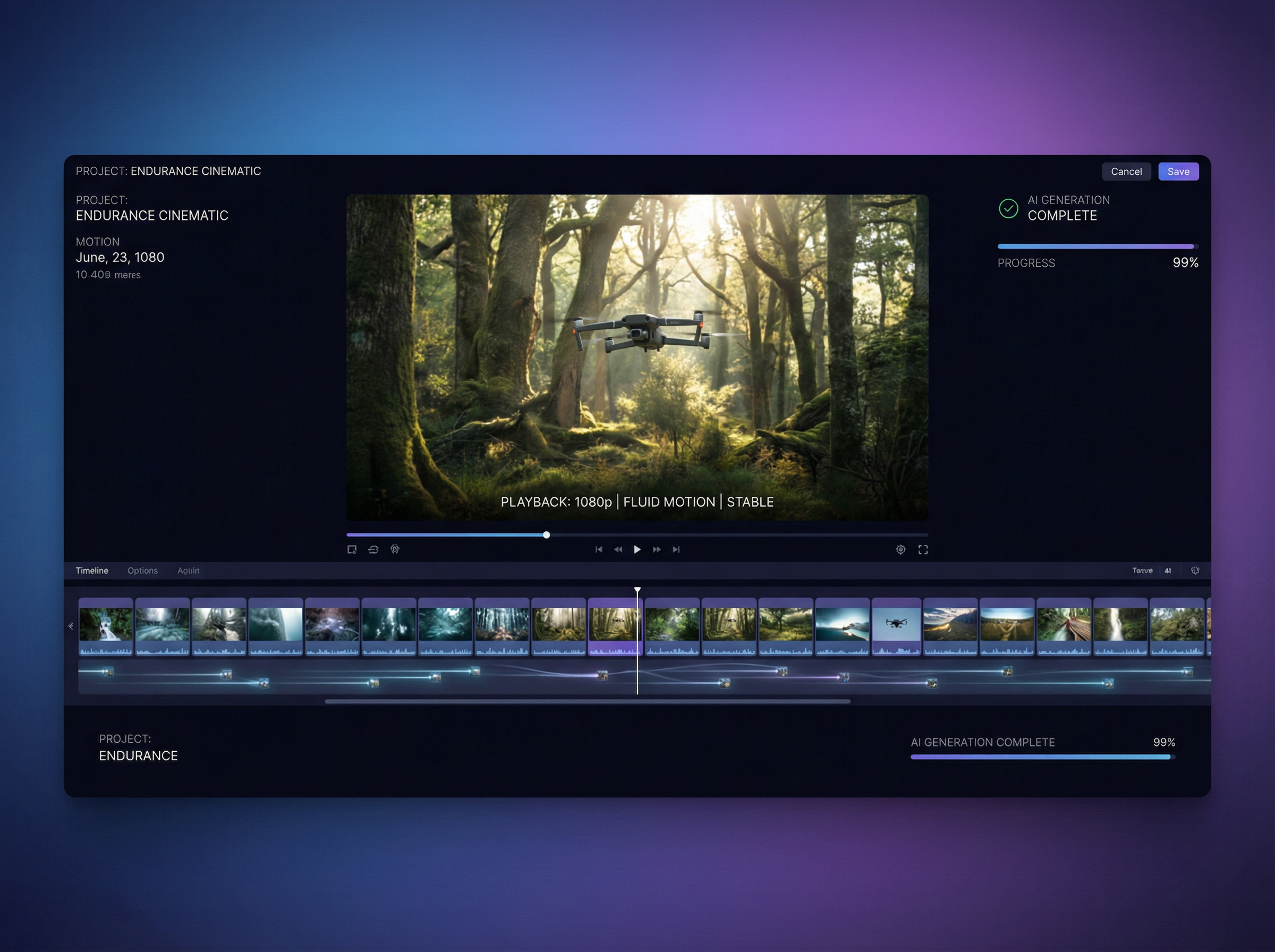
High Quality Long Form Video Output
Wan 2.6 supports videos up to 15 seconds in 1080p resolution. The output includes sharper details, smoother motion, and a more cinematic look, making it suitable for marketing content, social media videos, and professional creative projects.
Why Choose Wan 2.6 AI Video Generator?
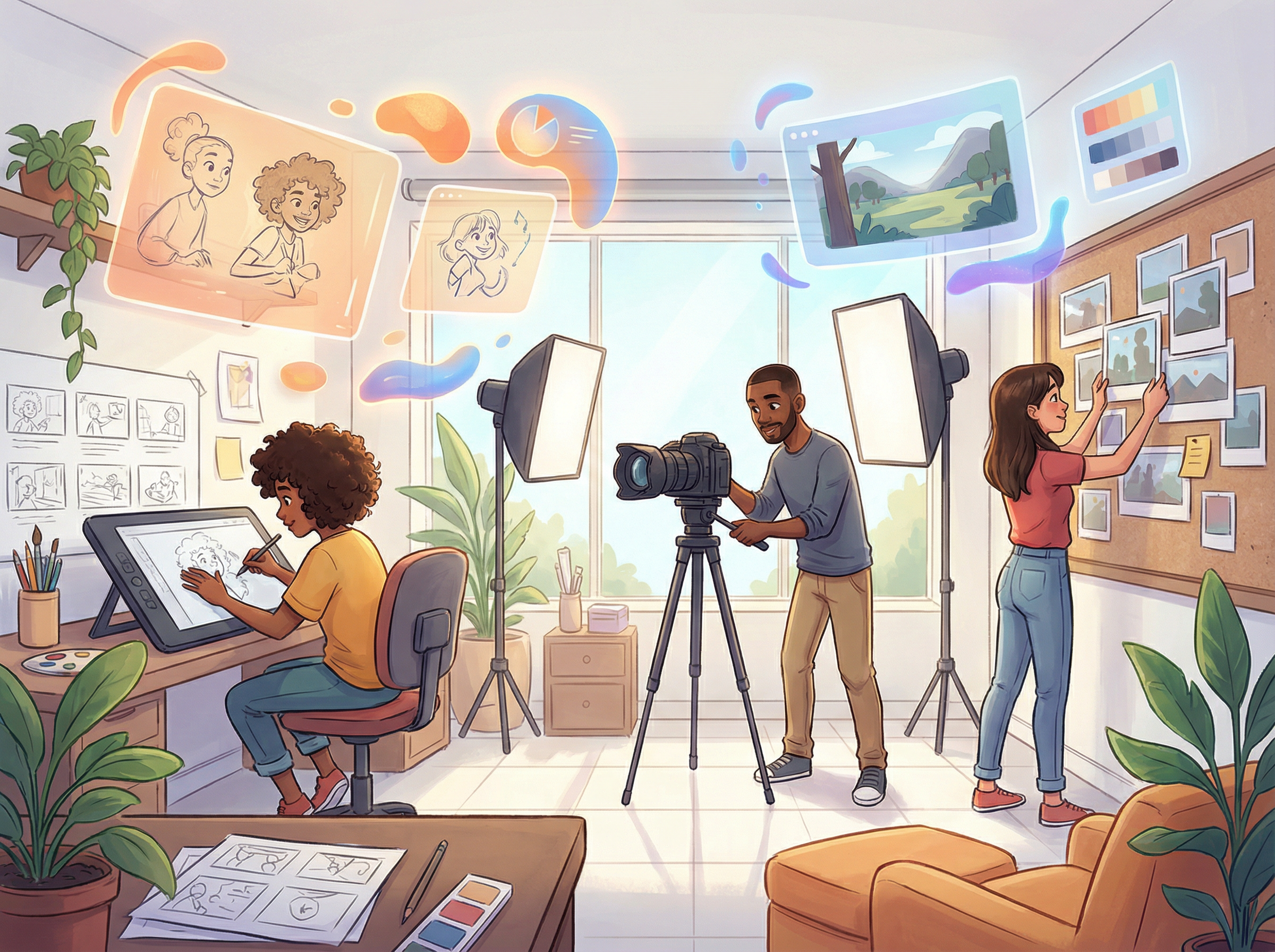
Creators and Visual Storytellers
Wan 2.6 helps creators turn ideas into visuals faster. You can generate cinematic drafts, concept scenes, and experimental content without spending hours on editing software or rendering. It is ideal for testing ideas, building storyboards, and exploring creative directions before final production.
The workflow is faster and more flexible, letting you focus on storytelling instead of technical setup.

Frequently Asked Questions
What is Wan 2.6?
What types of video generation does Wan 2.6 support?
Wan 2.6 supports text-to-video, image-to-video, and reference-guided video generation. You can start from a written idea, a single image, or a reference clip and turn it into a short animated sequence.
Does Wan 2.6 support reference characters and objects?
Yes. You can guide Wan 2.6 using reference images so characters, animals, or objects keep the same appearance across scenes. This is useful for storytelling, branding, and repeated visual themes.
Can Wan 2.6 generate videos with multiple characters?
Yes. Wan 2.6 can handle scenes with more than one character and keep them visually consistent. It also supports interactions between characters in the same video.
How does Wan 2.6 handle audio and voice generation?
Wan 2.6 generates audio and visuals together. This means dialogue, voice, and sound effects stay in sync with motion and facial expressions, without needing separate audio editing.