What Is a Demo? Creating Demo Videos With AI
 RoboNeo TeamSeptember 19, 2026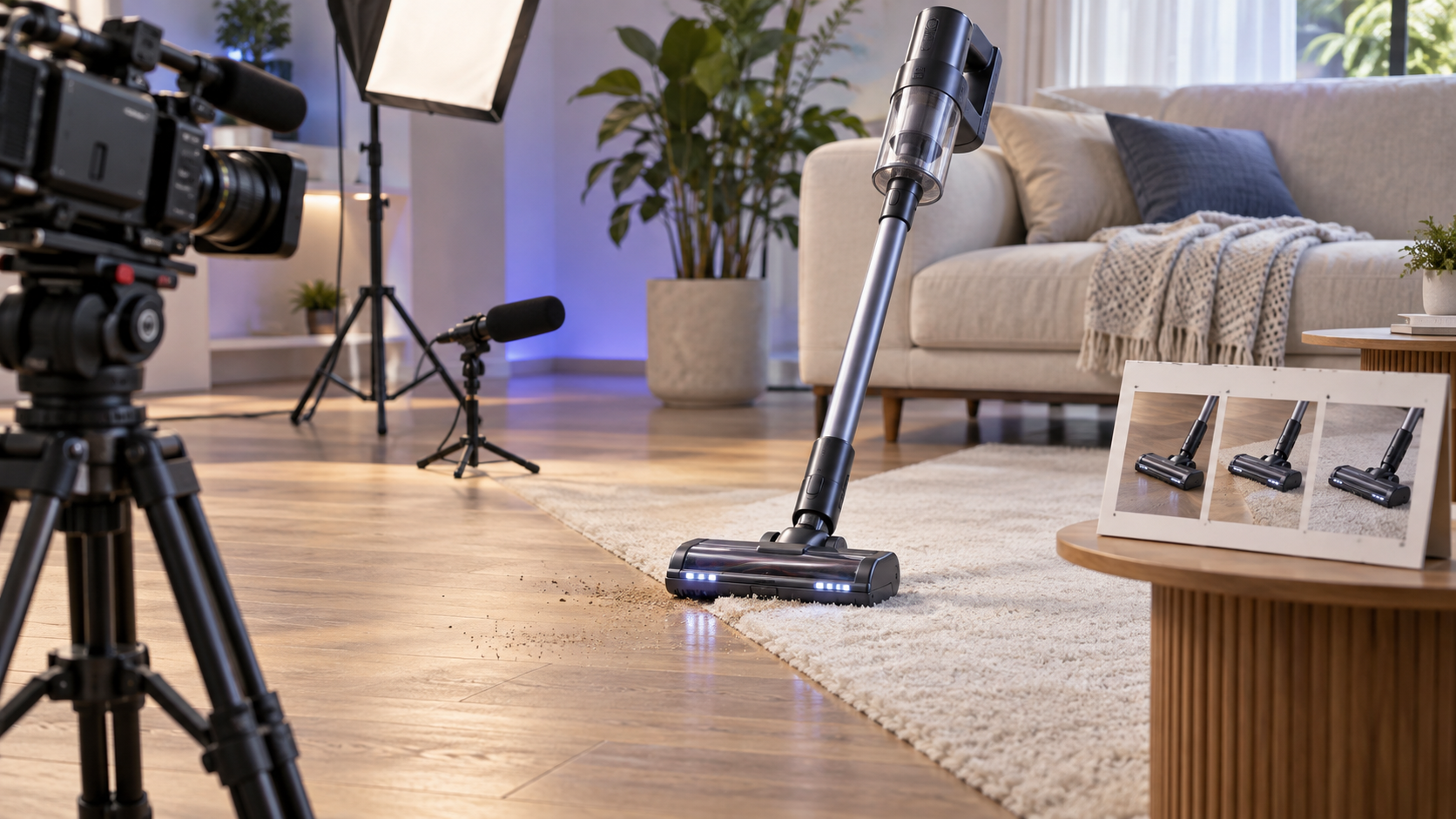
A demo shows how a product, feature, skill, or idea works in practice. Rather than only describing benefits, it lets viewers see the process and judge the result more directly.
This guide explains the main types of demo videos, how AI can support production, and which parts still require real product footage and human review.
What Does "Demo" Mean?
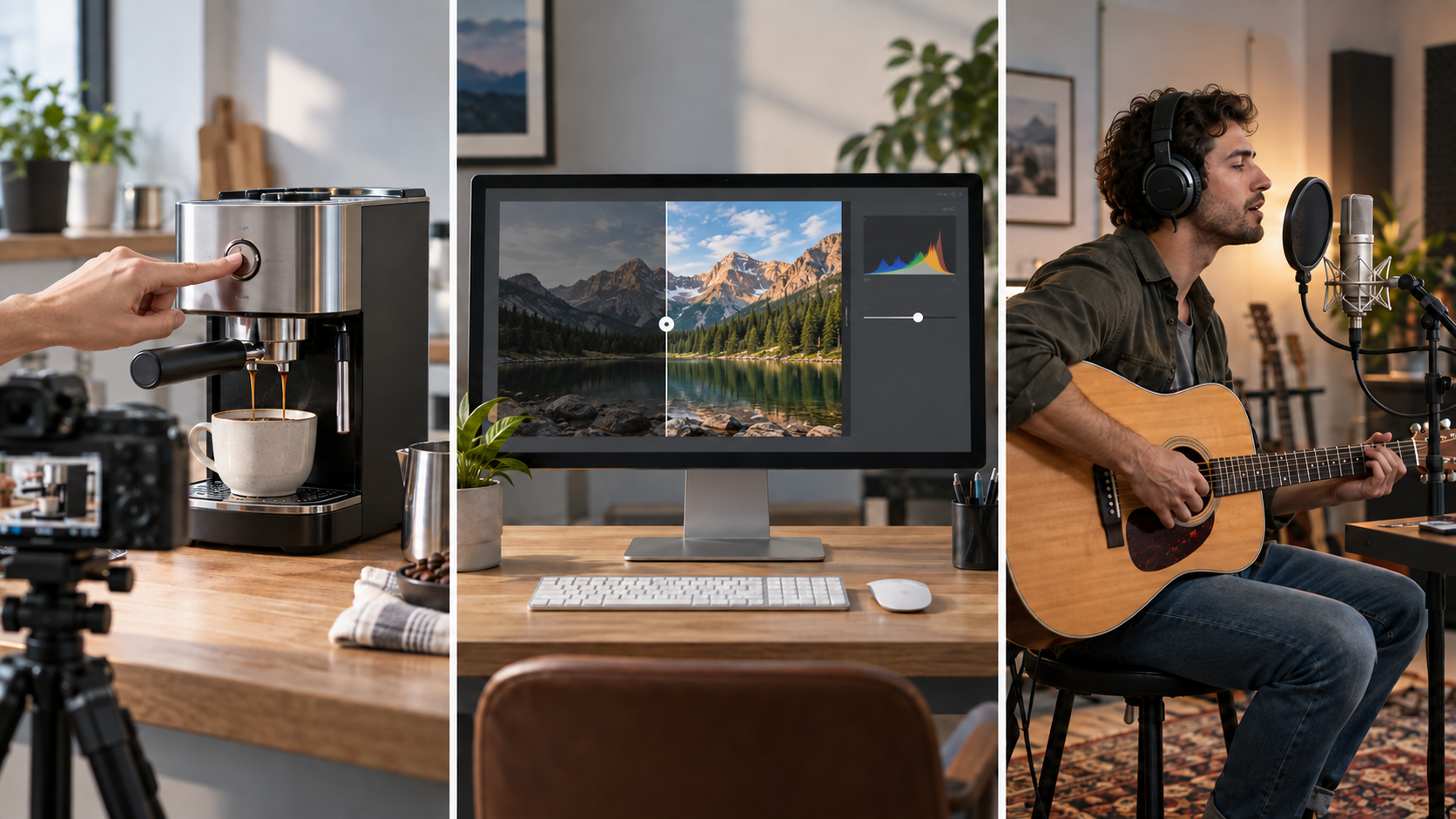
Demo is short for demonstration. Because the term comes directly from "demonstration," the definition of demo centres on showing how something works in practice rather than only describing it. The meaning of demo can vary slightly by context: a product demo shows an item in use, a software demo walks through an interface or task, and a music demo is an early recording used to present a song or performance direction.
Demos can also be delivered in different ways. A live demo happens in real time, while a demo video is recorded in advance and can be edited, reused, and adapted for different audiences.
Common Types of Demo Videos
Different demo formats serve different purposes. A physical product needs to show real-world handling and results, while software usually needs a clear workflow that viewers can follow from one action to the next.
| Demo Type | What It Shows | Best For | Main Challenge |
| Physical Product Demo | Product use and visible results | Consumer products and tools | Keeping product details accurate |
| Software Demo | Interface and workflow | Apps, SaaS, websites | Making actions easy to follow |
| Feature Demo | One specific capability | Product updates and social content | Staying focused |
| Sales and Pitch Demo | Product value and use case | Prospects and investors | Matching the audience |
Physical Product Demos
A physical product demo should help viewers picture how the item fits into everyday use. That means showing the product doing something useful, not simply rotating it in front of the camera.
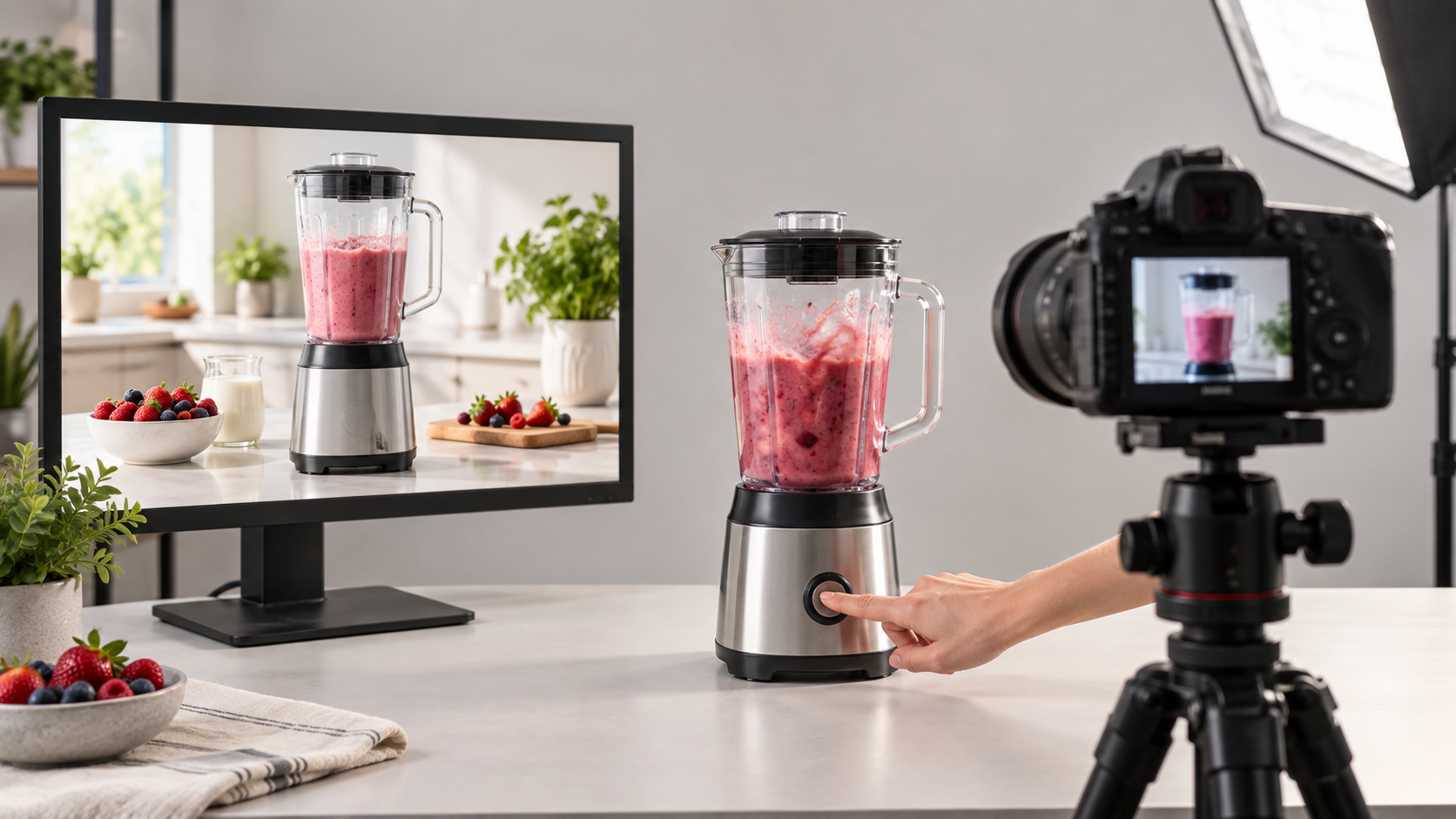
A cordless vacuum moving from hard flooring onto carpet shows how it handles two common surfaces. A blender making a smoothie shows the controls and finished result in one natural sequence. In both cases, viewers see the action and outcome together.
Colour, dimensions, controls, structure, and operating method should still match the real item. When an accurate product image is already available, reference image-to-video can help create simple motion or contextual shots, but the generated version should not change the product or exaggerate its performance.
Software Demos
Software demos need a different kind of clarity. Viewers cannot judge the experience from appearance alone, so the video should guide them through one realistic task without making them guess what happens between screens.
A booking platform could start with selecting an available date, move to entering customer details, and end with the confirmed appointment appearing on the calendar. That is easier to follow than a rapid tour through every menu.
Cursor movements should be deliberate, page changes should not be too quick, and notifications should be turned off. Real screen recording is particularly important here because the limitations of AI video generation can make generated interfaces unreliable. Sensitive customer or account information also needs to be removed before recording.
Feature Demos
A feature demo narrows the focus to one capability, which is useful when a full product overview would add more information than viewers need.
A photo editor introducing background removal may only need to show the original image, the feature being used, and the finished result. Filters, templates, account settings, and unrelated tools would make a simple idea harder to follow.
This focused format suits product launches, social media, sales follow-ups, and help-centre pages, while making separate videos for different functions easier to produce.
Sales and Pitch Demos
Sales and pitch demos need to connect the product with a problem that matters to the audience. Showing the interface is not enough if viewers cannot see why the workflow is useful.
A restaurant owner considering booking software may care most about managing online, phone, and walk-in reservations in one place. Building the demo around that need gives the walkthrough a clear purpose.
For investors, the emphasis may shift towards positioning, target users, or future use cases. A recorded demo can cover the core experience, while a live presentation leaves more room for questions.
How to Create a Demo Video With AI
Once the demo type and audience are clear, AI can help with planning, script development, supporting visuals, voiceover, and editing. The main product experience, however, still needs to stay accurate.
Step 1: Choose One Goal
Start by deciding what viewers should understand by the end of the video. A potential customer may need to see why the product is useful, while an existing user may only want to learn about a new feature.
A narrow goal keeps the demo focused. “Show how a freelancer turns meeting notes into a client report” gives the video a clear direction. “Show everything the platform can do” usually creates an unfocused product tour.
Once the goal is set, deciding which scenes belong becomes much easier.
Step 2: Write the Demo Script
A simple structure works well for most demos: the user problem, the product action, and the result.
A scheduling app could open with two people struggling to find a meeting time. Shared availability appears next, followed by the confirmed appointment. The product is introduced through the situation, so the viewer understands why each action matters.
AI can organise product notes into a first draft, suggest scene order, or refine narration as part of the wider process of learning how to make AI videos. RoboNeo can support the same planning stage once the product information and use case are clear.
The script still needs checking. Product functions, prices, performance claims, and other factual details must match reality. Narration should also follow what viewers can see rather than describing an action before it appears on screen.
Step 3: Capture the Product in Action
The script then shows which parts need genuine footage. Physical products may need setup, operation, and results, while software is usually better shown inside a clean test account.
Pacing matters. Someone familiar with a platform may move through menus quickly, but a first-time viewer needs enough time to notice what changed.
AI-generated footage should not replace a real interface, physical control, or product behaviour that viewers need to verify. If the product is still under development, mockups and prototype screens can be useful, but they should be clearly presented as concepts.
Step 4: Add Supporting Visuals and Voice
After the core demonstration is recorded, supporting visuals can add context without replacing product evidence.
A travel-planning app may already have a clear screen recording, yet a short shot of a traveller checking an itinerary at an airport can make the scenario more recognisable. When that footage is difficult to shoot, RoboNeo can generate short supporting clips from product descriptions, reference images, and scene ideas.
Existing product images can also become simple motion shots or be placed in suitable environments. The generated version should preserve the real product’s colour, logo, proportions, and structure. AI voiceover can save time, but brand names, pronunciation, pacing, and tone still need a final check. Captions help when viewers watch without sound.
Step 5: Edit and Review the Demo
Editing should make the demonstration easier to follow. Long loading screens, repeated clicks, typing mistakes, and pauses that add nothing can usually be removed. A subtle zoom or cursor highlight may help when an important control is difficult to notice.
Before publishing, check that:
narration, captions, and visuals describe the same action;
interface text remains readable on desktop and mobile;
product features, figures, results, and claims are accurate;
someone unfamiliar with the product can understand the main use case.
The final format should fit the channel: a product page may suit landscape video, while social media often needs a vertical version.
What AI Should and Shouldn't Create in a Demo Video
AI can speed up production, but it should not be used in the same way for every part of a demo. The key question is whether a scene adds context or serves as evidence of how the product really works.
Good Uses for AI
AI is well suited to planning and supporting content. An AI video maker can help turn scripts and scene ideas into supporting footage, while other AI tools can assist with voiceover, subtitles, and different language versions.
It can also visualise settings that would be difficult or expensive to film. A travel product could appear in an airport environment without a full location shoot. As long as the scene adds context rather than an unsupported claim, generated footage can work well alongside the real demonstration.
When Real Product Footage Matters
Real footage becomes more important when viewers are judging the product itself. Software interfaces, button locations, workflows, physical controls, dimensions, colours, and moving parts should normally appear as they actually are.
The same applies to performance claims. A folding phone stand should show its real hinge moving. A finance platform promoted for a simple onboarding process should show the screens users will actually encounter.
The closer a detail is to a buying decision, the stronger the case for authentic footage.
Details That Need Human Review
AI-generated content can introduce small errors. A logo may change shape, interface text can become unreadable, or a product may suddenly gain a button that does not exist. Scripts can also turn vague source material into claims that sound more certain than the product information supports.
Before publishing, review product names, branding, visible details, prices, performance information, music, reference materials, and usage rights.
FAQ
What is the difference between a demo and a tutorial?
A demo shows what a product can do and why the result matters. A tutorial teaches someone how to complete a task step by step. People evaluating a product often need a demo, while existing users are more likely to need a tutorial.
How long should a demo video be?
There is no fixed ideal length. The video only needs enough time to establish the problem, show the relevant product action, and present the result. A single-feature demo may be brief, while a complex software or sales demo can take longer.
Can AI create an entire demo video?
AI can assist with scripting, supporting visuals, voiceover, subtitles, and editing. Real footage is still preferable when viewers need to see an actual interface, physical product, or measurable result. Human review is also necessary before publication.
Can I make a demo video before my product is finished?
Yes. Prototypes, mock interfaces, concept images, and rendered visuals can show how a planned product may work. The video should clearly distinguish released functions from concepts or features that are still in development.
Where should I use a demo video?
Demo videos can be used on product pages, landing pages, app stores, sales emails, social media, and launch materials. The core demonstration can be adapted for different channels, while the length, aspect ratio, and call to action should match where the video will appear.
You May Be Interested
How to Make Video Quality Better: 5 Editing Steps
Make Video from Photos Online in 3 Minutes: The Only Guide You Need in 2026
How to Upload High Quality Videos to TikTok
How to Make AI Videos: Beginner Tips and Best Tools

How to Make Realistic AI Videos: Tips and Mistakes