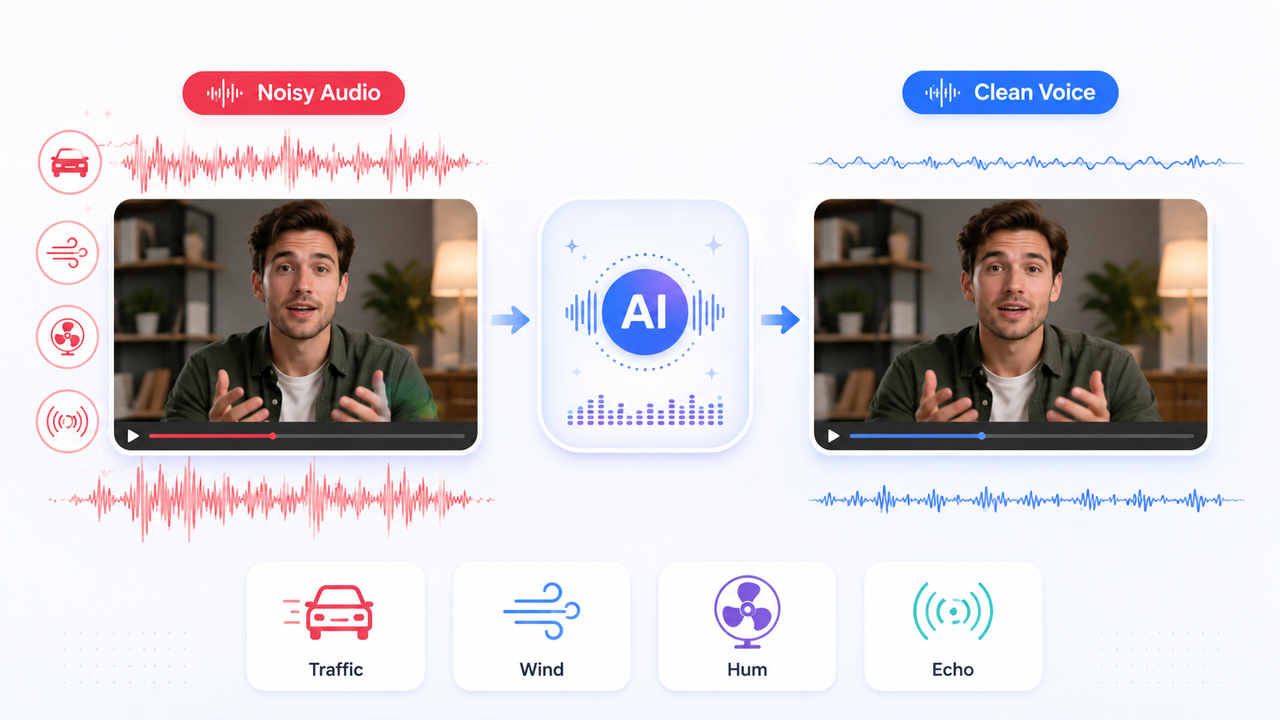
3 Best Background Noise Removal Apps for Clearer Audio
 RoboNeo TeamJuly 22, 2026
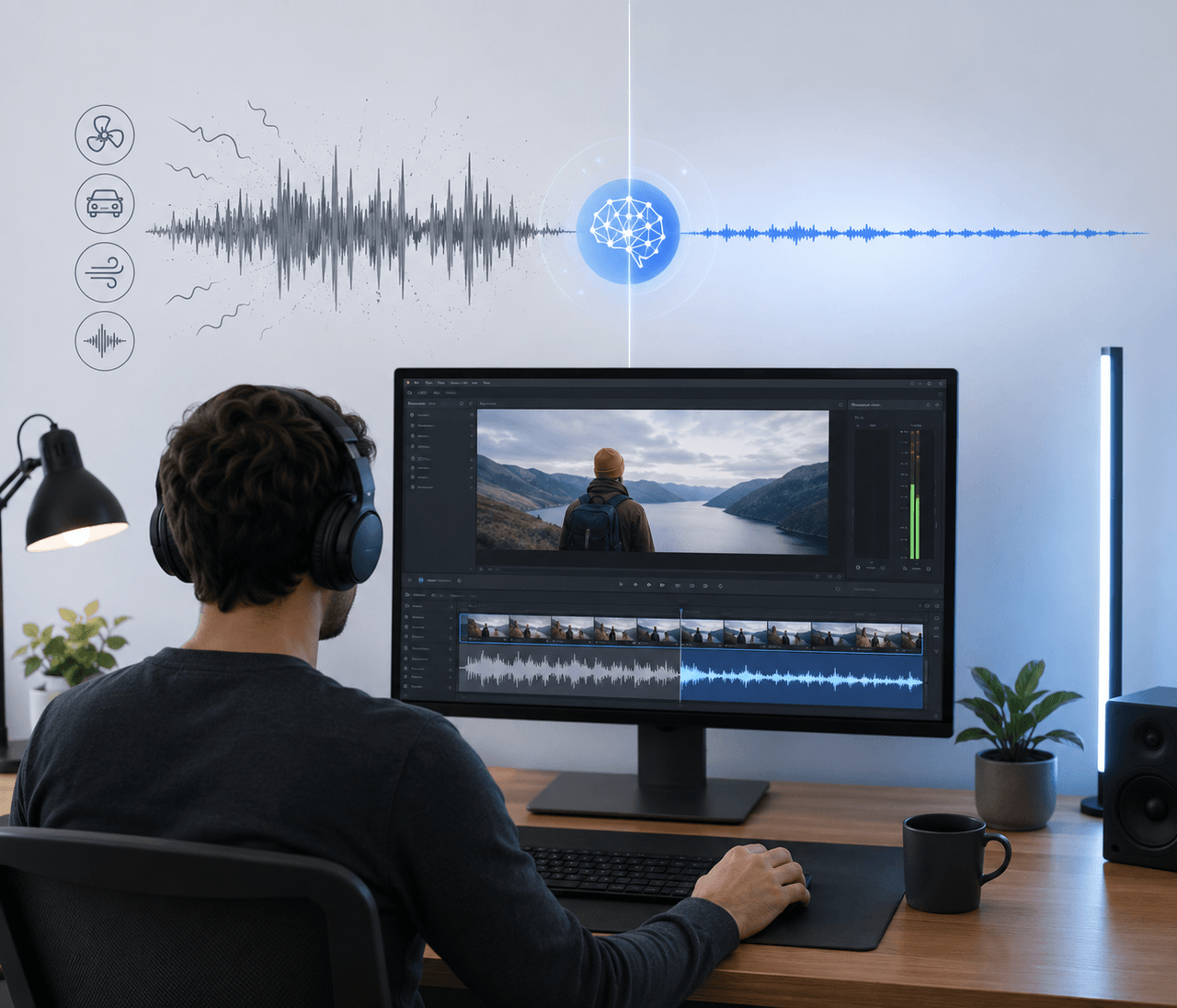 Whirring fans, passing traffic, howling wind, and room echo can easily ruin a perfectly good video. Fortunately, AI noise removers help strip away those distractions while keeping speech clear and crisp.
The right choice really boils down to how you work. Some creators need a full-blown video editor, while others just want to clean up a quick voiceover. To track down the best apps for removing background noise from video, we tested out the top options—looking into noise cleanup, voice preservation, ease of use, supported files, and export limits.
What Can a Background Noise Removal App Fix?
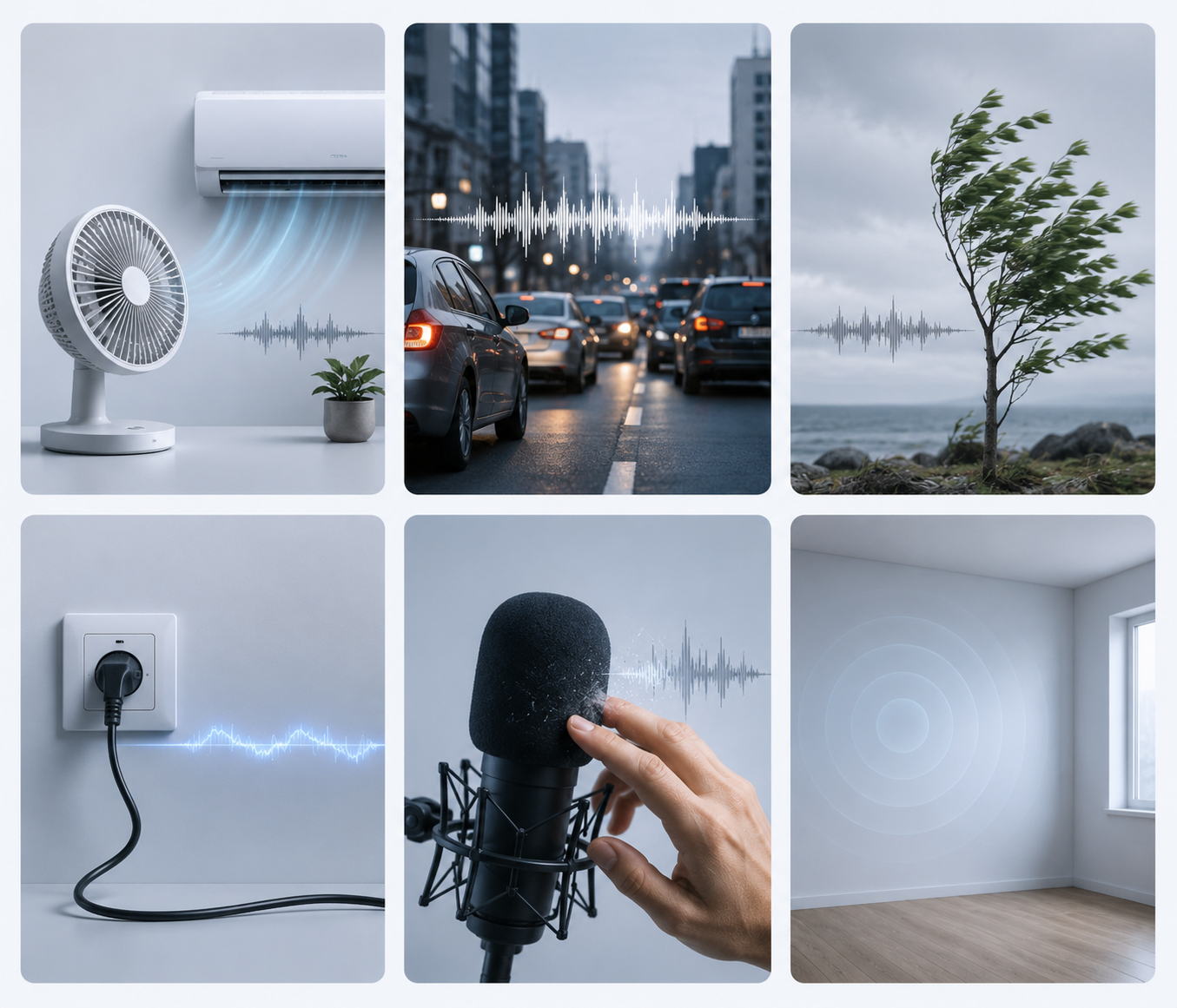
Background noise removal works best when the unwanted sound remains separate from the main voice. Common targets include:
Fans and air conditioners
Traffic and street ambience
Outdoor wind
Electrical hum or hiss
Microphone rubbing and handling noise
Light room echo
A laptop fan beneath an online lesson is usually easier to reduce than a car horn that sounds directly over a spoken word. Strong wind can also cover part of the voice, leaving the software with little original information to recover. These tools only address audio. Grainy footage, blur, low resolution, and camera shake require video denoising, enhancement, upscaling, or stabilization instead.
3 Standards To Choose the Best Background Noise Removal Apps
The strongest app does more than silence the background. Dialogue should remain natural, the workflow should be manageable, and the final export should suit the intended platform.
1. Background Noise Reduction Quality
We examine how well each app handles hum, wind, traffic, echo, and changing environmental sound. Speech should stay understandable without becoming metallic, muffled, or overly smooth.
2. Ease of Use and Processing Speed
Simple controls matter when creators process several clips each week. We consider upload steps, preview options, processing time, and whether advanced audio knowledge is required.
3. Pricing and Export Limits
Free tiers often limit file length, video support, batch processing, premium effects, or export quality. These restrictions vary between platforms, creators comparing low-cost options can review and check which tools support their preferred files and export workflow.
Quick Comparison Table
| App | Free Usage | File Retention | Max File Duration | Export Watermark | Upload Privacy |
| CapCut | Free plan; some AI tools require Pro | Varies by local or cloud storage | Varies by platform | Usually none; some templates may add branding | Online uploads follow CapCut’s privacy terms |
| RoboNeo | Free credits available | Uploaded files may be retained temporarily | Depends on file type and plan | Check current export settings | Files are processed online |
| Adobe Podcast | Free audio enhancement available | No fixed period clearly stated | Free: 30 minutes per file | No standard watermark | Files are uploaded for browser processing |
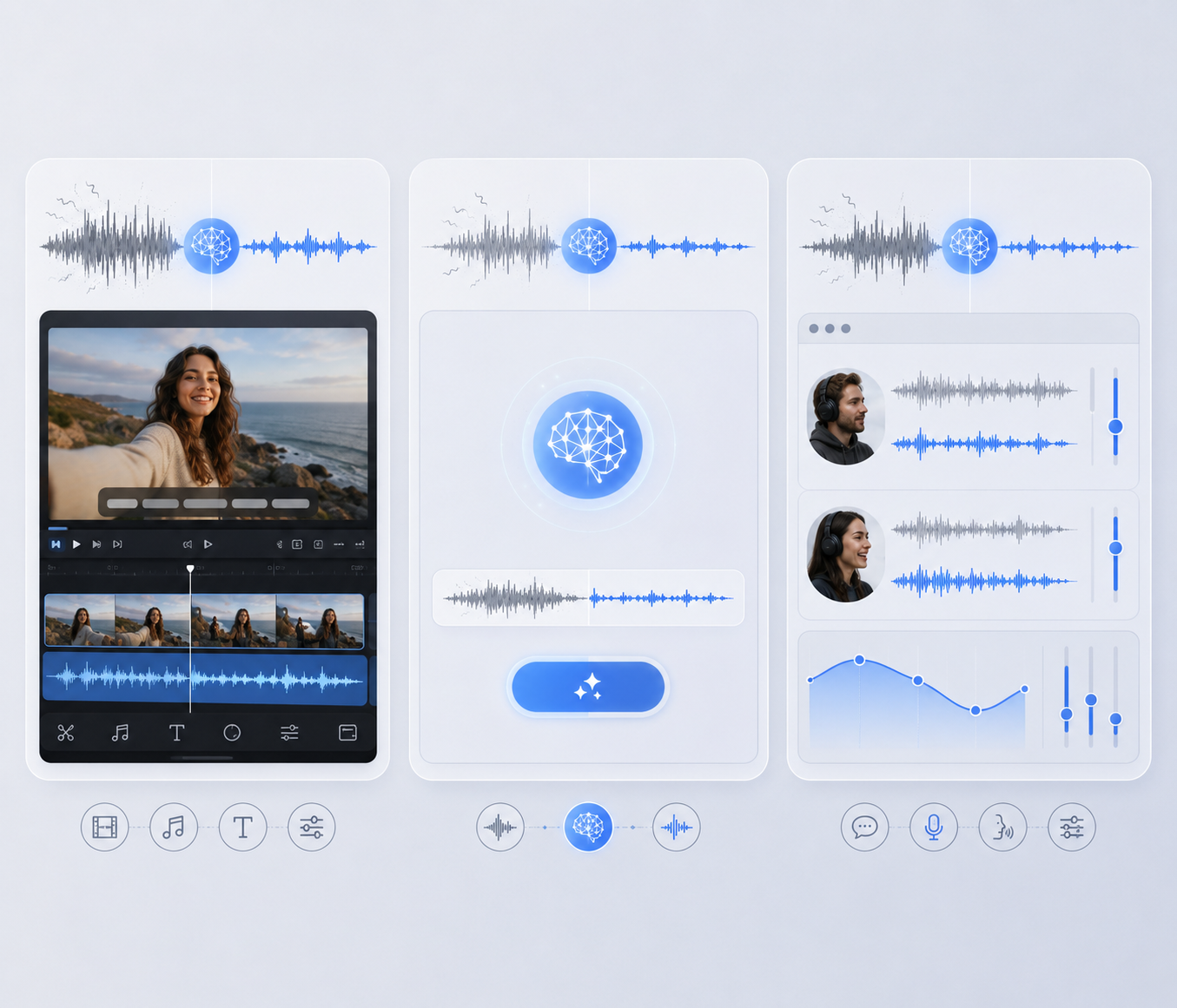
Quick Summary: CapCut is best for social video editing, RoboNeo offers a simpler AI workflow, and Adobe Podcast focuses on voice enhancement.
Option 1. CapCut — Best for Social Media Video Editing
Best for: Creators who want to clean audio, edit video, add captions, and export social content in one project.
CapCut combines Noise Reduction and Voice Enhancer with a full editing timeline. After cleaning the audio, users can trim clips, add captions, insert music, apply transitions, and prepare the video for TikTok, YouTube Shorts, or Instagram Reels. Creators deciding between different all-in-one platforms can also compare RoboNeo and CapCut’s AI video workflows. CapCut is available through online, desktop, and mobile products.
A travel vlogger recording beside a busy road can reduce traffic sound, cut pauses, add subtitles, and resize the final clip without changing apps.
Pros: Full video editor, broad platform support, built-in captions and social tools.
Cons: Busy interface for audio-only tasks, possible differences between versions, and fewer specialist audio controls.
Option 2. RoboNeo — Best for Easy AI Background Noise Removal
Best for: Creators who want straightforward AI cleanup for audio or video without adjusting technical sound settings.
RoboNeo’s AI audio denoise tool accepts audio and video files and automatically targets wind, hum, traffic, hiss, air-conditioning noise, and general room sound. Users can upload a file and describe the desired result instead of sampling noise or configuring frequency filters.
This approach works well for interviews, ads, podcasts, product videos, online courses, and presentations. A small business can remove noise from video, improve dialogue, and continue with other AI content tasks in the same workflow.
Pros: Supports audio and video, simple AI workflow, natural fit with other content-processing tasks.Cons: Limited manual fine-tuning and weaker results when loud noise directly overlaps speech.
Option 3. Adobe Podcast — Best for Voice and Dialogue Enhancement
Best for: Podcasts, interviews, voice-overs, online lessons, and other speech-focused recordings.
Adobe Podcast runs in a browser and reduces noise, reverb, chatter, and distracting background sound. Its controls can balance speech, music, and ambience, which helps prevent the result from sounding completely stripped of its original environment.
A remote interview recorded in an echoing bedroom can sound clearer without requiring the host to learn equalization or compression. Still, strong enhancement may alter tone or soften emotional detail, so the processed file should always be previewed.
The free plan currently supports audio only, with files up to 30 minutes and 500 MB. Premium adds video support, bulk uploads, strength controls, larger files, and up to four hours of daily enhancement.
Pros: Strong dialogue enhancement, browser-based access, adjustable speech and ambience.
Cons: Video support requires Premium, full video editing is limited, and complex music or overlapping dialogue may need another tool.
Tips for Removing Background Noise Without Distorting Voices
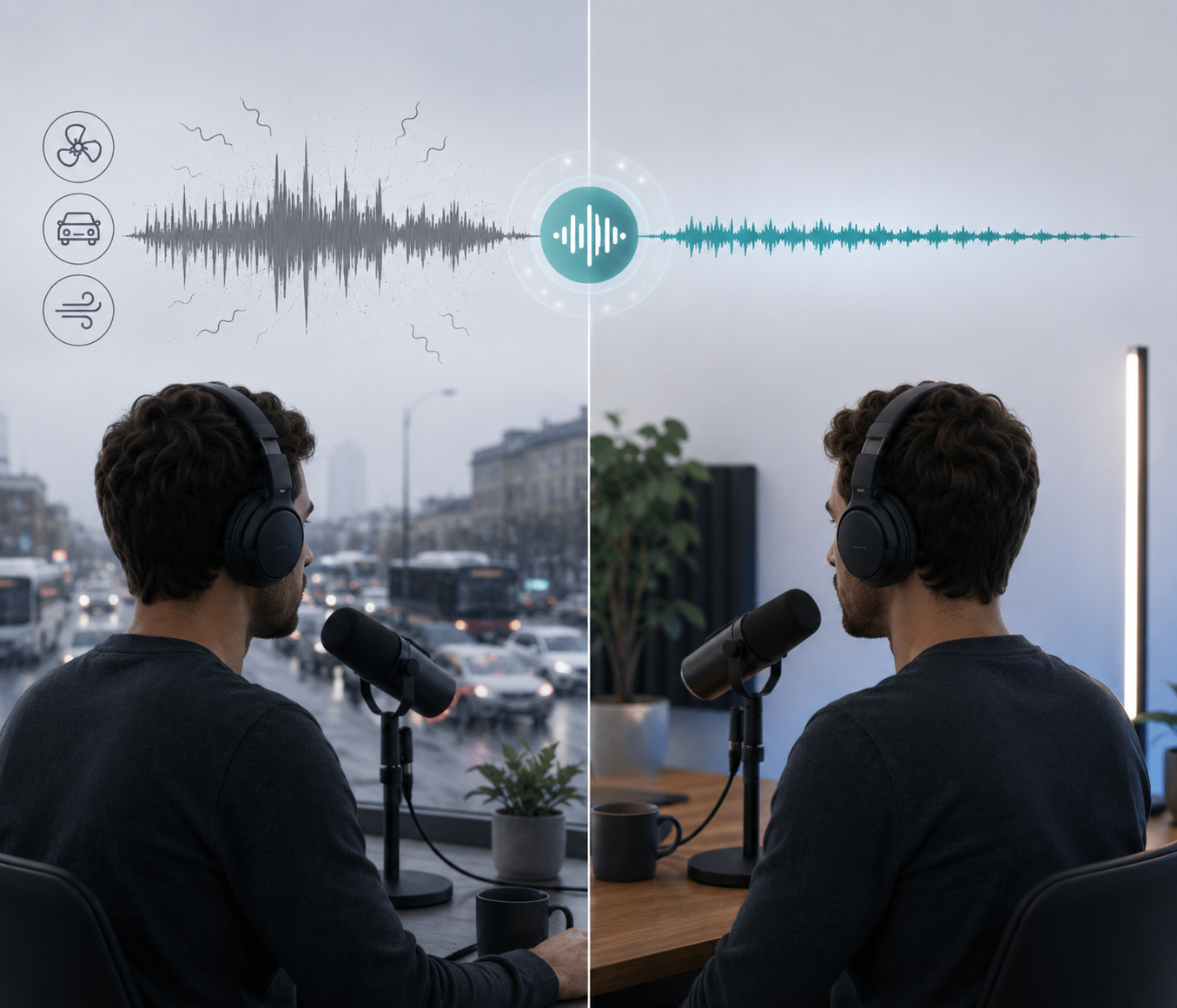
Clean audio should still sound like the original speaker. These adjustments help reduce artifacts and preserve natural delivery.
Start With Moderate Noise Reduction
Maximum strength can make voices thin or robotic. Begin with a moderate setting and increase it only when the remaining noise interferes with understanding.
A quiet fan in the background may be less distracting than heavily processed speech.
Preview the Most Difficult Sections
Check moments containing wind gusts, passing vehicles, quiet words, or microphone movement. Artifacts often appear in these sections before they become noticeable elsewhere.
Headphones can reveal missing syllables and metallic tones that laptop speakers hide.
Preserve Useful Ambient Sound
Background sound sometimes supports the scene. Soft café noise, ocean waves, or an event crowd can make the recording feel believable.
Reducing the ambience usually sounds more natural than creating complete silence behind visible activity.
Compare the Original and Processed Audio
Listen to both versions at the same volume. The edited track should improve clarity without changing the speaker’s identity, rhythm, or emotion.
FAQ
Is 100% noise cancellation possible?
Complete removal is uncommon when noise overlaps speech. AI can reduce many distractions, but aggressive processing may also remove vocal detail.
Do noise cancelling apps really work?
Yes. They perform particularly well on steady hum, hiss, fans, and clearly separated background sounds. Rapidly changing noise is harder to isolate.
Can AI remove background noise without removing music?
Some apps separate speech, music, and ambience. Results depend on how closely the music overlaps the voice, so moderate settings usually work best.
Are online noise removal tools safe to use?
Review the platform’s privacy and data-retention policies before uploading confidential meetings, client interviews, medical discussions, or unreleased commercial material.
Can these apps remove traffic and wind noise?
They can reduce both. Distant traffic is generally easier to clean than strong wind hitting the microphone or noise covering the speaker’s words.
You May Be Interested

AI Advertising Creation

AI Anime Generator - Photos, Text & Videos to Anime | RoboNeo
Create Custom Logos Instantly by using NanoBanana 2 in RoboNeo