
Try Watermark Remover on RoboNeo
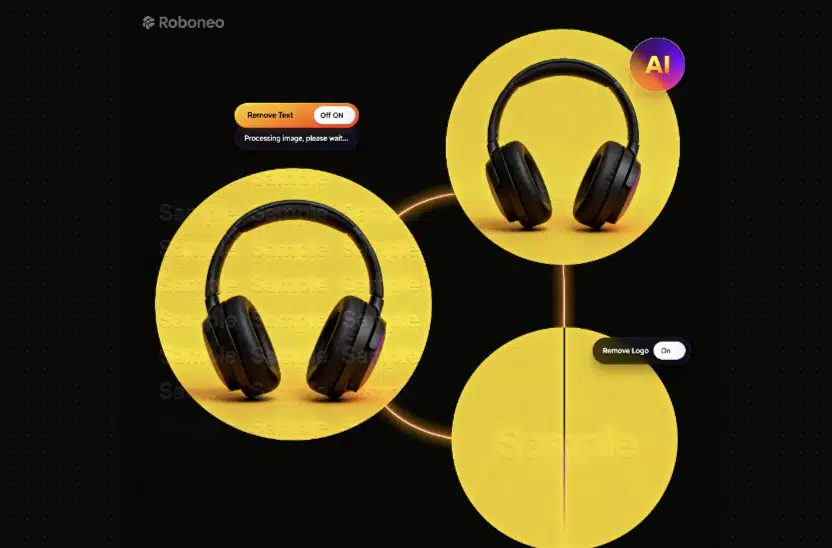
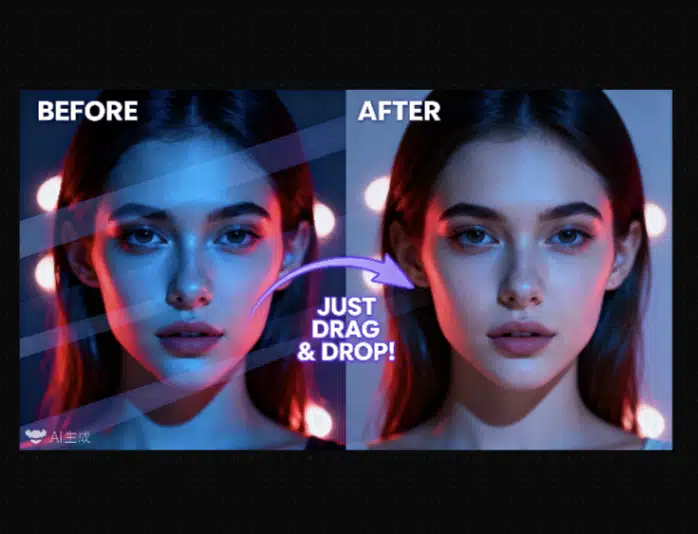
RoboNeo helps you clean your video assets by identifying distracting overlays and reconstructing the underlying pixels with temporal consistency. The AI agent understands texture, motion, and lighting, producing seamless restorations that look original rather than edited.
What Can Roboneo Do for Watermark Removal?

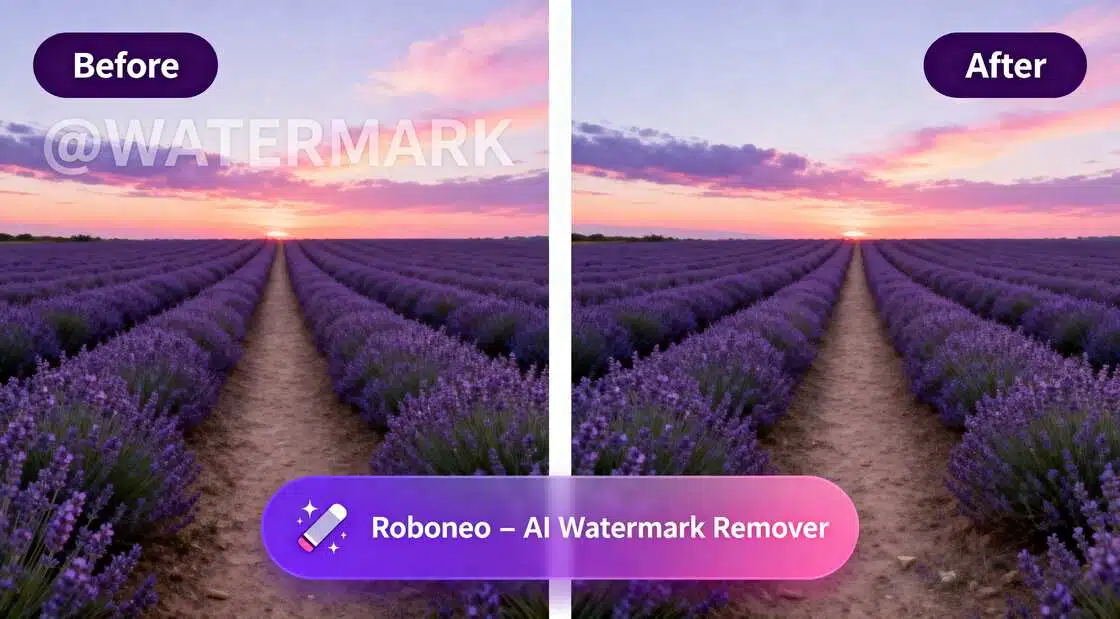
Remove Watermarks Without Damaging Video Quality
RoboNeo intelligently removes watermarks while preserving the original video quality. Instead of blurring or smearing pixels, the AI reconstructs background details frame by frame. The final output remains clean, natural, and visually consistent.
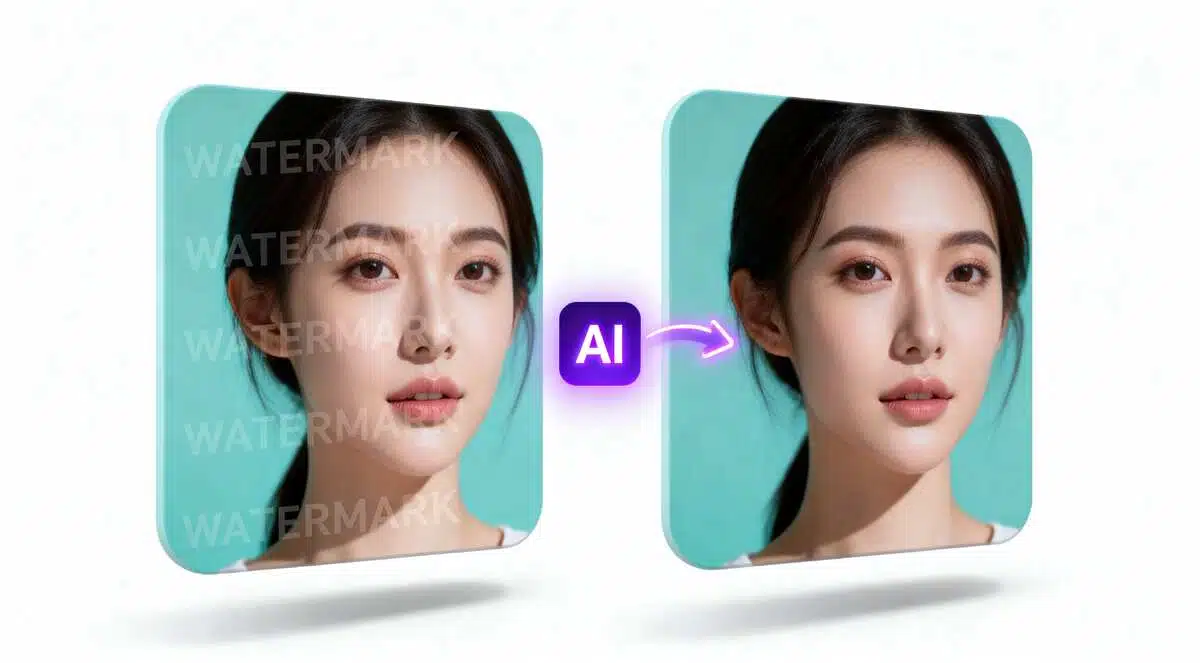
Frame-by-Frame Intelligent Reconstruction
RoboNeo analyzes motion, texture, and context across frames to fill removed areas accurately. This prevents flickering, ghosting, or visible artifacts after watermark removal. Even in dynamic scenes, the video stays smooth and realistic.
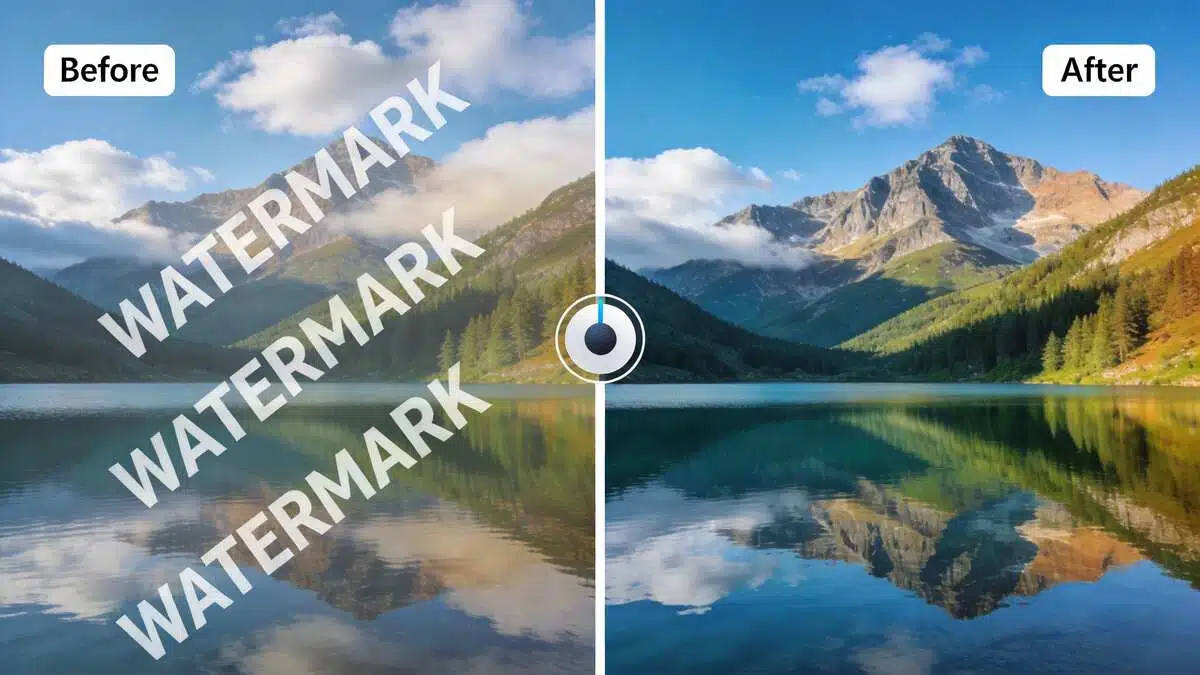
Supports Static and Moving Watermarks
Whether the watermark is fixed in one position or moves across the screen, RoboNeo can handle it. The AI adapts to different watermark sizes, transparencies, and motion patterns. This flexibility makes it suitable for a wide range of video sources.
Who Is This For?
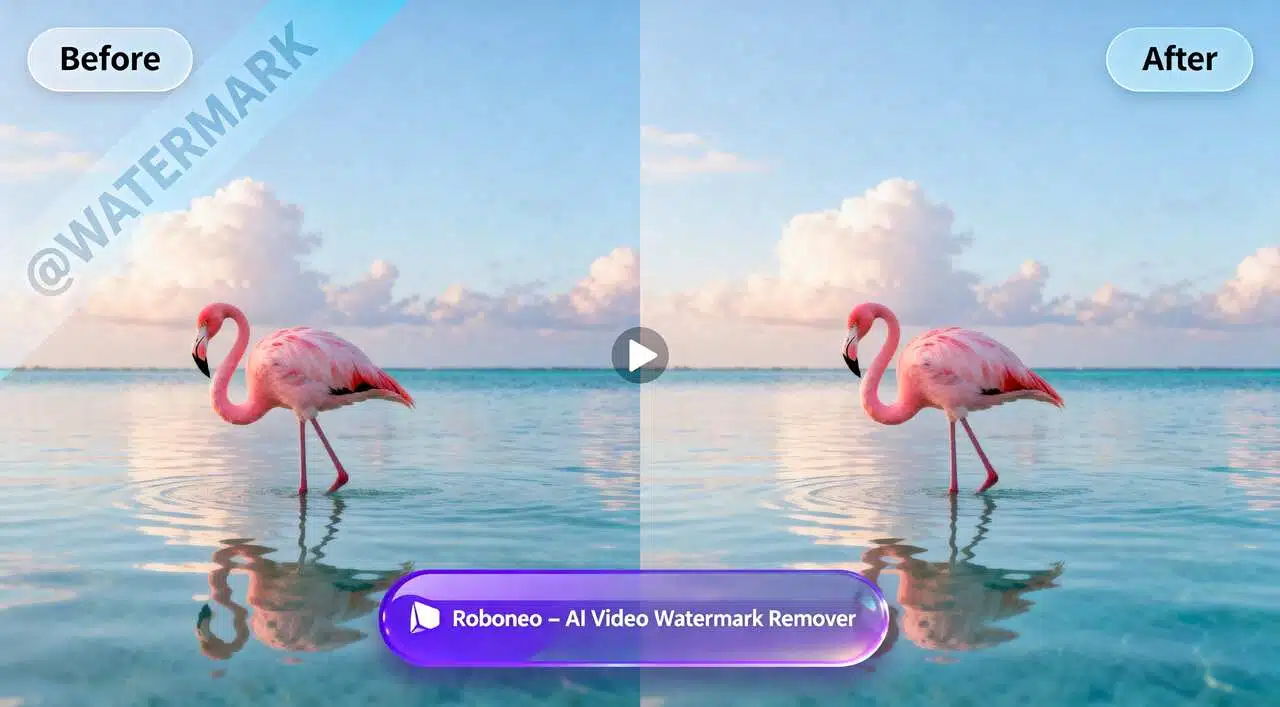
Clean Ad Asset Preparation
Marketing teams use RoboNeo video watermark removal to clean third-party or stock-based video assets before launching campaigns. By removing visible watermarks and overlays, teams can repurpose visuals into brand-safe, ad-ready content without compromising visual quality or distracting the viewer.

How does RoboNeo remove watermarks without blurring the video?
Can it remove moving watermarks or complex logos?
Yes. Our AI agent is designed with temporal consistency, meaning it tracks objects and watermarks as they move across the screen. It can accurately remove floating logos or scrolling text while maintaining the integrity of the video's motion and lighting.
Will the video quality drop after the watermark is removed?
No. RoboNeo is built to preserve the original resolution and frame rate of your footage. The AI agent focuses only on the specific pixels occupied by the watermark, leaving the rest of your high-definition content untouched and professional.
Remove Video Watermark Now
Easily remove video watermarks to make your content cleaner and more professional.No complicated steps or professional editing skills required. With just a few simple actions, you can quickly remove all kinds of video watermarks while preserving the original quality and clarity