RoboNeo vs Canva AI Cartoon Generator: Comparison Guide
 RoboNeo TeamJuly 10, 2026
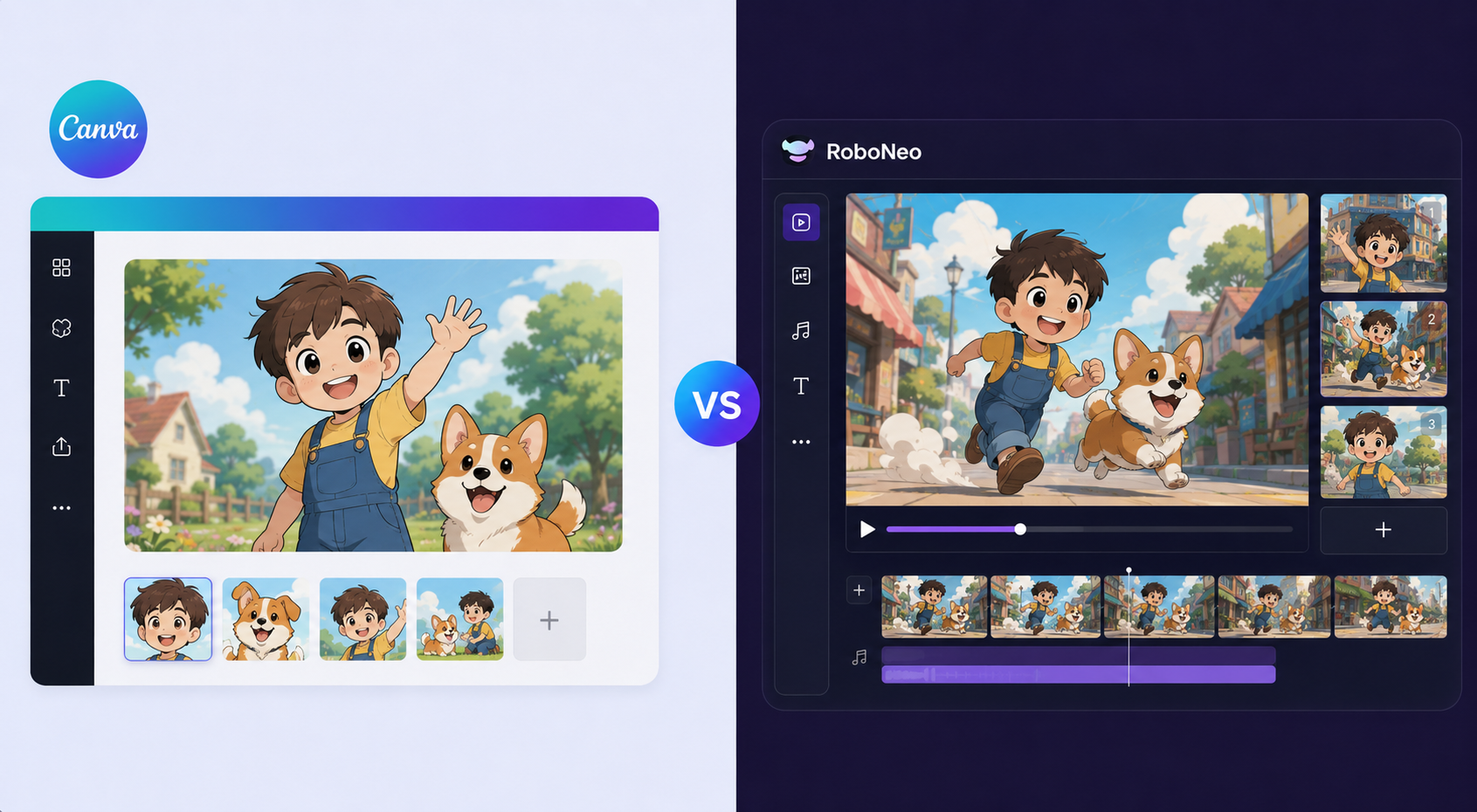
RoboNeo and Canva's AI Cartoon Generator are built for different jobs. Canva focuses on static cartoon images you can generate and export quickly, while RoboNeo focuses on animated cartoon video for social content. This guide compares how each one works and outlines the use cases each is better suited for.
What Is the Canva AI Cartoon Generator?
Canva’s AI cartoon generator is baked right into tools like Magic Media and Magic Edit. You can whip up cartoon images from simple prompts or turn regular photos into illustrations.
It’s suited for knocking out quick assets like social posts, YouTube thumbnails, and slides. The biggest selling point is just how convenient it is to use right inside your Canva workspace.
What Is RoboNeo?
RoboNeo is an AI creative tool built from the ground up for video content, especially when it comes to social media and ads. It helps you turn simple prompts, scripts, images, and reference assets into animated videos.
It’s cartoon and anime generator a good fit for marketers, creators, and teams who need to set up repeatable workflows, keep their visuals consistent, and churn out tons of short-form video variations for campaigns.
RoboNeo vs Canva AI Cartoon Generator: Key Differences
The main difference is simple: Canva is better for quick images, while RoboNeo is better for animated cartoon content.
| Feature | RoboNeo | Canva AI Cartoon Generator |
| Core Function | AI Video Creation Agent | Integrated Design Platform Feature |
| Primary Output | Animated Videos & Ads | Static Images & Graphics |
| Workflow | Automated, end-to-end video production | Manual, integrated into static design |
| Best For | Scalable video campaigns, short-form content | Quick graphics, social media posts, thumbnails |
1. Cartoon Image Creation
If you just need a quick cartoon image, Canva is the easier way to go. Magic Media lets you whip up an image right inside your design project, which comes in handy for static graphics. RoboNeo can put together images too, but they usually serve as starting points to build animated video content later on.
2. Cartoon Video Creation
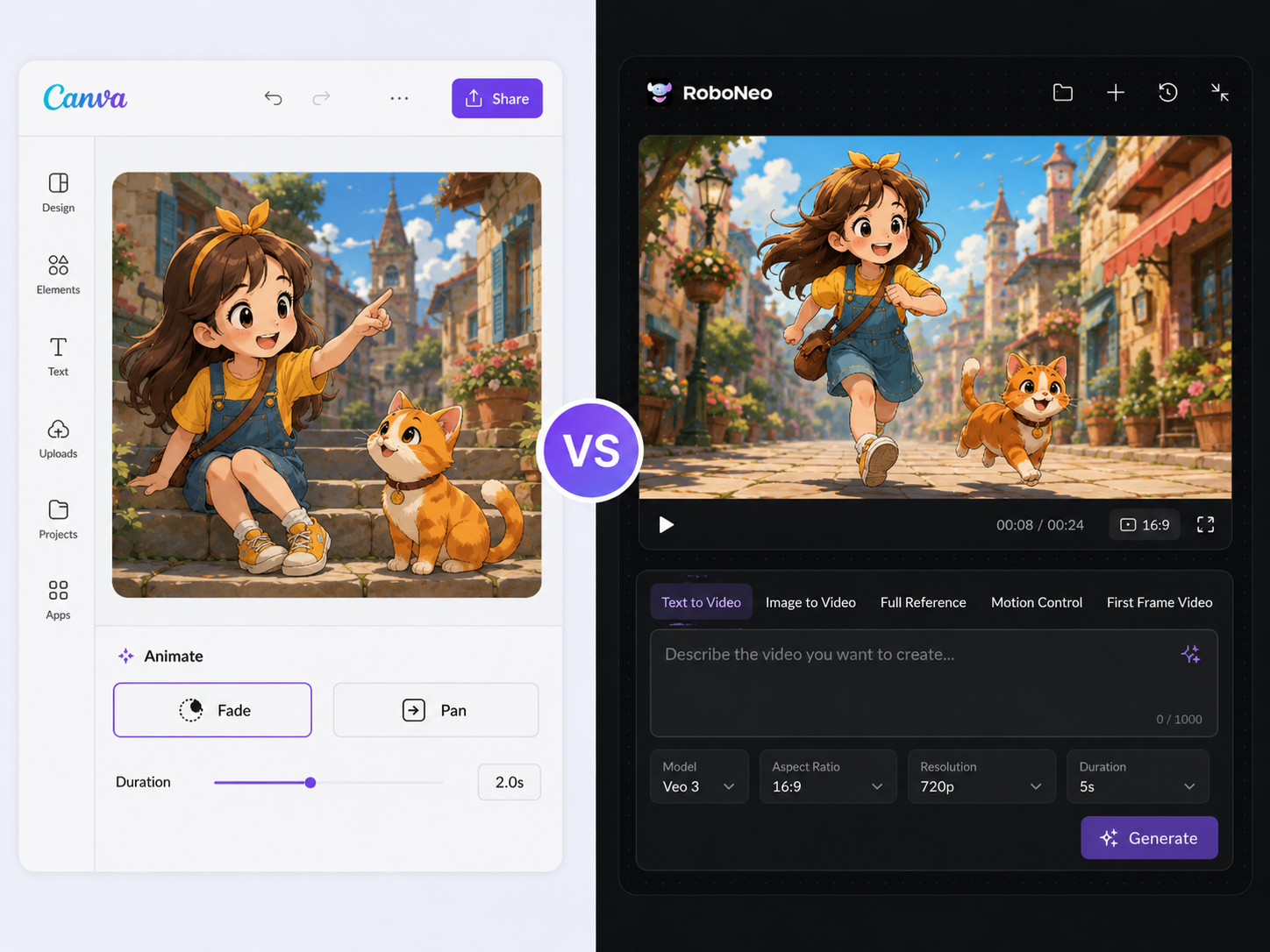
RoboNeo is the better choice when you actually need a full cartoon video, rather than just a still graphic with a bit of movement slapped on. A dedicated AI video generator can take your prompts or images and build out real animated scenes, handling the motion, timing, and cuts. Canva is fine for throwing basic fades or pans onto a design, but it isn't really built for putting together complete, scene-by-scene cartoons.
3. Character Consistency
RoboNeo really shines when your characters and visual style need to stay locked in across a campaign. Canva is fine for quick, one-off graphics, but forcing the same character into new poses usually means a ton of tedious manual tweaks. And let's be real—the limitations of AI video generation technology are still a factor. Without a solid workflow, you'll still run into weird character glitches, choppy movement, or random style shifts.
4. Social Media Content Workflow
RoboNeo is designed for video-first workflows. It handles animated scenes, character consistency, and short-form content well. Canva is stronger for quick layouts, static graphics, and simple animations.
5. Ease of Use for Beginners
Canva is very beginner-friendly and easy for anyone already familiar with the platform.
RoboNeo is also prompt-based and easy to start, but its full value comes from using its video workflow for repeatable content production.
How to Use RoboNeo for Cartoon Content Creation
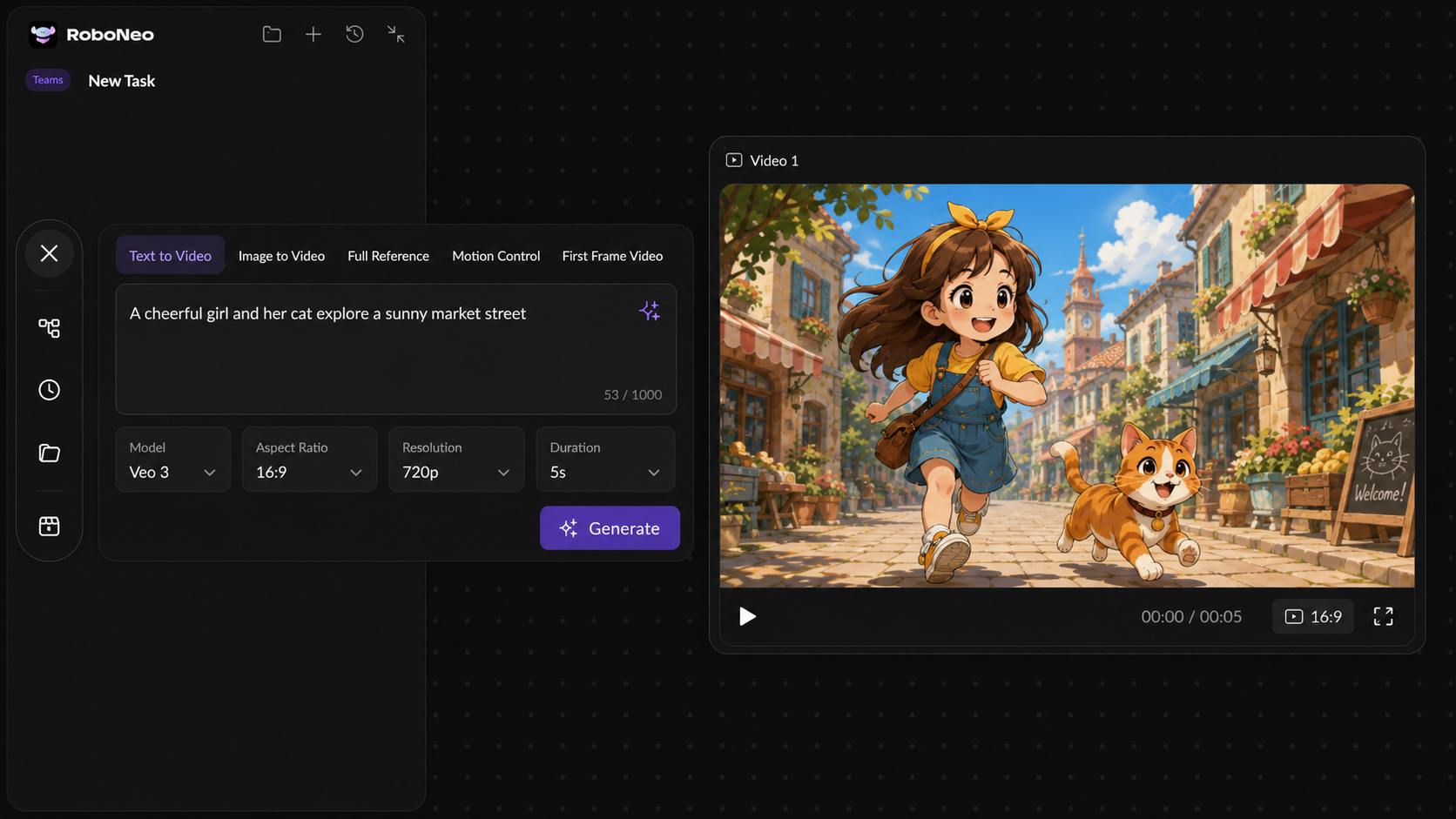
With RoboNeo, the workflow is centered on video output. These steps show how to turn a simple idea into cartoon-style video content.
Step 1. Create a Cartoon Character
Describe the character, scene, or style you want. You can also upload a photo or illustration as a reference.
Step 2. Turn Images into Short Videos
Once you lock in that base image, just spell out the action, the vibe, or the camera movement. It really is the most straightforward way to make AI videos from cartoon assets without getting bogged down in a massive, heavy-duty production. From there, RoboNeo just takes that still shot and animates it into a quick, lively clip.
Step 3. Build Scenes for Social Media Content
For longer content, create multiple clips and connect them into a short story or ad. This works well for TikTok, Instagram Reels, YouTube Shorts, and paid social campaigns.
How to Use the Canva AI Cartoon Generator
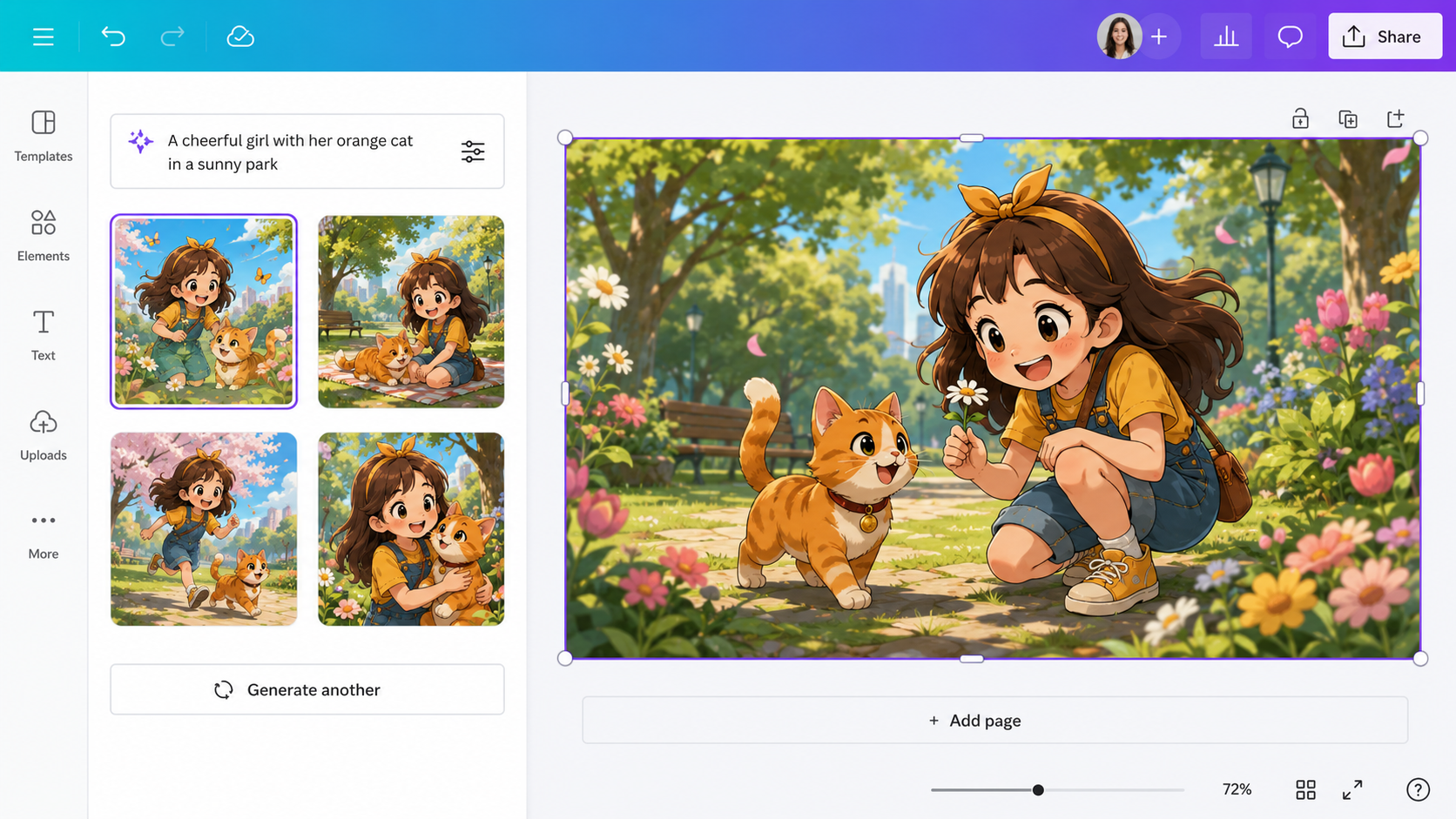
Creating a cartoon image in Canva is quick and built into the design editor. It is best for adding a custom visual to a larger design.
Step 1. Start a Design and Add a Photo
Open a new or existing Canva design. You can use a blank canvas, choose a template, or upload a photo.
Step 2. Generate a Cartoon Image
Use Magic Media or another AI image tool in Canva. Enter a prompt for the cartoon image you want, or use AI editing tools to stylize a photo.
Step 3. Edit the Result with Canva Tools
After the image is generated, resize it, crop it, add text, adjust the layout, and export it with your final design.
Which Tool Should You Choose?
When it comes down to RoboNeo vs. Canva’s AI Cartoon Generator in 2026, the choice is pretty simple: go with Canva for quick cartoon images, and pick RoboNeo for cartoon videos and scaling up your creative production.
1. Choose Canva for Quick Cartoon Images
Canva is your best bet if you're mostly looking to churn out static visual content. It works perfectly for:
One-off social media graphics, blog headers, or presentation slides.
Users who are already working inside Canva and just need to whip up a quick illustration.
Projects where the final product is a flat image, not a full video.
2. Choose RoboNeo for Cartoon Videos and Scalable Content
RoboNeo is definitely the way to go when you want to focus on animated content. It is built from the ground up for:
Marketers and creators who need to pump out a steady stream of short-form videos.
Campaigns that require you to keep characters looking the same across multiple ads or episodes.
Teams that need to test out different video variations efficiently to see what performs best.
FAQ
What is RoboNeo’s AI cartoon and anime generator used for?
RoboNeo’s AI cartoon and anime generator is perfect for whipping up animated characters, short videos, social media clips, and ad creatives straight from prompts, images, or reference assets.
Is RoboNeo free?
RoboNeo offers a few different ways to sign up depending on what you need. To get the real scoop on pricing and see if there's a free trial, your best bet is to check out the current RoboNeo pricing page.
Can Canva AI Cartoon Generator make videos?
Not really. Canva's AI Cartoon Generator is mostly tailored for cartoon-style images and quick design visuals. While you can add basic animation effects to make things move, it isn't built for full, scene-based cartoon videos.
How is RoboNeo different from design tools like Canva for video generation?
RoboNeo is built from the ground up for video-first workflows, meaning it excels at setting up animated scenes, keeping characters looking the same, and knocking out short-form content. Canva, on the other hand, is much better for pulling together quick designs, static graphics, and simple animations.
Which tool is better for social media creators?
It depends on what you're after. Canva is the way to go if you need to roll out quick posts, thumbnails, or static visuals. But if you need to pump out cartoon videos, ad variations, and repeatable short-form content, RoboNeo is your best bet.
You May Be Interested
Instagram Reel Dimensions: Size, Ratio & Resolution Guide
How to Restore Old Photos: Repair Fading and Damage
7 Best Free AI Photo Enhancer in 2026
How to Make Picture Higher Resolution: Upscaling Guide
How to Write Romantic Fiction: Tips for a Better Love Story

Runway AI Video Generator Review: Features and Pricing
How to Fix Overexposed Photos: Better Editing Tips
How to Brighten a Dark Picture Without Washing It Out
How to Remove a Watermark from a Photo: Easy Methods
How to Remove Proof from a Photo Safely and Cleanly
DPI vs PPI: Key Differences for Print and Screen

1080p vs 1440p: Which Resolution Is Better?
How to Upload HD Video to Facebook: Best Settings
What Is Frame Interpolation? How It Works and Uses
How to Make a Memorial Video: AI Tips for Meaningful Memories
Movie-Quality AI Video Prompts: Complete Guide
What Is Upscaling? Video Enhancement Explained
Photographic Noise Explained: Causes, Types, and Fixes
How to Fix Grainy Photos: Reduce Noise and Improve Quality
Can You Set Display Quality on YouTube? Settings Guide
How Do You Write Dialogue? Video Script Writing Guide
Talking Animals in Stories: Create AI Video Characters
Linear and Nonlinear Storytelling: A Guide for Video
Animatic vs. Storyboard: Key Differences and Best Uses
What Is Character Motivation? Video Storytelling Guide
What Is a Film Storyboard? Purpose, Parts, and Process
Open Ending Meaning: A Guide for Film and Video
How to Create an Anime Movie: The Complete Process
Horror Movie Ideas: 15 Scary Plots for Low-Budget Films
Movie Ideas to Make at Home: 15 Easy Beginner Films
How to Make a Product Video: Scripts, Shots, and Sharing
How to Make Realistic AI Videos: Tips and Mistakes
What Is 8K Resolution? Uses, Benefits, and 4K Comparison
PicWish Watermark Remover Review: Is It Worth Using?
How Can I Improve Video Quality? Practical Fixes
What Is 2K Resolution? Pixel Size, Uses, and Differences
What Is a Show Bible? TV Writing Guide and Template
What Is a Cliffhanger? Types, Examples, and Writing Tips
How Long Is a Short Film? A Runtime Guide for Filmmakers
How to Write a Movie Script: Steps for First-Time Writers
How Many Scenes in a Movie? A Screenwriter’s Guide

How to Write a Drama Script: 6 Clear Steps for Beginners
3 Best Background Noise Removal Apps for 2026
Vmake AI Video Watermark Remover: Tested and Reviewed
ChatGPT Script vs RoboNeo AI Script Generator
How to Enhance Sora AI Video Quality in 2026?
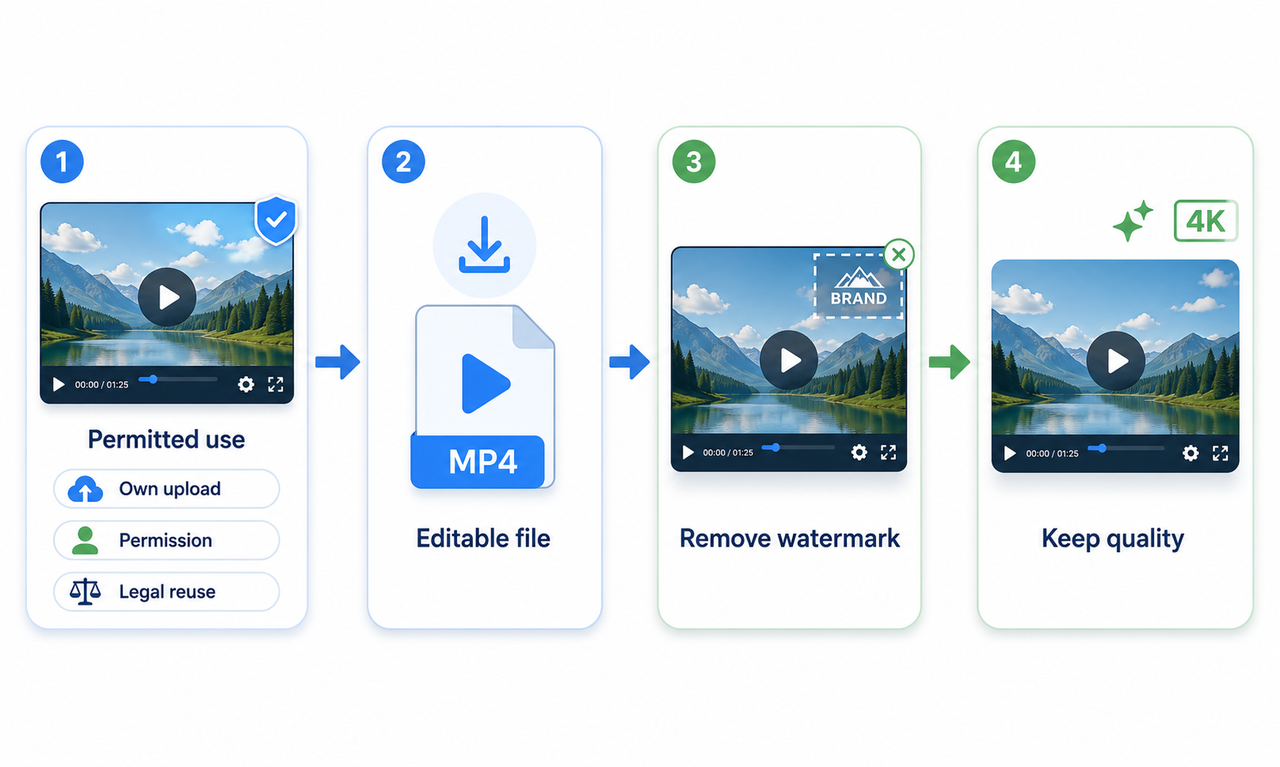
How to Download YouTube Videos and Remove Watermarks
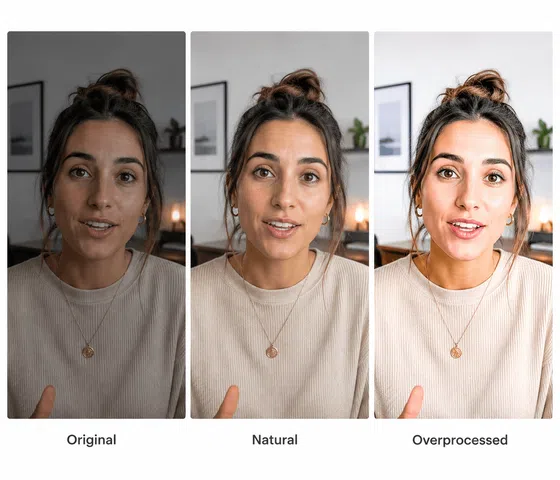
Best AI Features for Enhancing UGC Video Quality in 2026
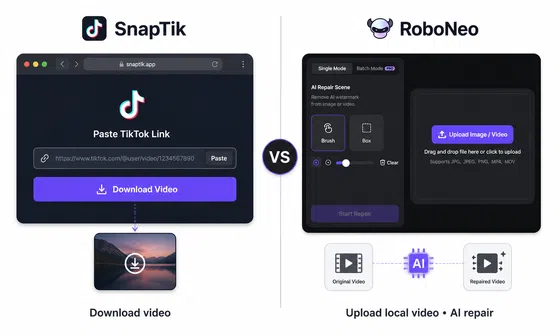
SnapTik TikTok Downloader Review: Pros, Cons and Alternative
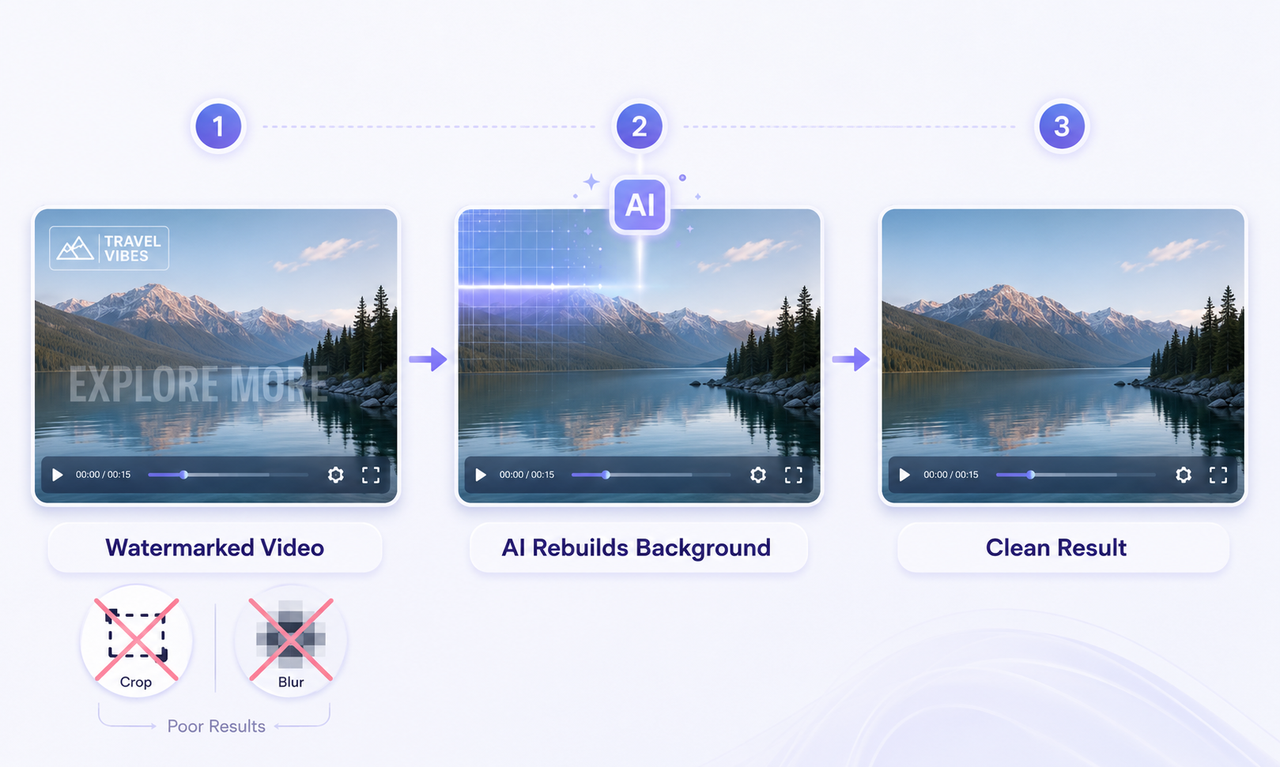
How to Remove Watermark from Video with AI (2026 Guide)
How Long Does It Take to Write a Script? A Practical Guide
Canva AI Video Generator vs RoboNeo: Key Differences
How to Write a TV Commercial Script: Step-by-Step Guide
Character AI Alternative: 7 AI Chat Tools to Try in 2026

How to Create AI Video from Script: A Complete Guide
Best TikTok Script Generator in 2026
How to Write a Video Script: 7 Steps for Beginners
How to Write Script for Youtube Video: Complete Guide
How to Turn Long YouTube Videos into TikToks with an AI Video Clip Generator
How to Use an AI Video Generator Online to Create Viral Content
6 Best Ai Character Generator in 2026: Tested & Compared
Best Free AI Video Generator: Top Tools to Try
Best Free AI Story Generators in 2026: Tested and Ranked