
What Is 4K Upscaling? A Complete Guide for Beginners
 RoboNeo TeamAugust 6, 2026

Pull an old vacation clip up on a phone and it may still look pretty good. Put that same file on a 65-inch TV, though, and the soft faces and blocky sky are suddenly hard to miss. The TV has millions of pixels to fill, while the video supplies only a fraction of them.
That gap is where 4K upscaling comes in. It can make lower-resolution footage fit a modern screen more gracefully, and newer AI tools may clean up some of the roughness along the way. What it cannot do is turn every old file into footage that was genuinely shot in 4K.
What Is 4K Upscaling?
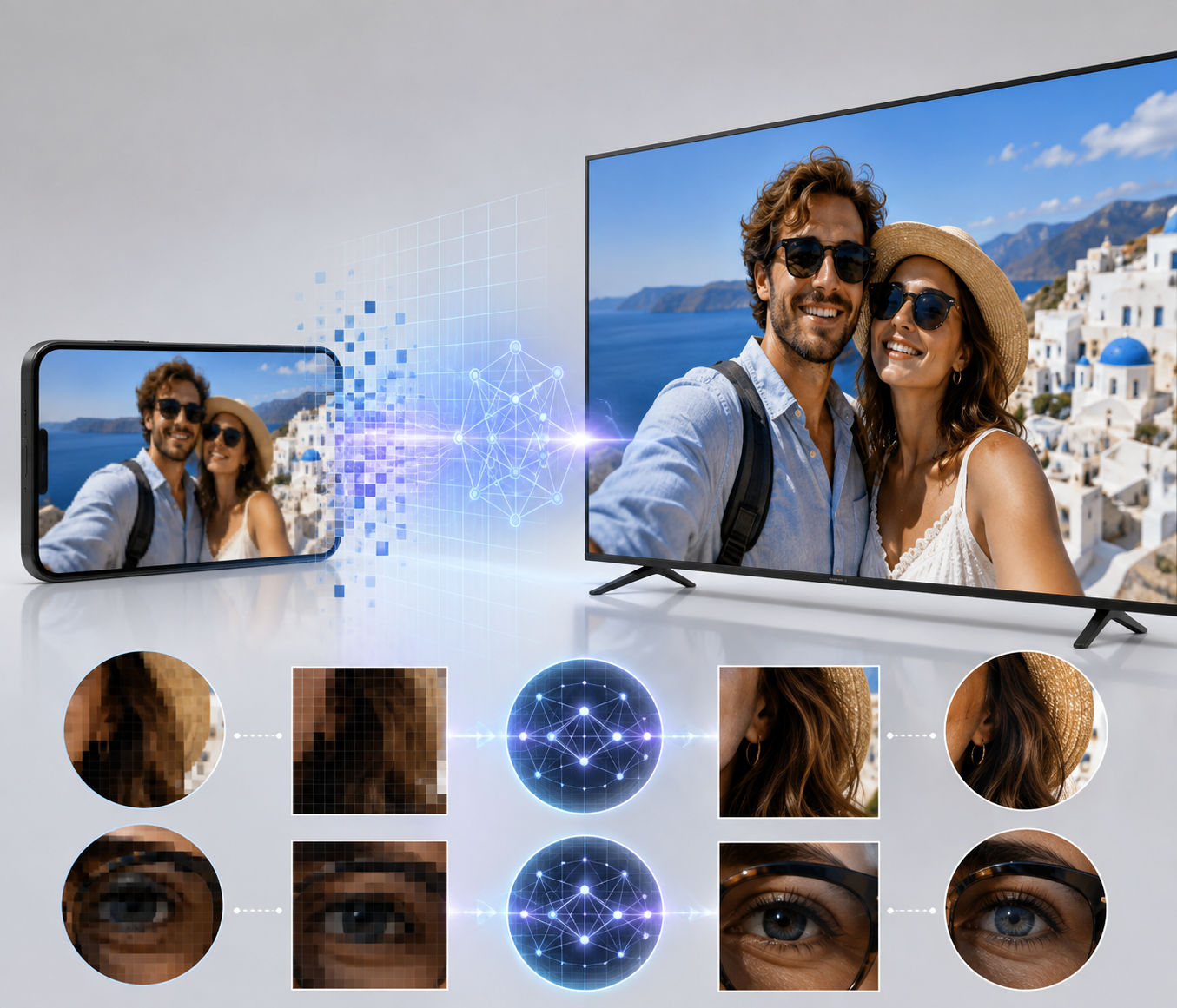
4K upscaling converts a smaller video into a 4K-size output. The work may happen inside a TV, streaming box, editor, or online enhancer. For consumer TVs and online video, 4K UHD means 3840 × 2160 pixels. Full HD is 1920 × 1080, so 4K has four times the pixel count. Digital cinema also uses 4096 × 2160, but home viewers usually work with UHD. More pixels provide room for finer detail. They do not guarantee it.
1. Does Upscaling Improve Quality or Just Resolution?
A basic resize changes file dimensions. Better upscaling can smooth diagonal lines and reduce the softness caused by stretching a small image. Whether that counts as an improvement depends on the original.
Compare a clean camera file with a clip reposted through a group chat. Both can be exported at 4K, but the camera file offers far more useful information. The other may only produce larger compression blocks.
2. What Is AI 4K Upscaling?
Older methods calculate from nearby pixels. AI also looks for structures such as eyes, hair, lettering, or bricks, then predicts how they might appear at higher resolution.
Prediction is not recovery. If a sign is unreadable in the source, AI may create characters that look sharper without recreating the correct wording.
How Does 4K Upscaling Work?
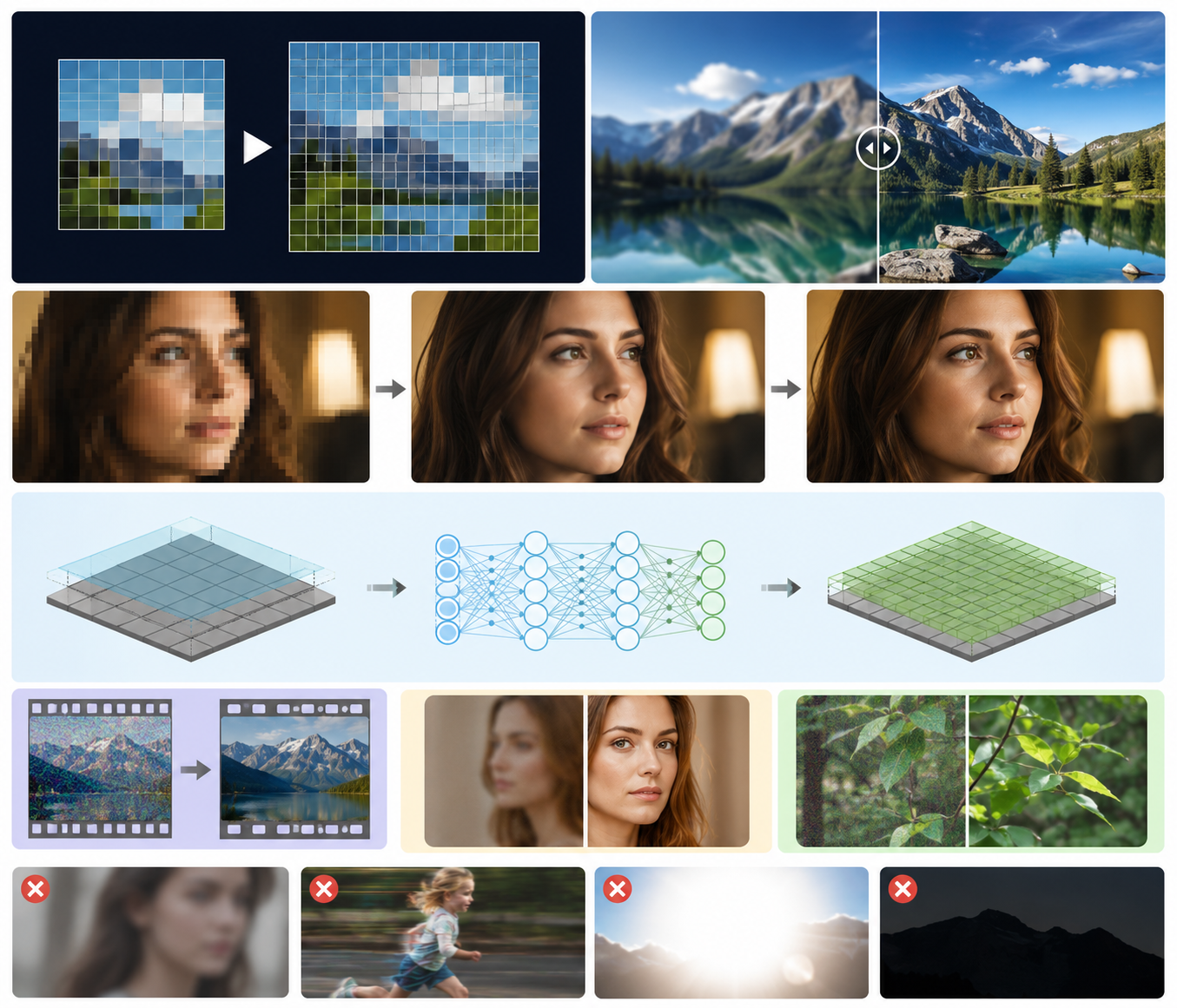
A 1080p frame has about 2.1 million pixels; 4K UHD needs about 8.3 million. Upscalers differ in how they generate the rest.
1. Traditional Upscaling Uses Interpolation
Bilinear and bicubic scaling calculate smooth values between nearby pixels. For clean video that only needs to fit a 4K timeline, that may be enough.
It does not understand the scene. An eyelash, power line, and subtitle are simply pixel patterns, so the result often looks tidy but soft.
2. AI Upscaling Estimates Edges and Texture
AI tries to preserve familiar objects while keeping adjacent frames consistent. A shirt pattern that changes every few frames will shimmer, even when each paused frame looks sharp.
This is why a moving preview tells you more than a single before-and-after screenshot.
3. Sharpening and Noise Reduction Change the Result
Upscaling, sharpening, and denoising are separate jobs, though tools often bundle them. Moderate cleanup can control grain and soft edges.
Push too far and skin turns waxy, branches gain bright outlines, and fabric crawls. Natural texture matters more than maximum sharpness.
4. What Can 4K Upscaling Not Fix?
Missed focus, heavy motion blur, blown highlights, and crushed shadows leave little reliable information; exposure problems may require a separate workflow for making a dark video brighter before upscaling.
Native 4K vs. Upscaled 4K: What Is the Difference?
Both videos can end up with the same 3840 × 2160 dimensions. Their starting points are what separate them.
Native 4K Starts With More Recorded Information
Native 4K was captured or rendered at that resolution. With good focus and bitrate, it retains more genuine information and gives editors more room to crop or stabilize.
Native resolution is not a magic badge. A poorly focused 4K phone clip can still look worse than a carefully shot 1080p video.
Upscaled 4K Builds From a Smaller Source
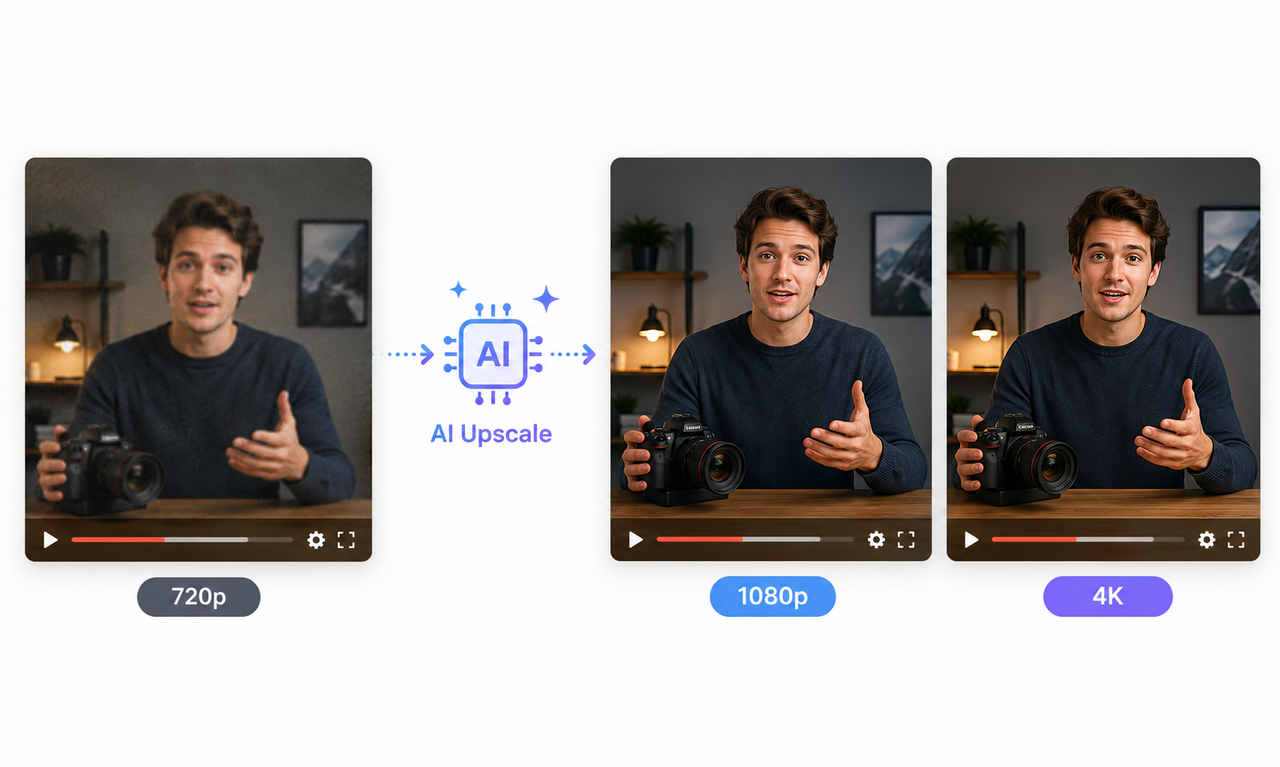
Upscaled 4K starts at 1080p, 720p, or lower. A dedicated AI video upscaling tool can create a 4K-size file, but some visible information is calculated rather than recorded.
Key Comparision Table:
| Comparison | Native 4K | Upscaled 4K |
| Output resolution | Usually 3840 × 2160 | Can also be exported at 3840 × 2160 |
| Starting point | Captured or rendered directly in 4K | Starts as 1080p, 720p, or lower |
| Image information | Contains more genuinely recorded detail when focus and bitrate are good | Some visible detail is calculated or predicted during upscaling |
| Fine details | Hair, labels, foliage, and brickwork usually appear more natural and stable | Fine details may remain vague or look artificially sharp |
| Motion quality | Usually maintains more consistent detail during movement | May introduce unstable textures or overly crisp edges |
| Editing flexibility | Offers more room for cropping, reframing, and stabilization | Has less genuine detail available for heavy cropping or stabilization |
| Source quality impact | A poorly focused or compressed 4K clip can still look weak | A clean 1080p source may produce a convincing upscale |
| Viewing experience | The advantage is easier to notice on large screens or at close viewing distances | Can look surprisingly close to native 4K on a moderate-size TV viewed from farther away |
| Best description | Real 4K detail captured at the source | A 4K-size file created from a lower-resolution source |
Sometimes immediately; sometimes not from the couch. Inspect hair, labels, foliage, brickwork, and motion. Native 4K tends to stay more stable; an upscale may look vague or oddly crisp.
Viewing conditions change the answer. On a moderate-size TV ten feet away, a strong 1080p source can look surprisingly close to native 4K. Sit two feet from a large desktop monitor and the gap becomes easier to spot.
When Is 4K Upscaling Worth It?
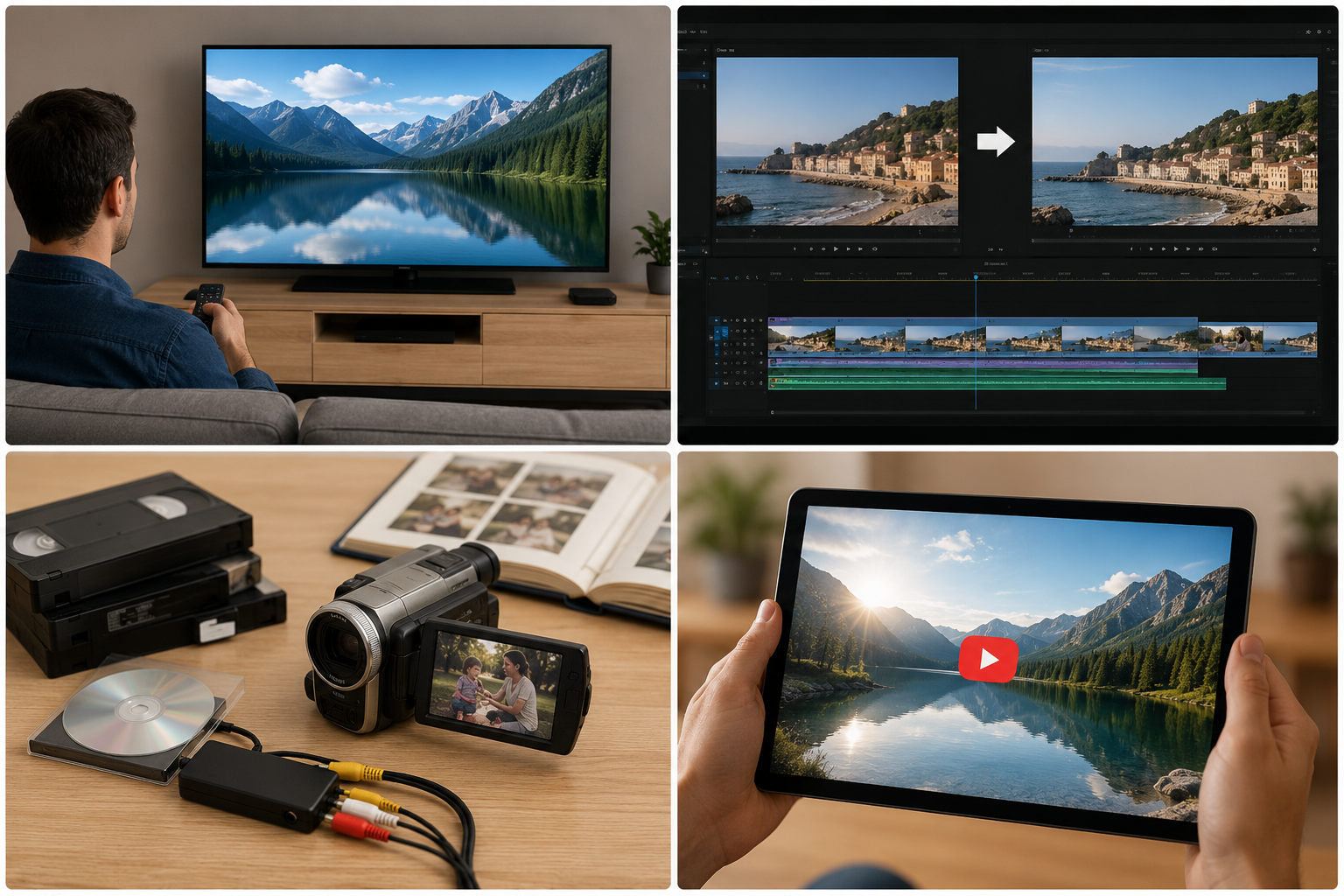
There is no prize for creating the biggest file. Upscaling earns its place when it solves a viewing, editing, or preservation problem.
1. Watching 1080p Content on a 4K TV
Most 4K TVs scale lower-resolution signals automatically. If both a streaming box and the TV offer scaling, compare them. The pricier device is not automatically better.
2. Mixing 1080p Footage Into a 4K Project
Editors often combine 4K interviews with 1080p B-roll. A careful upscale can reduce an abrupt change in softness, though it will not match every native detail.
3. Preserving Family Videos and Archives
A camcorder tape from 2003 cannot be reshot, making it a sensible candidate for enhancement within a connected creative platform such as RoboNeo. Keep the untouched transfer as the master because restoration preferences change.
4. Preparing a Video for YouTube
YouTube accepts 3840 × 2160 and offers 4K playback after processing. It also recompresses the file. A larger upload may suit a TV-focused channel, but does not prove native capture.
How to Upscale a Video to 4K
Start small. This complete guide to AI video upscaling begins with a short test because thirty seconds of faces, text, texture, and movement will expose most problems before an hour-long export.
Step 1: Find the Best Available Source
Use the camera original, first export, or best archive—not a WhatsApp or Instagram copy. Note the aspect ratio and frame rate, then save a backup.
Step 2: Choose a 4K Upscaling Tool
Clean footage may only need traditional resizing. When a clip also has noise or soft edges, comparing the best AI video enhancers can help identify the right balance of automatic processing and manual control.
RoboNeo AI Video Enhancer offers 2K, 4K, and AI 4K+ output. Auto-Detect matches Portrait, Product, Night View, Natural, Game, or Animation footage, avoiding several separate apps. Preview before a long export.
Step 3: Use Conservative Enhancement Settings
Control obvious grain first, then add clarity gradually. Keep the original frame rate and aspect ratio unless the delivery calls for something different. If skin loses pores or lettering develops a glow, back off.
Step 4: Watch the Preview in Motion
Check faces, hands, hair, subtitles, product labels, patterned clothing, camera pans, and shadows. Do not inspect only the cleanest frame. Flicker and unstable texture usually show up once the video starts moving.
Step 5: Export to the Final Destination
Consumer 4K UHD is 3840 × 2160. Match the source frame rate and choose a codec and bitrate for the destination. YouTube’s current guidance for 4K SDR is 35–45 Mbps at 24, 25, or 30 fps, and 53–68 Mbps at 48, 50, or 60 fps. Those numbers are upload recommendations, not universal export rules.
FAQs About 4K Upscaling
Q: Does 4K Upscaling Actually Improve Video Quality?
A: It can improve how lower-resolution video looks on a 4K screen. A clean source benefits more than a blurry or compressed one.
Q: Is Upscaled 4K Better Than Native 1080p?
A: On a 4K display, a good upscale may look smoother than basic enlargement. Poor processing can look worse than the clean 1080p original, so compare both.
Q: Is AI-Upscaled 4K True 4K?
A: The output has 4K dimensions, but it was not captured in native 4K. “AI-upscaled 4K” is the accurate description.
Q: Can a 720p Video Be Upscaled to 4K?
A: Yes, but the larger jump requires more prediction. Clean 720p may look better on a large screen; heavily compressed footage may develop artificial texture.
Q: Does a 4K TV Automatically Upscale 1080p?
A: Most do. Depending on the setup, a streaming box, disc player, or game console may perform the scaling before the signal reaches the TV.
Conclusion
4K upscaling is useful when lower-resolution footage needs to fit a modern display, a 4K editing timeline, or a preservation workflow. AI can make soft edges and noise less distracting, but it cannot convert missing information into verified original detail.
The practical test is simple: does the processed version look more natural where it will actually be watched? If yes, keep it. If the only clear difference is a larger file, the original may already be good enough.
You May Be Interested
How to AI Upscale Video: 1080p to 4K Guide for Beginners
Best AI Video Enhancer in 2026: 8 Tools, Pros and Cons

Upscaling 1080p to 4K: Benefits, Limits, and Best Uses

Native 4K vs Upscaled 4K: Key Differences Explained
4K vs 1080p: Resolution, Quality, and Video Upscaling Guide

Is 4K Better Than HD? Key Differences Explained
1440p vs 4K: Gaming, Display Quality, and Key Differences