1440p vs. 4K: Which Resolution Should You Choose?
 RoboNeo TeamAugust 24, 2026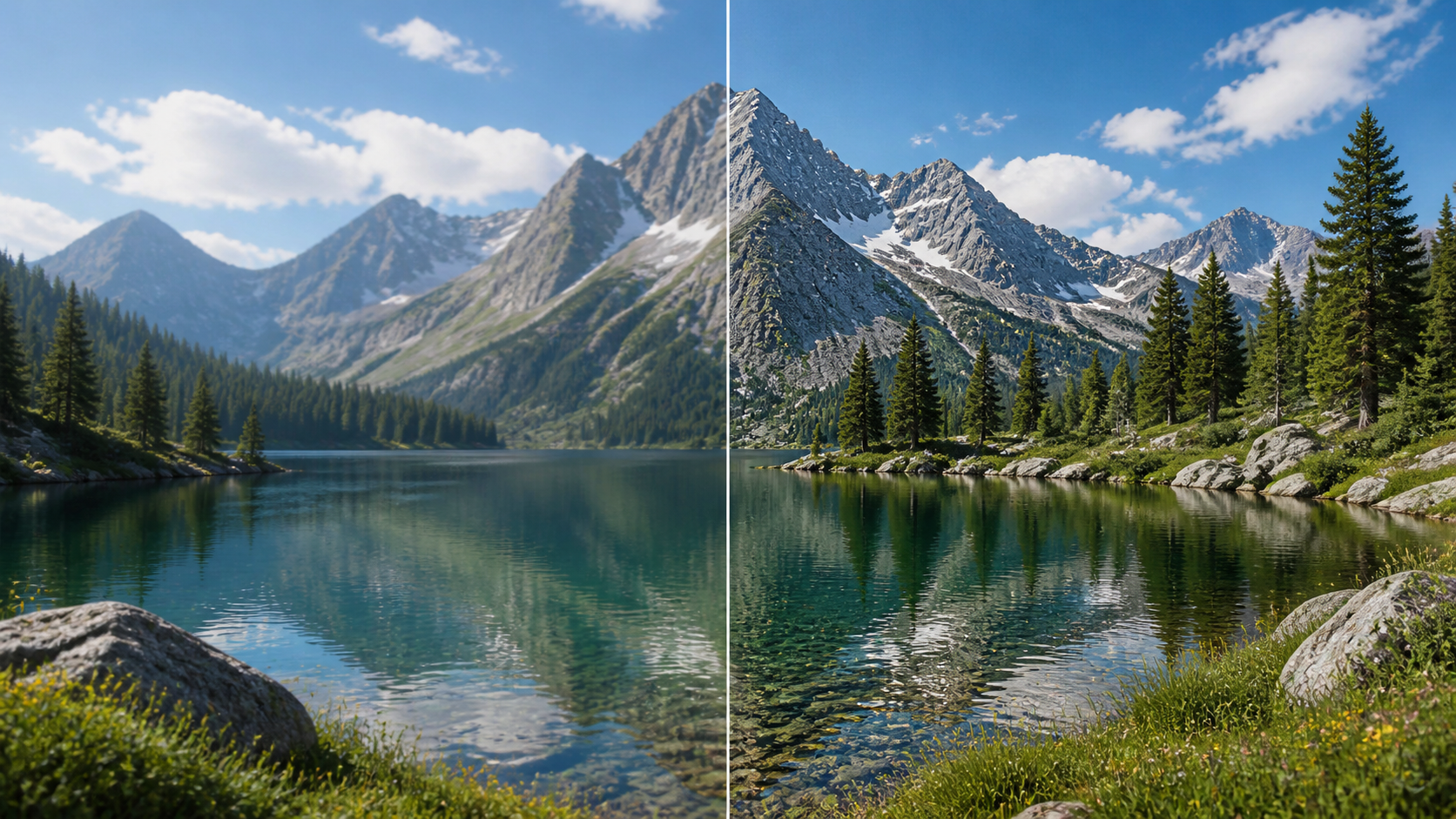
Choosing between 1440p and 4K depends on more than pixel count. A 1440p display is usually the better fit for high frame rates, lighter hardware demands, and a lower overall cost. A 4K screen makes more sense when fine detail, large-screen viewing, or professional visual work matters most.
Screen size, refresh rate, GPU performance, and daily use all affect the result. A competitive gamer with a midrange graphics card has different priorities from a video editor working with 4K footage. The best resolution is the one that balances image quality with the performance your setup can realistically deliver.
1440p vs. 4K at a Glance
For most gaming-focused setups, 1440p offers the strongest balance of sharpness and speed. It looks noticeably clearer than 1080p while allowing a capable midrange GPU to reach high frame rates. Monitors with 144 Hz, 165 Hz, or even faster refresh rates are also widely available at this resolution.
4K favors visual detail. Text appears finer, high-resolution photographs reveal more texture, and games can look especially impressive on larger screens. That extra clarity comes with higher hardware requirements and often a higher monitor price.
The basic decision is straightforward:
Choose 1440p if high-refresh gaming, GPU efficiency, and value are your main priorities.
Choose 4K if you use a large monitor, edit high-resolution content, or care more about sharpness than maximum frame rate.
Neither option is automatically superior. A good 1440p monitor with accurate colors and smooth motion can provide a better experience than a low-quality 4K model with weak contrast or a slow panel.
What Is the Difference Between 1440p and 4K?

A standard 1440p display has a resolution of 2560 × 1440, producing about 3.7 million pixels. It is also called QHD or Quad HD. Consumer 4K monitors generally use 3840 × 2160 pixels, which is known as 4K UHD and contains roughly 8.3 million pixels.
That means 4K renders approximately 2.25 times as many pixels as 1440p. More pixels allow the screen to display smaller details and smoother edges, but every frame also requires considerably more processing.
| Parameter | 1440p | 4K UHD |
| Pixel Dimensions | 2560 × 1440 | 3840 × 2160 |
| Total Pixels | About 3.7 million | About 8.3 million |
| Pixel Density | Moderate to high, depending on size | Higher at the same screen size |
| Image Sharpness | Sharp on 27-inch displays | Very sharp on 27- to 32-inch displays |
| Common Screen Sizes | 24 to 32 inches | 27 to 43 inches |
| Relative Cost | More affordable | Usually more expensive |
The 4K vs QHD difference becomes easier to notice as the screen grows. At 27 inches, both can look sharp at a normal desk distance, although 4K produces finer text and cleaner small interface elements. At 32 inches, 4K gains a clearer advantage because the additional pixels keep the larger image from appearing coarse.
Pixel density also depends on screen size. A smaller 1440p display may appear sharper than a very large 4K television viewed from close range. Viewing distance therefore matters alongside resolution.
Although 1440p is sometimes described as 2K in monitor marketing, the two terms do not technically refer to the same pixel dimensions. The distinction becomes clearer when comparing 2K resolution, QHD, and other common formats.
How Do 1440p and 4K Affect Gaming?
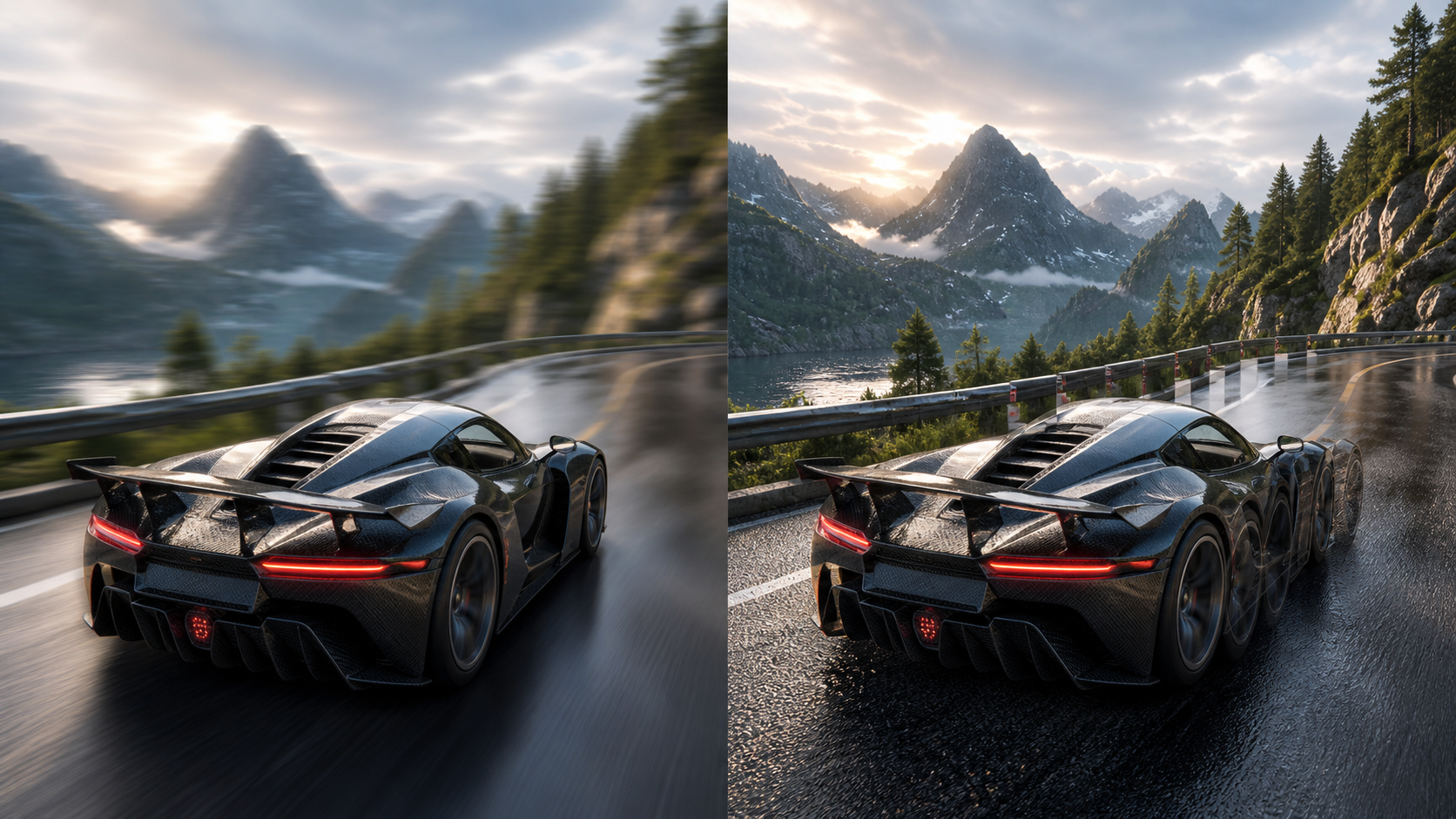
Resolution has a direct effect on gaming performance because the GPU must calculate and display every pixel in each frame. Visual quality may improve at 4K, but the added workload can reduce frame rates unless the computer has enough graphics power.
Frame Rates and GPU Requirements
Under the same graphics settings, 4K usually produces lower frame rates than 1440p. Rendering over eight million pixels per frame places a much heavier demand on the GPU.
A player using a midrange graphics card might run a new action game near 100 frames per second at 1440p but see a substantial drop after switching to native 4K. Lowering shadow quality, ray tracing, or other demanding settings can recover some performance, though the experience may no longer represent maximum-quality 4K gaming.
Upscaling technologies can help. A game may render internally at a lower resolution and reconstruct the image for a 4K display. Similar AI video upscaling methods can analyze frames, edges, motion, and visual details when lower-resolution footage needs to fit a higher-resolution display. The result often looks sharper than conventional scaling, but quality varies according to the source and settings.
Refresh Rates and Competitive Gaming
Fast-paced competitive games benefit from high frame rates and low input latency. For that reason, 1440p remains a practical choice for players who use 144 Hz, 165 Hz, 240 Hz, or faster monitors.
During an online shooter match, smooth camera movement and quick visual feedback may matter more than the extra texture detail visible at 4K. Maintaining 180 frames per second at 1440p can feel more responsive than fluctuating between 70 and 90 frames per second at 4K.
The 4K vs 1440p gaming decision also depends on the game library. Competitive players usually gain more from 1440p performance, while slower single-player titles can benefit from 4K clarity.
Image Detail and Immersive Games
Open-world adventures, racing simulators, and story-driven games often look impressive at 4K. Distant buildings have cleaner outlines, foliage retains more definition, and detailed character models stand up better on a large screen.
A player exploring a cinematic landscape on a 32-inch monitor may notice the improvement immediately. Someone playing a fast multiplayer game on a 27-inch screen may find the difference less important, especially while concentrating on movement and targets. The same viewing conditions explain why the answer to whether 4K is better than HD changes with screen size, source quality, and viewing distance.
How Do They Perform for Work and Content Creation?
Gaming is only part of the comparison. Resolution also changes how text, images, timelines, and application windows appear during everyday work.
Text Clarity and Desktop Workspace
4K displays render letters and interface elements with smoother edges. Long documents, spreadsheets, and coding windows can look exceptionally clean, reducing the roughness visible around small text.
At 27 inches, however, native 4K interface elements may appear too small for comfortable reading. Windows and macOS scaling can enlarge them while retaining much of the added sharpness. Scaling generally works well in modern applications, although some older software may display inconsistent text or menus.
A 27-inch 1440p monitor often works comfortably without scaling. It offers enough space for two documents side by side while keeping menus and icons easy to read. For routine office work, that balance can be more convenient than managing 4K scaling.
Photo and Graphic Design
Photographers and graphic designers can see more fine detail on a 4K monitor. High-resolution images require less zooming, and small edges or texture changes are easier to inspect. Resolution alone is not enough, though. Color accuracy, panel uniformity, contrast, and calibration remain essential.
A designer choosing between a color-accurate 1440p monitor and an entry-level 4K screen should not focus only on pixel count. The 1440p model may produce more dependable colors, even though the 4K option looks sharper.
Video Editing and High-Resolution Playback
Editing 4K footage on a 4K monitor allows more of the source detail to appear during playback. The extra workspace also helps accommodate a preview window, timeline, media browser, and editing controls. Still, smooth performance requires suitable hardware, fast storage, and enough memory.
1440p remains sufficient for editing social videos, 1080p projects, and many online campaigns. Proxy files can also make high-resolution projects easier to handle on less powerful computers.
Source quality sometimes creates a separate problem. A creator may need to deliver a 4K video even though several older clips are soft, noisy, or lower in resolution. Understanding the difference between native 4K and upscaled 4K helps set realistic expectations before processing those clips.
The RoboNeo AI Video Enhancer can improve perceived clarity, reduce visible noise, and upscale footage to a 4K output size. AI enhancement may produce a cleaner and more consistent result, but it cannot turn limited source footage into genuinely native 4K material captured with full original detail.

Upscale Your Videos to 4K with RoboNeo
Which Resolution Fits Your Setup?
A useful decision starts with the activities that occupy most of your screen time. Hardware and budget can then narrow the options.
Choose 1440p for High-Refresh Gaming and Better Value
1440p suits competitive gamers, users with midrange GPUs, and buyers who want a meaningful upgrade from 1080p without rebuilding their computers. It is particularly effective on a 27-inch screen, where the image looks sharp while interface elements remain readable.
This resolution also leaves more of the budget available for a better panel, faster refresh rate, adjustable stand, or stronger graphics card. Those improvements can influence the daily experience more than resolution alone.
Choose 4K for Large Screens and Detail-Focused Work
A 4K monitor is a stronger match for large displays, high-resolution photo and video work, and users who prioritize crisp text. It also works well for cinematic gaming when the computer can provide acceptable performance.
A photographer examining fine hair, fabric, or landscape texture will benefit more from 4K than someone mainly answering email. Likewise, a 32-inch desktop monitor gains more from the higher pixel density than a smaller screen viewed from several feet away.
Check Your GPU, Monitor Size, and Budget Before Buying
Before choosing, consider the complete setup:
Current GPU performance at the intended resolution
Desired refresh rate and typical game frame rate
Monitor size and normal viewing distance
Need for accurate colors, HDR, or professional connectivity
Cost of both the monitor and possible hardware upgrades
Mixed-use buyers often face the hardest choice. A 1440p high-refresh monitor may provide the best compromise for gaming and general work. A 4K model becomes more attractive when visual production, large-screen multitasking, or text clarity takes priority.
FAQ
Is 4K noticeably sharper than 1440p on a 27-inch monitor?
Yes, 4K generally looks sharper on a 27-inch monitor, especially when viewing small text, high-resolution photographs, and detailed interface elements. The difference may feel less dramatic in fast-moving games or from a greater viewing distance. UI scaling is often needed to keep text comfortable at this size.
Can you use a 4K monitor at 1440p resolution?
Yes, but 1440p does not scale evenly into a 4K pixel grid. The image may look slightly softer than native 1440p on a QHD monitor. Games with high-quality GPU scaling or built-in upscaling tools can produce better results than simply changing the desktop resolution.
Is 1440p commonly called 2K?
People sometimes call 1440p "2K," particularly in gaming and monitor discussions, but QHD is the more accurate consumer display term. True DCI 2K uses a resolution of 2048 × 1080, while 1440p uses 2560 × 1440.
Does 4K require more internet bandwidth?
The monitor itself does not require internet bandwidth. Streaming 4K video does because the service must deliver more visual data than a 1440p or 1080p stream. Local games and downloaded videos depend on GPU performance and storage speed rather than internet bandwidth during playback.
Which resolution is more future-proof?
4K offers more long-term flexibility for high-resolution media and larger displays. However, 1440p may remain practical longer for gaming because it places less pressure on the GPU. Future-proofing depends on whether the user values image detail or sustained gaming performance.
You May Be Interested
480p vs. 720p: Which Resolution Should You Choose?

New from RoboNeo: Agent Team. The AI That Hired You a Whole Creative Squad
6 Best Ai Character Generator in 2026: Tested & Compared
How to Create Stunning Visuals with the Best AI Music Video Generator
3 Best Background Noise Removal Apps for 2026