
Try Video Upscaling on RoboNeo
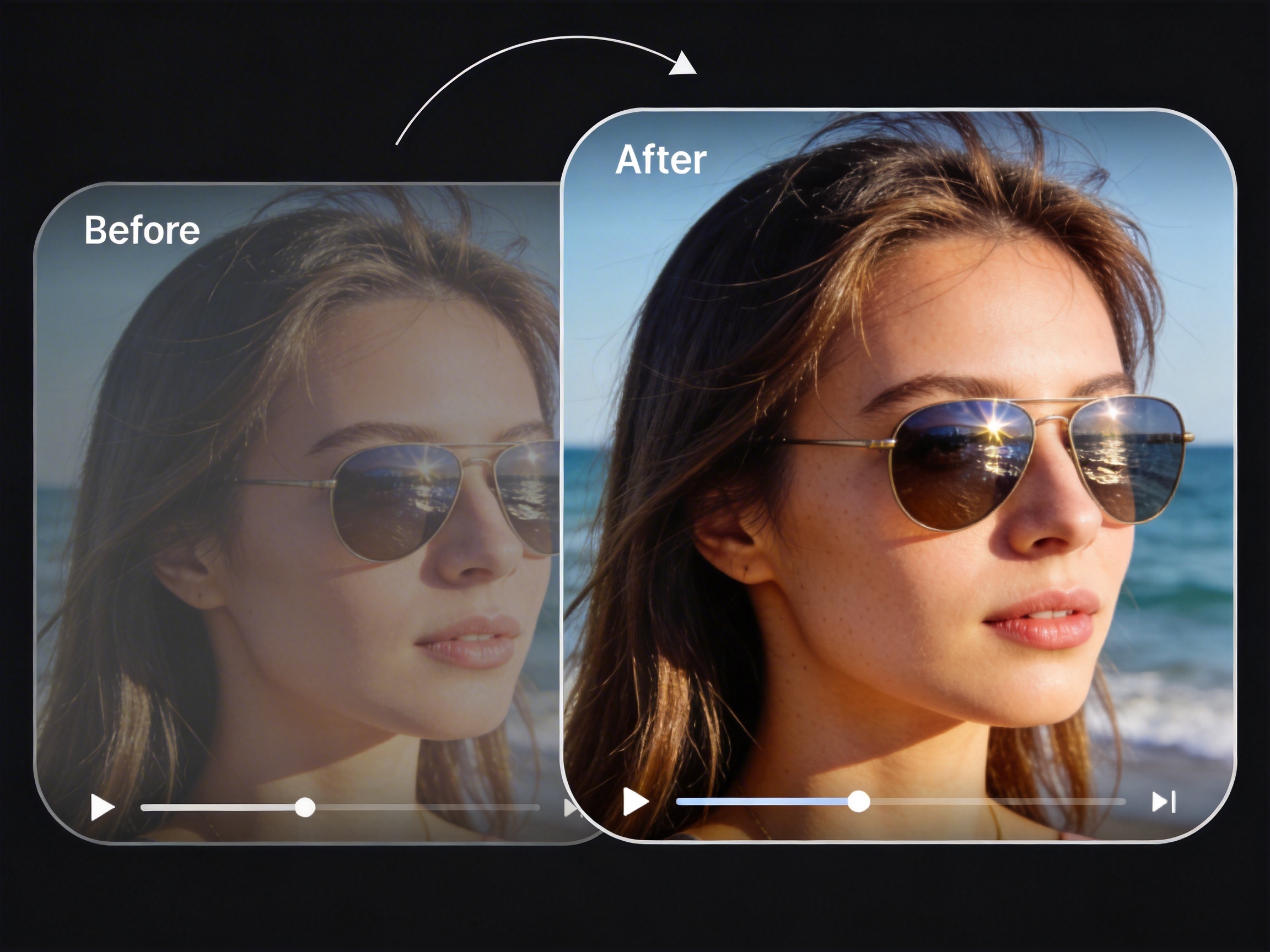
RoboNeo enhances video resolution by analyzing frames, motion, and visual details to reconstruct clearer, more refined footage. The AI agent improves sharpness, reduces noise, and preserves natural textures, producing upscaled videos that look intentional and professional—ready for modern platforms and high-resolution displays.
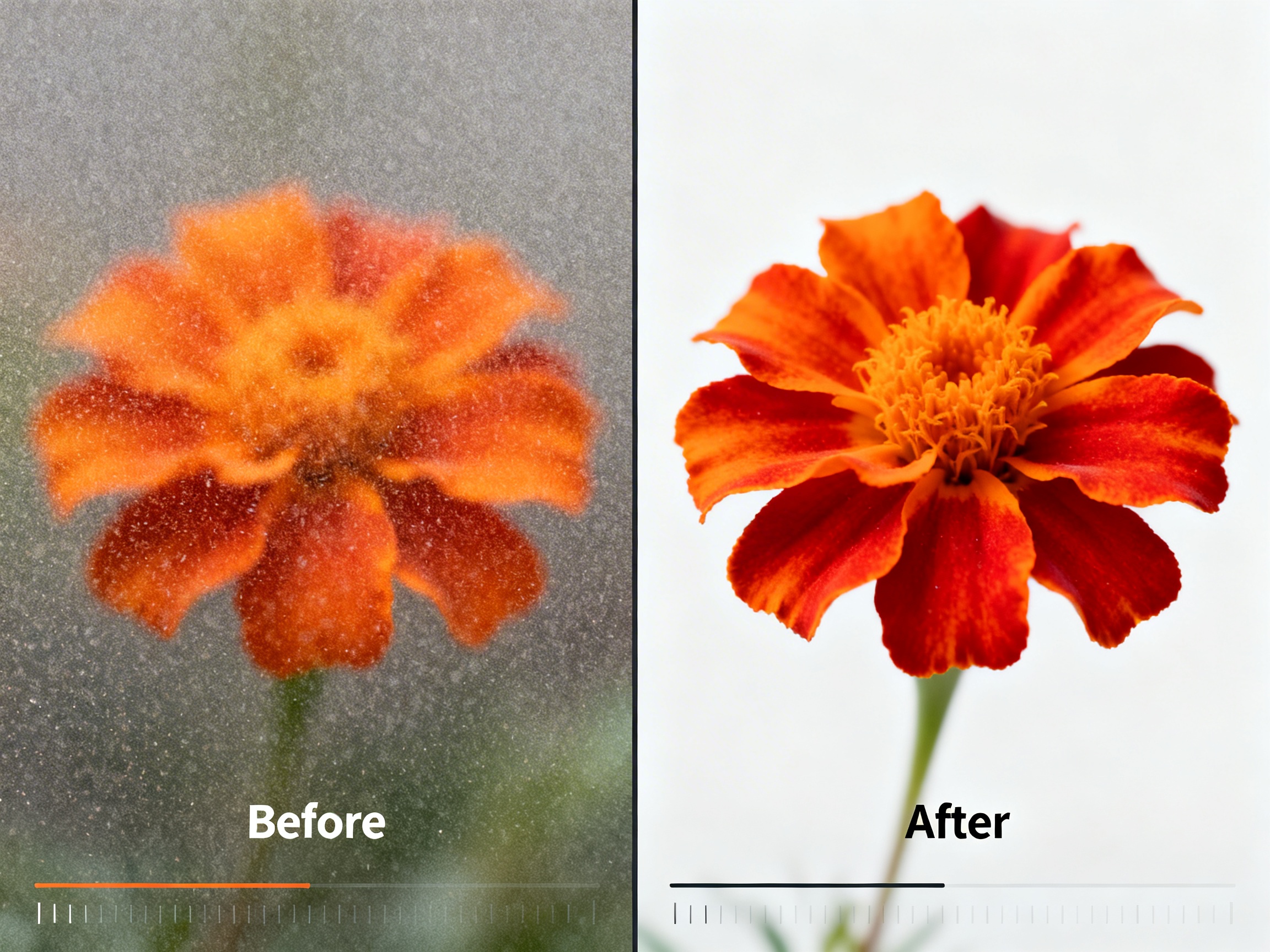
What Can Roboneo Do for Video Upscaling?
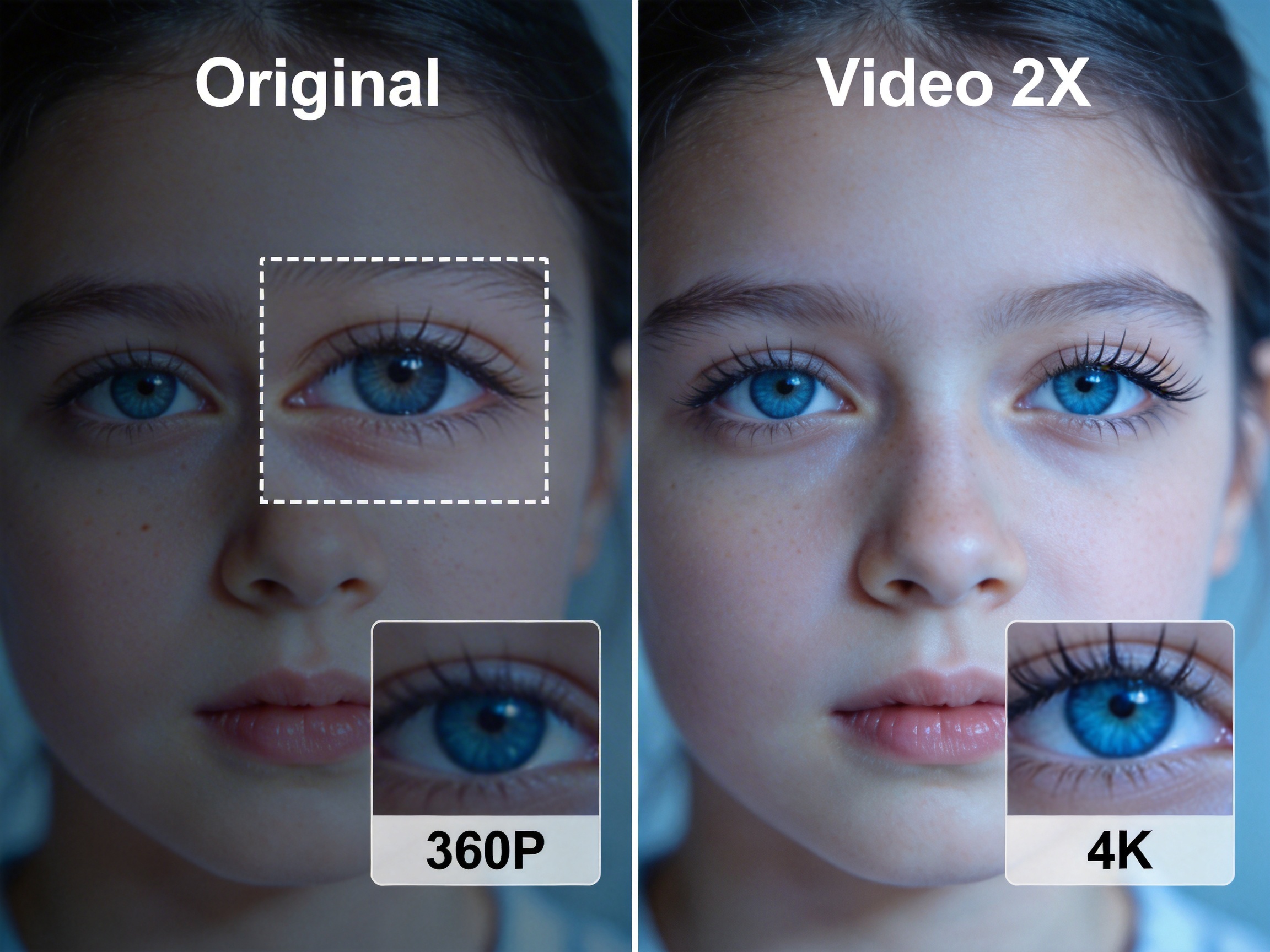
Cinematic 4K Restoration
Breathe new life into low-resolution footage by intelligently reconstructing missing pixels with neural precision. RoboNeo doesn’t just stretch the image; it analyzes textures and lighting to deliver crystal-clear 4K clarity that rivals original high-end camera captures. This is the ultimate solution for creators looking to repurpose legacy content for modern high-definition displays.
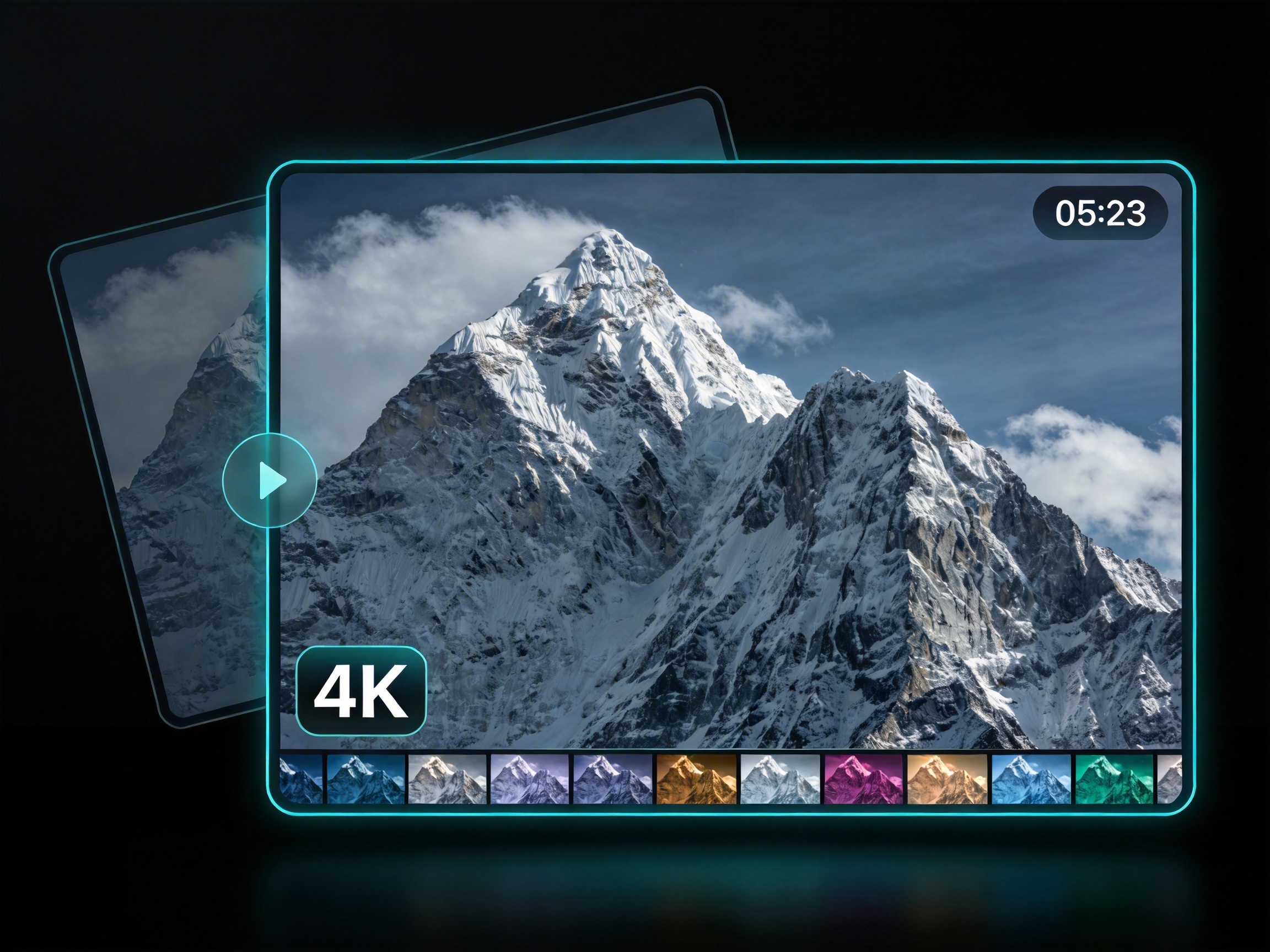
Temporal Frame Consistency
Say goodbye to the "shimmering" effect common in traditional AI upscaling. Our advanced temporal processing ensures that every frame remains visually consistent with the next, maintaining smooth motion and structural integrity throughout the video. Whether it’s high-speed action or subtle facial expressions, RoboNeo preserves the natural flow of your narrative without artifacts.
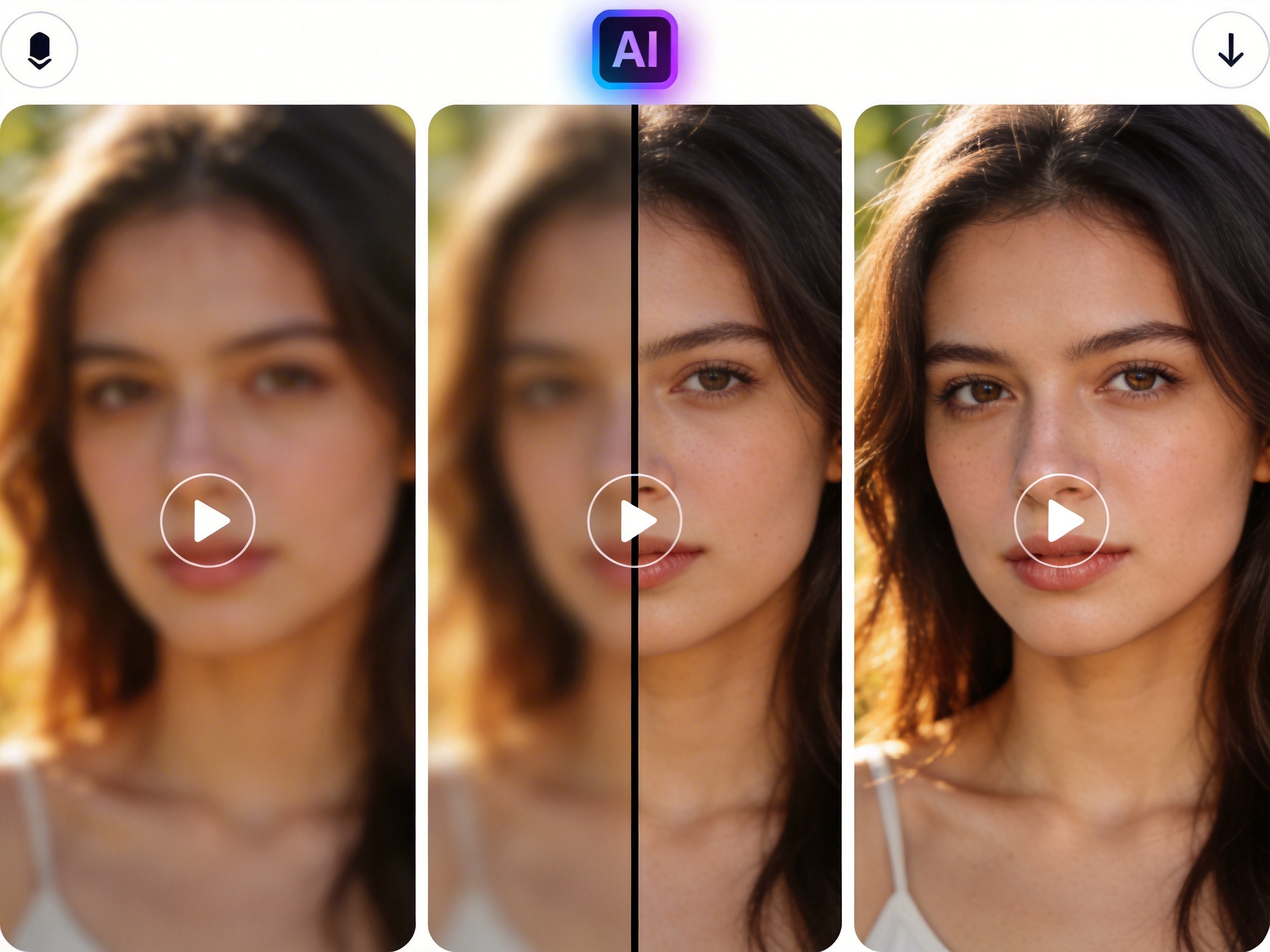
Intelligent Noise & Grain Management
Transform grainy, low-light videos into polished professional assets while retaining essential organic details. RoboNeo’s AI agent distinguishes between distracting digital noise and aesthetic film grain, allowing you to clean up "muddy" shadows without losing the authentic character of the shot. It’s professional-grade color grading and cleanup rolled into one seamless step.
Who is this for?
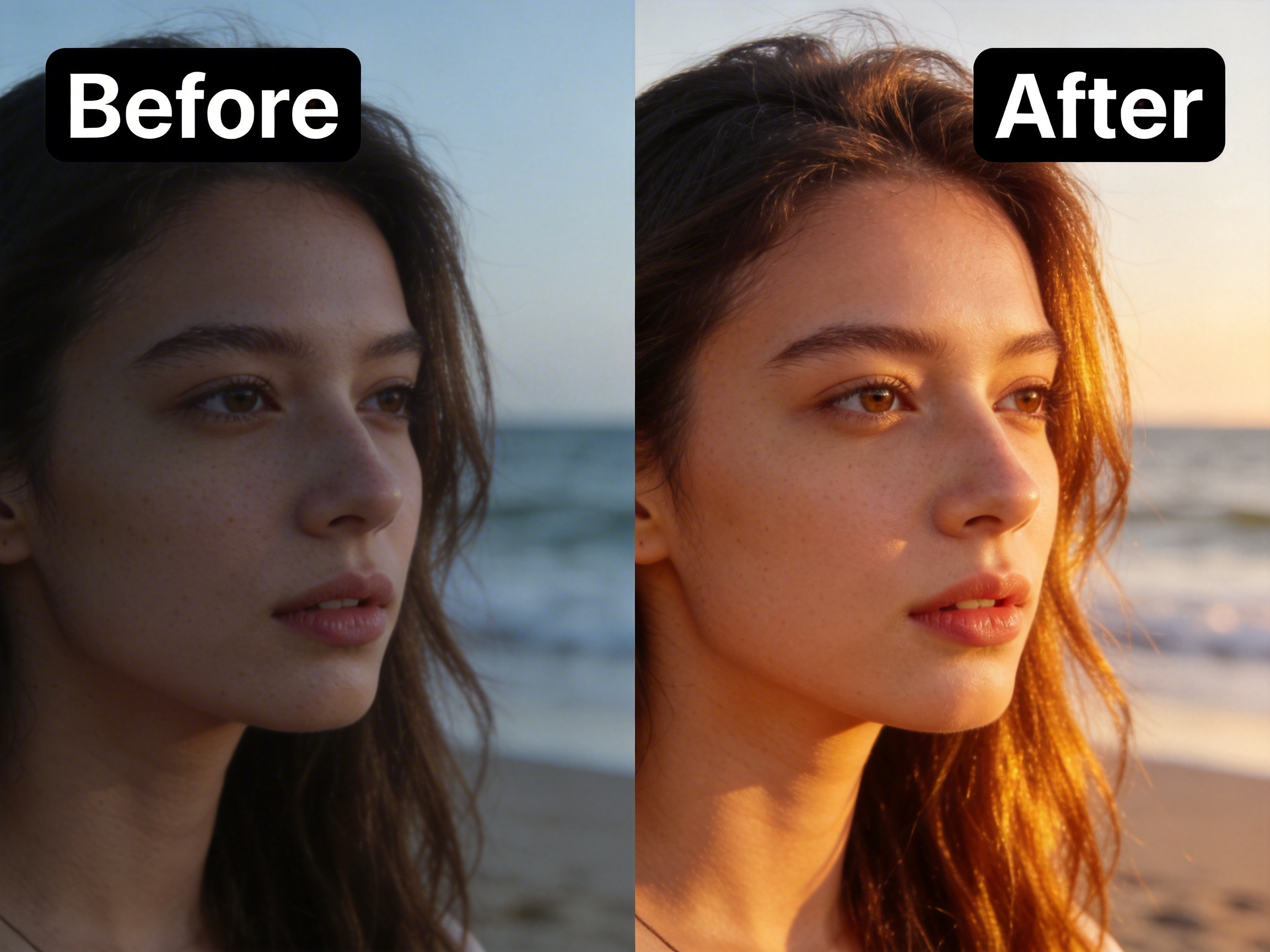
Breathe new life into archive footage and vintage brand assets.
Marketing teams can use RoboNeo to upscale low-resolution legacy videos or old brand campaigns to 4K quality. This allows you to reuse valuable historical content for modern social media and high-definition displays without losing clarity or brand prestige.

FAQ
How does RoboNeo Upscaling differ from traditional video enlarging?
How long does the upscaling process take?
The processing time depends on the video’s length and your target resolution. However, our AI agent is built for efficiency, utilizing cloud-accelerated rendering to deliver high-quality results much faster than traditional manual restoration methods.
Does upscaling affect the natural motion of the video?
Not at all. Our temporal consistency algorithms ensure that the enhancement is applied evenly across every frame. This prevents flickering or "shimmering" effects, maintaining the fluid, natural motion of your original footage while significantly boosting its clarity.
Upscale Your Video Instantly
Turn low-resolution videos into sharp, high-quality visuals in just a few clicks. No technical skills needed — upload your video and get enhanced results in seconds.