
Try Reference Image to Video on RoboNeo
RoboNeo helps you create cinematic videos that respect your original design by locking in the colors and textures of your reference image. The AI agent understands the composition and artistic intent of the source material while producing smooth animations that look intentional rather than automated.
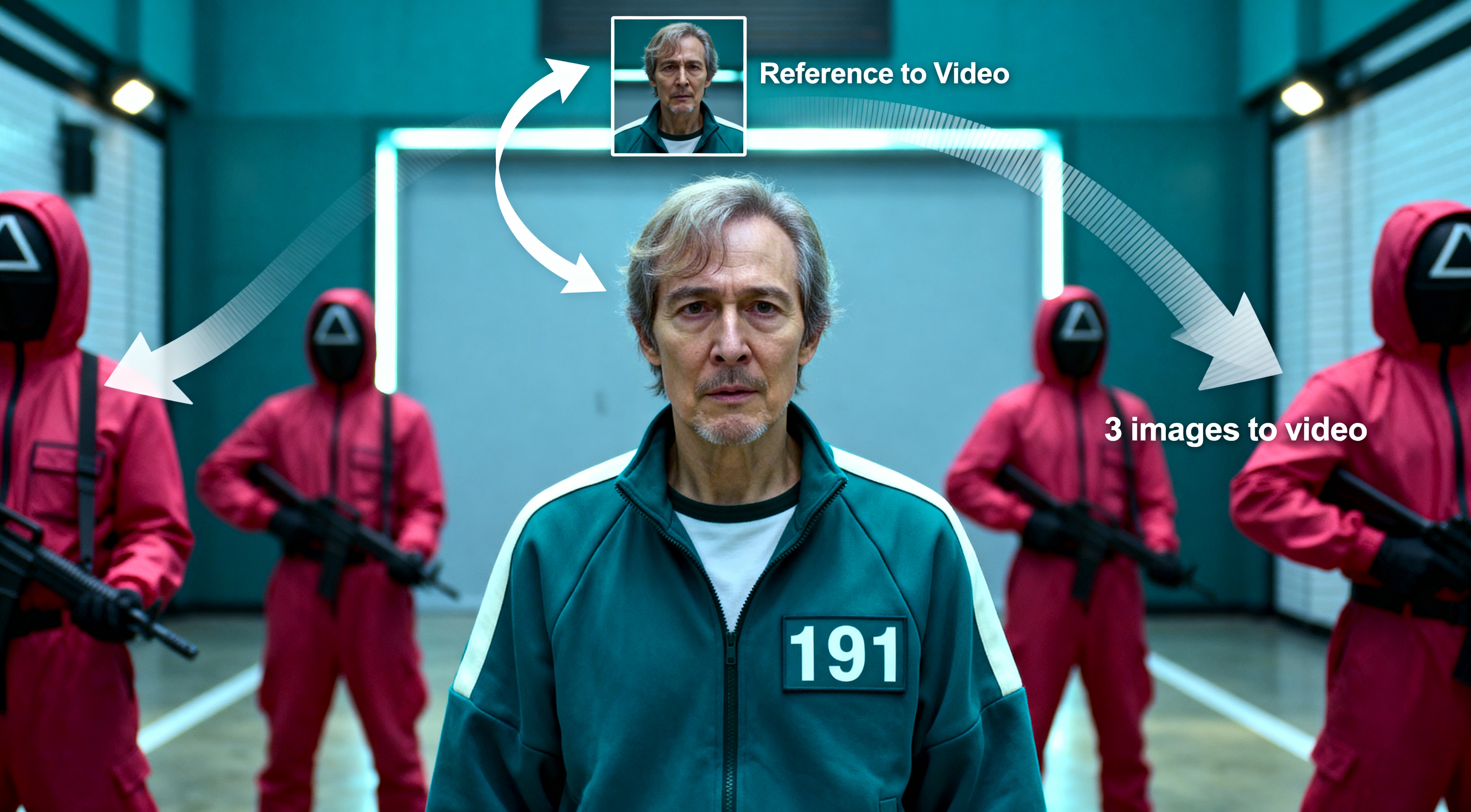
Create Videos That Match Your Reference Exactly
Upload a single reference image and RoboNeo translates its visual style into motion—preserving color palette, lighting, composition, and overall aesthetic across every frame. What you see in the reference is what you get in the final video.
Consistent Visual Style Across the Entire Video
RoboNeo maintains visual consistency from start to finish, preventing style drift between frames. This ensures characters, environments, and textures remain stable, making the output suitable for professional and branded use.
Turn One Image into Multiple Video Variations
From a single reference image, RoboNeo enables teams to generate multiple video variations with different motions, pacing, and compositions—ideal for creative testing, campaign iterations, and platform-specific formats.
Built for Scalable Creative and Brand Production
Reference image-to-video is designed for creators, marketers, and brands producing content at scale. Maintain a unified visual language across campaigns, channels, and formats—without starting from scratch each time.
Who is this for?
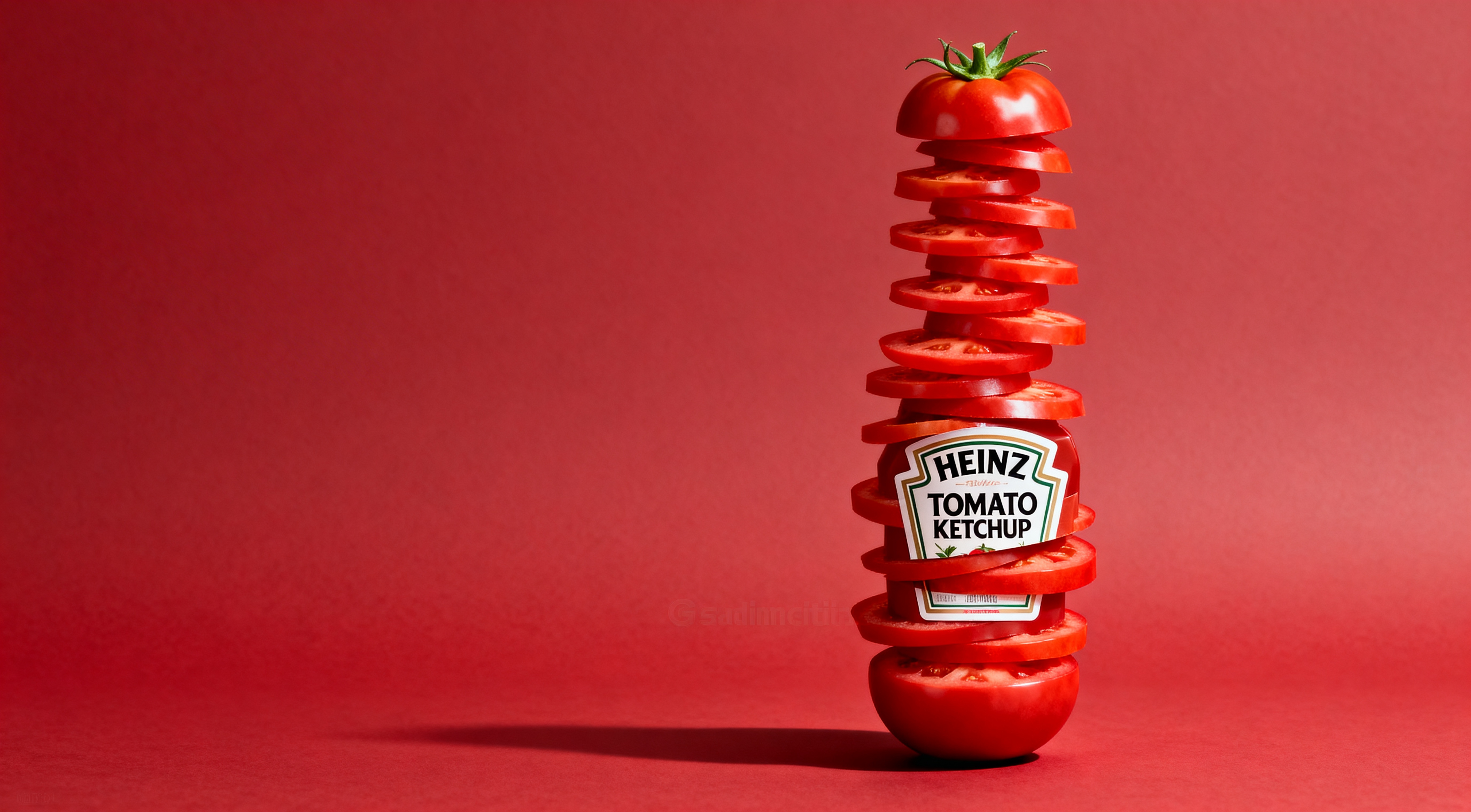
E-commerce Product
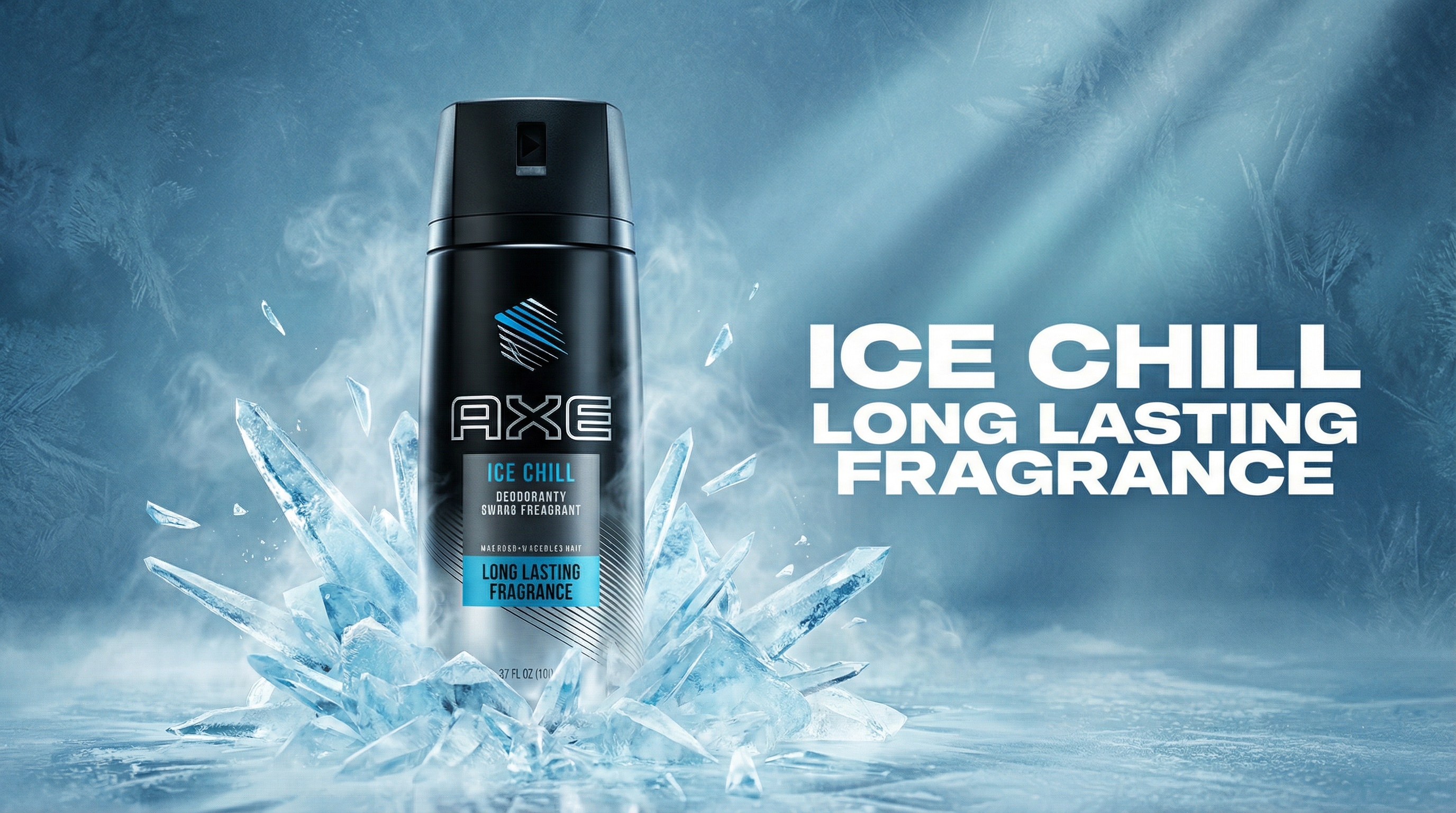
E-commerce teams use reference image-to-video to turn static product images into short, dynamic motion clips while preserving the original product appearance, proportions, and brand styling. This is especially useful for showcasing texture, angles, and use cases on product pages or ads without organizing costly video shoots.
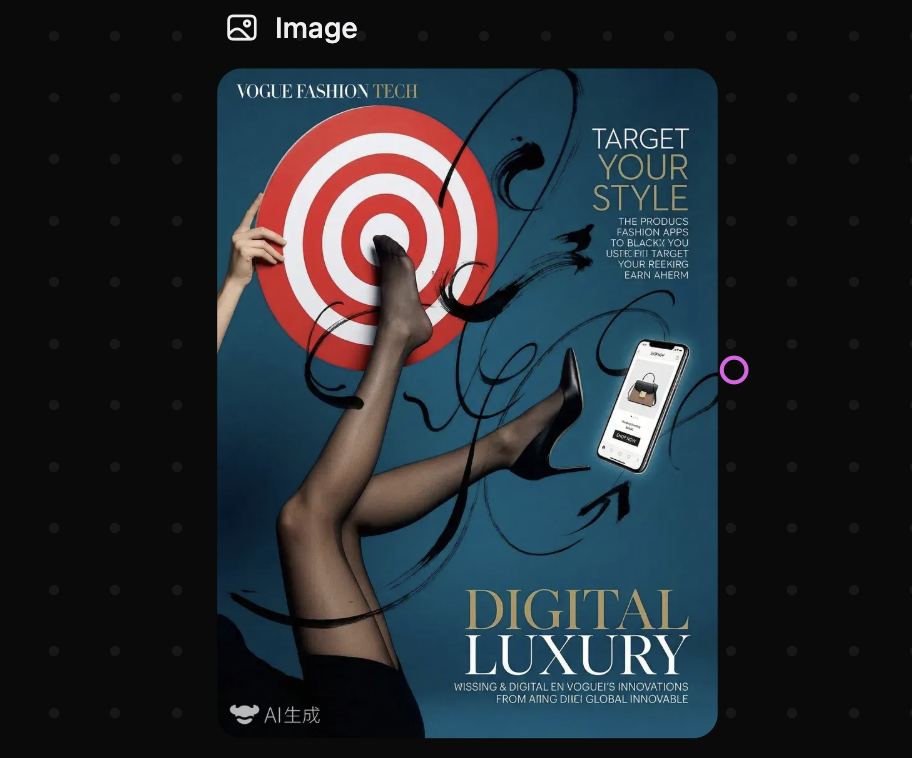
1. How does RoboNeo ensure my video stays consistent with the reference image?
2. Can I use a reference image to control the character’s appearance?
Yes. This is one of the most powerful uses of the tool. By providing a high-quality character reference, you can guide the AI to maintain the same facial features and outfit details across different environments and motions without the character’s look drifting or breaking.
3. What happens if my reference image is low resolution?
For the best results we recommend using high-definition images. While our AI agent can interpret the general composition and style of lower-quality images, providing a sharp and clear reference ensures that the motion and textures remain crisp and professional in the final video output.
4. Can I combine reference images with specific motion commands?
Yes. You can use a reference image to define the visual style and then apply motion control tools to dictate the exact camera path or element movement. This combination gives you total creative authority over both the look and the energy of your cinematic content.
Try Reference Image-to-Video Now
Turn your images into dynamic videos with the power of reference-based generation.