
AI Video Maker
Turn text prompts, images, or existing footage into polished videos with RoboNeo. Create social posts, product demos, and ad creatives without filming or complicated editing. Explore multiple creative directions, refine individual scenes, and complete the entire process in one streamlined AI video workspace.
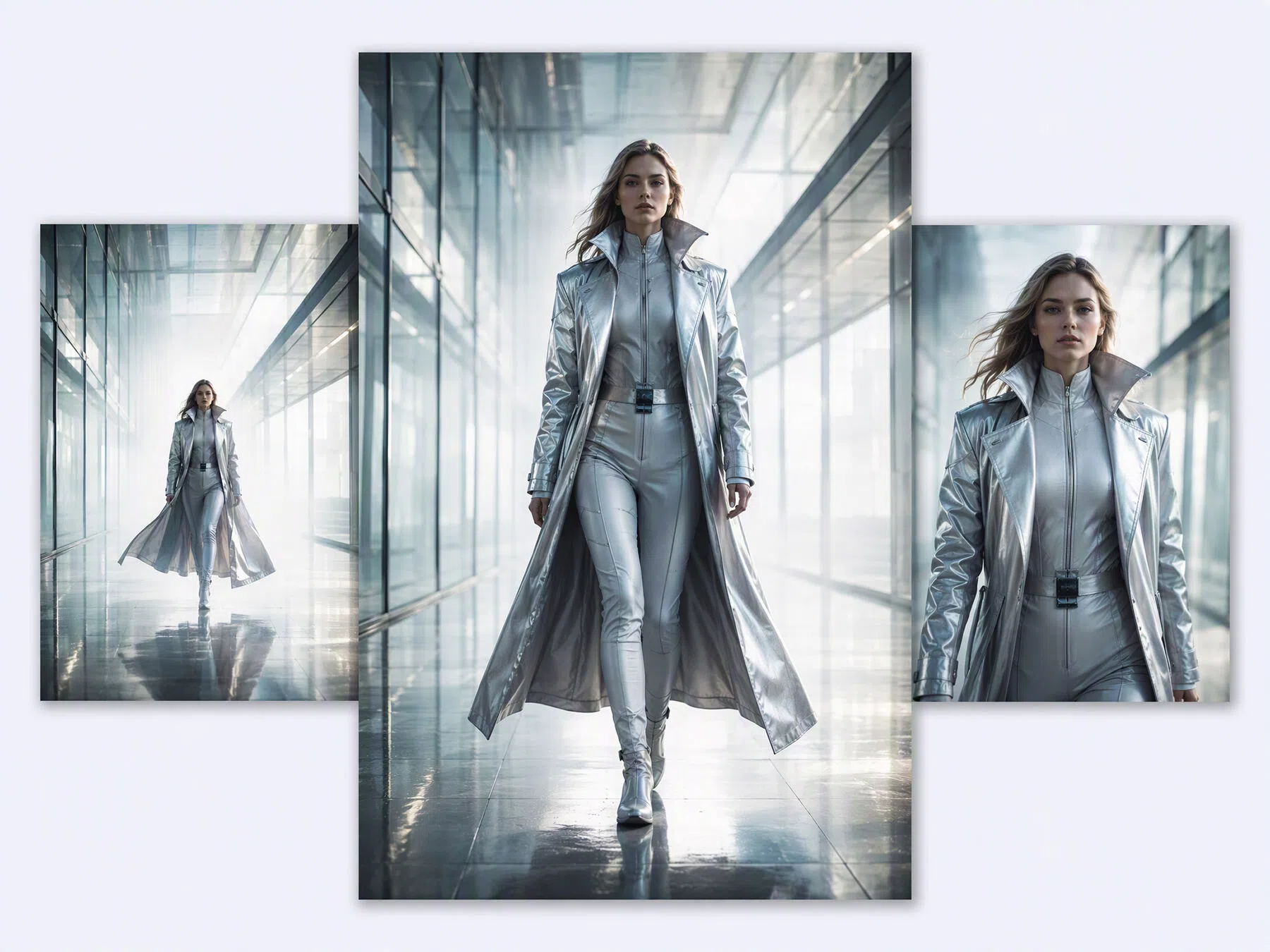
How to Make a Video with AI
Add a Video Node
Open your project and add a Video Node to the canvas to begin creating your video.
Choose a Generation Mode
Choose text-to-video, image-to-video, universal reference, motion control, or start-end frame generation based on your source material.
Add Your Content
Enter a prompt and upload the images, videos, or audio required by your selected mode. Use the @ symbol when adding multiple reference assets.
Adjust the Settings
Select a compatible AI model, then set the aspect ratio, resolution, duration, audio, and number of outputs available for that model.
Generate and Download
Click generate, preview the video, and revise the prompt or settings if needed. Once you are satisfied with the result, download the finished video.
Create AI Videos in One Flexible Workspace
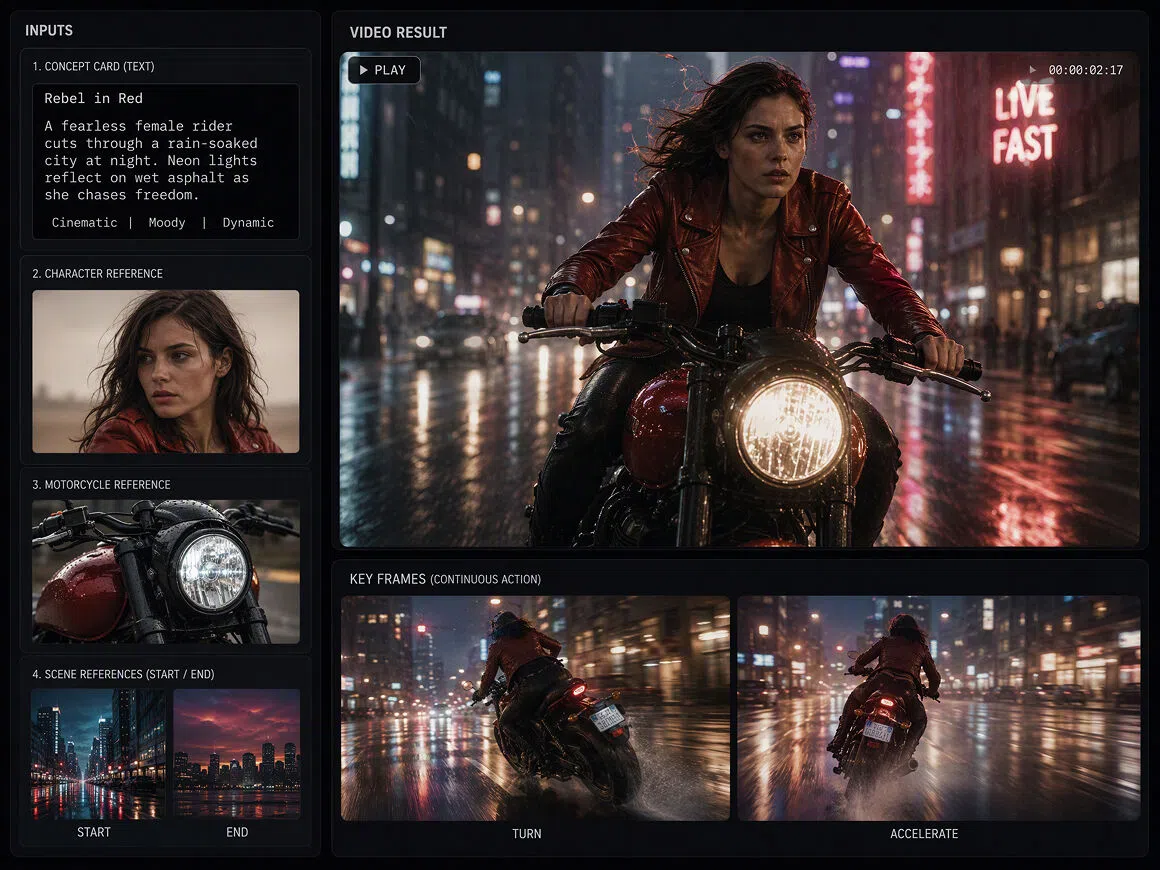
Create Videos from Five Flexible Input Modes
RoboNeo supports text-to-video, image-to-video, universal reference, motion control, and start-end frame video generation. Creators can combine text, images, video, and audio as mixed reference inputs, making it easier to turn a prompt or existing asset into usable video content.
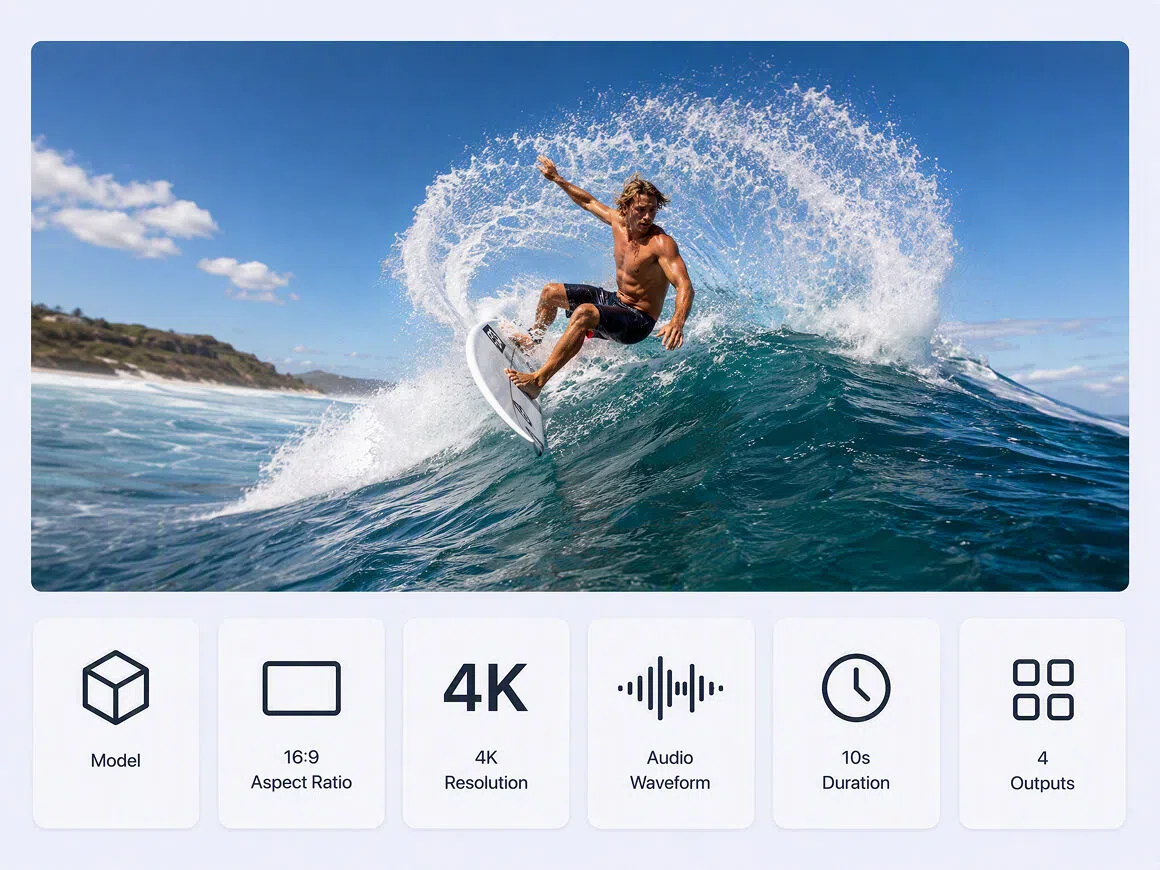
Customize Key Settings Before You Generate
Adjust the model, aspect ratio, resolution, audio output, duration, and batch quantity inside the Video Node. This free AI video maker supports multiple formats, resolutions up to 4K, and clips from 4 to 15 seconds for different platforms and creative needs.
Choose the Right Model for Every Project
Access models such as Seedance, Kling, Wan, Vidu, and PixVerse in one AI video maker. Choose an option based on your priorities, including precise camera control, audio-video synchronization, faster generation, multimodal input, professional-quality output, or distinctive visual styles.
Generate Multiple Video Options in One Batch
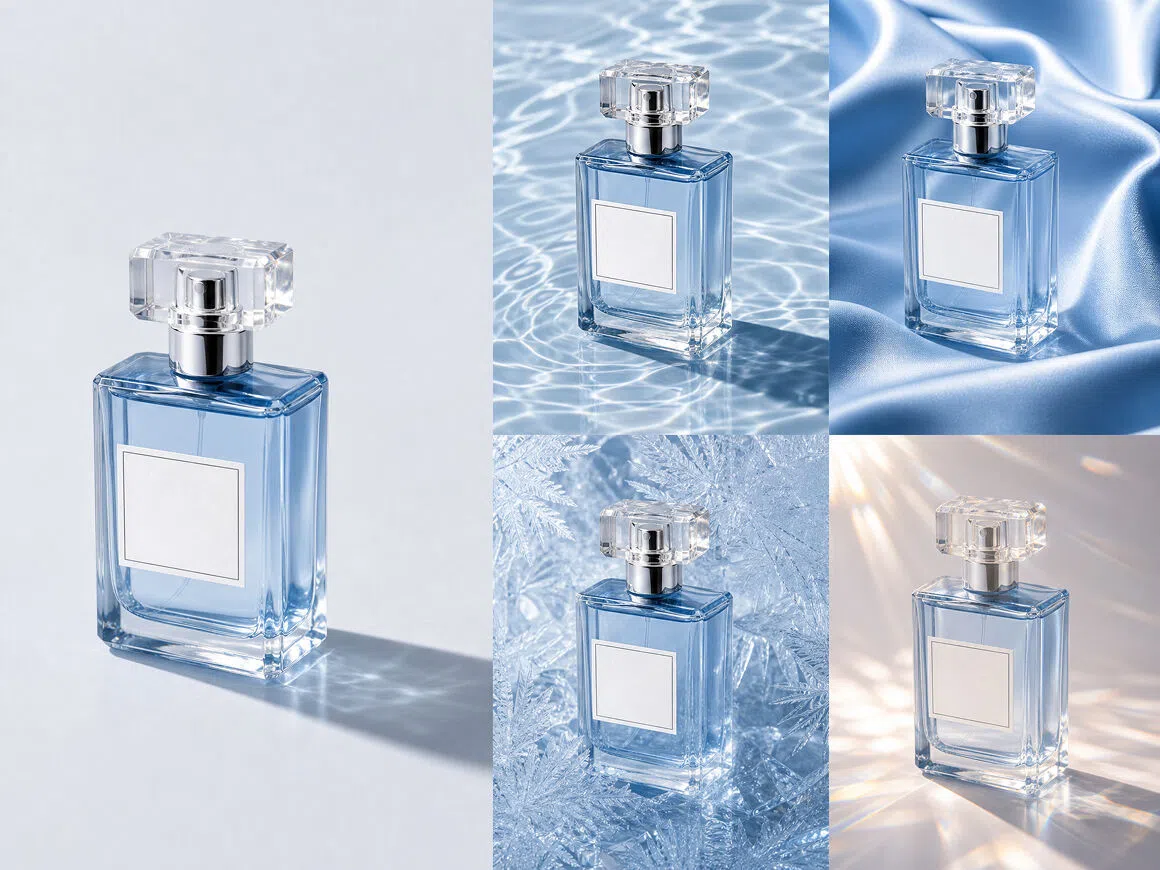
Create 1, 2, or 4 video clips in a single batch instead of generating each option separately. Compare different results, regenerate the version you want to improve, and use built-in tools to enhance resolution or remove subtitles before downloading the finished video.
From Social Posts to Short Dramas
Social Videos for Creators
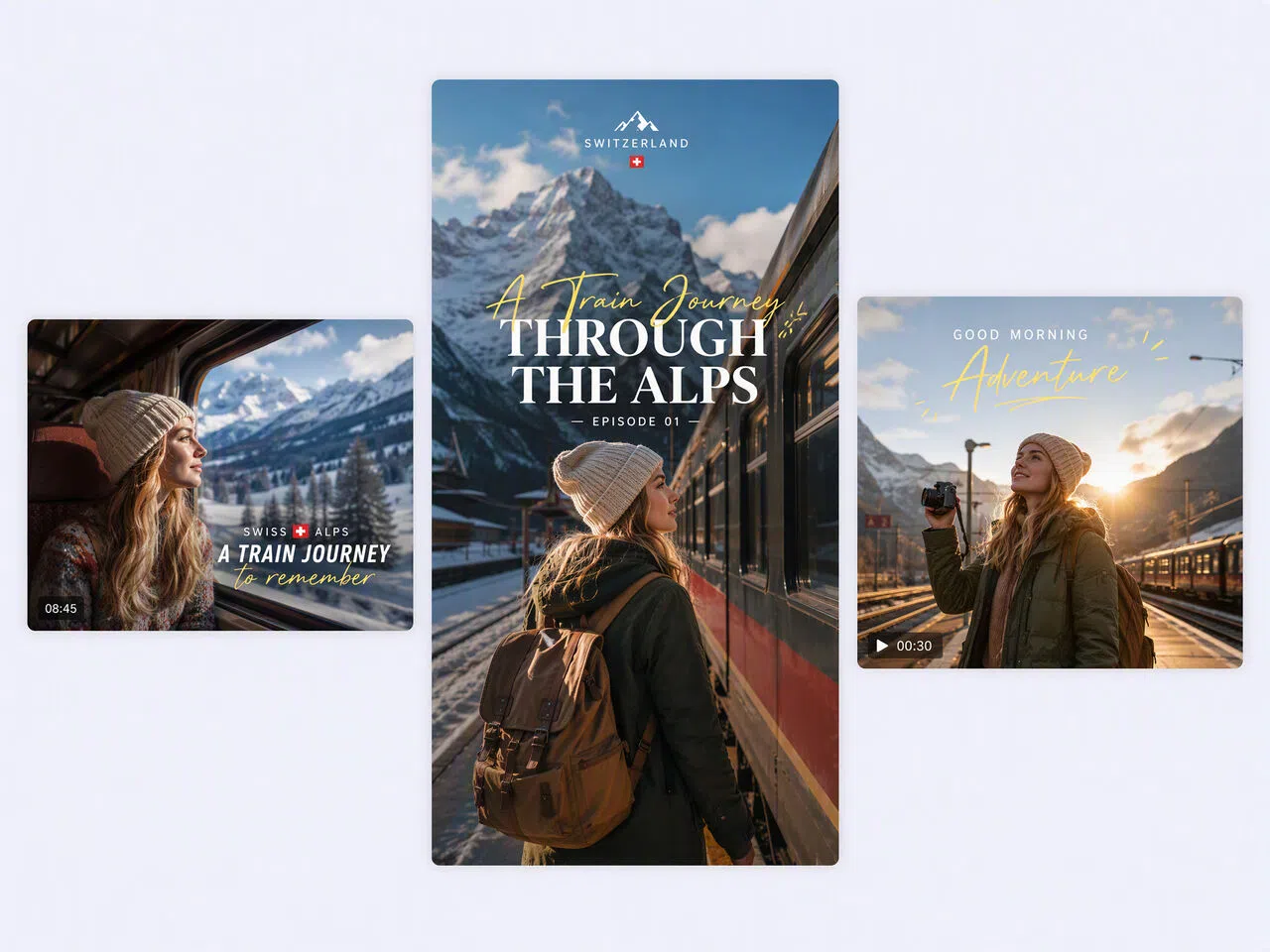
Creators can turn travel photos, outfit shots, recipes, or quick tips into videos for TikTok, Instagram Reels, and YouTube Shorts. This makes it easier to repurpose existing content, maintain a regular posting schedule, and create fresh videos without filming every post from scratch.

Frequently asked questions
Should AI videos be illegal?
Can you tell if a video is AI?
Sometimes. Common clues include unnatural movement, inconsistent lighting, distorted hands, changing facial details, or garbled text. However, advanced AI video generator results can look convincing, so visual inspection alone cannot always confirm whether a video is AI-generated.
Do I own AI-generated videos?
Ownership depends on local law, the platform’s terms, and how much human creativity you contributed. Before using content from a free AI video maker commercially, review its licensing terms and confirm you have rights to all prompts, images, audio, and references.
Can AI create videos of people?
Yes. An AI video generator can create fictional people or animate authorized photos of real individuals. Do not use someone’s face, voice, or likeness without permission, especially for advertising, political content, adult content, or anything that could mislead viewers.
Can AI make a video of someone talking?
Yes. Some tools can animate a portrait and synchronize mouth movements with uploaded or generated speech. A free AI video maker online may limit video length, voice options, resolution, or exports, so check the available features before starting.
How much do AI video generators cost?
Costs vary by model, video length, resolution, and credit usage. Some platforms offer an AI video generator free tier, while paid plans may use monthly subscriptions or generation credits. Review export limits and commercial-use rights when comparing prices.
Bring Your Best Video Idea to Life
Bring your ideas together with RoboNeo, an AI video maker that lets you refine scenes, compare different results, and create polished content for social media, product pages, and marketing campaigns.
What Users Say About RoboNeo
I can start with one image and test several video concepts without editing every version by hand. It has made it much easier to keep up with short-form content and figure out which ideas are worth developing.
We already had great product photos, but producing enough video ads was slowing us down. RoboNeo helped us turn those existing assets into multiple video concepts without scheduling another product shoot.
The biggest advantage is having several AI video tools in one workspace. We can explore different concepts, compare the results, and give clients a much clearer sense of the creative direction before moving into full production.