The sweet spot is 10 to 30 photos for a 1 to 3 minute video. Too few and the video feels rushed. Too many and it becomes a slideshow marathon nobody watches past the 30-second mark.

How to Make Videos From Photos Online
 RoboNeo TeamMay 19, 2026
Introduction
You don't need Premiere. You don't need an editor. You don't even need to know what a "timeline" is. Just your photos and about 3 minutes.
We know that sounds like every other tool promise you've ignored. So let us be specific: last month, we took random vacation photos from our phone, different lighting, different angles, completely unorganized, and turned them into a cinematic video with music, transitions, and actual pacing. It looked like something a professional made. It took us less time than making a cup of coffee.
That's what AI-powered photo-to-video tools can do in 2026. And in this guide, we're going to show you exactly how.
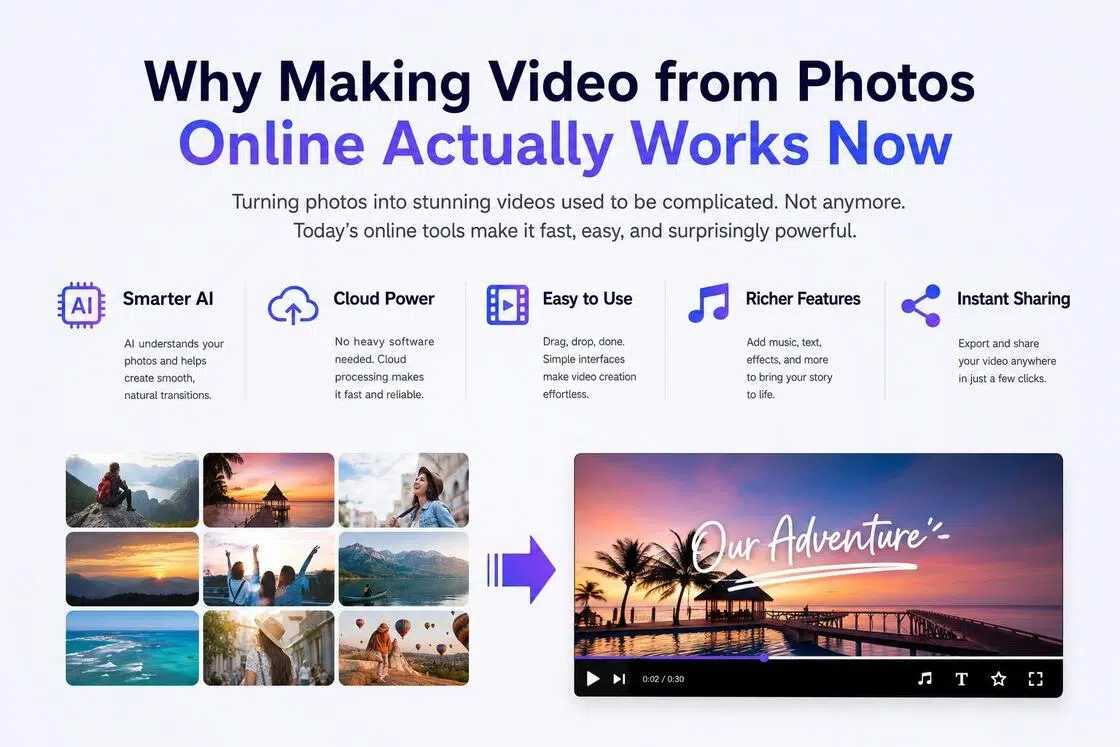
Why Making Video from Photos Online Actually Works Now
Two years ago, "make video from photos online" meant picking a slideshow template, dragging in some photos, and ending up with something that looked like a 2009 PowerPoint presentation set to royalty-free piano music.
That's not what this is anymore. The shift happened because AI got genuinely good at understanding visual context, not just stitching photos together, but reading what's in them. Motion direction. Lighting mood. Subject focus. Modern tools use this to generate transitions that actually make sense, suggest music that matches the emotional tone of your photos, and pace cuts the way a human editor would.
What You Need Before You Start
What You Need Before You Start

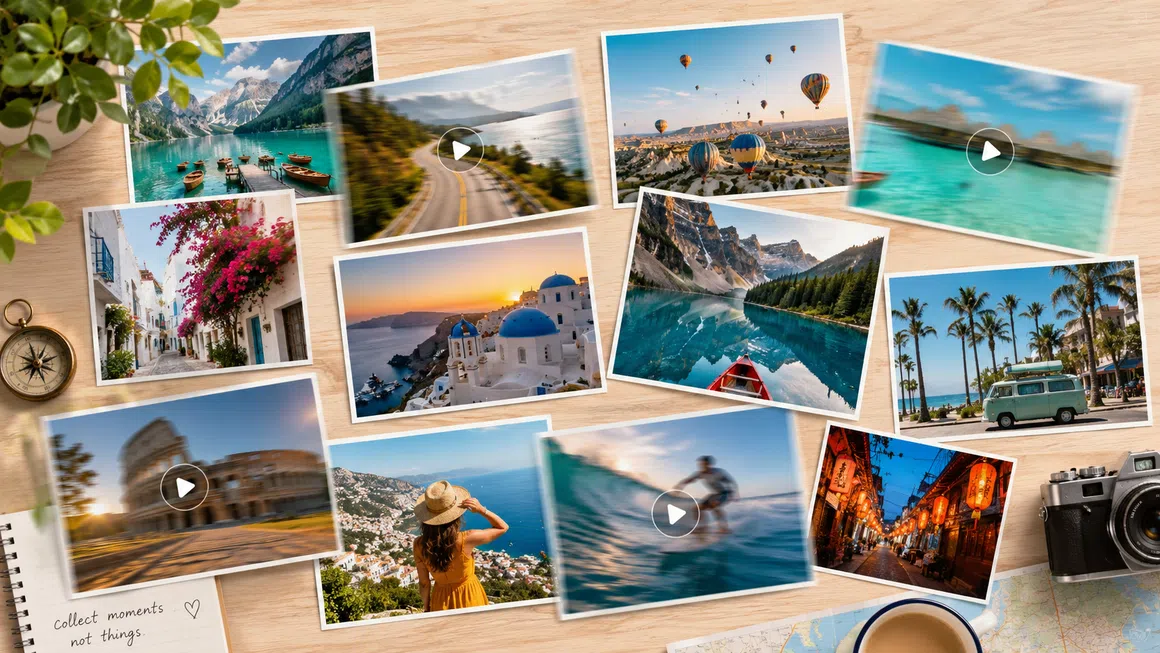
How many photos?
The sweet spot is 10 to 30 photos for a 1 to 3 minute video. Too few and the video feels rushed. Too many and it becomes a slideshow marathon nobody watches past the 30-second mark.
Photo quality?
Doesn't need to be professional. Phone photos work perfectly. But blurry or extremely dark photos will hurt the final output. Do a quick cull before you upload.
What's the vibe?
Cinematic and emotional? Energetic and fast-cut? Calm and nostalgic? Having a clear mood in mind helps you pick the right style and music in about 10 seconds instead of spending 10 minutes cycling through options.
Music?
Most tools have built-in libraries. If you have a specific song in mind, check whether the tool supports custom audio uploads before you start.
Real Test Results
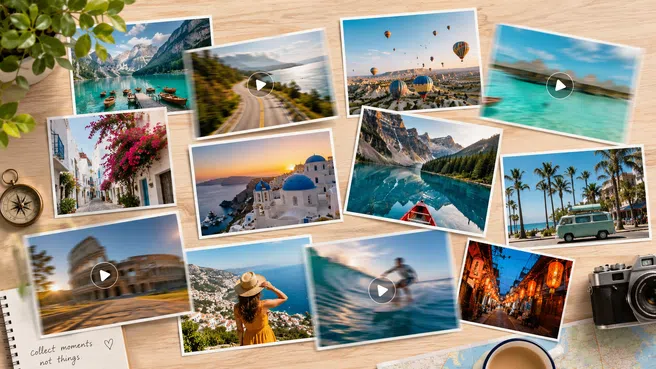
We uploaded 23 travel photos and hit export. No manual editing, no adjustments. This is what came out in under 4 minutes.
How to Make Video from Photos Online: Step by Step
Here's exactly how we do it with RoboNeo, from zero to finished video.
Step 1
Upload Your Photos
Go to RoboNeo. Drag and drop your photos directly into the upload area, or select them from your camera roll.
Step 2
Choose a Style
RoboNeo shows you a style preview the moment you hover, so you can see exactly what your photos will look like in that style before committing. Pick the one that matches the mood you had in mind. You can always change it later without re-uploading.
Step 3
Adjust Order and Timing
Once you've picked a style, RoboNeo generates a first draft automatically. Play it back.
Most of the time, the auto-generated version is already 80% there. You're just fine-tuning.
Step 4
Add Music
Want to use your own song? Upload audio and drop in your MP3. RoboNeo will auto-sync the video cuts to the beat.
Step 5
Export and Download
Processing takes about 60 to 90 seconds. Then you get a download link and a direct share link.
Best Use Cases for Photo Videos





FAQ
Can I make video from photos online without watermark?
Does the quality of my photos matter?
Phone photos work perfectly. Extremely blurry or very dark photos will affect the output quality, so a quick cull beforehand helps.
How long does it take to make a video from photos?
The actual creation process takes 2 to 4 minutes. Export and processing adds another 60 to 90 seconds. So realistically, under 5 minutes from start to download.
Ready to Try It?
The fastest way to understand what this can do is to actually do it. Come to make your first video in 3 minutes