RoboNeo vs CapCut AI Video Generator: A Complete Comparison
 RoboNeo TeamJuly 10, 2026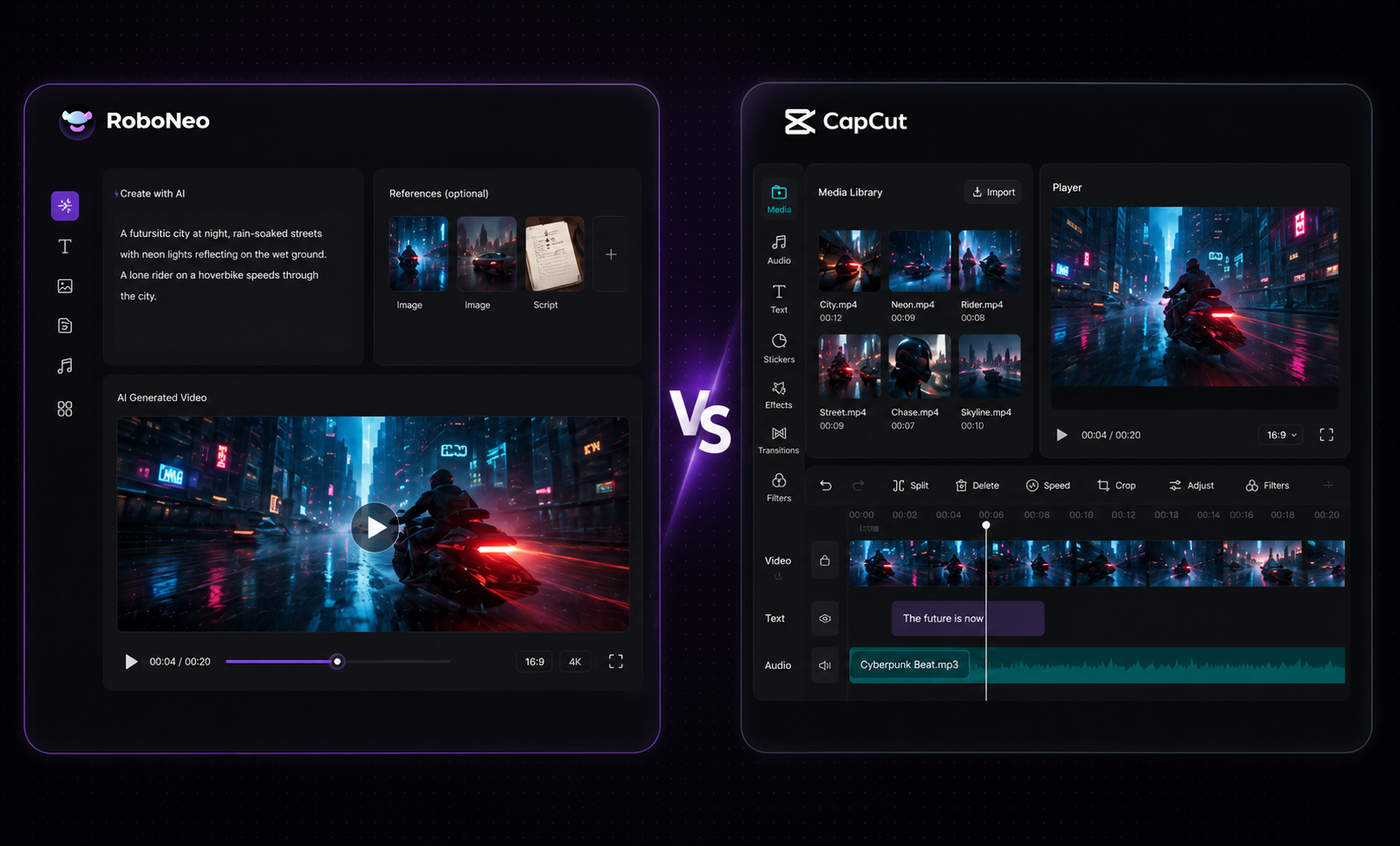
Your choice of an AI video generator hangs on your immediate goal. Need to whip up quick edits, throw on captions, or push out a few social clips? Go with CapCut. It hits the mark every time for fast touch-ups. But if you want to crank out entirely new videos from scratch without lifting a finger, RoboNeo runs circles around it with a fully automated setup. In this article, we compared both on: head-to-head on text-to-video features, editing toolkits, and short-form creation.
RoboNeo vs CapCut AI Video Generator: Key Differences
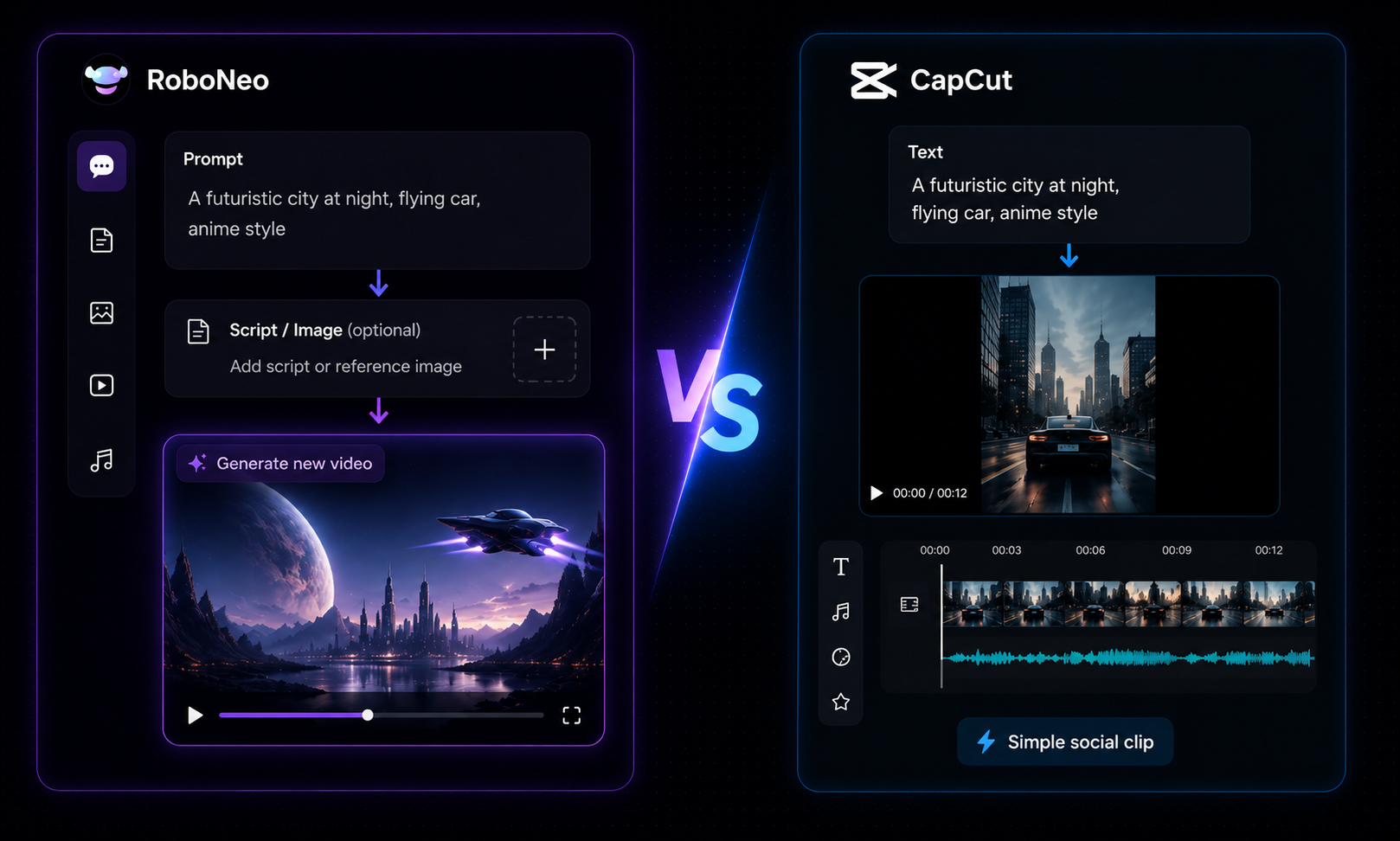
Both platforms lean heavily on AI, but they tackle completely different headaches. CapCut wins when you need to polish up and splice together footage you already shot. RoboNeo takes the opposite track, focusing entirely on cranking out brand-new video assets from thin air so you can scale up your production fast.
1. Text-to-Video Creation
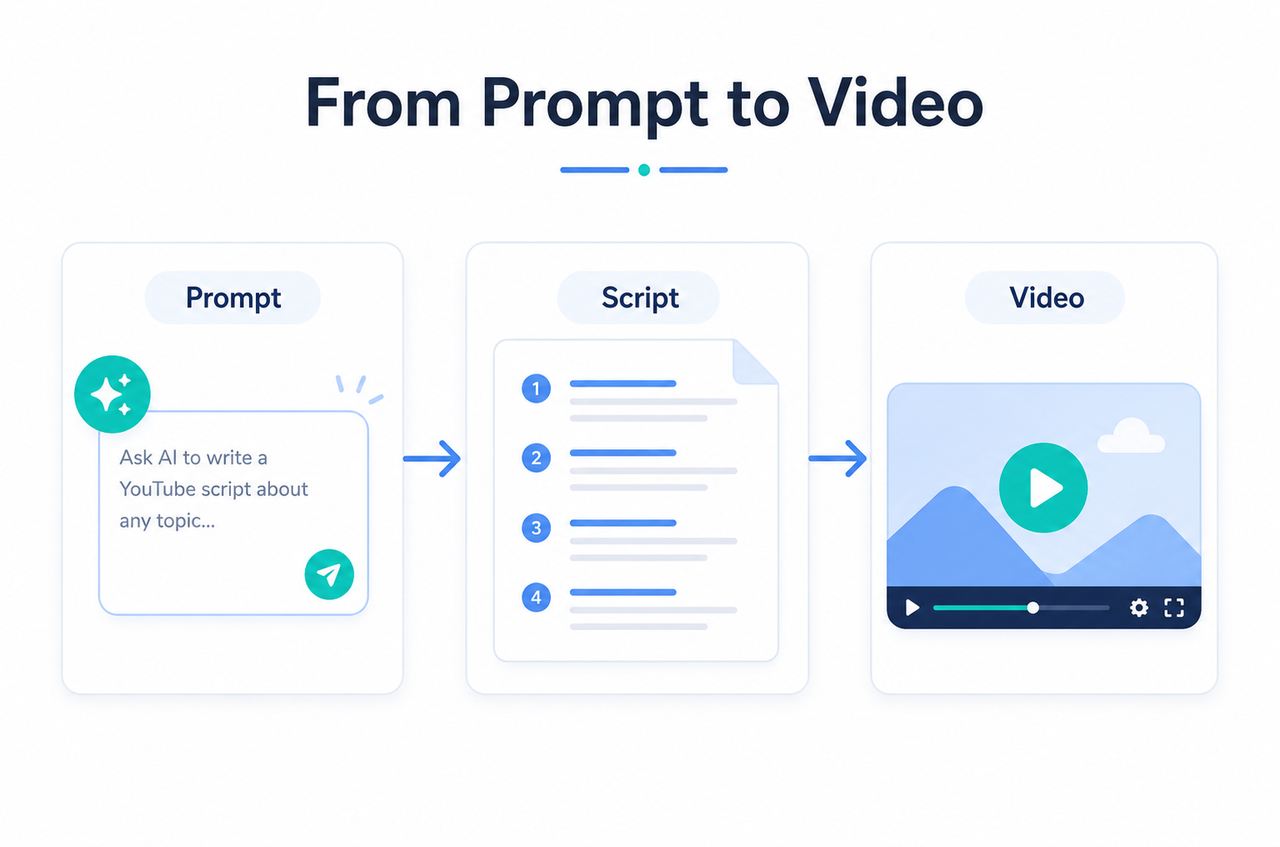
RoboNeo: About 46.3% of AI video output came from text-to-video. Just supply a prompt, a script, or a rough campaign angle, and Roboneo will handle the rest, turning your ideas into short-form videos, product ads, or scene layouts.
CapCut: It does text-to-video too, sure. But it works out way better for basic social clips, simple visuals, or projects where you still expect to do some heavy hands-on editing.
2. Image-to-Video and Motion Quality
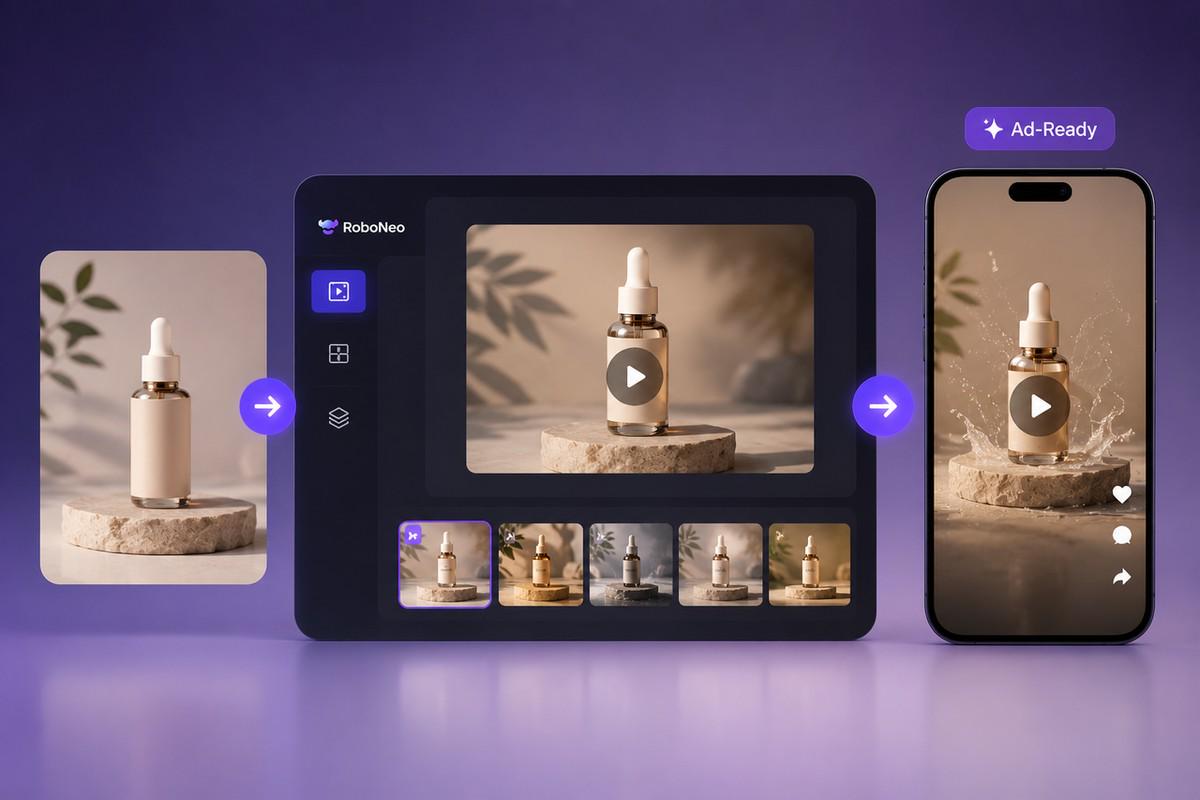
RoboNeo: Turns flat product shots, character designs, or concept art into dynamic motion — built for e-commerce ads and punchy social content.
CapCut: You can add motion to static images using built-in templates and presets. It’s good for whipping up a quick reel, but at its core, the software expects you to edit, not generate.
3. Templates, Captions, and Quick Editing
RoboNeo: It handles captions, tracks, and basic video layout well enough, but don't buy it for that. Its real superpower lies in coming up with fresh, creative assets and pumping out dozens of content variations at once.
CapCut: It's well-suited for templates, automated captions, flashy transitions, and rapid-fire edits - ideal if you already have your raw footage ready to go.
4. Social Media Content Workflow
RoboNeo: Think of it as an end-to-end automated creation pipeline. You feed it a single product photo, a text script, or a marketing goal, and it rolls out ready-to-publish ads and short-form clips.
CapCut: This feels like a traditional editor with a brilliant AI sidekick. You bring the actual footage to the table, then use the built-in toolkit to cut it, caption it, style it, and wrap up the video.
5. AI Short Drama and Story-Based Video Creation
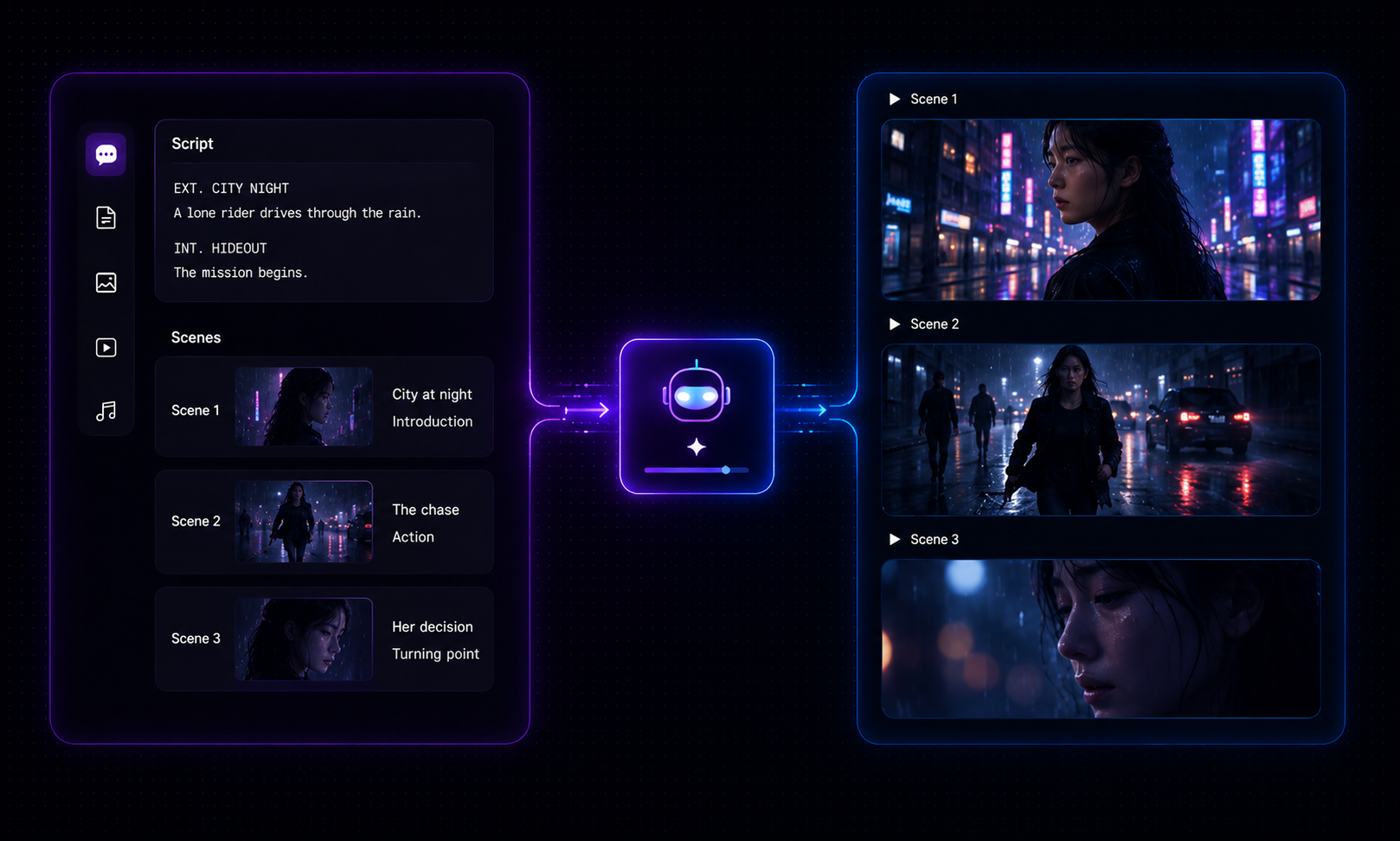
RoboNeo: It’s a stronger choice for AI short dramas and narrative clips because the process builds out from a raw script, scene outline, or basic story idea. When trying to create AI video from script outlines, organized scene planning counts for much more than having yet another manual editing layout.
CapCut: You can edit a story video with CapCut. But you will have to gather, organize, and manually sequence every single clip yourself.
Best Use Cases for RoboNeo AI Video Creation
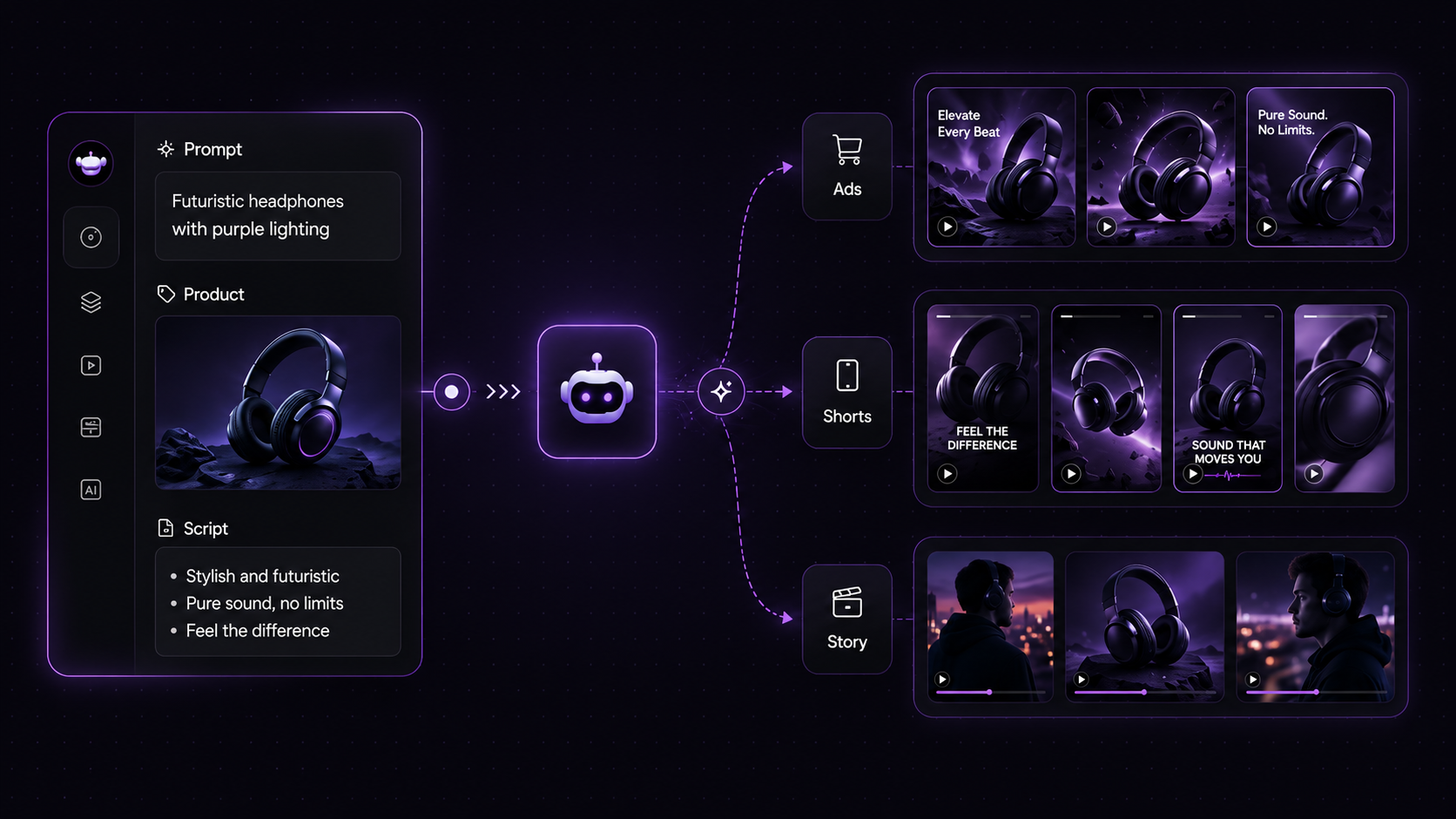
RoboNeo works best when you need to generate entirely new video content rather than editing existing footage. This AI video generator is built for marketers, e-commerce brands, agencies, and creators who want to scale their short-form content without the headache of manual asset creation.
1. Image-to-Video Content for Social Media
RoboNeo can turn product images or visuals into snappy short videos for TikTok, Instagram Reels, YouTube Shorts, and paid ads. This helps teams churn out tons of content without having to set up a full video shoot.
2. Product Ads and Brand Video Assets
If you're running product vids or brand campaigns that need to be tested across a bunch of different platforms, RoboNeo is pretty handy. An AI advertising generator is helpful here because you're not just trying to fix up one single clip—you're trying to turn a few product photos or basic ideas into a ton of different variations to see what actually works.
3. Repeatable Short-Form Video Workflows
RoboNeo shines when teams need to keep pumping out the same type of video—like product demos, UGC-style ads, short drama clips, or social promos. Once you lock down the workflow, it really speeds up production.
Best Use Cases for CapCut AI Video Generator
CapCut is the best bet for creators who already have their clips or photos ready and just want to knock out a quick edit. It’s simple, fast, and built from the ground up for social media.
1. Edit Existing Footage Quickly
CapCut makes it incredibly easy to chop up clips, merge videos, throw in transitions, tweak the speed, and apply effects. It’s a no-brainer for footage you just shot on your phone or camera.
2. Create Captioned Social Clips
CapCut is great for piecing together talking-head videos, podcast clips, tutorials, reaction videos, and quick explainers. Its caption tools make it easy for people to follow along, even if they have their sound muted. If you're working on an explainer video, running a solid YouTube script prompt first helps keep your edits tight before you start layering in the captions and b-roll.
Which Tool Should You Choose?
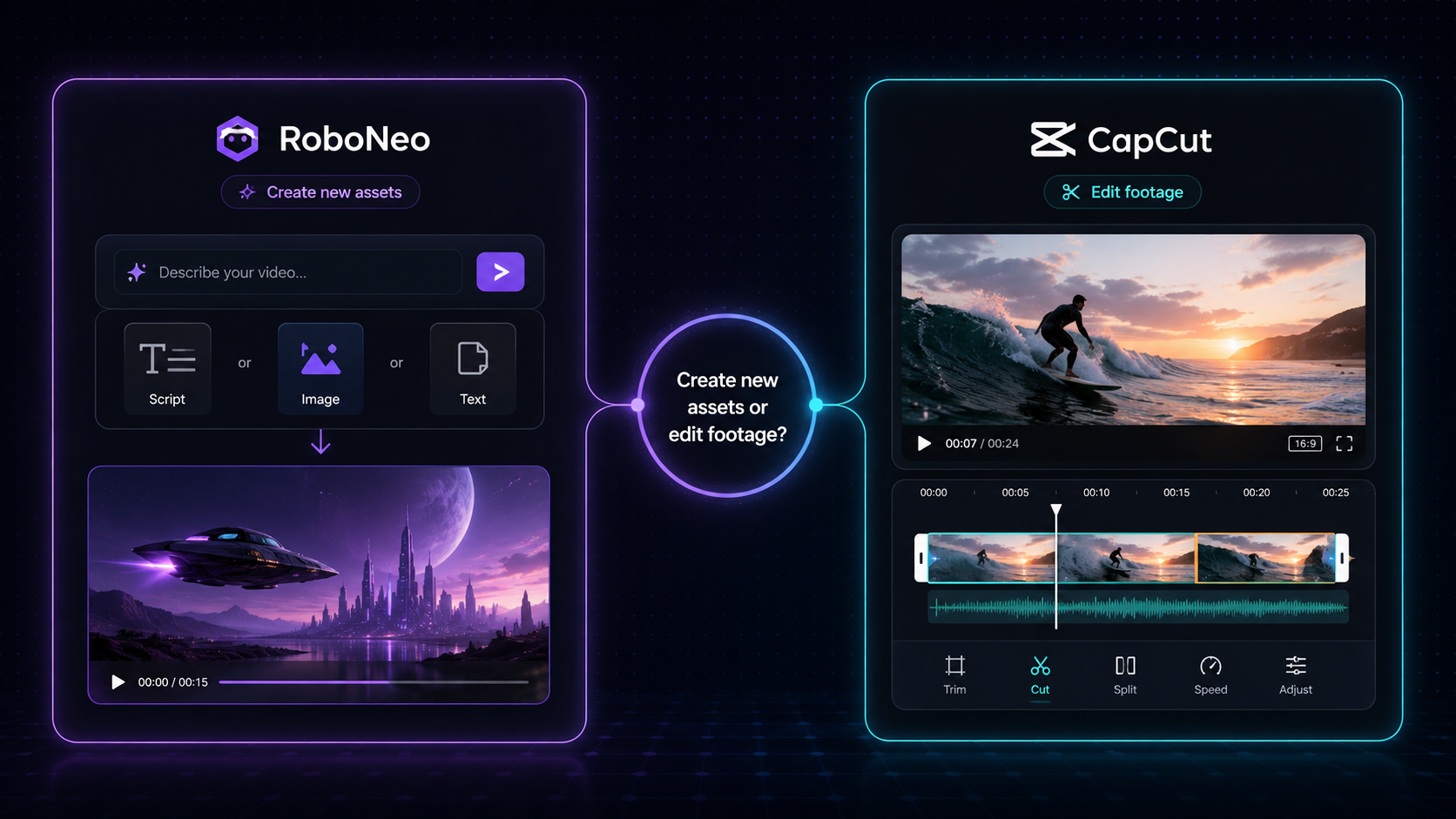
The main question is simple: do you need to edit existing footage or create new video assets?
Choose CapCut for Simple Video Edits
Choose CapCut if:
You already have video footage.
You need captions, music, effects, or templates.
You mostly create one-off social videos.
You prefer a hands-on editing timeline.
You want a simple tool for TikTok, Reels, or Shorts.
Choose RoboNeo for AI Video Workflows
Choose RoboNeo if:
You need to create videos from text, images, or scripts.
You want to produce product ads or brand videos.
You need multiple video variations for testing.
You want to create AI short drama or story-based videos.
You care more about scalable video production than manual editing.
In short, CapCut helps you finish videos faster. RoboNeo helps you create more video assets from the start.
FAQ
Can I use RoboNeo and CapCut together?
Yes. You can generate raw clips or scenes in RoboNeo, then bring them into CapCut for captions, trimming, and final polish before publishing.
Do I need editing skills to use RoboNeo?
No. RoboNeo is prompt-based — you describe what you want and it generates the video. CapCut, by contrast, still expects you to work on a timeline, even with AI features layered in.
Is RoboNeo better than CapCut for AI video creation?
RoboNeo comes out on top if you want to turn text, images, scripts, or product links into brand-new videos. CapCut is a better bet for polishing up footage you already have and whipping up quick social clips.
Which tool fits a creator with a limited budget?
It depends on your starting point. If you're shooting your own footage, CapCut's free tier covers most needs. If you're starting from an idea with no footage at all, RoboNeo's generation workflow removes the need to shoot anything in the first place.
You May Be Interested
How to Turn Long YouTube Videos into TikToks with an AI Video Clip Generator
How to Use an AI Video Generator Online to Create Viral Content
6 Best AI Video Generators in 2026
Best Prompt for YouTube Script in 2026
Why Your AI-Generated Image Sequences Look Choppy as Video (And How We Fixed It)