Best Image to Video Girl Dancing Prompts in 2026
 RoboNeo TeamAugust 14, 2026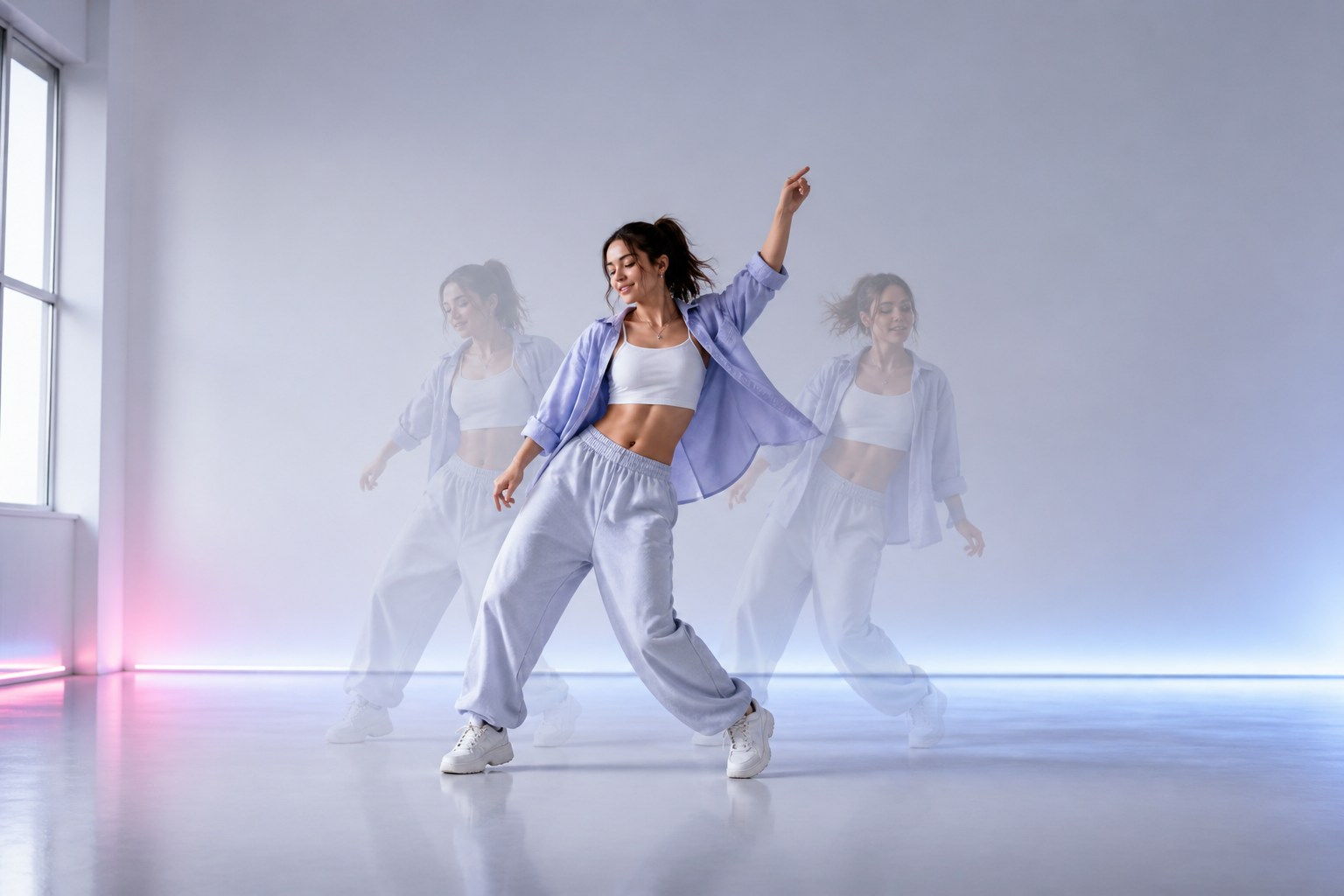
A detailed image to video girl dancing prompt helps AI interpret the choreography, expression, camera angle, and setting. This guide provides prompts for five dance styles, explains how to structure your own prompt, and shows how to turn a permitted photo into an AI dance video.
Girl Dancing Prompt Examples for 5 Popular Styles
The right prompt depends on the dance style and the person’s pose in the original photo. The following prompts use short, clearly ordered movements that can be adapted to different images and video formats.
Viral TikTok and Pop Dance Prompts
TikTok and pop dance videos often feature recognizable gestures, upbeat expressions, and vertical framing.
Prompt 1:
A young woman performs an upbeat pop dance, taking two side steps, pointing toward the camera, raising both arms, and finishing with a playful half-turn. Her hair and loose jacket move naturally. Full-body vertical shot, bright studio background, soft front lighting, fixed camera, smooth and energetic movement.
Prompt 2:
The woman performs a short social media dance with synchronized hand gestures, a gentle hip sway, and two steps forward. She maintains confident eye contact with the camera. Full-body vertical framing, colorful bedroom lighting, stationary camera, natural movement at a medium tempo.
The first prompt works well with a front-facing photo taken against a plain background. The second better suits a casual bedroom or home-studio image.
Hip-Hop and Street-Style Dance Prompts
Hip-hop videos benefit from grounded footwork, visible weight shifts, and movements that match the beat.
Prompt 1:
A female street dancer takes two sharp side steps, crosses her arms in front of her chest, shifts her weight to the beat, and finishes in a strong pose. Her oversized hoodie and cargo pants respond naturally to the movement. Urban alley, full-body framing, low-angle camera with a slow push-in, high-contrast lighting, powerful rhythmic movement.
Prompt 2:
The woman performs a relaxed hip-hop groove with a shoulder roll, a controlled body wave, and three small backward steps. Her expression remains focused and self-assured. Wide shot in an empty dance studio, steady camera, directional side lighting, realistic weight shifts and smooth transitions.
A studio background is generally easier to keep consistent than a crowded street scene. Choose the setting that most closely resembles the source image.
Ballet and Contemporary Dance Prompts
Ballet and contemporary dance prompts should describe the body position and order of movement instead of relying only on words such as “graceful.”
Prompt 1:
A ballet dancer rises gently onto her toes, extends both arms, completes one slow turn, and returns to a balanced standing pose. Her skirt moves softly with the rotation. Full-body shot in a sunlit rehearsal studio, fixed camera, warm natural light, fluid movement with realistic balance.
Prompt 2:
A contemporary dancer reaches one arm toward the light, leans to the side, takes two flowing steps, and finishes with both hands near her chest. Her hair and lightweight dress follow the movement. Minimal theater stage, medium-wide framing, slow camera slide, soft spotlight, expressive and physically natural movement.
K-Pop and Stage Performance Prompts
K-Pop-inspired videos often combine precise gestures, confident expressions, and colorful stage lighting.
Prompt 1:
A female performer completes two synchronized side steps, makes a quick hand gesture near her face, performs a controlled quarter-turn, and finishes in a confident pose. Her stage outfit and hair move subtly. Full-body vertical shot, glossy concert stage, pink and blue lighting, slow camera push-in, crisp coordinated movement.
Prompt 2:
The performer rolls one shoulder to the beat, steps forward twice, raises one arm overhead, and turns toward the camera for the final pose. Wide stage framing, steady front-facing camera, glowing background lights, clean footwork and realistic fabric movement.
For fan-style content, use an original performer and stage design rather than trying to reproduce a particular celebrity or music video.
Cinematic and Fantasy Dance Prompts
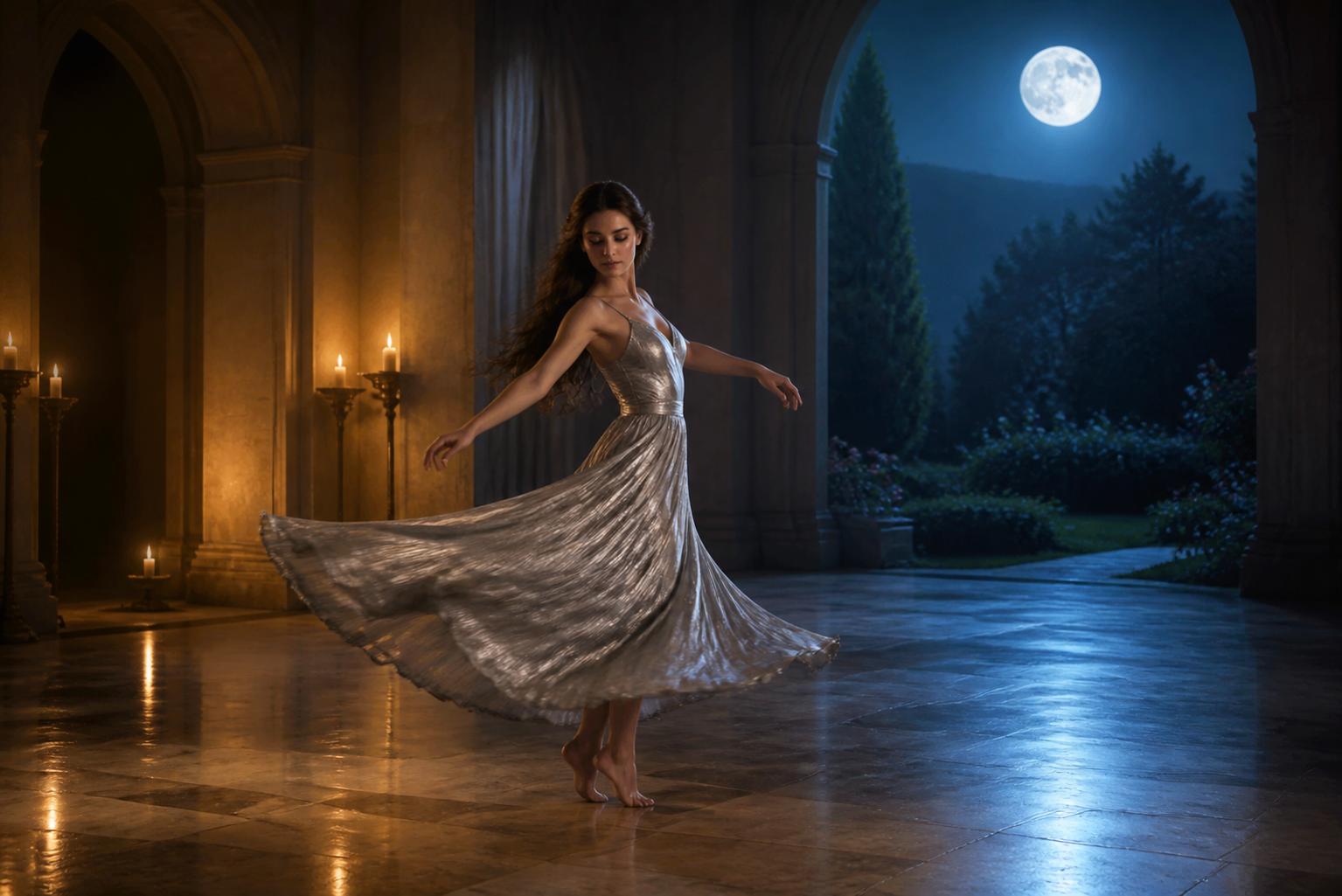
Cinematic and fantasy prompts can include more atmospheric settings, but the dance sequence should still be easy to follow.
Prompt 1:
A woman in a flowing silver dress takes three slow steps through a moonlit garden, raises her arms, and completes a gentle spin as glowing particles circle around her. Full-body cinematic shot, slow camera orbit, cool moonlight, subtle backlighting, natural hair and fabric movement.
Prompt 2:
A fantasy dancer crosses a candlelit hall, extends one hand, turns slowly, and steps backward as golden light spreads across the floor. Her expression is calm and mysterious. Wide composition, gradual side tracking, warm directional lighting, smooth pacing and restrained fabric movement.
What Makes an Effective AI Dance Prompt?
An effective prompt gives the AI a clear sequence to visualize. A practical structure is:
Subject + Dance Style + Specific Movements + Expression + Setting + Camera + Lighting + Motion Quality
You do not need to include every element in every prompt. A simple studio video may only require a short movement sequence, full-body framing, and a steady camera.
Describe the Dance Moves Clearly
General instructions such as “make her dance beautifully” do not explain what the subject should do. Describe visible actions in order: “take two side steps, raise both arms, and complete a slow turn.”
Keep the sequence manageable. Asking the subject to jump, spin, perform floorwork, change outfits, and move to a new location in five seconds can result in missing actions or unnatural transitions.
Match the Movements to the Source Image
The starting pose affects which movements will look natural when using a reference image to create a video. A front-facing photo can transition smoothly into hand gestures and side steps. A three-quarter pose may work better for a turn, while a seated portrait is better suited to upper-body movement than full-body choreography.
Clothing also matters. A loose dress can move noticeably during a spin, while a fitted jacket should have more restrained motion.
Control the Camera and Framing
Request full-body framing when the dance includes footwork or wide arm movements. Leave enough space around the subject so the hands and feet do not move outside the frame.
Use one clear camera direction when making an AI video. A fixed shot, slow push-in, or gentle side track is usually enough. Multiple zooms, cuts, and camera angles can distract from the choreography and make the result less consistent.
Use Visible Details to Set the Mood
Describe details the AI can show, such as warm stage lighting, a focused expression, or subtle fabric movement. Broad adjectives such as “perfect” and “stunning” provide little visual direction.
The mood should also fit the choreography. Bright front lighting and energetic gestures suit a pop routine, while soft side lighting and slower pacing work well for contemporary dance.
How to Turn a Photo Into an AI Dance Video
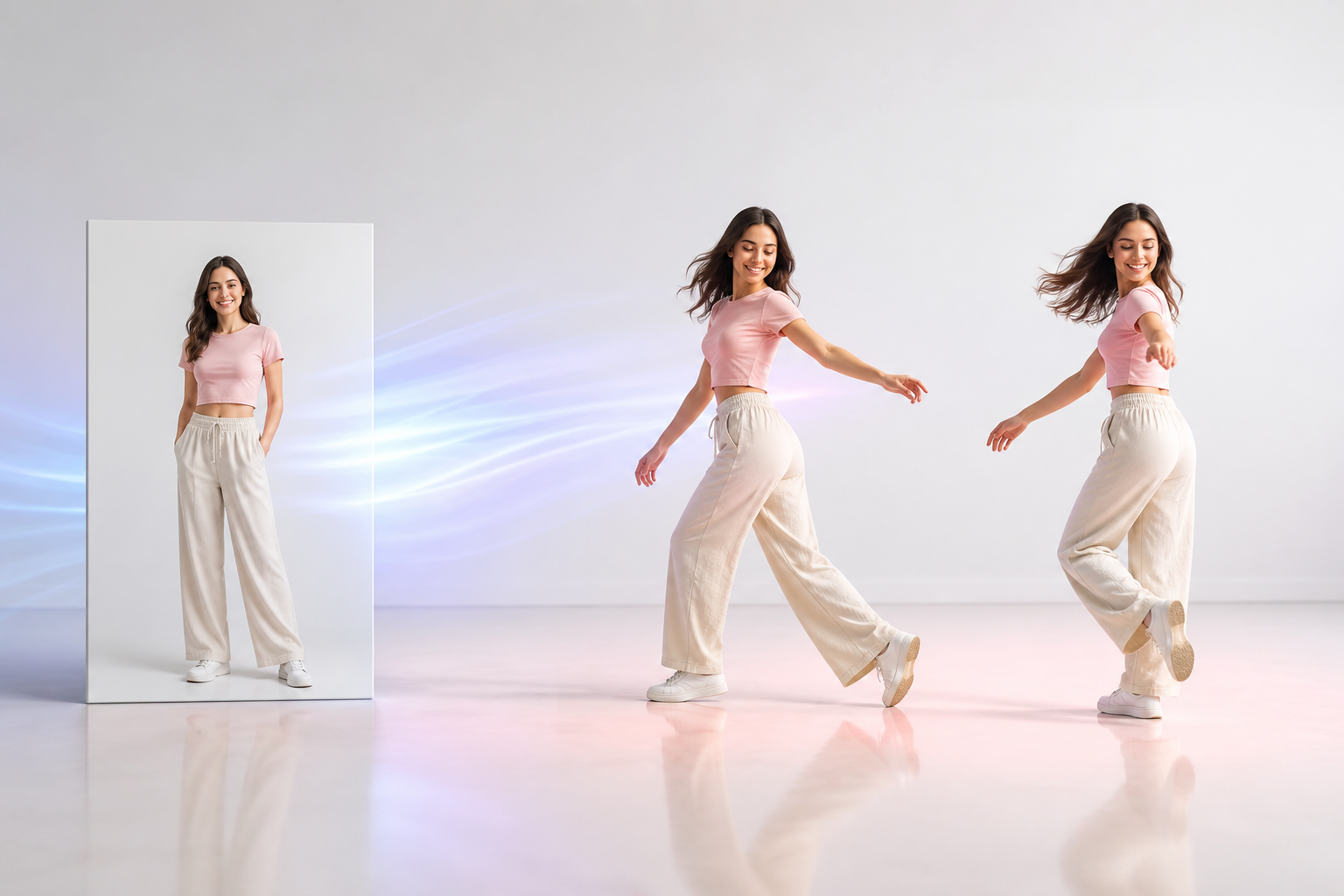
Once you have chosen a suitable prompt, you can use it with a clear source photo to generate and refine the dance video.
Step 1: Choose and Upload a Suitable Photo
Select a high-resolution photo with one clearly visible person. For full-body choreography, the subject’s arms, legs, hands, and feet should remain unobstructed. A natural standing pose and a simple background give the AI a clearer starting point.
Open RoboNeo and upload the photo as your visual reference. Use only an image that you own or have permission to animate.
Step 2: Add and Customize the Dance Prompt
Choose a prompt that fits the original pose, then paste it into RoboNeo. Change the dance style, movements, expression, setting, and camera instructions to match your intended video.
Keep the requested choreography short and physically possible. If the photo only shows the upper body, use shoulder movements, hand gestures, and facial expressions instead of asking for visible footwork.
Step 3: Generate and Review the Video
Submit the image and prompt to the AI video generator to create the first version. When processing is complete, watch the entire video to confirm that the movements appear in the intended order.
Check whether:
The face remains recognizable.
The arms and legs move naturally.
The feet stay grounded when required.
The subject remains inside the frame.
The hair and clothing respond naturally.
The background stays visually consistent.
Slow playback can reveal sliding feet, distorted fingers, or shifting background details. A missing movement may indicate that the prompt contains too many actions.
Step 4: Refine and Export the Best Version
Revise one or two instructions at a time. If the feet appear unstable, shorten the routine or request slower, more controlled weight shifts. If the dancer moves outside the frame, ask for a wider full-body shot with more space around the subject.
Generate several versions and compare their movement, facial consistency, anatomy, and framing. Export the strongest result in the aspect ratio required by the destination platform, such as 9:16 for TikTok, Instagram Reels, or YouTube Shorts.
Common Prompting Mistakes and Responsible AI Use
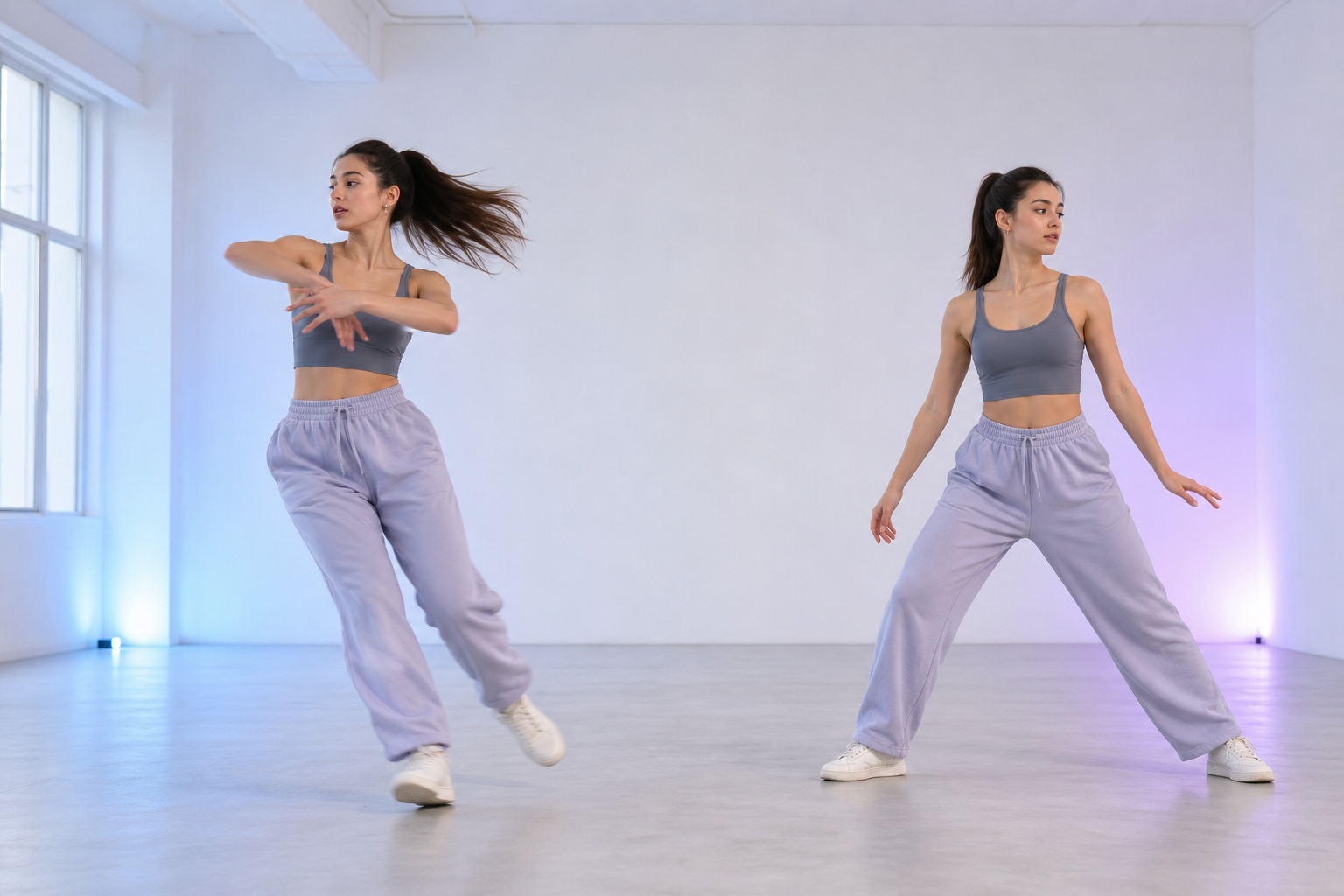
Even a detailed prompt cannot guarantee perfect choreography because of the current limitations of AI video generation. Fast turns, overlapping limbs, and complicated footwork can still cause visual inconsistencies. The following practices can improve the result while helping you use AI-generated content responsibly.
Avoid Vague or Overloaded Prompts
“Make her perform an amazing dance in a magical place” leaves the movements, framing, and setting undefined. A prompt containing numerous actions, several locations, and multiple camera transitions creates the opposite problem.
Use one short routine, one setting, and one camera direction for each generated clip.
Remove Conflicting Instructions
Every instruction should be physically and visually compatible. A dancer cannot remain completely still while spinning, and a fixed camera cannot orbit the subject at the same time. Read the complete prompt once before generating to catch these contradictions.
Only Animate Photos You Have Permission to Use
A publicly available image is not automatically free to reuse. Use your own photos, licensed stock images, or pictures accompanied by clear permission from the person shown.
Do not use another person’s image to create misleading or harmful content. Additional care is necessary when an image features a minor, celebrity, or private individual.
Disclose Realistic AI-Generated Content When Required
Viewers may mistake a realistic AI dance video for an actual recording. Follow the publishing platform’s rules for generated or altered media, and add a disclosure when the video could misrepresent a person, action, or event.
FAQ
How do you prompt natural-looking dance movements?
Describe a short, physically possible sequence with clear transitions and weight shifts. Include the tempo, framing, and desired motion quality. “Take two balanced side steps and complete one slow turn” gives the AI more useful direction than “dance naturally.”
Can you create a dance video from a single photo?
Yes. An image-to-video model can animate a single photo using written instructions for movement, expression, camera behavior, and setting. A clear image with one unobstructed subject generally produces a more consistent result.
Why do hands and feet look distorted in AI dance videos?
Hands and feet change position and angle quickly during dancing, making them difficult to reproduce consistently across frames. Slower movements, visible limbs, stable framing, and shorter routines can reduce distortion.
Is a full-body photo better for an AI dance video?
Yes, when the choreography includes footwork, turns, or wide arm movements. A full-body image gives the AI more visual information about the subject’s proportions and starting position. A portrait is more suitable for facial expressions and upper-body choreography.
How long should an AI-generated dance video be?
Five to ten seconds is a practical starting point for one focused movement sequence. Longer videos require the AI to maintain the same face, body, clothing, and background across more frames. You can combine several short clips to create a longer routine.
You May Be Interested
4K vs 1080p: Should You Upscale 1080p Video to 4K?
How to Use an AI Video Generator Online to Create Viral Content
Best Free AI Video Generator: Top Tools to Try
Best YouTube Script Generator: From Script Writing to Video Creation
How to Choose the Right Free AI Music Video Generator in 2026