How to Make an AI Dance Video From an Image or Prompt
 RoboNeo TeamJuly 21, 2026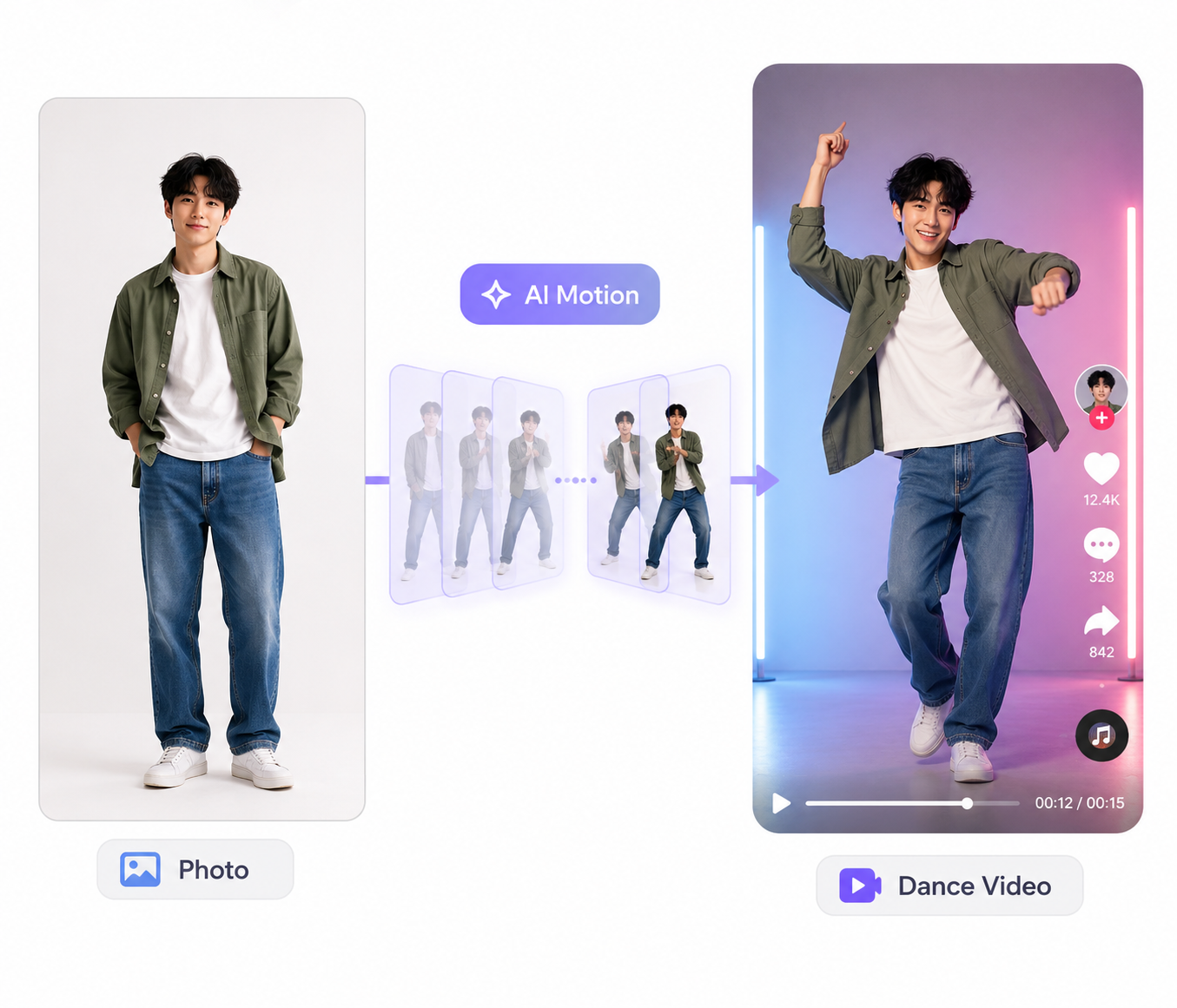
A single photo can become a short dance clip without filming a full performance. AI tools apply movement to a person, avatar, mascot, or illustrated character, then combine the animation with music.
Learning how to make an AI dance video can be useful for birthday greetings, music promotions, social posts, and branded content. A clear source image and simple dance movement usually produce the most natural result.
What Is an AI Dance Video?
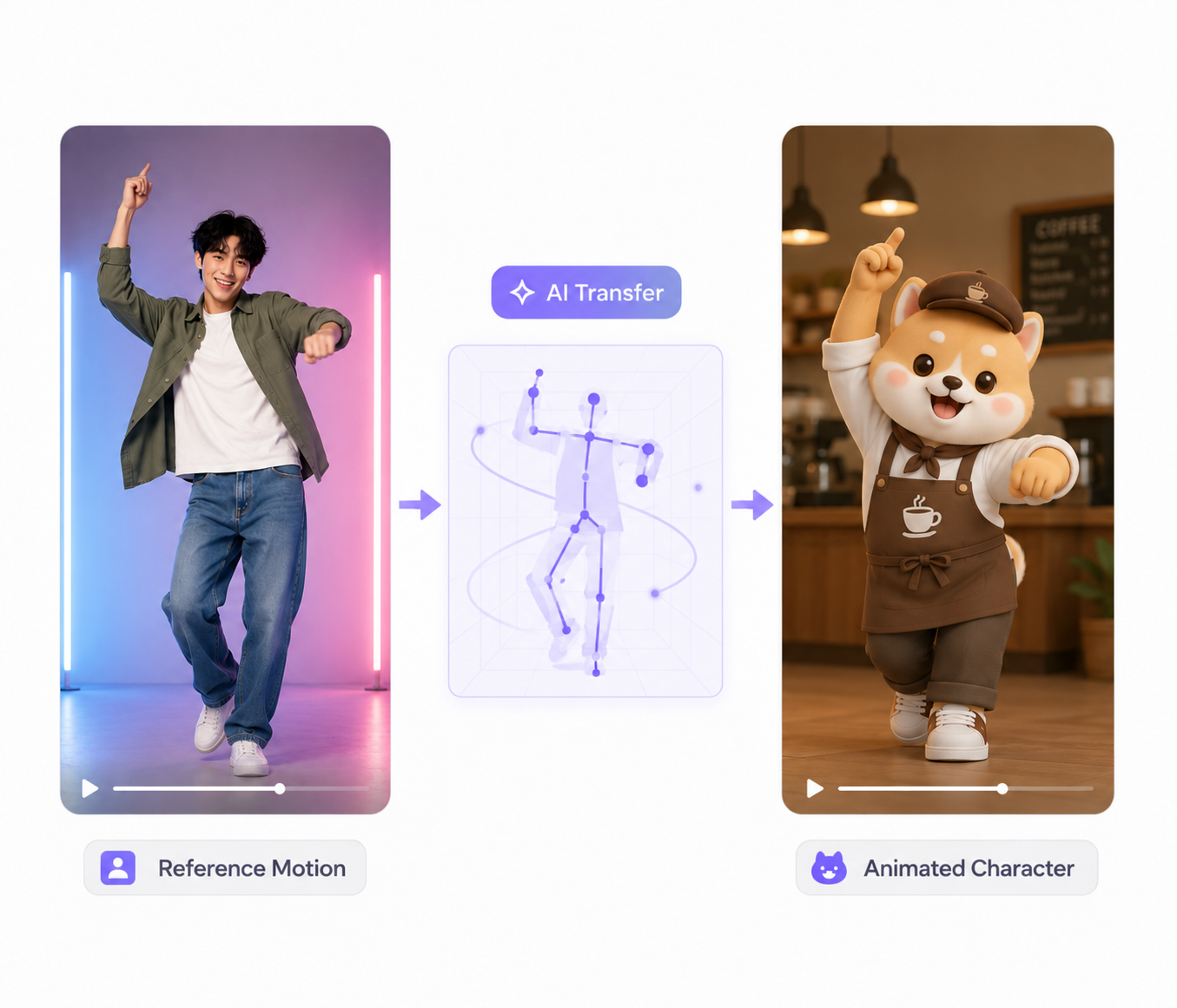
An AI dance video uses motion generation or motion transfer to make a person or character appear to dance. Some generators apply ready-made routines, while others copy movement from a reference video.
A café May animate its mascot for a weekend promotion, perhaps utilizing the best ai character generator beforehand to design their digital asset. A creator could also turn an authorized portrait into a short birthday dance. These clips are commonly shared on tiktok, instagram reels, and youtube shorts.
Simple routines tend to look more stable. Fast spins, crossed limbs, and floor choreography may cause distorted hands, unstable clothing, or changing body proportions.
What You Need to Make an AI Dance Video
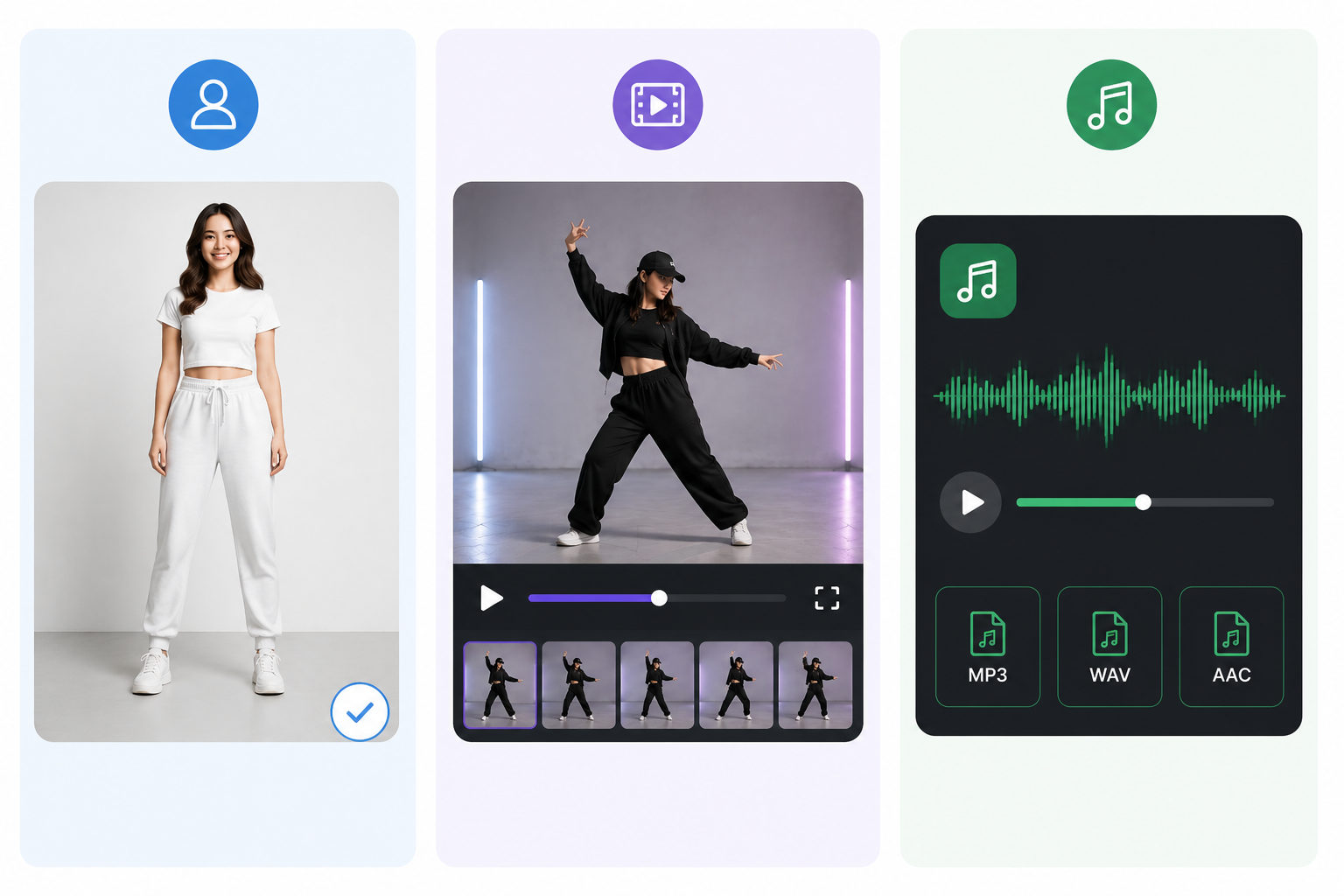
Most projects require three assets:
A clear full-body character image
A dance template or reference video
A suitable music file and output format
A Clear Full-Body Image
Choose a high-resolution image that shows the character from head to toe. Both hands and feet should remain visible, without furniture, text, or other people covering the body.
Front-facing or slightly angled poses against a plain background usually animate more smoothly. A photo taken beside a blank wall will often work better than a crowded party picture.
A Dance Template or Reference Video
Clear movements are easier to transfer. A fitness coach recording a short warm-up could use side steps and arm raises while keeping the full body inside the frame. Rapid jumps and floor movements are more likely to distort the character.
Music and Video Requirements
Use music that you own, license, or have permission to publish. Vertical framing suits TikTok, Reels, and YouTube Shorts, while standard YouTube videos often use a horizontal format.
Start with a five- to ten-second test clip. This gives you enough time to check the motion without using extra credits on a longer, weaker result.
How to Make an AI Dance Video Step by Step
Anyone learning how to do an AI dancing video can follow the same basic workflow, even when different generators use different settings.
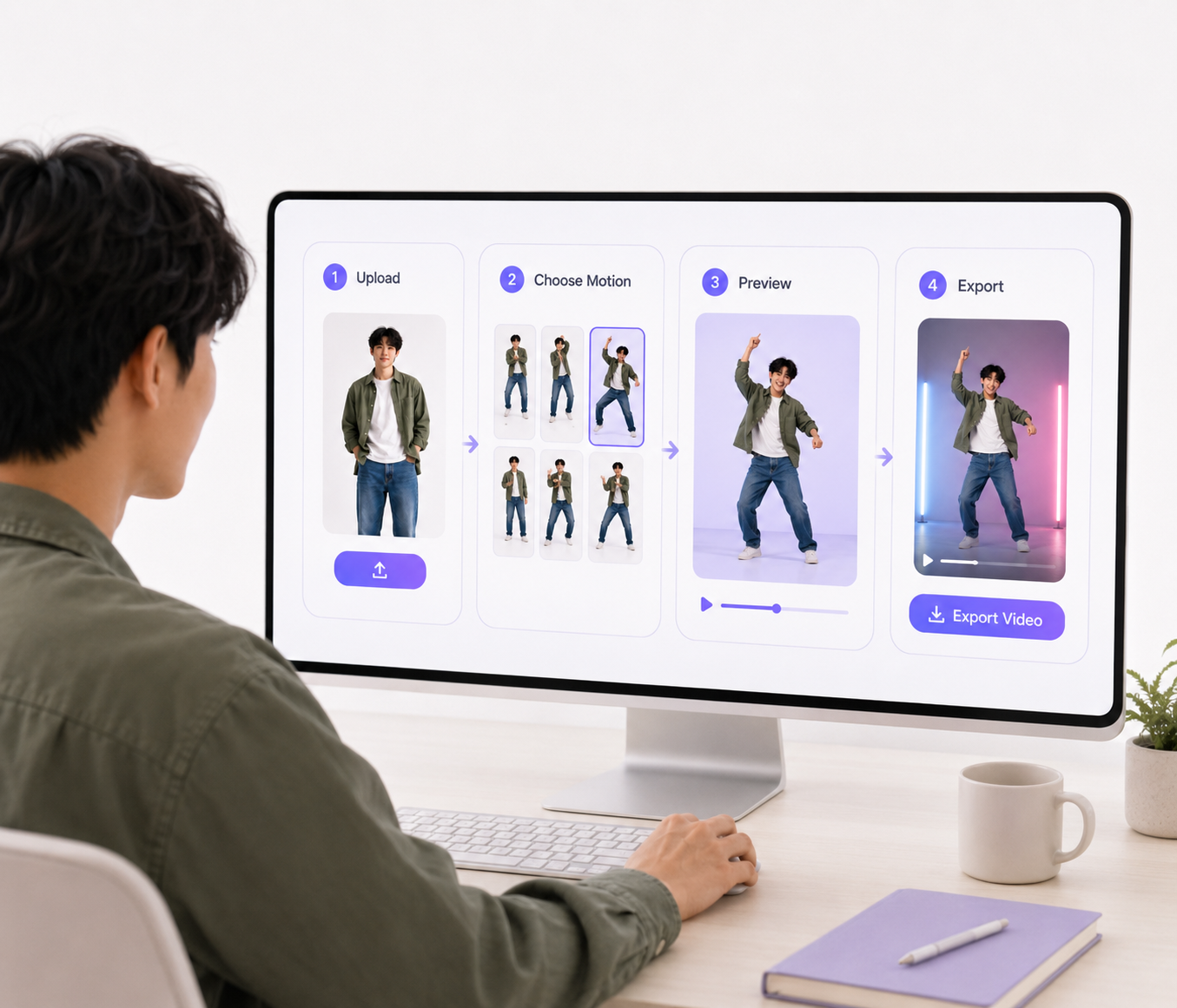
Step 1: Choose an AI Dance Video Generator
Look for a tool that supports image-to-video generation, dance templates, or reference-based motion. Clip length, resolution, export format, watermark rules, and commercial-use terms should also suit your project. Generate a brief test before starting a longer video. The first result will show whether the tool can preserve the character’s face, outfit, proportions, and background.
Step 2: Upload Your Character Image
Upload the full-body image and crop it to the final aspect ratio. Leave some space above the head and below the feet so the character has room to move.
Step 3: Select a Dance Motion
Choose a preset routine or upload a reference clip. The movement should match the character’s original pose, direction, and visual style.
Step 4: Generate and Review the Video
Watch the first result at normal speed before inspecting any weak moments more closely. Pay attention to the face, hands, feet, clothing, and background.
Step 5: Add Music and Export the Video
Music can be added inside the generator or later in a video editor. Align the strongest movement with the beat, remove weak opening frames, and balance the audio level.
How to Remove a Watermark From an AI Dance Video
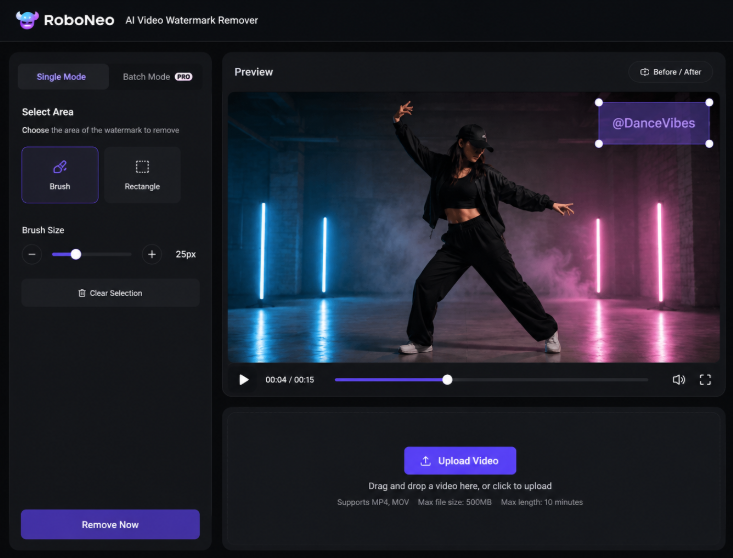
Some AI dance generators add a logo, username, or text watermark to exported clips. An official watermark-free download from the original platform should be the first choice.
For footage you own or have permission to edit, the RoboNeo AI video watermark remover can be used to select and clean the marked area. The tool processes the surrounding frames to rebuild the covered part of the video.
Is It Safe and Legal to Make AI Dance Videos?
Your own photo or an original character is the safest source. Permission should be obtained before animating another recognizable person, especially when the result looks realistic or will be published publicly.
Commercial projects require additional care. Make sure you have suitable rights to the source image, music, reference dance, motion template, brand materials, and final output. A private birthday greeting and a paid advertisement may have different licensing requirements.
FAQ
Can AI Create Dance Choreography?
Yes. Some tools generate movement from prompts or music, while others transfer a preset or recorded routine. The final clip should still be reviewed for balance, limb position, and smooth transitions.
How to Make a Dancing Video From a Picture Free?
Choose a generator with free credits or a limited free plan. Upload a clear full-body picture, select a short dance routine, and generate a test clip. Free exports may have limits on resolution, length, or watermark-free downloads.
Can AI Create a Dance From Music?
Some tools analyze rhythm and tempo to match movement with a track. Songs with a clear beat usually produce more predictable timing, although minor editing may still be needed.
How Long Does It Take to Generate an AI Dance Video?
A short clip may take a few minutes. Processing time depends on the platform, server queue, resolution, video length, and motion complexity.
Can I Post AI Dance Videos on TikTok or YouTube?
Yes, provided you have permission to use the image, music, reference material, and final video. Realistic AI clips involving real people may also require an AI-generated or altered-content label.
You May Be Interested
How to Create Stunning Visuals with the Best AI Music Video Generator
6 Best AI Video Generators in 2026
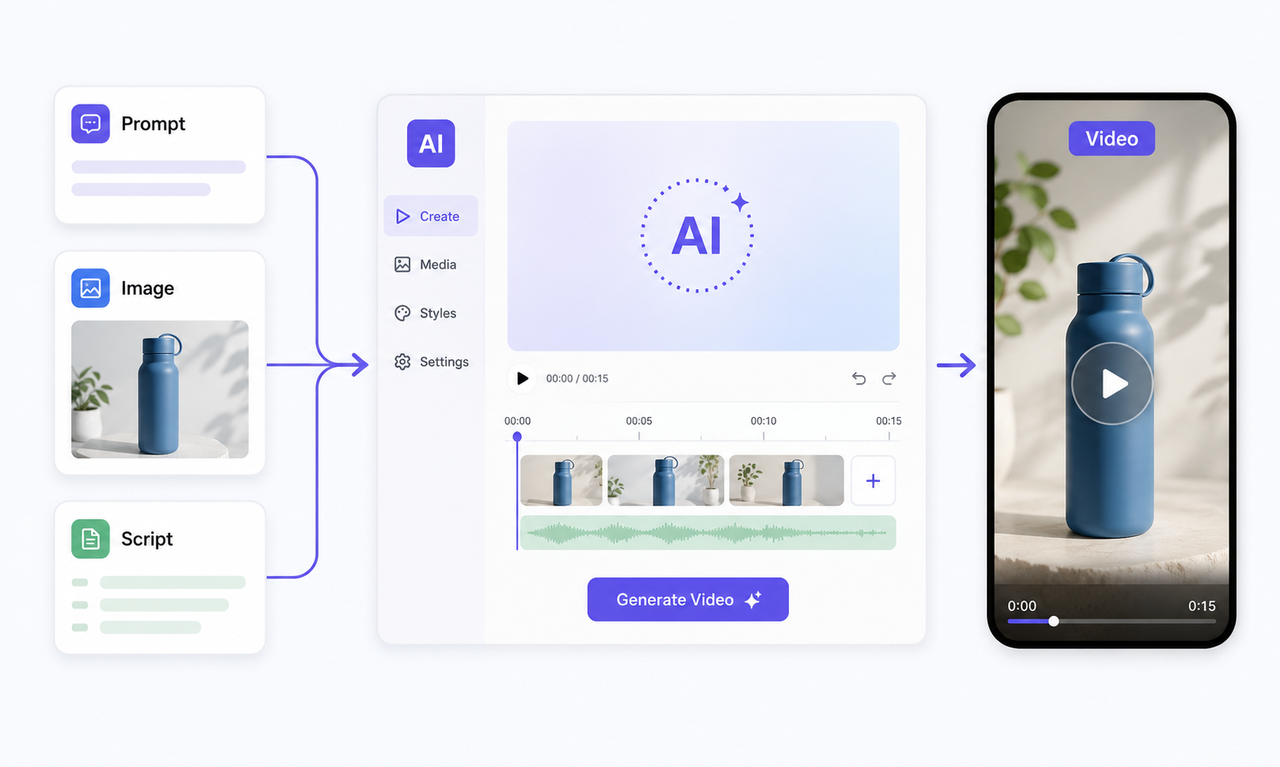
Best Free AI Video Generator: Top Tools to Try
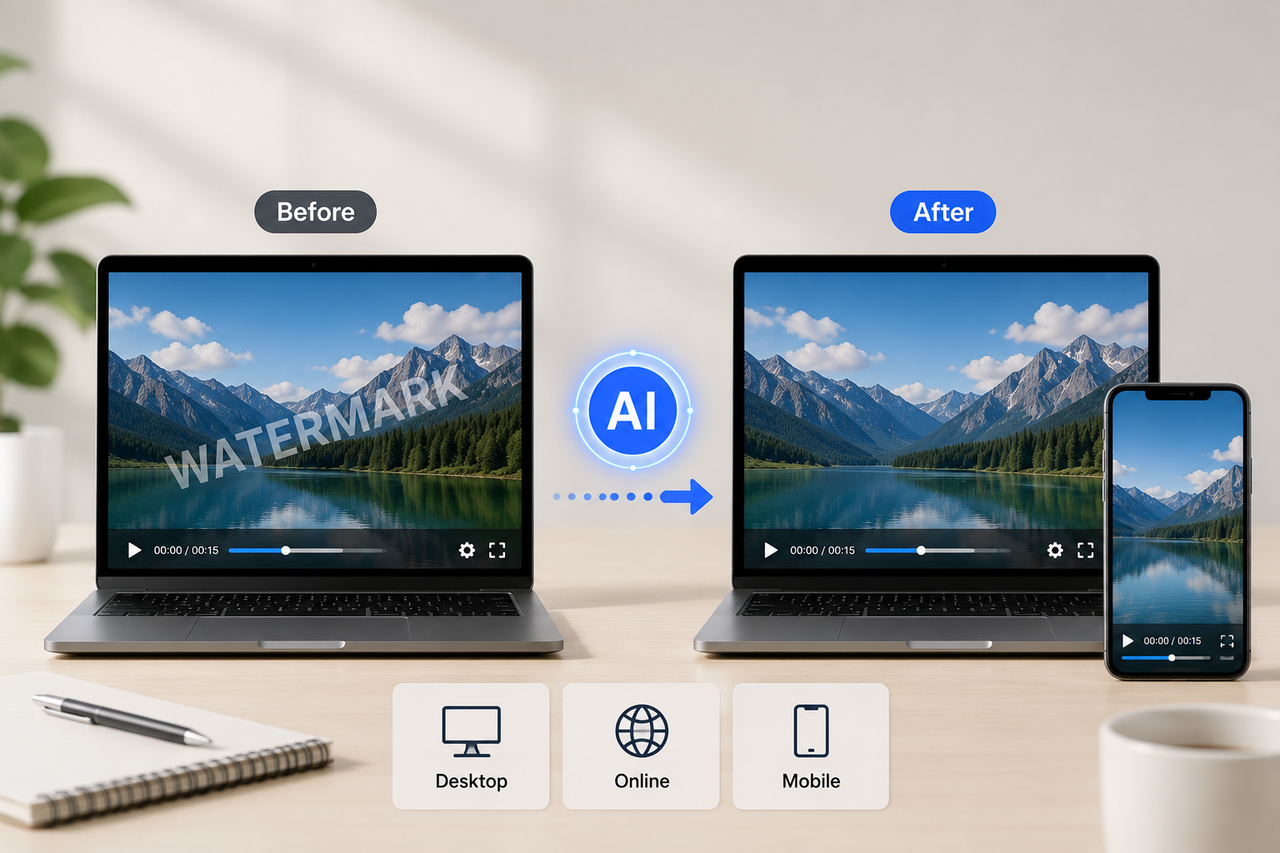
Best Free Tools to Remove Watermark from Video 2026
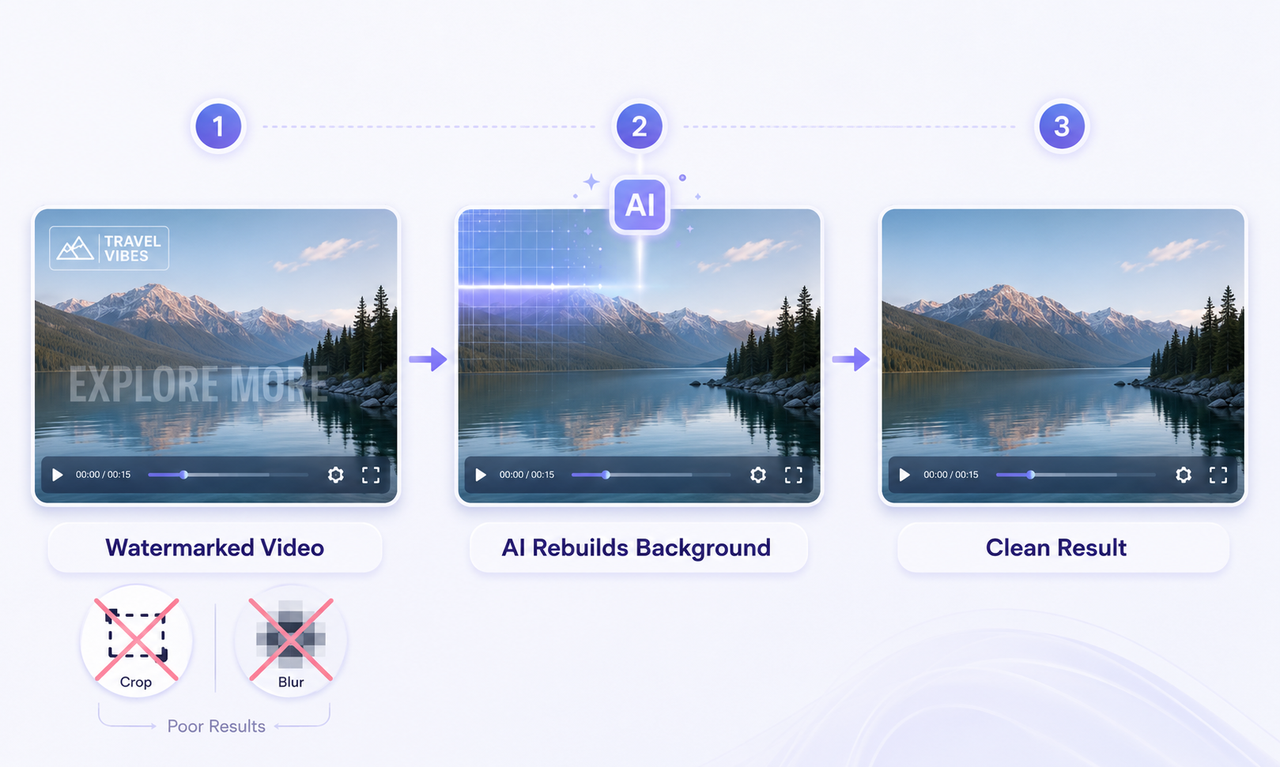
How to Remove Watermark from Video with AI (2026)