How to Write a Commercial Script With AI: A Simple Guide
 RoboNeo TeamAugust 14, 2026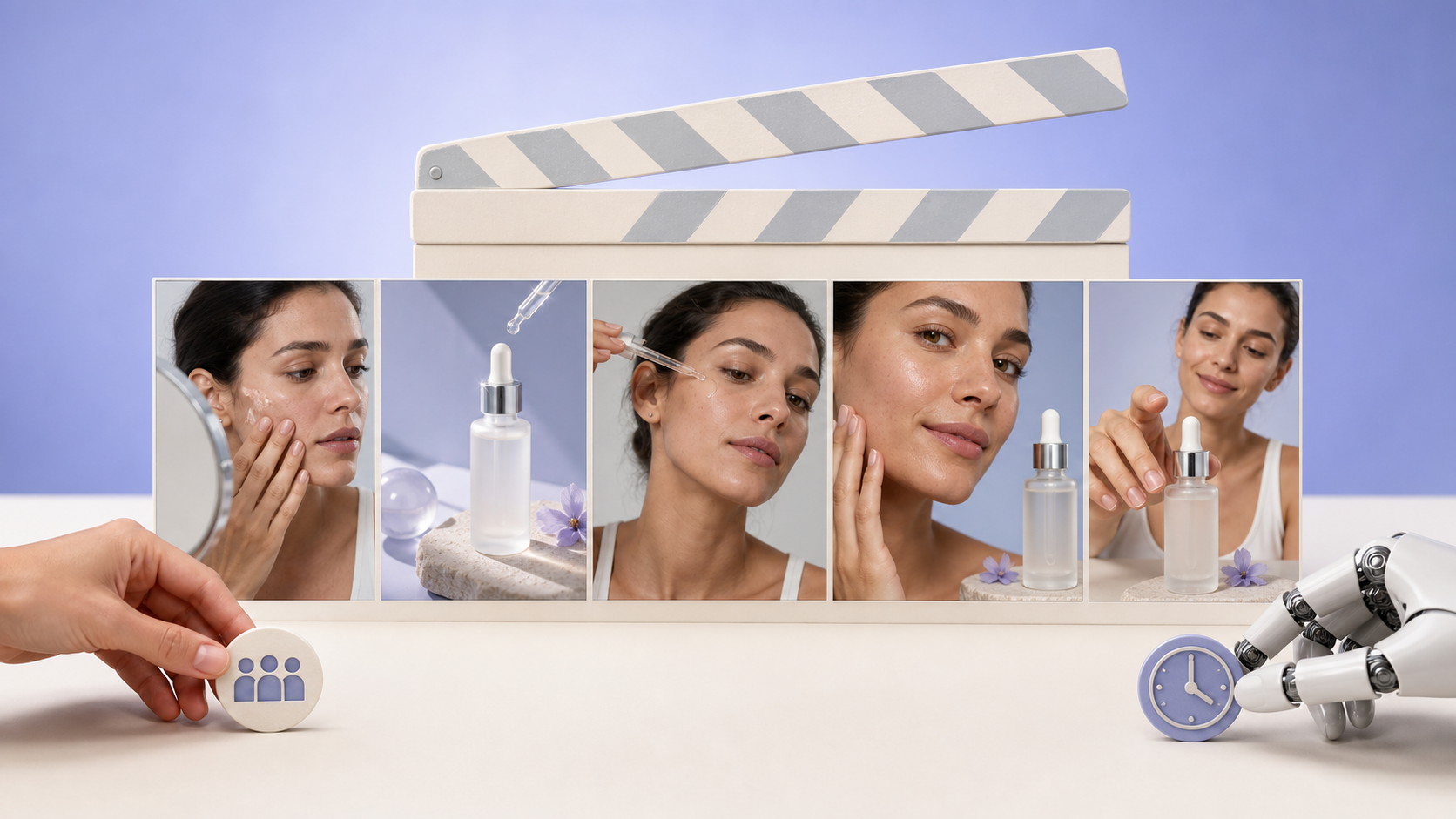
A strong commercial script turns one clear product benefit into a short, persuasive story. AI can accelerate that process by organizing ideas, suggesting creative angles, and formatting scenes. However, useful results still depend on the information and judgment provided by the writer.
This guide explains how to write a commercial script with AI, refine it for a specific runtime, and prepare the finished draft for video production.
Why Use AI to Write a Commercial Script?
Product information often arrives in scattered pieces: feature lists, customer notes, brand guidelines, campaign goals, and sales data. AI can organize those details into a structured first draft built around the audience, their problem, the product benefit, supporting proof, and a call to action.
Its greatest value is speed. A marketing team facing a blank page can generate several concepts in minutes, compare their strengths, and begin revising the most promising one. A small skincare company might explore a product demonstration, a morning-routine story, and a problem–solution concept before committing production resources. Comparing different AI script-generation workflows can also help teams decide where they need faster drafting and where human input matters most.
AI should not replace product research or brand judgment. It does not automatically know whether a claim is accurate, whether a joke suits the audience, or whether a scene is realistic to produce. Human review remains essential.
Prepare the Information AI Needs Before Writing
Generic inputs tend to produce generic advertising. Before asking for a script, establish what the commercial must communicate and why the audience should care.
Define the Audience and Advertising Goal
“Everyone” is not a useful target audience. Describe the viewers in terms of their needs, behavior, familiarity with the product, and barriers to taking action.
The campaign also needs one primary objective. It may introduce a new product, build awareness, attract clicks, collect leads, or encourage purchases. Trying to achieve all these goals in a 30-second spot usually weakens the message.
Consider what viewers already know. New customers may need context about the problem, while existing users might respond better to an upgraded feature or limited-time offer.
Choose One Core Message and Supporting Proof
The core message should express the product’s main value in one sentence. A meal-planning app might promise to reduce the time families spend deciding what to cook. The commercial does not need to explain every recipe filter, shopping-list option, and account setting.
Credible proof makes the benefit more persuasive. Depending on the product, that proof might come from:
A visible product demonstration
A verified performance figure
A real customer quotation used with permission
A specific use case or feature mechanism
A genuine price, guarantee, or promotional condition
Never ask AI to invent statistics, reviews, certifications, results, or competitor comparisons. If verified proof is unavailable, the script should rely on an honest demonstration rather than an unsupported claim.
Set the Duration, Platform, and Call to Action
Runtime and distribution channel affect the entire script. A television commercial, a horizontal YouTube ad, and a vertical Reel may promote the same product, but viewers encounter them under different conditions.
Choose one clear call to action, such as “Start your free trial,” “Shop now,” or “Book a demo.” Prices, promotion deadlines, legal disclosures, and required brand language should also be supplied before generation begins.
How to Write a Commercial Script With AI Step by Step
Anyone learning how to write a script for commercial use needs more than a clever prompt. The following process moves from a focused brief to a production-ready draft.
Step 1: Create a Focused Commercial Brief
A concise brief gives AI the boundaries it needs. Include the brand, product, audience, customer problem, central benefit, verified proof, tone, platform, runtime, and CTA.
Keep product features separate from customer benefits. “Automatic expense categorization” describes what a budgeting app does; “spend less time sorting transactions” explains why the feature matters.
When important information is missing, ask AI to identify the gaps first. Generating a polished script from an incomplete brief usually leads to vague language or invented details.
Step 2: Ask AI for Several Creative Concepts
Before requesting a full script, generate three to five distinct concepts. Each option only needs a hook, central idea, main benefit, and CTA.
Possible approaches include problem–solution, product demonstration, testimonial-style storytelling, before-and-after, or a short narrative. A luggage brand could show a rushed traveler accessing a laptop through a front compartment, while another concept might focus on organized packing at home.
Select the idea that best matches the audience, brand voice, available footage, and production budget. Developing several nearly identical scripts only creates extra review work.
Step 3: Generate the First Script With a Detailed Prompt
A specific prompt produces a more usable draft than “Write a commercial for my product.” This template can be adapted to most campaigns:
Act as an advertising scriptwriter. Write a [15/30/60]-second commercial for [product] aimed at [audience]. The goal is to [objective]. Focus on [one core benefit], supported by [verified proof]. Use a [tone] tone and follow this structure: hook, problem, solution, proof, and one clear call to action. Format the result by scene with duration, visuals, voiceover or dialogue, on-screen text, and sound. Do not invent product claims, statistics, or testimonials.
The structure is guidance rather than a rigid formula. A six-second social ad may move directly from the hook to a product demonstration and CTA.
Step 4: Match the Script to the Required Runtime
Every scene needs enough time for viewers to understand the action, hear the dialogue, and read essential on-screen text.
A 15-second commercial should reach the hook immediately and focus on one benefit. A 30-second version has room for a problem, demonstration, or short piece of evidence. More complete situations and explanations generally fit better within 60 seconds. A detailed guide to writing a TV commercial script can help clarify how the structure changes across these common runtimes.
Read the voiceover aloud with a timer. AI estimates are not reliable enough to replace this test. When the draft runs long, remove secondary details instead of forcing the actor to speak unnaturally fast.
Step 5: Convert the Draft into an Audio-Visual Script
The next version should show how each line connects to the screen. A practical script format includes Scene Number, Duration, Visuals or Action, Dialogue or Voiceover, On-Screen Text, and Music or Sound Effects.
| Scene | Duration | Visuals/Action | Voiceover | On-Screen Text | Sound |
| 1 | 0–3 sec | Employee searches through scattered files | “Still losing time to manual reports?” | Hours lost every week? | Keyboard clicks |
| 2 | 3–10 sec | Software organizes data automatically | “Bring your data together in seconds.” | One clear dashboard | Music rises |
| 3 | 10–15 sec | Finished report appears | “Start your free trial today.” | Start free | Brand sound |
Visuals and voiceover should complement each other. If viewers can already see the software creating a report, the narration can explain the benefit rather than describe every click. Each shot must serve a purpose: establish the situation, reveal the problem, demonstrate the solution, provide proof, or deliver the CTA.
Step 6: Review and Rewrite the Script Yourself
The first AI draft is raw material. Check whether the opening speaks directly to the target audience, the product enters naturally, and the main benefit is easy to identify. Only one CTA should remain.
Template phrases, long feature lists, repeated conclusions, and unsupported superlatives can usually be removed. Reading the dialogue with another person often reveals lines that look polished but sound unnatural.
Production limits matter as well. A script involving six locations, a large cast, and complex visual effects will not suit a small team filming in one day. Adjust the concept to available actors, locations, budget, and product assets before approval.
Turn the Finished Script into a Commercial Video
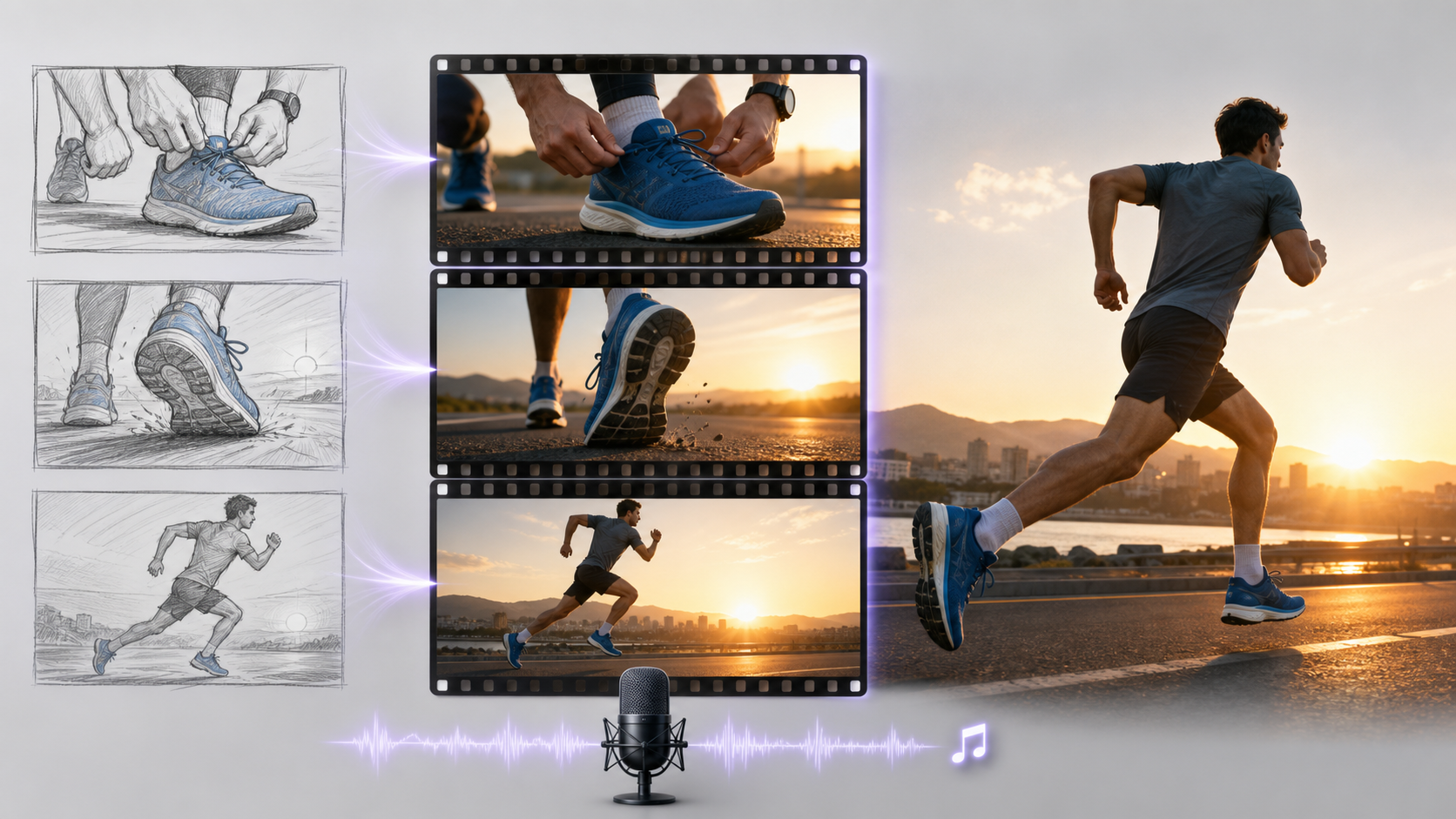
A completed script still needs to be translated into individual shots, visual assets, voiceover, sound, and platform-specific edits. The clearer these production instructions are, the easier it becomes to keep the final video aligned with the original message.
Break the Script into Production-Ready Shots
For every scene, define the subject, location, action, composition, camera movement, and duration. Confirm that the product interaction can be filmed or generated convincingly.
Continuity becomes especially important when the same person, package, or room appears across several shots. Reference images and written visual notes can help maintain consistent clothing, colors, product details, and lighting. A practical script-to-video guide can provide additional direction when translating written scenes into visual instructions.
Create Visuals, Voiceover, and Sound
The production may combine live-action footage, product photography, AI-generated visuals, narration, music, and sound effects. Instead of attempting the entire commercial at once, begin with one short scene or key shot.
The finished script can be taken into RoboNeo to test that first visual and then develop the remaining assets. Each request should specify the subject, action, camera movement, narration, captions, duration, and aspect ratio. Detailed shot instructions give the system more useful direction than pasting the full script and expecting a finished advertisement in one generation.
Generated materials still require inspection. Product shape, packaging text, logos, character continuity, and physical movement can all introduce errors that reduce credibility.
Create Commercials With RoboNeo
Edit and Adapt the Commercial for Each Platform

Editing brings the shots, voiceover, text, music, and CTA into one sequence. The final review should confirm that every visual appears at the correct moment and that captions remain readable.
Television, YouTube, TikTok, and Instagram Reels require different aspect ratios, opening rhythms, caption-safe areas, and end cards. Keep a high-quality master file, then create individual platform versions from it. Repeatedly exporting and compressing the same edited file can gradually reduce image quality.
Common Mistakes to Avoid When Using AI

Even a well-structured AI workflow can produce a weak commercial if the input is vague or the first draft goes unchallenged. These common mistakes are usually easier to fix before production begins.
Starting With a One-Line Prompt
A short request without an audience, goal, benefit, proof, or runtime leaves AI to fill the gaps. The result usually sounds polished but interchangeable with dozens of other advertisements.
Trying to Fit Too Many Messages into One Ad
Short commercials cannot explain an entire product catalog. One memorable benefit supported by credible evidence is stronger than a rapid list of unrelated features.
Letting Voiceover Repeat Every Visual
Narration should add meaning, not provide a literal description of the screen. When a coffee maker visibly starts on its own, the voiceover can focus on waking up to fresh coffee rather than saying, “The machine turns on.”
Accepting Invented Claims or Testimonials
Confident wording does not make a claim accurate. Every statistic, review, certification, comparison, and performance promise must be checked against an approved source.
Treating the First AI Draft as the Final Script
Early drafts often contain predictable hooks, excessive explanation, and dialogue that no one would naturally say. Human rewriting gives the commercial its brand voice, accuracy, and production realism.
FAQ
How many words should a 30-second commercial script contain?
A 30-second voiceover often contains around 65–75 words at a comfortable pace. Dialogue, pauses, demonstrations, and on-screen text may reduce that number. Reading the script aloud with a timer provides a more dependable answer.
What format should a TV commercial script use?
Writers researching how to write a TV commercial script will usually encounter a two-column format. Visuals and actions appear on one side, while dialogue, voiceover, music, and sound appear on the other. A detailed scene table can serve the same purpose if the production team finds it easier to use.
Can AI write scripts for radio commercials as well as video ads?
Yes. A radio script relies entirely on voice, music, sound effects, and silence, so the prompt should request an audio-focused format. Without visuals, the product and context must be understandable from sound alone.
Do I need screenwriting software to format a commercial script?
No. A document editor or spreadsheet is sufficient for most short commercials. Dedicated screenwriting software may help teams manage revisions and production notes, but it is not necessary for creating a clear two-column script.
Who owns a commercial script created with AI?
Ownership depends on applicable law, the amount of human authorship, and the terms of the AI service. Purely AI-generated material may not receive the same copyright protection as substantially human-written work in some jurisdictions. Businesses should review the tool’s terms, document their creative contributions, and seek legal advice when ownership is commercially important.
You May Be Interested

480p vs. 720p: Which Resolution Should You Choose?
How to Create Stunning Visuals with the Best AI Music Video Generator

Best AI Tools to Fix Blurry Videos in 2026
How Long Does It Take to Write a Script for Short Drama?
How to Make a 480p Video to 1080p: Step-by-Step Guide