Best AI Tools for Content Creators 2026: Top Free Picks
 RoboNeo TeamSeptember 14, 2026
The best AI tools for content creators in 2026 include ChatGPT for ideas and writing, Canva for design, Adobe Firefly for AI images, CapCut for short-form video editing, ElevenLabs for voiceovers, Grammarly for polishing, and Descript for repurposing recorded content. RoboNeo is another option for creators who want to test AI-generated images and videos from one place.
Free access varies by platform. Some tools offer ongoing free plans, while others use limited credits or restrict certain AI features. This guide compares the tools by the jobs they handle best, without treating short trials as permanently free.
Why Content Creators Use AI Tools
AI is most useful when it removes production friction. It can speed up planning, make new content formats easier to test, and reduce time spent on repetitive editing.
Create Content Faster
A creator may already know the topic but still need a strong angle, an outline, a script, and supporting assets before publishing. AI can help organize those early steps quickly.
A solo YouTuber planning a product review can use a writing tool to structure the script, then move to design and editing tools for thumbnails and captions. The final angle still comes from the creator.
Produce More Content Formats
One piece of content can support several channels. A podcast episode might become a short article, social posts, video clips, and an email summary. An AI video clip generator can also help creators turn longer footage into shorter clips for social platforms. AI makes these adaptations easier for small teams and solo creators.
Reduce Repetitive Work
Transcription, subtitle generation, resizing, grammar checks, and simple cuts are necessary but time-consuming. AI can handle much of this routine work, though names, numbers, captions, and automated edits still need review.
Best AI Tools for Content Creators in 2026
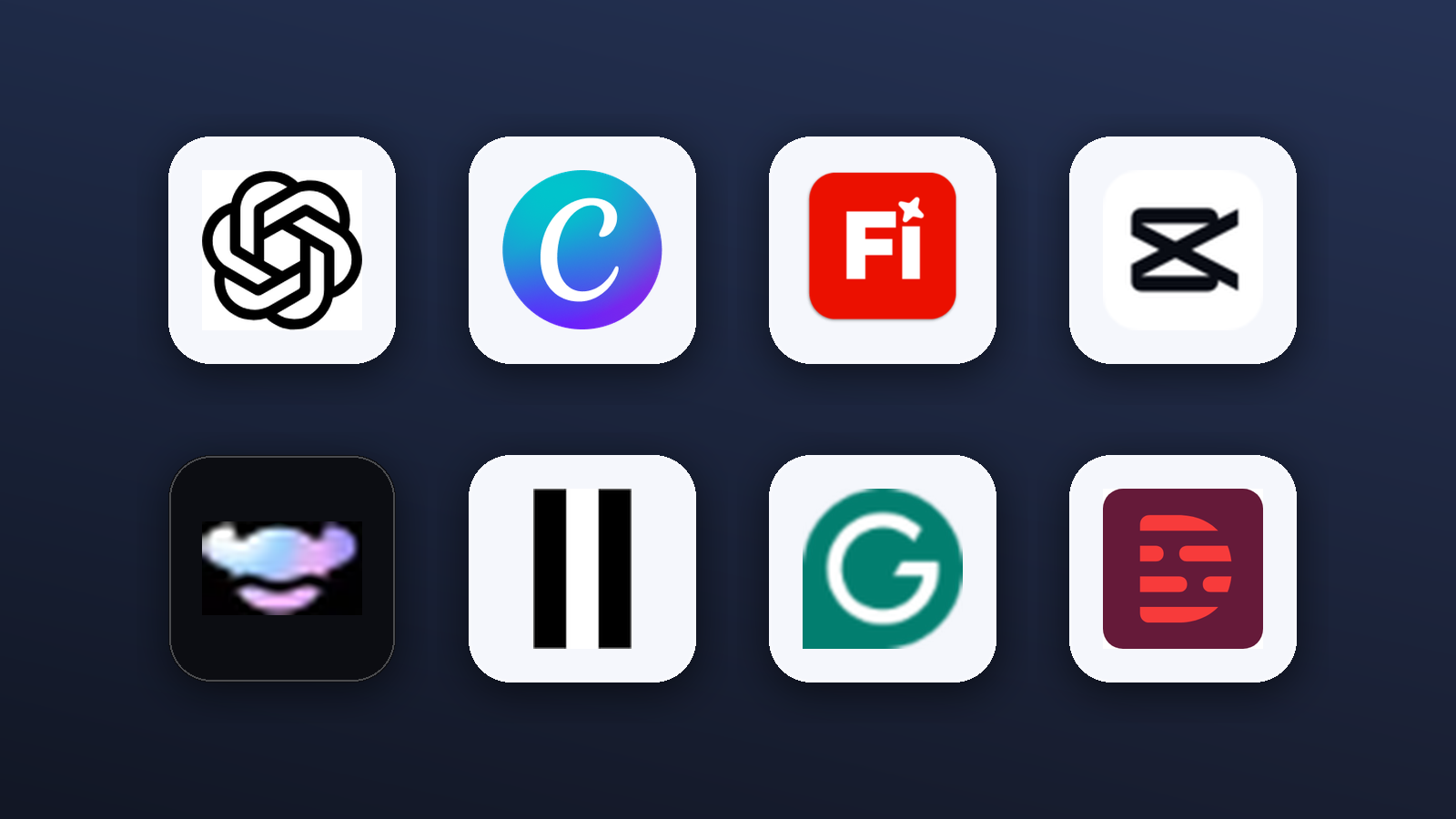
The best AI tools for content creators are not always the ones with the most features. The right choice depends on the task that takes the most time in your current process.
| Tool | Best For | Free Access | Key Feature | Main Limitation | Best Creator Type |
| ChatGPT | Ideas and writing | Free plan with limits | Drafting and rewriting | Needs fact-checking | Writers and marketers |
| Canva | Content design | Free plan | Templates and simple design | Premium assets are restricted | Social creators |
| Adobe Firefly | AI images | Limited generations | Image creation and editing | Credit limits | Visual creators |
| CapCut | Short videos | Core tools available free | Editing and captions | Some AI tools are paid | Video creators |
| RoboNeo | AI visuals | Depends on current plan | Image and video generation | Output needs review | Visual and social creators |
| ElevenLabs | Voiceovers | Limited free usage | AI speech | Usage and licensing limits | Video and audio creators |
| Grammarly | Polishing | Free basic tools | Grammar and clarity | Not a fact-checker | English content creators |
| Descript | Repurposing | Limited free usage | Text-based editing | Processing limits | Podcasters and video creators |
ChatGPT for Ideas and Writing
ChatGPT is useful for topic development, content briefs, outlines, script drafts, and rewriting. Prompts can specify the audience, platform, tone, and length, which helps when one idea needs several versions.
A travel blogger can turn research notes into an article structure, then adapt the core points for a YouTube script or social captions. Free access covers many everyday writing tasks, although models, message limits, and advanced tools may be restricted. Facts and references should still be checked against reliable sources.
Canva for Content Design
Canva works well for social graphics, YouTube thumbnails, presentations, and other everyday visual assets. Its templates and drag-and-drop interface are practical for creators without professional design experience.
A food creator publishing a recipe can prepare a Pinterest graphic, Instagram Story, and thumbnail without rebuilding each layout. The free plan covers many basic tasks, while some AI tools, templates, brand features, and stock assets require payment. Generated text, logos, and product details still need review.
Adobe Firefly for AI Images
Adobe Firefly is useful for image generation, background extension, object replacement, and early visual concepts. It can help creators prepare blog graphics, social assets, ad concepts, or scene references for a video.
A newsletter publisher may test several hero-image directions before choosing one for final editing. Free access generally includes limited generations, so higher-volume creators should check the current credit rules. Accurate logos, packaging, and text are better added separately during design.
CapCut for Short Videos
CapCut is a practical choice for TikTok, Instagram Reels, and YouTube Shorts. It combines trimming, captions, effects, background tools, and social-friendly formats in a relatively simple editor.
A creator who records several phone clips can assemble them into a vertical video and generate captions without using a complex editing suite. Creators who want to generate new footage instead of editing existing clips can use an AI video maker as another option. Some AI features, assets, and export options may require payment, and subtitles should be checked for names, numbers, and brand terms.
RoboNeo for AI Visuals
RoboNeo is suited to creators who want to explore AI-generated images and videos from one platform. It is particularly useful when a project starts with an existing product photo, character image, or scene reference and the creator wants to test new visual directions.
A small brand planning a social campaign could use one reference asset to test different scenes or short video concepts before developing the strongest direction. Current features, free allowances, and export conditions should be checked before a larger project, and generated details still require review.
Create AI Visuals with RoboNeo
ElevenLabs for Voiceovers
ElevenLabs is useful for video narration, multilingual speech, and testing different voice styles. It can help when recording a first voiceover is inconvenient or when a creator wants to compare several delivery options before final editing.
A tutorial creator can add temporary narration to a screen recording and review the pacing before the final edit. Free access usually limits characters, credits, voices, or commercial rights. Voice cloning should only be used with the voice owner's permission.
Grammarly for Content Polishing
Grammarly focuses on grammar, spelling, clarity, and basic tone. It is useful for articles, scripts, emails, and social copy that already have a clear message but need a cleaner final pass.
A creator writing sponsorship emails in English can use it to catch awkward phrasing before sending. The free version handles many basic issues, but it cannot verify facts or replace editorial judgment. Suggested rewrites should preserve the original meaning and brand voice.
Descript for Content Repurposing
Descript is especially useful for podcasts, interviews, courses, and talking-head videos. Its transcription and text-based editing features make long recordings easier to search and reshape.
After a one-hour interview, a creator can scan the transcript for strong sections instead of repeatedly searching the timeline. Free plans may limit transcription time, processing, or advanced AI features. Automated removal of pauses and filler words should be reviewed so speech remains natural.
How to Choose the Right AI Tools
The best free AI tools for content creators are the ones that match a real production need. A long tool list is not useful if several products solve the same problem.
Start with Your Main Content
Writers usually benefit most from planning, drafting, editing, and image tools. Video creators need stronger support for scripts, visuals, captions, editing, and audio. Podcasters are more likely to value transcription and repurposing.
Social media creators may need a mix of these functions, but it is still better to start with the tool used most often and add another only when a clear gap appears. For video-focused work, comparing the best AI video generators can help narrow down options based on input type, output needs, and editing control.
Compare the Free Limits
Before relying on a free plan, check whether it is permanent, credit-based, or simply a trial. The details that matter most are:
Generation or processing limits.
Export quality, file formats, and watermarks.
Download and commercial-use conditions.
Whether free credits renew.
A tool that allows a few strong generations may be useful for testing but not for a creator producing client work every week.
Check the Final Output
The finished file must match the publishing platform. Short-form video creators need the right aspect ratio and resolution, while designers may require specific image dimensions or transparent files. Voiceover users should confirm audio quality, download rights, and commercial-use terms.
Creators working with generated video should also consider the limitations of AI video generation, particularly when a project depends on consistent characters, motion, text, or fine visual details. Client projects may also require closer attention to privacy, collaboration, and asset licensing.
Build a Simple AI Creator Workflow
A useful setup should reduce steps, not create more of them. A few complementary tools are usually enough.
Step 1: Plan the Topic
Define the audience, platform, core message, and goal first. A writing tool can then help organize notes, keywords, a content brief, and a basic structure.
The creator should make the final editorial decision rather than accepting every AI suggestion.
Step 2: Create the Draft
Build the first article, script, caption, or shot list, then add real experience, brand details, and verified information. Generic or repetitive sections are easier to remove before production begins.
Step 3: Produce the Assets
Once the draft is stable, create the required images, thumbnails, video clips, or narration. When a creator already has an image that should guide the generated video, reference image-to-video can help turn that source image into motion. Brand colors, fonts, products, and recurring characters should remain consistent.
Free credits are useful for testing several rough directions before investing more time in the final version. Only use images, voices, logos, and other materials you have permission to process.
Step 4: Adapt and Publish
A finished asset usually needs adjustments for each platform. A YouTube opening may be too slow for TikTok, while a landscape clip may need to be reframed for Reels.
Before publishing, check facts, grammar, captions, visual details, audio, licensing terms, and any platform rules related to AI-generated content.
FAQ
Are free AI tools really free?
Some platforms have ongoing free plans, while others provide limited credits or trials. Free accounts may restrict generation volume, resolution, watermarks, downloads, or commercial use. Check the current pricing and licensing terms before relying on a tool for regular work.
What is the best free AI tool for beginners?
It depends on the content format. Writers may start with ChatGPT or Grammarly, while visual creators may find Canva more immediately useful. Learning one core tool first is usually easier than trying several platforms at once.
How many AI tools does a content creator need?
Most solo creators only need a small group of tools covering planning, production, and editing. If one platform already handles a task well, another similar tool may only add cost and complexity.
Can content made with free AI tools be used commercially?
Commercial rights depend on the platform, model, account plan, and source materials. Images, music, fonts, voices, and brand assets can have separate licensing requirements. Free access does not automatically mean unrestricted commercial use.
Should content creators disclose the use of AI?
Disclosure depends on the content type, platform rules, location, and client agreement. Extra care is needed with realistic people, synthetic voices, or altered media that could affect how viewers interpret the content. Check the latest policy of the platform where the material will be published.
You May Be Interested
6 Best Ai Character Generator in 2026: Tested & Compared
How to Create Stunning Visuals with the Best AI Music Video Generator
3 Best Background Noise Removal Apps for 2026
Best Free AI Photo Enhancer: Top Tools Compared in 2026
Best Prompt for YouTube Script in 2026