Sora vs Veo: Which One Creates Better AI Videos?
 RoboNeo TeamSeptember 19, 2026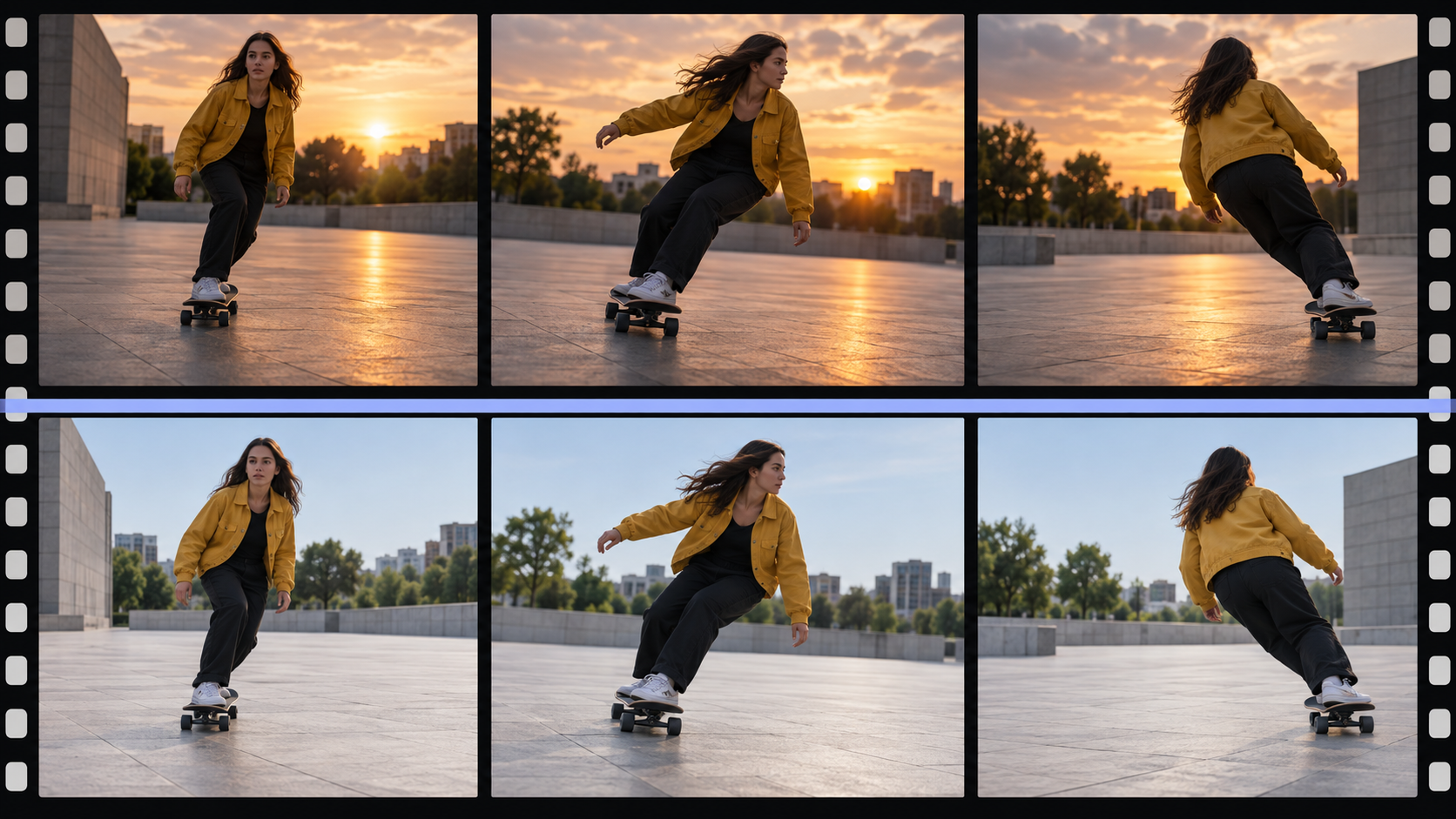
Veo is generally the stronger choice for realistic visuals, detailed camera control, visual references, and integrated audio. Sora is often more useful for developing ideas quickly, creating character-led scenes, and trying different creative directions.
The current matchup is largely between Sora 2 and Veo 3.1. Both can generate video from text or images, but they approach motion, references, sound, and revisions differently. Those differences matter more than a simple ranking when choosing a model for real projects.
What Is Sora?
Sora is OpenAI's AI video model family. Sora 2 builds on the original Sora with improved physical behavior, greater controllability, and synchronized dialogue and sound effects. It can work from written prompts or images, allowing creators to move from an idea to a video without defining every production detail first.
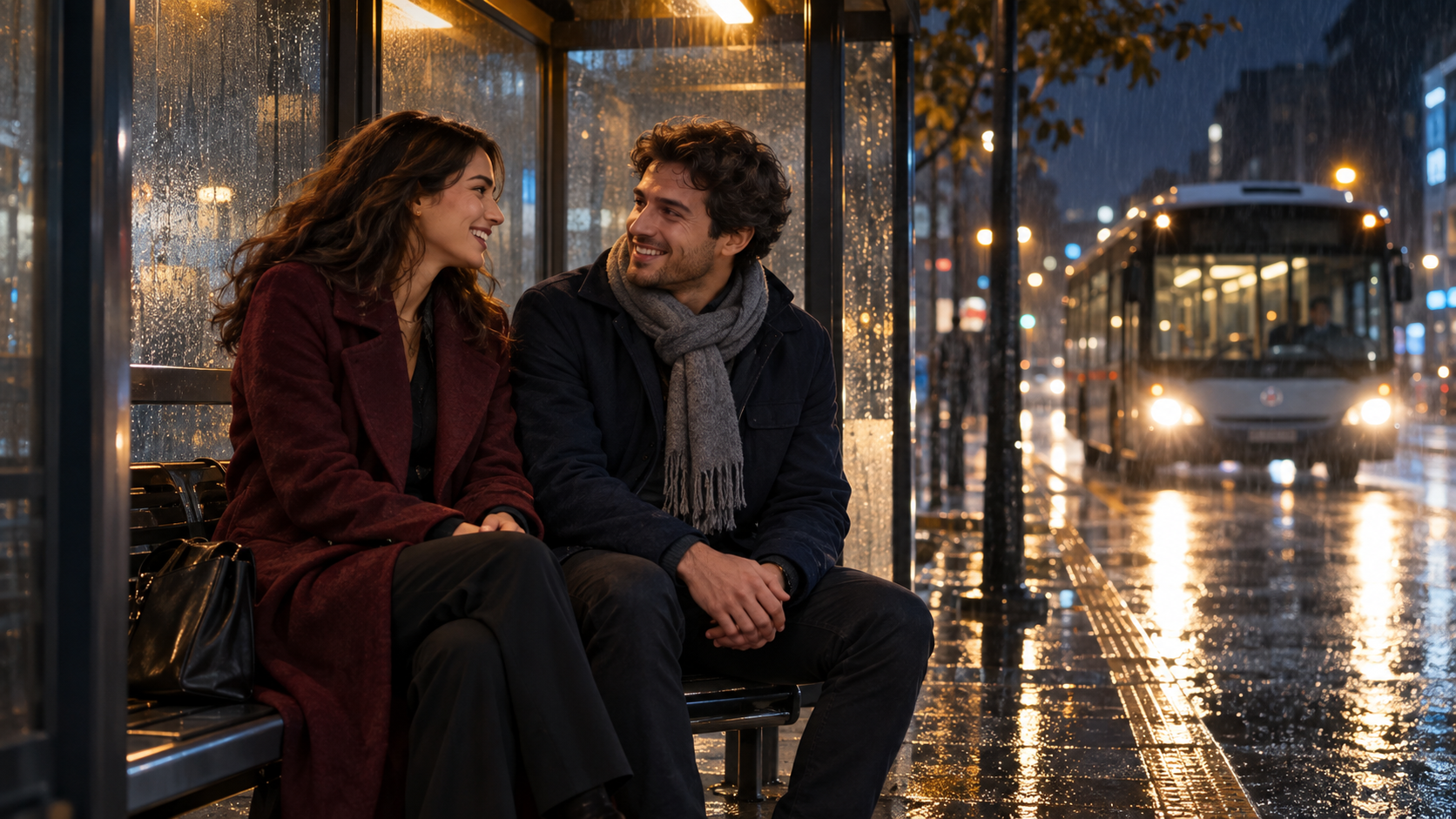
That looser starting point is useful when the creative direction is still developing. A scene about two friends waiting for a late-night bus could stay realistic in one version, move to a futuristic city in another, or become a comedy without changing the basic idea.
Sora is particularly suited to:
Character-led clips and short narrative scenes
Social content that may need several variations
Early concepts where the final visual direction is still open
Its broader workflow also supports creative changes around an existing idea, although the exact controls available depend on the platform used to access Sora 2.
What Is Veo?
Veo is Google DeepMind's AI video model family. Veo 3 introduced native audio, while Veo 3.1 expands the workflow with stronger reference handling and more detailed control over how a shot develops.
Veo is especially useful when the creator already knows what the finished scene should look like. Visual references can help establish characters, products, locations, or styles, while supported workflows may also provide first and last frame guidance, camera movement, and scene extension.
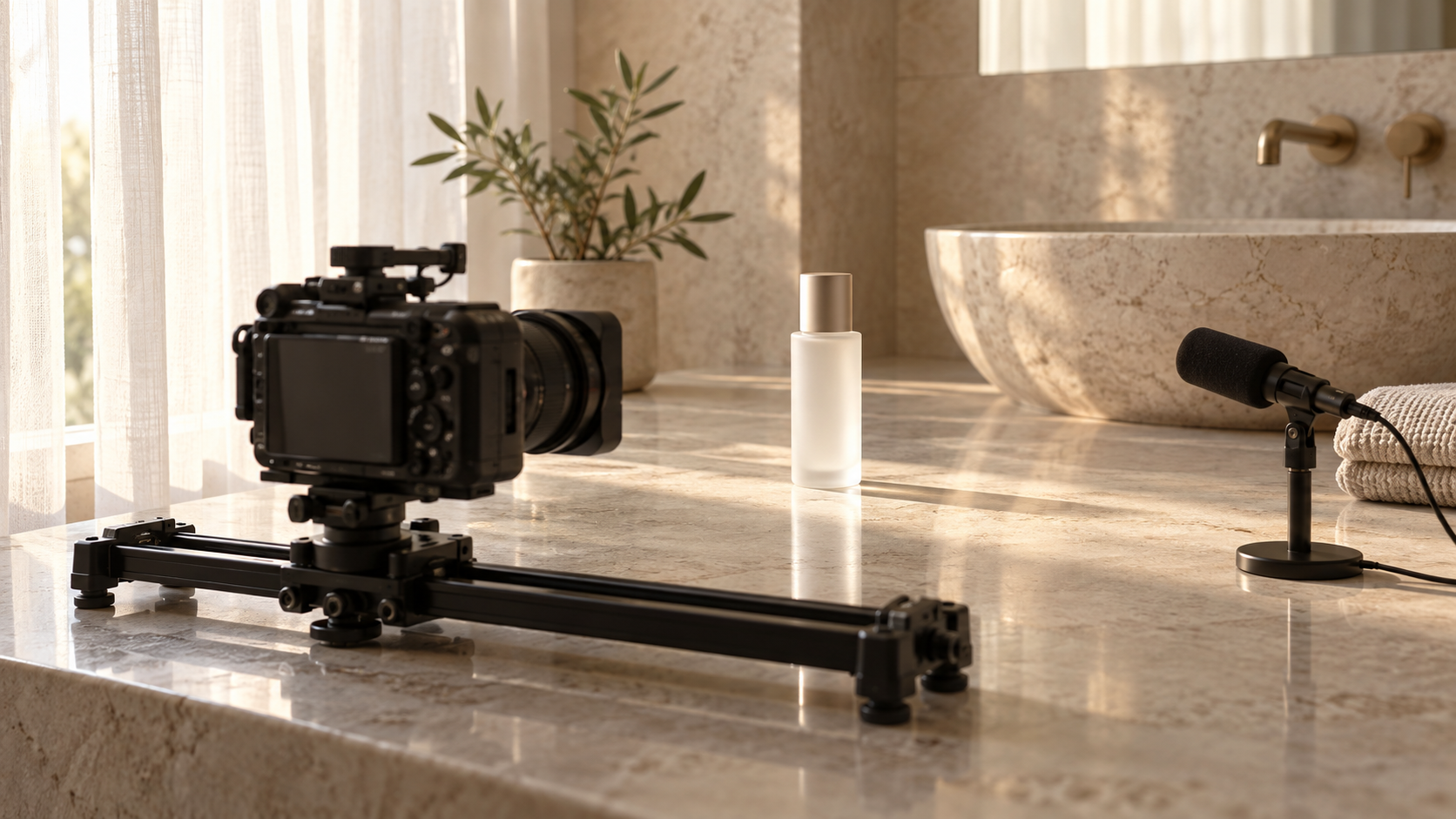
A skincare video may need a bottle to remain centered on a bathroom counter while the camera slowly moves closer, soft morning light enters from one side, and subtle room ambience supports the shot. Here, the challenge is maintaining a planned visual direction rather than exploring several completely different concepts.
That makes Veo a natural fit for ads, product visuals, and cinematic scenes where framing, movement, realism, and sound need to work together.
Key Differences Between Sora and Veo
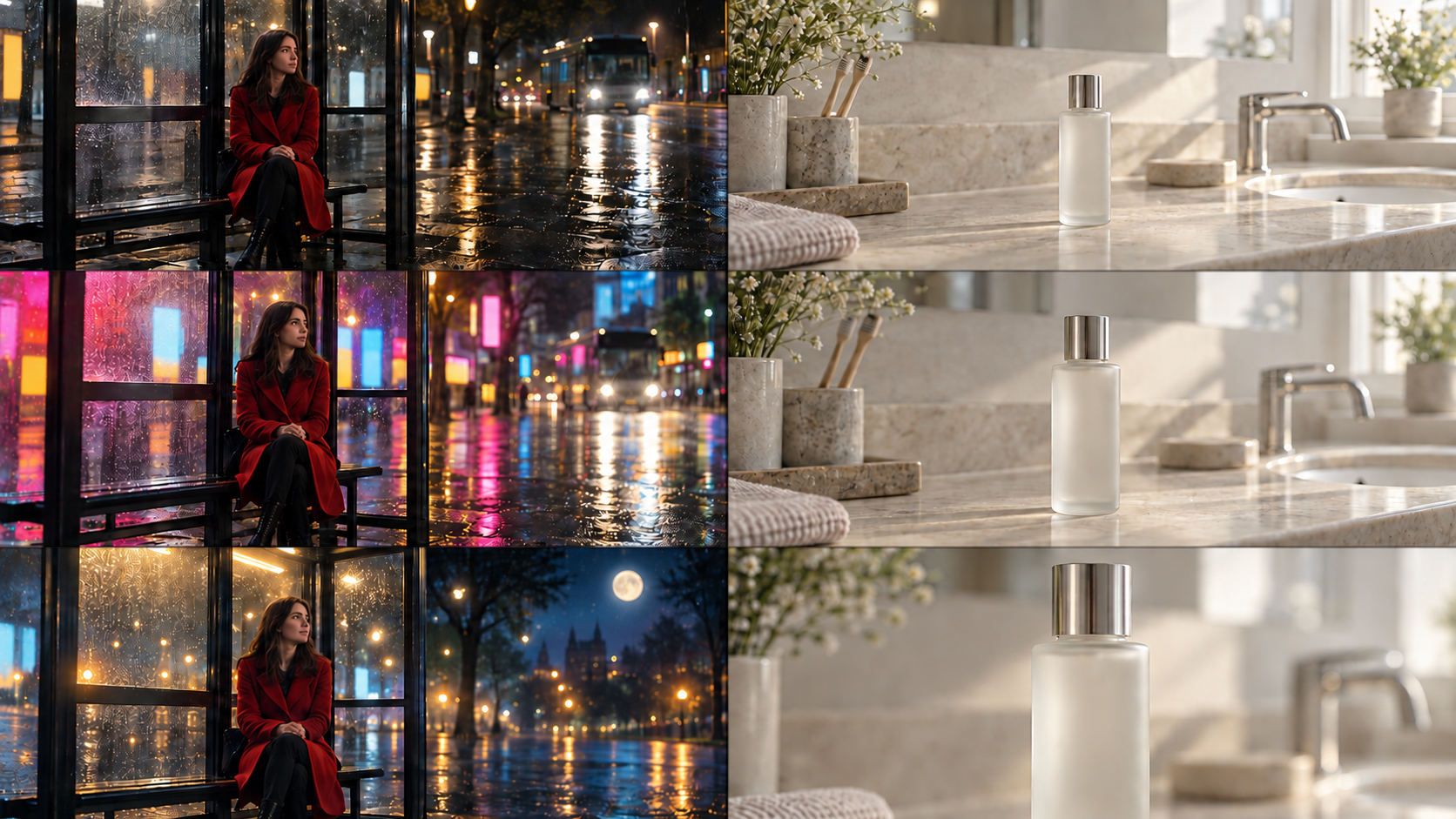
When comparing AI video generators, output quality is only part of the decision. Sora 2 and Veo 3.1 fit different creative processes: Sora leaves more room for an idea to evolve during generation, while Veo is better suited to shots with a clearer visual plan.
| Model | Video Quality | Best For | Main Limitation |
| Sora 2 | Strong realistic and stylized output | Character videos, social content, story concepts, creative variations | Detailed controls can vary by platform |
| Veo 3.1 | Strong realism, motion, lighting, and cinematic presentation | Reference-driven shots, product videos, cinematic scenes | More control can require clearer references and planning |
Video Quality and Motion
Veo 3.1 is a strong option when realistic lighting, believable environments, and natural physical behavior are priorities. Sora 2 can also produce realistic scenes, while remaining well suited to character-based and more imaginative visual concepts.
The difference is easier to judge in motion than from a single frame. A skateboarder may look convincing at the beginning of a clip, but the feet and board can become less consistent during a fast turn. Similar issues can appear when several people interact or when hands make contact with objects.
These problems reflect broader limitations of current AI video generation. Faces, clothing, objects, backgrounds, and physical interactions can still lose consistency as a scene becomes more complex, so the full clip matters more than an attractive screenshot.
Prompt and Reference Control
Veo 3.1 works particularly well when the prompt already resembles a shot brief. The subject position, camera movement, visual style, and reference materials may all be decided before generation begins. When an existing visual needs to remain recognizable, a reference image-to-video workflow can also give the model a clearer starting point for the subject and overall look.
Sora 2 is more flexible when those decisions are still open. A natural-language prompt can establish the first version quickly, and the scene can then move in another visual or narrative direction.
Take a hotel hallway scene. If the camera must move backward while a character approaches under dim ceiling lights, Veo's control-oriented workflow is useful. If the creator is still deciding whether the same hallway should feel tense, funny, or surreal, Sora gives more room to explore.
Complex stories should still be divided into separate shots. Packing several locations, actions, and transitions into one generation can create continuity problems with either model.
Dialogue and Sound
Both current models can generate sound alongside video. Sora 2 supports synchronized dialogue and sound effects, while Veo 3.1 continues the native audio workflow introduced with Veo 3.
Veo is well suited to scenes where sound forms part of the shot design. A subway sequence may combine footsteps, nearby conversation, an arriving train, and a short line of dialogue. The audio helps establish the environment rather than simply being added afterward.
Sora also works well for conversational clips, short comedy scenes, and character-led social videos where dialogue or sound effects support the central idea. Audio still needs review in both cases, since lip sync, speaker identity, wording, timing, and background noise may not always match the intended result.
Editing and Creative Changes
Sora is useful when the main idea stays in place but the creative treatment keeps changing. Characters, atmosphere, setting, or story direction can be explored before the creator commits to one version.
Veo becomes more useful once that direction is clearer. Its reference-based approach and shot controls suit a workflow where the goal is to refine an existing visual plan rather than rethink the entire concept.
A fashion team might initially test the same outfit on a city street, in a studio, and in a surreal landscape. Once the city concept is selected, the priorities change to camera movement, lighting, subject position, and background consistency.
Neither model replaces a full video editor. Precise cuts, subtitles, brand graphics, logos, and final audio mixing generally still require post-production.
Which Model Fits Your Video?
The best model often becomes clearer once the type of video is defined. Social clips tend to reward speed and flexibility, while cinematic scenes and product content can place more pressure on shot control, references, and visual consistency.
Short Social Videos
Sora 2 is a strong choice for character clips, humor, unusual concepts, and ideas that may change several times before publishing. Veo 3.1 becomes more attractive when realistic motion, a particular camera move, or environmental sound is central to the clip.
A creator making a vertical coffee video could test both models with the same reference image and prompt: steam rising from the cup, a hand entering the frame, a slow camera push, and cafe ambience. The useful comparison is whether each model keeps the cup stable, handles the hand naturally, follows the requested movement, and matches the sound to the action.
RoboNeo provides access to Sora and Veo options in the same platform, which makes this kind of side-by-side testing more practical. When comparing them, keep the prompt, source image, aspect ratio, and other available settings as similar as possible.
Compare Sora and Veo in RoboNeo
Cinematic and Story-Driven Scenes
Veo 3.1 is particularly useful when the scene already has a defined visual language. Lighting, composition, camera movement, references, and ambient sound can all be planned as parts of the same shot.
A suspense scene in an underground parking garage might need cold overhead lights, a slow backward camera movement, distant traffic, and footsteps becoming louder as someone approaches. Those instructions describe how the shot should behave, which fits Veo's more controlled workflow.
Sora 2 may be more useful earlier in story development, when that same location could still become a thriller, dark comedy, or surreal sequence. For longer projects, a consistent AI video generation setup can also make it easier to keep reference assets, settings, and generated shots organized.
Character and Product Videos
Character videos depend heavily on stable faces, clothing, expressions, and body movement. Product content places more pressure on shape, color, packaging, text, and logo accuracy.
Veo 3.1 is a good fit when the subject already has a defined appearance that references need to preserve. Sora 2 can be more useful when the same character or concept needs to appear in several creative treatments before one is chosen.
Product details still deserve extra attention with either model. An AI-generated perfume shot may preserve the mood and bottle shape while changing small label text. When exact branding matters, generated atmosphere footage can be combined with real product close-ups.
FAQ
Is Veo better than Sora?
Not in every situation. Veo 3.1 is generally better suited to reference-driven scenes, controlled camera movement, and projects where realism and sound are closely planned. Sora 2 is often more useful for character content, concept development, and creative variations. The best Veo vs Sora choice depends on the video you need to make.
Can Sora and Veo both generate audio?
Yes. Sora 2 can generate synchronized dialogue and sound effects, while Veo 3 and Veo 3.1 support native audio. The exact audio controls depend on the platform, and generated dialogue, lip sync, and background sound should still be reviewed.
Which one is better for image-to-video?
Both can turn images into video. Veo 3.1 is well suited to projects that rely on structured references for characters, products, environments, or styles. Sora 2 works well when the image is a starting point for a scene that may later move in different creative directions.
Can Sora or Veo keep the same character across scenes?
Both can use references or character-related tools to improve consistency, but neither guarantees an identical appearance in every shot. Camera angle, lighting, clothing, pose, and movement can all cause visual drift. Keeping reference materials consistent helps reduce those changes.
Can I use Sora or Veo videos commercially?
Commercial use depends on the platform, account terms, and the rights attached to uploaded or generated material. Creators also need the necessary permissions for people's likenesses, reference images, music, trademarks, and other protected assets. Current licensing and watermark requirements should be checked before publishing commercial work.
You May Be Interested
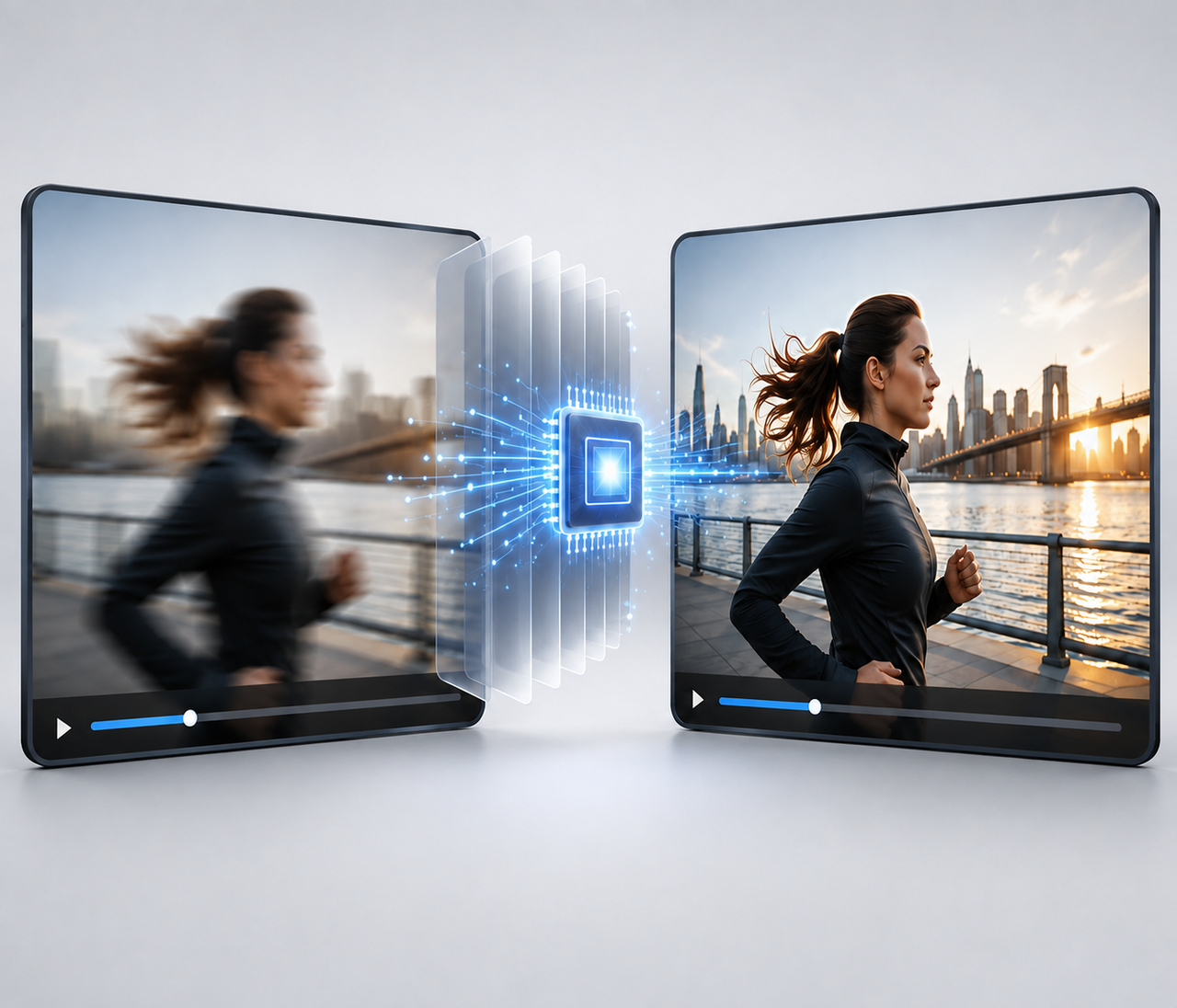
Best AI Tools to Fix Blurry Videos in 2026
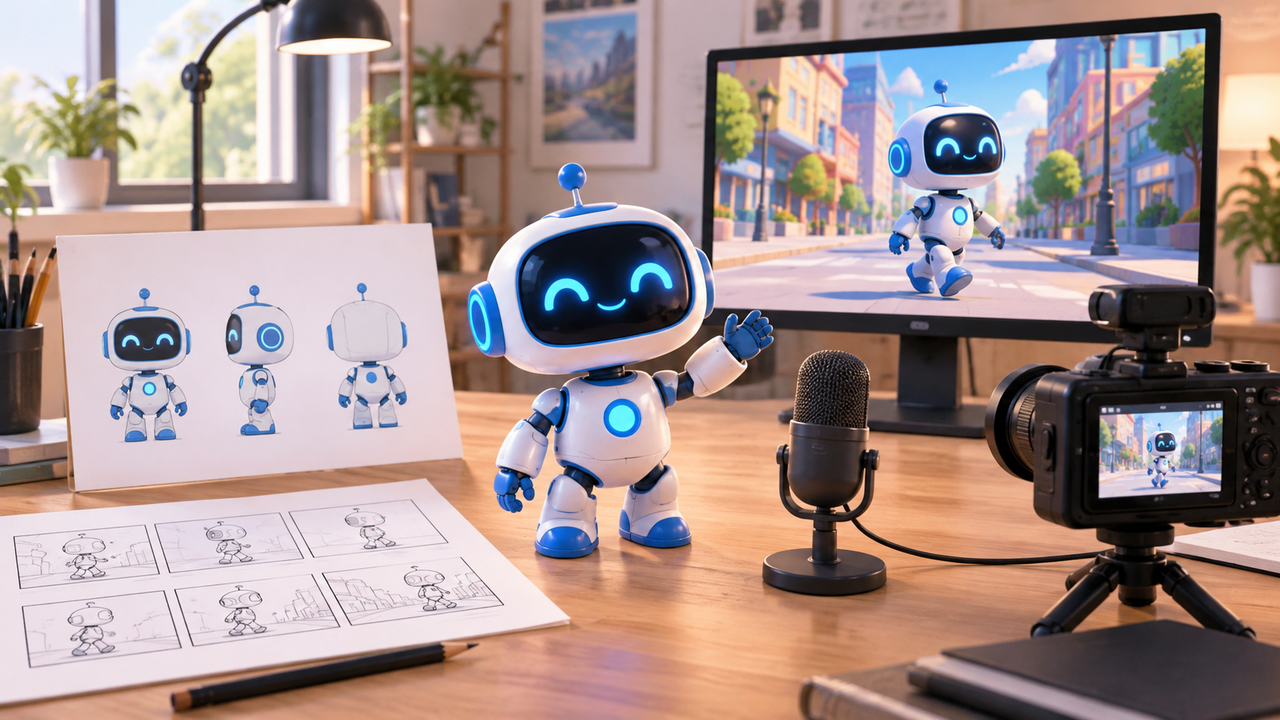
How to Create Animated Videos: 5 AI Methods to Final Video
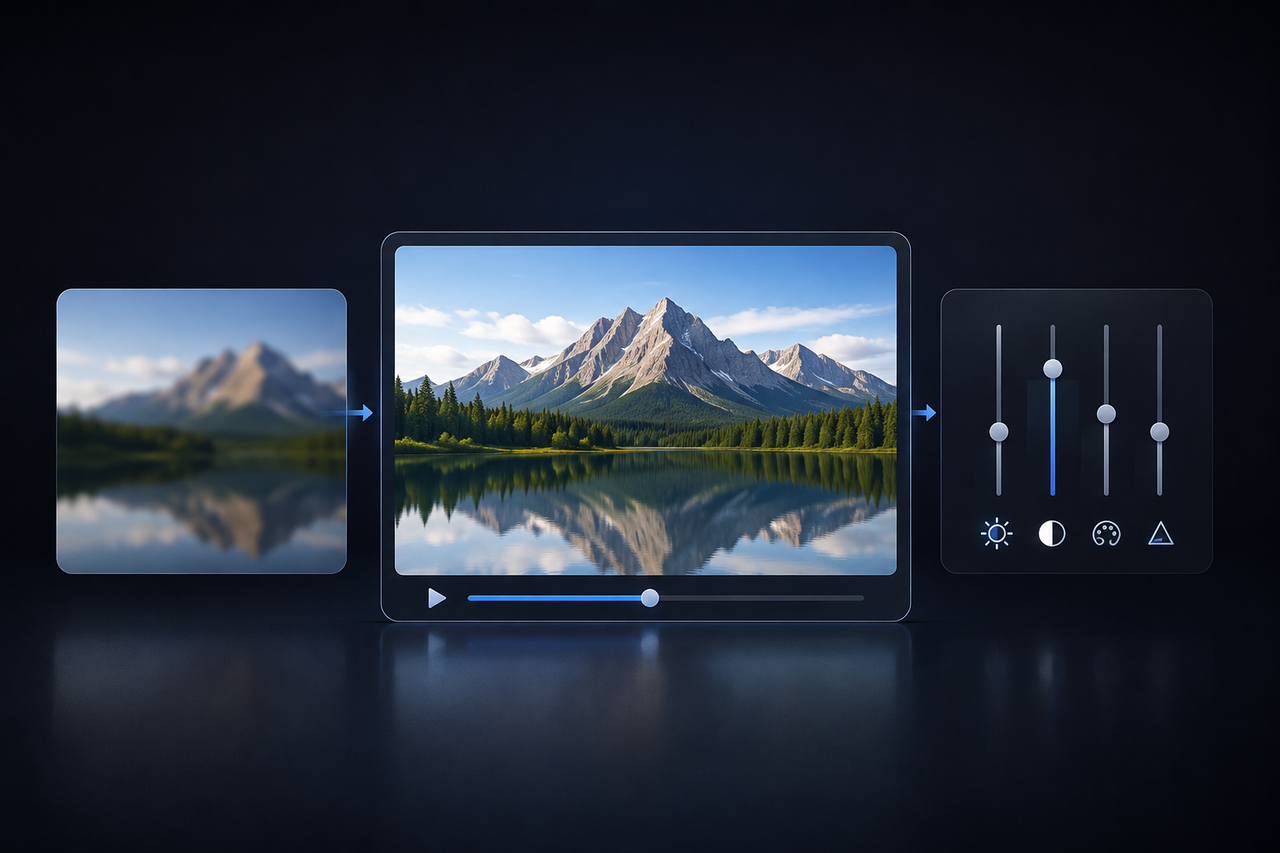
How to Make Video Quality Better: 5 Editing Steps
How to Make AI Videos: Beginner Tips and Best Tools
How to Upload High Quality Videos to TikTok