Best Text to Video AI Generators 2026: Compare Top Tools
 RoboNeo TeamOctober 28, 2026
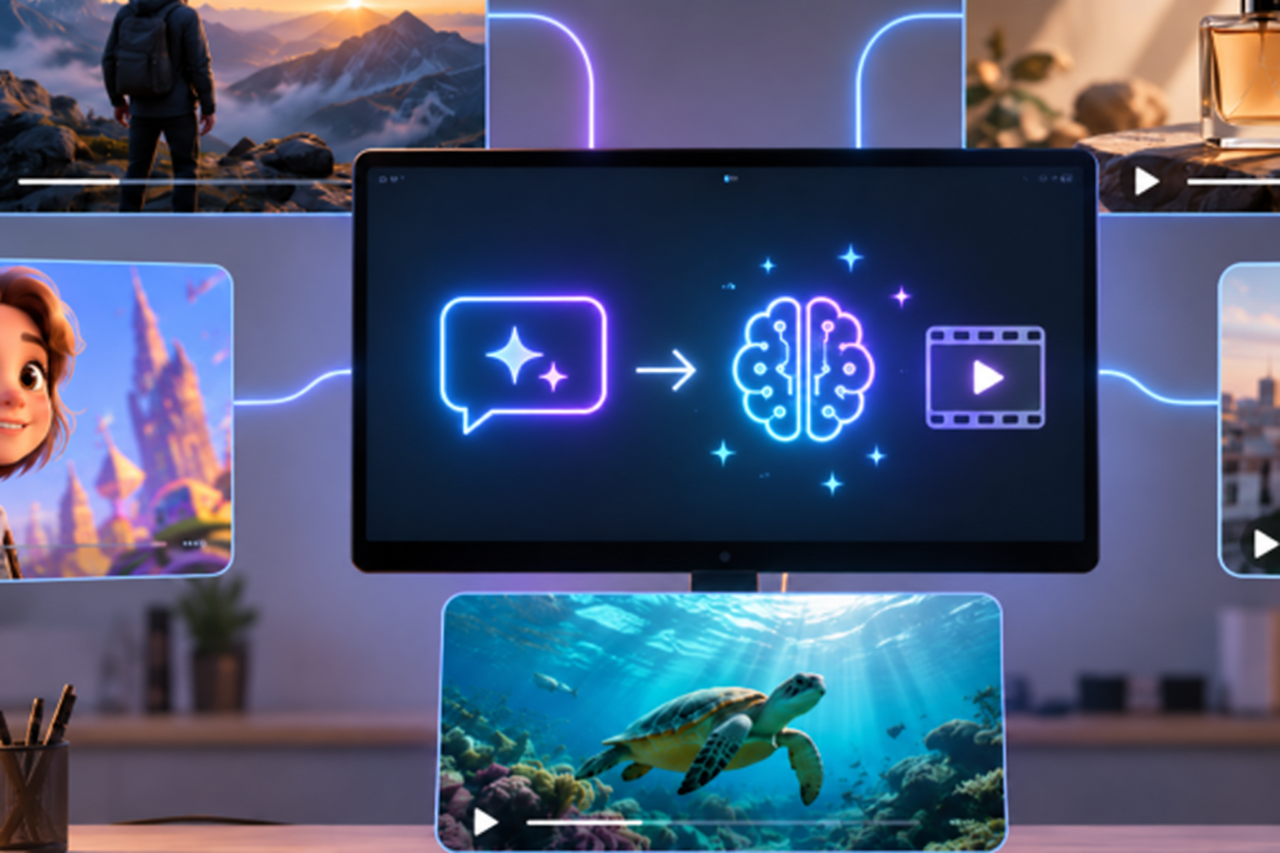
Text-to-video is a core feature on almost every major AI platform these days. It lets creators turn simple text prompts into dynamic video without ever touching a camera. But every platform has its own strengths—some are better at image quality, others at prompt accuracy, motion, or creative control. We're comparing five of the top AI text-to-video tools for 2026. We'll break down their core features, pros, and best use cases so you can pick the perfect platform for your specific workflow.
How We Compared
This comparison was updated in October 2026, evaluating five top AI video models based on usable clip length, native audio, motion control, output resolution, and cost. With features and pricing changing rapidly in 2026, we lean on official documentation and public pricing. We don't rank models based purely on untested visual performance.
To get an objective look at real-world output, we use these five test scenarios:
Still Life: A glass by a window catching sunlight. A slow camera push-in to test lighting, material rendering, and stability.
Multi-Action: A chef opening a cabinet, getting a cup, and pouring hot water. Testing action sequencing and character consistency.
Cinematic: A low-angle shot moving forward on a rainy night street. Evaluating camera motion, lighting, and composition.
Physics: A metal ball rolling off a desk, bouncing twice, and stopping. Assessing motion realism and collision physics.
Audio: Two people talking in a cafe with background noise from coffee machines and cups. Checking voice sync, lip-sync, and ambient sound.
When running these tests, we standardize the prompt, aspect ratio, target duration, and number of attempts. The key metrics we track include:
Prompt Adherence: The output's ability to follow the prompt's subjects, actions, and order.
Motion & Consistency: How natural the movement looks and whether character or object consistency is maintained.
Audio Quality: Whether native audio is supported and if sound syncs properly.
Resolution & Duration: The actual resolution delivered and the max length per generation.
Effective Cost: The total credits or cost required for one second of usable footage, factoring in failed generations.
We calculate effective cost per second by dividing the total spend by the usable seconds of final video. Platform-advertised per-second pricing doesn't tell the whole story. We skip the subjective scores for tests we haven't personally run.
Top Text-to-Video Generators Worth Trying
The best text-to-video AI models of 2026 differ in more than visual quality. Native audio, motion control, clip length, and generation costs all affect which model works best for a particular project. We're also looking at native audio, motion control, max generation length, real-world costs, and frame rates. Our comparison draws on publicly available tech specs and pricing data to help you pick the right model for your specific video type and budget.
| Platform | Representative Model | Prompt Fit | Motion Control | Built-in Audio | Max Resolution | Max Clip Length | Reference Cost | Free Option | Best For |
| Google Cloud | Veo 3.1 Lite | Realistic scenes, dialogue, sound effects | Character movement, cinematic camera motion | Yes | 1080p | 8 seconds | $0.05–$0.08/sec (with audio) | No general free API credits | Realistic short videos, ads with sound |
| ByteDance | Seedance 2.5 | Multi-shot storytelling, sequential actions | Smooth shot transitions, character consistency | Yes | 1080p | 30 seconds | $0.20–$0.68/sec | Varies by platform | Storytelling, narrative ads |
| Runway | Gen-4.5 | Complex scenes, camera instructions | Camera movement, composition, action timing | No native audio | 720p | 10 seconds | $0.12/sec | Paid plans required | Cinematic visuals, commercial videos |
| Kling AI | Kling 3.0 | Character actions, product interactions | Complex movements, multi-shot control | Yes | 4K | 15 seconds | $0.09–$0.43/sec | Varies by platform | Action scenes, product demos |
| LTX Studio | LTX-2.5 | Custom prompts, batch workflows | Camera control, customizable workflows | Yes | 4K | 20 seconds (1080p); 10 seconds (4K) | $0.09–$0.39/sec | Free credits available | Local deployment, batch video generation |
| RoboNeo | Multiple models (Seedance, Kling, etc.) | Model selection based on project needs | Varies by selected model | Model-dependent | Up to 4K, depending on model | Model-dependent | Credits vary by model | Depends on account credits | Multi-model creation, diverse video projects |
Sourced from public specs and pricing info across Google Cloud, Runway's official model and pricing docs, Kling, LTX, and the RoboNeo Home page.
Veo 3.1 Lite for Realistic Scenes With Sound
Veo 3.1 Lite delivers realistic short videos where visuals and audio sync up perfectly. For a coffee shop ad, it generates the barista at work, machine noises, and dialogue simultaneously. This saves you from creating individual sound effects.
Pros
Native audio support for synced dialogue and ambient noise.
Ideal for realistic shots, product ads, and dialogue.
720p and 1080p output.
Cons
Limited to 4, 6, or 8-second generations.
Complex dialogue can trigger lip-sync issues.
Long videos need multi-shot generation and post-production stitching.
Best For: Realistic shorts, audio-driven ads, and dialogue scenes.
Pricing: Google Cloud reference pricing is $0.05–$0.08/sec (with audio), based on resolution.
Seedance 2.5 for Longer Multishot Sequences
Seedance 2.5 excels at continuous narratives. A running shoe ad can start with a shoelace close-up, transition to city street running, and finish on a product detail shot—all within one continuous sequence.
Pros
Generates up to 30 seconds per run.
Supports image, video, and audio reference assets.
Great for multi-shot stories and continuous scenes.
Cons
Character or product details can vary in complex scenes.
Requires checking consistency between shots on longer videos.
High-res, long-duration runs get expensive.
Best For: Story shorts, multi-shot ads, and narrative social videos.
Pricing: Runway API pricing is $0.20–$0.68/sec depending on resolution. Video reference assets may cost extra.
Runway Gen-4.5 for Camera and Composition Control
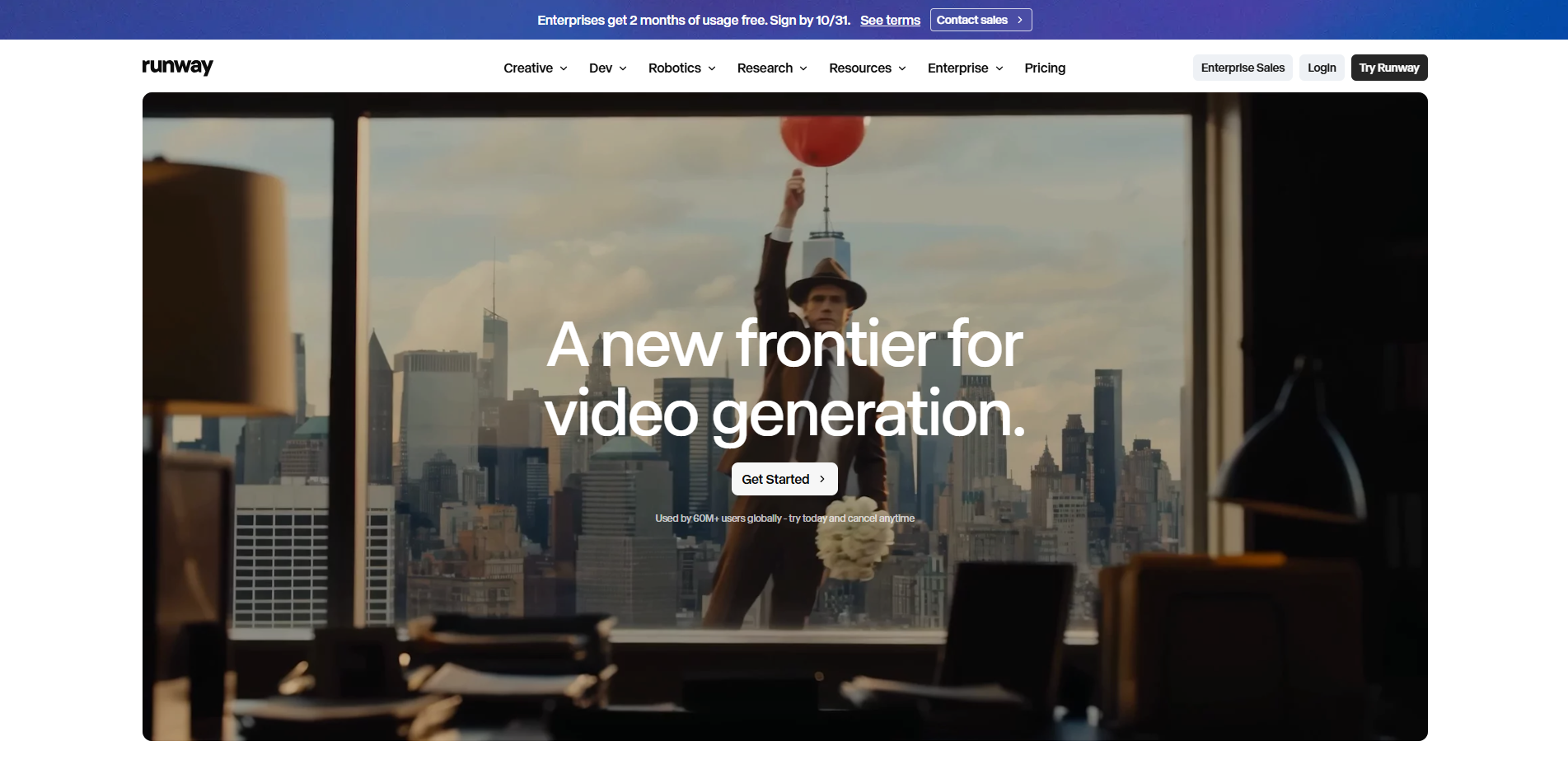
Runway Gen-4.5 suits creators who have strict framing requirements. For a watch ad, you can keep the product centered while directing a slow push-in to emphasize the dial and metal band details.
Pros
Fine-tuned camera movements and composition commands.
Built for cinematic visuals and commercial product displays.
Generates 2–10 second clips.
Cons
Lacks native audio generation.
Caps video length at 10 seconds.
Complex camera moves may require multiple prompt tweaks.
Best For: Cinematic shorts, product close-ups, and commercial ad shots.
Pricing: 12 credits/sec. Runway Standard annual plan breaks down to $12/mo, including 625 monthly credits.
Kling 3.0 for Character Motion and Action
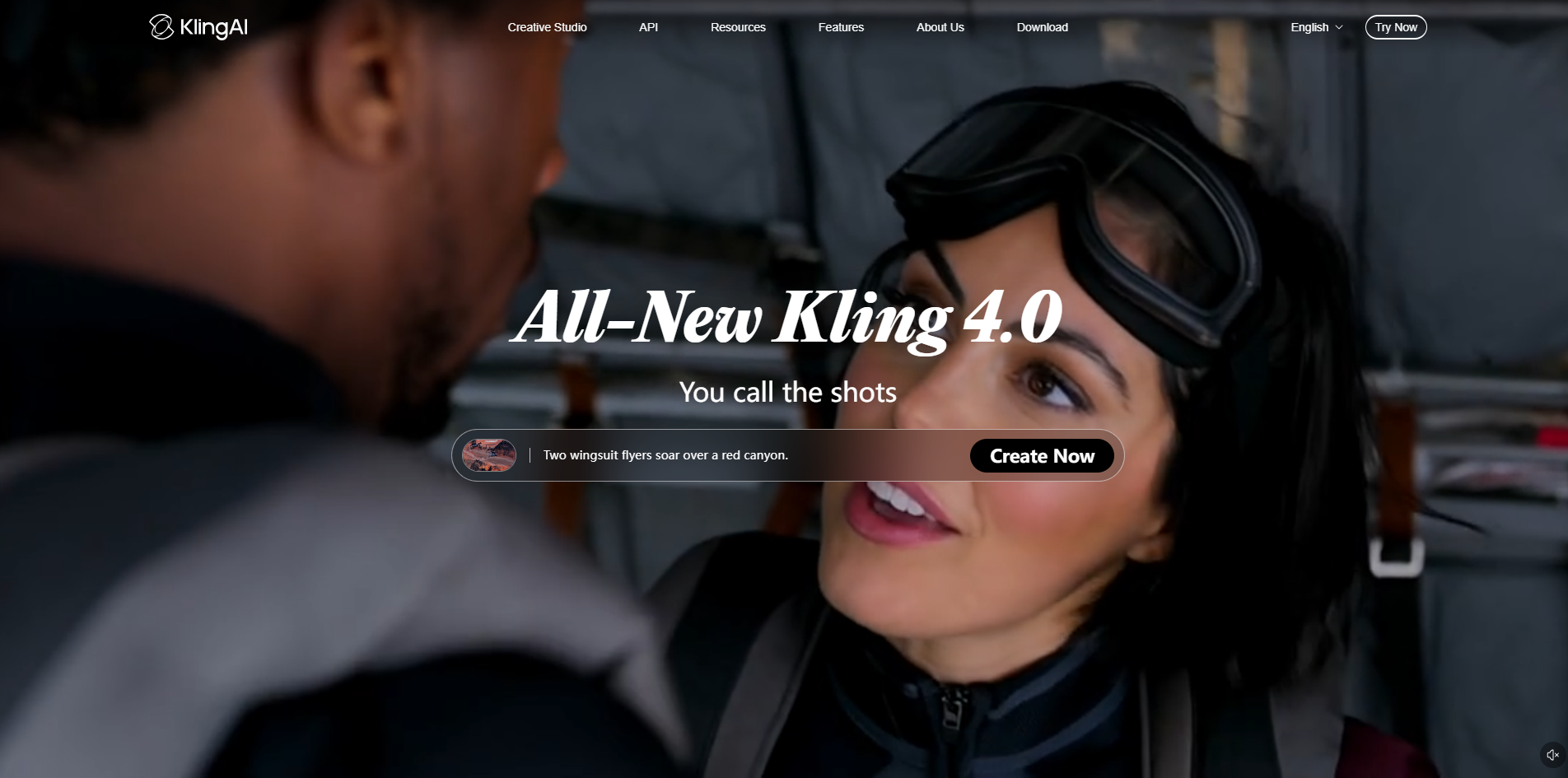
Kling 3.0 thrives on scenarios with heavy character motion and object interactions. It can generate someone walking into a living room, grabbing a cup, and taking a drink. Spell out the action sequence clearly to guide the model through continuous movements.
Pros
Supports complex character actions and object interactions.
Includes multi-shot generation and native audio.
Reference assets help maintain character consistency.
Cons
Hand movements and complex physics can glitch.
Generates up to roughly 15 seconds.
High-quality modes and audio drain credits faster.
Best For: Character acting, action sequences, and product interaction videos.
Pricing: Kling official 3.0 mode costs 6–12 credits/sec, depending on resolution and native audio.
LTX-2.5 for Open and Custom Workflows
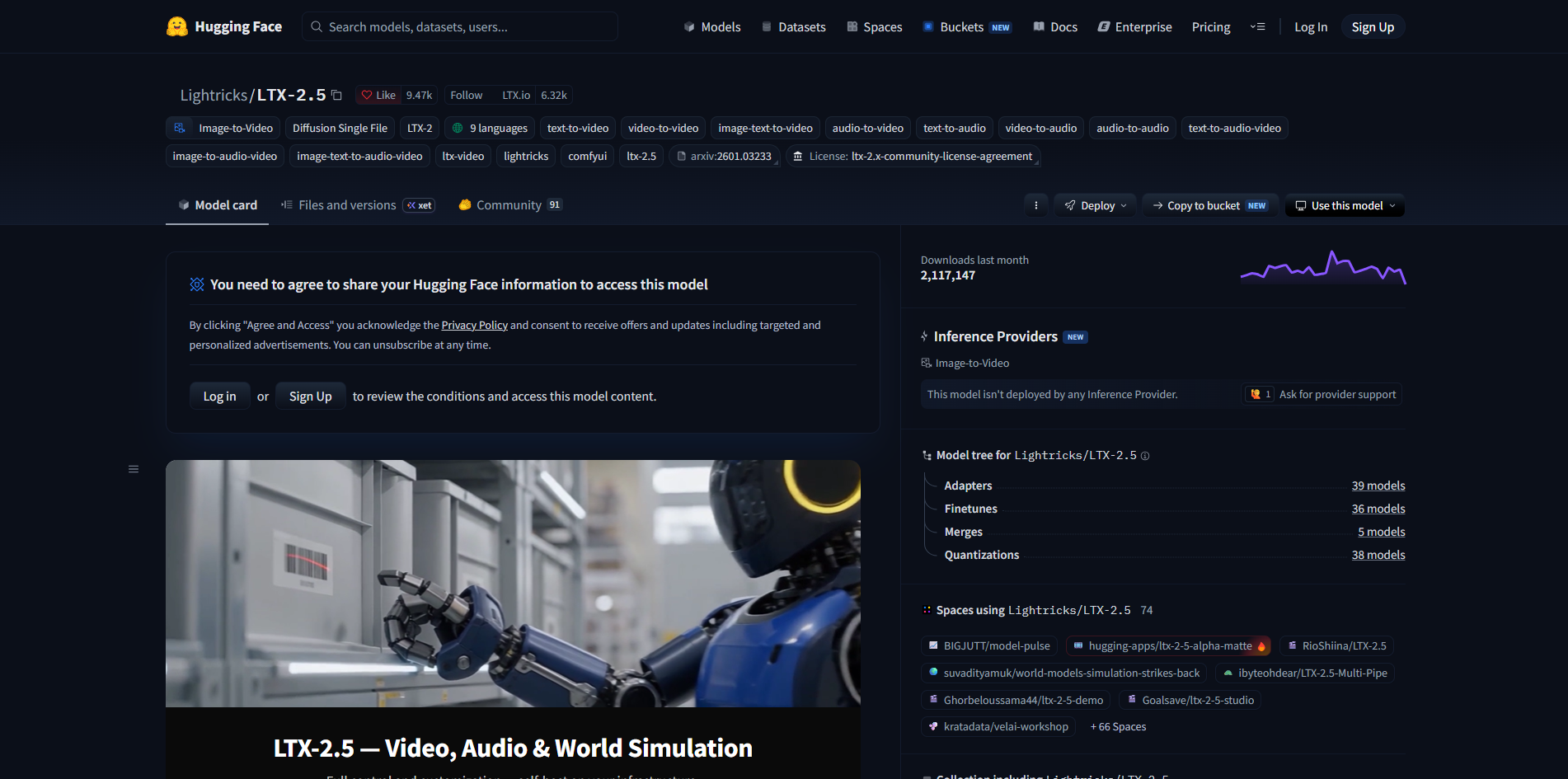
LTX-2.5 caters to development teams needing bulk video generation. E-commerce businesses can set up automated pipelines to read product data, generate promo shorts, and route videos to an internal review system.
Pros
Open weights and local deployment support.
Integrates with automation and bulk generation setups.
Syncs video and audio generation.
Cons
Local deployment demands hardware and technical expertise.
High installation, configuration, and maintenance costs.
Commercial use requires verifying model licensing terms.
Best For: Dev teams, bulk e-commerce video production, and custom generation workflows.
Pricing: Official API pricing is $0.12–$0.39/sec based on resolution. Local deployment skips API fees but requires paying for compute resources.
RoboNeo for Multi-Model Video Generation
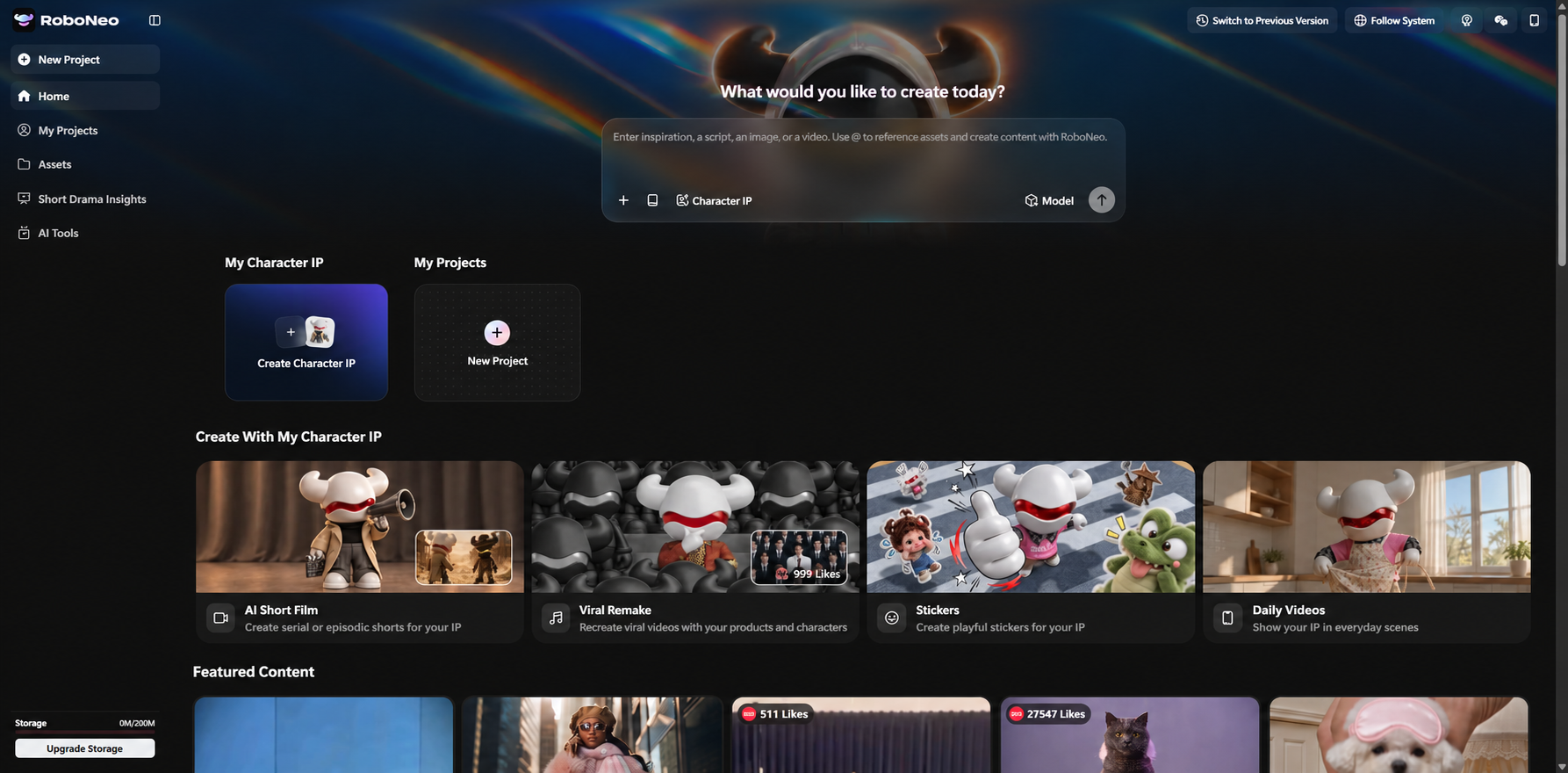
RoboNeo is a single platform that houses multiple AI models. Switch between text-to-video, image-to-video, and reference-based modes on one canvas. Choose Kling, Seedance, or others based on your needs—no bouncing between different apps.
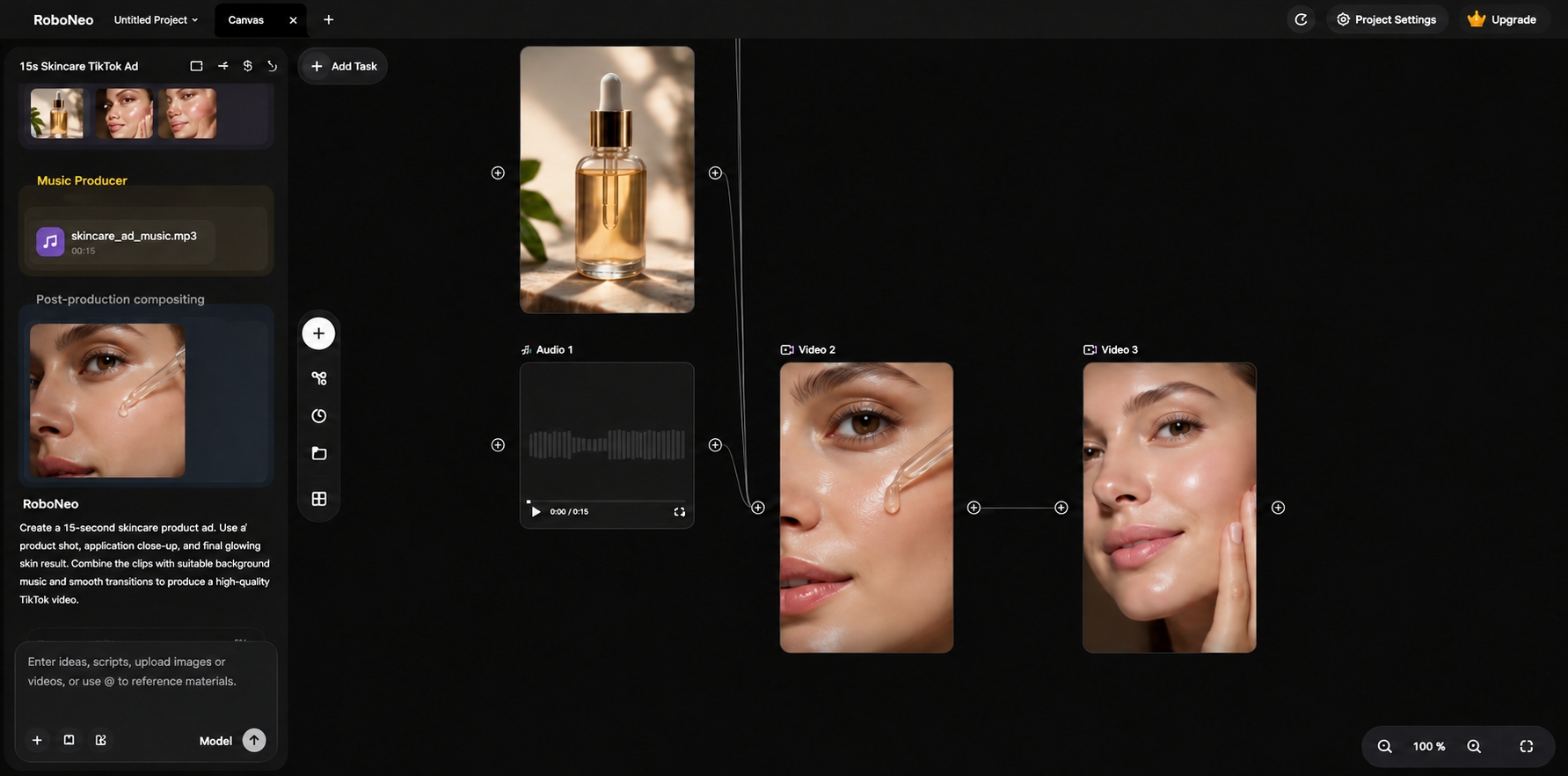
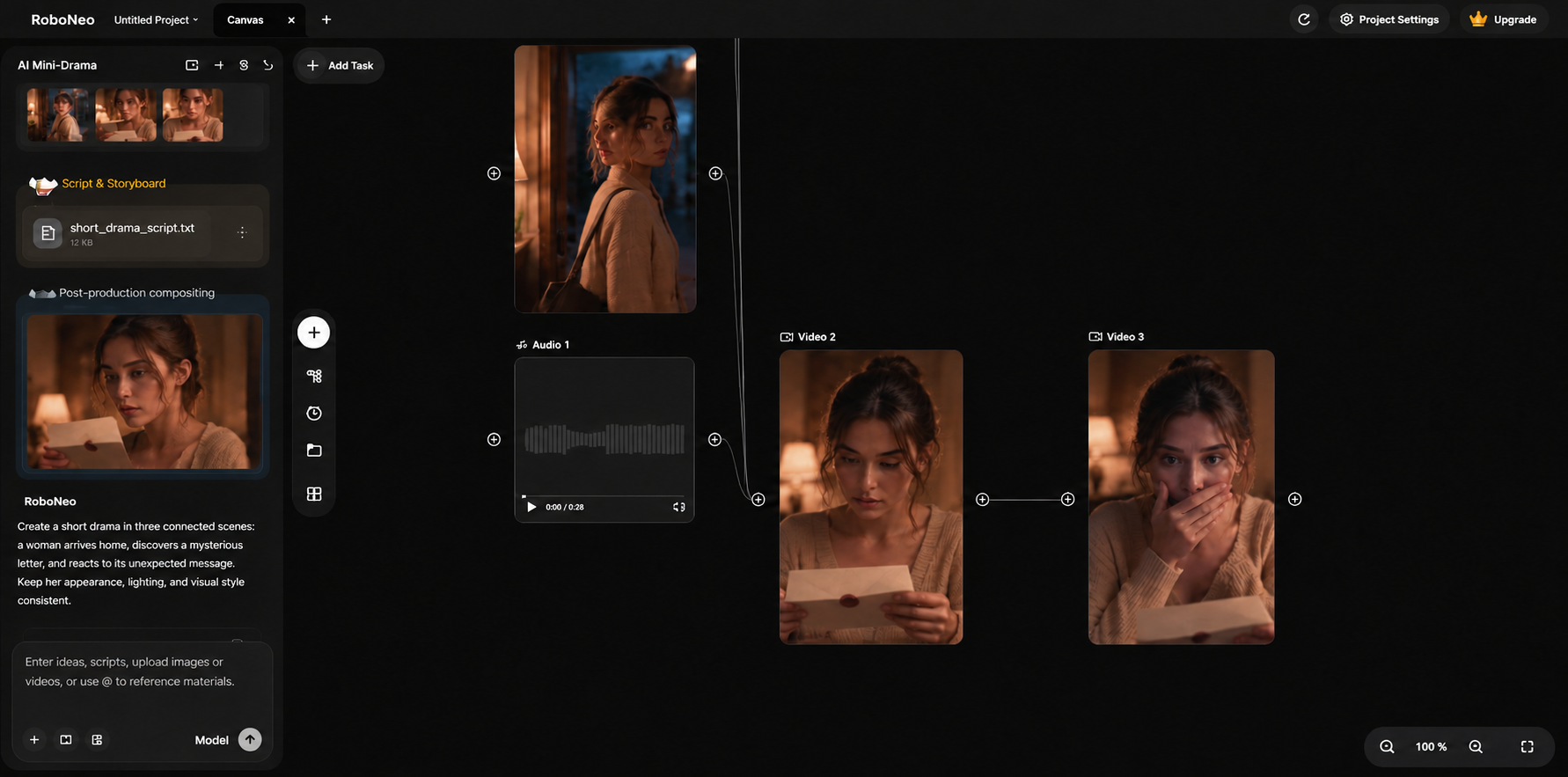
Example: For a sneaker ad, generate the running scene with text-to-video, then use a product reference image for the close-up. For bigger projects like mini-dramas, Agent Teams step in. Different AI agents handle the script, visuals, storyboard, and video creation.
Pros
All-in-one canvas for multi-models and modes.
Reference assets and start/end frame support.
Agent Teams for complex, multi-phase workflows.
Cons
Model features and settings aren't standardized.
Clips max out at 4–15 seconds per run.
Audio and credit costs shift by model.
Best For: Multi-model workflows, product ads, social clips, AI mini-series.
Pricing: Credits scale with model choice, resolution, and duration. Check the platform for exact numbers.
How to Generate Videos With RoboNeo
Step 1: Add a Video Node
Fire up your RoboNeo canvas and start a new project. Drop in a Video Node to pull up the video generation screen.
Step 2: Choose Generation Mode and Model
Go with Text-to-Video and type in your prompt. Then, toggle between the available models based on what your video actually needs.
Step 3: Add References and Generate
Dealing with complex motion or need to lock in product consistency. Use Universal Reference or Start-End Frame to upload your reference assets. Once everything is dialed in, hit generate and preview the result.
Which Generator Fits Your Project?
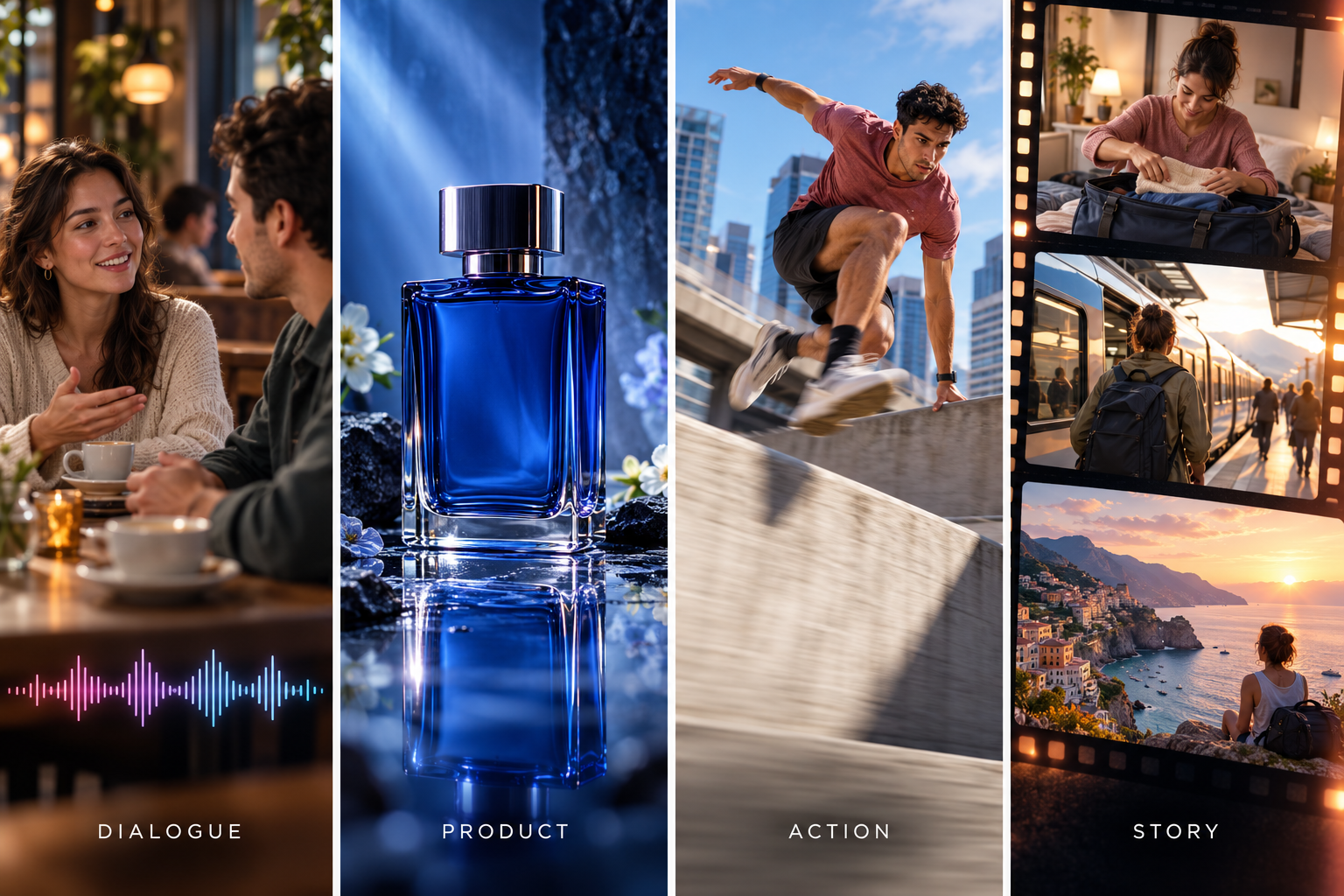
Don't just compare raw quality or subscription prices when picking a text-to-video model. Focus on what your shots actually need. A single ad might require establishing shots, character action, and dialogue scenes. That means you can mix and match different models to fit each specific shot.
| Scene Type | Recommended Model | Why Choose It | Estimated Cost per Second |
| Establishing Shot | Runway Gen-4.5 | Ideal for environmental shots, cinematic compositions, and camera movements | $0.12 |
| Hero Action | Kling 3.0 | Well-suited for running sequences, character interactions, and complex movements | $0.09–$0.17 |
| Dialogue | Veo 3.1 Lite | Supports dialogue, ambient sounds, and synchronized audio | $0.05–$0.08 |
| Social Media Quick Cuts | Seedance 2.5 | Suitable for generating multiple connected shots within a single clip | $0.20–$0.68 |
| Local Batch Generation | LTX-2.5 | Supports automated workflows and local deployment | API: $0.09–$0.39; local costs depend on hardware |
Note: Prices are based on publicly available rates as of October 2026. Actual costs vary by model settings, platform, and generation attempts.
Start with the Type of Scene You Need
Start by pinpointing the trickiest shots in your video. Dialogue scenes need spot-on lip-sync, product ads require you to lock in visual consistency, and action shots live and die by natural movement. Before committing a model to your entire project, run a quick Text-to-Video test on one or two real-world scenes.
Decide Whether You Need Built-In Audio
If your video relies on dialogue, footsteps, or ambient noise, lean toward models with native audio. This saves you from having to build sound effects from scratch. On the flip side, if audio isn't a huge priority or you prefer to record voiceovers in post, then native audio doesn't need to be a dealbreaker when picking a model.
Match the Level of Control to Your Workflow
With a storyboard ready, select models that handle camera motion, composition, and action sequencing well. For shots that require consistent characters or product details, the RoboNeo reference image-to-video tool can help guide the model with existing visual assets. When producing high volumes of product videos or continuous short dramas, factor in platforms that support automated workflows and deliver better mass-production costs.
Compare the Cost of a Usable Clip
Here’s a quick example using the exact same 8-second prompt on two different models:
A runner stops, bends down to tie their shoelaces, then stands up and keeps running. The camera stays locked off, and the character's motion needs to look smooth and natural.
Let's say Runway Gen-4.5 takes two generations to produce one usable clip. Meanwhile, Kling 3.0 Standard (no audio) needs four attempts.
| Comparison | Runway Gen-4.5 | Kling 3.0 Standard |
| Cost per Generation | $0.96 | $0.72 |
| Attempts Needed for One Usable Clip | 2 | 4 |
| Cost per Usable Clip | $1.92 | $2.88 |
| Cost per Usable Second | $0.24 | $0.36 |
Cost per Usable Clip = Total Generation Cost ÷ Number of Usable Clips
Note: Retry counts are hypothetical examples, not actual benchmark results. Costs are calculated using the listed generation rates for an 8-second clip.
If you're testing models on a limited budget, compare free text-to-video generator options before committing to a paid plan.
Tips for Getting Better Text-to-Video Results

Good prompts cannot eliminate every generation error, but clear scene instructions make the results easier to evaluate and refine.
Keep Each Prompt Focused on One Scene
Avoid packing an entire story into a short clip.
For a coffee advertisement, start with a close-up of milk being poured into a cup rather than combining the customer's arrival, order, preparation, and first sip.
Separate scenes can be assembled later, and an unsuccessful shot won't require regenerating the whole sequence.
Separate Subject Motion from Camera Movement
Describe what the subject does independently from how the camera moves.
Basic Prompt:
A man walks into a room.
Improved Prompt:
A man enters a living room, walks toward a wooden table, and picks up a glass of water. The camera follows him from the side in one continuous shot.
The second prompt establishes both the action sequence and the camera's behavior.
For complex movement, a fixed camera can be a useful first test. Once the subject's actions work, introduce tracking or other camera movements.
Describe What Must Stay Consistent
Recurring characters and products need recognizable details.
A character's hairstyle, clothing, and facial appearance should remain stable. Product videos require similar care with colors, shapes, packaging, and logos.
Use consistent descriptions across shots. If text instructions are not enough, compatible reference-image features may provide better guidance.
Even with references, review each generated clip. Small changes are sometimes easier to notice when the shots are placed next to one another.
Judge the Whole Clip, Not Just the First Frame
An attractive opening frame doesn't guarantee a usable video.
A product might change shape as the camera moves, or a character's hand may become distorted during an interaction. Audio can introduce additional problems that aren't visible in a still preview.
Watch the entire clip before accepting it. Check motion, continuity, product accuracy, and any generated sound.
For creators learning the full workflow, RoboNeo's guide on how to make AI videos covers the process from initial ideas to finished footage.
FAQ
How Do I Choose the Best Text-to-Video Generator?
Pick based on needs and budget. Ads need strict consistency. Action scenes need natural motion. Test models with the same prompt. Compare results and actual costs.
How Long Can AI-Generated Videos Be, and Do They Support 4K?
Clips range from a few seconds to tens of seconds. Some max out at 30 seconds. 4K depends on the model and mode. Some do native 4K. Others use post-upsampling. Longer videos require stitching clips.
Can I Use AI-Generated Videos for Commercial Projects?
Yes, if platform terms allow it. Ads, social media, and commercial projects are fine. Just verify licensing for likeness, logos, music, and third-party assets.
How Much Does Text-to-Video AI Cost?
Ranges from a few cents to tens of cents per second. Example: Runway Gen-4.5 API is roughly $0.12/sec. Budget for duration, resolution, audio, and retries.
Is Text-to-Video Better Than Image-to-Video?
Text-to-Video is for starting from scratch with just text. Image-to-Video is better for consistency when you have existing photos or characters. Combining both works too.
You May Be Interested
Best AI Text to Video Generator: Tools Compared for 2026
Best Free AI Text to Video Generators 2026: 7 Tools
Text to Video Online: How to Convert Text Into Video
What to Tell AI to Humanize Text: Prompts That Work
Best Image to Video AI: 7 Generators Compared for 2026