
How to Convert Text to Video Online
 RoboNeo TeamApril 9, 2026
Introduction
Video content is no longer optional. From TikTok feeds to YouTube channels and email marketing campaigns, video drives more engagement, more conversions, and more brand recall than any other format. Research consistently shows that viewers retain far more of a message when they watch it as a video compared to reading the same information as text. Yet for most creators and businesses, the barrier to video production has historically been steep. Professional shoots require cameras, lighting, scripts, actors, and hours of editing. Even semi-professional workflows demand software expertise and dedicated time that most people simply don't have.
That gap is exactly what RoboNeo was built to close. RoboNeo is an AI-powered social media creation agent that transforms natural language prompts into complete, publish-ready videos — no editing experience, no expensive equipment, no timeline scrubbing required. This guide walks you through exactly how to convert text to video online using RoboNeo, from your first prompt to your exported file.
What Is AI Text-to-Video and How Does It Work?
AI text-to-video is a technology that converts written text into a complete video automatically. You provide a text prompt describing your content, and the AI generates matching visuals, voiceover, subtitles, and background music without any manual editing.
This technology is used across a wide range of contexts. Marketers turn ad copy into video creatives. Educators transform lesson scripts into visual explainers. E-commerce sellers generate product showcase videos from descriptions. Social media creators produce short-form content at scale without a production team.
As the underlying models have improved, so has output quality. A well-crafted prompt today can produce a polished, platform-ready video in minutes, at a level that would have required a full production crew just a few years ago.
Why Choose RoboNeo for Text-to-Video?
A True End-to-End AI Agent
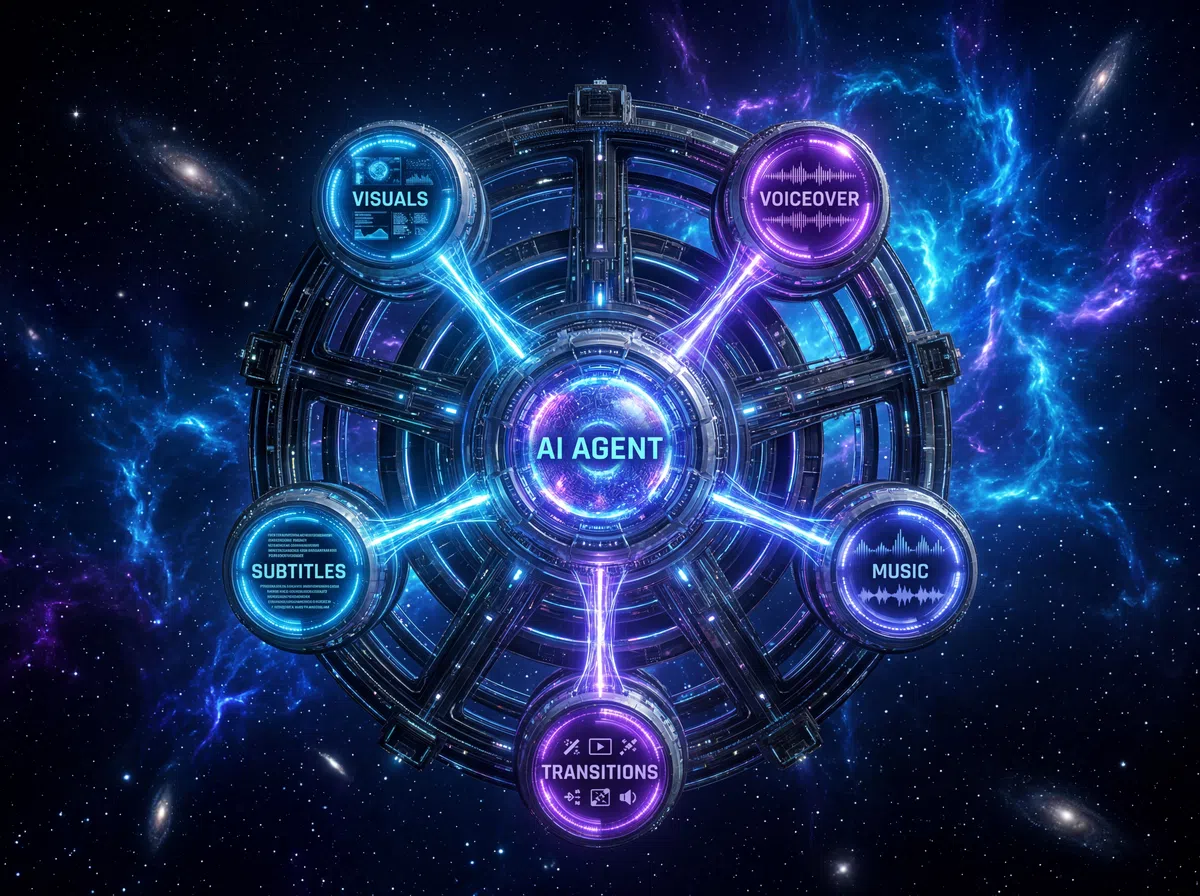
Most text-to-video tools stop at generating a clip. You still have to assemble scenes, sync audio, add captions, and export manually. RoboNeo works differently. Its AI agent coordinates the entire production pipeline from a single prompt, handling scene generation, voiceover synthesis, music selection, subtitle syncing, and transitions automatically. There is no timeline to manage and no separate tools to switch between. You describe your goal in plain language, and the agent delivers a finished, publish-ready video.
Powered by 20+ World-Class AI Models
RoboNeo is not built on a single AI model. The platform integrates more than 20 leading video and image generation models, including Seedance 2.0, Kling 3.0, Sora 2, VEO 3.0, and Wan 2.6. Rather than requiring you to choose between them, the agent automatically selects the most appropriate model based on your specific prompt, content type, and target platform. The result is consistently high-quality output without any technical knowledge of which model to use or when.
Built for Marketing Performance
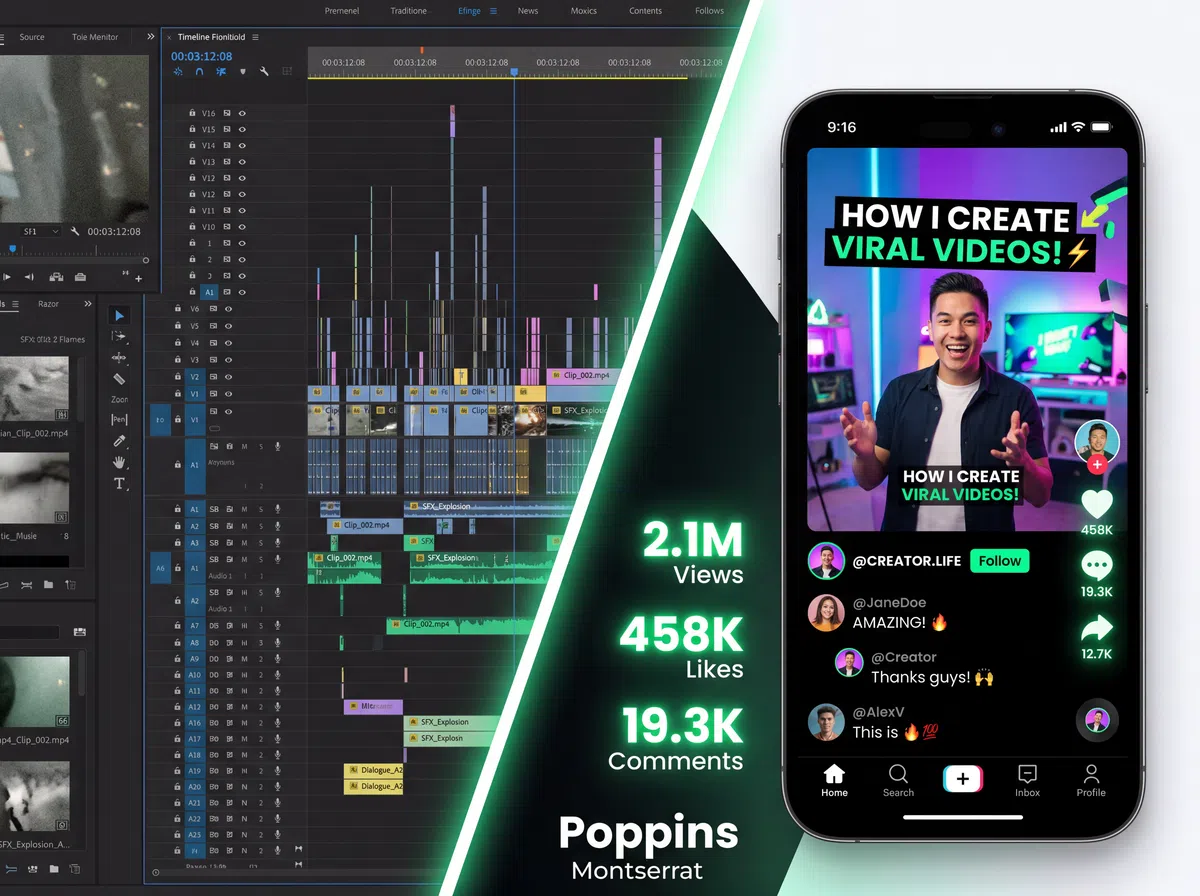
Many AI video tools prioritize visual novelty over practical results. RoboNeo is designed with performance in mind. Its models are trained on marketing and social media content, giving the platform a working understanding of visual hooks, scroll-stopping pacing, emotional storytelling, and platform-specific formatting. Whether you are producing a TikTok ad, a YouTube pre-roll, or a product landing page video, RoboNeo generates content optimized for engagement and conversion, not just appearance.
A Full Creative Suite Beyond Video
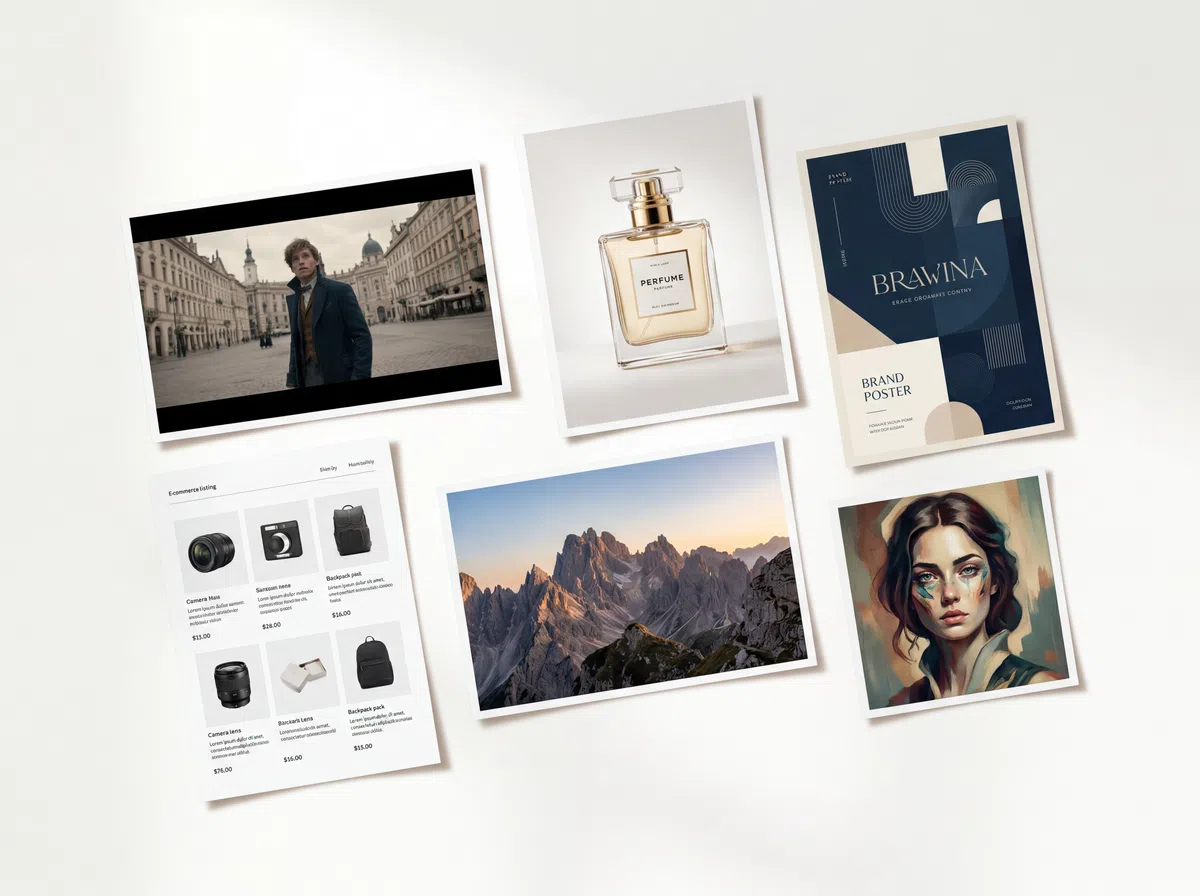
RoboNeo is not a single-purpose tool. In addition to text-to-video, the platform covers the full content creation workflow. Image generation, AI product photography, brand design, poster creation, portrait retouching, video upscaling, watermark removal, and e-commerce marketing assets are all available within the same agent. For creators and teams who need more than just video, RoboNeo eliminates the need to manage multiple subscriptions across different tools.
Best Use Cases for RoboNeo Text-to-Video



Pro Tips for Writing Better Text-to-Video Prompts
Describe your audience
Prompts like "for millennials who follow fitness accounts" or "for B2B software buyers" help the agent tune tone, pacing, and visual style appropriately.
Use emotional and tonal language
Adjectives like "cinematic," "playful," "authoritative," or "minimalist" give the AI meaningful signals for music selection and visual treatment.
Reference specific platforms
Saying "optimized for TikTok" or "for a YouTube pre-roll ad" helps the agent apply the right formatting conventions and pacing norms for that platform.
Step-by-Step Guide: How to Convert Text to Video Online Using RoboNeo
Access RoboNeo and Start a New Project
Go to roboneo.com or open the RoboNeo mobile app and sign in or create a free account. Type what you want in the conversation box and the AI Agent will take it from there.
Describe Your Video in Natural Language
Instead of uploading clips and arranging them on a timeline, you simply tell the agent what you want. Type a clear, specific description of your video.
Review and Refine Through Conversation
After the initial generation, RoboNeo gives you a preview. If you want adjustments, continue the conversation with the agent using natural language.
Export and Publish
When satisfied with the result, export your video. RoboNeo renders the final file ready for immediate publishing or download.
Frequently Asked Questions (FAQs)
Do I need video editing experience to use RoboNeo?
What types of videos can I create with RoboNeo?
RoboNeo supports marketing and advertising videos, social media short-form content for TikTok, Reels, and Shorts, product demo videos, educational explainers, brand videos, e-commerce content, and more. The platform adapts to nearly any video format or industry vertical.
Can I customize the style, language, and duration of my video?
Yes. You can specify visual style, tone, language, duration, aspect ratio, voiceover gender, music mood, and more, all through your natural language prompt or follow-up refinements in the conversation.
Ready to get started?
Visit roboneo.com, describe your first video, and see what the agent produces in minutes.