Kling AI Review: Is It Worth Using?
 RoboNeo TeamOctober 22, 2026
Kling AI is an AI video generator that can turn text prompts and reference images into short video clips. But a polished demo does not necessarily mean the model will produce a usable shot every time.
This review focuses on the parts that matter in actual use: video quality and motion, prompt accuracy, subject consistency, generation time, retakes, and overall value. It also covers what Kling AI is used for and who may benefit most from it.
What Is Kling AI?
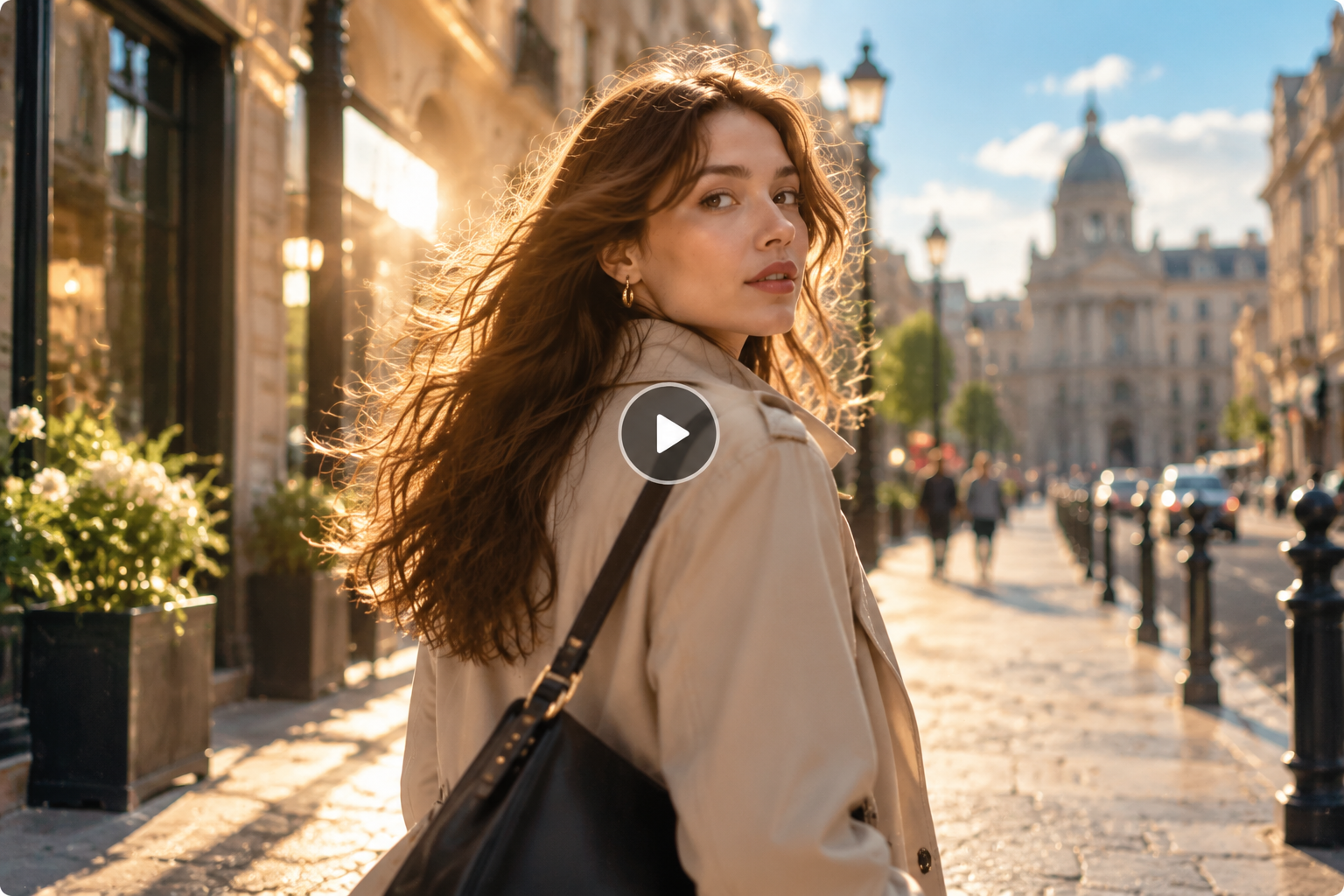
What is Kling AI used for? Kling AI can generate short videos from written prompts or reference images. A creator could upload a product photo and ask for a slow camera movement, or describe a character walking through a city and generate a short scene.
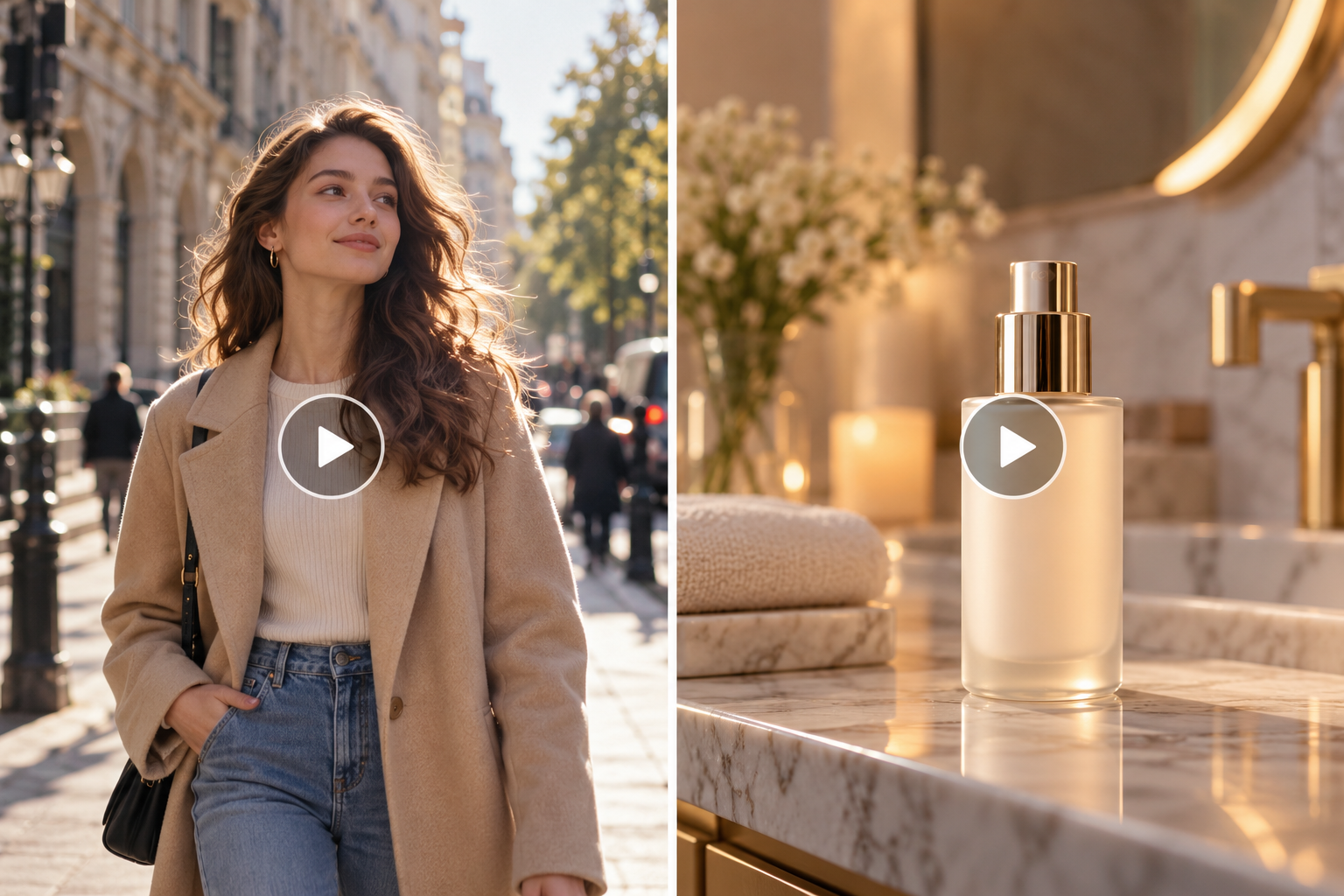
It can be useful for social content, product advertising, concept videos, and story development. A small business preparing a skincare ad could start with a bottle photo and create a shot in which the product slowly rotates on a bathroom counter.
The main limitation is control. Kling AI may capture the overall idea while missing a specific action, camera movement, or visual detail. These are common issues to consider when working with AI video generation limitations.
How Well Does Kling AI Generate Videos?

Kling AI can produce detailed and visually convincing clips, but the results become less predictable as a scene becomes more complicated.
Video Quality and Motion
The full clip matters more than its strongest frame. A person's face, hands, clothing, lighting, and background should remain stable as the video progresses.
Simple actions tend to be easier to handle. Someone walking toward a camera may look natural, while picking up a cup introduces another point of failure. The hand may miss the cup, the fingers may change shape, or the object may move unexpectedly.
Camera movement also needs to be checked separately. A character can walk correctly while a requested slow push-in becomes an abrupt zoom. A tracking shot may follow the subject for part of the clip and then lose its intended direction.
Product videos make these problems easier to spot. A skincare bottle might retain its overall shape but develop a distorted label or altered cap during rotation. That may be acceptable for a concept video but not for a final e-commerce advertisement.
When audio is included, check it independently. Good visuals do not guarantee accurate lip-sync, dialogue, or environmental sound.
Prompt Accuracy and Subject Consistency
A successful generation should satisfy the important requirements in the prompt, not simply look similar to what was requested.
Take a prompt asking for a woman to pick up a red handbag and walk toward a door while the camera follows behind her. The handbag should remain red, the woman needs to pick it up, she needs to walk toward the door, and the camera needs to follow her. Missing one of these can make the shot unusable.
Text-to-video mainly tests how well Kling interprets those instructions. With image-to-video, the reference image becomes another requirement because the generated video should preserve recognizable features of the original subject.
This is particularly useful for product content. A product photo can establish the appearance, while the prompt controls the movement and camera direction. RoboNeo also brings Kling and other AI video models into one creative workflow.
For creators working with different AI video models, understanding how to use Seedance 2.0 can also help when comparing text prompts, reference inputs, and consistency across different generation workflows.
The source image and generated clip should still be compared closely. Packaging text, colors, proportions, and small structural details can change during generation.
Character consistency has a similar issue. A character may remain stable throughout one clip but look different when moved into another scene. For multi-shot projects, check the face, hairstyle, clothing, and body proportions across several generations.
Wait Times and Retakes
Generation speed should be measured by the time needed to get a usable shot, not one successful attempt.
Keep the model, duration, resolution, audio settings, account plan, and access method consistent when comparing results. Record queue time and generation time separately, then count how many attempts were needed.
Retakes also have different causes:
Generation failure: The system does not successfully produce the requested video.
Prompt failure: The video is generated, but an important action or camera direction is missing.
Consistency problem: The subject, product, or key visual detail changes during the clip.
Usability problem: The scene works technically but contains a visual mistake that makes it unsuitable for the intended project.
A creator making one short social video may not mind two or three attempts. A team producing product ads every week will care much more about how many credits are needed to get one usable clip.
Is Kling AI Worth Using?
Kling AI is worth trying if you need short clips from text or reference images and can accept some review and retaking.
Its biggest advantage is turning an existing idea or image into moving footage quickly. A creator can test different character shots without filming them, while an e-commerce team can explore product scenes before committing to a larger production.
The trade-off is consistency. A changing background may be harmless in a social transition, but a distorted product label, face, or object can make a clip unusable.
Cost should therefore be judged by the usable result rather than one generation. Credits, subscription fees, retakes, waiting time, and editing all contribute to the actual production cost.
If you are learning how to use Kling AI, start with a shot similar to the content you actually plan to make. One subject, one main action, and a clear camera direction are enough to reveal whether the model fits your workflow.
For a broader comparison of tools, the best AI video generator can also be evaluated by factors such as input options, motion quality, consistency, and the amount of editing required afterward.
Who Kling AI Works Best For
Kling AI may be a good fit for creators who can review and select their generated footage rather than expecting every clip to be production-ready.
Short-form creators: Useful for character shots, atmosphere footage, transitions, and creative concepts.
Advertising and e-commerce teams: Helpful for testing product scenes, with careful checks for labels, colors, proportions, and interactions.
Independent creators and film teams: Suitable for visualizing scenes, testing shots, and creating supplementary footage.
New AI video users: A simple subject and one clear action provide an easy starting point. For anyone searching for "Kling AI how to use", starting with a simple shot is also the easiest way to understand the workflow.
Strict production teams: Test demanding shots first if accurate products, consistent characters, or predictable delivery times are essential.
If you want to test Kling alongside other models rather than switching between separate tools, RoboNeo's AI video generator provides access to multiple AI video models in one workflow.
FAQ
Is Kling AI free?
Is Kling AI free? Free access depends on the current account, credits, promotions, and available features. It does not mean unlimited video generation, and having credits does not necessarily unlock every model or feature. Check the current account page for the applicable limits.
Do Kling AI videos have watermarks?
Watermark rules can vary by plan and export method. Check the downloaded file rather than assuming the workspace preview reflects the final export. Videos generated through another platform may also follow that platform's rules.
Can I use Kling AI videos commercially?
Commercial use depends on the terms attached to the account, plan, and access method. Even when the generated output is covered, that does not automatically give you rights to third-party images, music, voices, logos, or a person's likeness.
Are my uploaded images and videos private?
Private content is not necessarily excluded from platform processing or other uses covered by the applicable terms. Unreleased products, client assets, and personal media should only be uploaded after checking the current privacy terms and data controls.
Does Kling AI refund credits when a generation fails?
A genuine generation failure may qualify for credit restoration under the applicable rules. A completed video that simply does not meet your expectations is different. If credits are not returned as expected, keep the task details and credit record when contacting support.
You May Be Interested
PicWish Watermark Remover Review: Is It Worth Using?

Runway AI Video Generator Review: Features and Pricing
SnapTik TikTok Downloader Review: Pros, Cons and Alternative
Vmake AI Video Watermark Remover: Tested and Reviewed
Canva Watermark Remover Review: Features and Limits