
Best Short Form Video Editor in 2026: Top AI Tools Compared
 RoboNeo TeamNovember 2, 2026
Platforms like TikTok, Instagram Reels, and YouTube Shorts are still driving the whole short-form video trends 2026 landscape. As we head deeper into the year, creators aren't just focused on posting consistently—they're obsessed with video quality and making their workflow faster. But everyone's needs are different. Some just want to quickly cut up existing footage, others want to pull the best clips from long videos, and plenty of people are leaning on AI to generate or tweak their content. We’re breaking down six short-form editing tools to help you find the one that actually fits your workflow.
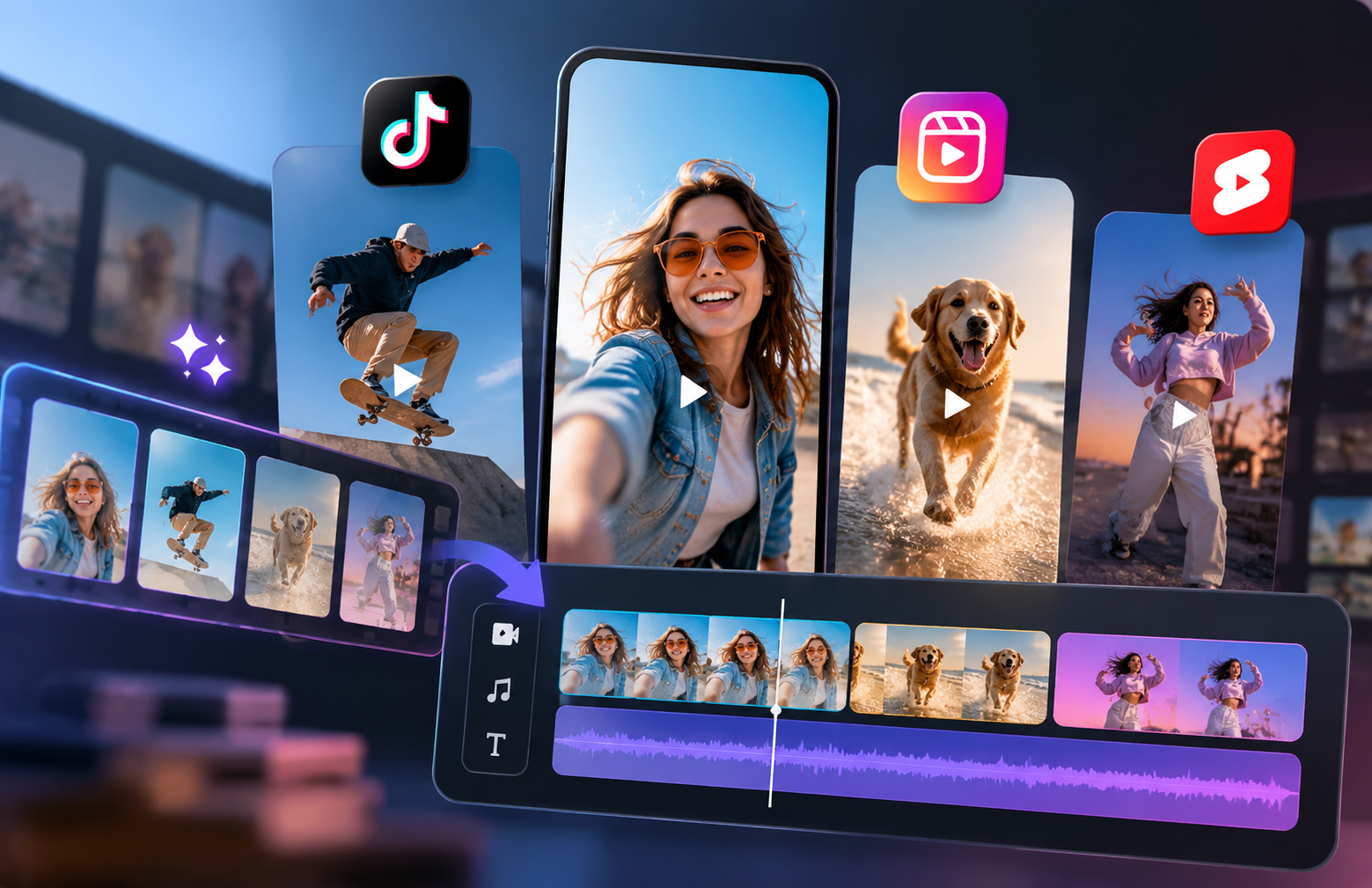
Comparision Table of 6 Short Form Video Editors
The table compares six short-form video editors by their core features, strengths, and limitations, from AI video generation to automated clipping and captions. If you're also exploring tools for scripts, visuals, and voiceovers, check out this guide to AI creator tools.
| Tool | Best For | Key Features | Pros | Cons |
| RoboNeo | AI-generated short videos, ads, and short dramas | Multiple AI video models, text-to-video, image-to-video, canvas, and workflows | Easy, fast video editing through text prompts, with little to no learning curve | Not ideal for complex timeline editing that requires precise frame-by-frame control |
| CapCut | Everyday editing for TikTok, Reels, and Shorts | Video templates, auto captions, transitions, effects, keyframes, and background removal | Beginner-friendly, with a wide range of social media editing tools | Some features require payment, and availability varies by platform |
| OpusClip | Turning long videos into short clips | AI highlight detection, auto captions, smart reframing, and AI B-roll | Quickly turns podcasts, interviews, and webinars into multiple short videos | AI-selected clips may need manual review and adjustments |
| Descript | Talking-head videos, interviews, and podcasts | Transcript-based editing, filler-word removal, audio enhancement, and automatic clip extraction | Makes dialogue-heavy videos easy to edit without extensive timeline work | Less suitable for videos that require complex effects or visual editing |
| VEED | Online video editing and subtitle creation | Browser-based editor, auto captions, animated subtitles, audio enhancement, and text-based editing | No software installation required, with essential editing tools in one place | Advanced features and export options may require a paid subscription |
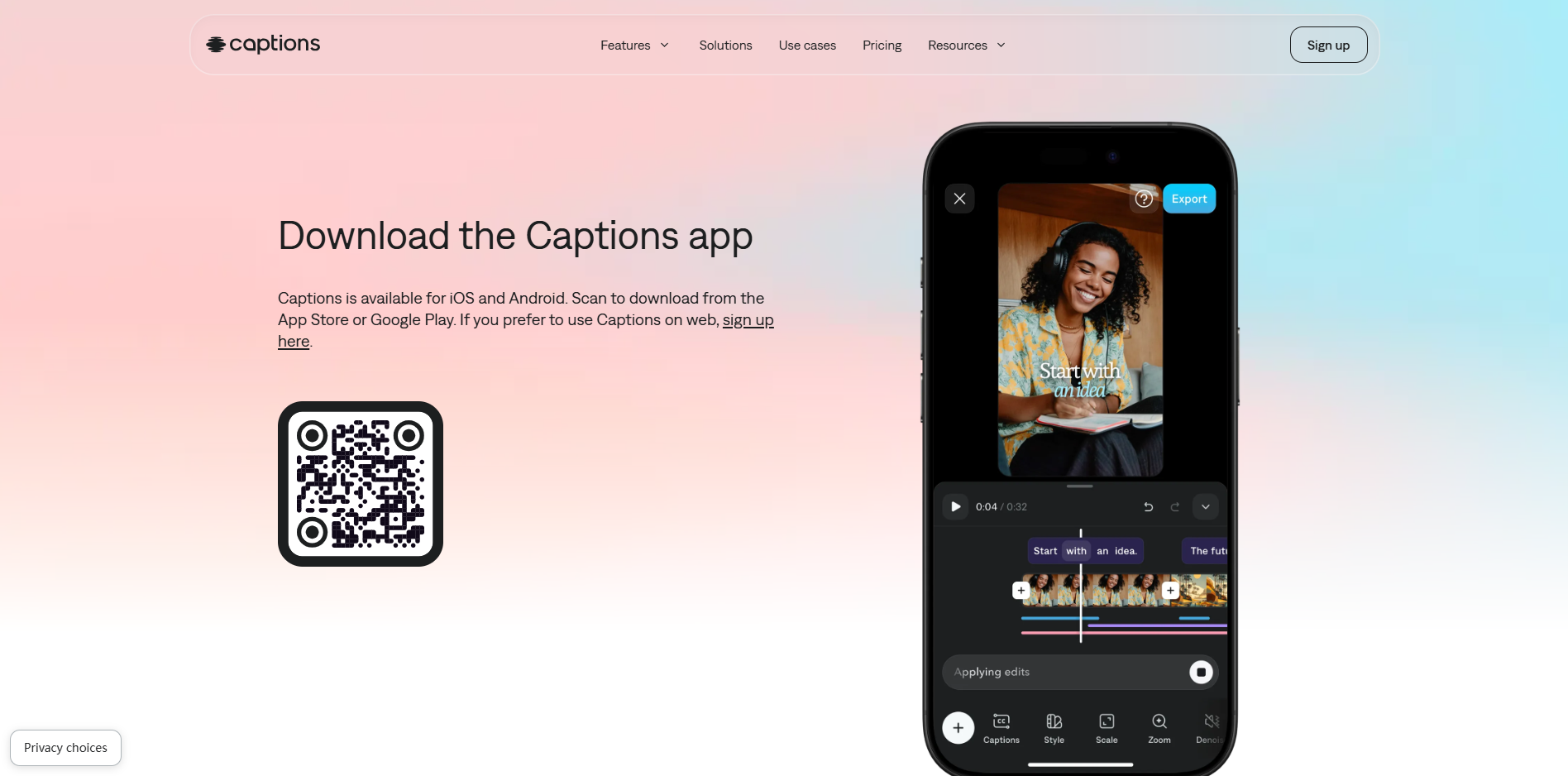
| Captions | Talking-head videos and AI presenter content | Animated captions, AI editing, eye-contact correction, AI avatars, and short-form video creation | Reduces manual editing and helps creators produce polished talking-head videos | Some AI features require paid credits or subscriptions; not ideal for complex multi-track editing |
6 Best AI Short-Form Video Editors in 2026
AI short video tools differ mainly in their features, automation levels, and best-use scenarios. Below, we’ll cover six tools grouped by their primary purpose. We'll look at their core functions, ideal users, and limitations to help you find the right match.
RoboNeo: An AI Editor for Short-Form Video Content
RoboNeo does multi-model AI video generation. But it also fixes up old clips. Remove watermarks. Upscale quality. Remove backgrounds. Add effects. Restore bad footage. All done with a prompt. No heavy editing software needed.
It's great for short video creators, marketing teams, and ad makers. Perfect for mini-dramas or making product videos in bulk. Just know this. Need precise frame-by-frame control or complex multi-track editing. You still need pro software.
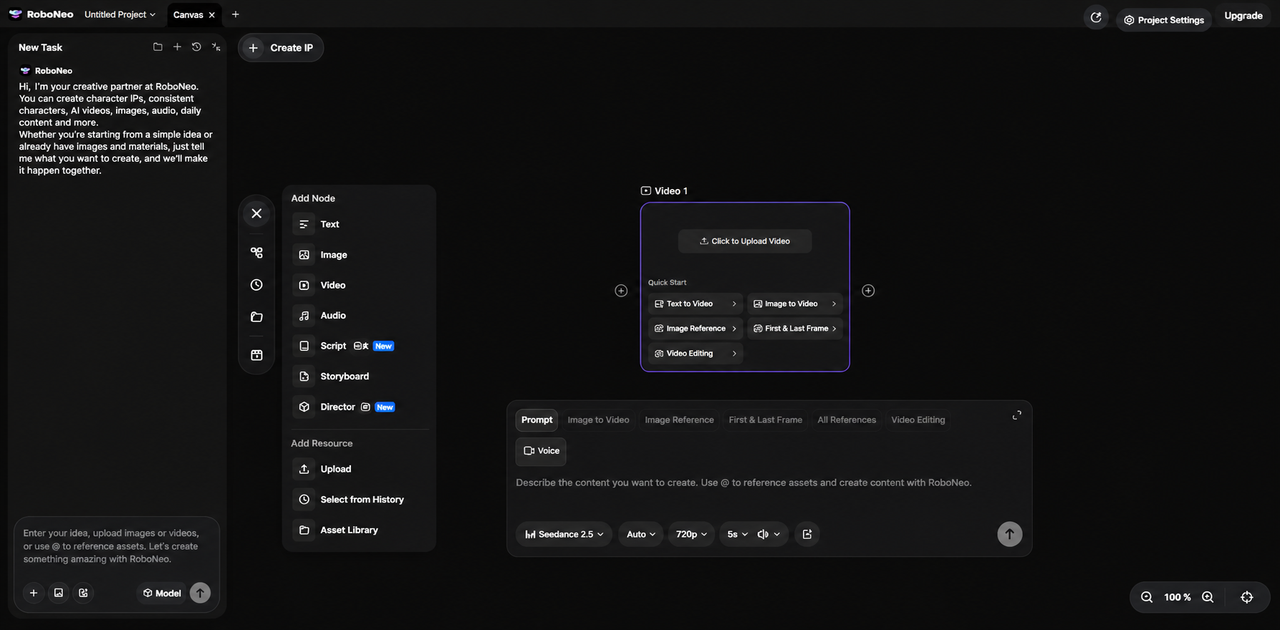
RoboNeo Features for Short-Form Video Creation
We've put together a list of RoboNeo's core features and best use cases so you can quickly see if it fits what you need.
| Feature | Key Benefits | Best Use Cases |
| AI Video Generator | Generate videos from text prompts or reference images, and refine the visuals and style through prompts | AI short dramas, recreating viral video concepts, product ads, and social media videos |
| Watermark Remover | Remove watermarks from videos you own or have permission to edit, making it easier to reuse authorized footage | Organizing original footage, editing licensed videos, and repurposing existing content |
| Video Enhancer | Improve video quality, sharpen details, and enhance overall visual clarity | Restoring low-quality footage, improving product demos, and enhancing short-form video quality |
| AI Video Editing | Use text prompts to trim videos, adjust styles, add effects, and modify specific elements without complex editing workflows | TikTok editing, repurposing viral video concepts, refining ad creatives, and creating social media content |
How to Make Short-From Video With Roboneo
If you already have recorded footage or AI-generated clips, RoboNeo's prompt-based AI video editing tool can help refine your existing videos. You can describe the adjustments you want, such as changing the visual style, improving pacing, or modifying certain elements, without rebuilding the entire video from scratch.
Step 1: Upload Your Existing Video — Throw in the video you want to edit, or any authorized footage you have on hand.
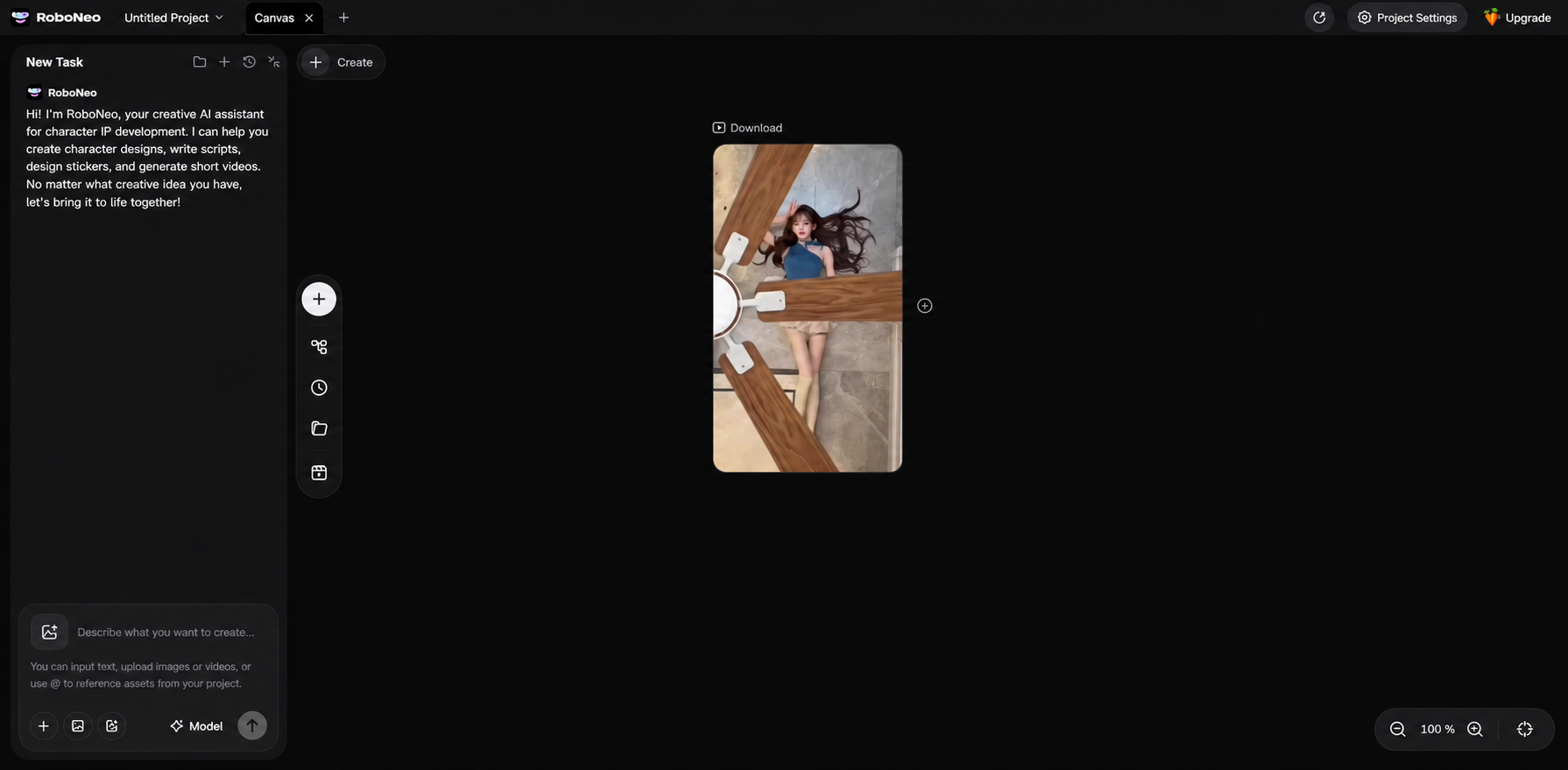
Step 2: Describe the Changes You Want — Tell the AI what you need using a prompt. For example, change the visual style, swap out the background, or boost the video quality.
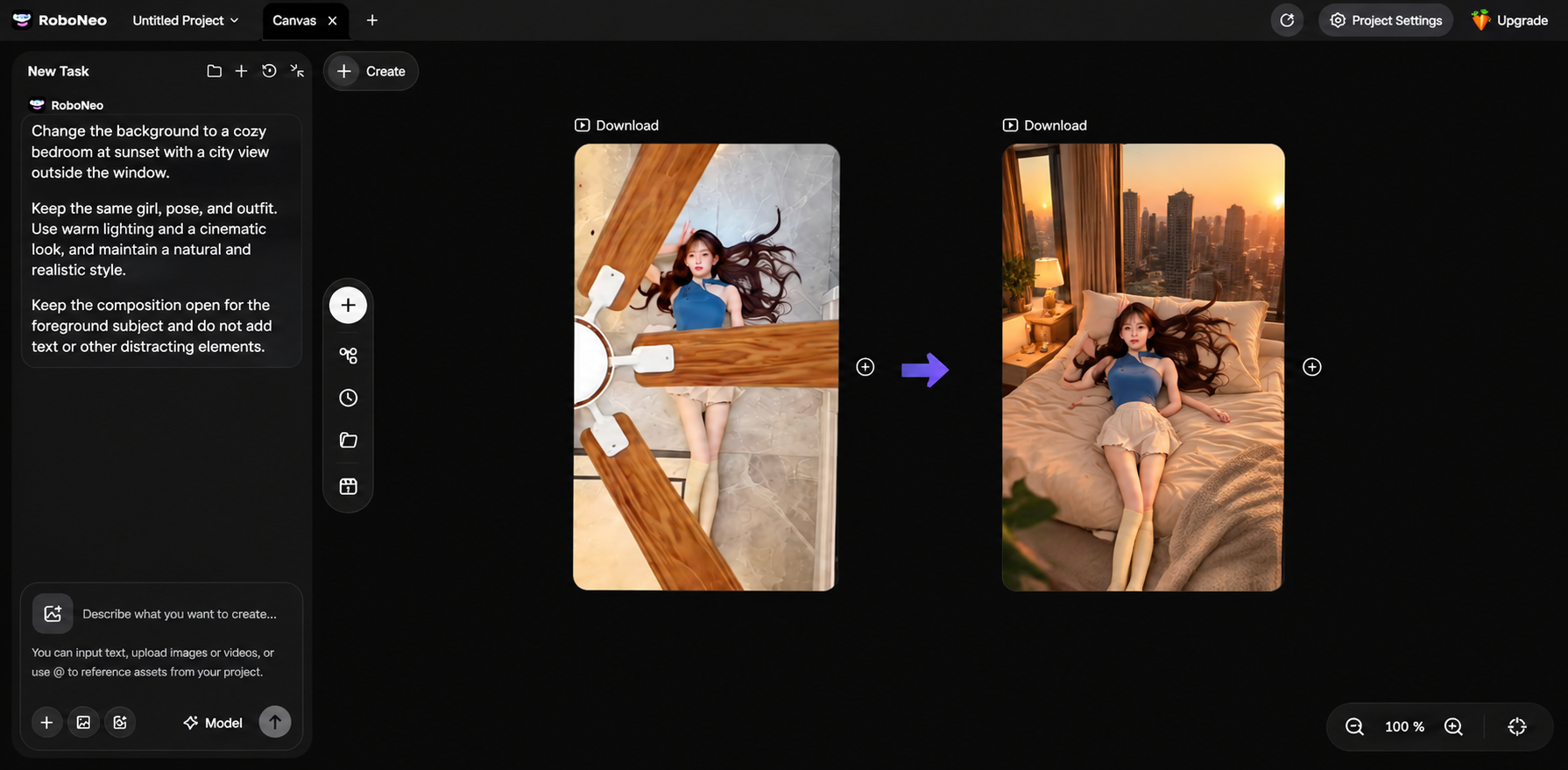
Step 3: Apply the Relevant Tools — Grab tools like the AI Background Remover, Video Enhancer, or whatever other editing features fit the job.
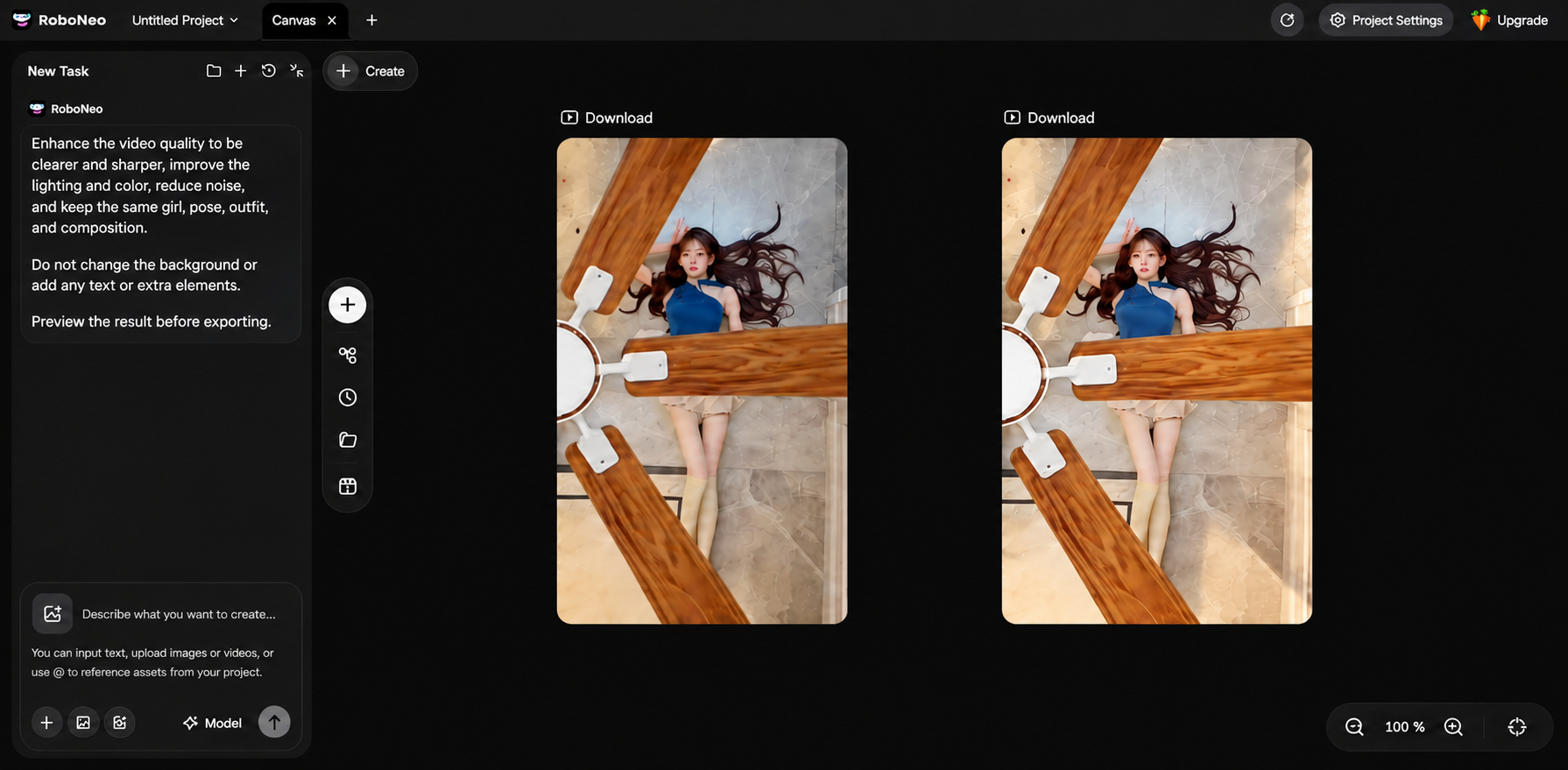
Step 4: Review the Edited Video — Check the subject, background, visual details, and overall flow. Keep tweaking if something looks off.
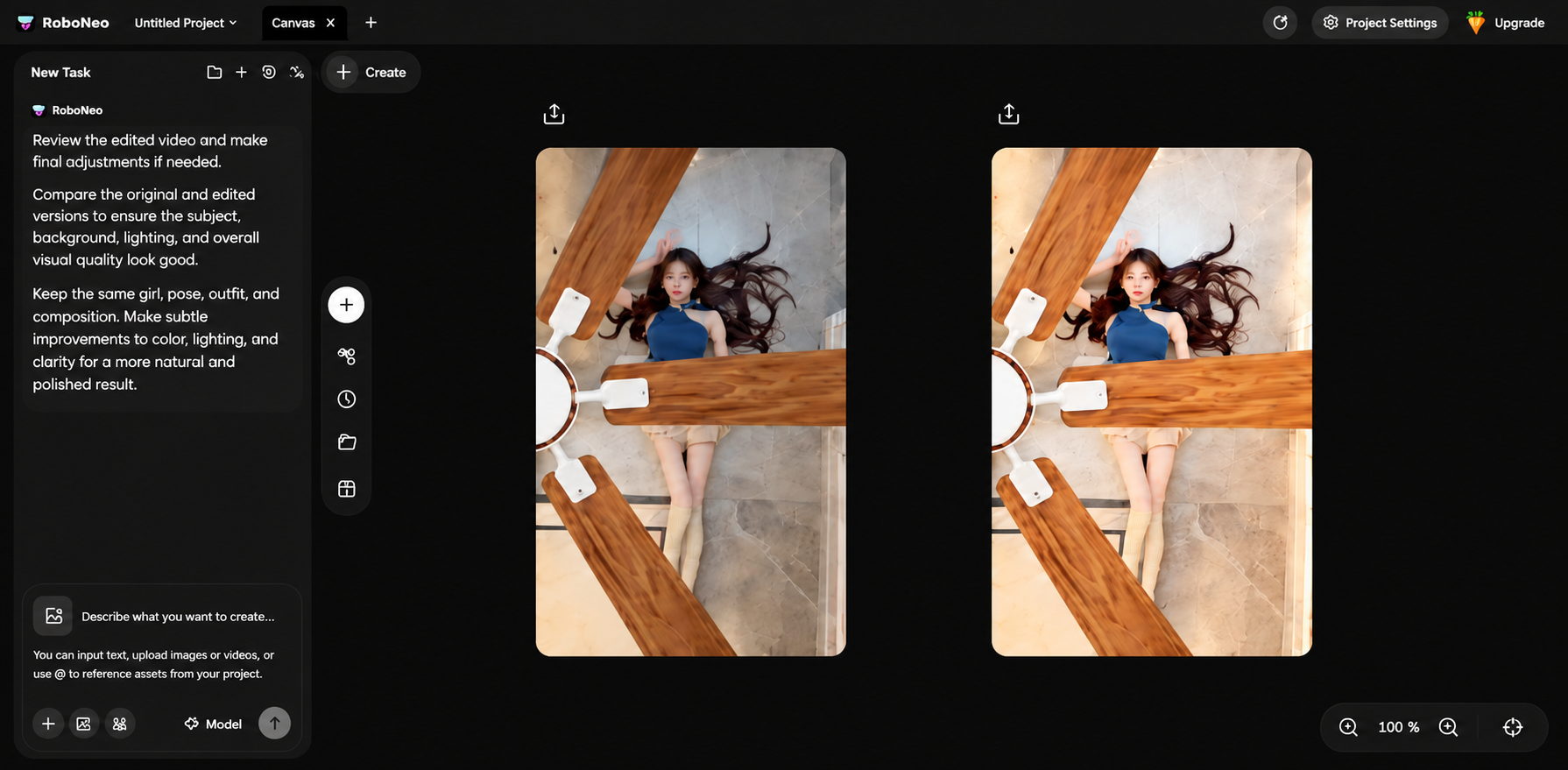
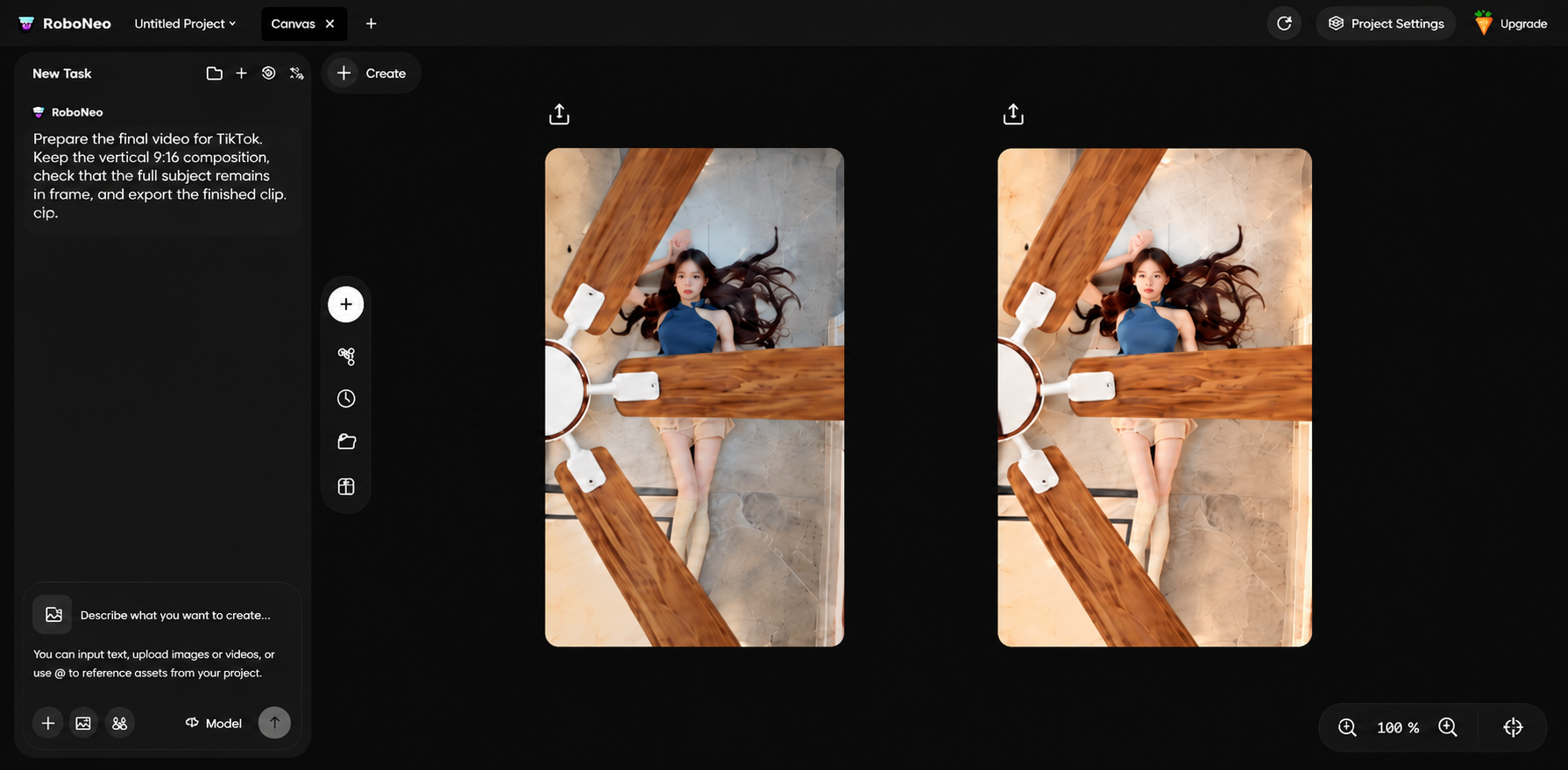
Step 5: Export and Publish — Make sure the video matches the aspect ratio and requirements for your target platform, then export the final cut.
How to Genarate Videos from Idea with RoboNeo: Easy Steps
RoboNeo lets you start from scratch with just an idea and build your video from the ground up. You can tweak the visuals as you go. It’s super handy for AI short dramas, product demos, and quick social media ads.
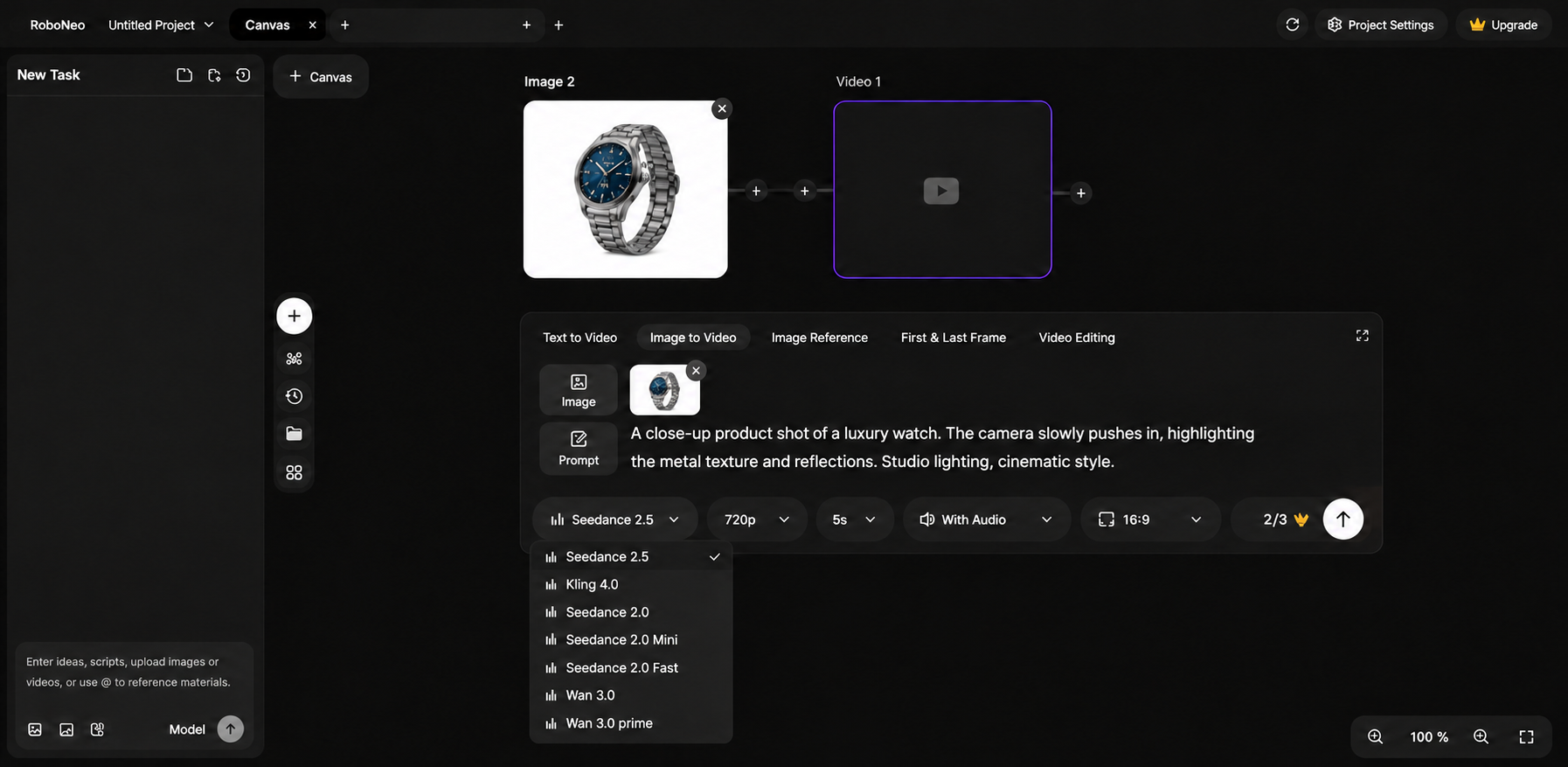
Step 1: Enter Your Video Idea — Type out your prompt. Describe the subject, the scene, the action, camera moves, and the visual style you're going for.
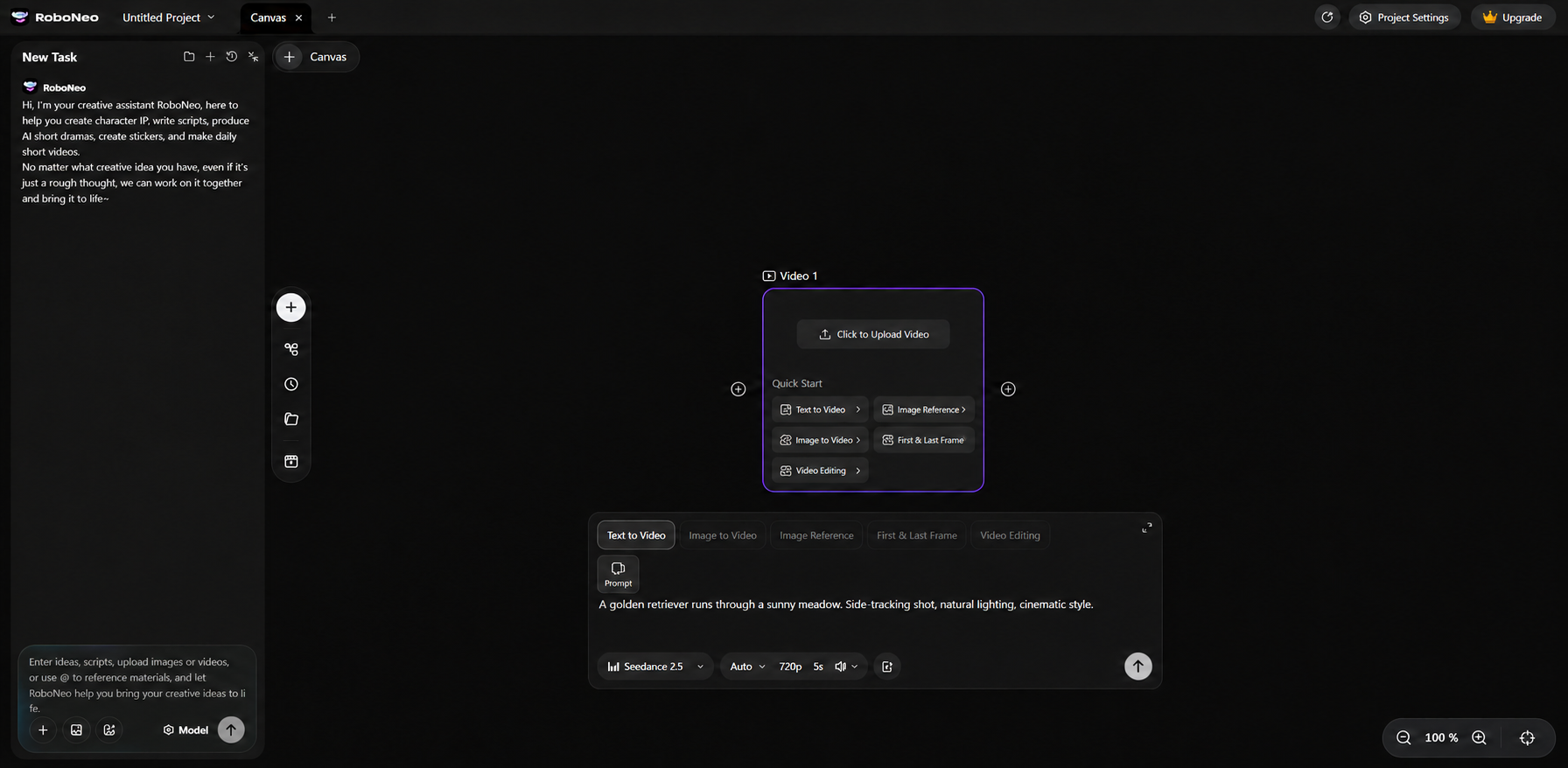
Step 2: Choose a Generation Method — Pick text-to-video or image-to-video based on what assets you have. Then, grab the right AI video model for the job.
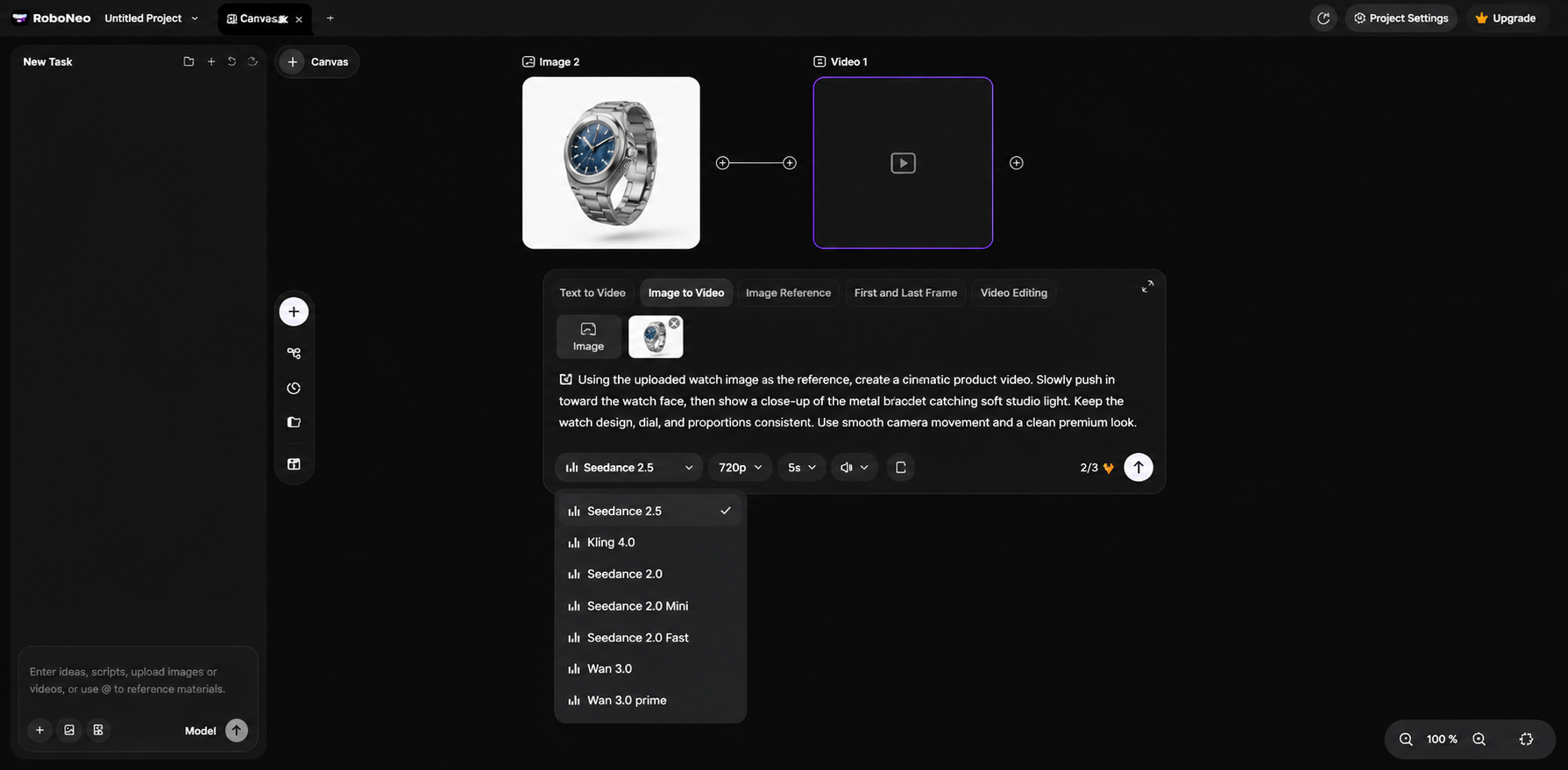
Step 3: Generate Your Video — Set up whatever video parameters are available to you, and let it generate the first clip.
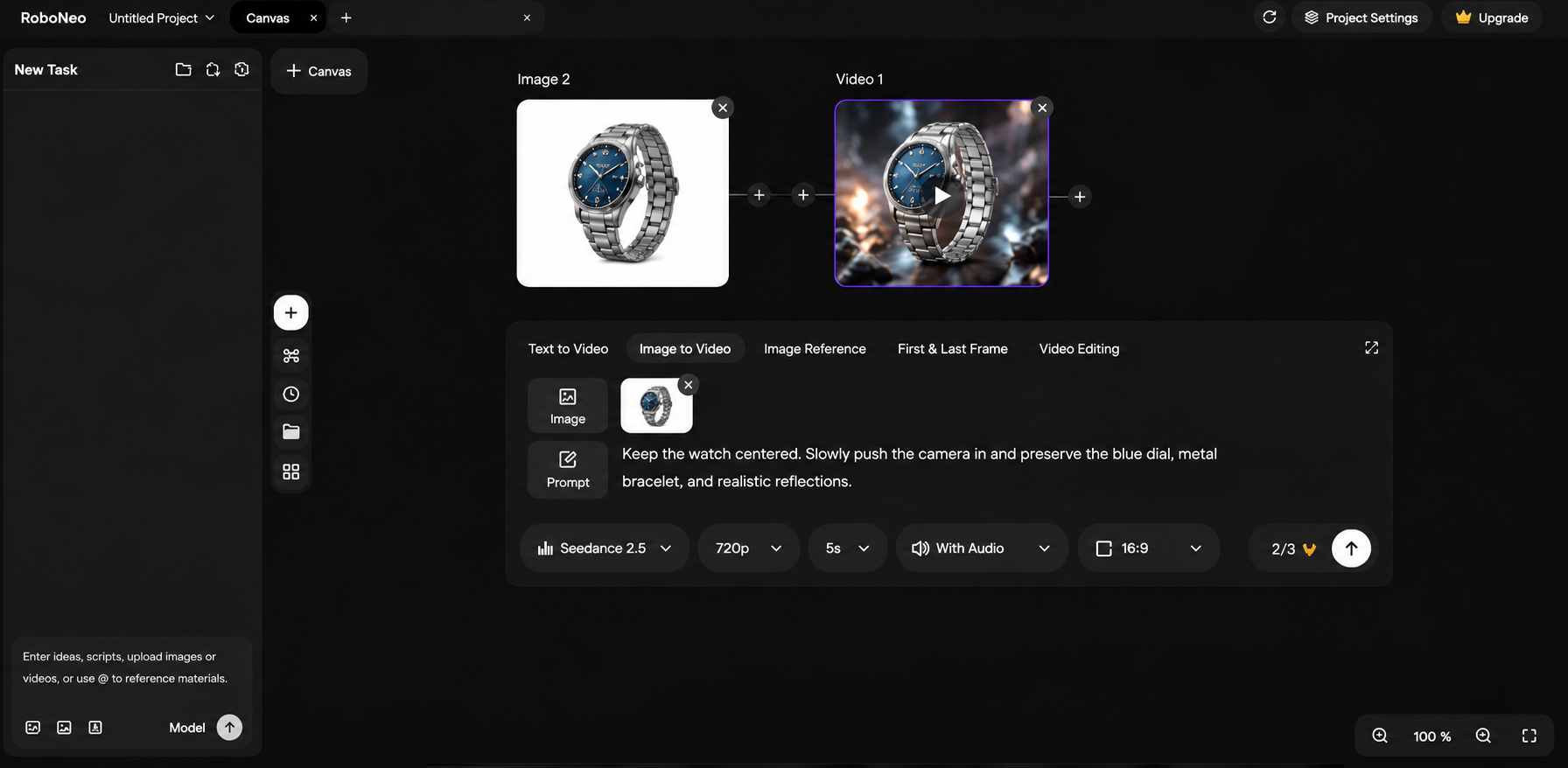
Step 4: Refine the Result — Take a look at what it made. Tweak the prompt, motion, or visual style if needed. Just hit regenerate if it’s not quite right.
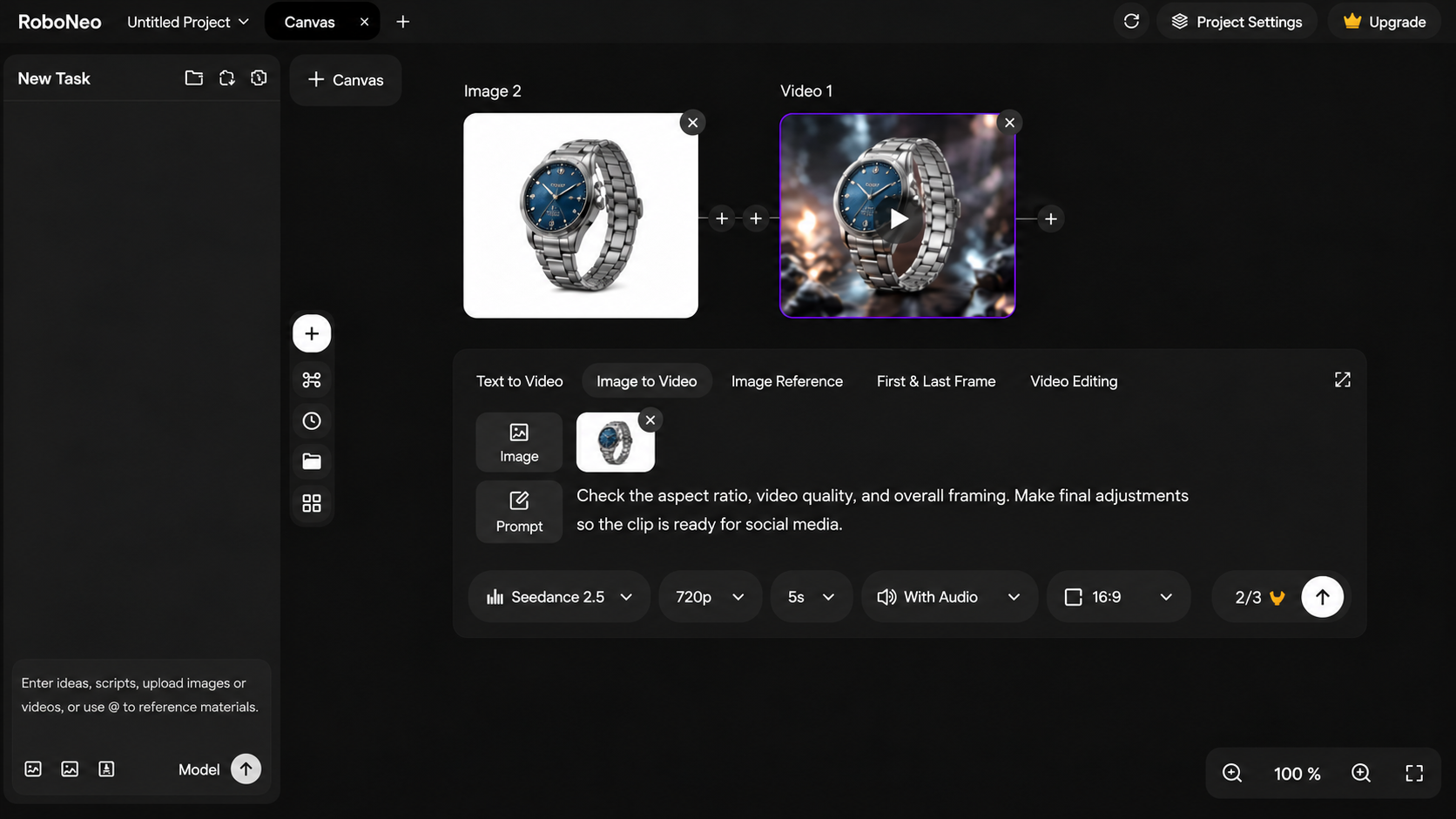
Step 5: Prepare the Video for Social Media — Double-check your aspect ratio, video quality, and overall content. Finish up the final edits and export it.
CapCut: A Versatile Editor for Short-Form Videos
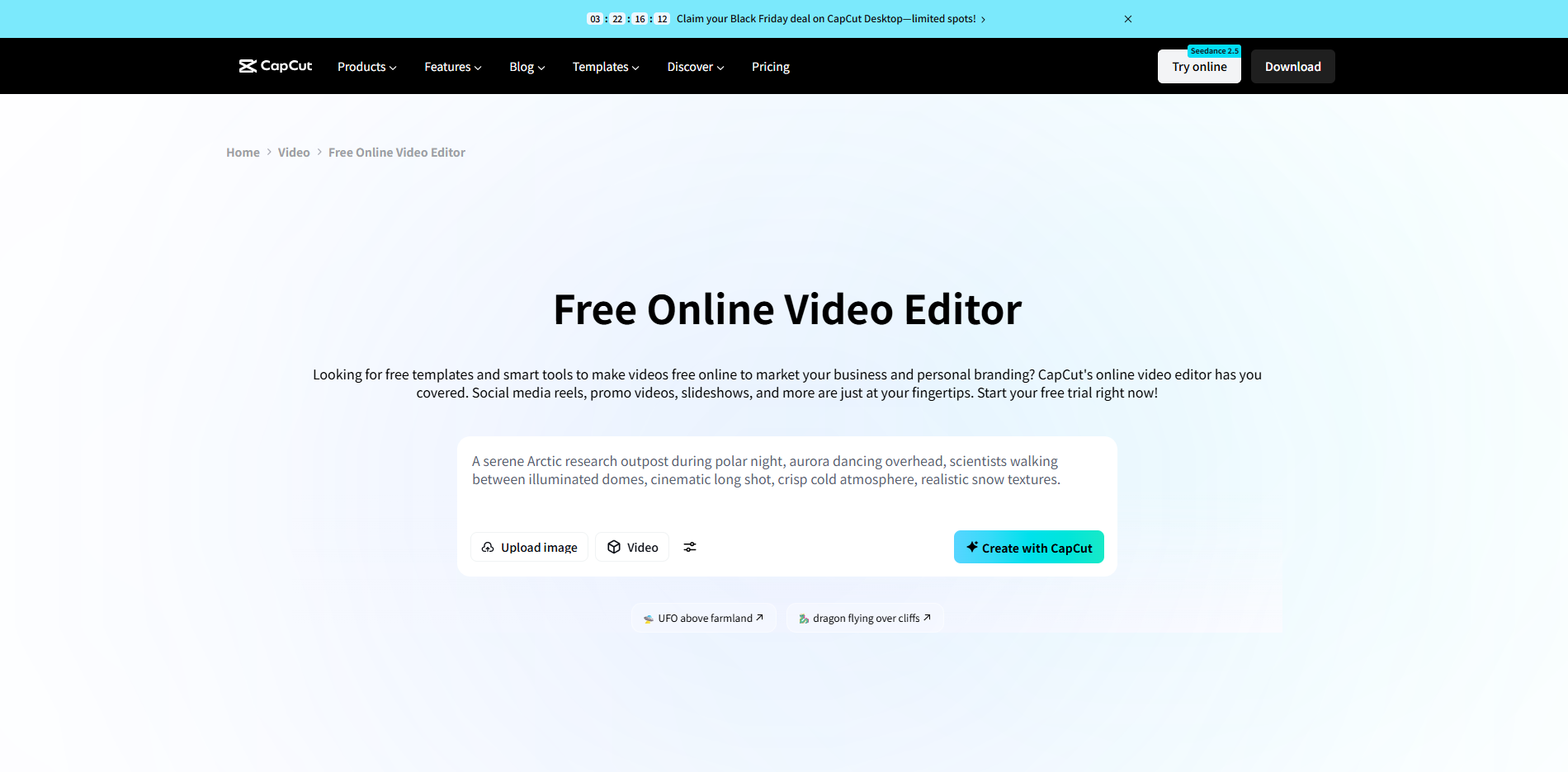
CapCut is a video editor for social media folks. Available on mobile, desktop, and web. It combines classic tools with AI, letting you cut clips, drop effects, and crank out shorts for TikTok, IG Reels, and YouTube Shorts.
Core Features: Trimming, auto-captions, transitions, filters, keyframes, background removal—plus a huge template library. Adjust subtitles, pacing, and effects on the fly to match trends.
Best For: Beginners, lifestyle vloggers, short-form video creators, and small marketing teams that regularly publish social media content. If you're new to TikTok, this beginner's TikTok video creation guide covers the process from planning and filming to editing and publishing.
Cons: Advanced effects, AI features, and assets are locked behind a paywall. And what you can actually use depends on your device or region.
OpusClip: An AI Tool for Creating Short-Form Videos
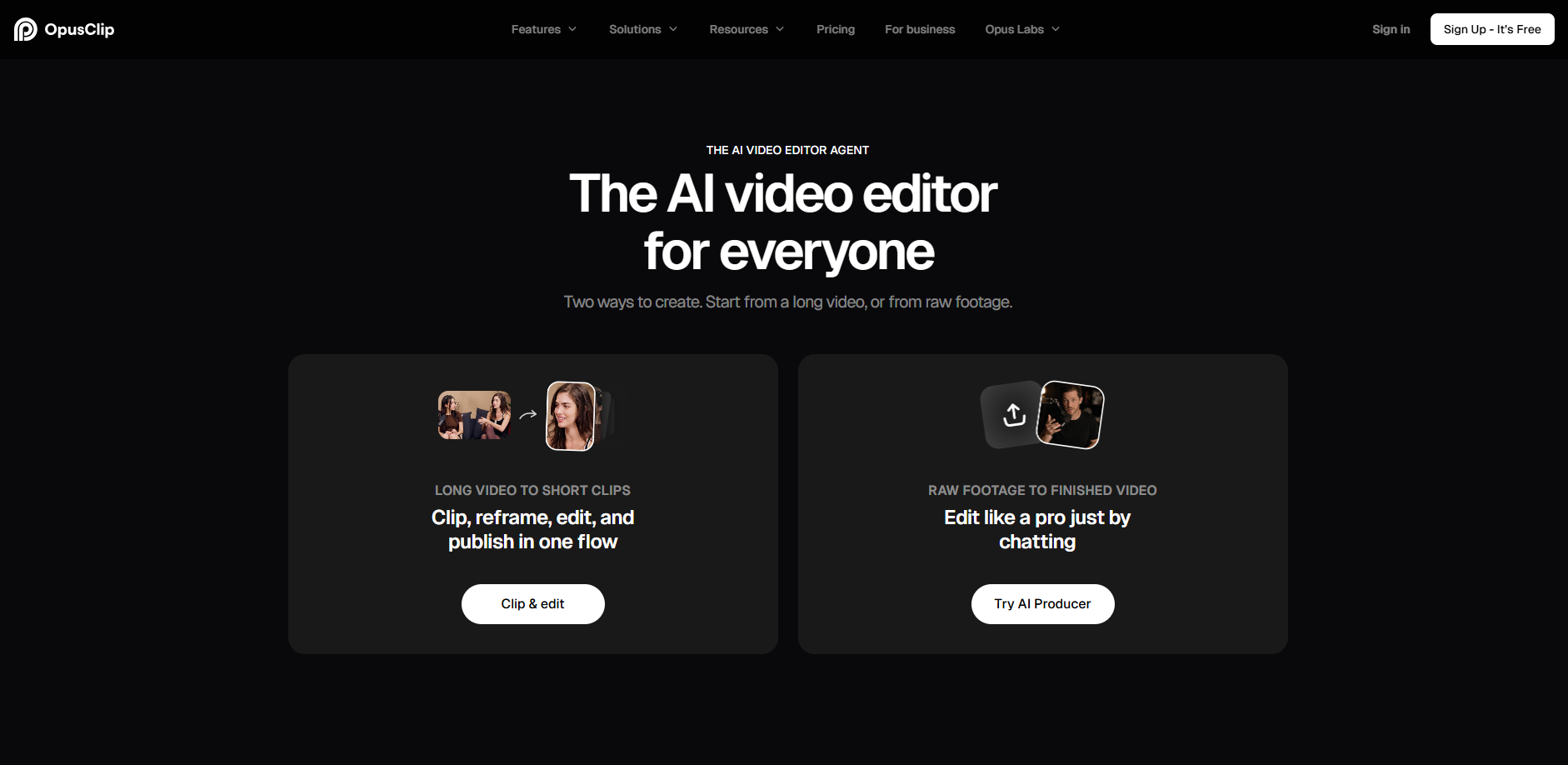
OpusClip is an AI video editing tool built to turn long videos into short, shareable clips. Upload a podcast, interview, livestream recording, or YouTube video, and OpusClip analyzes the footage, picks out the highlights, and turns them into short videos ready for social media.
Core Features: AI highlight detection, automatic captions, smart reframing, and AI-generated B-roll. It can also turn horizontal videos into vertical clips and automatically adjust the framing to keep speakers in view.
Best For: Podcasters, YouTubers, interview producers, and marketing teams looking to repurpose long-form videos into short clips for multiple social media platforms.
Cons: OpusClip works best with existing footage rather than creating original videos from scratch. AI-selected clips may miss important context, so you'll still need to review and fine-tune the results.
Descript: A Powerful Editor for Short-Form Video
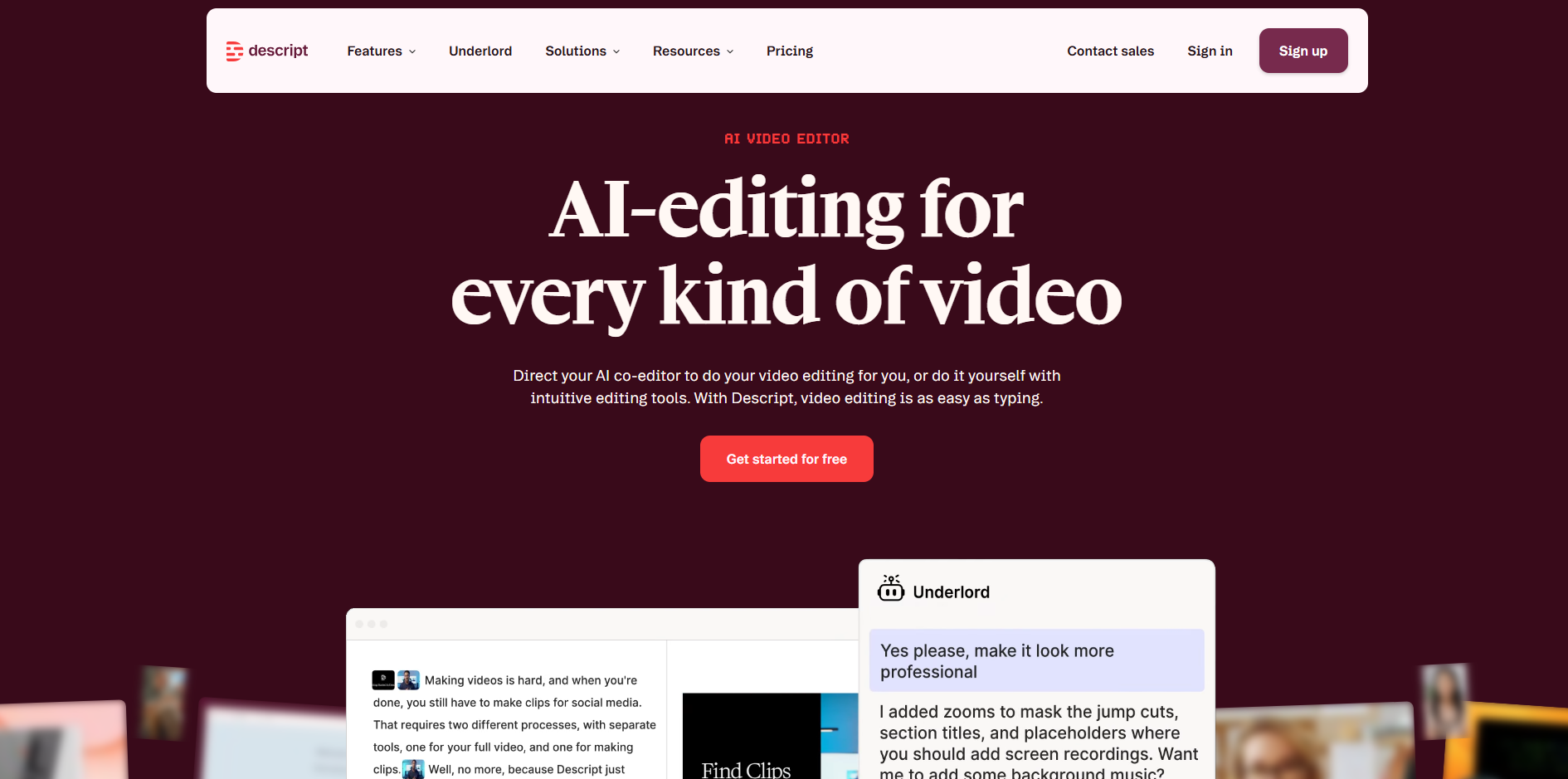
Descript is a video and audio editing tool built around text-based editing. Instead of working entirely on a traditional timeline, you can edit your video by editing its transcript. Descript automatically turns spoken audio into text, so removing a sentence or cutting an awkward pause is as simple as deleting words from a document. This makes it especially useful for dialogue-heavy content.
Core Features: Automatic transcription, text-based video editing, filler-word and pause removal, audio enhancement, and auto captions. You can quickly tighten up talking-head videos by deleting unnecessary sections directly from the transcript.
Best For: Educational content creators, podcasters, interview producers, and teams that regularly edit videos with lots of spoken dialogue.
Cons: Descript is strongest when it comes to editing speech and audio. For complex visual effects, animation, or precise shot-by-shot editing, you may need a more advanced video editor.
VEED: An Online Editor for Short-Form Video Creation
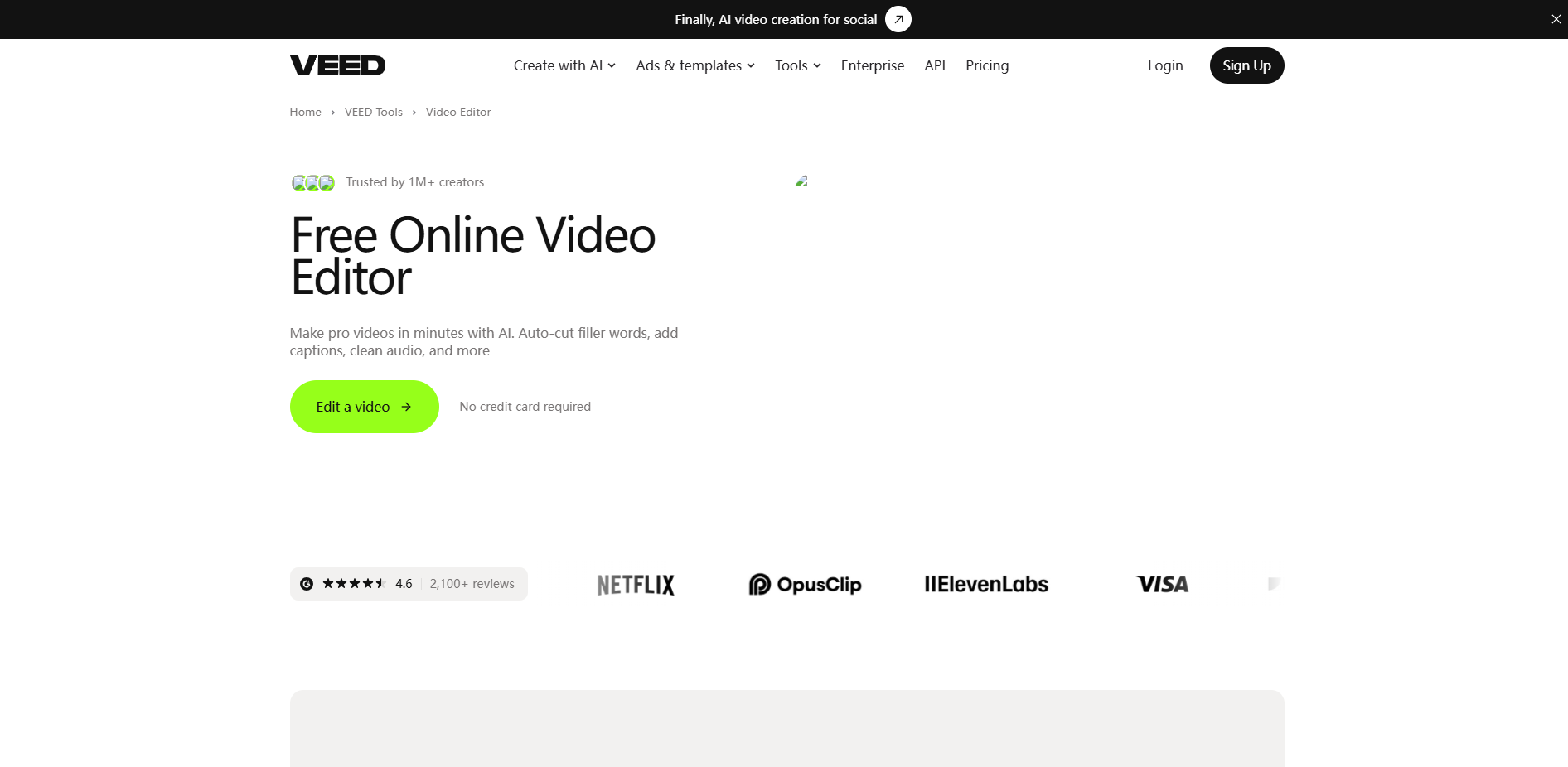
VEED runs right in your browser, so you can skip the desktop install—just upload and edit. Beyond basic cutting, it handles captions, translation, and audio, making it great for multi-language shorts and marketing.
Core Features: It covers trimming, auto-captions, subtitle translation, animated text, audio enhancement, and text-assisted editing—you. You can easily customize caption styles and make different language versions for your audience.
Best For: A solid choice for social media folks, cross-border marketing teams, online educators, and anyone needing quick subtitled clips.
Cons: Some AI tools, translation, and advanced exports are limited by your plan or quota—and for complex editing, you'll still need a pro tool.
Captions: An AI Editor for Engaging Short-Form Videos
Captions is an AI video editing tool built specifically for talking-head content, making it a total lifesaver for creators who have to be on camera all the time. It auto-handles your captions, visual effects, and even does some of the editing for you, which saves you the massive headache of tweaking every single clip manually.
Core Features: It gives you AI auto-editing, animated captions, eye contact correction, B-roll additions, and subtitle translation, letting you pick different editing styles so the AI can slap on captions, music, and visual effects for your talking videos.
Best For: An absolute win for solo vloggers, knowledge creators, brand marketers, and teams who need to churn out bulk product explainers and social media talking-head clips.
Cons: The AI is best suited for single-person, clearly structured shorts—meaning complex scenes will probably still need a human touch, plus some advanced AI features are locked behind a paywall or burn through your usage quota.
How to Choose the Right Short-Form Video Editor
Pick a short video editor based on content, needs, and workflow. Consider the learning curve. These factors help you choose.
Ease of Use: Want fast videos. Pick simple, automated tools. Skip the complex learning curve. Don't waste time on hard edits.
Editing Features: Choose features based on your footage and editing requirements. Basic projects may only need trimming and captions, while others require background removal, color correction, or video enhancement. This guide to improving video quality explains what to check when your original footage needs additional refinement.
AI Capabilities: Want efficiency. Track AI updates. Example: RoboNeo. Script prompts, video generation, rough cuts, captions, auto-voiceovers. One platform handles it.
Platform Compatibility: Check whether the editor works on your preferred device and supports the aspect ratios and export formats needed for TikTok, Instagram Reels, and YouTube Shorts. Make sure your short form video content displays correctly on mobile screens.
Pricing and Export Quality: Check value. Subscription costs. Usage quotas. Tier permissions. Export resolutions. For bulk video making, weigh cost per video and efficiency.
FAQ
Can AI editors work with videos that have no dialogue?
Yes. AI looks at the visuals, motion, and scene to edit silent videos. It cuts clips, adds music, fixes pacing, and makes captions. All depends on the tool.
Can you turn screen recordings into short-form videos?
Trim the screen recording to your needs, remove irrelevant parts, and add captions before posting to social media. It is especially effective for gaming recordings, tutorials, and demo videos.
Can you replace a clip in an already edited short video?
There are multiple ways to do this. You can use professional editing software, or upload your footage to an AI and process it via prompts. However, you must coordinate video transitions and audio-visual sync to keep the final result looking smooth.
Are videos uploaded to AI editing platforms private?
Privacy depends on platform storage, access, and content policies. Worried about it, Read the privacy policy and data retention rules first. No personal info. No confidential data. No unauthorized clips.
Can you edit and repost someone else's short-form videos?
Editing a video doesn't mean you can just hit repost. Slapping on subtitles, new music, or effects won't erase the copyright risk. Always get permission first and follow the platform's rules.
You May Be Interested

Best AI Tools for Content Creators 2026: Free Picks by Use
Best AI Video Generator 2026: 6 Top Tools Compared

6 Best Tools to Fix Blurry Videos in 2026

5 Best Tools for Creating Branded Social Media Video Content

Best Tool to Fix Blurry Videos: 6 AI Tools Compared
5 Best Free Tools to Remove Watermark from Video in 2026 | RoboNeo