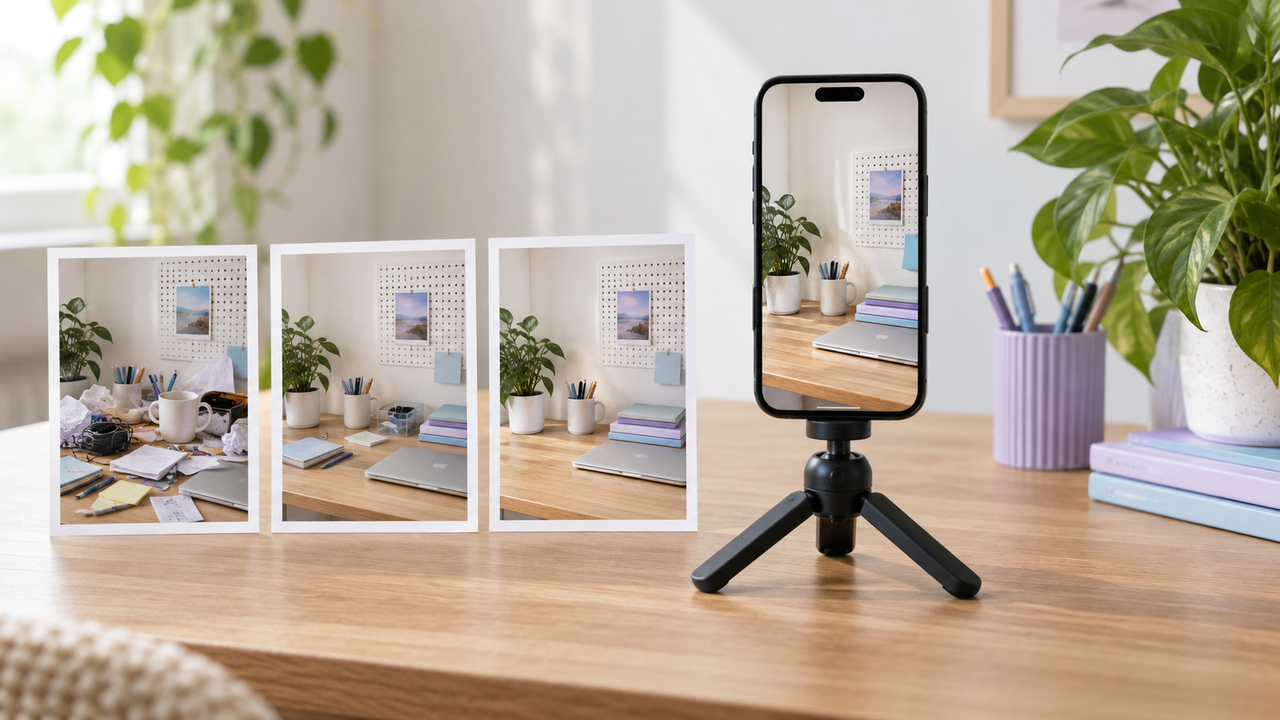
How to Go Viral on TikTok: Create More Watchable Videos
 RoboNeo TeamSeptember 29, 2026
No formula can guarantee that a TikTok video will go viral. Your chances improve when viewers quickly understand what the video offers. Show a useful result, a funny moment, a familiar problem, or an unexpected outcome. Then stay on that subject until you deliver the answer or ending. You will choose the topic and footage, make the video, and review its results.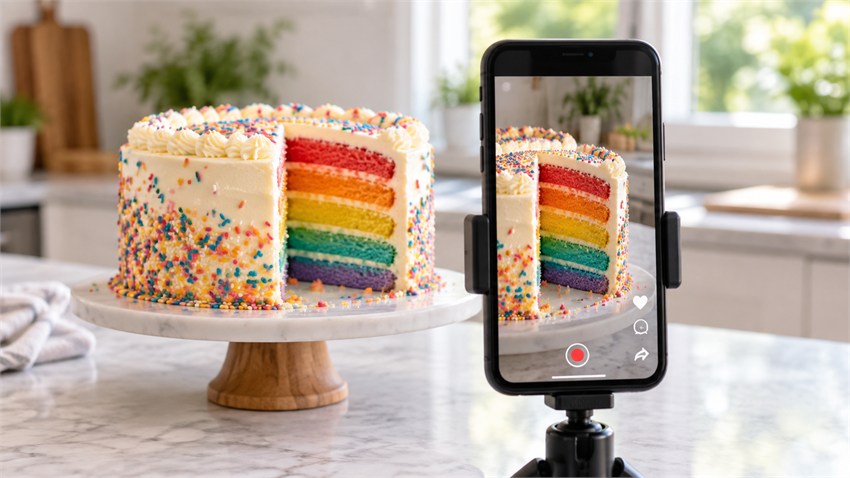
Why Do Some TikTok Videos Go Viral?
A TikTok video can spread only after people stop scrolling and watch it. Some will then share or discuss what they saw. The first shot gives them a reason to pause. The next shots must answer the question raised by that opening.
A repair video could begin with water running from under a sink. Viewers can see the problem at once. They may stay to learn where the leak started and whether the repair worked. Comedy, stories, advice, and product tests work the same way.
After posting, the numbers show how viewers reacted. Watch time tells you how long they stayed. Completion rate shows how many reached the end. Replays may point to a step or detail that people wanted to see again. Shares and saves show that the video was worth sending or keeping. Comments reveal questions and opinions that the video raised.
Popular sounds and hashtags may help people find a post, but they cannot make them finish it. Posting often does not fix a weak idea either. There is also no view count that defines a viral video for every account. A local bakery and a national comedy channel have different starting points. Compare each video with your usual results instead of using another account as the standard. One practical question is, "How long can TikTok videos be?" Platform limits provide the maximum, but the idea and pacing should determine the final runtime.
How Do You Choose TikTok Video Content and Materials?
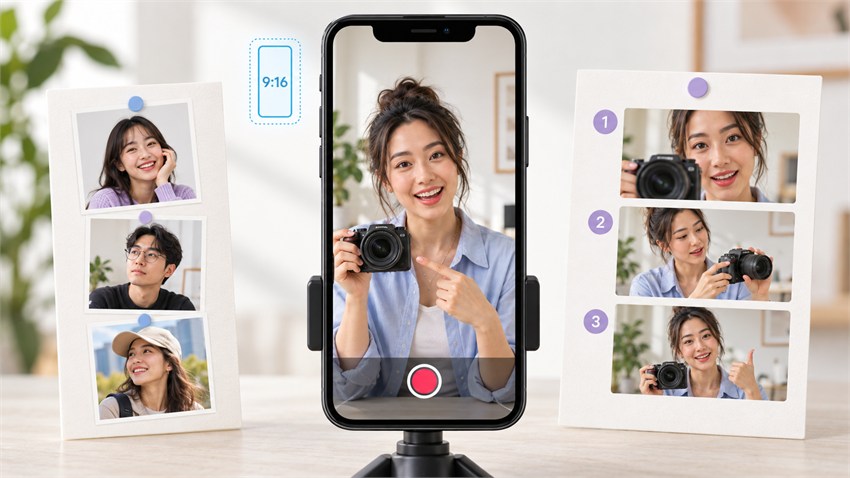
Before recording, decide who the video is for and what it will show them. Those choices determine the topic, format, and footage.
Choose one question that your audience already asks. Search suggestions and comments can help you find it. Keep the topic small enough for one video. "Meal prep" is broad. "Three work lunches that stay fresh" gives you a specific subject and result. Stay close to your account's usual subjects. An unrelated trend may attract the wrong viewers.
Give the Video a Clear Payoff
Decide what viewers will receive at the end. It could be an answer, a finished task, a story ending, or a product result. Write it in one sentence before filming. If that sentence contains several different outcomes, reduce the scope. The ending must also match the opening. A stain-removal video should show the cleaned carpet instead of ending with a description of the cleaner.
Choose a Format That Fits the Idea
Choose a structure that makes the video easy to follow. A tutorial needs ordered steps. A story needs events that lead to an ending. When planning how to make a product video, show the item in use and then show the result. An opinion video can give the conclusion first and follow with the reasons. Use a trend only when it helps tell the story.
Choose the Materials You Need
List the shots needed for the opening, main section, and ending. Check your phone and earlier projects before recording more footage. Use real video for personal experiences, demonstrations, and product results. Record the current screen for software instructions. Photos can show a past moment or a before-and-after comparison. Remove blurry and repeated files. Make a note of each missing shot, and confirm permission before using someone else's work.
How Do You Make a More Watchable TikTok Video?
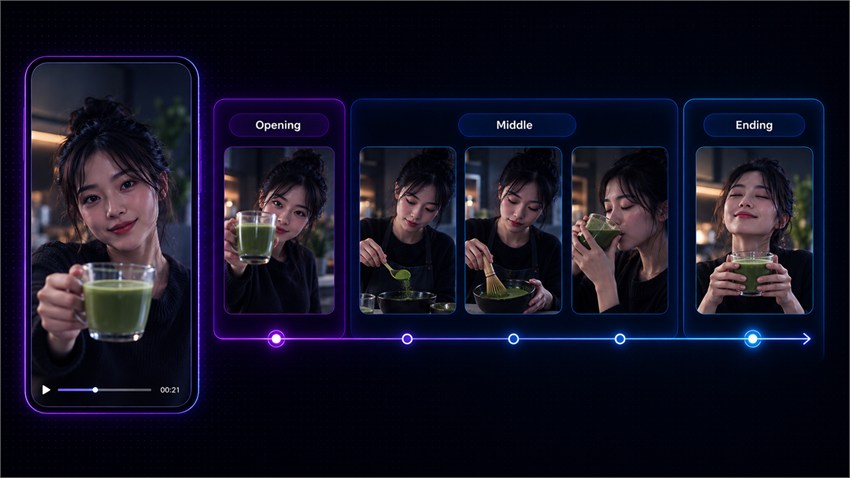
Build the video from the opening to the ending. Each part has one job. The opening introduces the subject. The middle shows what happened. The ending gives the answer or result.
Step 1: Start With a Strong Hook
Use the first shot to show the main problem, change, question, or result. Add a short line when the image needs context. A closet video could open with a drawer that will not close. A quick view of the finished space shows what will change.
Remove greetings and long introductions. Background details can wait until viewers need them. Do not rely on "watch until the end." Show something worth following instead.
Step 2: Arrange the Main Content
Put the middle in an order that suits the subject. A tutorial follows the steps of the task. A process follows time. A story needs one event to lead to the next. Each shot should teach something, show progress, or change the situation.
Cut repeated explanations, waiting, and failed takes. Keep any step that viewers need to understand the result. The video should be as long as the subject requires. Do not add clips only to reach a target length.
Step 3: Record or Create the Visuals
Film any person, product, action, or result that needs to be real. Use screen recording for websites and apps. Turn off notifications first, and hide messages, customer details, and account information.
Next, check which shots are still missing. You may need an imaginary setting or a camera move that is hard to film. A short transition may also be missing. RoboNeo can make a clip from a written prompt. It can also add motion to a reference image. Use it only for a shot already listed in your plan.
Keep each generated clip simple. Describe one subject and one main action. Add the setting, lighting, camera movement, and video shape. Reuse the same reference image when a person or product appears again. Before using the clip, check the face, hands, text, logo, movement, and background. Do not use generated footage as proof of a real event or product result.
Make TikTok Videos with RoboNeo
Step 4: Add Sound and Captions
Use the original voice when it is easy to hear. Add voiceover when the pictures cannot explain an important detail. Music and sound effects should stay below the speech.
Add captions for people watching without sound. Keep each line short and match it to the speaker. Check names, numbers, and product terms. Place the text away from TikTok's buttons and description area. Make sure you have the right to use any music or recording that is not yours.
Step 5: Edit the Video and Complete the Ending
Put the video clips, screen recordings, and photos in the planned order. Remove mistakes, repeated actions, long pauses, and shots that do not help the story. Change the picture when the information or action changes. Fast cuts do not help when they make the video harder to follow.
The final shot should finish what the opening started. Show the completed task, the test result, or the end of the story. Ask viewers to follow or comment only after giving them that ending. Before you upload high quality videos to TikTok, export the file at the correct resolution and play it once from beginning to end.
How Do You Improve TikTok Videos With Analytics and Comments?
After posting, check how people watched the video. Find where they left and where they replayed or responded. Then change one thing in the next video.
Review the Viewing Data
Views show how many people reached the video. Average watch time and completion rate show how long they stayed. Replays mark parts they watched again. Traffic sources show where they found the post.
Use these numbers to locate the point where viewers lost interest. An early drop points to the opening. A middle drop may come from repetition or slower pacing. A late drop can mean the result took too long. If viewers leave when a low-resolution clip appears, AI video upscaling can improve a usable clip before you test the edit again. Check several similar videos before deciding what caused the problem.
Learn From Shares, Saves, and Comments
Shares show what viewers send to other people. Saves show what they want to revisit. Comments reveal questions, confusion, agreement, or disagreement.
These responses become more useful when they appear repeatedly. A question asked by several viewers can become another video. One unrelated comment should not change the account's direction. False claims and staged arguments may attract replies, but they also damage trust.
Test One Change at a Time
Once you find a problem, change only that part in the next video. Rewrite the opening, shorten a slow section, move a shot, or show the result earlier. Keep the other parts similar so you can see whether the change worked.
After several tests, check which subjects continue to attract the right viewers. Cover those subjects from new angles instead of copying the same post. If a video gets many views but brings no useful comments, saves, or followers, review the topic rather than repeating it.
FAQ
Can a new TikTok account go viral?
Yes. TikTok can show a new account's video to people who do not follow it. Keep the account's subject easy to recognize. One weak post does not define the account. Compare the results of several posts.
How many views count as viral on TikTok?
People searching for how to be viral on TikTok or how to get popular on TikTok often expect a target number. No single number applies to every account. A small account may consider a post successful when it performs far above its usual range. Watch time, shares, comments, and new followers provide more context than views alone.
How long does it take for a TikTok video to go viral?
There is no fixed time. Some videos gain attention soon after posting. Others may not pick up until later. Do not judge a post from its first few minutes or hours alone.
Should you delete and repost a TikTok video that performs poorly?
Not right away. Posting the same file again may bring the same result. Check the topic, first shot, pace, and ending. If you try again, change the part that caused the problem. Think before deleting a post that already has useful comments or saves.
Can AI-generated TikTok videos go viral?
Yes, but AI does not make a video popular by itself. The video still needs a subject that people care about and an ending worth waiting for. Check the images, facts, and usage rights before posting. Also check whether TikTok requires an AI label for the material you used.
You May Be Interested
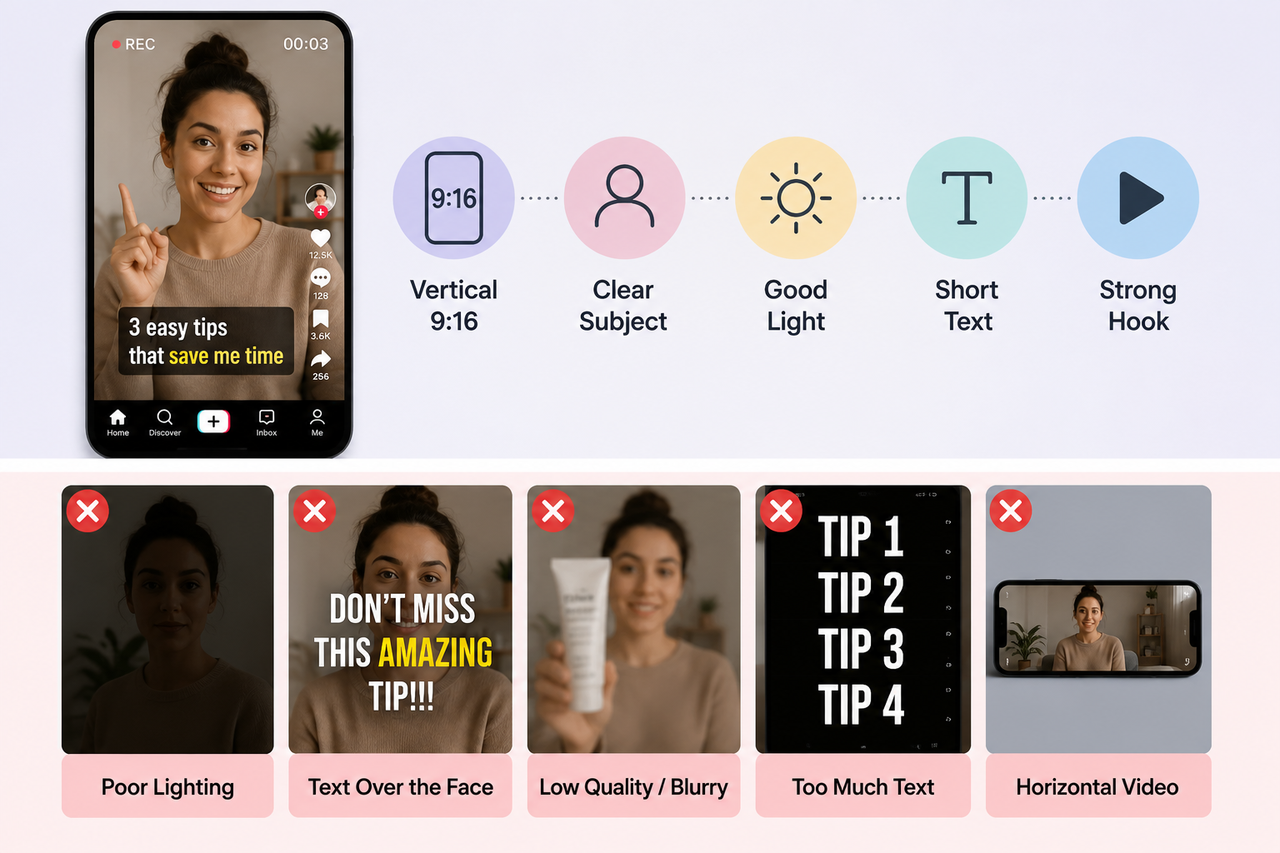
How to Make a TikTok Video in 2026: Easy Guide
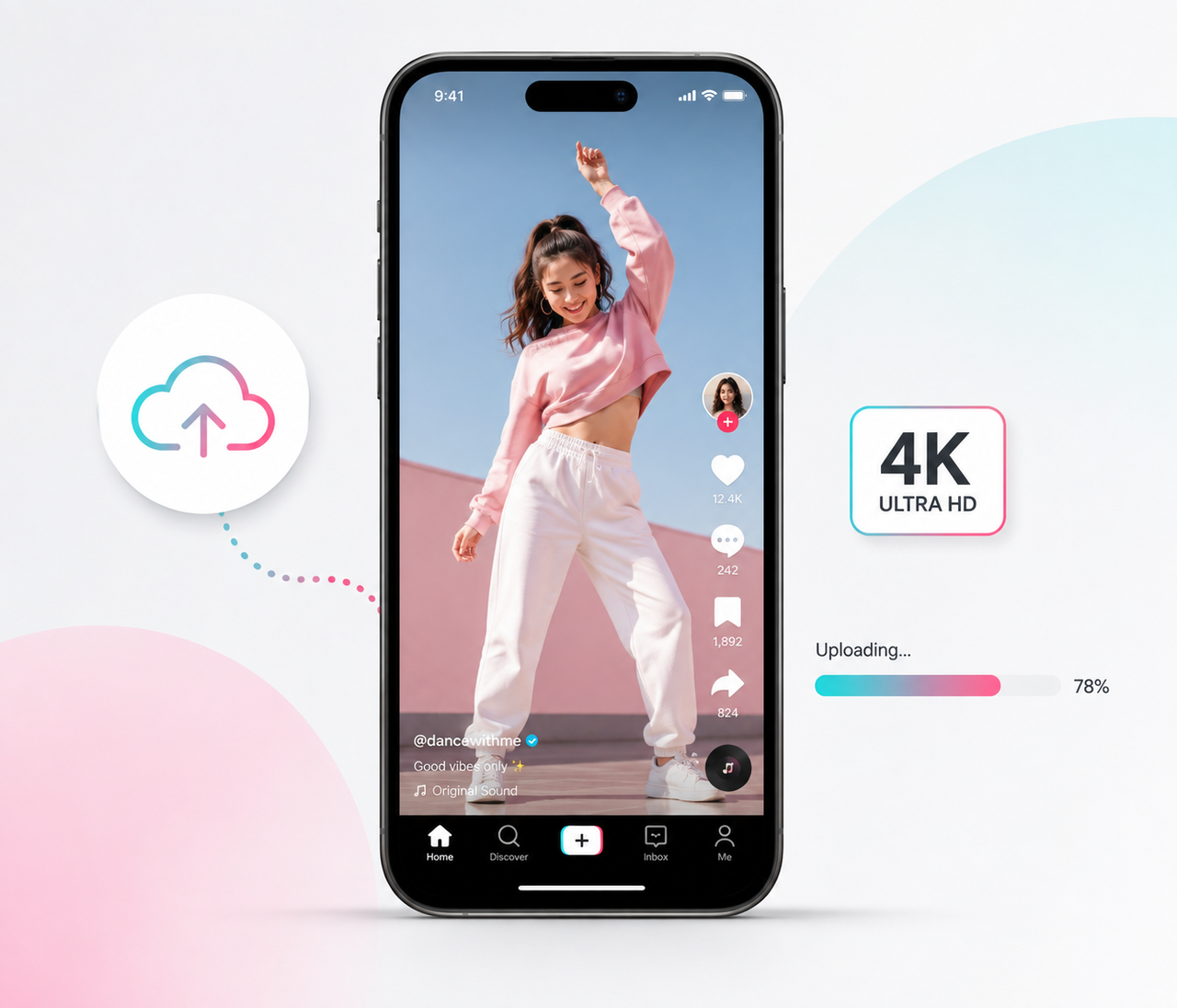
How to Upload High Quality Videos to TikTok: Easy Guide
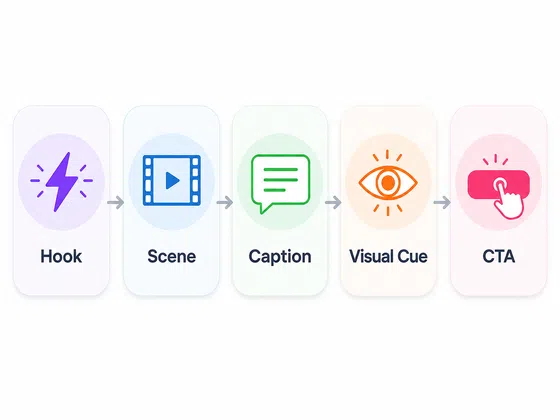
Best TikTok Script Generator in 2026
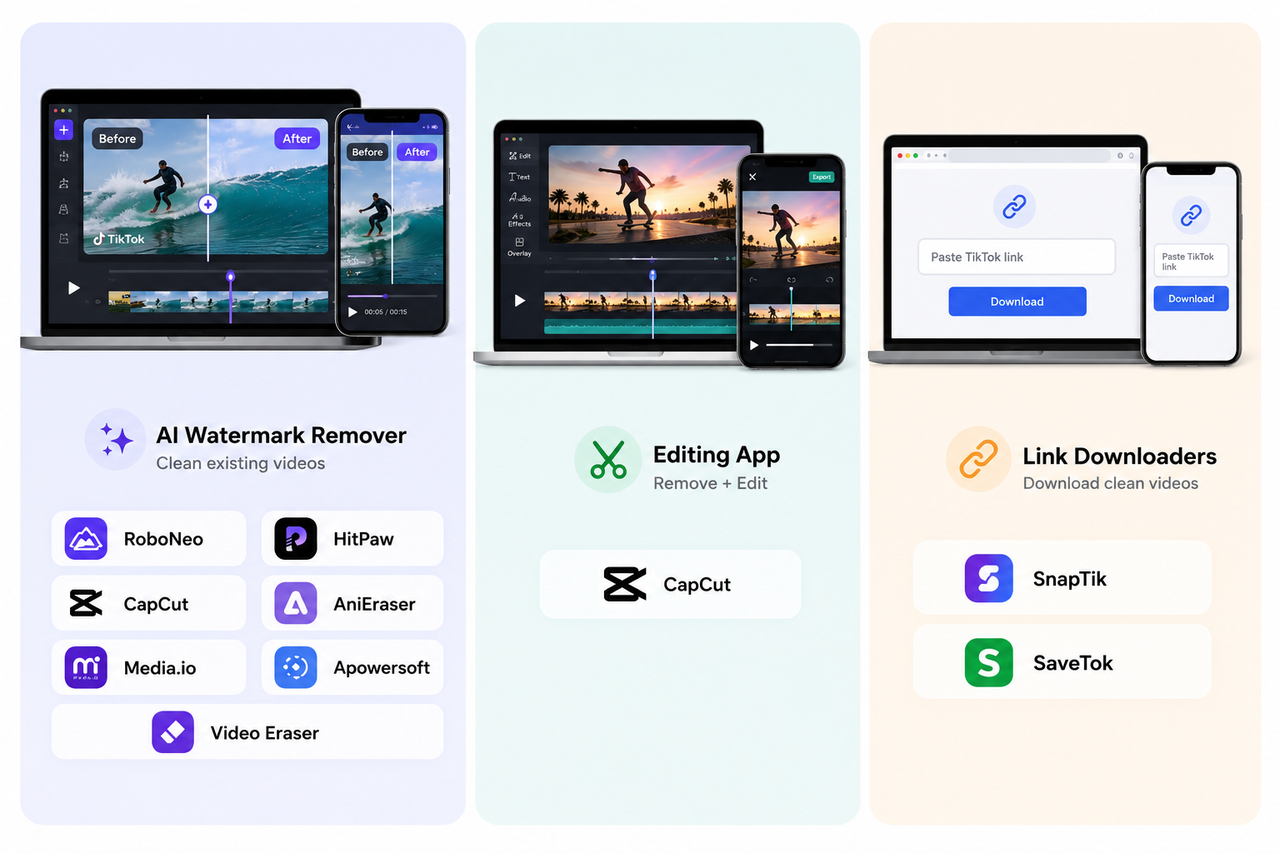
9 Best App to Remove TikTok Watermark: Complete 2026 Guide