
Faceless YouTube Channel Ideas: Formats, Niches, and Examples
 RoboNeo TeamOctober 28, 2026
Starting a YouTube channel doesn't mean you have to show your face. From animated explainers to gaming walkthroughs, plenty of creators build audiences around their skills, ideas, and storytelling. The challenge is finding a format you can produce consistently. These faceless YouTube channel ideas explore five established channels, explain what makes each approach work, and help you choose a direction that fits your time, interests, and budget.
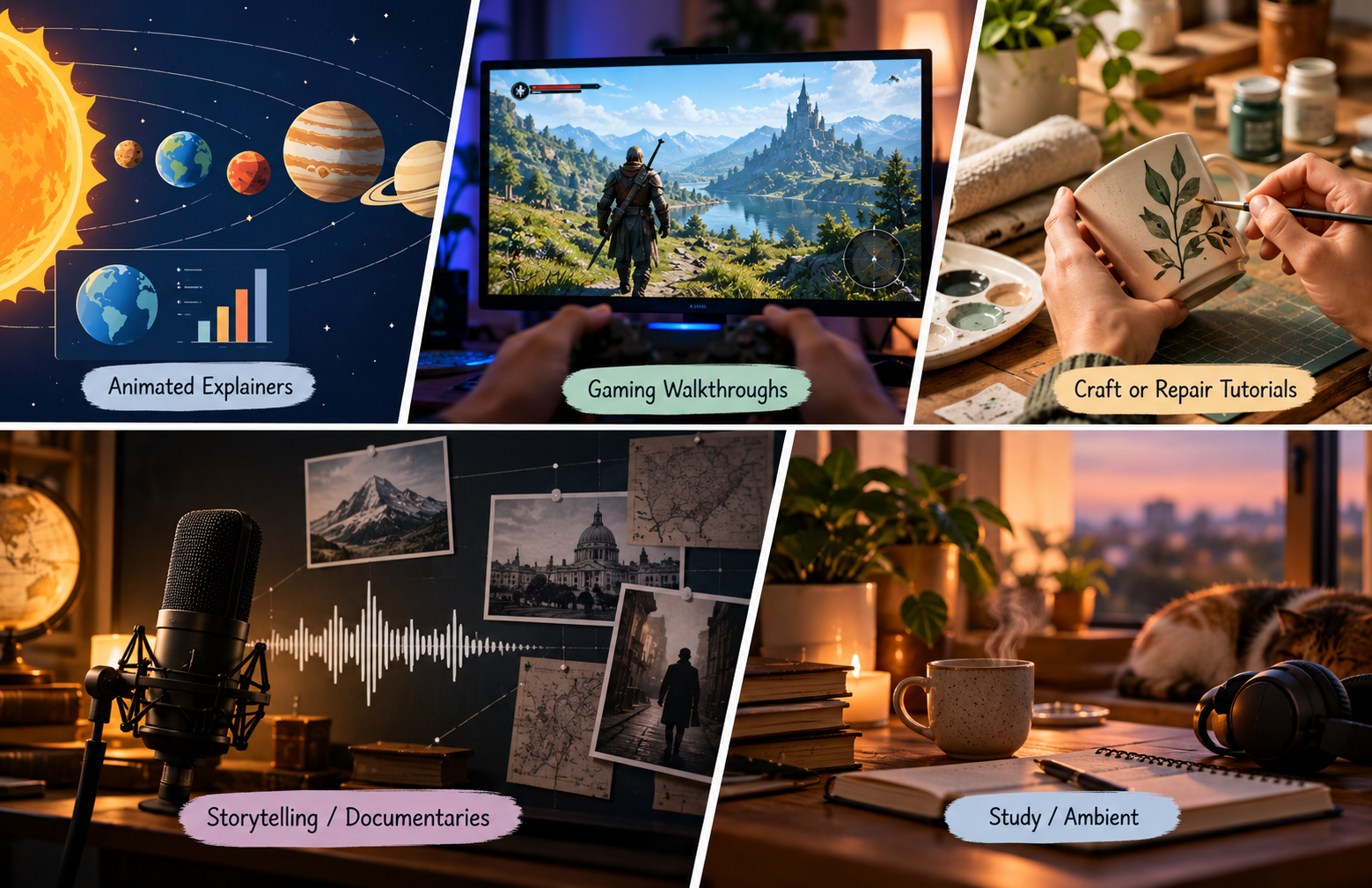
What Is a Faceless YouTube Channel?
Faceless YouTube channels publish videos without requiring the creator to appear on camera. Content might include animation, screen recordings, gameplay, hands-on demonstrations, or music paired with original visuals. Your personality can still come through your narration, editing, storytelling, and choice of topics.
For new creators, exploring ideas for a YouTube channel means looking beyond the subject itself. The production format matters just as much. A software tutorial relies on clear instructions, while a study-music channel needs a consistent atmosphere and an enjoyable listening experience.
5 Faceless YouTube Channel Ideas with Real Examples
The best faceless YouTube channel ideas offer viewers a clear reason to watch. Some explain complicated subjects, while others teach practical skills, entertain gamers, or create a relaxing background. These five established channels demonstrate different approaches you can adapt to your own interests.
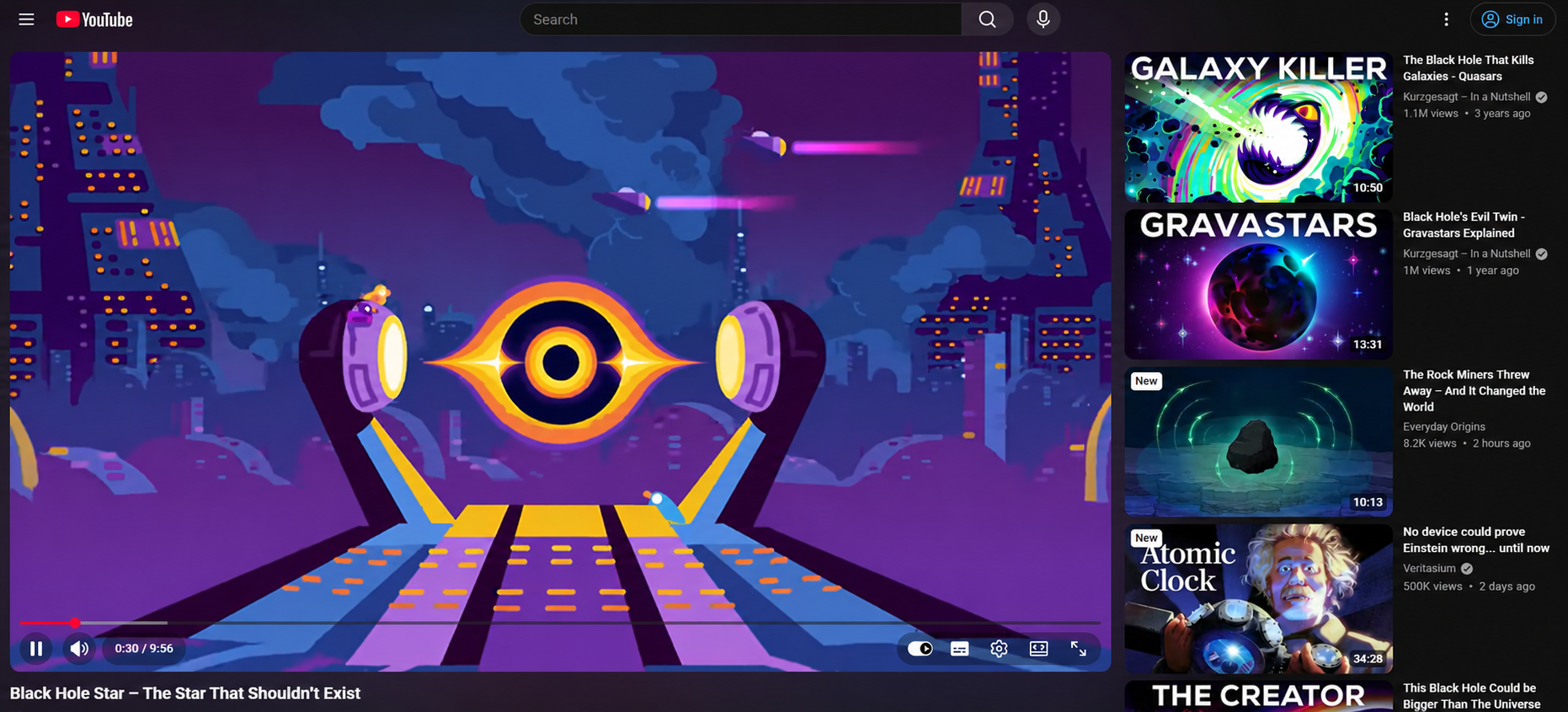
Animated Science Explainers: Kurzgesagt
Kurzgesagt – In a Nutshell turns complex scientific and philosophical questions into colorful animated videos. Its subjects range from space exploration and biology to the future of humanity. Detailed illustrations, structured narration, and distinctive visual storytelling make the content recognizable without an on-screen host.
This format suits creators who enjoy research and explaining difficult ideas in accessible language. A channel could explore questions about sleep, weather, the human body, or the technology people use at home. Creators interested in this approach can explore how to create animated videos to understand different ways of turning ideas into moving visuals.
Animation does require planning. Scripts, visual assets, narration, and editing all take time, particularly when each scene needs to communicate a new idea. Starting with short explainers about familiar subjects can make the workload more manageable.
Best for: Creators who enjoy research, educational storytelling, and visual design.
Tips: Create Animated Explainers with RoboNeo
RoboNeo Agent can help turn a science topic into a script, develop visual concepts, and plan animated scenes. Start with a simple question, such as "Why do we dream?", then describe the illustrations and narration style you want. Review the scientific details before generating your video.
Software Tutorials: Technology for Teachers and Students
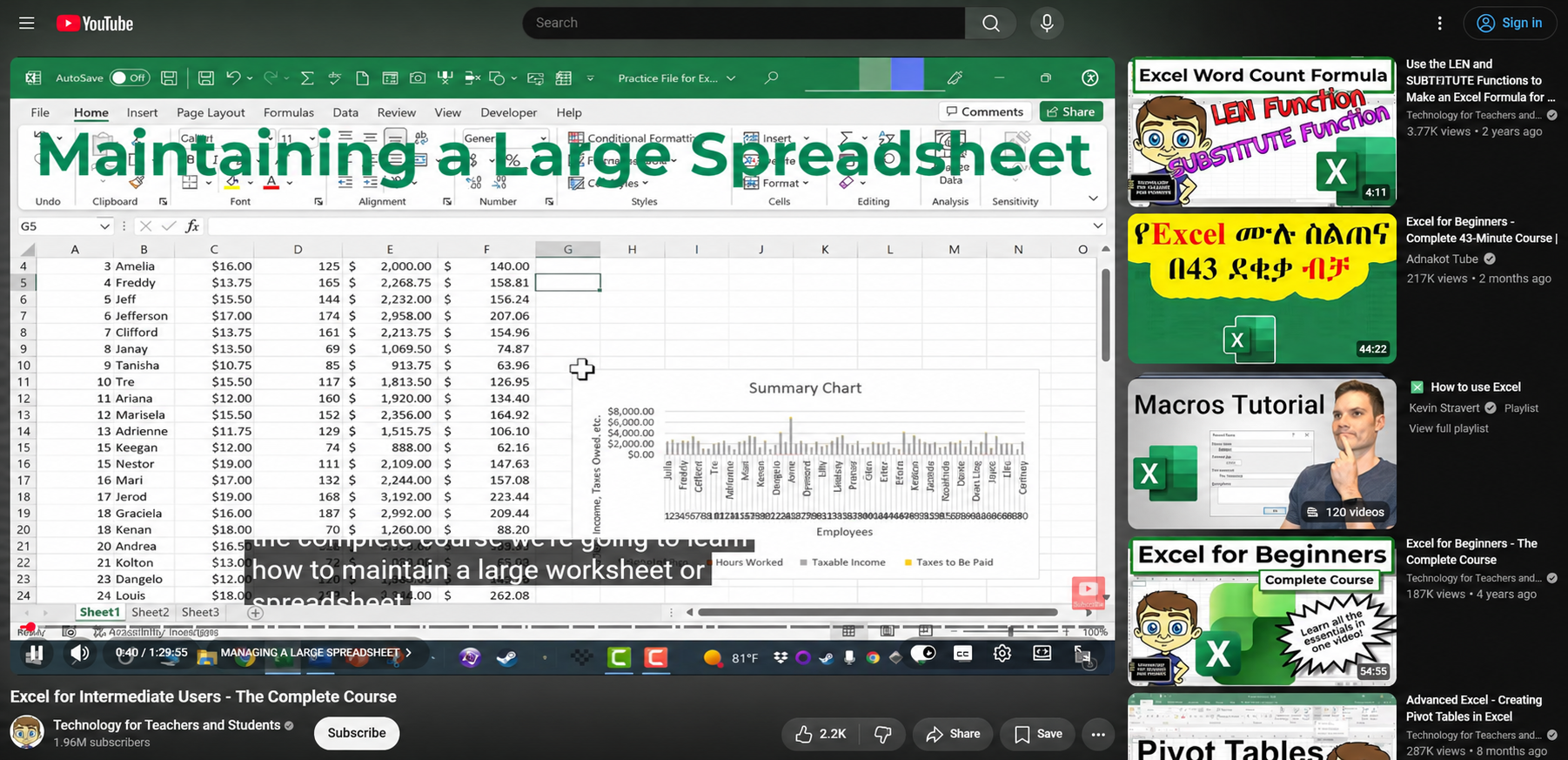
Technology for Teachers and Students demonstrates software features and digital workflows through screen-based instruction. The format puts the task itself at the center of the video, allowing viewers to follow along without seeing the presenter.
This approach works well because it addresses problems people actively want to solve. A creator might show how to organize a spreadsheet, edit a document, manage digital files, or use a specific app feature.
A useful tutorial needs more than a sequence of clicks. Viewers should understand what they are trying to accomplish, why each step matters, and how to fix common mistakes. Clear screen recordings and accurate instructions are more valuable than elaborate visual effects.
Best for: Creators with software knowledge who enjoy teaching and solving everyday problems.
Tips: Create Software Tutorials with RoboNeo
A good software tutorial walks viewers through a task without skipping important details. Start by telling RoboNeo Agent what software you're covering and what viewers should learn. Use it to develop a step-by-step script and create supporting visuals for concepts that are difficult to explain through screen recordings alone. Combine these materials with real software demonstrations to complete your tutorial.
Gaming Walkthroughs: decino
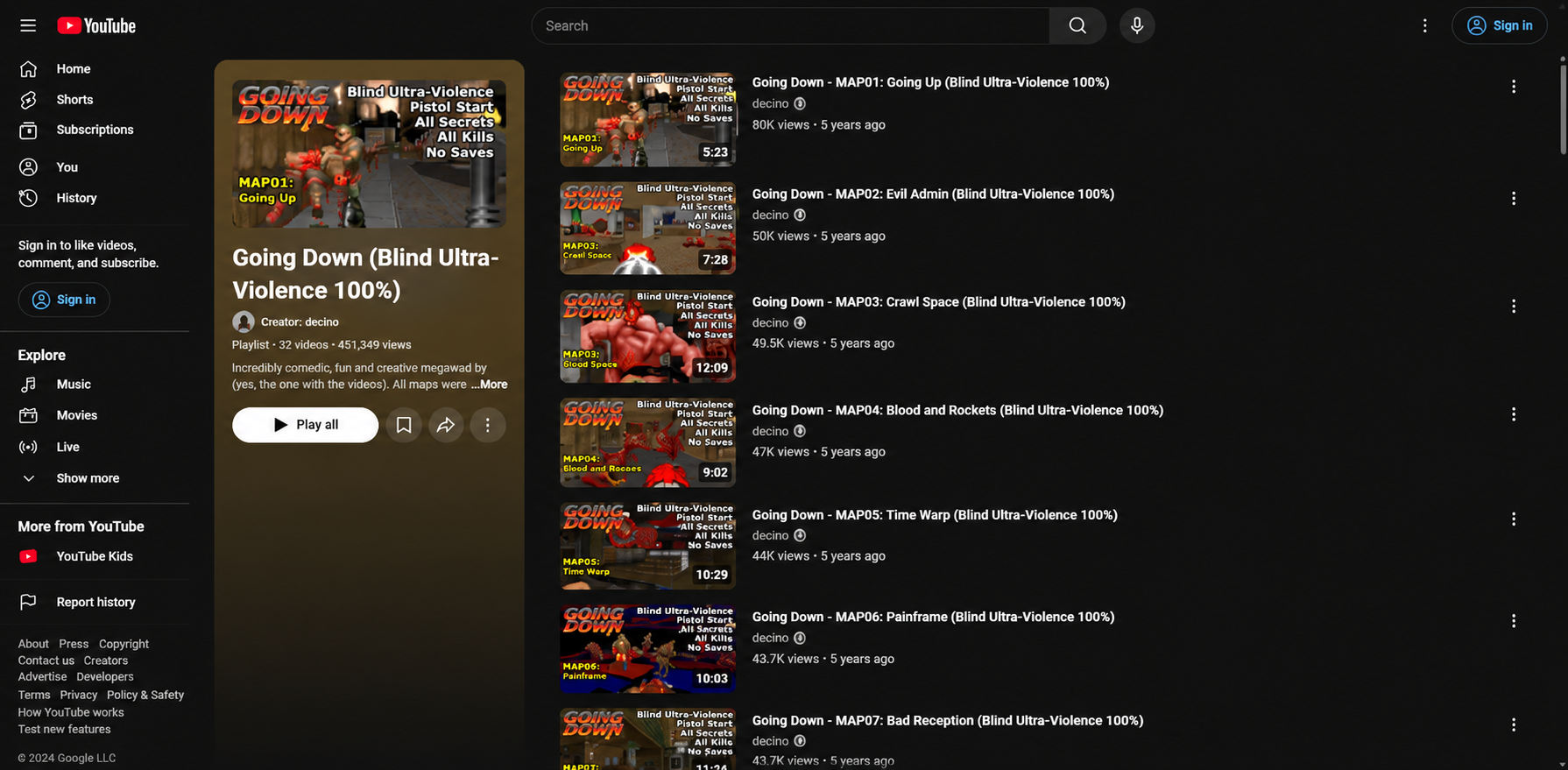
The channel decino is known for detailed DOOM gameplay analysis, including weapon mechanics, enemy behavior, and level strategies. It demonstrates how a gaming channel can develop a distinctive identity through expertise and commentary rather than an on-camera personality.
Gaming offers several possible directions, from beginner walkthroughs and challenge runs to strategy breakdowns and explanations of hidden mechanics. Someone who regularly plays the same game may already have enough experience to identify questions other players struggle with.
Competition is the main challenge. Uploading unedited gameplay without a clear purpose can make it difficult to stand out. A video explaining why a particular strategy works gives viewers a reason to choose it over a generic playthrough.
Best for: Gamers who understand a specific title and can offer useful insights, entertaining commentary, or original challenges.
Tips: Create Gaming Video Intros with RoboNeo
A dramatic opening can introduce a boss battle, challenge run, or strategy breakdown. Describe the atmosphere and visual style in RoboNeo Agent to generate cinematic intro clips or transitions. Combine these visuals with real gameplay footage and your own commentary.
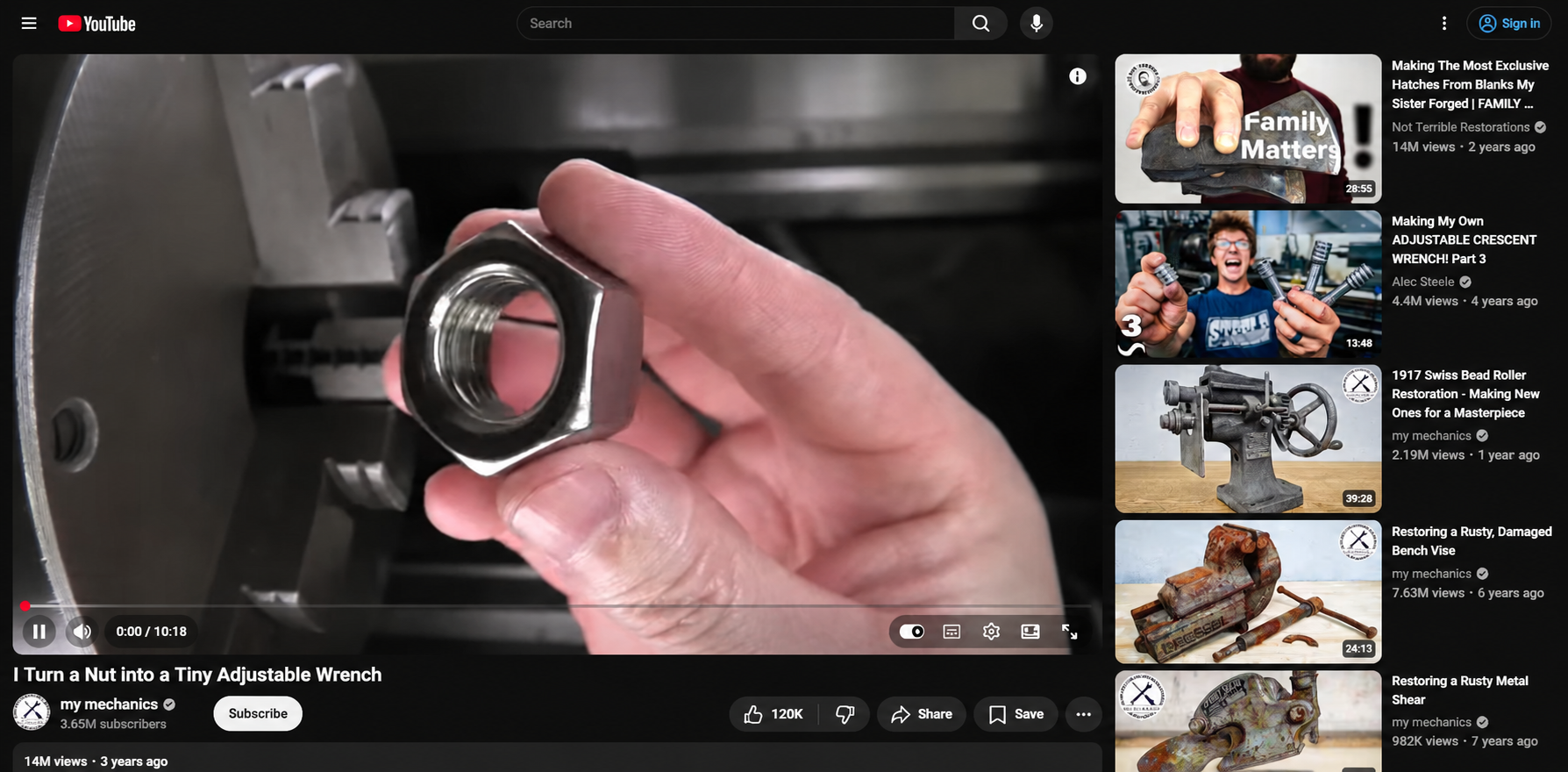
Hands-Only Restoration: my mechanics
My Mechanics showcases detailed restoration projects, often following worn or corroded objects through disassembly, cleaning, repair, and reassembly. The camera focuses on the work itself, allowing viewers to appreciate the transformation without a talking host.
This approach can suit creators who enjoy repairing tools, maintaining equipment, refinishing furniture, or restoring secondhand finds. The transformation provides a natural narrative: viewers see the initial condition, the difficult stages, and the finished result.
Authenticity matters here. Close-up footage, consistent lighting, and clear shots of each stage help viewers understand what is happening. Filming a restoration also requires access to suitable materials, tools, and a safe workspace, so production costs can vary considerably.
Best for: Hands-on creators with practical skills, access to projects, and an interest in process-driven videos.
Tips: Edit Restoration Videos with RoboNeo
A restoration project may involve hours of cleaning, repairing, and reassembling an object. Upload your recorded footage to RoboNeo and ask the AI to shorten repetitive sections, highlight important repair moments, and arrange the clips into a clear before-and-after sequence. Review the edited video to make sure the actual restoration process is represented accurately.
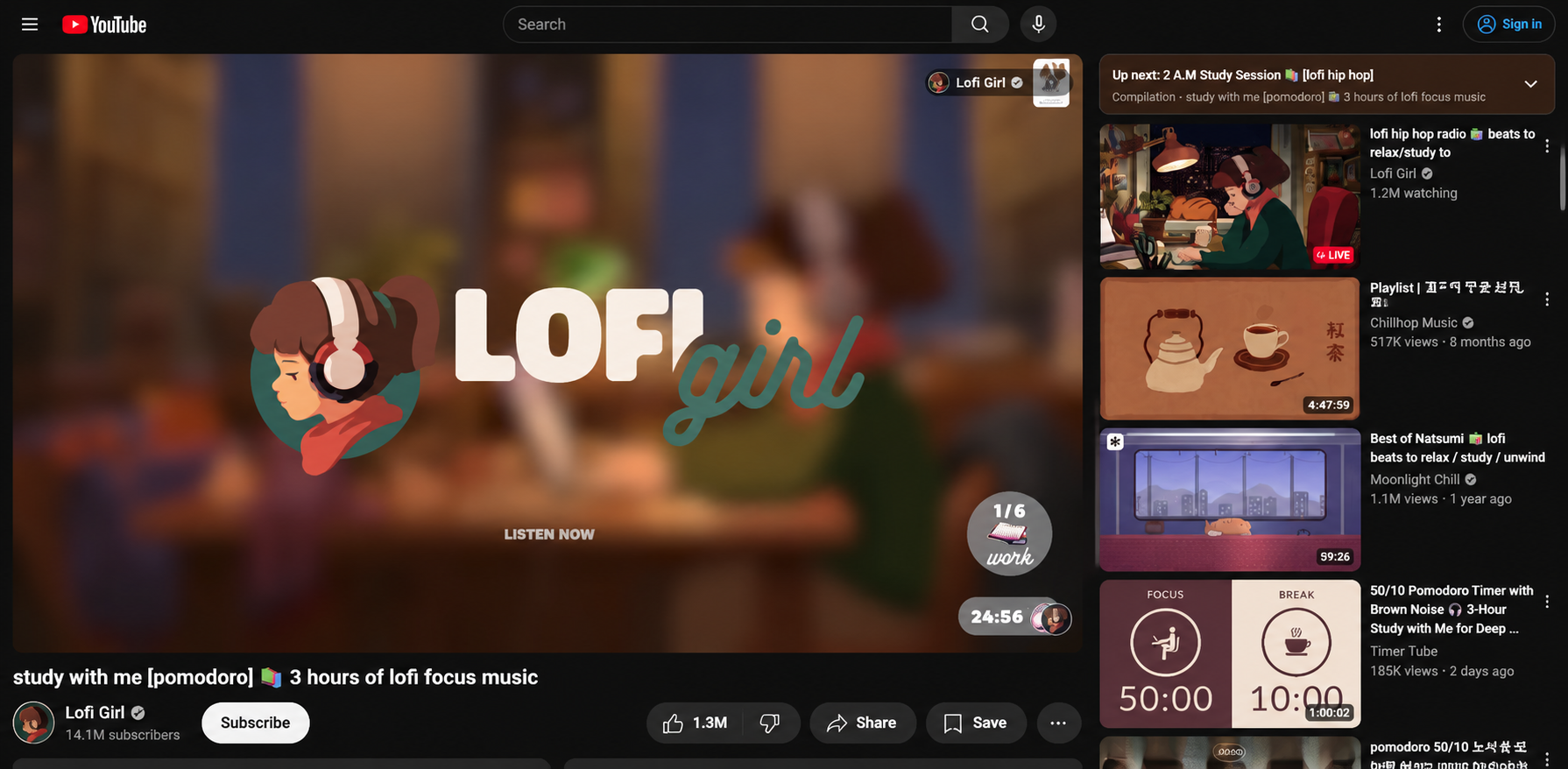
Study Music and Animated Visuals: Lofi Girl
Lofi Girl combines lo-fi music with a recognizable animated study scene, creating a calm environment for studying, reading, or working. Rather than relying on a presenter or a conventional narrative, the channel builds its identity around mood, music, and visual consistency.
This format may appeal to creators who enjoy music production, illustration, and ambient design. An original track paired with a softly animated bedroom, a rainy city window, or a quiet library can communicate a clear atmosphere.
Music licensing is essential. Tracks and visual assets need to be original, properly licensed, or otherwise cleared for the intended use. A relaxing aesthetic alone does not guarantee that a channel will attract viewers, so the music, sound quality, and overall listening experience still need attention.
Best for: Creators interested in music, atmosphere, illustration, and long-form background content.
Tips: Create Animated Study Visuals with RoboNeo
A rainy window, softly moving curtains, or a quiet library can set the mood for a study video. Upload a reference image to RoboNeo and describe the subtle movements you want to animate. Pair the generated visuals with original or properly licensed music.
How to Choose the Right Faceless Channel Idea
A promising concept needs to fit your resources as well as your interests. Before committing to one of the best faceless YouTube channel ideas, consider what you can realistically produce over several months.
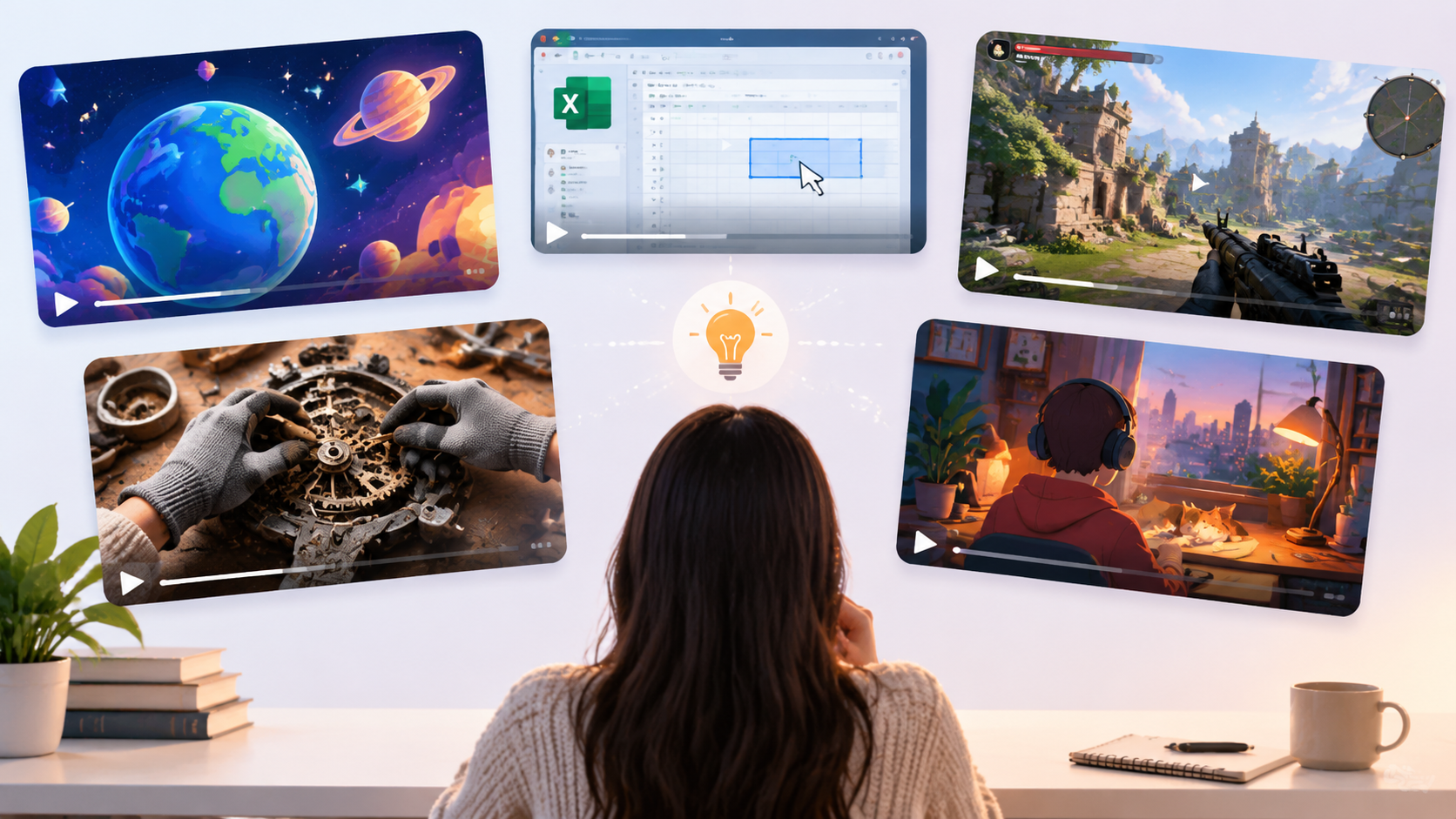
Match the Topic to Your Knowledge and Interests
Your existing experience can reduce research time and help you create more useful content. Someone who enjoys explaining phone settings may find software tutorials easier to maintain than animated science videos. A hobbyist who repairs old bicycles may have plenty of material for hands-only demonstrations.
Interest matters because the initial excitement of launching a channel can fade after several uploads. Choose a topic that leaves you with more questions to explore, not one that depends on a single burst of inspiration.
Consider the Skills, Time, and Materials You Need
Different formats place different demands on creators. Before choosing a niche, assess the work behind each finished video.
Research and scripting: Educational explainers require fact-checking, while gaming commentary depends on familiarity with the game.
Equipment and access: Tutorials need reliable screen recording, whereas restoration videos require objects, tools, and filming space.
Editing and production: Animation and music-led videos may involve more visual design or audio preparation than straightforward tutorials.
A realistic schedule is better than an ambitious one that becomes difficult to sustain. If you have a full-time job and only a few evenings available, a focused weekly tutorial may be more manageable than a highly animated video every few days. A clear script can also make production more efficient, and this video script writing guide covers the planning process from the initial idea to the finished script.
Find an Angle You Can Build into a Series
A channel becomes easier to develop when its central idea supports multiple related videos. Instead of covering every software application, you could focus on simple digital workflows for college students. Rather than uploading random gaming clips, you could explain one game's mechanics and strategies.
A repeatable format also makes production more efficient. Once you have established an editing style, thumbnail approach, and script structure, each new video can be built on the previous one without feeling identical. An effective AI content creation workflow can also help creators organize ideas and supporting visuals without losing sight of the audience's needs.
How to Test Your Faceless Channel Idea Before Committing
You do not need to launch with a complete content library. A small test can reveal whether an idea is practical, whether viewers respond to it, and how much work each upload requires.
Start with three videos aimed at different questions within the same niche. A study-music creator might test a rainy-night atmosphere, a quiet morning scene, and a library-inspired visual. A software creator could cover three common tasks that beginners frequently struggle with.
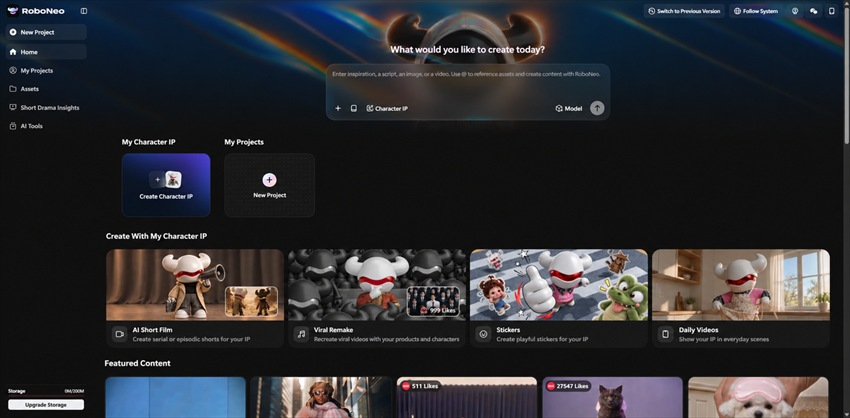
AI tools for a faceless YouTube channel can also help creators experiment with visual concepts before committing to full production. For music-led content, a short visual sample is often enough to assess whether a particular atmosphere works.
For example, you can use RoboNeo to test a study-video concept through a simple workflow:
1. Prepare a visual reference: Upload an image of a desk beside a rainy window, or describe the scene you want to create.
2. Generate a short video: Ask RoboNeo Agent to animate the scene with gentle raindrops, soft lighting, and subtle camera movement.
3. Review and refine: Check the generated clip for unnatural motion, distorted objects, or visual inconsistencies. Adjust your prompt and regenerate if necessary.
4. Build a sample video: Combine the clip with original or properly licensed music, then review how the visuals and audio work together.
Before generating, check whether your selected model supports the reference materials, aspect ratio, and clip duration you need. Review credit costs and available export options as well. For videos that use repeated animation, pay attention to the transition between the beginning and end of each clip to avoid noticeable jumps.
The same testing principle applies to other faceless formats. Software tutorials should use real screen recordings, while restoration videos should show genuine work. RoboNeo can provide supporting visuals, but generated footage should not be presented as evidence of actions that were never performed.
Once your test videos are ready, review audience retention, comments, and the questions viewers ask. Record how long each video took to research, produce, and revise. Three uploads will not establish a reliable long-term trend, but they can expose production bottlenecks before you invest heavily in the channel.
FAQ
Can a faceless YouTube channel be monetized?
Yes. Faceless channels can qualify for YouTube monetization if they meet the applicable eligibility requirements and follow the platform's monetization policies. Originality and meaningful viewer value matter. Repetitive, mass-produced, or minimally modified reused content may have difficulty qualifying.
Do I have to use my own voice?
No. You can use on-screen text, subtitles, licensed voice talent, or permitted AI-generated narration. Your own voice is another option, but it is not essential. Choose a method that suits the content and remains clear and engaging.
Can I start a faceless YouTube channel with just my phone?
Yes. A phone can handle basic recording, editing, voiceovers, and uploads. It works particularly well for simple demonstrations and hands-only projects. More demanding animation or detailed screen tutorials may benefit from a computer as the channel develops.
Should I make Shorts or long-form videos for a faceless channel?
The right format depends on the content and your goals. Shorts can help test quick tips, short gaming moments, or compact explanations. Long-form videos offer more room for tutorials, detailed analysis, and immersive music sessions. You can test both formats when they serve different viewer needs.
Can I use stock footage in my faceless videos?
Yes, provided the footage license permits your intended use. Check commercial-use rights, attribution requirements, and any restrictions on redistribution. Stock footage should support original commentary or storytelling rather than serve as a substitute for meaningful creative input.
You May Be Interested
Horror Movie Ideas: 15 Scary Plots for Low-Budget Films
How Long Can TikTok Videos Be? Video Length Ideas
Movie Ideas to Make at Home: 15 Easy Beginner Films
Can You Set Display Quality on YouTube? Settings Guide
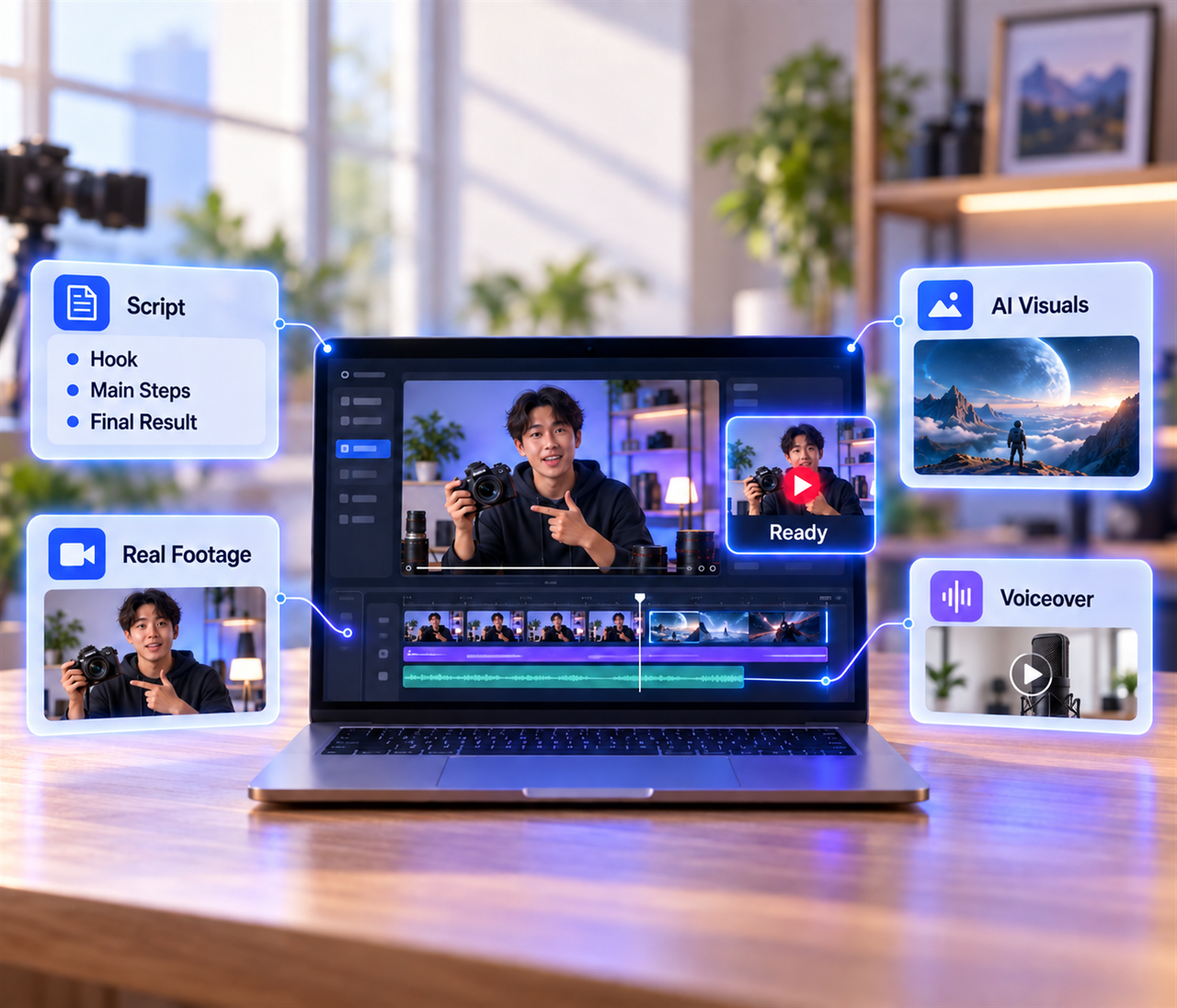
How to Make a YouTube Video With AI: 4 Simple Steps