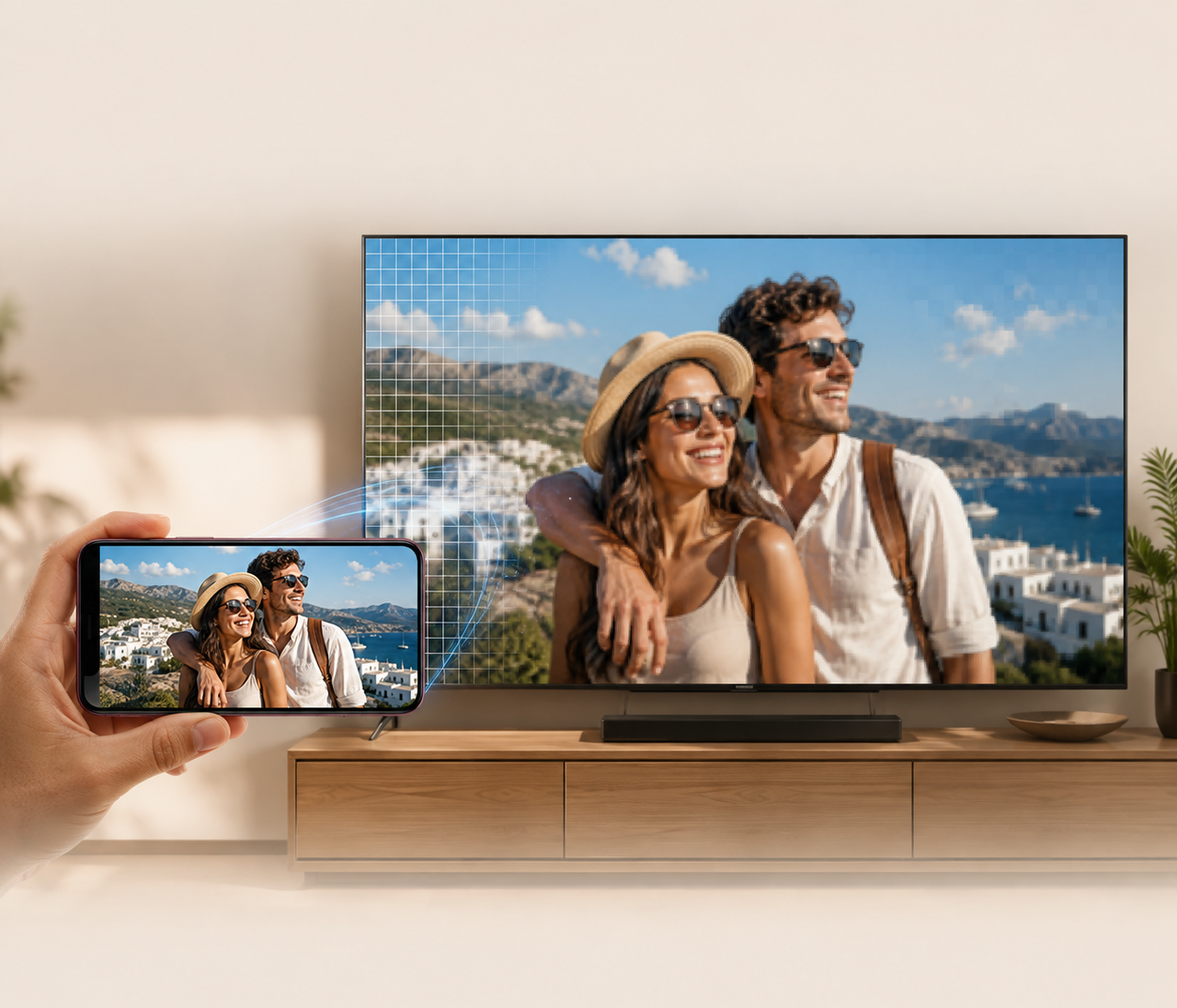
480p vs. 1080p: What is the difference in video quality?
 RoboNeo TeamAugust 11, 2026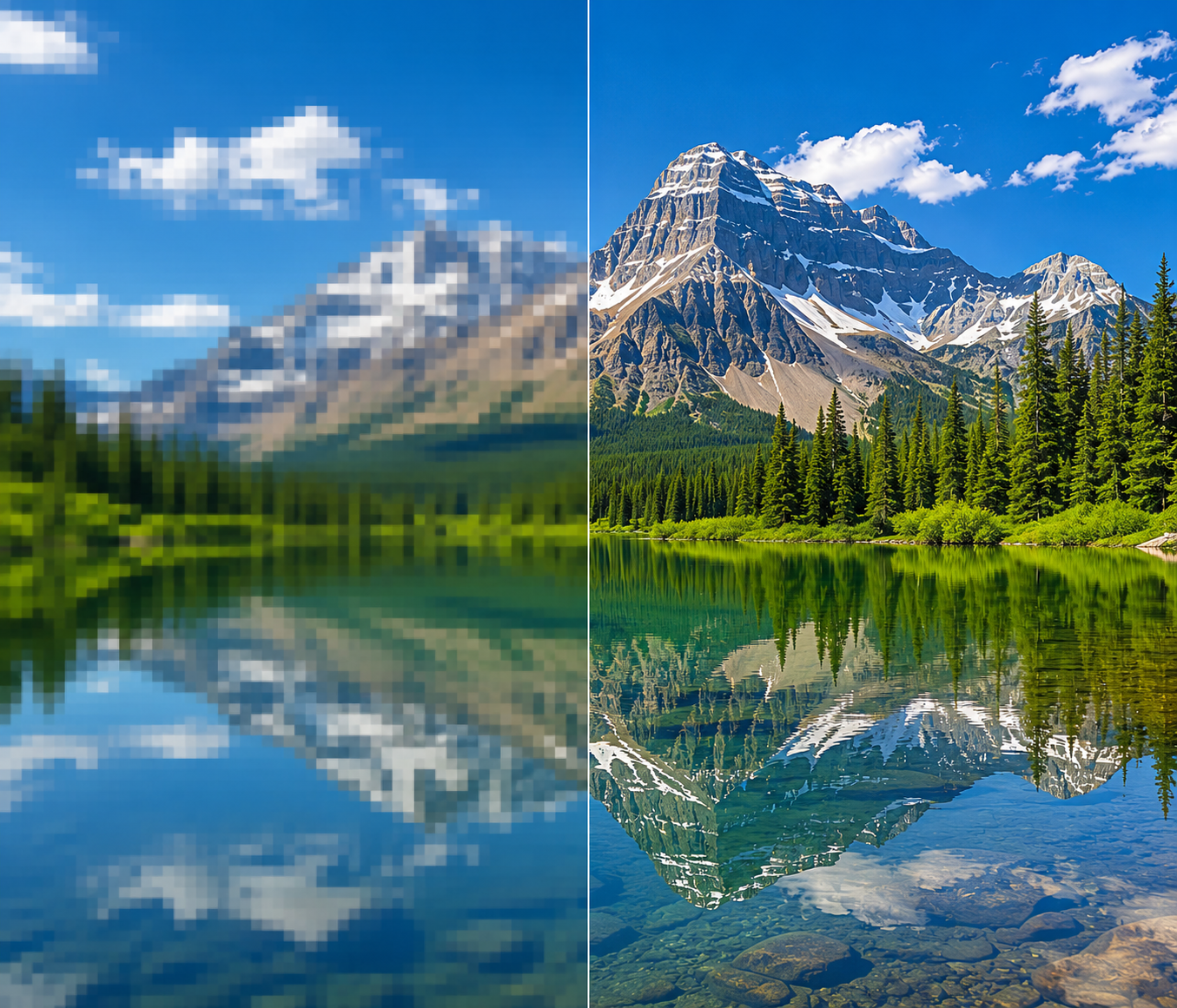
A video can look perfectly fine on your phone, then turn noticeably soft the moment you open it full screen on a laptop. Put that same clip on the living room TV and the weak spots become even harder to miss: fuzzy outlines, softer captions, and background detail that seems to disappear. That is where 480p usually starts to show its age.
1080p gives the image far more pixels to work with, so it tends to hold up better on larger screens. It also fits the standards used by YouTube, current TVs, and most modern editing projects. The trade-off is easy to overlook, though. Larger files, more data, and longer processing times all come with the higher resolution.
So the choice is not really about picking the bigger number. What matters is where the video will be shown, which details viewers need to see, and whether the source footage is good enough to benefit from upscaling.
What Is 480p Resolution?
480p is a standard-definition video format, usually labeled SD, not HD.
For widescreen footage, the usual frame size is 854 × 480 pixels. Older TV programs, computer videos, and camcorder recordings may use 640 × 480 instead, which has a 4:3 shape. The “480” refers to the vertical pixel count. The “p” means progressive scan, so each frame displays the full picture.
DVDs used 480p. So did early web videos and plenty of older phones. Higher resolutions have taken over since then, but 480p still has a practical side: smaller files, quicker uploads, and fewer playback problems when the connection is unreliable.
In a group-chat preview or a small video player, it may be all you need. A close-up clip with one person in front of a plain background can still look perfectly watchable on a phone. Most viewers will pay attention to the person, not the missing pixels.
Enlarge the picture and things change. Lettering begins to soften. Hair and clothing texture can blend together, while darker areas may break into blocky patches; footage like this may need a separate pass to make a dark video brighter before it is enlarged. If the clip has already been downloaded, forwarded, and exported a few times, those flaws usually show up even sooner.
What Is 1080p Resolution?
1080p is the resolution most people know as Full HD. The frame measures 1920 × 1080 pixels, with the familiar 16:9 widescreen shape used by TVs, laptops, YouTube, and most editing timelines.
Where it helps most is detail. A product edge stays cleaner. Subtitles do not fall apart as quickly. In a screen-recorded tutorial, small buttons and menu labels are usually much easier to read than they are at 480p.
You do not need a huge TV to notice the jump. Put the same clip full screen on a regular laptop and the difference between 480p and 1080p is often obvious, especially when the shot includes several people, distant objects, or text in the background.
That said, 1080p is only frame size. A dim phone video that missed focus will still look soft after export. Push the bitrate too low and motion can turn muddy, even though the file is labeled Full HD.
A clean 480p clip can sometimes look better than a badly compressed 1080p one. The resolution matters, but so do the camera work, lighting, codec, and export settings.
480p vs 1080p: What Changes in Real Use?
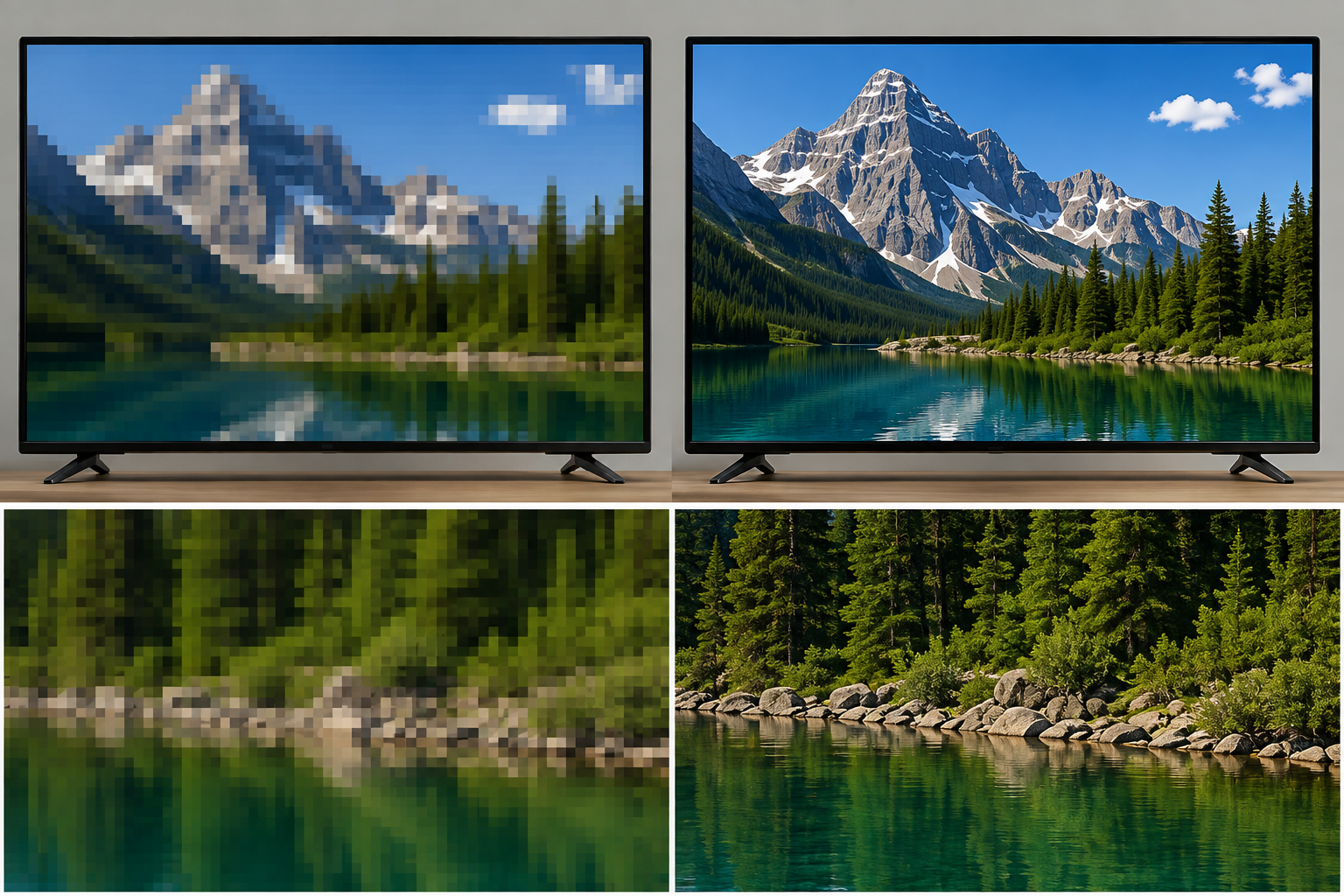
A widescreen 480p frame measures 854 × 480, which works out to roughly 410,000 pixels. At 1080p, the frame grows to 1920 × 1080, or just over 2 million pixels.
That is about five times the pixel count. The difference sounds huge on paper. On a phone, it may not feel huge at all.
Feature | 480p | 1080p |
Typical widescreen size | 854 × 480 | 1920 × 1080 |
Pixels in each frame | About 410,000 | About 2.07 million |
Resolution category | SD | Full HD |
Detail | Fine for small playback windows | Better for faces, text, and background texture |
Phone viewing | Often acceptable | Sharper, though not always dramatically different |
Laptop in full screen | Softness and jagged edges are easier to spot | Usually looks cleaner |
Large TV | Blur and compression become obvious | Holds up much better |
Bandwidth | Lower | Higher |
File size | Usually smaller | Usually larger |
Typical use | Previews, old clips, slow connections | YouTube, tutorials, demos, and TV playback |
Imagine a friend sends you a ten-second dog video through a group chat. On a phone, 480p does the job. You can see the dog, hear the joke, and move on.
Now use that clip in a YouTube video. Add captions, enlarge it to fill the screen, then watch it on a TV. The soft fur, rough text edges, and blocky shadows are much harder to ignore. That is where 1080p earns its extra pixels.
File size is less straightforward. A 1080p video is not automatically five times larger than a 480p version. Bitrate, frame rate, codec, and running time all change the result. With similar export settings, though, the Full HD file will usually take up more space and use more data while streaming.
Editing can feel different too. A newer laptop may handle both without complaint. On an older machine, 1080p footage can mean slower previews, longer exports, and a fan that suddenly gets much louder.
480p or 1080p: Which Resolution Should You Choose?
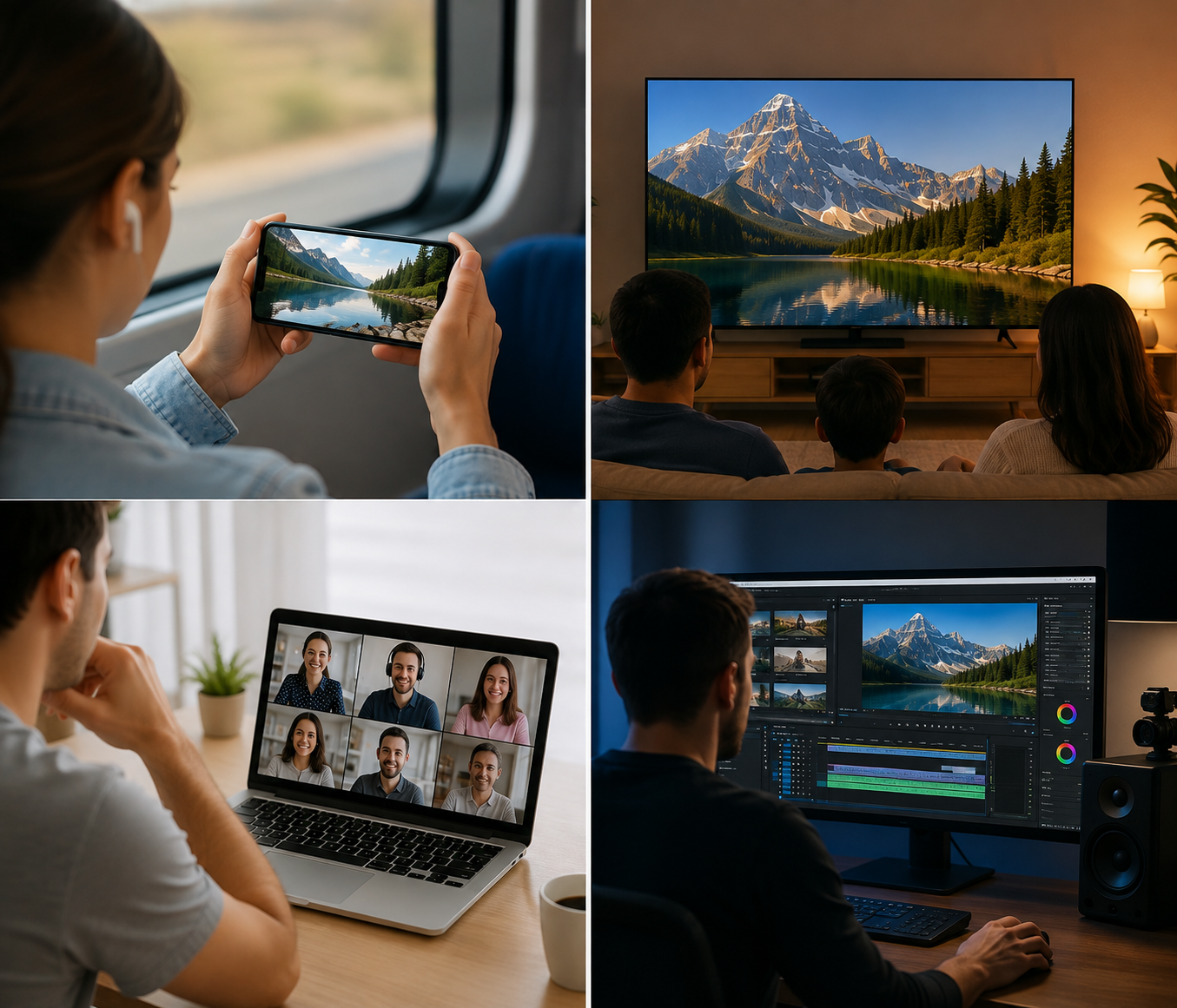
After comparing image quality, file size, and playback requirements, the decision should not come down to which number is larger. The video’s purpose, the device it will be watched on, and the quality of the footage you already have are more useful factors.
Choose 480p When Bandwidth and Storage Are Limited
480p is easier to manage when the internet connection is slow, mobile data is limited, or you need to store a large number of videos.
Files load faster, and playback is less likely to stop whenever the connection becomes unstable. Security-camera previews, short video calls, and ordinary clips shared through messaging apps usually do not need enough resolution to preserve every small detail.
Consider someone checking a front-door camera from a parking lot using cellular data. A feed that keeps playing is more useful than a sharper image that buffers repeatedly. In that situation, seeing whether a package has arrived matters more than making out the texture of a wall in the distance.
480p can also be a sensible choice for videos embedded in small web players. When the playback window is already compact, moving to a higher resolution may increase the file size without creating much of a visible difference.
Choose 1080p for Clearer Everyday Video
For videos that people are expected to watch closely, 1080p is generally the more reliable option.
Product demonstrations, online classes, software tutorials, interviews, and family videos often include subtitles, interface text, or details in the background. For creator-shot footage, the most useful AI enhancement features depend on whether the problem is blur, noise, weak lighting, or compression. At 1080p, those elements are easier to follow on both laptops and TVs.
Full HD is also a common standard for modern video platforms and editing projects. Starting with 1080p footage leaves more room for adding captions, cropping the frame, or adjusting the composition later. With a 480p source, even a modest crop can expose softness quickly.
For a YouTube upload or a video that will be played full screen on a computer or television, 1080p usually makes more sense. The file will be larger, but the improvement is often something viewers can actually see.
Upscale Existing 480p Videos for HD Viewing
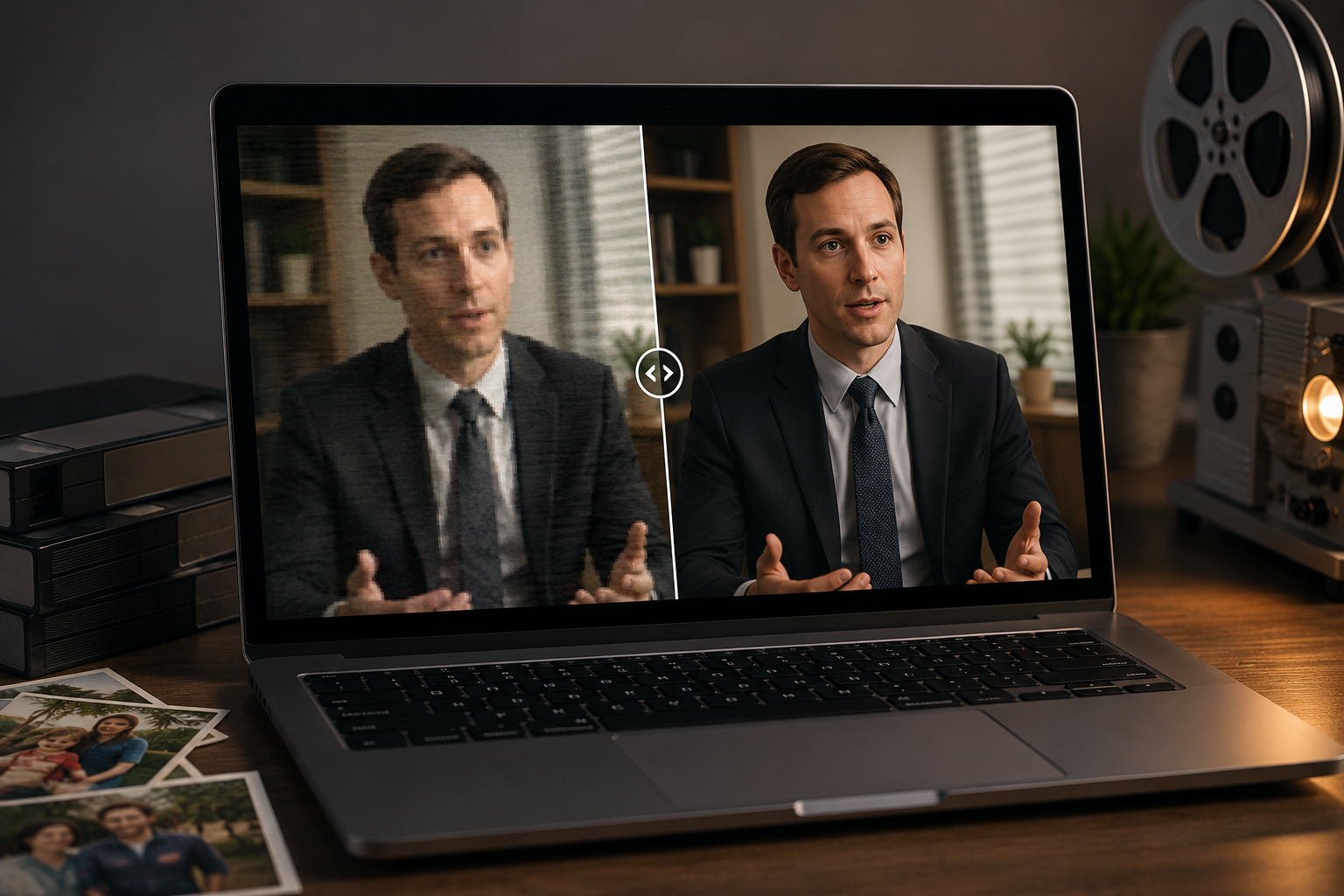
Sometimes the only available version is 480p. Old family recordings, early interviews, and clips copied from older phones are common examples.
Simply changing the export size to 1080p will only enlarge the frame. Blur, noise, and compression blocks may become larger as well. When the footage needs both a higher resolution and some visual cleanup, you can use RoboNeo AI Video Enhancer.
AI upscaling examines people, subject edges, and image textures before generating the additional pixels needed for a 1080p frame. When grain is the main problem, run video denoising before adding more sharpness. With suitable footage, outlines may look cleaner, while noise and blocky compression in darker areas become less distracting.
Imagine a 480p interview recorded ten years ago that now needs to appear in a company anniversary video. After upscaling, it still will not look identical to newly recorded 1080p material. The difference in quality, however, may feel less abrupt when both clips appear in the same timeline.
The result depends heavily on the source. A clean 480p file with proper focus gives the software more usable information. Footage that is badly out of focus or already broken into compression blocks has much less room for improvement. AI cannot accurately restore real details that were never captured in the first place.
Consider the Final Viewing Platform
The same video may call for a different resolution depending on where it will be published and how viewers will watch it. A TikTok video is usually viewed on a small vertical screen, while a YouTube upload may be played full screen on a laptop or TV.
Small previews, low-bandwidth webpages, and mobile viewing on limited connections place more value on fast loading. In those cases, 480p can reduce both data use and storage needs. YouTube uploads, full-screen computer playback, and television viewing are more dependent on visible detail, which generally makes 1080p the better fit.
Platform compression matters too. Most video services re-encode files after upload. When the source is already blurry, another round of compression may remove even more edge detail and texture. Preparing a good-quality 1080p file beforehand usually gives you more control than uploading a 480p video that has simply been stretched.
Future editing should also be part of the decision. If the footage may need to be cropped, the subject enlarged, or large captions added, a 1080p frame provides more flexibility. For a short preview file that will remain small, increasing the resolution only for the label may not be worth the added file size.
FAQ
Can the Human Eye Tell the Difference Between 4K and 1080p?
Yes, but the gap depends on the screen, viewing distance, and the quality of the video itself. On a large TV or from a closer seat, 4K is easier to distinguish. On a smaller screen, or from across the room, the difference may be much less noticeable.
How Does 480p Look on a 4K TV?
Usually soft. A 4K TV has to enlarge the 480p image quite a bit, which makes rough edges, blurry text, and compression blocks easier to see.
The TV’s built-in upscaling may smooth the picture somewhat, but it cannot bring back detail that was never present in the source.
Is 1080p Good Enough for a TV?
For many TVs, yes. At a normal viewing distance, 1080p can still look clear and comfortable.
The benefits of 4K become more obvious as the screen gets larger or the viewer sits closer.
Does 1080p Use More Data Than 480p?
Usually. A 1080p video contains more pixels and often needs a higher bitrate to maintain good quality, so streaming and file sizes tend to be larger.
The exact difference also depends on the codec, frame rate, and compression settings.
Is 1080p Better Than 4K?
Not in terms of resolution. 4K contains more detail than 1080p.
Still, 1080p files are smaller and easier on slower connections and older devices. For everyday viewing, online classes, and most social videos, Full HD may be the more practical choice.
You May Be Interested
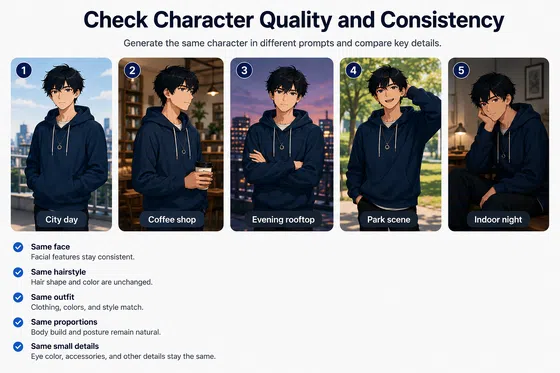
6 Best Ai Character Generator in 2026: Tested & Compared
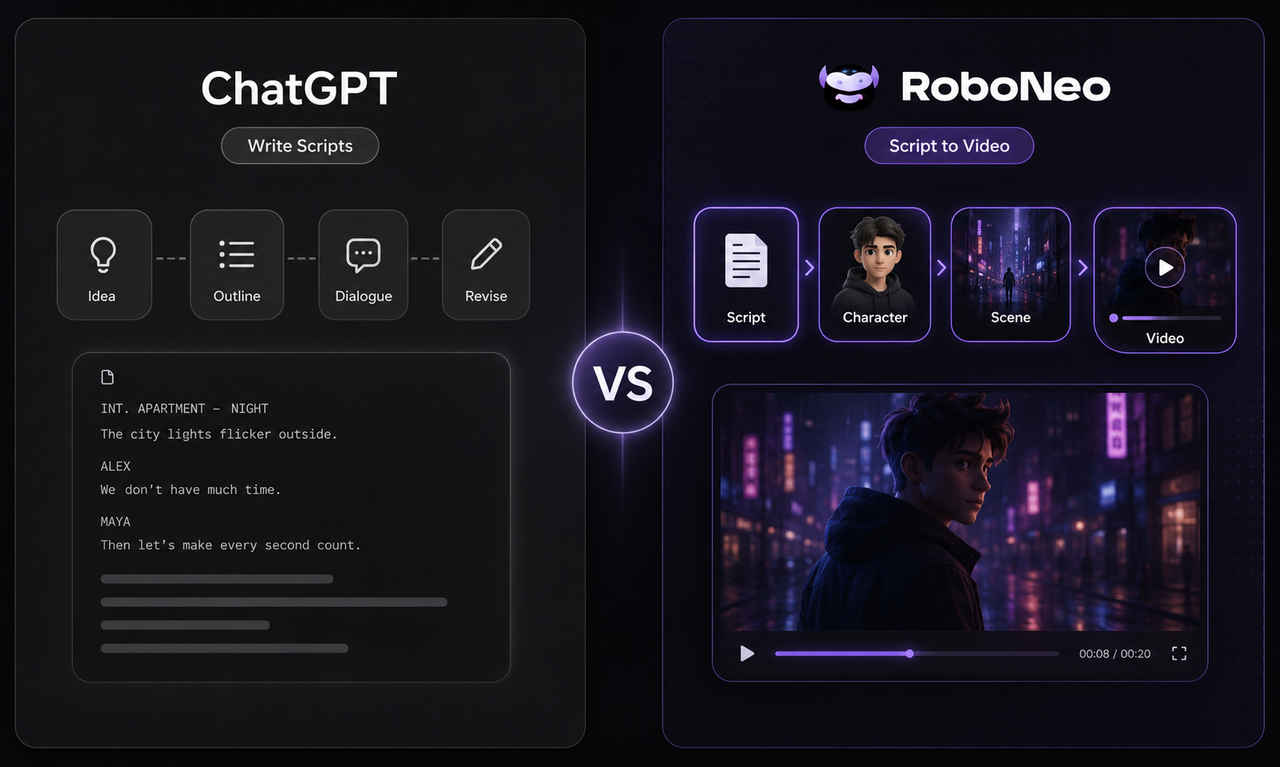
ChatGPT Script vs RoboNeo AI Script Generator
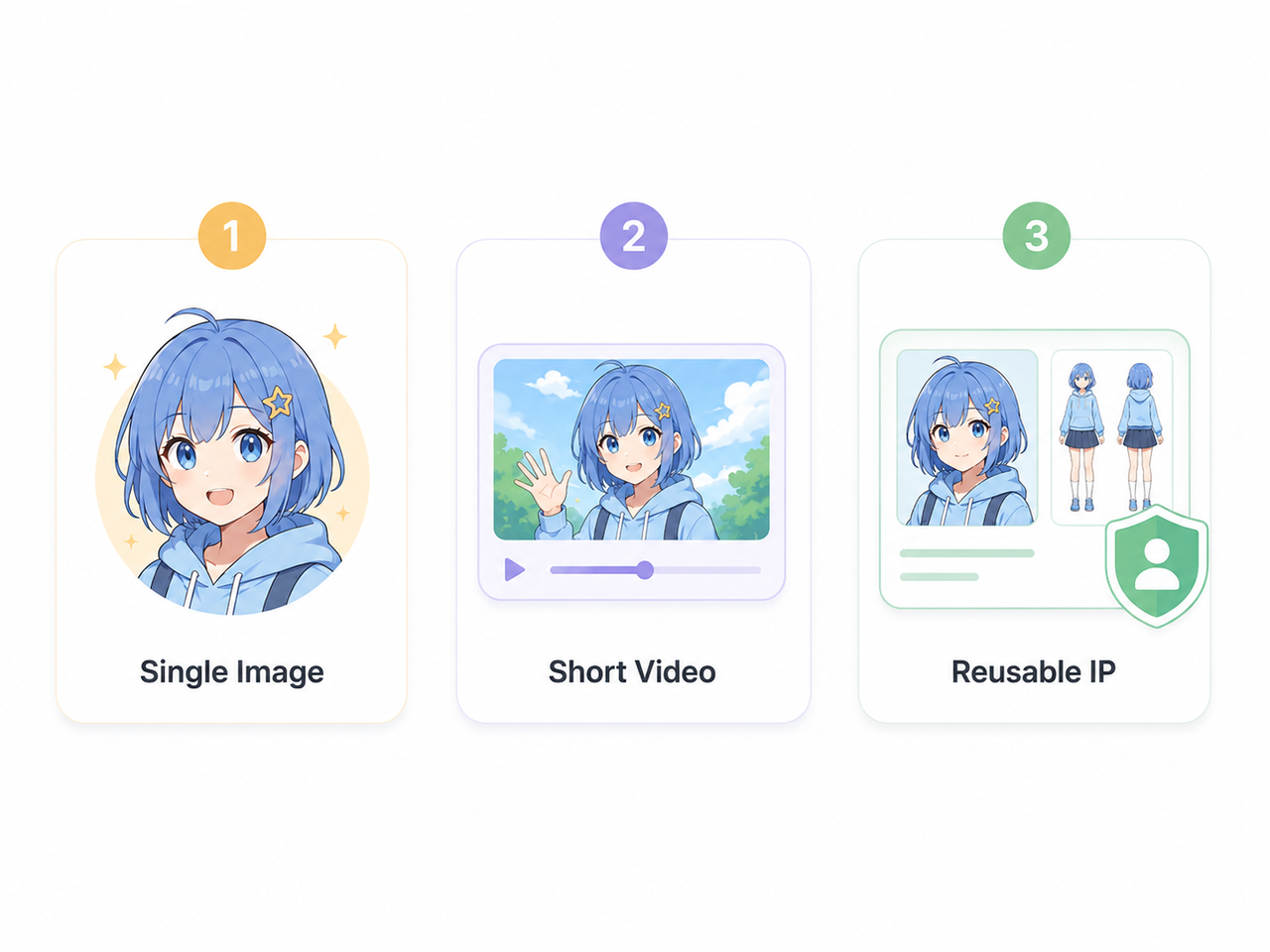
How to Create an Anime Character with AI: Practical Guide
How to Remove Logo from Video: 4 Easy Methods | RoboNeo
RoboNeo vs CapCut AI Video Generator: Key difference