3 Ways to Remove TikTok Watermark in 2026
 RoboNeo TeamJuly 21, 2026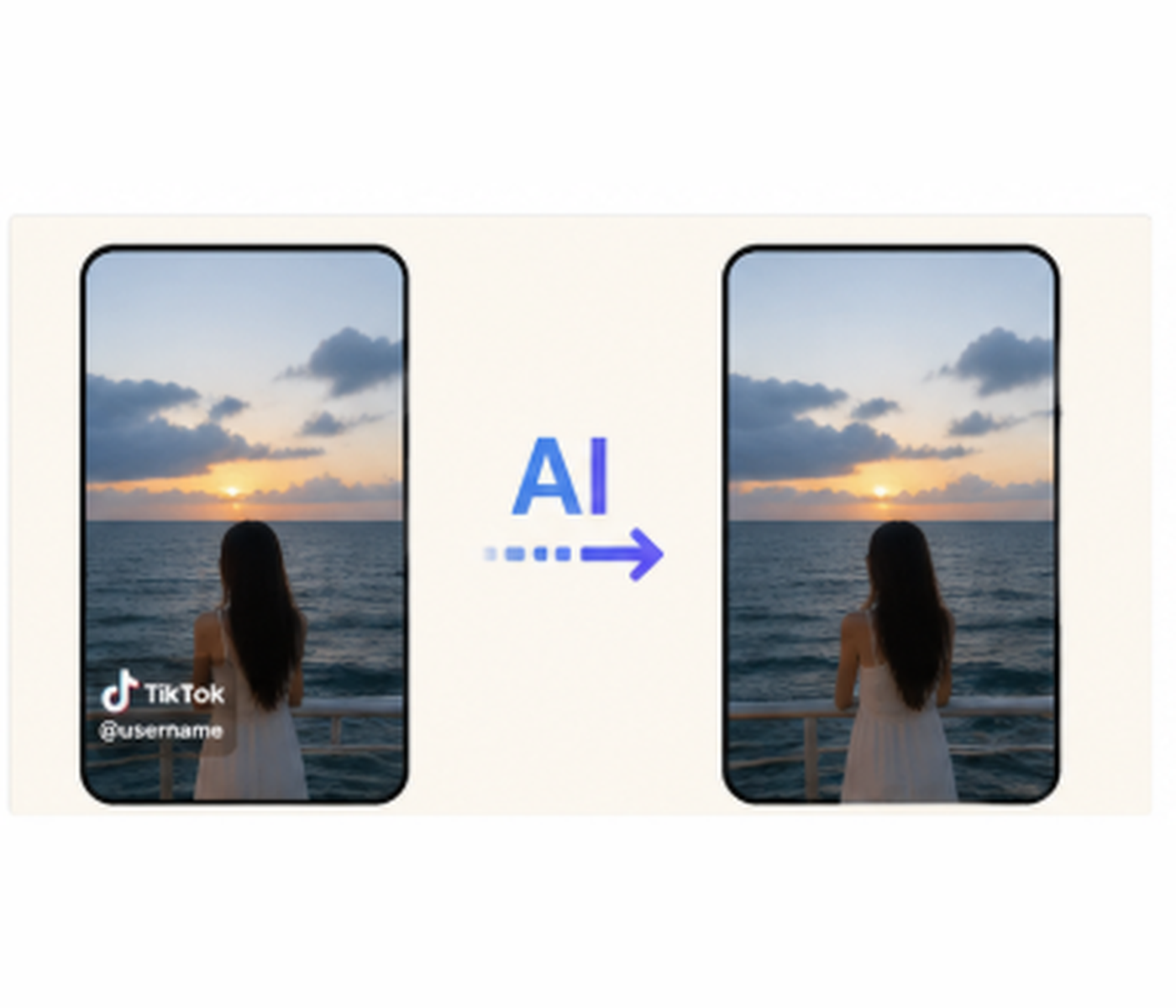
Since TikTok watermarks bounce around the screen, a single crop or cover-up won't always work for the whole video. You need to match the right trick to how the watermark behaves.
This guide shows you how to remove watermark from TikTok with three free methods: leaning on an AI tool, cutting out the frame, or covering up the logo.
What to Know Before Removing a TikTok Watermark
Make Sure You Have Permission to Edit the Video
Only take off a watermark if you own the video or are allowed to edit it. Grabbing another creator’s clip, stripping the watermark, and putting it back up as your own can run afoul of copyright laws and TikTok’s rules. The tips below are meant for creators reusing their own content or working with licensed footage.
Check Whether the Watermark Is Static or Moving

Watch the whole video to see if the watermark stays in one corner or jumps around. Most TikTok watermarks bounce around, making them tough to get rid of with just a simple crop, blur, or overlay. A still watermark is easy to crop out. However, if the watermark bounces around, cropping is rarely a good option because cutting out multiple corners will shrink your video to a tiny box. Moving watermarks almost always require an AI tool.
Keep the Original Video File
Save a clean copy of your original video before making changes. Cropping, exporting over and over, and cheap editing apps can mess with the resolution or compress your video. Holding onto the original gives you a safe backup if your first attempt ends up ruining the framing or quality.
How to Remove TikTok Watermark for Free
The best way to go about this depends on where the watermark is and what’s behind it. AI tools usually give you the cleanest look, while cropping or covering it up can do the trick for simpler videos.
Method 1: Remove the TikTok Watermark with an AI Tool
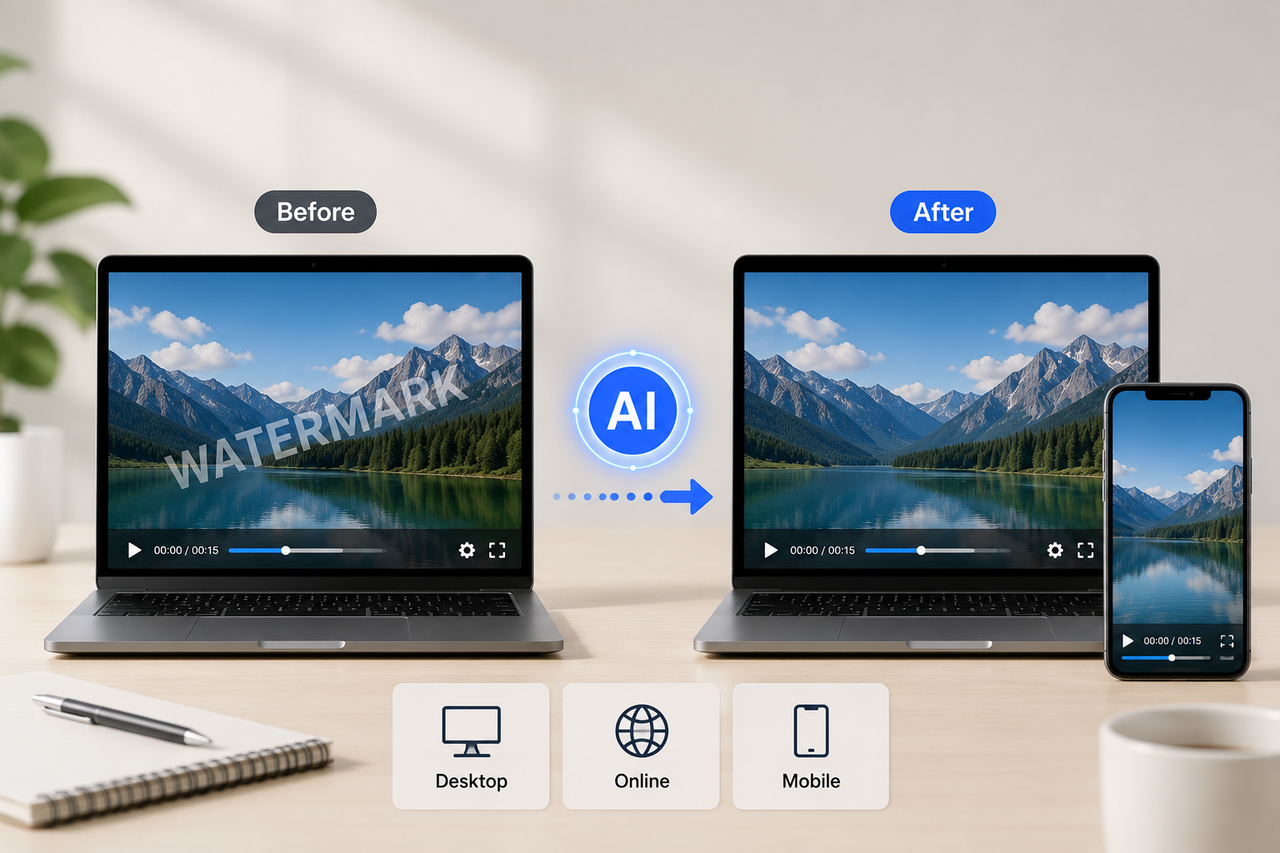
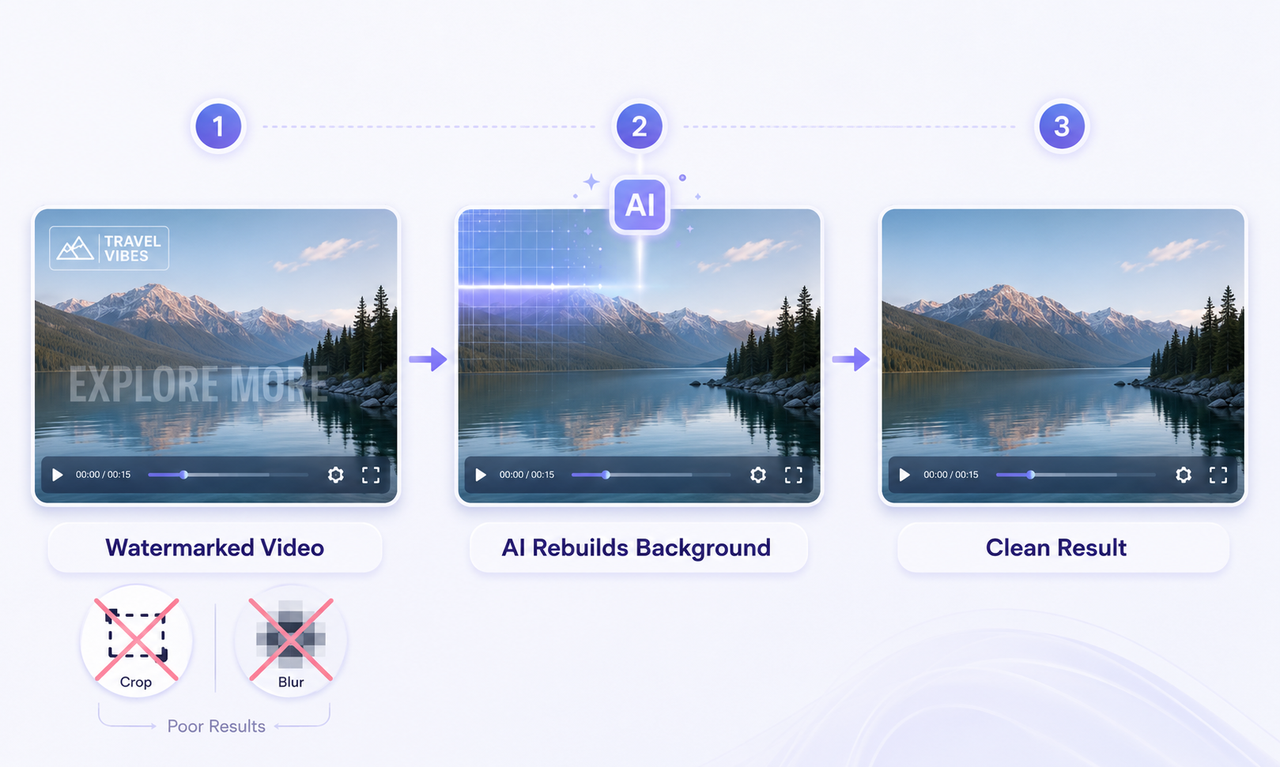
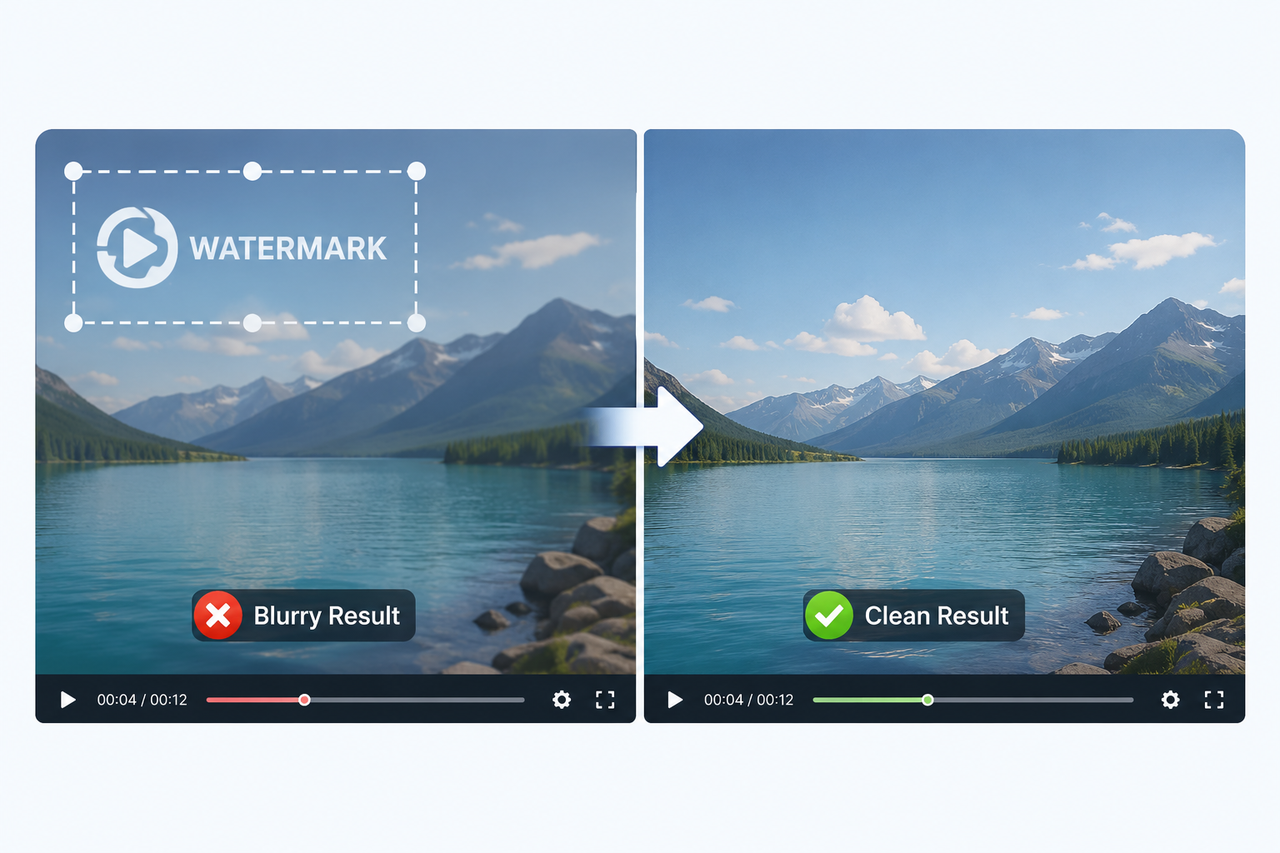
AI watermark removers scan the area around the logo and rebuild the missing background. This makes them great for moving watermarks and busy scenes where cropping would cut out the good stuff.
This way works best when:
The watermark bounces around from corner to corner.
The logo sits right on top of a person, object, or detailed background.
You are working with an already-downloaded TikTok video.
You want to skip cropping or tweaking overlays frame by frame.
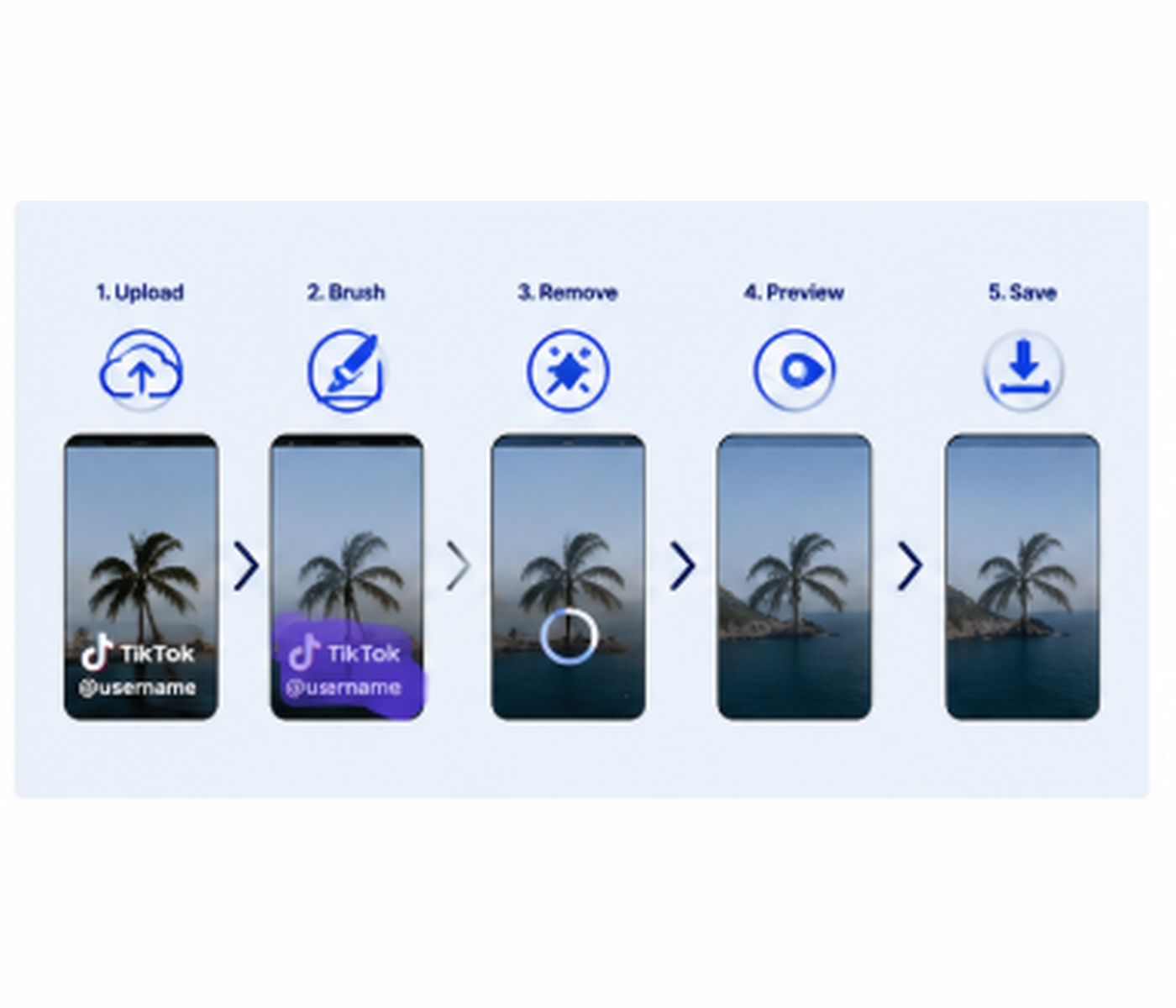
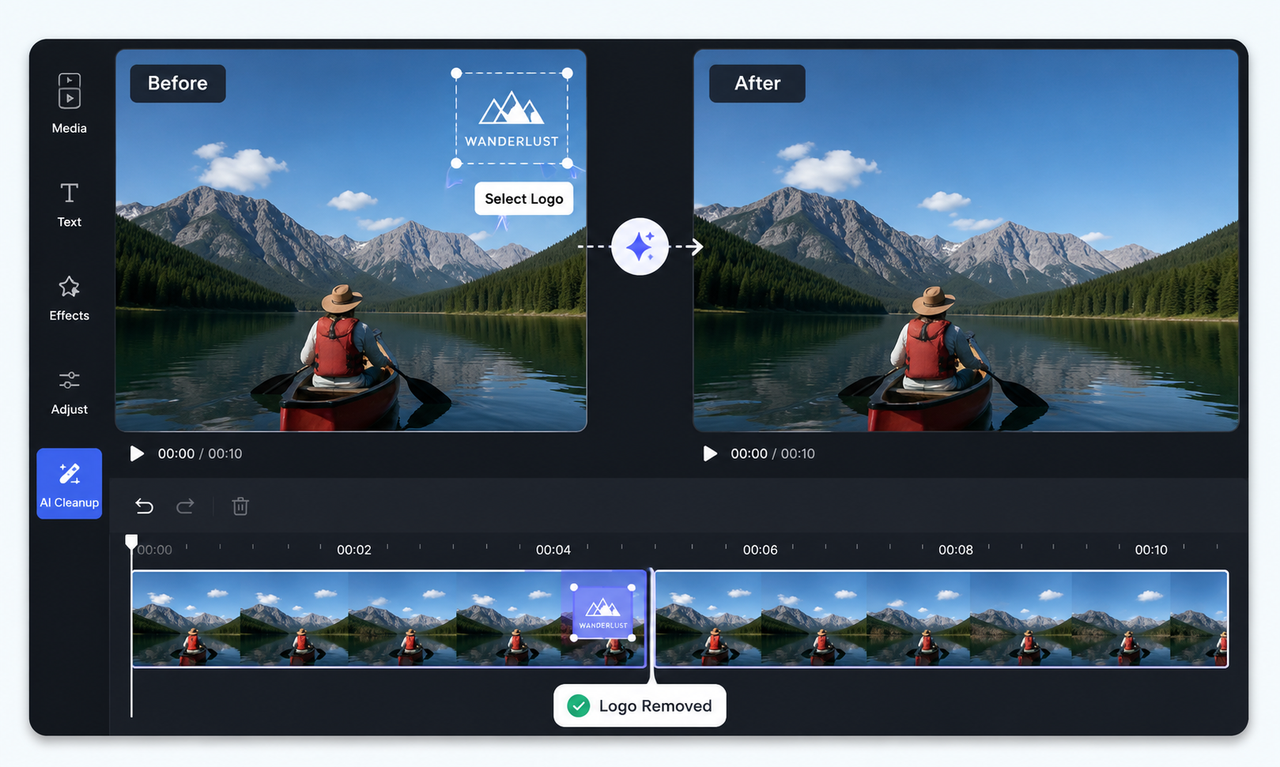
RoboNeo AI Watermark Remover lets you throw in a video and paint over the unwanted area. here is the simple guide:
1. Fire up the AI watermark removal tool.
2. Upload the TikTok video you have the green light to edit.
3. Highlight or brush over the watermark area.
4. Let the tool work its magic and patch up the background.
5. Check out the preview, then save the finished video.
Keep an eye out for spots where the watermark crosses over faces, moving objects, or busy textures, as these areas are more likely to look a bit glitchy.
Method 2: Crop the TikTok Watermark Out of the Video
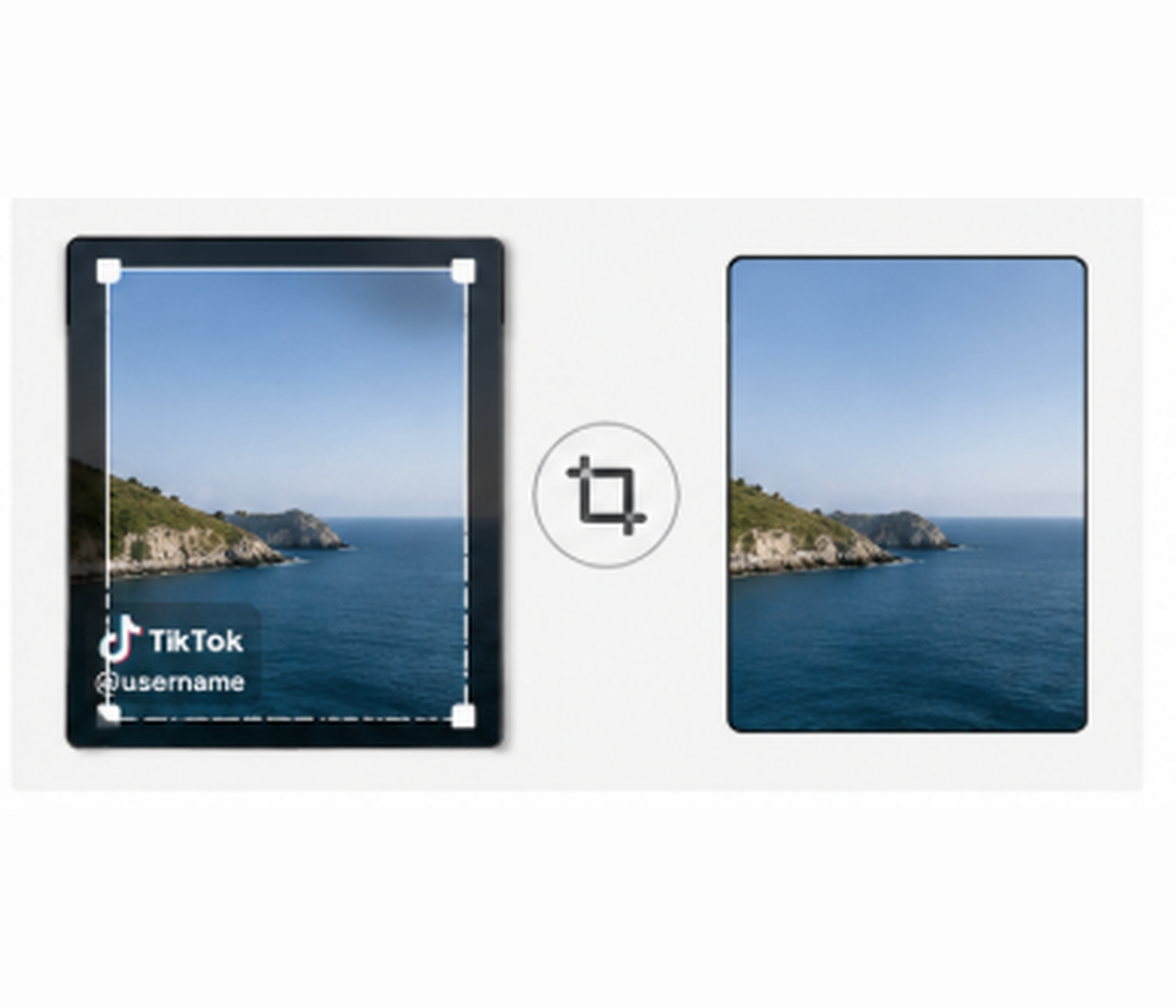
Cropping simply cuts off the outer edges of the video where the watermark sits. It’s super quick and built into almost every phone, desktop video editor, or advanced ai video generator platform, but it does change your framing.
This way works best when:
The watermark stays close to the edge.
Shaving off a small slice of the frame won't cut off your subject.
You just need a quick fix.
The original video has plenty of empty space around the main action, a helpful tip to keep in mind when learning how to make Ai videos for cross-platform sharing. Here is the guide you can follow:
1. Bring the video into CapCut, iMovie, or another editor.
2. Find and select the Crop or Transform tool.
3. Drag the frame inward until the watermark is out of sight.
4. Play the video through to check the layout.
5. Export the cropped version.
Keep in mind: Cropping doesn't work as well when the watermark hops between opposite corners, since cutting out both areas can eat up too much of your video.
Method 3: Cover or Blur the TikTok Watermark

You can also block out the watermark using a sticker, logo, text box, or blur effect. This won't bring back the original background, but it gets the job done when pixel-perfect quality isn't a big deal, especially if you are quickly testing content ideas generated by the best Tiktok script generator.
This way works best when:
The watermark is sitting over a plain or unimportant spot.
The video is just for a quick post or internal sharing.
Cropping would chop out important visual details.
You don't need a seamless, invisible edit.
Simple guide you can follow:
1. Pop the video into an editor or a specialized video watermark removal tool that lets you add layers or blurs.
2. Throw on a sticker, logo, text box, or blur layer.
3. Position the element right over the TikTok watermark.
4. Set up keyframes or use multiple overlays if the watermark moves around.
5. Preview and export the video.
Keep in mind: This trick is usually much easier to spot than AI removal, especially if the overlay has to move around or sits on top of a detailed background.
Which Method Should You Choose?

The table below can help you compare the three methods before you start editing.
| Feature | AI Tool | Cropping | Covering or Blurring |
| Best for | Moving watermarks and complex backgrounds | Watermarks near the edge | Blank or unimportant areas |
| Final quality | Usually the cleanest | Good if little of the frame is removed | The edit may remain visible |
| Effort required | Low to medium | Low | Medium to high for moving marks |
| Main drawback | Complex scenes may create artifacts | Changes the framing | Does not restore the background |
| Common use | Professional social media repurposing | Fast edits with flexible framing | Temporary or internal use |
Choose an AI tool when the watermark moves or covers a complex background. Cropping is usually faster when the watermark stays near the edge and the main subject remains inside the frame.
Covering or blurring is better suited to temporary use or videos where a visible edit is acceptable. Before publishing, watch the entire exported video rather than checking only one frame, since flickering, blur shifts, or removal artifacts may appear during playback.
FAQ
Why do people remove TikTok watermarks?
Creators usually strip out watermarks to repost their videos on Reels, YouTube Shorts, or portfolios. Removing the logo cleans up the look and keeps their personal branding consistent.
Can I remove a TikTok watermark from someone else’s video?
Only take off a watermark if the video is yours or you have the green light. Stripping credit and reposting someone else's work can easily get you in trouble with copyright or platform rules.
Are free TikTok watermark remover apps safe?
Some are fine, but others might hold onto your files, slap on their own watermark, or mess up the video quality. Always look into their privacy policy first, and steer clear of uploading sensitive clips to sketchy sites.
You May Be Interested
5 Best Free Tools to Remove Watermark from Video in 2026 | RoboNeo
How to Remove Watermark from Video with AI (2026 Guide)
How to Remove Logo from Video: 4 Easy Methods | RoboNeo
How to Save Video Without Watermarks: 5 Steps and Fixes

SnapTik TikTok Downloader Review: Pros, Cons and Alternative
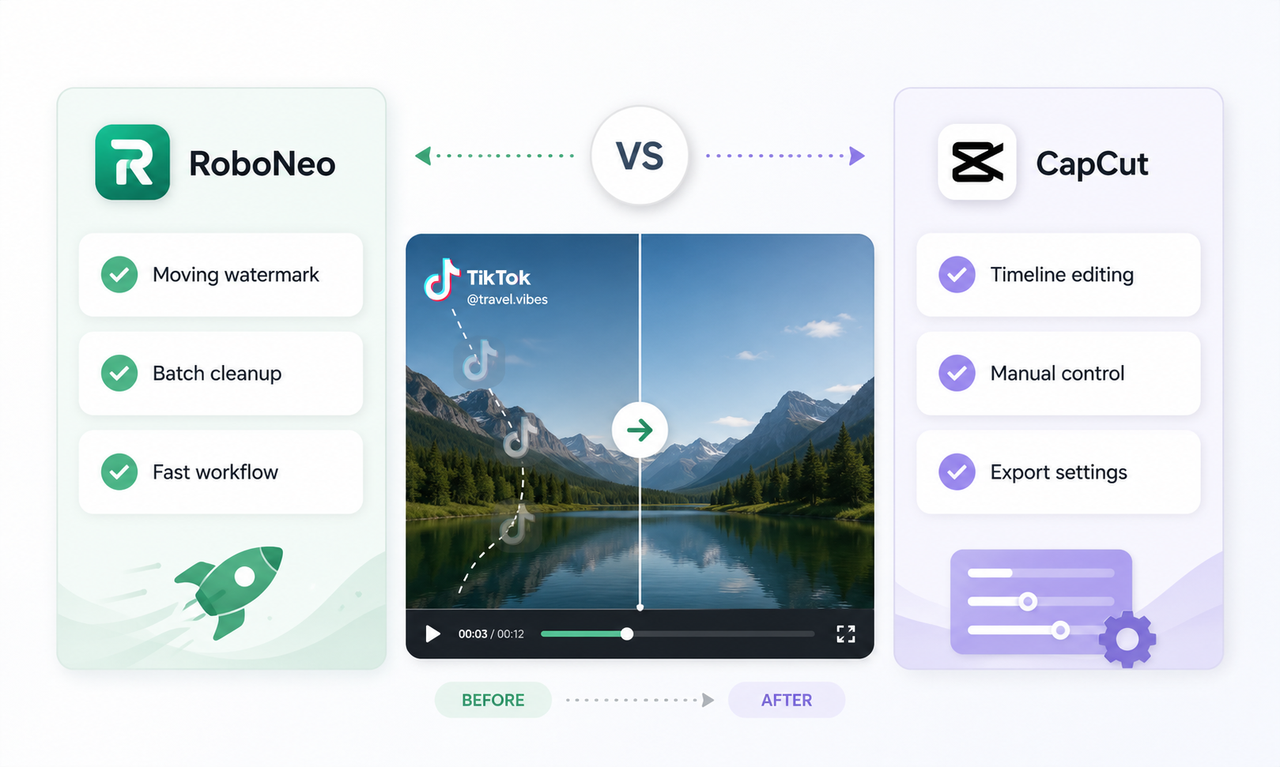
CapCut Watermark Remover vs RoboNeo: Complete Comparison
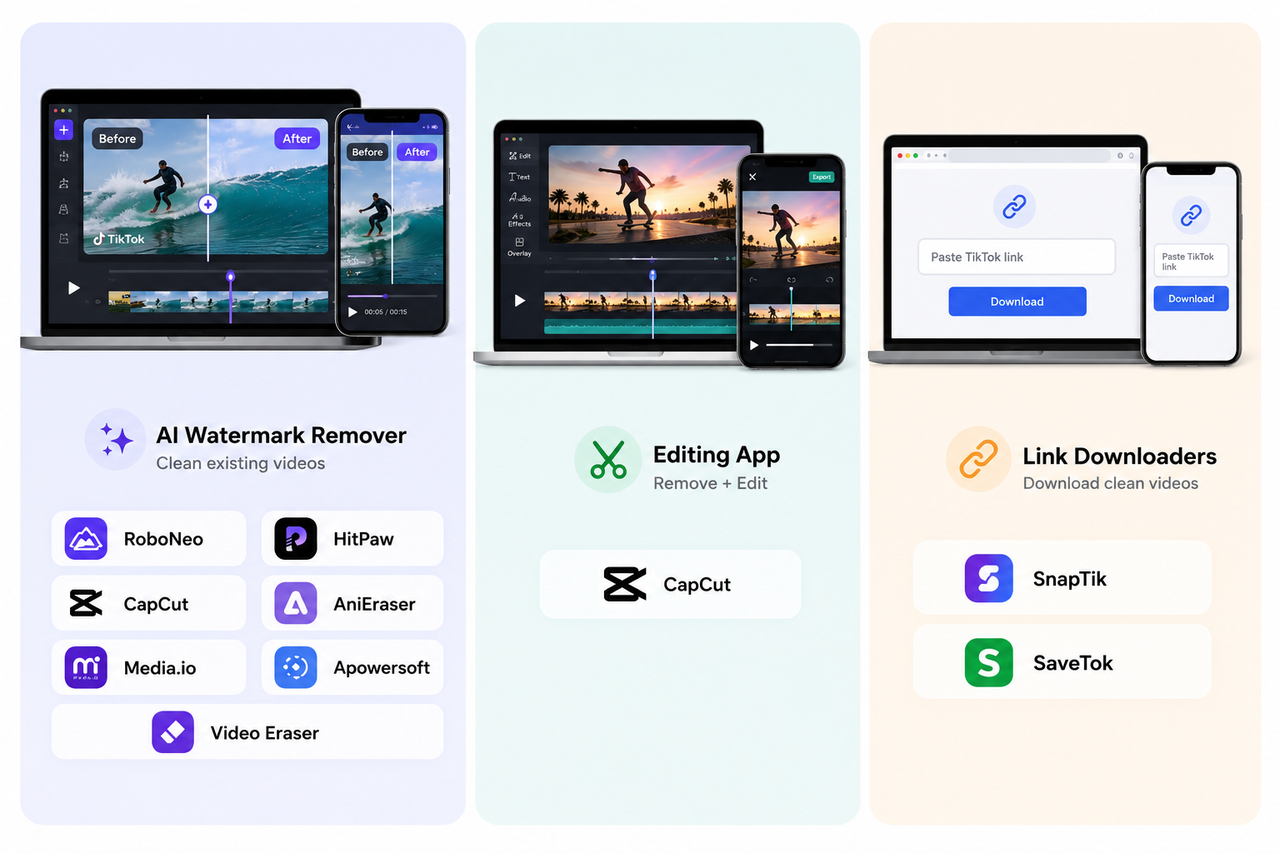
9 Best App to Remove TikTok Watermark: Complete 2026 Guide