Is Removing a TikTok Watermark Legal?
 RoboNeo TeamJuly 22, 2026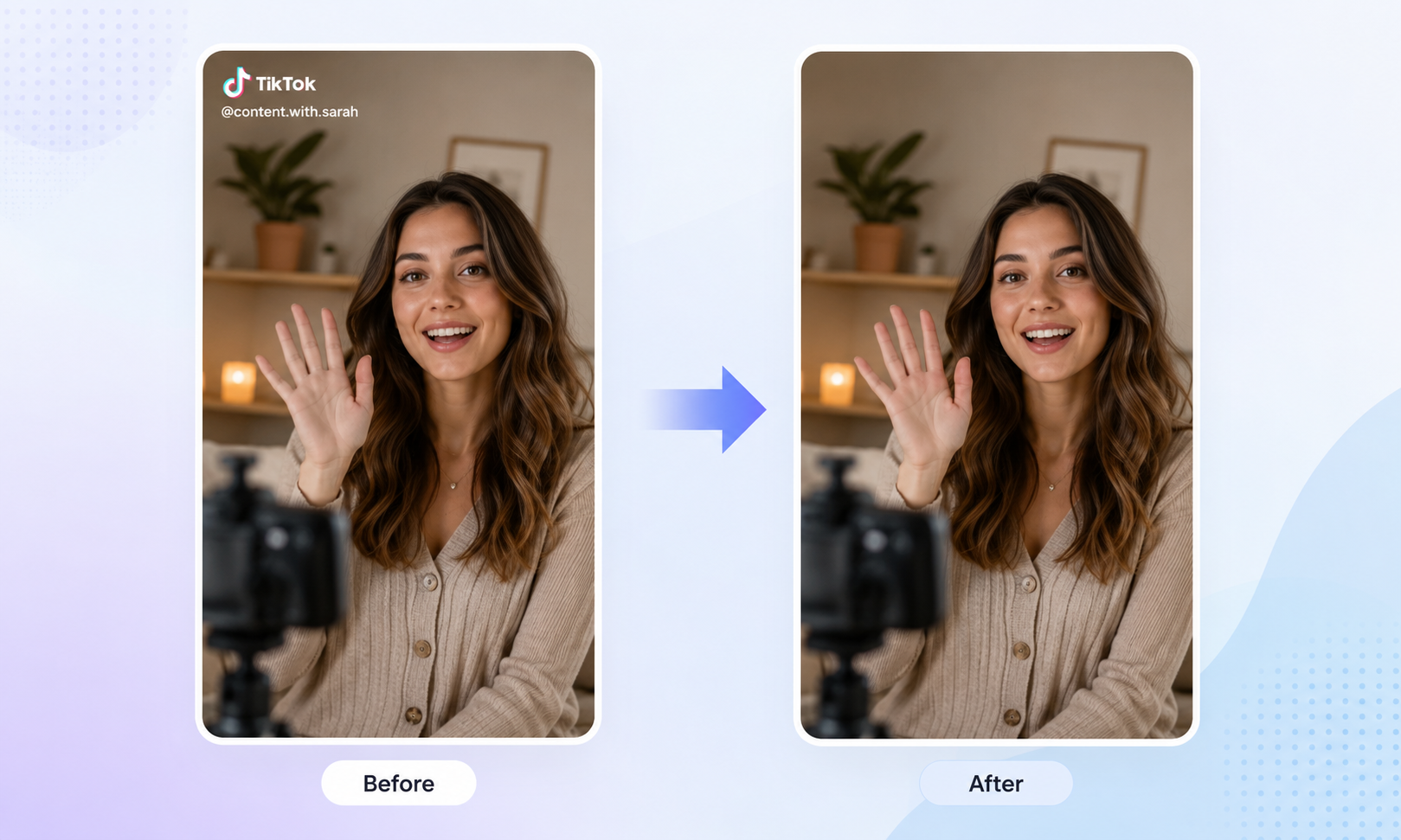
Using a TikTok watermark remover on your own video is generally fine. However, removing the watermark from someone else’s video and reposting it, using it commercially, or presenting it in a way that suggests the content is yours could lead to copyright infringement.
The safer approach is to get permission from the original creator and give proper credit. Crediting the source alone does not give you the right to use the video without authorization.
When Can You Legally Remove a TikTok Watermark?

Removing the Watermark from Your Own Videos
When you filmed and produced the video yourself—and you also hold the rights to the footage, voiceover, music, and any other included assets—you can generally remove the TikTok watermark and post the video on Instagram, YouTube Shorts, or another platform.
Using a Video with the Creator’s Permission

Once the original creator has given you clear permission, you may remove the watermark and use the video within the limits of that authorization. Keep a written record—such as an email, contract, or message thread—and make sure the agreement covers:
Removing or cropping out the watermark
Editing the video
Reposting it on other platforms
Using it in ads or other commercial content
How long and where the video may be used
Giving credit or naming the original creator in the caption does not replace permission. The U.S. Copyright Office also recommends obtaining authorization directly from the copyright owner before using someone else’s work.
Using Public Domain Videos
A video that is truly in the public domain can generally be used, edited, and stripped of its watermark without permission from the original copyright owner. This category usually includes works whose copyright has expired or content that is not protected by copyright under applicable law.
How to Remove a TikTok Watermark from an Authorized Video
1. Using an AI Watermark Remover
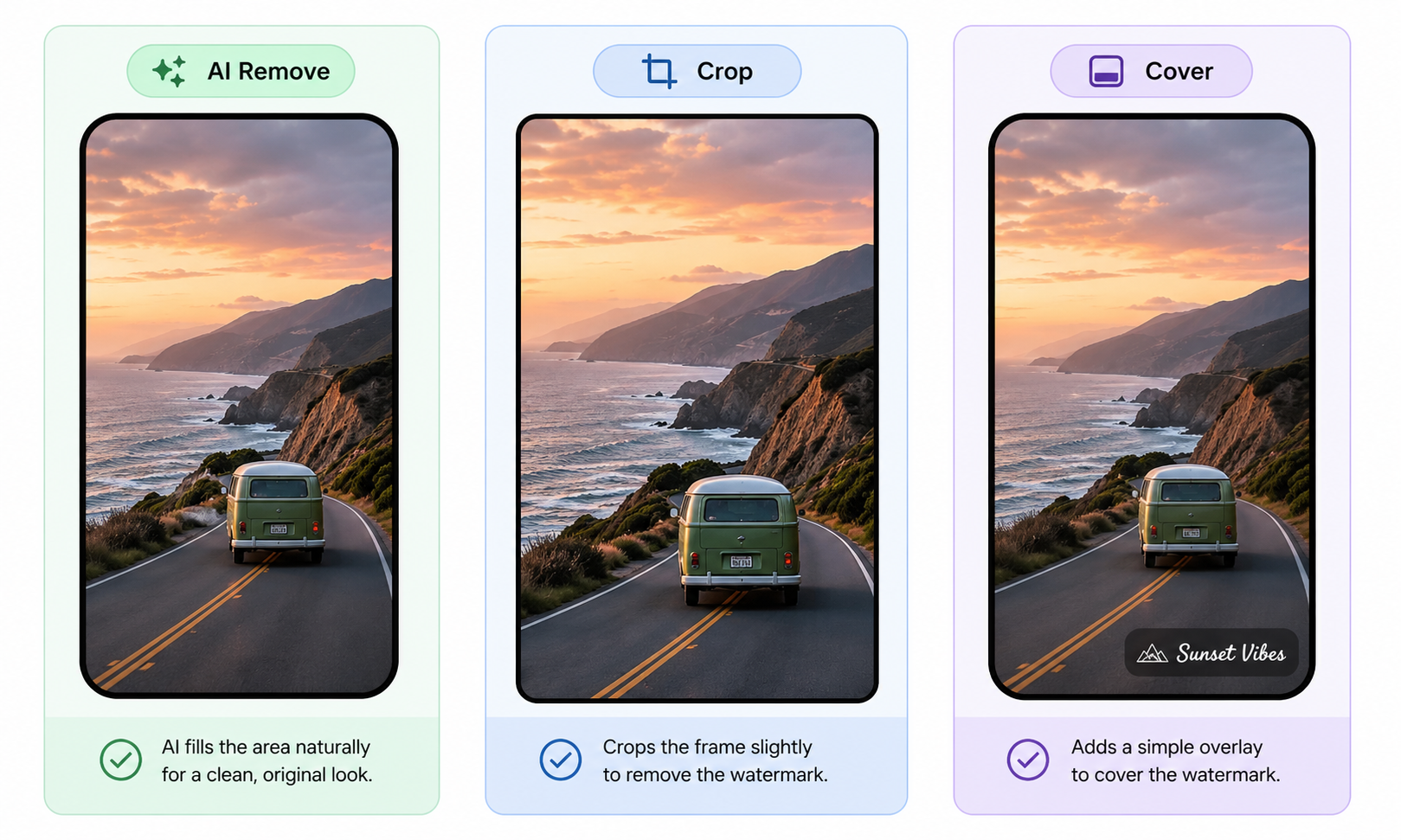
AI watermark removal works best when the watermark sits over a relatively simple area, such as a plain background or the ground. The tool identifies the marked area and reconstructs the covered pixels using nearby frames.
With RoboNeo’s video AI watermark remover, the process is straightforward.For a complete walkthrough and solutions for moving watermarks, blurry patches, and export-quality problems, read this guide on how to save video without watermarks.
2. Cropping the Video
When the watermark stays along the edge of the frame, cropping the top, bottom, or side may be the simplest solution. This method is easy to apply and does not rely on AI to generate replacement content.
Covering the Watermark with Text or Graphics
When the watermark appears in an open or unused part of the frame, it can sometimes be covered with a title, caption, brand logo, sticker, or another graphic element.
Tip: Before using any removal method, confirm that your authorization allows both editing and reposting. Removing a watermark only changes how the video looks; it does not give you rights to the footage, music, or other materials included in it.
What To Do If Someone Removes Your TikTok Watermark?
If someone removes the TikTok watermark from your video and reposts it, the missing watermark alone does not automatically prove copyright infringement. First, confirm who owns the video, whether the person had permission to use it, and whether the repost could fall under a legal exception. TikTok also recognizes that some unauthorized uses may still be lawful under applicable copyright exceptions.
1. Confirm Ownership and Save Evidence
Start by gathering anything that shows you created the video or legally own the copyright. Useful records may include:
The original watermark-free video and project files
Raw footage, export history, and file timestamps
A link to your earliest post and its publication date
Screenshots of the other account, reposted video, caption, and posting time
Save everything before you contact the account or file a report—posts and profiles can disappear quickly.
2. Report Unauthorized Reuse Through TikTok
If the repost wasn’t authorized, you can ask the account to take it down, credit you properly, or get formal permission. If that fails, file a copyright report on TikTok.
Reports must come from the copyright owner or an authorized representative, with accurate details and proof of ownership. If TikTok confirms infringement, the video may be removed.
3. Protect Future Videos with Clear Rights Information
Make ownership clearer going forward:
Add your brand, username, or copyright notice in-frame (not only on the edges)
State reposting and commercial-use rules in the caption or profile
Keep watermark-free originals, project files, and post records
Use written licensing terms with clients and partners
FAQ
Can I get in trouble removing a watermark?
Removing a watermark from your own video or from one you have permission to edit is usually fine. Problems can arise when someone removes the watermark from another creator’s video and then reposts it or uses it commercially.
Are watermarks allowed on TikTok?
Yes. TikTok generally allows watermarks, including your username, logo, or other brand identifiers.
A different issue arises when a video carries another creator’s watermark or branding from another platform. TikTok may treat it as reposted or unoriginal content, which can limit distribution and affect eligibility for creators. Using someone else’s video without permission may also lead to a copyright complaint.
Why do people remove TikTok watermarks?
People often remove the TikTok watermark when repurposing a video for Instagram Reels, YouTube Shorts, or another platform. Without the watermark, the video looks cleaner and can fit more naturally with the brand’s visual style.
Can I repost a TikTok video if I credit the creator?
Not necessarily. Crediting the original creator is not the same as having permission to repost the video.
If you download someone else’s TikTok and upload it again, you should generally get the creator’s approval first. Without it, the repost could lead to a copyright complaint or be taken down.
You May Be Interested
Best 3D Character Creator to Make Custom Characters
Best App to Remove Tiktok Watermark in 2026
Best TikTok Script Generator in 2026