All-in-One AI Platforms for Video Creation: How to Choose
 RoboNeo TeamOctober 30, 2026
Creating videos often involves several tasks, from preparing images and generating scenes to editing footage and adding audio. Managing separate tools can slow down production, especially when a project requires frequent revisions.
All-in-one AI platforms bring these tasks into a more connected workflow, but their strengths vary. This guide compares six platforms, explains which projects they suit best, and shares practical tips for producing better videos.
Why Bring Your AI Tools into One Platform?
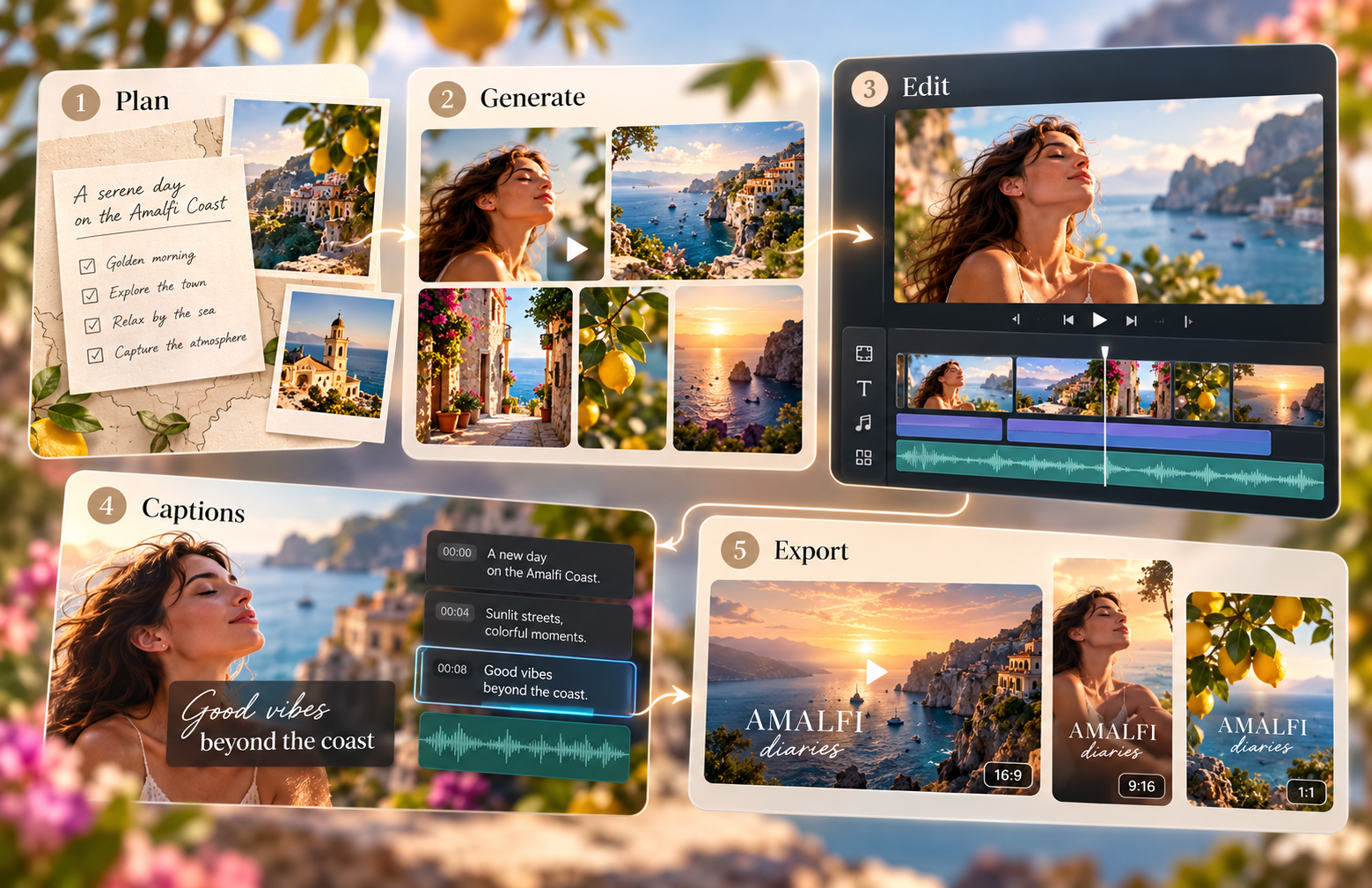
A marketing team preparing a product launch may need promotional images, animated scenes, captions, and several video formats. An all in one ai platform can keep these tasks connected, reducing repeated uploads and unnecessary file transfers.
However, not every platform offers the same production capabilities. Some prioritize generating original visuals, while others focus on scripts, editing, or brand consistency. The choice also depends on which AI tools for content creators fit the team's daily production needs.

Top All-in-One AI Platforms for Different Workflows
The best all in one ai platforms support different creative needs. The comparison below highlights their main strengths and limitations before examining each option.
| Platform | Best For | What It Brings Together | Main Limitation |
| RoboNeo | Image and video creation | Image generation, editing, and video models | Features vary by model |
| Canva | Branded content | Templates, design, branding, and video editing | Limited advanced motion control |
| Invideo | Script-based videos | Scripts, visuals, voiceovers, and editing | Visuals may not match scripts precisely |
| VEED | Social media videos | AI clips, subtitles, audio, and editing | Plan-dependent limits |
| Runway | Cinematic videos | Video generation, modification, and editing | Complex shots require testing |
| LTX Studio | Story-driven videos | Storyboards, characters, scenes, and editing | More setup for simple videos |
RoboNeo: All-in-One AI Platform for Image and Video Creation
RoboNeo combines AI-assisted scripting, storyboarding, image editing, and video generation in one workspace. Its AI Agent helps develop creative ideas into production tasks, while the visual canvas keeps scripts, character references, and generated clips organized. It's particularly useful for short dramas, product promotions, and social media videos.
Advantages: RoboNeo connects several creative tasks without requiring separate tools for scripts, visual references, and video generation. Its Agent and reusable assets are particularly helpful for projects involving multiple scenes or recurring characters.
Limitations: Generated product details, character appearances, and movements may need further refinement. Available clip lengths, resolutions, audio features, and credit costs also vary by model. For creators who only need basic trimming or precise frame-by-frame editing of existing footage, a dedicated video editor may be more practical.
Best for: Content creators, small marketing teams, and independent filmmakers producing original visuals, short dramas, and multi-scene AI videos.
How to Create Images and Videos with RoboNeo's All-in-One AI Platform
RoboNeo brings the creative process into one workspace, from developing an initial idea to generating and editing video clips. The following steps explain how to use its AI Agent and visual canvas for a complete project.
Step 1: Describe Your Creative Idea
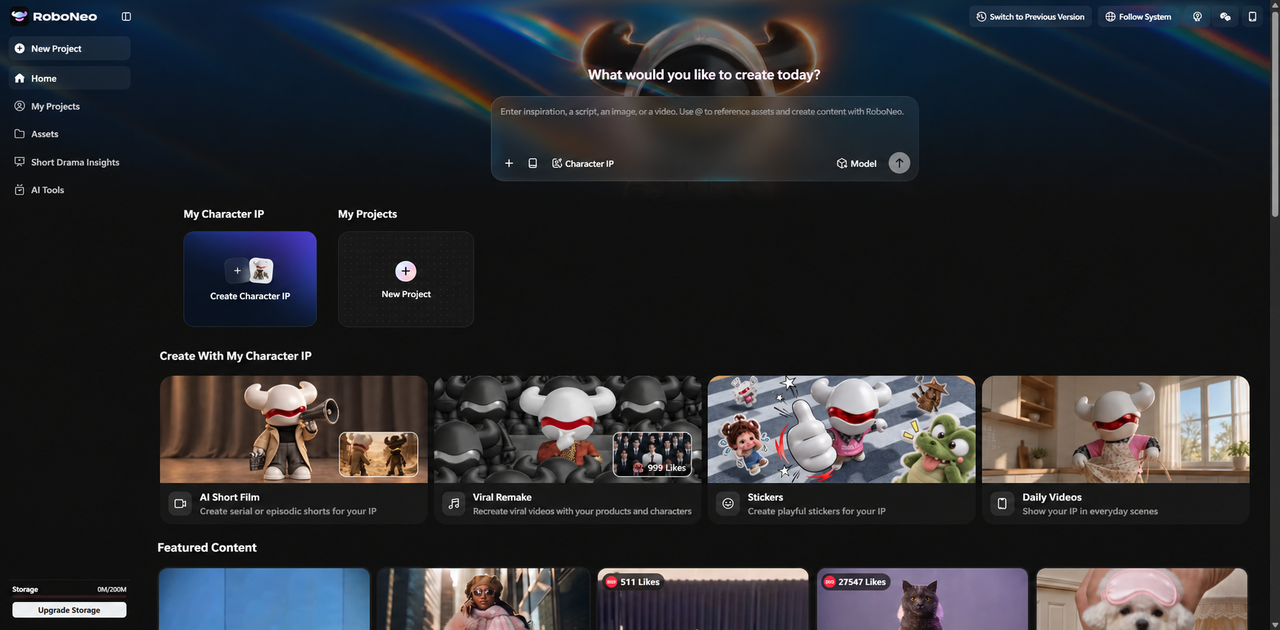
Enter your video concept, including the subject, setting, and intended style. You can also choose a sample template for inspiration.
Step 2: Develop Your Script and Storyboard
RoboNeo's AI Agent helps develop the script and storyboard. Review the scene sequence, character details, and camera directions before production.
Step 3: Generate Images and References
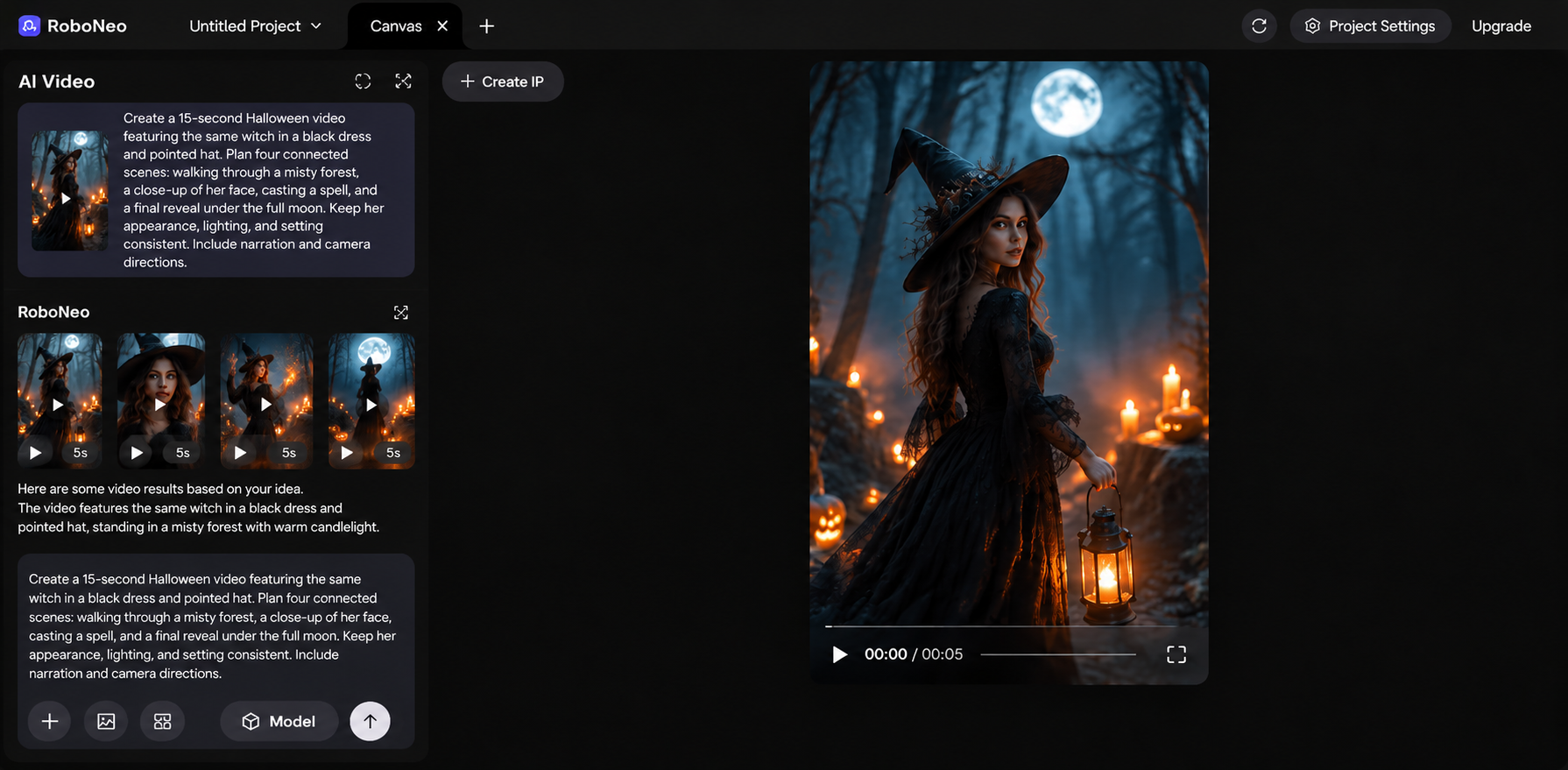
Create character images, product visuals, or scene references using prompts or uploaded materials. Adjust the image model and settings to suit your project.
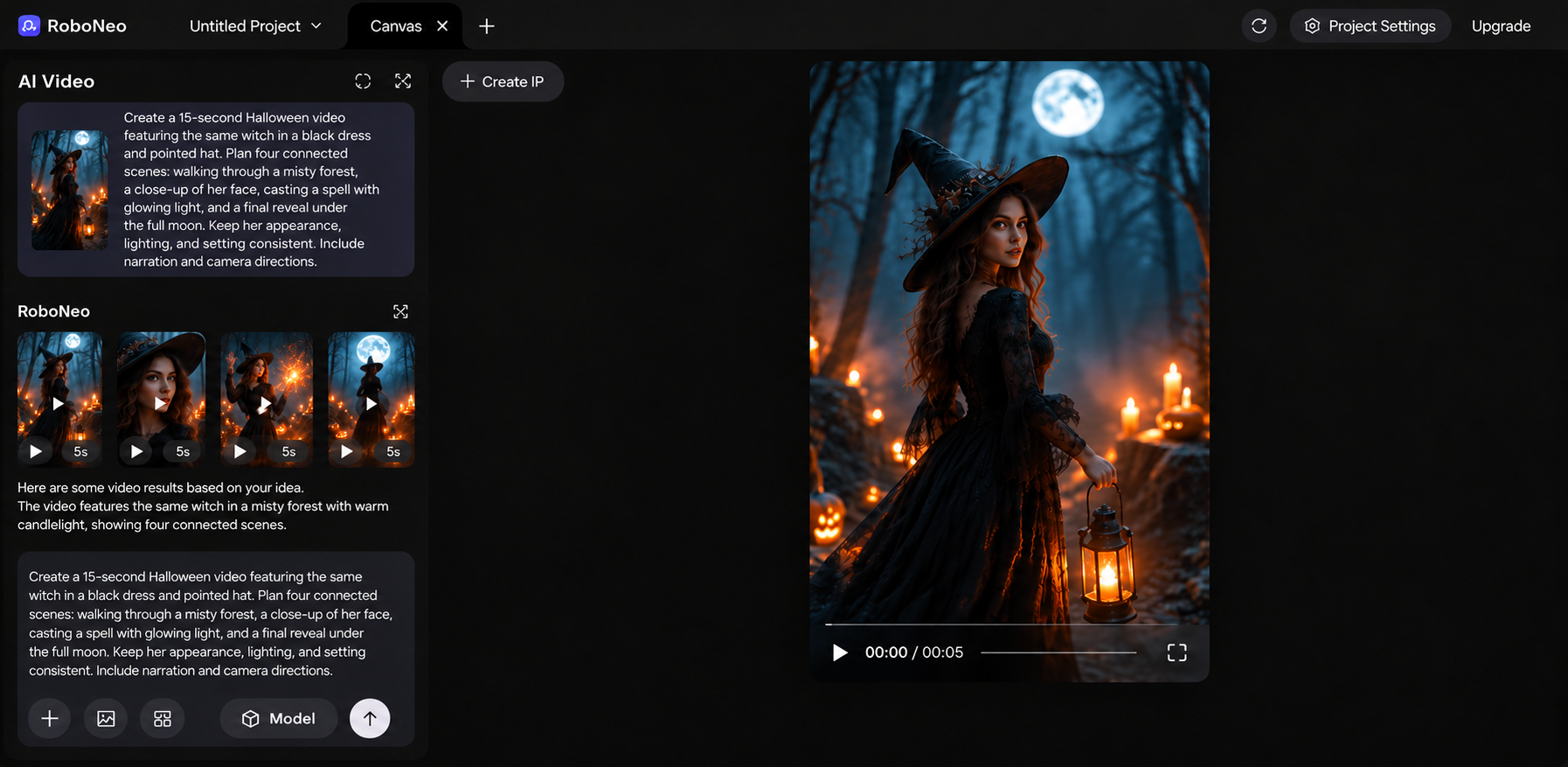
Step 4: Generate Your Video Clips
Turn storyboard shots into video clips using text-to-video or image-to-video generation. Select a model, adjust the available settings, and refine clips that need improvement.
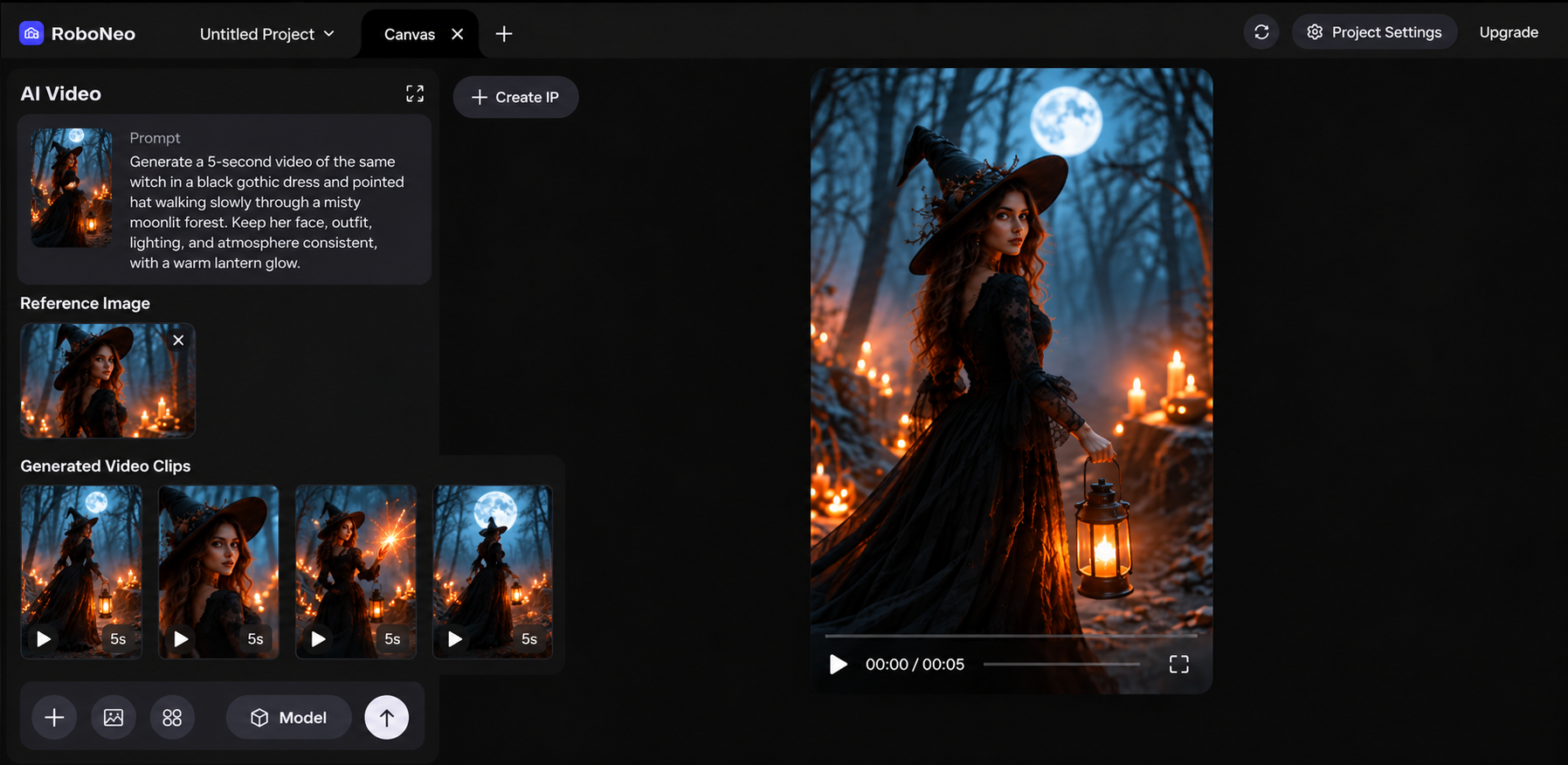
Step 5: Edit and Export
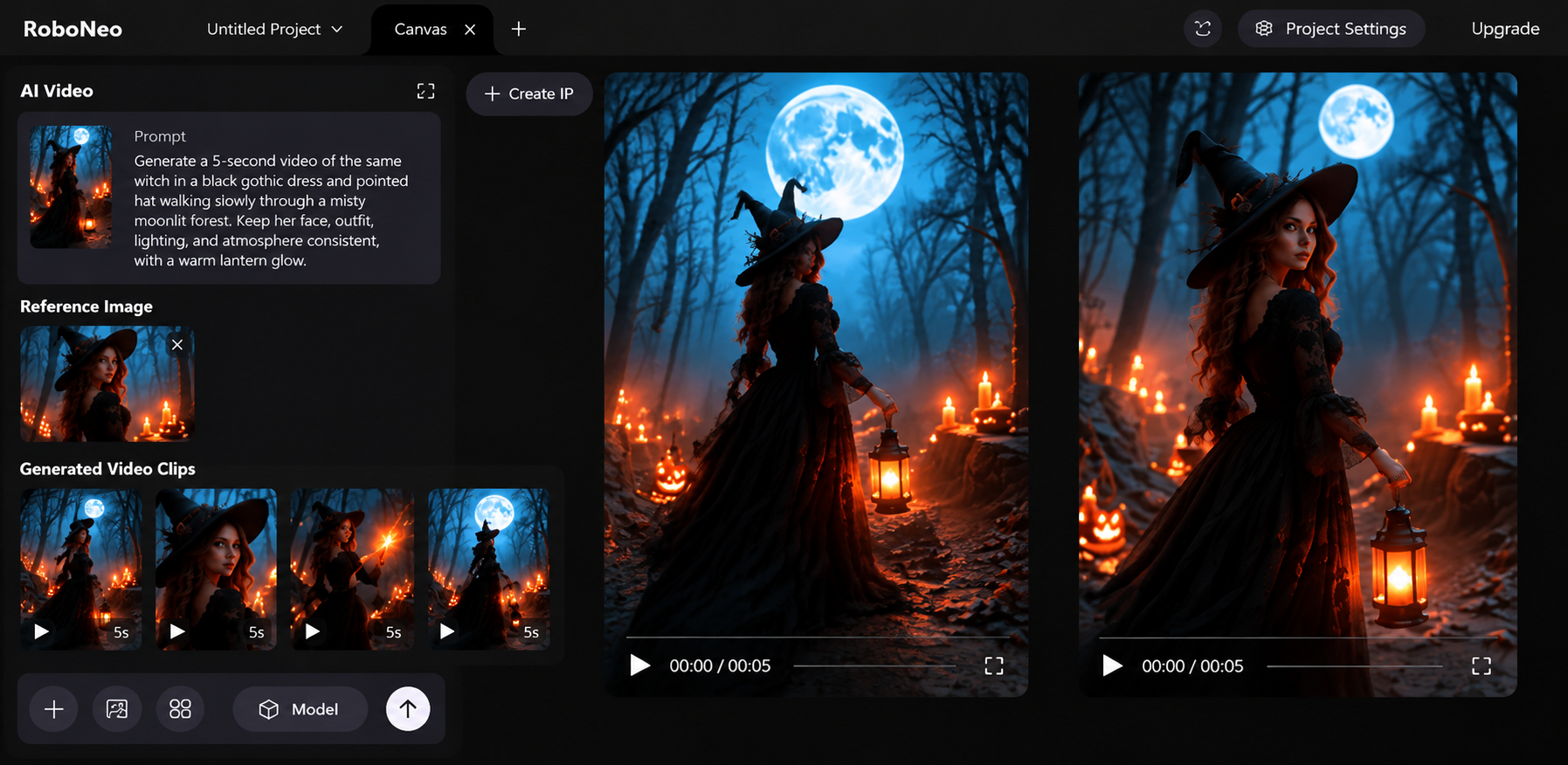
Arrange the clips in RoboNeo's video editor, adjust the timing, and add audio or text where needed. Export the finished video or keep the assets on the canvas for future use.
Create Images and Videos With AI
Canva: All-in-One AI Platform for Branded Content
Canva combines templates, design editing, brand assets, and video tools in one environment. Small businesses can produce promotional graphics, presentations, and videos without rebuilding their visual identity each time.
A local coffee shop preparing a seasonal promotion can reuse its logo, fonts, and colors across Instagram Stories, menu graphics, and short advertisements.
Core Features: Design templates, Brand Kit, image editing, video editing, and AI-assisted design tools.
Advantages: Reusable brand assets and ready-made layouts make it easier to maintain consistent visuals across different formats.
Limitations: Complex motion and precise audio editing are not its primary strengths. Certain branding and AI features depend on the subscription plan.
Not Ideal for: Filmmakers who need detailed camera control, complex video effects, or advanced audio production.
Best for: Small businesses and teams creating consistent branded content.
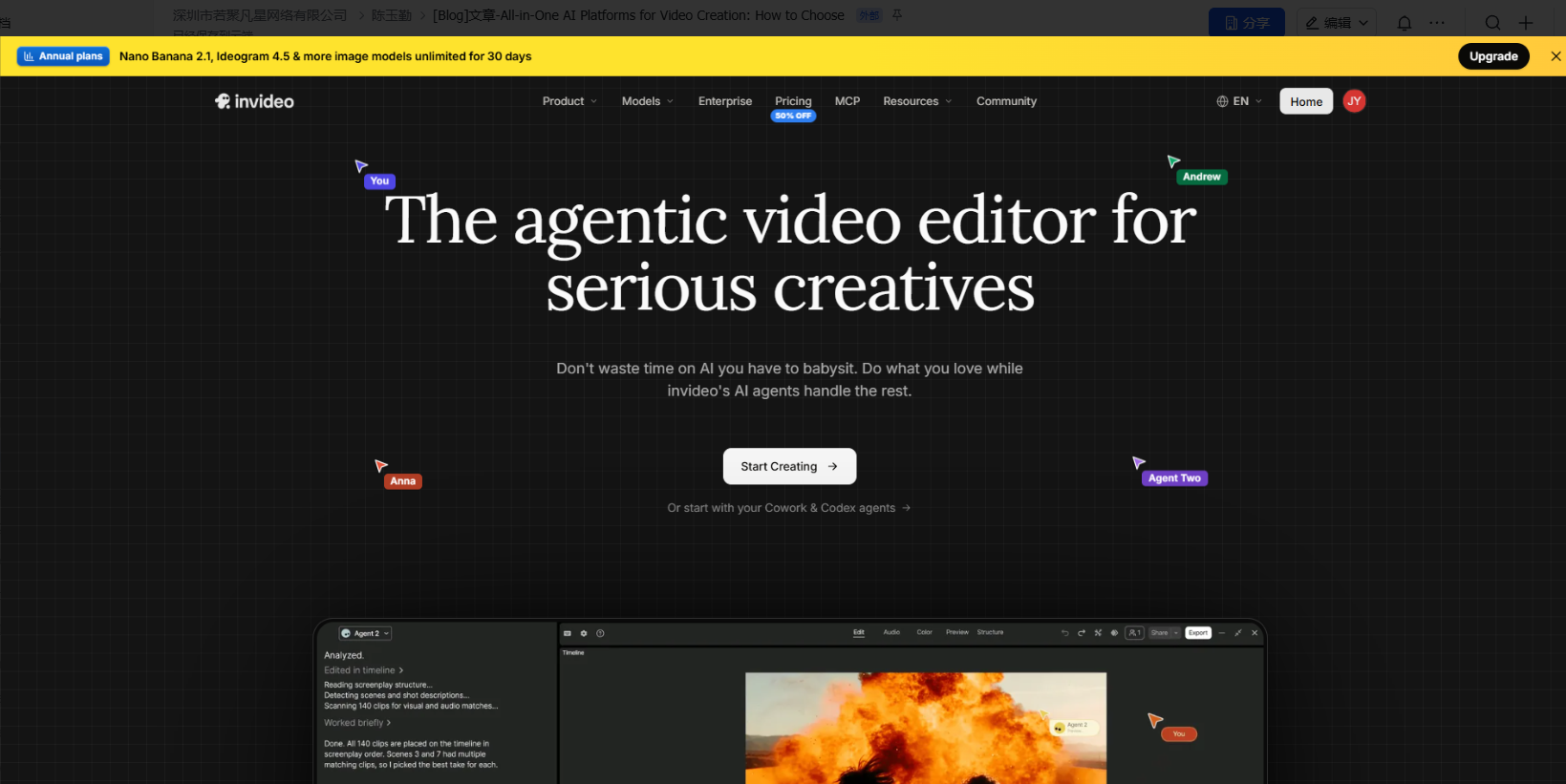
Invideo: All-in-One AI Video Platform for Script-Based Content
Invideo helps turn written ideas into videos by combining scripts, generated or stock visuals, voiceovers, and editing tools.
A software company introducing a new feature can provide a short script explaining its benefits. Invideo can assemble a video draft with narration and supporting visuals, which the team can refine by replacing clips and adjusting timing.
Core Features: Script-to-video creation, AI voiceovers, stock media, and video editing.
Advantages: Its script-first workflow is useful for explainers, product introductions, and narration-led marketing videos.
Limitations: Automatically selected visuals may not accurately represent specific products or events and often require review.
Not Ideal for: Creators who need precise visual consistency for real products or complex, custom-directed cinematic scenes.
Best for: Creators turning scripts into complete explainer or promotional videos.
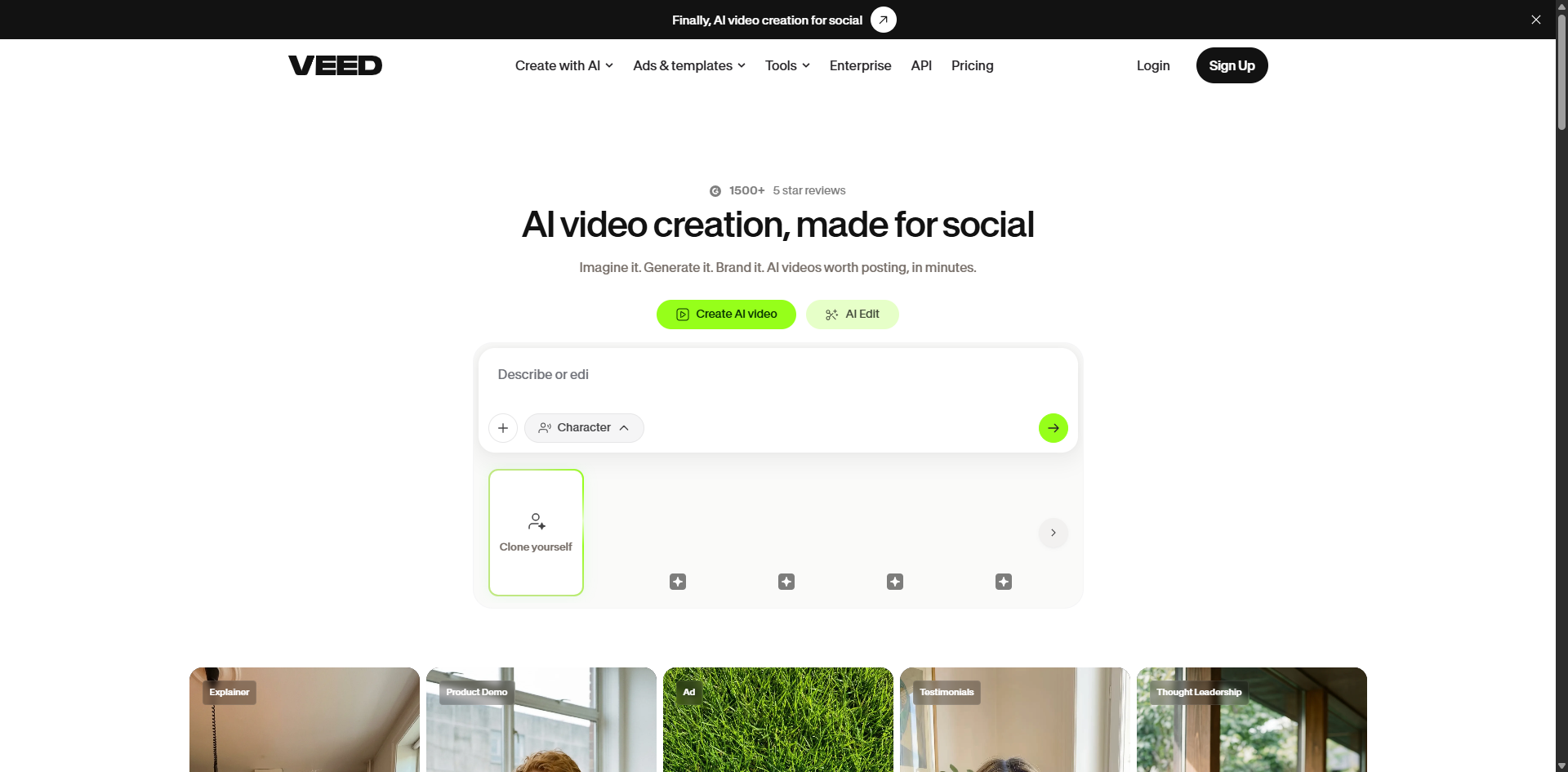
VEED: All-in-One AI Platform for Social Media Video Editing
VEED brings video editing, AI-generated material, subtitles, and audio tools into a shared workspace. It is useful for projects combining real recordings with additional generated scenes.
A fitness instructor can edit recorded workout tips, add a generated introduction, improve the audio, and prepare captioned versions for Instagram and TikTok.
Core Features: Video trimming, subtitles, audio editing, AI-generated content, and format adjustments.
Advantages: Editing and publishing tools help social media teams prepare multiple versions of existing footage without repeatedly switching applications.
Limitations: Captions and cropping still need checking. Generation credits, export quality, and editing features vary across plans.
Not Ideal for: Creators whose main goal is building original, multi-scene AI films with detailed character development and storyboards.
Best for: Social media teams editing recorded footage and AI-generated material.
Runway: All-in-One AI Platform for Cinematic Video Creation
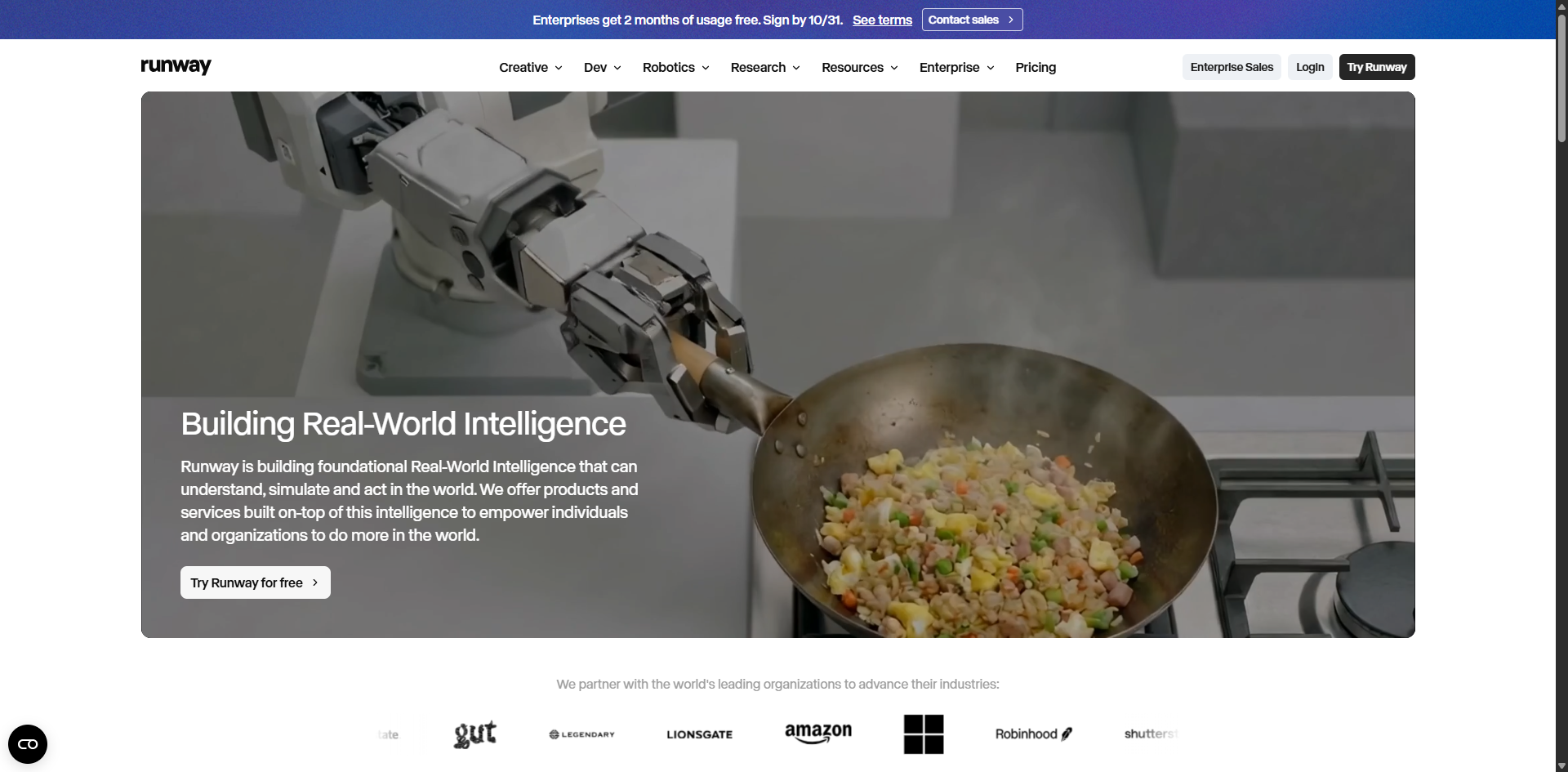
Runway offers AI video generation, scene modification, and editing tools for projects that require detailed visual direction.
A fashion brand developing a cinematic advertisement might plan a close-up of fabric, a model walking through dramatic lighting, and a final product reveal. Each shot can be generated and refined before assembly.
Core Features: AI video generation, image-to-video creation, scene editing, and camera movement controls.
Advantages: Useful for experimenting with visual styles, compositions, and camera movements in cinematic projects.
Limitations: Complex actions and detailed scenes may require multiple attempts, increasing generation costs and revision time.
Not Ideal for: Creators who only need basic video trimming, quick captions, or simple edits to existing footage.
Best for: Cinematic advertisements and visually ambitious creative projects.
LTX Studio: All-in-One AI Platform for Story-Driven Videos
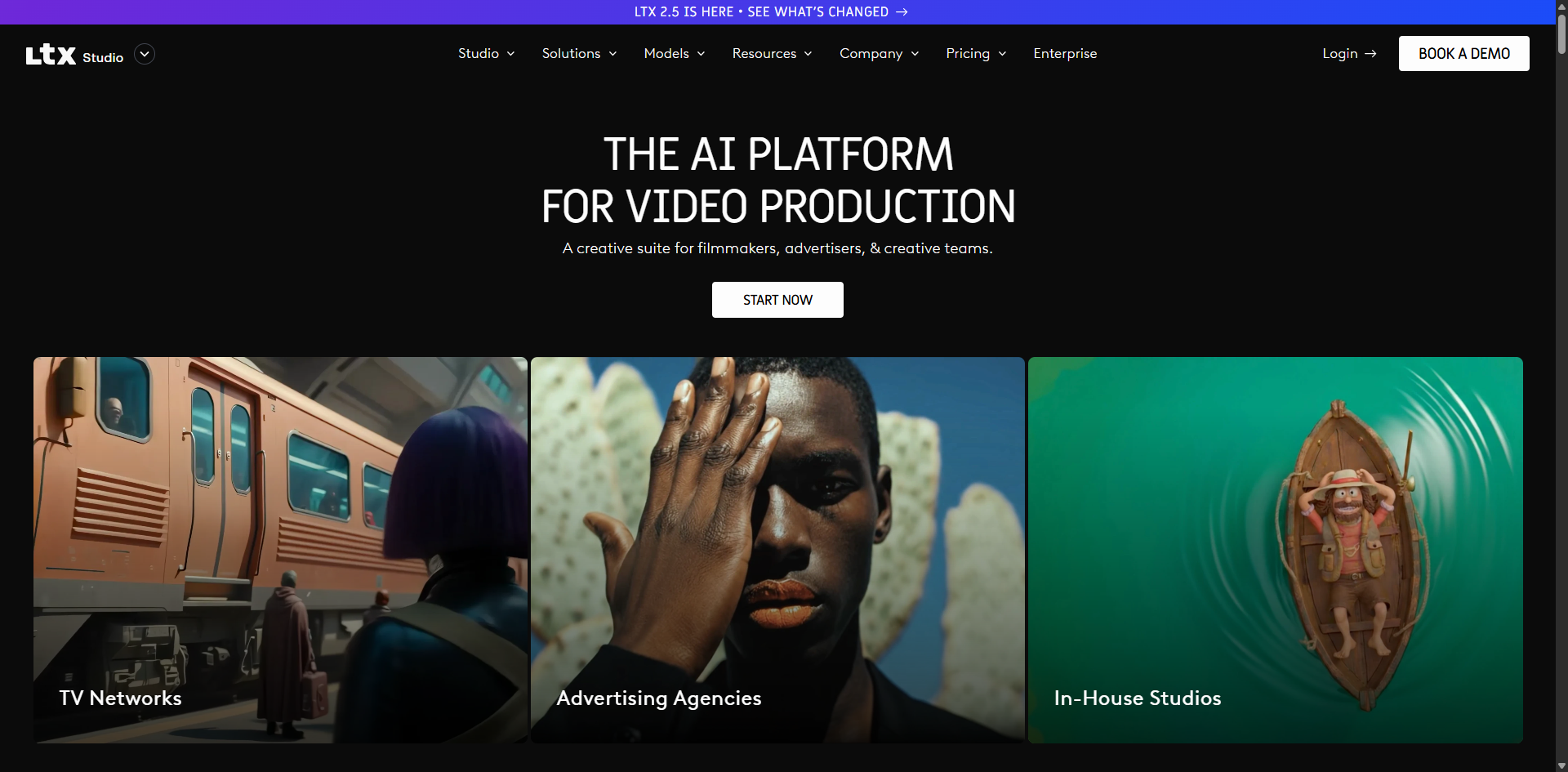
LTX Studio connects script development, storyboarding, character references, shot generation, and video editing. Its workflow is designed for projects where multiple scenes must form a continuous story.
An independent filmmaker creating a short mystery can organize character introductions, important events, and the final reveal in a storyboard before generating individual scenes.
Core Features: Script development, storyboards, character references, shot generation, and timeline editing.
Advantages: Connected storyboards and reusable references help organize multi-scene productions and guide character continuity.
Limitations: Character appearances and transitions may still need refinement. The planning process can add unnecessary work to simple projects.
Not Ideal for: Creators making a single promotional clip, basic social media edits, or videos that do not require story development.
Best for: Short films, narrative advertisements, and multi-scene storytelling.
Which Platform Fits Your Workflow?
The best all in one ai platform depends on where your video starts and how much work remains after generation.
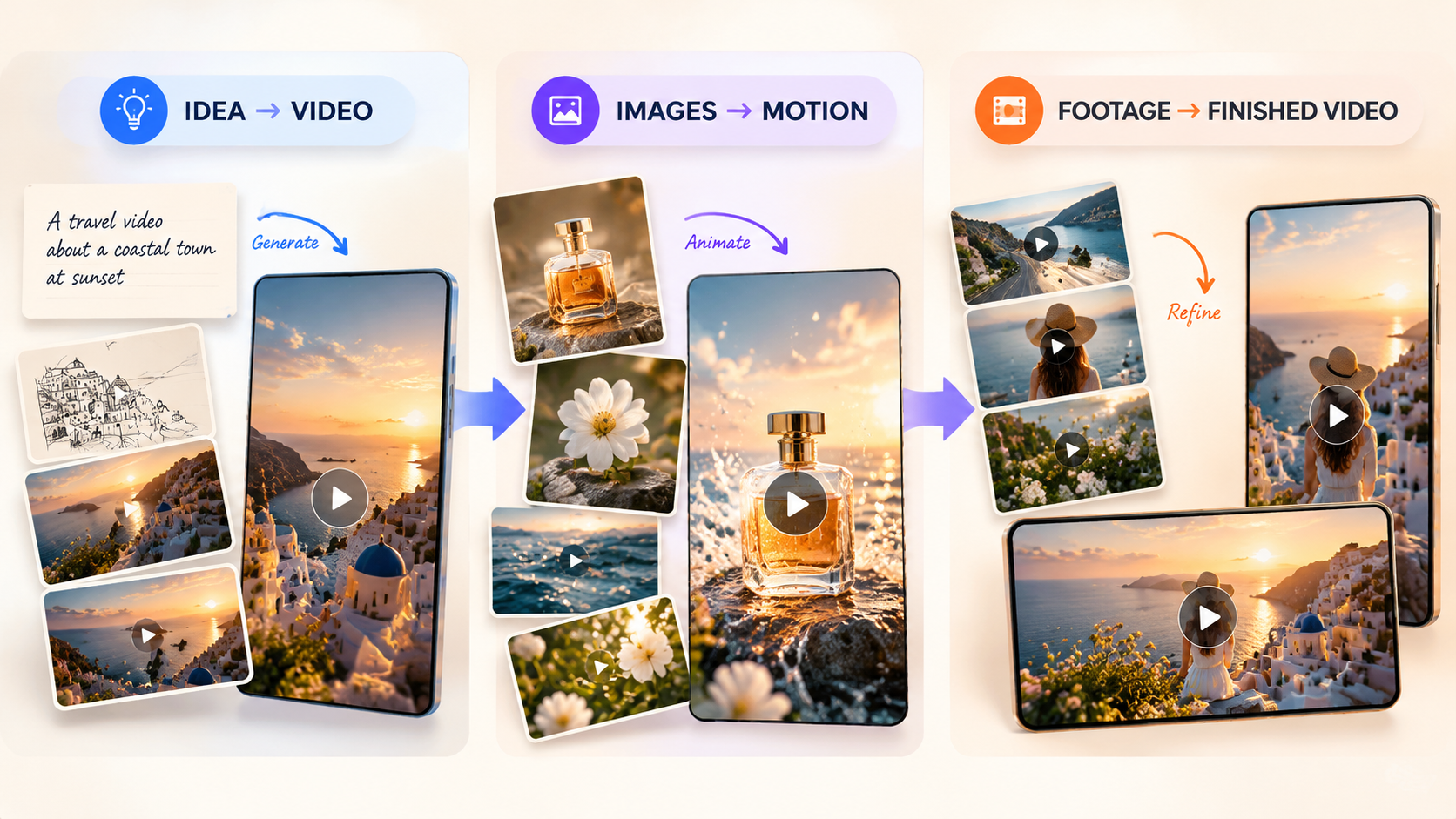
Creating Original Video Scenes
RoboNeo is worth considering when product photographs, character images, or written concepts need to become original video clips. Runway may be a stronger choice when detailed camera movement, visual modifications, and subsequent editing are central to the project.
For projects starting with existing photos, comparing the best image-to-video AI generators can help clarify differences in motion control and reference handling. The number of attempts needed to produce a usable clip is often more informative than demonstration videos.
Turning a Script into a Video
Invideo suits narration-led projects, where a script determines the structure and visuals support the explanation. LTX Studio is better aligned with stories involving recurring characters, connected events, and planned shot sequences.
A short script test can reveal whether the generated scenes communicate the intended message and connect naturally.
Finishing Videos for Your Brand
Canva works well when revisions mainly involve logos, colors, layouts, and publishing formats. VEED is more appropriate when existing footage needs subtitles, audio adjustments, trimming, or supplementary scenes.
Testing a complete video from import to export also helps confirm whether the required features and output quality are included in your chosen plan.
Tips for Creating Videos with an All-in-One AI Platform
Even the best all-in-one ai platform needs clear instructions and careful review to produce reliable results.
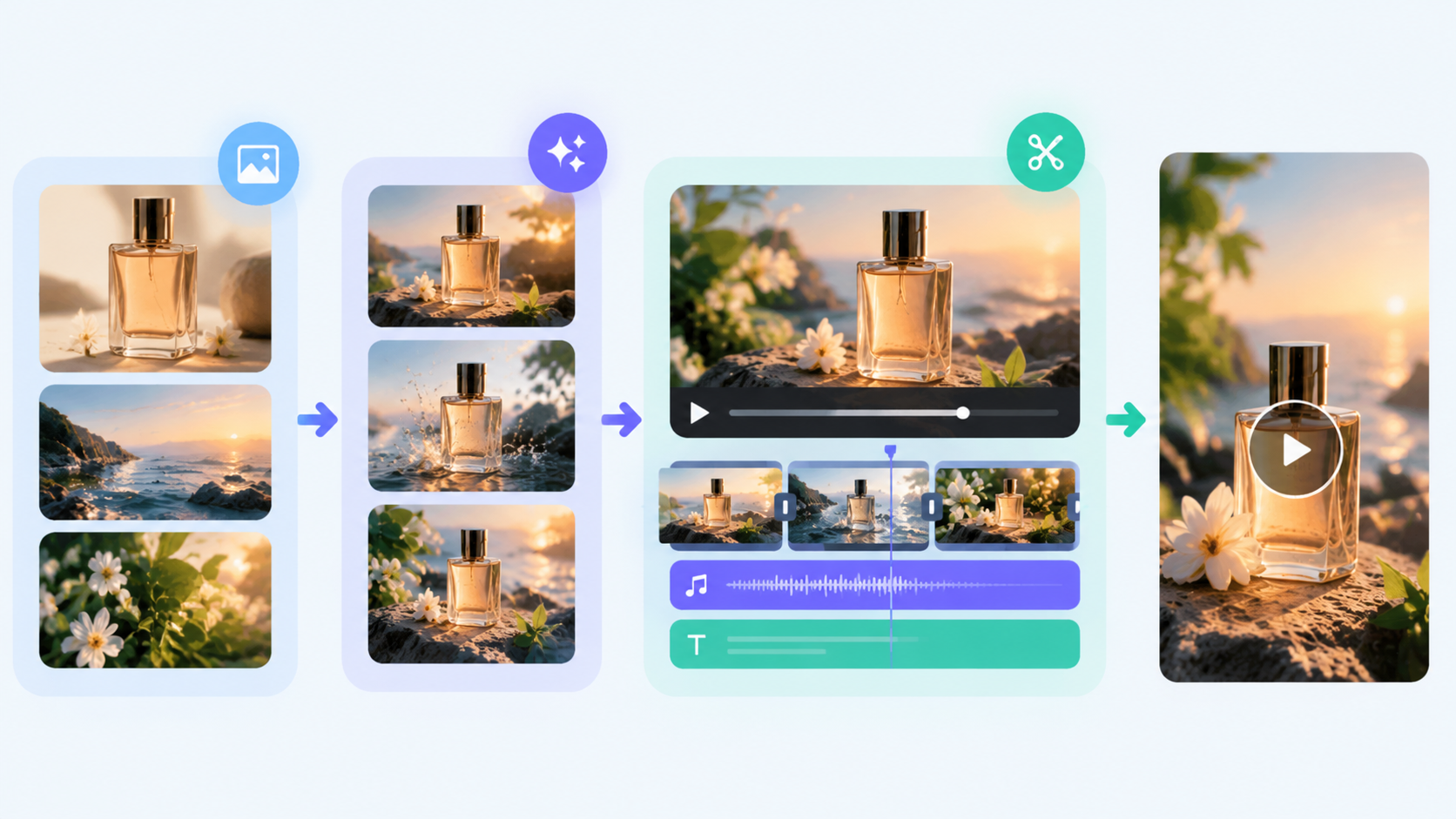
Start with a Clear Video Brief
A brief should establish the audience, message, publishing channel, approximate length, and aspect ratio. These details also provide the foundation for writing a video script that keeps the message and visuals aligned.
A 15-second TikTok advertisement might focus on a product reveal, while a longer YouTube video needs more explanation. Specific visual directions also work better than vague descriptions. "A slow close-up of a rotating perfume bottle" communicates more than "a luxurious product video."
Accurate product information and essential brand requirements should be established before generation begins.
Keep Visual References Consistent
Recurring products and characters should use the same reference materials throughout a project. Switching between unrelated images can introduce visible differences across scenes.
Each reference should have a clear purpose:
Product images: Define appearance, colors, and packaging.
Character images: Guide facial features, clothing, and identity.
Scene images: Establish backgrounds, lighting, and atmosphere.
When switching models, provide essential references again rather than assuming previous settings will transfer automatically.
Generate One Scene at a Time
Separate complex videos into shots with clear actions and camera directions.
A coffee advertisement could use one clip of beans entering a grinder, another of espresso pouring, and a final shot of the finished drink. This makes individual scenes easier to refine.
Testing the most difficult shot first can also prevent wasted work if the planned visual effect proves unreliable.
Review Each Clip Before Editing
Every generated clip should be watched completely before entering the final edit. Product packaging, logos, facial features, hand movements, and background continuity deserve particular attention.
For videos containing audio, dialogue, lip synchronization, and environmental sounds must also match the scene.
Minor timing problems may be resolved through editing, but distorted objects or incorrect movements often require regeneration.
FAQ
Is a multi-model app the same as an all-in-one workspace?
Not exactly. A multi-model app provides access to different AI models, while an all-in-one workspace connects production tasks, assets, and editing tools. Having more models does not necessarily mean better workflow integration.
Do included models offer the same features as their standalone apps?
Not always. The same model may have different input options, generation limits, or output settings across platforms. Standalone applications may also provide additional tools that are unavailable through integrations.
Do I need coding skills to use these platforms?
No coding is generally needed for standard image generation, video editing, or content creation. Advanced integrations and custom automation may require technical knowledge.
What happens if a platform removes a model I use?
You may lose access to that model for future generations. Keep copies of important prompts, original materials, and exported videos. Replacement models should be tested because their results may differ.
You May Be Interested
What Is AI Video: How It Works and How to Get Started
Canva AI Cartoon Generator vs RoboNeo: Key Differences
Kling AI: Video Generation Review
How to Make AI Videos: Beginner Tips and Best Tools
AI Video Generation Models: What Works for Video Projects