What Are Multimodal Generative AI Models? A Guide for Creators
 RoboNeo TeamOctober 26, 2026
Multimodal generative AI models connect different forms of information and use them to create new content. An image-to-video model may combine a product photo with written camera directions to generate a moving clip. This guide explains how these models support script planning, reference image development, video generation, and final quality checks.
What Do "Multimodal" and "Generative" Mean?
What Do "Multimodal" and "Generative" Mean?
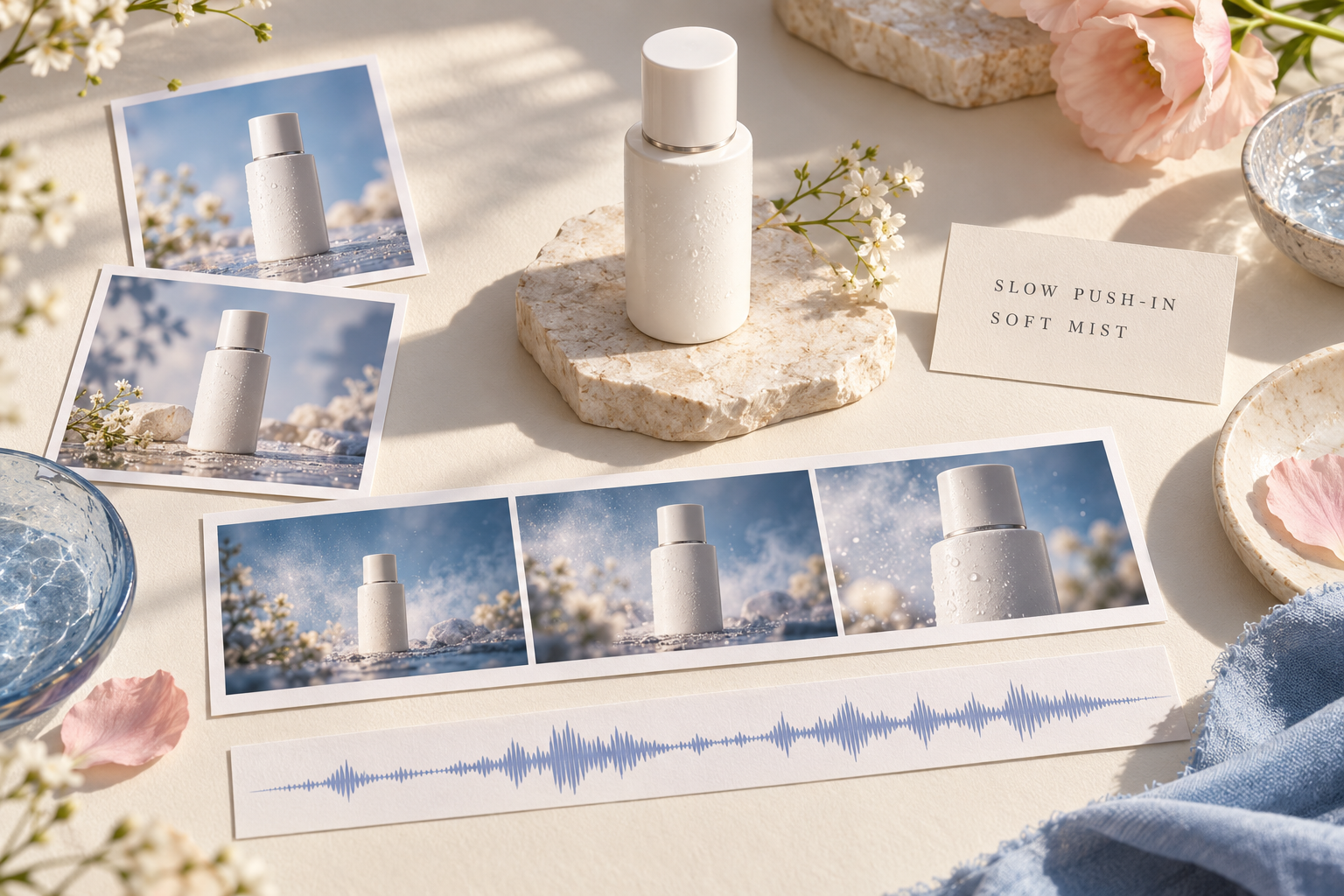
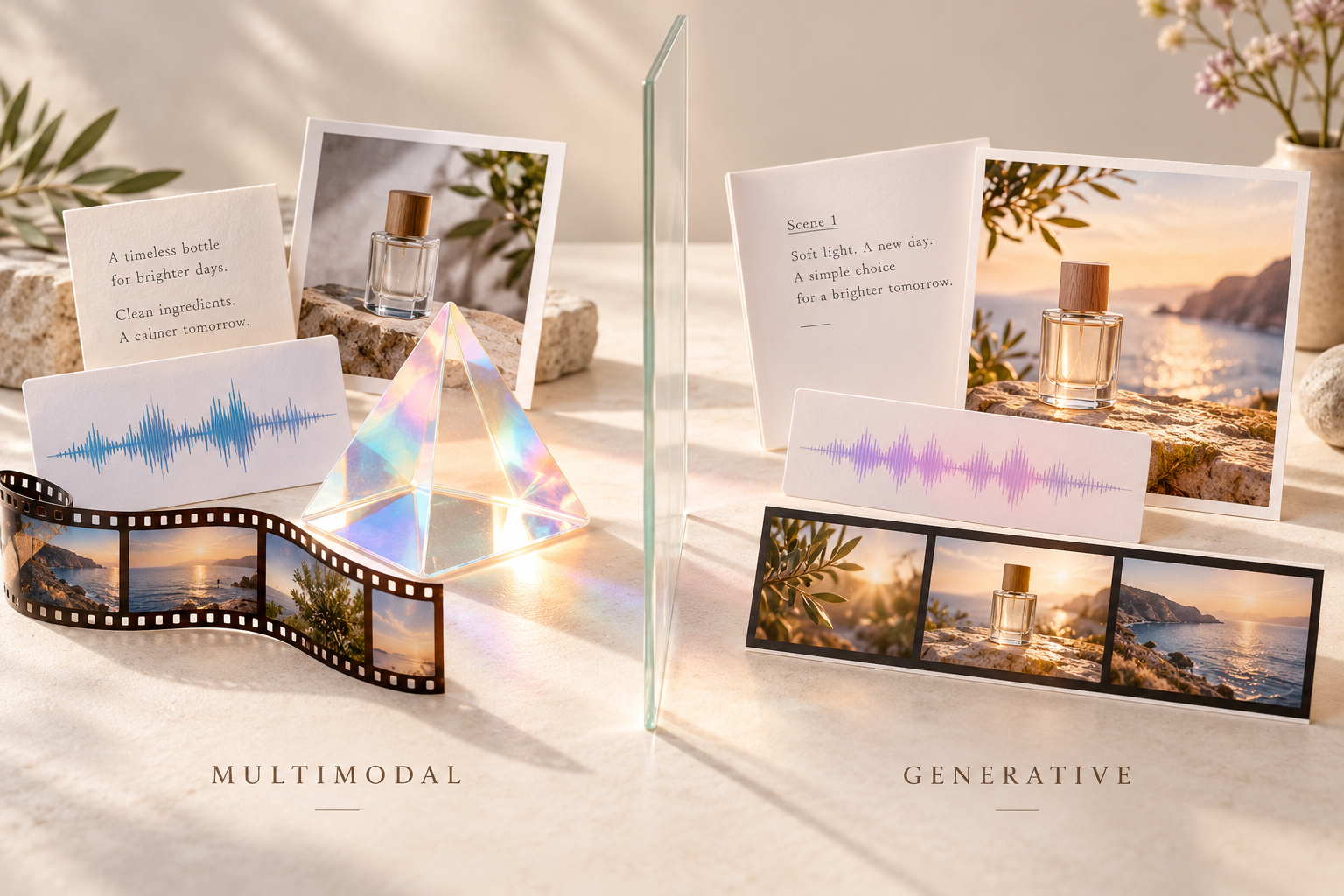
"Multimodal" means that a model can process and connect different types of information, such as text, images, audio, and video. It does not simply mean that users can upload several files.
"Generative" refers to creating new content, including scripts, images, voices, or videos, rather than only identifying objects or sorting existing material.
The two concepts are not interchangeable. A multimodal model may analyze a video and summarize it without generating new footage. A generative model may create text while accepting only text input.
According to Meta AI's ImageBind research, different types of information can be connected through a shared latent space. Through cross-modal alignment, models learn relationships between text, images, and audio, allowing related information to be understood together. This helps explain how different inputs can contribute to content generation.
In video creation, text can describe actions and camera movement, while an image establishes the subject's appearance and composition. Supported inputs and outputs still need to be checked separately. For anyone asking what does multimodal means in AI, it describes how a model connects information types, not a promise that it can complete every creative task.
Multimodal AI Models for Video Creation
Different multimodal AI models serve different purposes in video production. Gemini can analyze footage and support script development, FLUX.2 focuses on image generation and editing, while Veo 3.1 and Kling produce moving video clips. The comparison below highlights their core capabilities and practical uses, helping creators choose the right model for each stage. A broader comparison of AI video generation models can also help when evaluating video-specific features.
| Model / Family | Supported Inputs | Core Strengths | Best Use in Video Creation |
| Gemini | Text, images, audio, and video, depending on model | Long-video understanding, multimodal reasoning, and text generation | Reviewing footage, identifying key moments, and developing scripts or shot plans |
| FLUX.2 | Text and multiple reference images | Image generation, reference-based image editing, and visual consistency | Creating character references, product images, and storyboard visuals |
| Veo 3.1 | Text and supported image references | Cinematic video generation, camera motion, and native audio | Producing story scenes, promotional clips, and videos with dialogue or sound effects |
| Kling AI | Text and images; additional options vary by version | Text-to-video, image-to-video, subject motion, and video extension | Animating reference images, creating action sequences, and developing short video clips |
Script and Storyboard Development
Models that understand visual material can organize reference images, existing footage, and written requirements into a script or shot plan. The output may include a story summary, voice-over, dialogue, shot order, and notes about the action in each scene.
Gemini models with video-understanding capabilities can describe footage, extract information, answer questions, and refer to timestamps. A travel creator could use this capability to identify the important moments in an unedited trip video before planning a shorter story.
Product details that cannot be seen in an image, such as battery life or internal functions, should come from accurate source material. A written shot description is also not the same as a storyboard image. Producing the corresponding frame requires image-generation capability.
Reference Image Generation and Editing
Reference images establish the appearance of a character, product, location, or key scene before movement is added. A model that accepts text and images may change the background, clothing, lighting, or composition while preserving selected details.
FLUX.2 supports image generation and editing with text and multiple reference images. A clothing brand could retain the design of a jacket while testing different campaign settings.
When an accurate product photo already exists, it can remain the main reference. Recreating it may introduce changes to labels, colors, or proportions. A reference image may guide the overall appearance or define the opening frame, depending on the later video model.
Video and Audio Generation
Video models create changes over time, including subject movement, object interaction, and camera motion. Common workflows include text-to-video and image-to-video. Some models can also use audio or existing video as input.
Veo 3.1 supports video generation with native dialogue, ambience, and sound effects. Kling AI also offers text-to-video and image-to-video workflows, making it useful for animating reference images and generating moving scenes. Audio features and other controls depend on the selected model and version.
The right model depends on the project. Reference images, start and end frames, clip extension, or audio control may matter more than visual style alone. Generated clips also require selection and editing before they become a complete advertisement or story.
How to Create Videos With Multimodal Generative AI
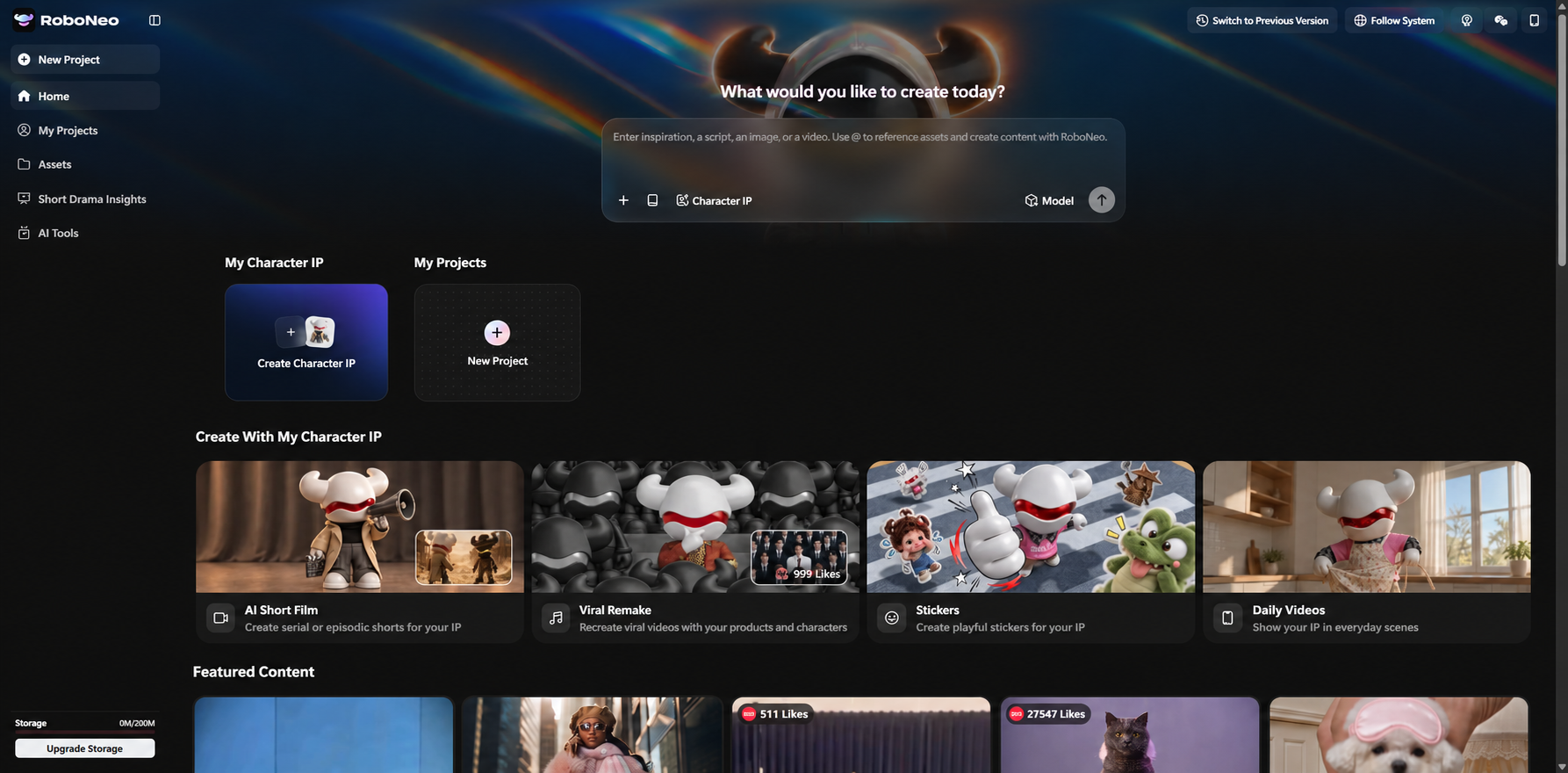
Creating a video with multimodal generative AI involves combining different types of information to guide the result. RoboNeo brings prompts, reference images, video clips, and supported audio inputs into one workspace, where its AI Agent can help develop creative ideas and coordinate different stages of video creation. Rather than working with separate tools for every task, creators can use these materials to guide scene planning, video generation, and refinement. Available inputs and controls depend on the selected model.
Prepare Prompts and Reference Assets
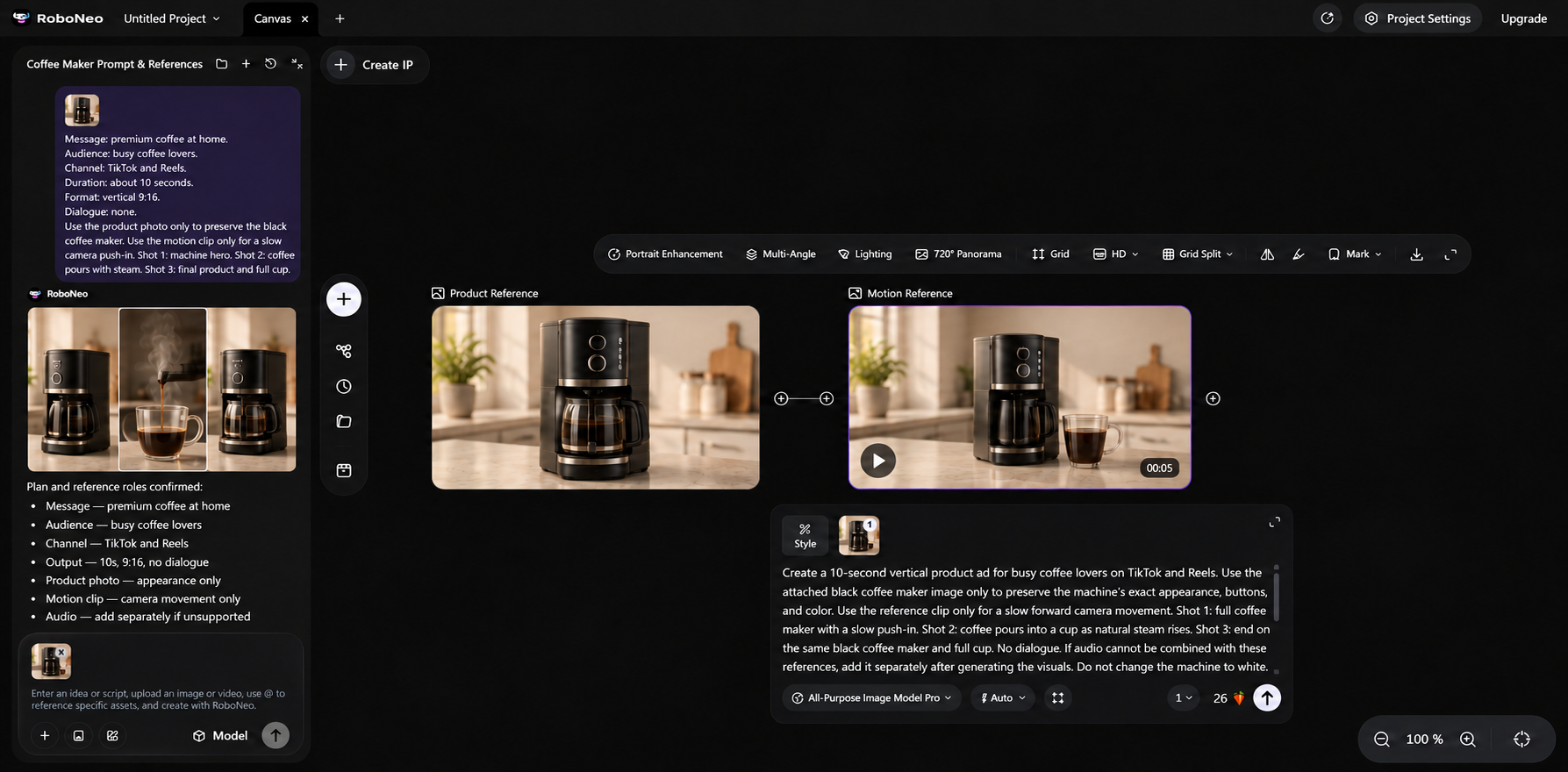
Open RoboNeo and describe your video idea to the AI Agent, including the subject, action, setting, and visual style. Upload reference materials to guide specific details, such as a product photo for appearance or a video clip for camera movement.
For a coffee maker advertisement, you can use this multimodal prompt template with a compatible model:
Prompt Template: "Create a video of [subject] performing [action] in [setting]. Use [Reference Image A] for appearance and [Reference Video B] for camera movement. Maintain [lighting and visual style]."
In RoboNeo's Video Node, supported reference assets can be identified using the @ symbol. Make sure the selected model accepts the required input types.
Generate and Refine Video Clips
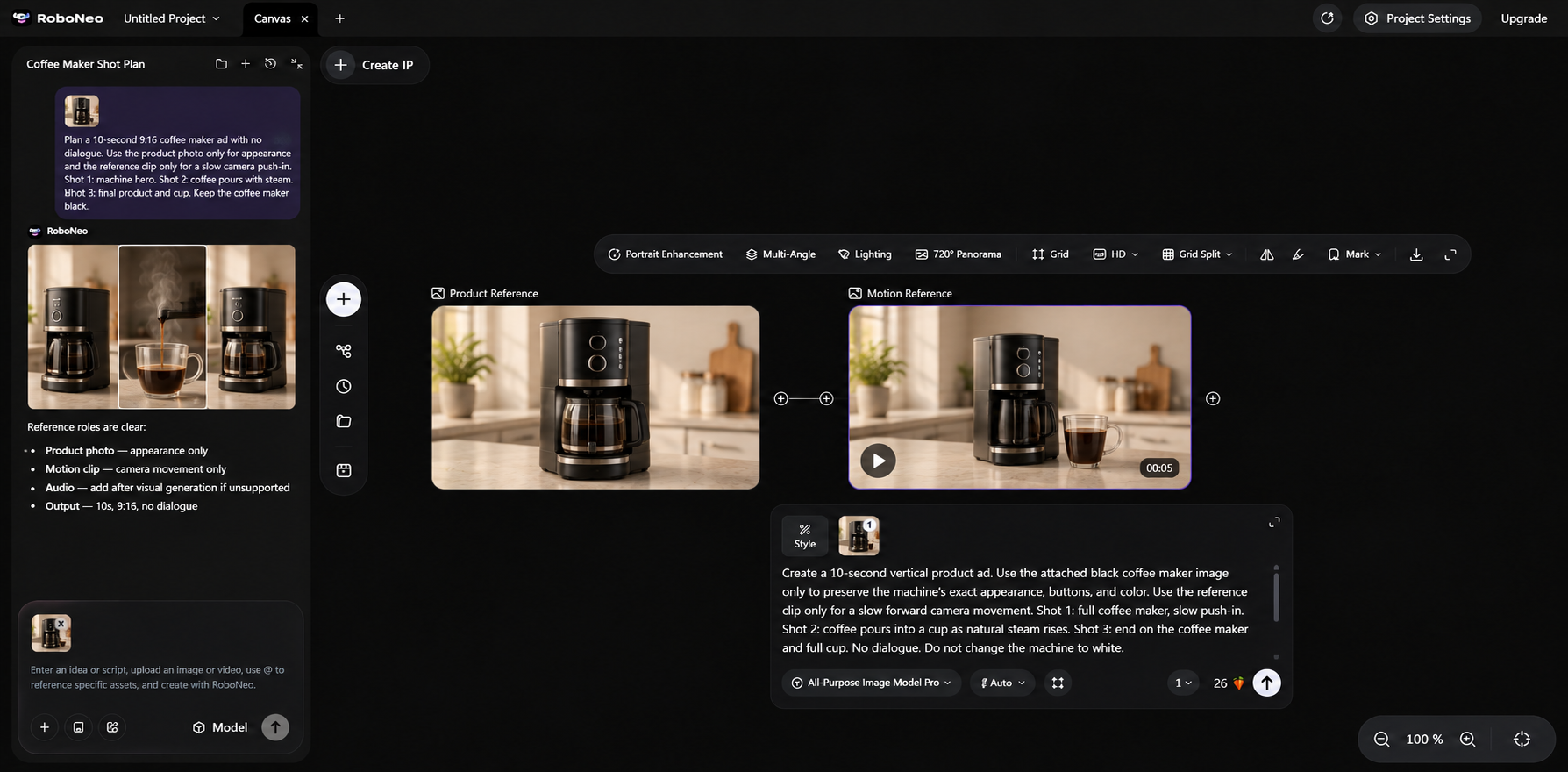
Generate a short clip and review the results on the canvas. If the coffee maker changes shape or the camera movement looks unnatural, ask the AI Agent to refine the instructions or adjust the prompt before generating another version.
Combine Clips Into a Finished Video
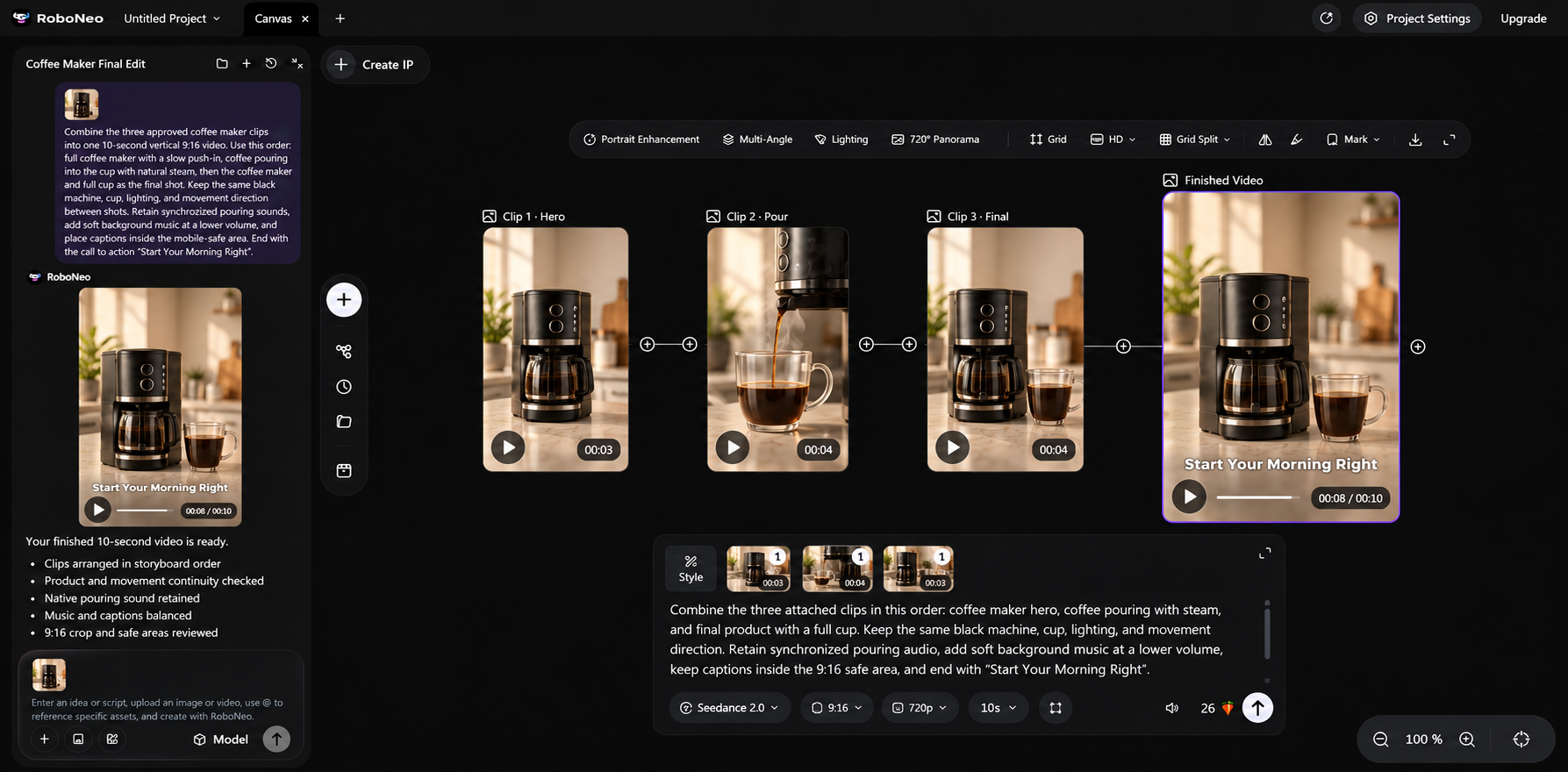
Arrange the generated clips in story order, checking that product details, camera movement, and visual style remain consistent between scenes. Use RoboNeo to refine individual clips where needed.
Add narration, music, captions, or other finishing elements as appropriate. Preview the complete video, check audio synchronization and framing, then export it in the format required by your publishing platform.
What to Check in an AI-Generated Video
A complete review should cover visual accuracy, movement, transitions, and audio. Many limitations of AI video generation only become visible when a clip is watched from beginning to end.
Scene Accuracy and Visual Consistency
Compare the video with the script and confirm that each required action occurs. Faces, clothing, product colors, packaging, backgrounds, and object positions should remain consistent.
Product footage also needs a factual review. The video should not show a function or result that the product cannot provide. Watch each clip in full because subjects may lose details or change shape during movement.
Motion and Shot Transitions
Actions should have a clear beginning, progression, and ending. Check hand contact, object handling, and interactions between multiple people.
Objects should not disappear, pass through one another, or change direction unexpectedly. Adjacent shots also need consistent movement, character positions, and event order. Editing may correct pacing, but distorted subjects or incorrect actions usually require regeneration.
Audio and Lip Sync
For dialogue, check the words, speaker identity, and mouth movement. Sound effects should occur with the visible action rather than arriving early or late.
Music should not cover narration, and volume should remain consistent between clips. When voice-over is created separately, its pace should fit the available shot length. Videos designed for silent viewing do not need audio simply because the model supports it.
FAQ
Do I need to include multiple types of input every time?
No. Multimodal means the model can process different information types, not that every request must include all of them. Use reference material only when it gives the model necessary direction.
Does uploading a reference image train the model?
Usually, the image guides the current generation rather than permanently changing the model. Data storage and use for model improvement depend on the platform’s policies and settings.
Is a multimodal model the same as a multi-model platform?
No. A multimodal model connects different information types. A multi-model platform provides access to several models, which may have different capabilities.
Can creators use the output commercially?
Commercial use depends on the platform, model, and account plan. Creators also need permission to use any people, voices, trademarks, or third-party works included in the project.
How do multimodal AI models handle video and audio synchronization?
Multimodal AI models can align audio and visual information using shared timing and event cues. For example, a model may match spoken words with lip movements or synchronize footsteps with the character's actions. Models that generate audio and video together can coordinate both during generation, while others require separate audio synchronization during editing.
What is the difference between a multimodal model and a traditional text-to-video model?
The main difference is how they process information. A traditional text-to-video model generates video primarily from written instructions, while a multimodal video model can combine text with supported images, audio, or video references. This allows creators to guide subject appearance, motion, or timing using more than text alone.
You May Be Interested
What Is An AI Model? A Guide to Types, Examples, and Uses
What AI Model Writes Stories Best? 7 Tools Compared
What Are Foundation Models in Generative AI? Types, Uses & Examples
Beneficial Practices for Training AI Models With Prompts
AI Video Generation Models: What Works for Video Projects