Best AI Shorts Video Generator: Top Tools for Short Videos
 RoboNeo TeamOctober 26, 2026
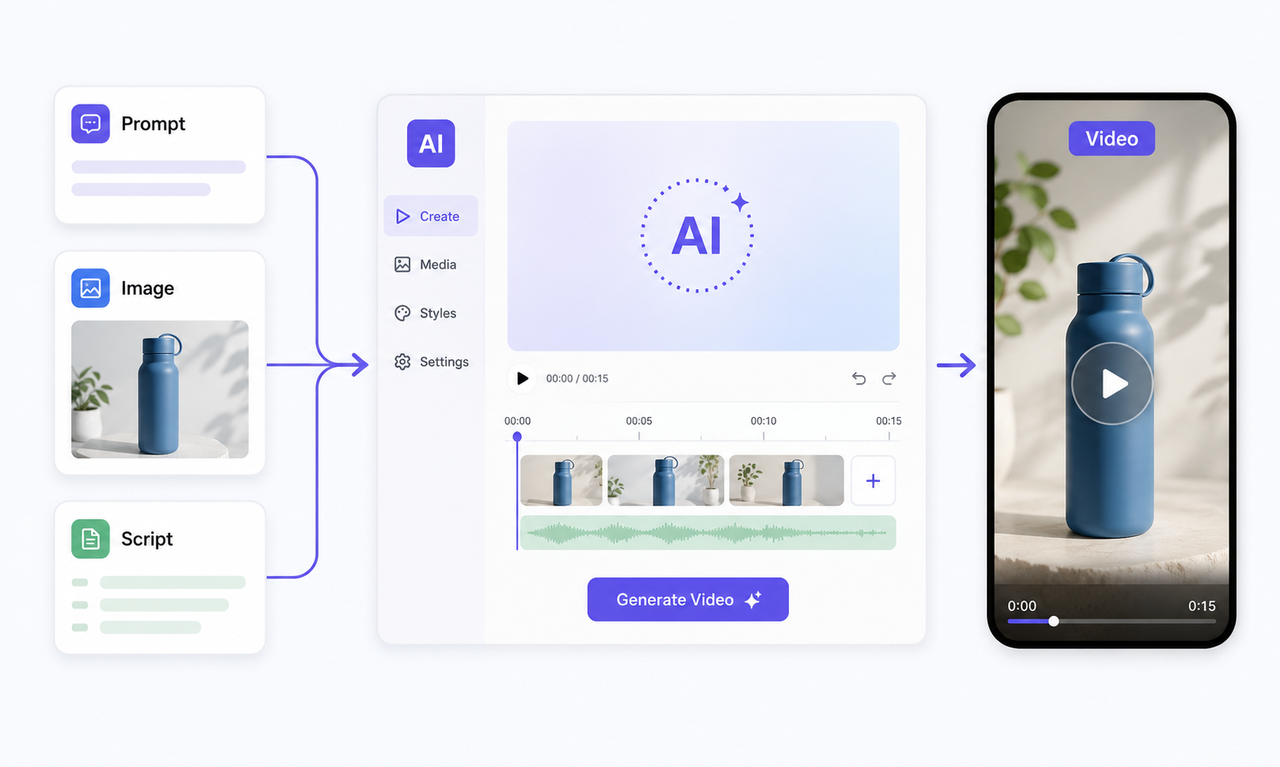
AI Shorts video generators are changing how creators make short-form content by turning text, images, and existing materials into videos for platforms like YouTube Shorts, TikTok, and Instagram Reels.
Since the best AI tools for short videos are designed around different workflows, this guide compares 9 options to help you choose the right one for your content needs and creation goals.
What Features Should You Look for in an AI Shorts Video Generator?
Before deciding on the best AI for making short videos, consider what materials you already have and how you want to use them. Different tools support different workflows, from generating original videos to transforming existing content into Shorts.
Content Input Options
The best AI Shorts video generator for you often depends on the type of content you start with.
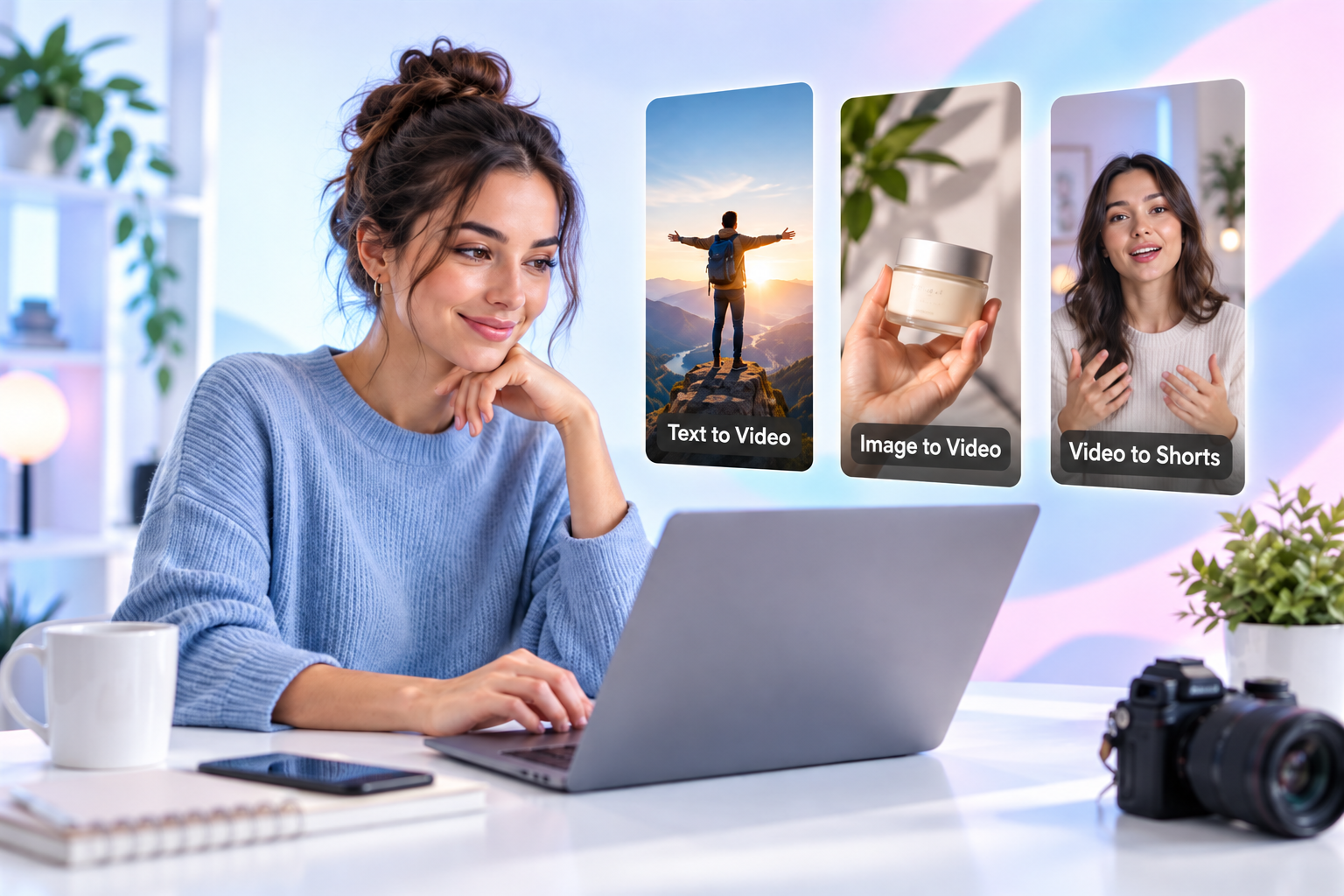
Common creation methods include:
Text-to-Video: Use the RoboNeo text-to-video creation tool to turn written prompts into video clips when you have an idea but no existing footage.
Image-to-Video: Turn product photos, character images, or visual assets into dynamic videos. This is useful for ecommerce content and social media campaigns.
Video Repurposing: Convert existing videos into short-form content. This works well for podcasts, interviews, and creators with long-form videos.
If you are starting with only an idea, focus on AI generation capabilities. If you already have images or footage, look for tools that can transform and optimize your existing materials.
Video Quality and Consistency
Video quality is not only about resolution. Consistency also matters, especially for product videos and branded shorts. This product video planning guide explains how to organize shots and maintain important visual details.
Important factors include:
Keeping products and visual details accurate.
Maintaining character appearance across scenes.
Creating smooth transitions between clips.
Producing content that looks ready for publishing.
Editing and Customization Features
AI generation is only one part of the process. Most Shorts still need adjustments before publishing.
Useful features include:
Adjusting videos for vertical formats such as YouTube Shorts, TikTok, and Reels.
Adding captions, music, and timing adjustments.
Refining scenes to better match your creative direction.
For creators who publish frequently, a simple workflow can save significant editing time.
9 Best AI Shorts Video Generators Compared in 2026
AI Shorts tools support different content creation needs. Some are designed for generating original AI videos, while others focus on turning existing content into short-form videos.
Choosing the right tool depends on more than AI features alone. This comparison covers 9 AI Shorts video generators based on their key features and use cases.
AI Tool | Key Features | Best For | Pros | Cons |
RoboNeo | Text-to-video, image-to-video, multi-model generation | Original AI Shorts, product videos, creative stories | Creates original AI videos from text and images; suitable for product showcases and social content | Complex projects may require multiple generations and adjustments |
InVideo AI | AI scripting, automated video creation, voiceovers | Faceless explainer and educational videos | Combines scripts, visuals, voiceovers, and captions in one workflow | Less control over custom visuals and creative direction |
Runway | AI video generation, camera control, video editing | Cinematic videos, creative advertising | Strong visual control and creative flexibility | Requires more learning time for beginners |
Kling AI | Text-to-video, image-to-video, motion generation | Character animation, action scenes | Good motion effects and image-based storytelling | Complex scenes may need repeated generations |
OpusClip | AI clipping, vertical reframing, automatic captions | Podcasts, interviews, long videos into Shorts | Quickly repurposes long videos into short-form content | Not designed for creating original AI videos |
CapCut | AI-assisted editing, auto captions, visual effects | TikTok, Reels, and Shorts editing | Easy editing workflow with strong social media features | Focuses more on editing than AI video creation |
VEED | AI video creation, online editing, subtitles | Social media content, marketing videos | Browser-based workflow and team collaboration features | Advanced creative production may require other tools |
Pictory | Article-to-video, script-to-video, AI voiceovers | Educational videos, content repurposing | Useful for turning written content into videos quickly | Limited for highly visual or creative storytelling |
HeyGen | AI avatars, voiceovers, video translation | AI talking-head videos, multilingual marketing | Strong for AI presenter videos and multilingual content | Avatar-based videos do not fit every content style |
1. RoboNeo: Best for Original AI Shorts, Product Showcases, and Creative Stories
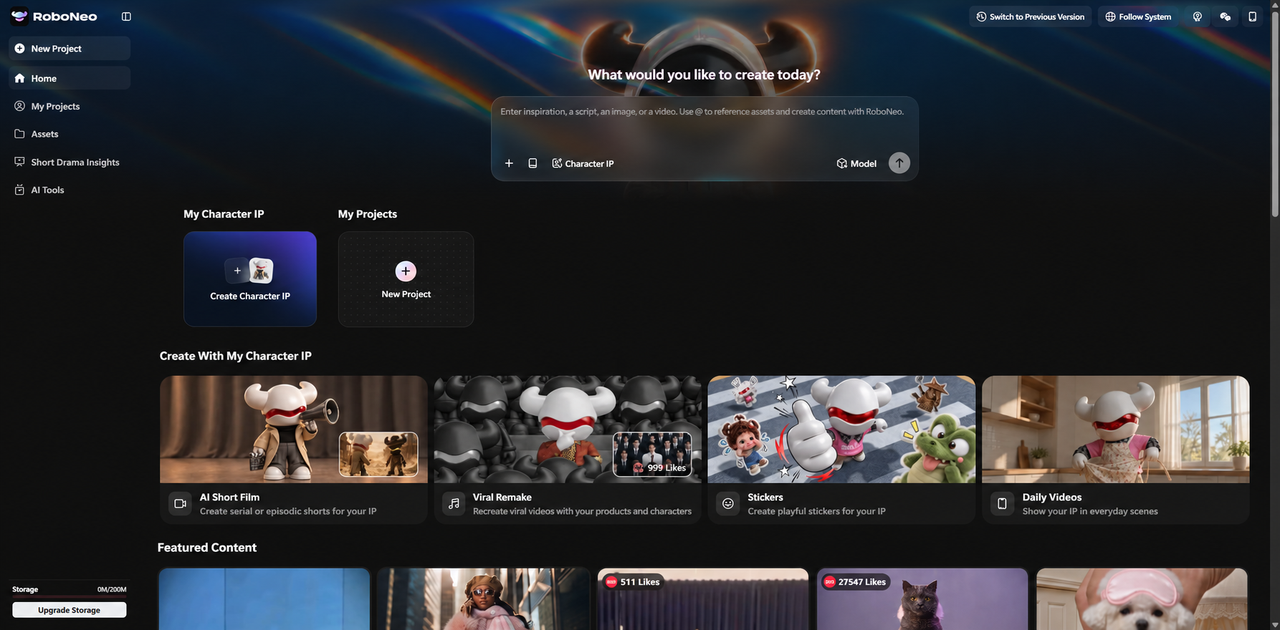
RoboNeo is designed for creators who want to make original AI Shorts from scratch. It allows users to create videos from text, images, and reference materials, making it suitable for product showcases, creative stories, and social media content.
For example, e-commerce sellers can upload product images and quickly create promotional videos, while creators can use prompts and reference images to turn ideas into short-form content.
With RoboNeo AI video generator, creators can produce original videos for YouTube Shorts, TikTok, and Instagram Reels.
Core Features of the Best AI Shorts Video Generator
For creators looking for the best AI Shorts video generator, RoboNeo offers a way to turn ideas or existing visual assets into original short-form videos.
Text-to-Video: Generate videos from written descriptions and creative ideas without needing existing footage. The text-to-video tool helps turn concepts into visual scenes.
Image-to-Video: Transform product photos, characters, or other visual assets into dynamic videos.
Multi-model generation: Select different AI models based on content style and creative requirements.
Reference-based generation: Use reference images to guide the appearance, composition, and overall direction of generated videos.
Creators can also adjust video formats for different platforms and refine results through multiple generations.
Best For
RoboNeo works well for:
Creators making original AI Shorts from scratch.
Ecommerce sellers creating product showcase videos.
Brands producing social media marketing content.
Users who want to turn images into dynamic videos.
It is especially useful for creators who already have ideas or visual materials but want to reduce the time spent on filming and traditional editing.
Pros
Supports both text-based and image-based video creation.
Suitable for AI Shorts, product videos, and creative content.
Helps transform static images into dynamic videos.
Offers flexible creation options through different AI models.
Cons
Complex projects may require multiple generations and adjustments.
Commercial videos may still need review to ensure visual consistency and product accuracy.
How to Create AI Shorts With RoboNeo?
You can turn an idea or reference into an AI short in a few steps.
1. Prepare Your Materials: Choose a video idea and gather any product images, character references, or scene images you want to use.
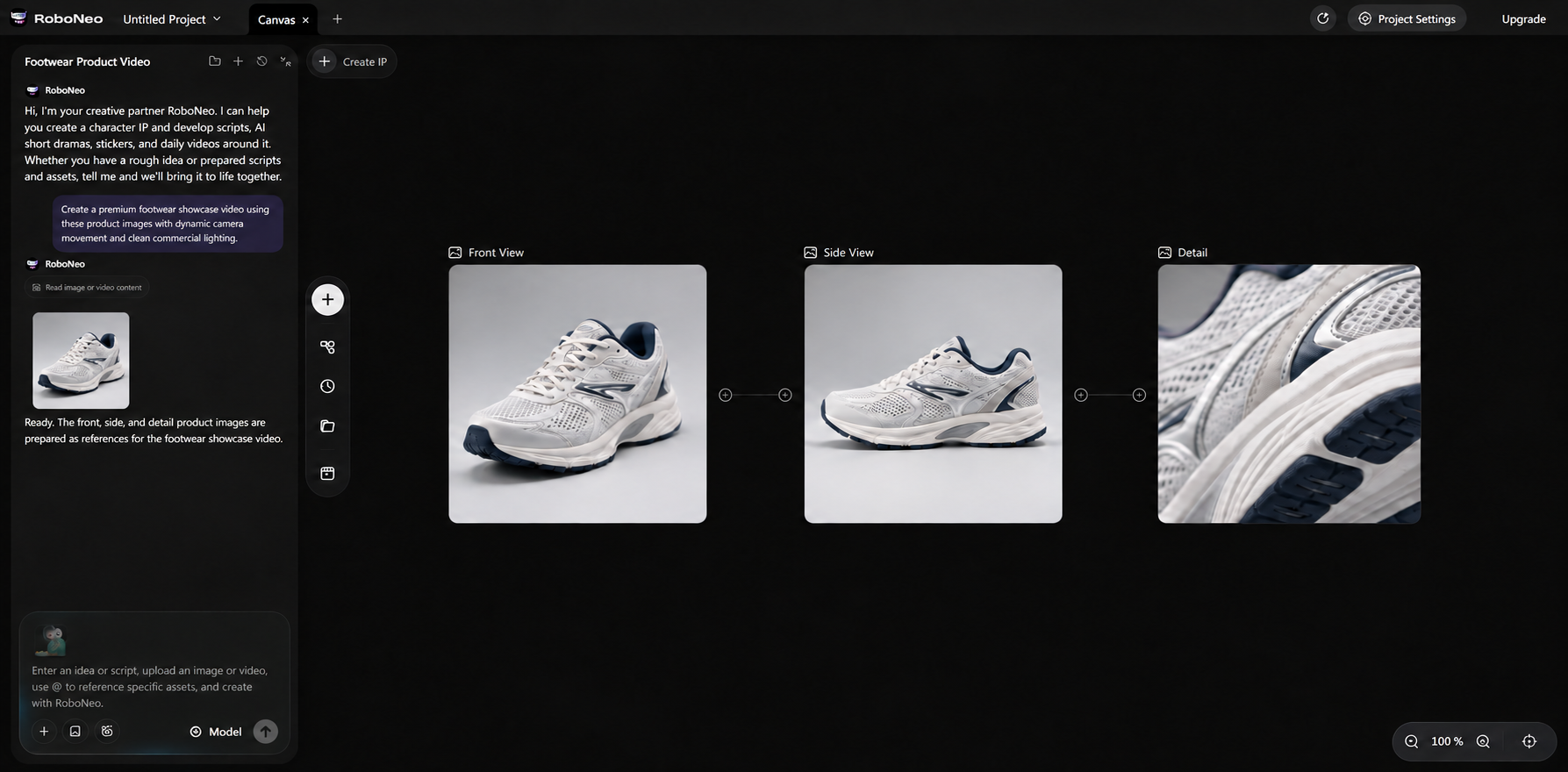
2. Choose Your Model and Settings: Select an available AI model, video length, and aspect ratio based on your content needs.
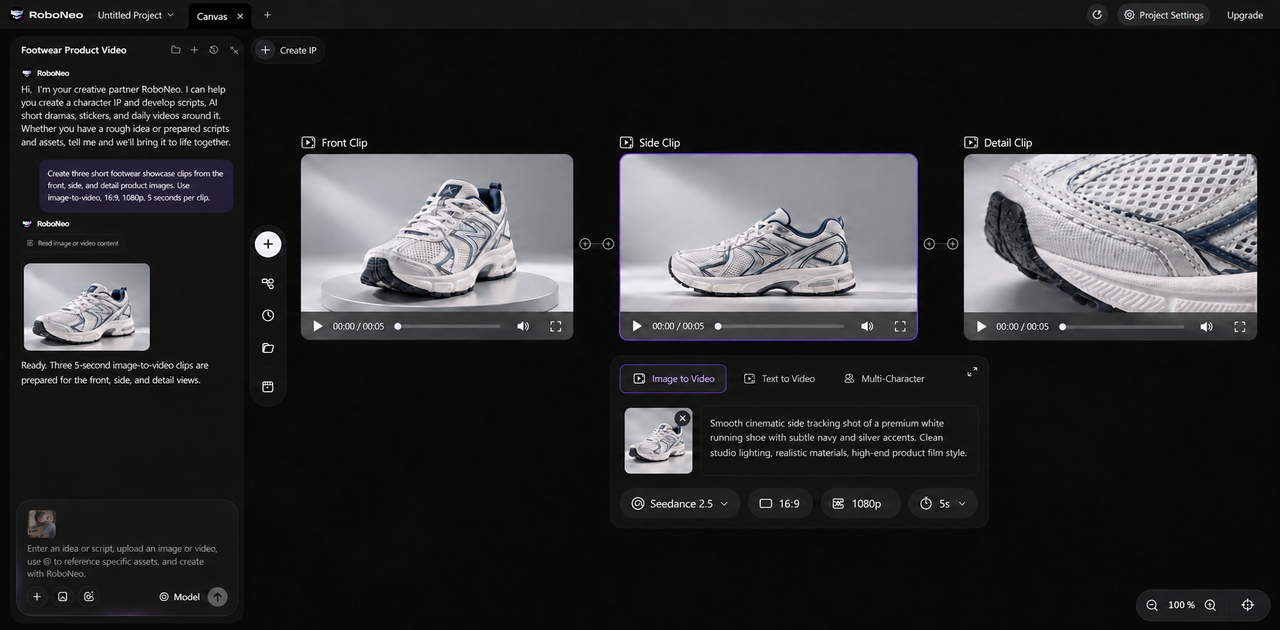
3. Enter Your Prompt: Describe the subject, action, camera movement, setting, and visual style, then generate your video.
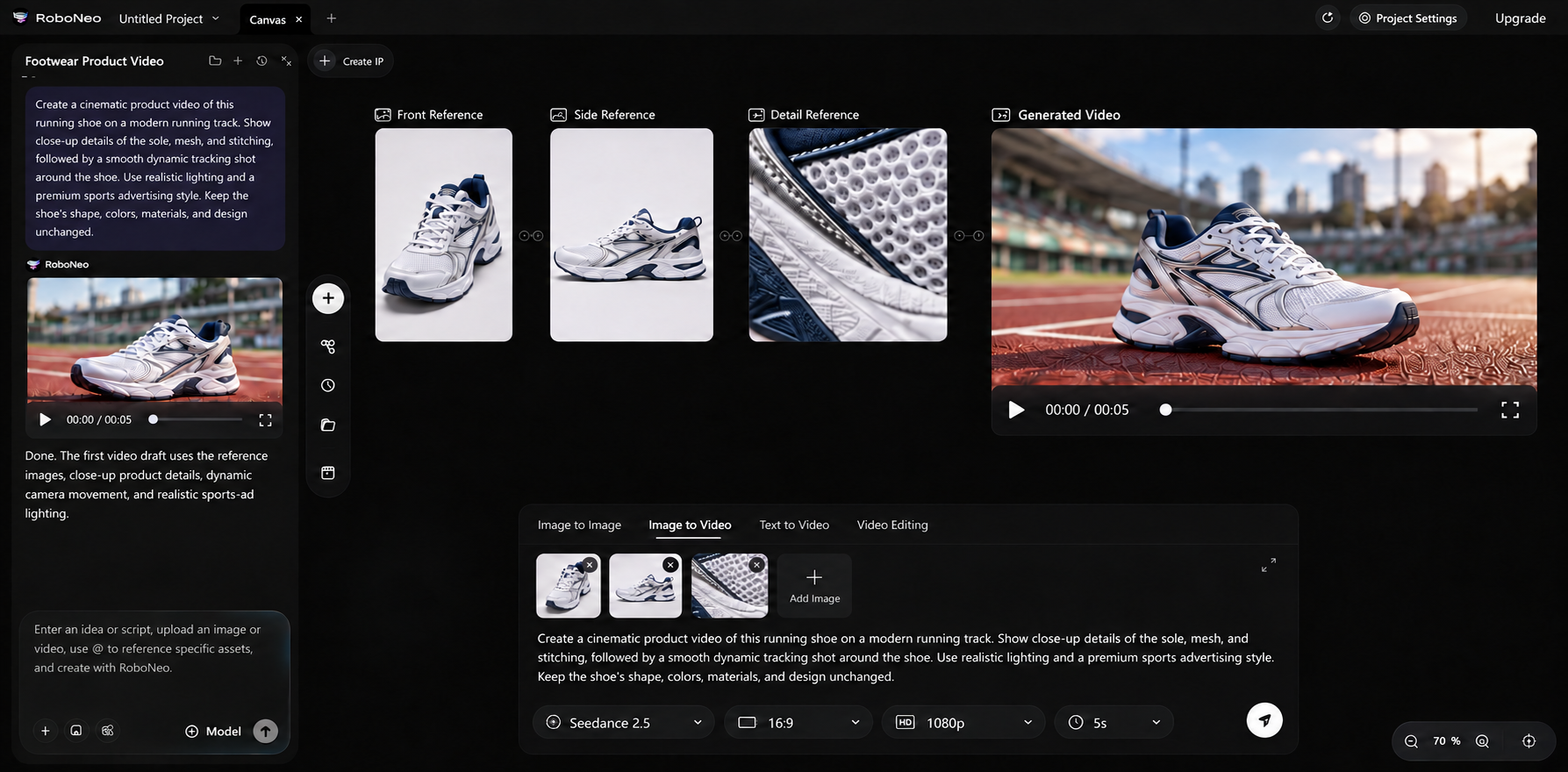
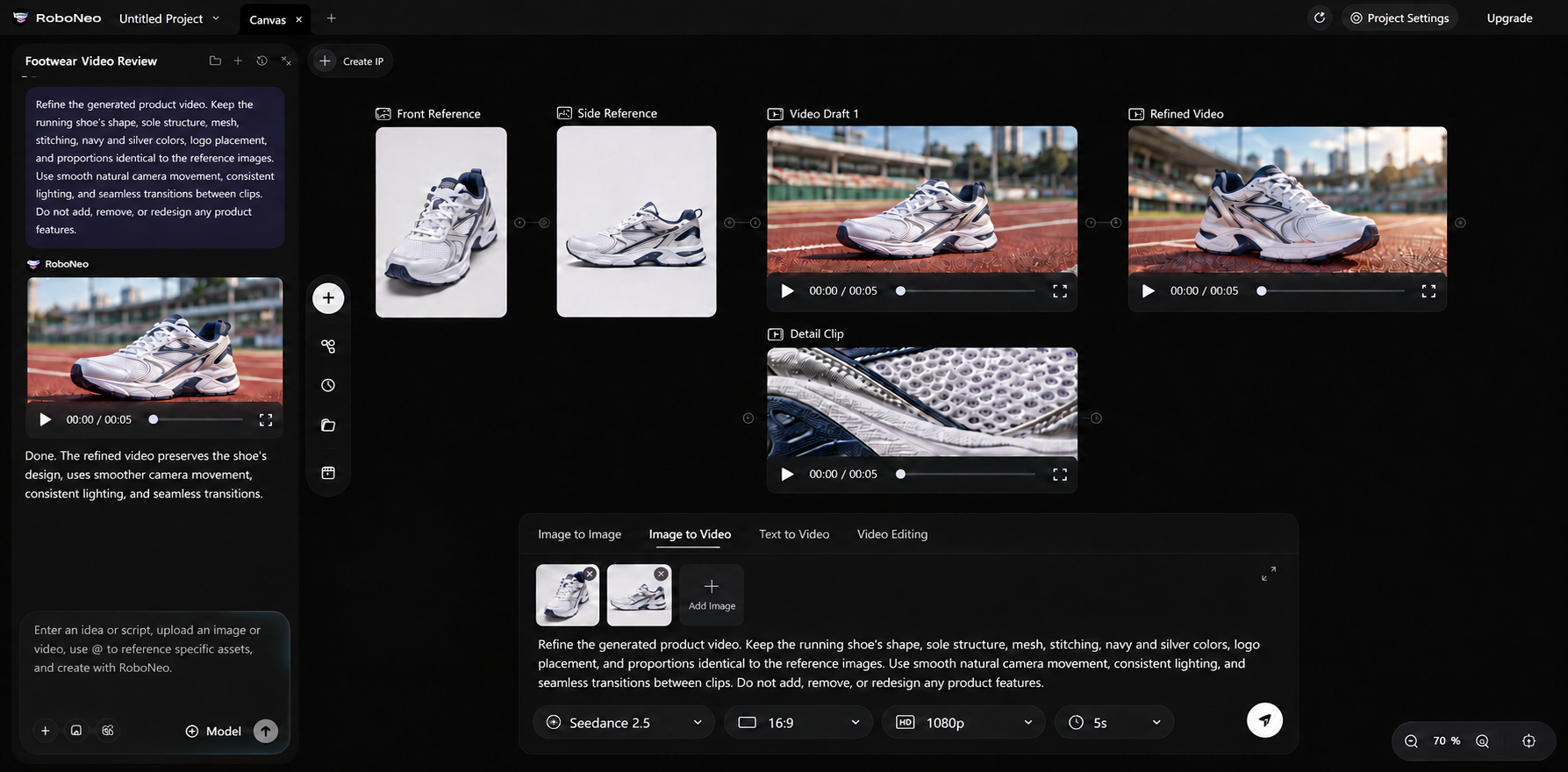
4. Review and Refine: Check the results for natural movement, consistent details, and visual quality. Adjust your prompt or reference materials if needed.
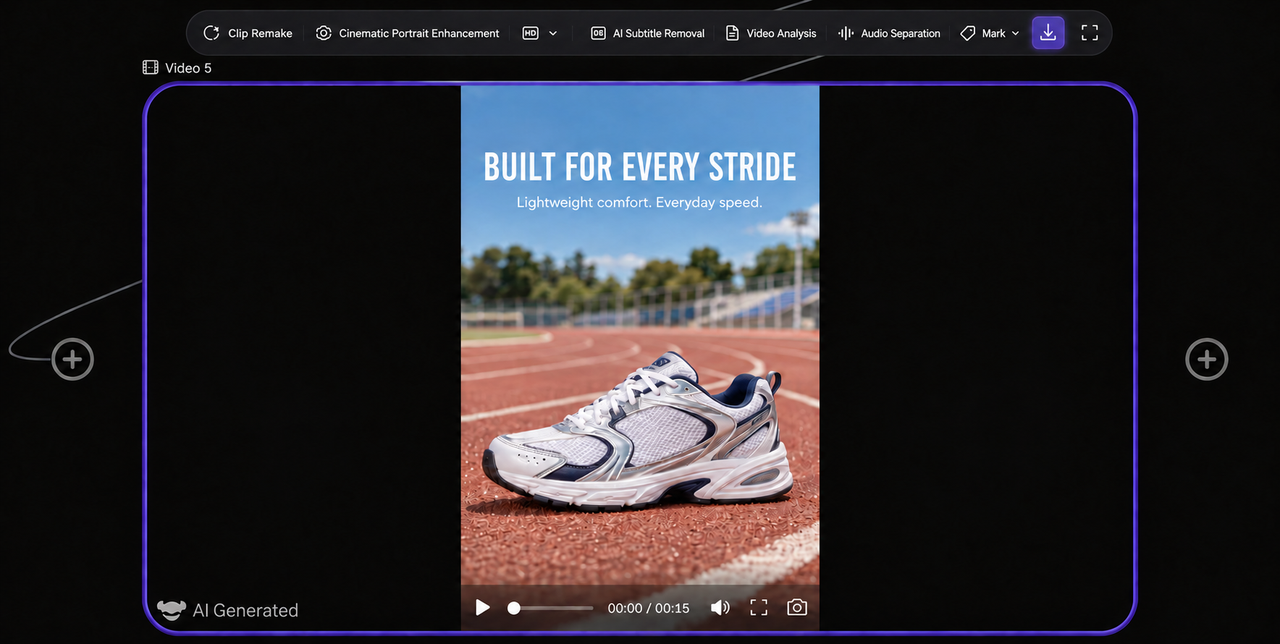
1. Export Your Short: Choose the appropriate format and review the finished video on a mobile screen before posting.
2. InVideo AI: Best for Faceless Explainer and Educational Shorts
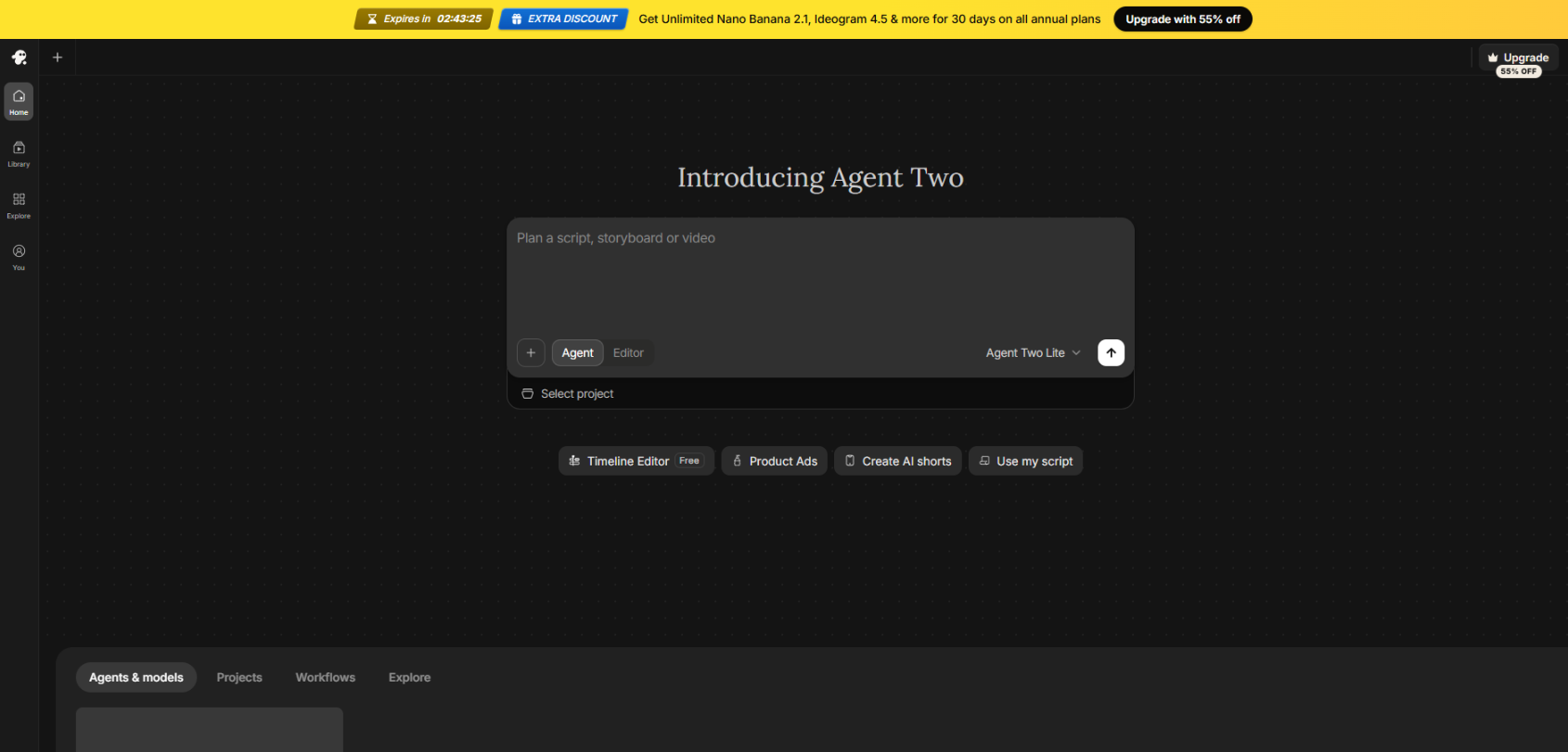
InVideo AI focuses on helping creators quickly produce structured videos from scripts or ideas.
Instead of creating highly customized visual scenes, it combines AI writing assistance, stock visuals, voiceovers, and captions into a simplified workflow. This makes it a practical option for creators who run faceless YouTube channels or publish educational and explainer-style Shorts.
For example, a creator can start with a topic, generate a script, add narration, and produce a short video without recording themselves.
Core Features
InVideo AI includes:
AI-assisted script generation.
Automated video creation.
AI voiceovers.
Caption generation.
Visual suggestions based on scripts.
Best For
InVideo AI is suitable for:
Faceless YouTube creators.
Educational and tutorial content.
Explainer-style Shorts.
Beginners looking for a simple production workflow.
Pros
Combines scripts, visuals, voiceovers, and captions in one platform.
Reduces the time needed to create basic short videos.
Beginner-friendly workflow.
Cons
Offers less control over custom visuals compared with dedicated AI video generators.
Less suitable for highly creative or cinematic content.
3. Runway: Best for Cinematic Short Videos and Creative Ads
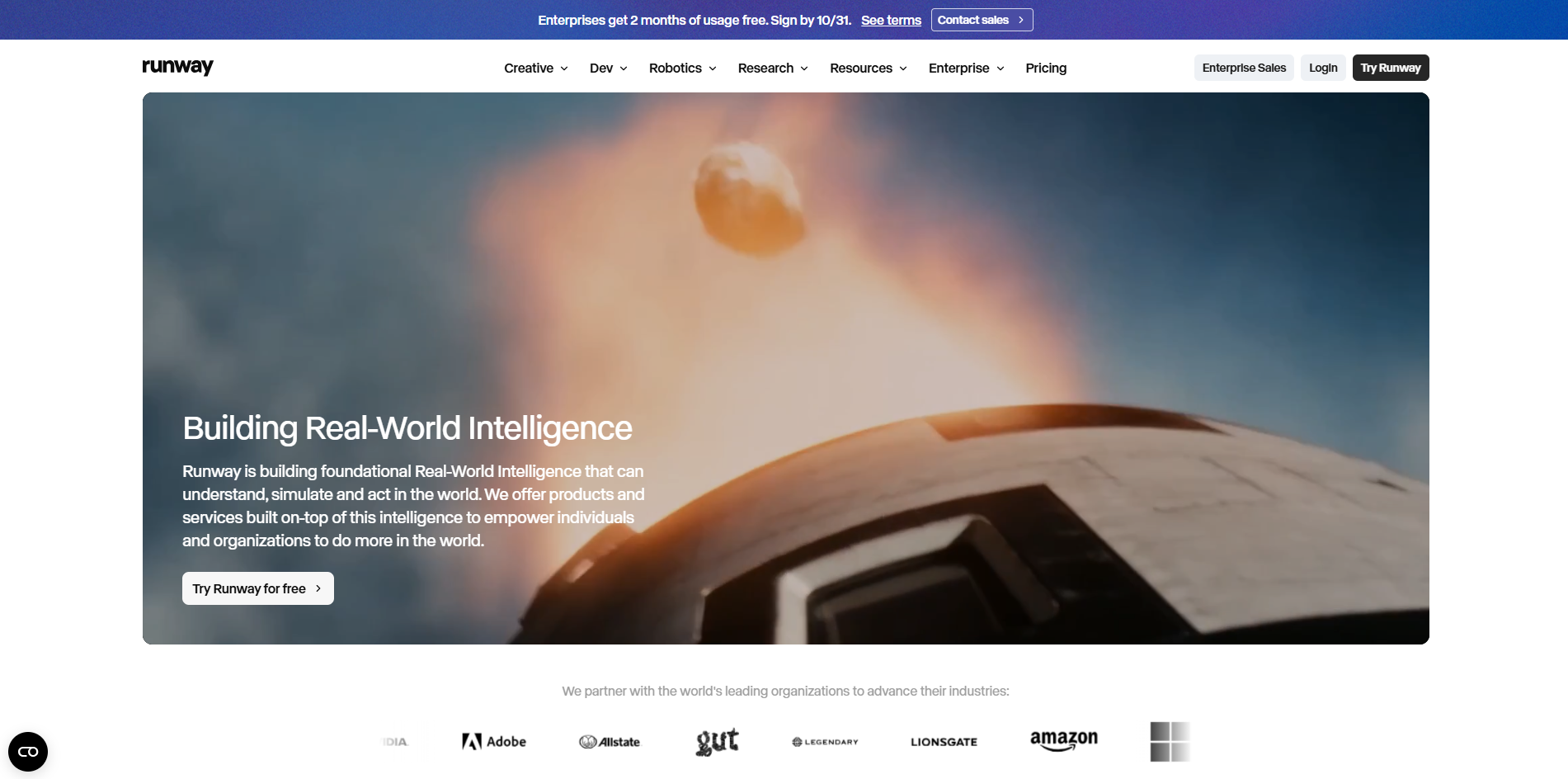
Runway is built for creators who want more control over visual style, camera movement, and creative effects.
Rather than focusing only on complete Shorts, Runway offers tools for exploring detailed visual concepts. For a broader comparison of generation approaches, see this AI video generation models guide. It is commonly used for creative projects, advertising ideas, and experimental video production.
For brands that want a distinctive visual style, Runway provides more flexibility during the creative process.
Core Features
Runway supports:
Text-to-Video and Image-to-Video generation.
Camera movement controls.
AI video editing tools.
Visual effects and creative adjustments.
Best For
Runway is a strong fit for:
Creative professionals.
Advertising teams.
Designers and filmmakers.
Brands creating visually unique campaigns.
Pros
Provides strong control over visual style.
Suitable for creative advertising and experimental videos.
Combines AI generation with editing capabilities.
Cons
The learning curve can be higher for beginners.
Advanced workflows may require more time and experimentation.
4. Kling AI: Best for Character Animation and Motion-Driven Videos
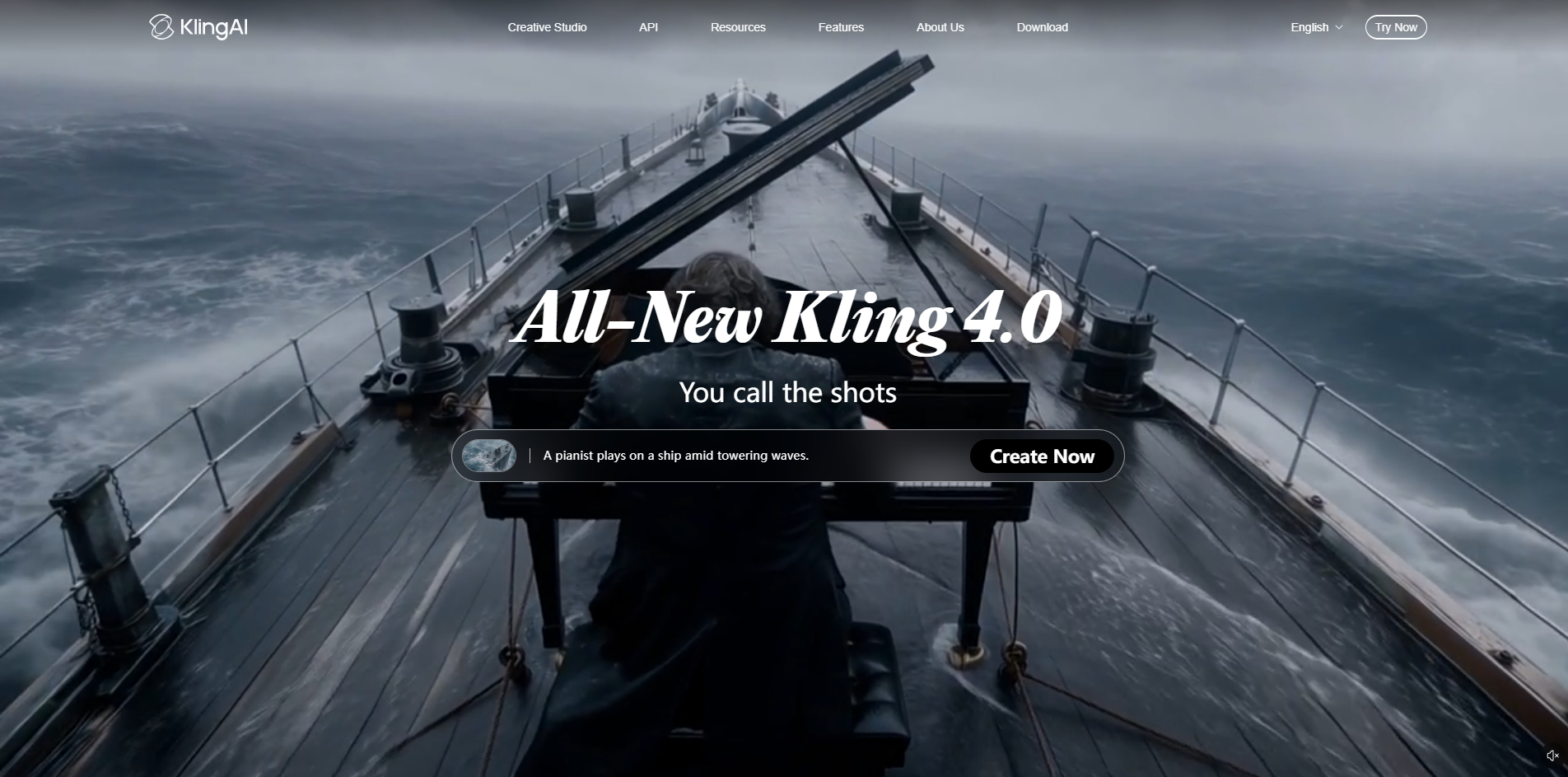
Kling AI focuses on creating videos with motion, character animation, and visual storytelling elements.
It works well for creators who want to bring images or concepts to life through movement. For example, an illustrator can transform a character design into an animated Short, or a creator can experiment with action-focused scenes.
Compared with tools mainly designed for editing, Kling AI places more emphasis on AI-generated visual content.
Core Features
Kling AI supports:
Text-to-Video generation.
Image-to-Video creation.
Motion generation.
Creative scene generation.
Best For
Kling AI works well for:
AI animation creators.
Character-based storytelling.
Motion-focused Shorts.
Creators testing visual concepts.
Pros
Strong motion generation capabilities.
Works well with image-driven video creation.
Suitable for creative storytelling.
Cons
Maintaining consistency across multiple scenes may require adjustments.
Complex actions may need several attempts.
5. OpusClip: Best for Turning Long Videos into YouTube Shorts
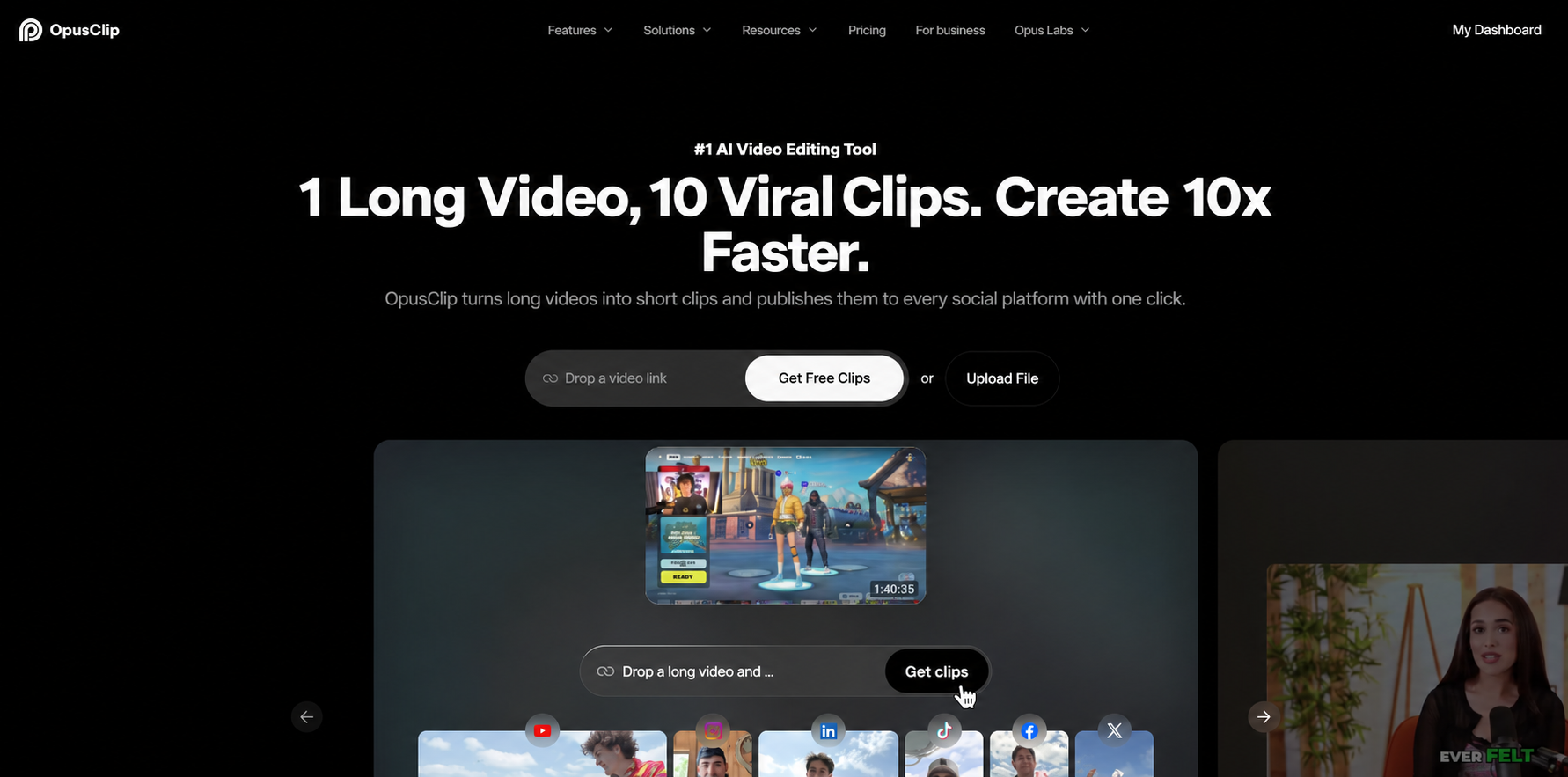
OpusClip takes a different approach from many AI video generators. Instead of creating new videos from prompts, it helps creators identify useful moments in existing long-form content and convert them into Shorts.
This makes it useful for YouTubers, podcasters, and brands that already have recorded content but want to increase short-form output.
For example, a podcast team can upload a long interview and use AI to find sections that may work well as standalone Shorts.
Core Features
OpusClip provides:
AI-powered clip selection.
Automatic vertical formatting.
Caption generation.
Short-form video optimization.
Best For
OpusClip is suitable for:
YouTube creators with existing long videos.
Podcast and interview channels.
Brands repurposing recorded content.
Teams looking to create more Shorts from existing materials.
Pros
Quickly converts long videos into Shorts.
Reduces manual editing time.
Helps maximize existing video assets.
Cons
Results depend heavily on the original video quality.
Not designed for creating completely original AI videos.
6. CapCut: Best for Short-Form Video Editing, Auto Captions, and Effects
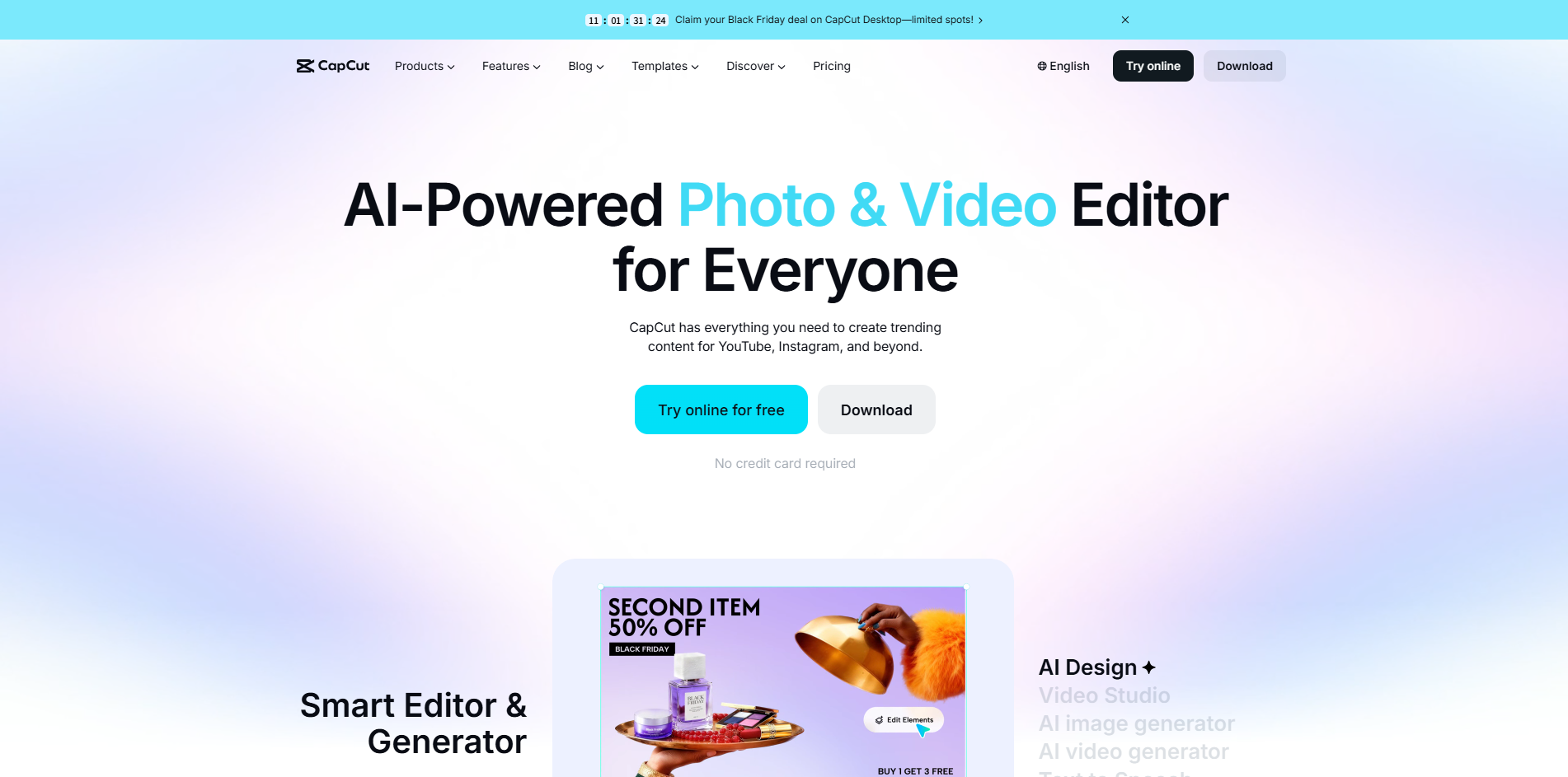
CapCut is a popular choice for creators who already have video footage and need a faster way to edit content for TikTok, Instagram Reels, and YouTube Shorts.
Unlike AI video generators that create new footage from prompts or images, CapCut focuses more on improving existing content. Its strengths include automatic captions, templates, effects, and quick editing features that help creators prepare videos for social platforms.
For example, a creator who records product reviews, tutorials, or daily content can use CapCut to trim clips, add captions, adjust formats, and publish videos more efficiently.
Core Features
CapCut provides:
AI-assisted video editing.
Automatic caption generation.
Video effects and transitions.
Background music and audio tools.
Vertical video formatting.
Best For
CapCut is suitable for:
TikTok, Reels, and Shorts creators.
Users who already have video footage.
Social media managers handling frequent uploads.
Beginners who need simple editing tools.
Pros
Easy-to-use editing workflow.
Strong support for short-form social content.
Large library of templates and effects.
Useful caption and formatting features.
Cons
Focuses more on editing than original AI video creation.
Advanced features may require paid plans.
Less suitable for highly customized AI-generated videos.
7. VEED: Best for Online Video Editing and Social Media Content
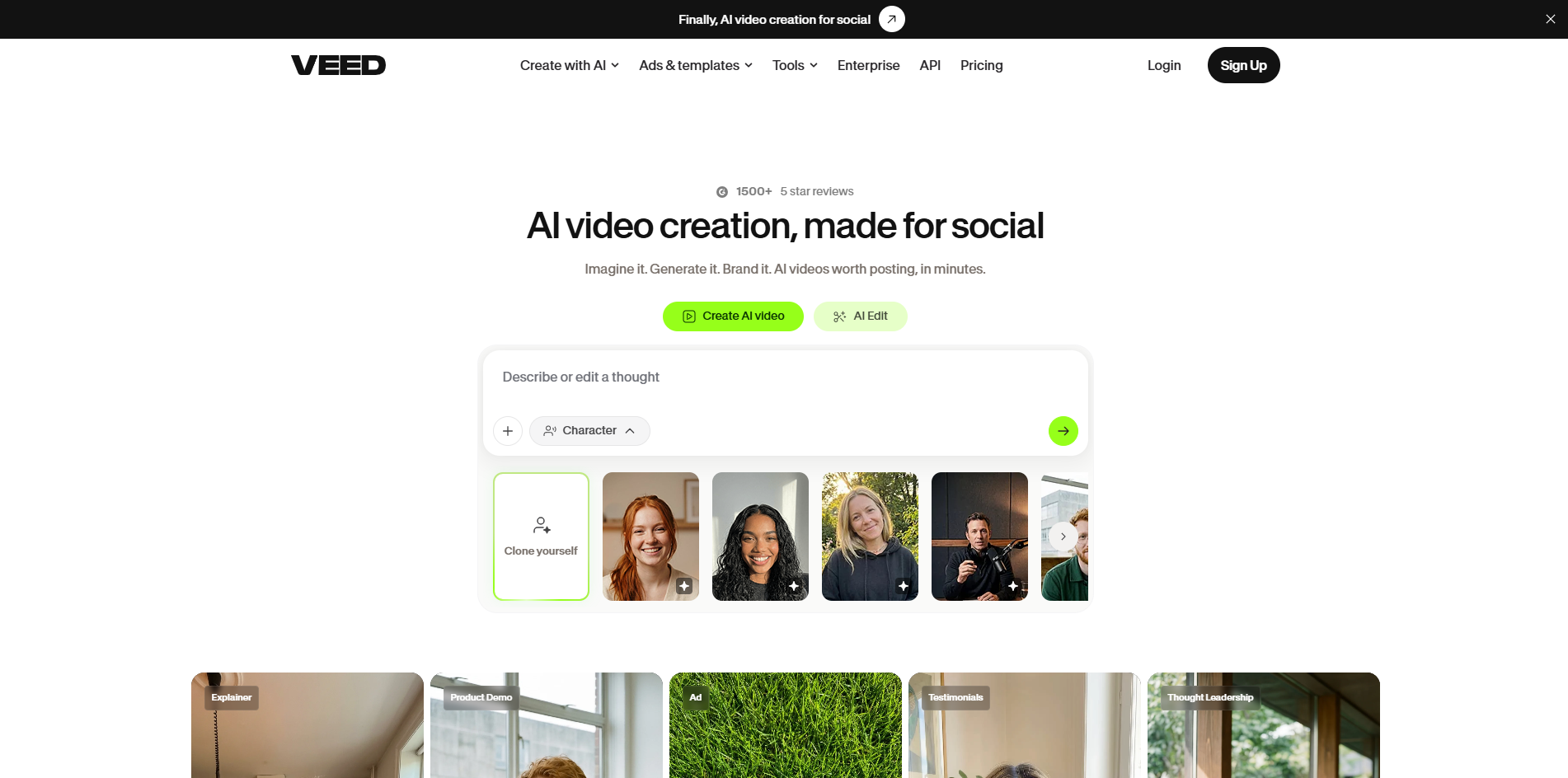
VEED is a browser-based video platform that combines editing tools with AI-powered features.
It works well for creators and marketing teams that need to produce social media videos quickly without complex desktop software. Features such as subtitles, collaboration tools, and online editing make it practical for regular content production.
For example, a marketing team can create product updates, promotional clips, or social media announcements directly in the browser and share projects with team members.
Core Features
VEED includes:
AI video creation features.
Online video editing.
Automatic subtitles.
Audio editing tools.
Video resizing and format optimization.
Best For
VEED is a good fit for:
Social media marketing teams.
Businesses creating promotional videos.
Teams that need online collaboration.
Creators who prefer browser-based editing.
Pros
No software installation required.
Convenient for quick edits and team workflows.
Combines editing, subtitles, and AI features.
Cons
AI generation is not its main focus.
Complex creative projects may require specialized tools.
Some features are limited depending on the plan.
8. Pictory: Best for Turning Articles and Scripts into Short Videos
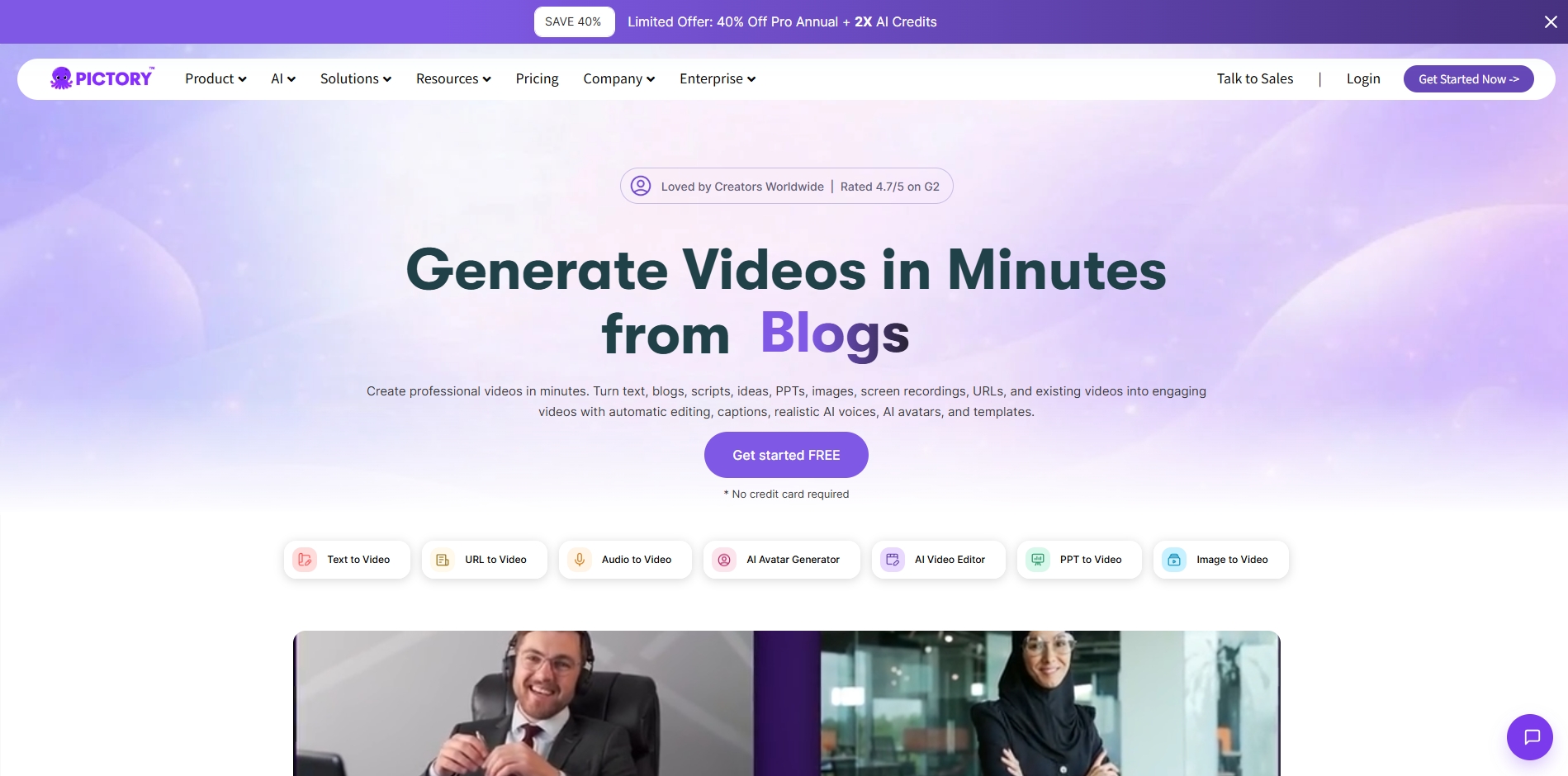
Pictory focuses on converting written content into videos.
It is designed for users who already have information in another format, such as blog posts, scripts, or educational materials, and want to transform that content into short videos.
For example, a company with a library of blog articles can repurpose existing content into videos for YouTube Shorts, social media, or educational campaigns.
Core Features
Pictory provides:
Article-to-video conversion.
Script-to-video creation.
AI voiceovers.
Automatic captions.
Visual suggestions based on written content.
Best For
Pictory works well for:
Educational content creators.
Blog owners repurposing articles.
Marketing teams using existing content.
Businesses creating information-based videos.
Pros
Makes written content easier to convert into video.
Useful for educational and explainer content.
Helps reuse existing content assets.
Cons
Better suited for information-based videos than creative storytelling.
Visual customization may require additional editing.
Less focused on image-driven AI video creation.
9. HeyGen: Best for AI Avatar Videos and Multilingual Marketing
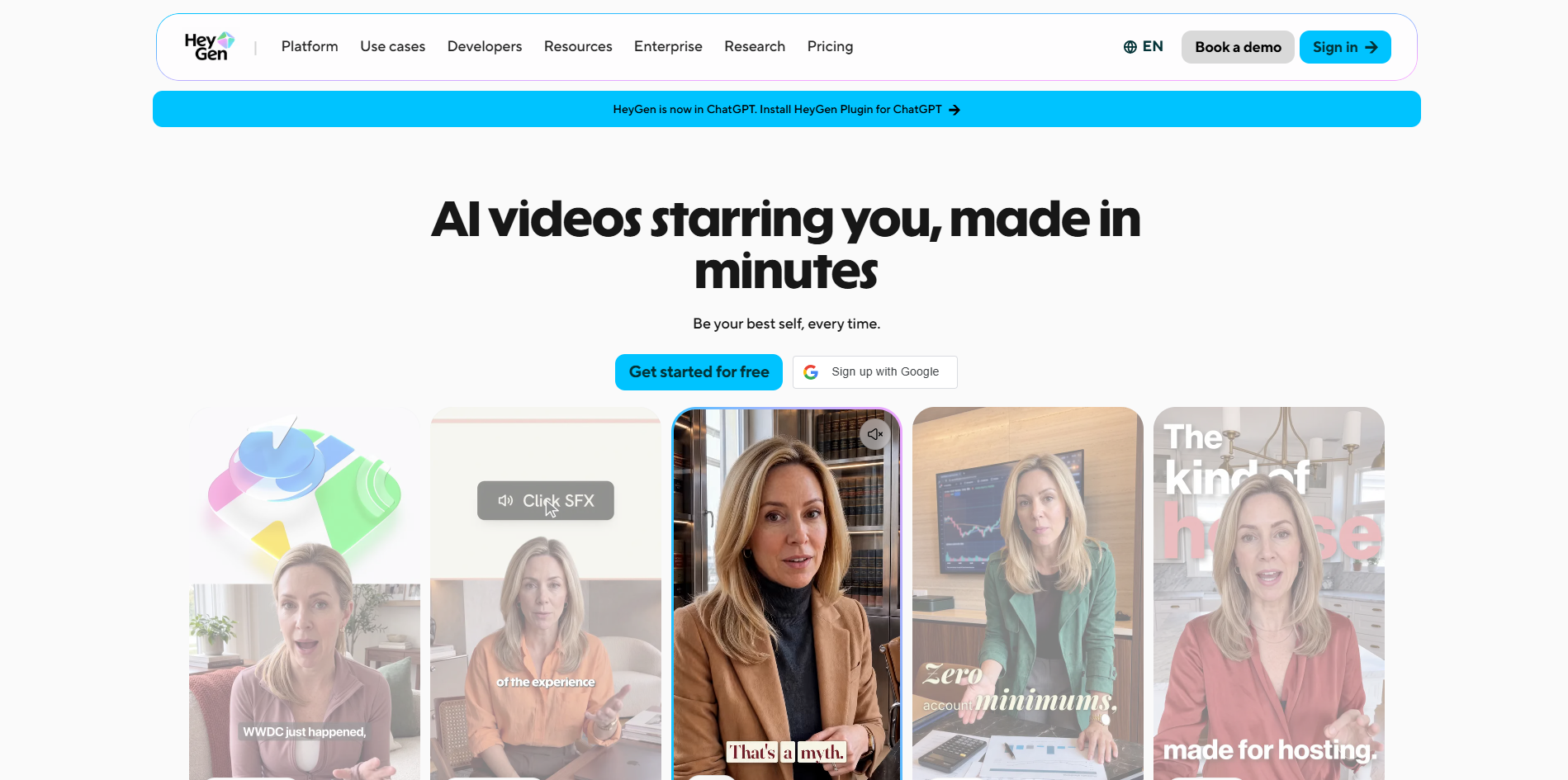
HeyGen specializes in AI avatar videos and multilingual content creation.
Instead of creating cinematic scenes or animated visuals, it focuses on presenter-style videos where AI avatars deliver information through generated voices and translations.
This makes it useful for businesses creating product explanations, training materials, and localized marketing videos for different audiences.
Core Features
HeyGen includes:
AI avatar presenters.
AI voice generation.
Video translation.
Multilingual content creation.
Talking-head style videos.
Best For
HeyGen is suitable for:
Business marketing teams.
Training and educational content.
Brands creating multilingual videos.
Companies that want presenter-style content without filming.
Pros
Effective for AI presenter videos.
Supports multilingual video production.
Reduces the need for traditional recording.
Cons
Avatar-based videos do not fit every content style.
Some projects may still require human review.
Less suitable for visual storytelling or product-focused creative videos.
How Should You Choose the Right AI Shorts Video Generator?
There is no single AI Shorts video generator that works for every creator. The best AI short video generator for your workflow depends on your content type, available materials, and production goals.
If you want to create original Shorts from text, images, or creative ideas:
RoboNeo
Runway
Kling AI
are better suited for this workflow.
For creators making educational or faceless videos:
InVideo AI
Pictory
can help turn scripts and written content into videos.
If you already have long-form videos and want to create more Shorts:
OpusClip
is a better choice for content repurposing.
For editing, captions, and social media optimization:
CapCut
VEED
offer a more efficient post-production workflow.
When deciding on the best AI to make short videos for your workflow, consider:
The type of content you want to create.
The materials you already have.
How often you publish videos.
How much control you need over the final result.
FAQ
How long can an AI Shorts video generator make a video?
AI Shorts video generators support different video lengths depending on the tool and model. Some create short clips, while others support longer videos by combining multiple scenes.
How can you combine multiple AI-generated clips into one Short?
You can combine AI-generated clips with a video editor by adjusting the order, timing, transitions, captions, and audio.
Can AI-generated Shorts be monetized on YouTube or used for commercial ads?
Yes, but the content must follow platform policies and copyright requirements. Make sure all music, images, voices, and other assets have proper usage rights.
How can you keep characters or products consistent across AI-generated videos?
Use consistent reference images and detailed prompts to maintain important details. Review each generated clip and adjust when needed.
Can you upload AI-generated videos directly to YouTube Shorts, TikTok, and Instagram Reels?
Yes, AI-generated videos can be exported and uploaded to these platforms as long as they meet their format and content requirements.
You May Be Interested
Best AI Video Generator 2026: 6 Top Tools Compared
Best AI Video Generators for Anime Style 2026: 7 Picks
Best Free AI Text to Video Generators 2026: 7 Tools
Best AI Music Video Generator: Tools and How to Use Them
Free AI Music Video Generator: Tools Compared for 2026