
AI Audio Denoiser
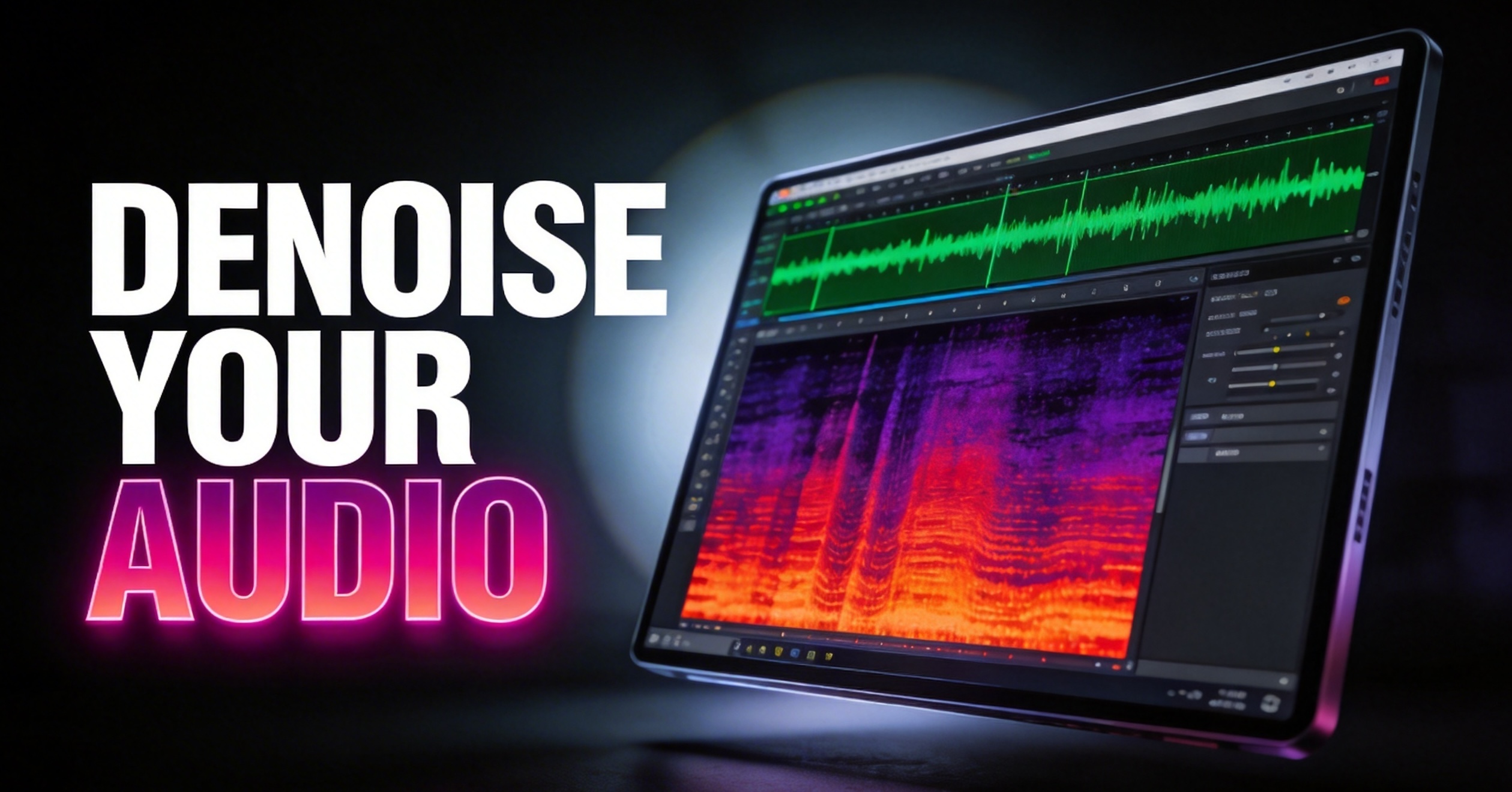
Upload your audio or video and let RoboNeo remove background noise automatically. The AI cleans up wind, hum, traffic, and ambient sounds while preserving clear, natural voices. No manual editing or audio skills required—get professional-quality audio in seconds, ready for videos, podcasts, ads, and any commercial use.
Why Use RoboNeo’s AI Audio denoise?
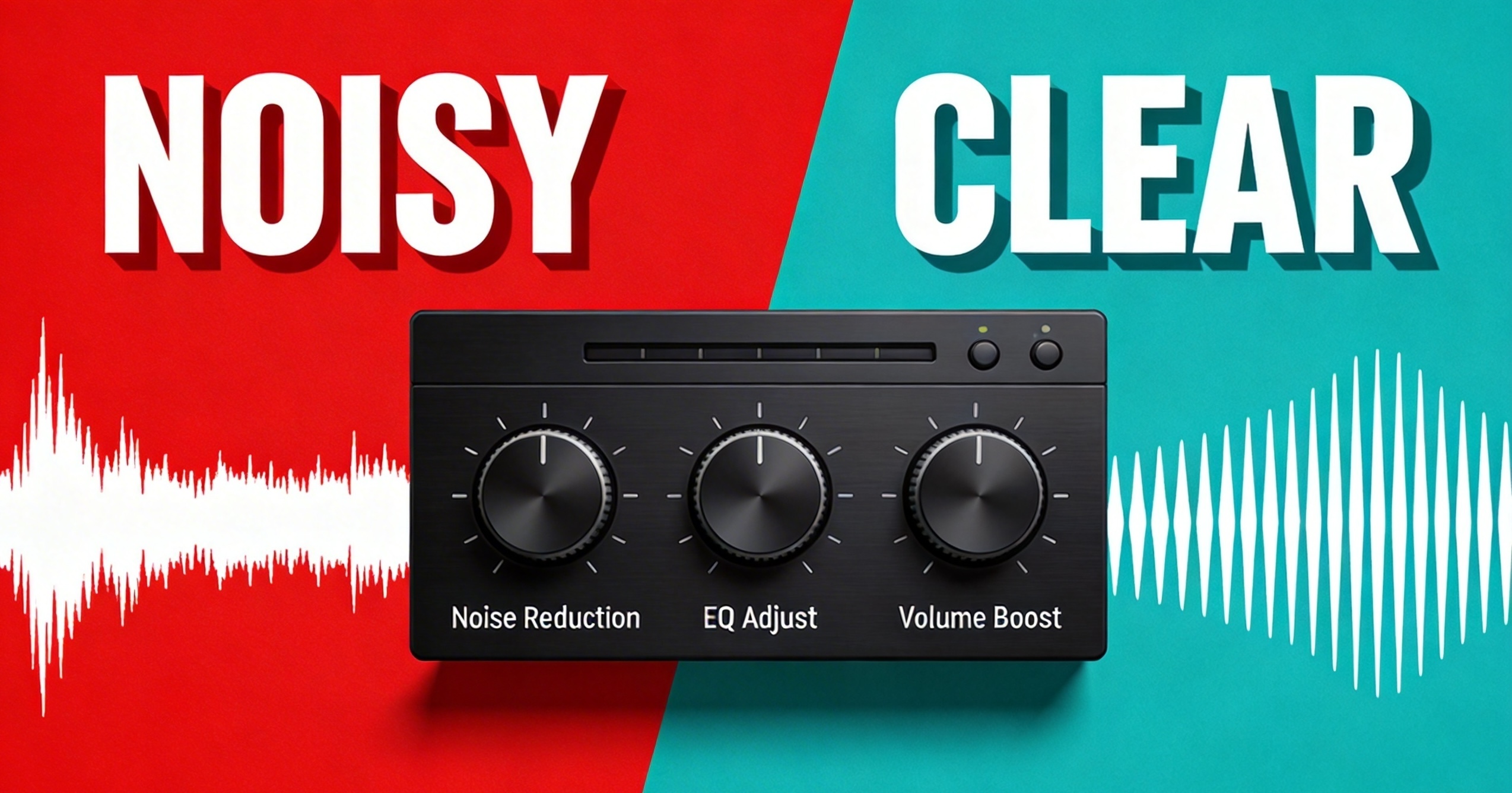
Preserve Voice Remove Noise
Advanced AI separates speech from noise with precision, maintaining vocal clarity, tone, and detail without distortion.
One sentence noise reduction
No complex settings or audio expertise required. Upload your audio or video, click once, and get studio-quality sound in seconds.
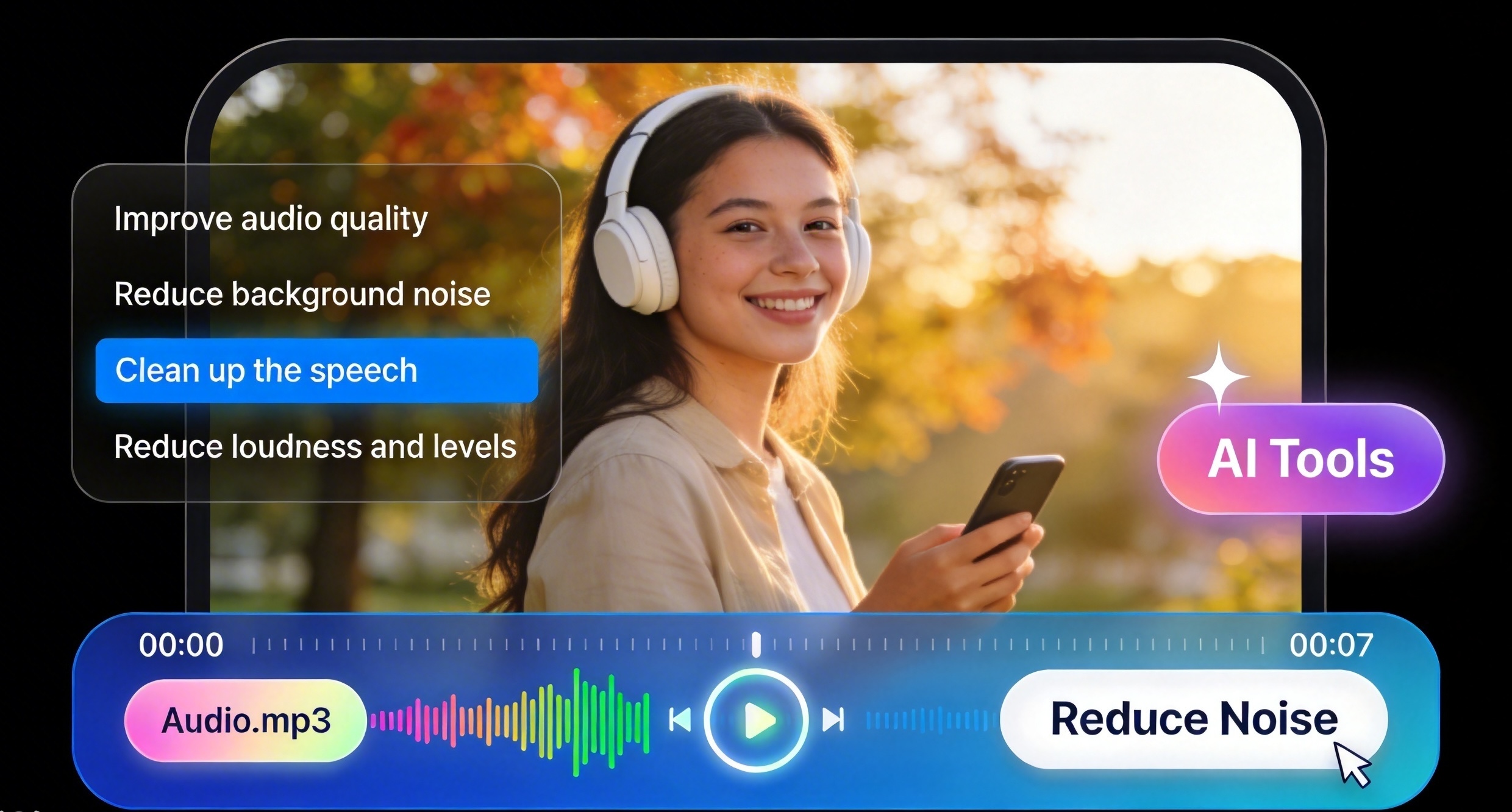
Clean Audio, Instantly
RoboNeo’s AI Audio Denoise automatically removes background noise such as wind, hum, traffic, and hiss leaving clear, natural-sounding voice and audio.
Perfect for video creator and podcast creator
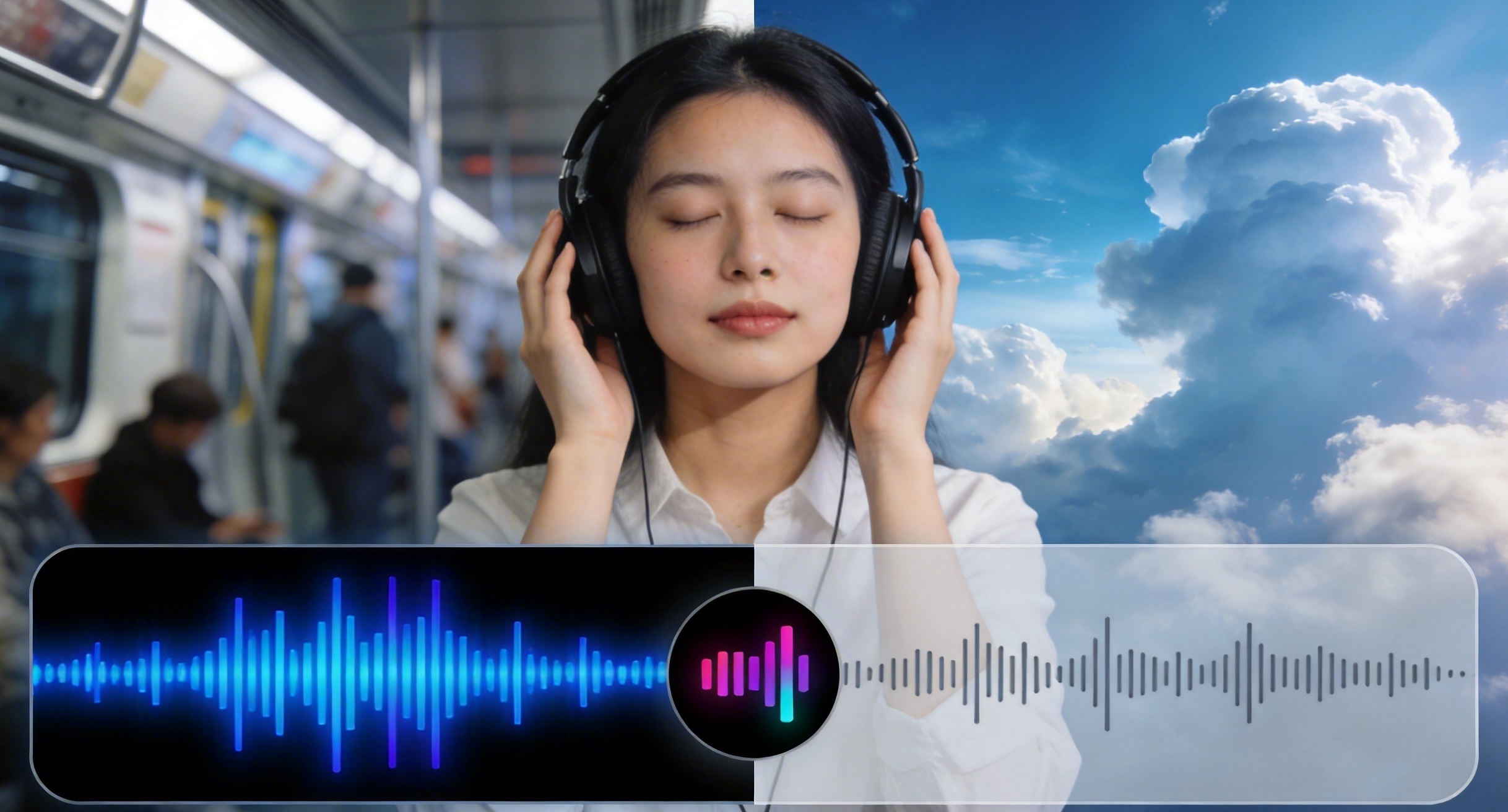
Video Creation
Remove background noise from vlogs, interviews, and social media videos to ensure clear, professional-quality sound that keeps viewers focused and engaged.
Frequently Asked Questions
What types of noise can AI Audio Denoise remove?
Will denoising affect the quality of the voice?
No. RoboNeo’s AI is designed to preserve natural voice tone and clarity while removing unwanted noise.
Can I denoise audio from video files?
Yes. You can upload video files, and RoboNeo will automatically clean the embedded audio track.
Do I need professional audio skills to use this feature?
Not at all. AI Audio Denoise works with one click and requires no audio editing experience.
Clean Your Audio with AI
Remove background noise and instantly improve audio quality with RoboNeo’s AI Audio Denoise. Get clear, natural sound in seconds no studio, no re-recording, no hassle. Start denoising your audio today and make every project sound professional.