
Ghostface AI Generator: Create Your Own Horror Trend Photo
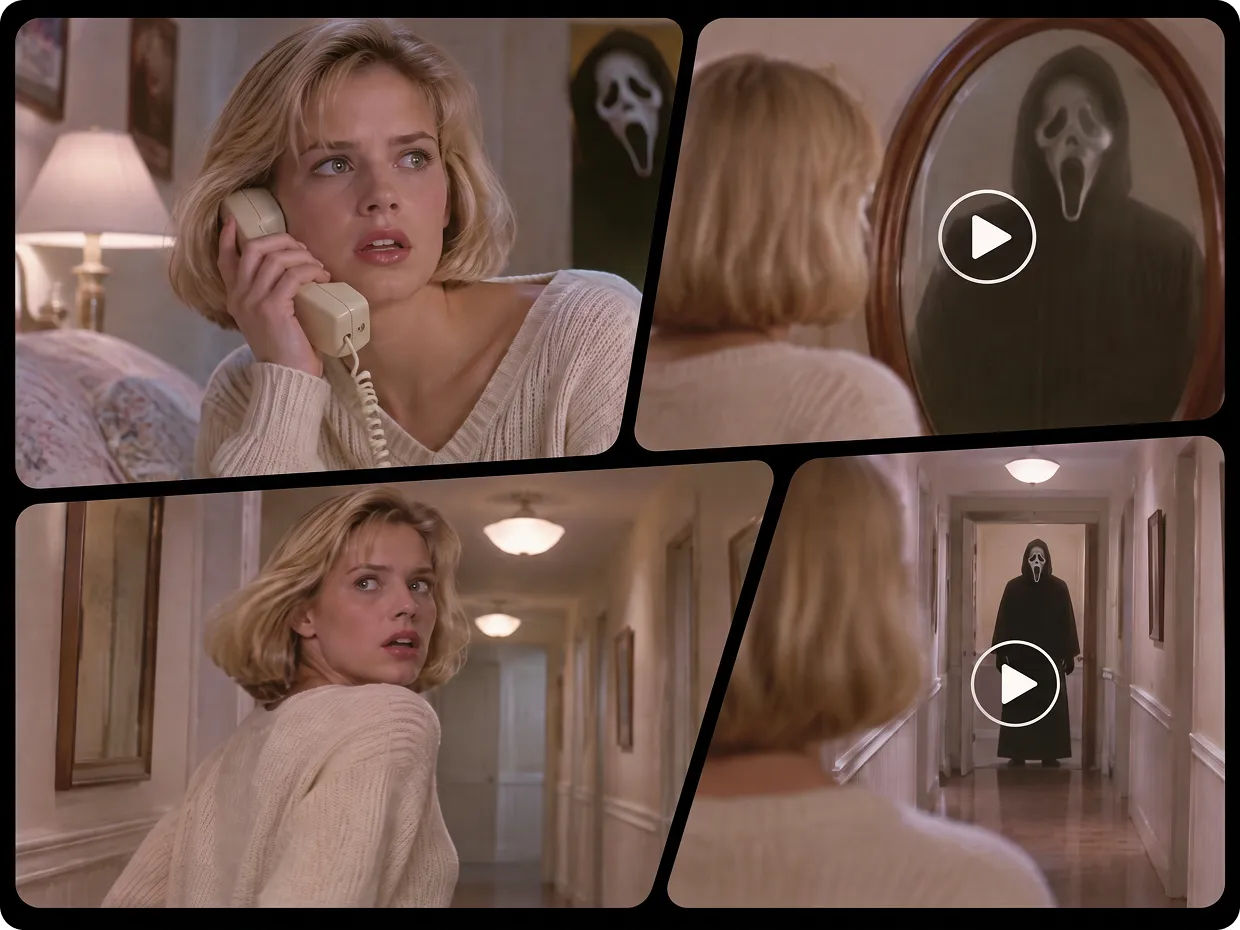
RoboNeo’s ghostface AI generator turns your idea into a 90s horror movie still with a Ghostface-style masked figure lurking behind you. Upload a selfie to keep your look, or skip the photo and describe the whole scene. Then animate the same still into a short horror clip for your feed.
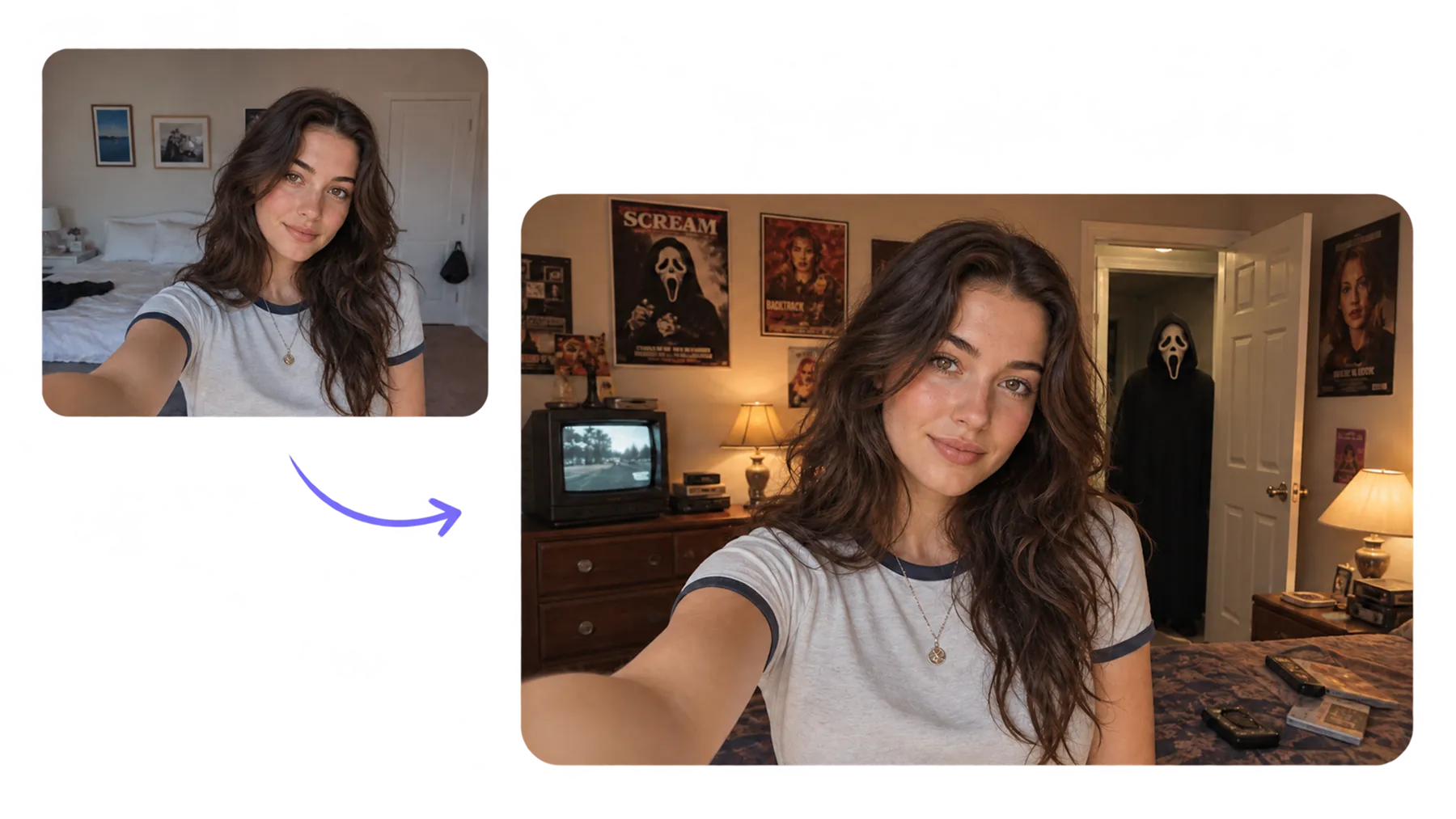
How to Make an AI Ghostface Picture in 3 Steps
Upload a Selfie or Describe the Scene
Set the Scene and Pick a Model
Refine, Then Turn It Into Video
Join the Ghostface AI Trend in a Few Clicks
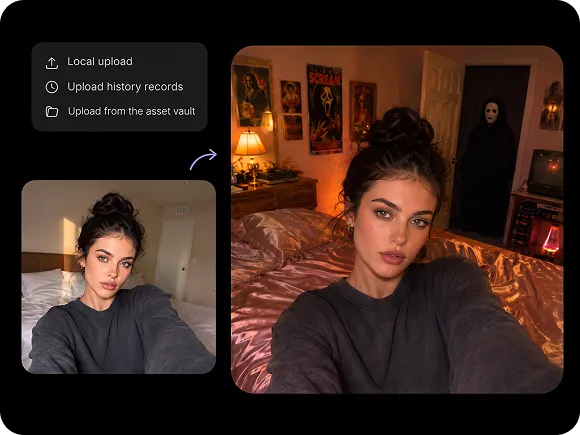
Keep Your Look While RoboNeo Builds the Set
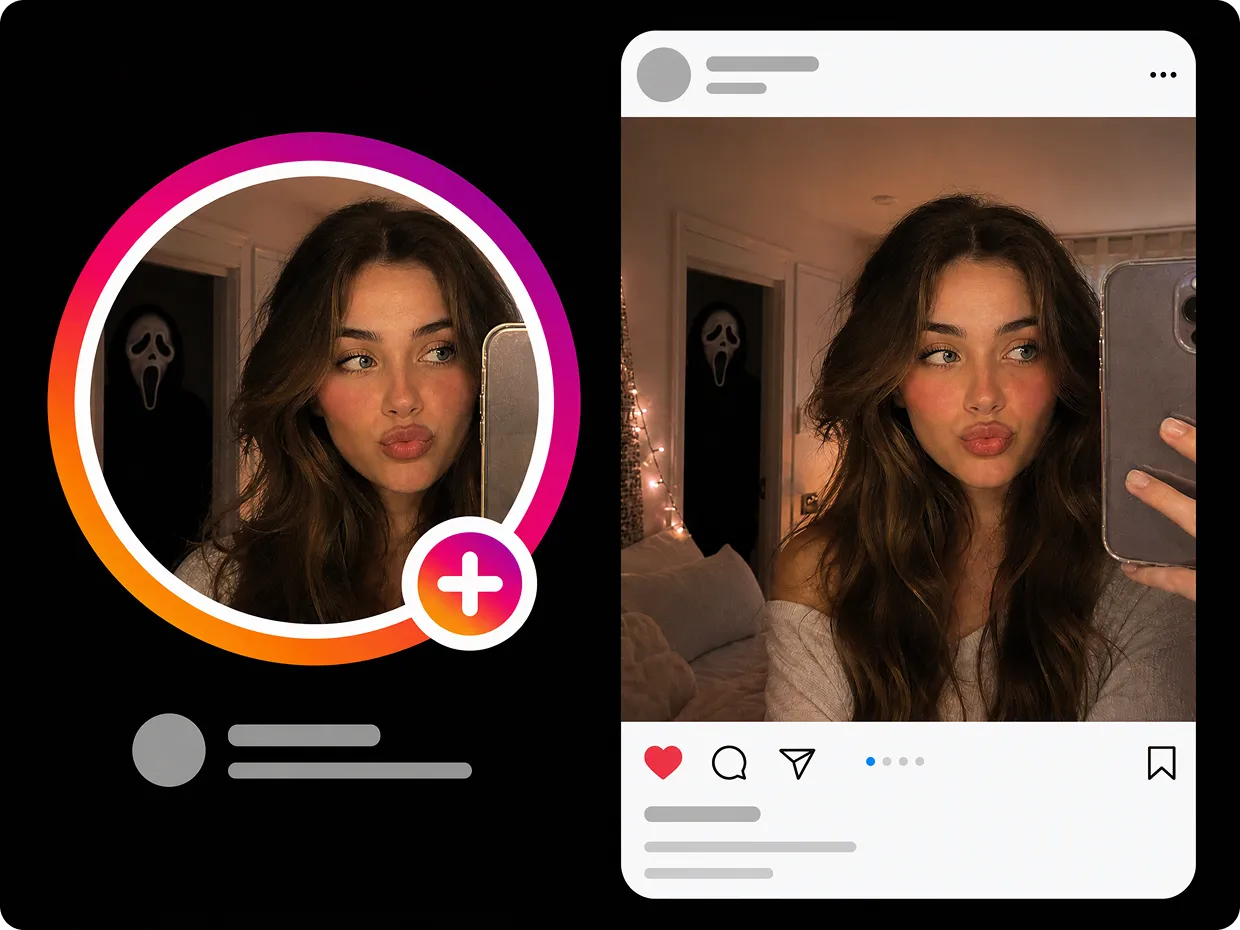
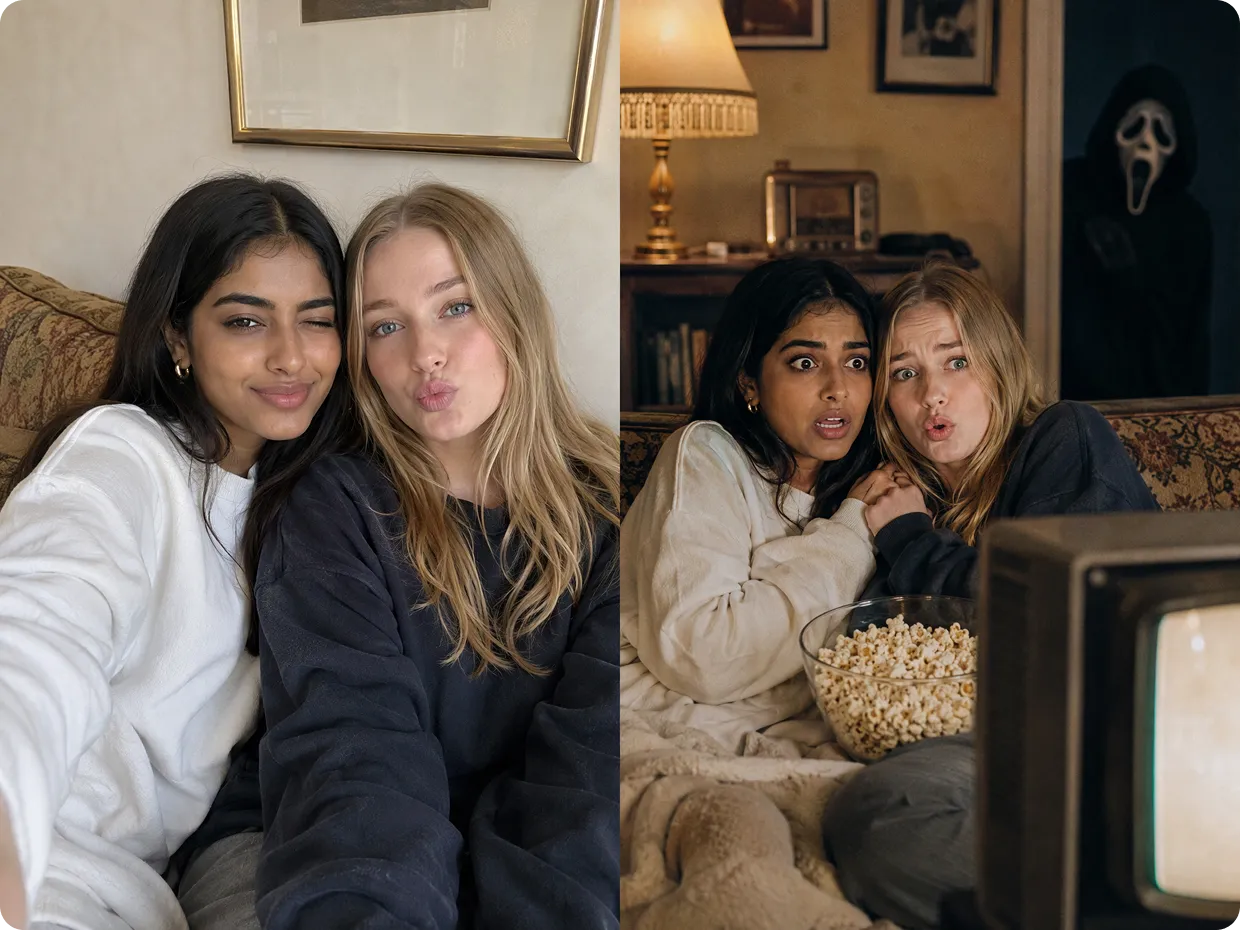
Many trend filters make you look like someone else. Here your selfie is the reference, so you stay recognizable while RoboNeo rebuilds the 90s horror set around you, from the bedding and lamp light to the masked figure in the doorway. Your AI ghostface picture still looks like you.
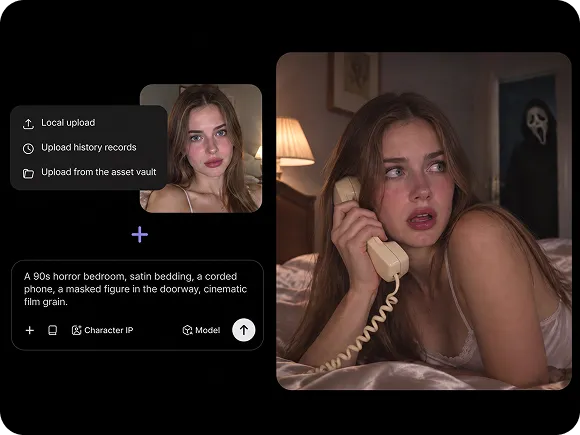
Upload a Selfie or Describe the Scene Instead
Not everyone wants to upload a photo. Describe the scene and set the mood with your prompt: satin bedding, a corded phone, a doorway figure and film grain are the must-haves. You get a ghostface AI photo either way, with or without a selfie.
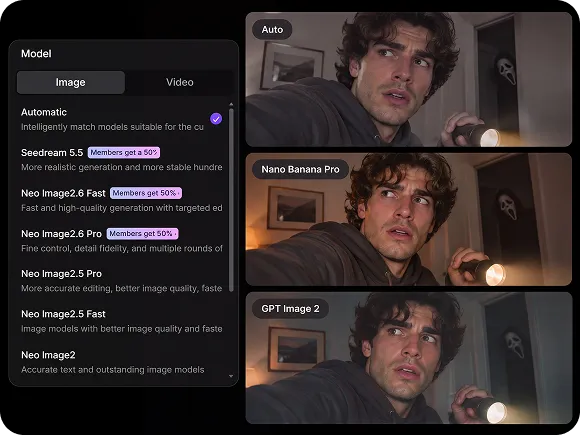
Try Multiple AI Models Without Switching Apps
Each model handles faces, lighting and film texture differently, so the best look often comes from comparing a few. In RoboNeo, run the same prompt with Auto, Nano Banana Pro, GPT Image 2 and more from the Model menu. One ghost face AI generator, no jumping between apps.
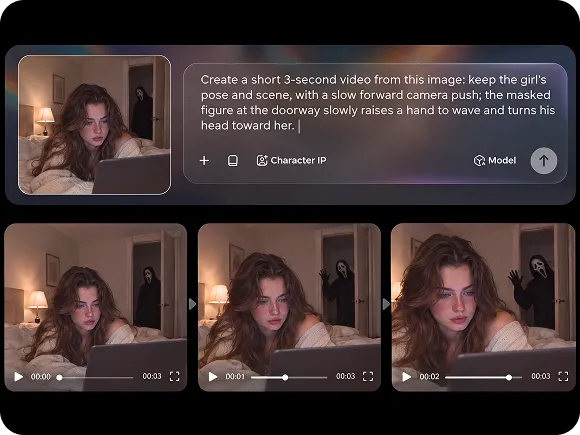
Reuse Your Still to Make a Short Horror Clip
A still photo often gets less reach than video. Reuse the same still, switch Model to Video and describe the motion, such as a slow head turn while the masked figure waves from the doorway. The AI ghostface generator turns your photo into a short clip.
Who Uses RoboNeo’s Ghostface AI Generator
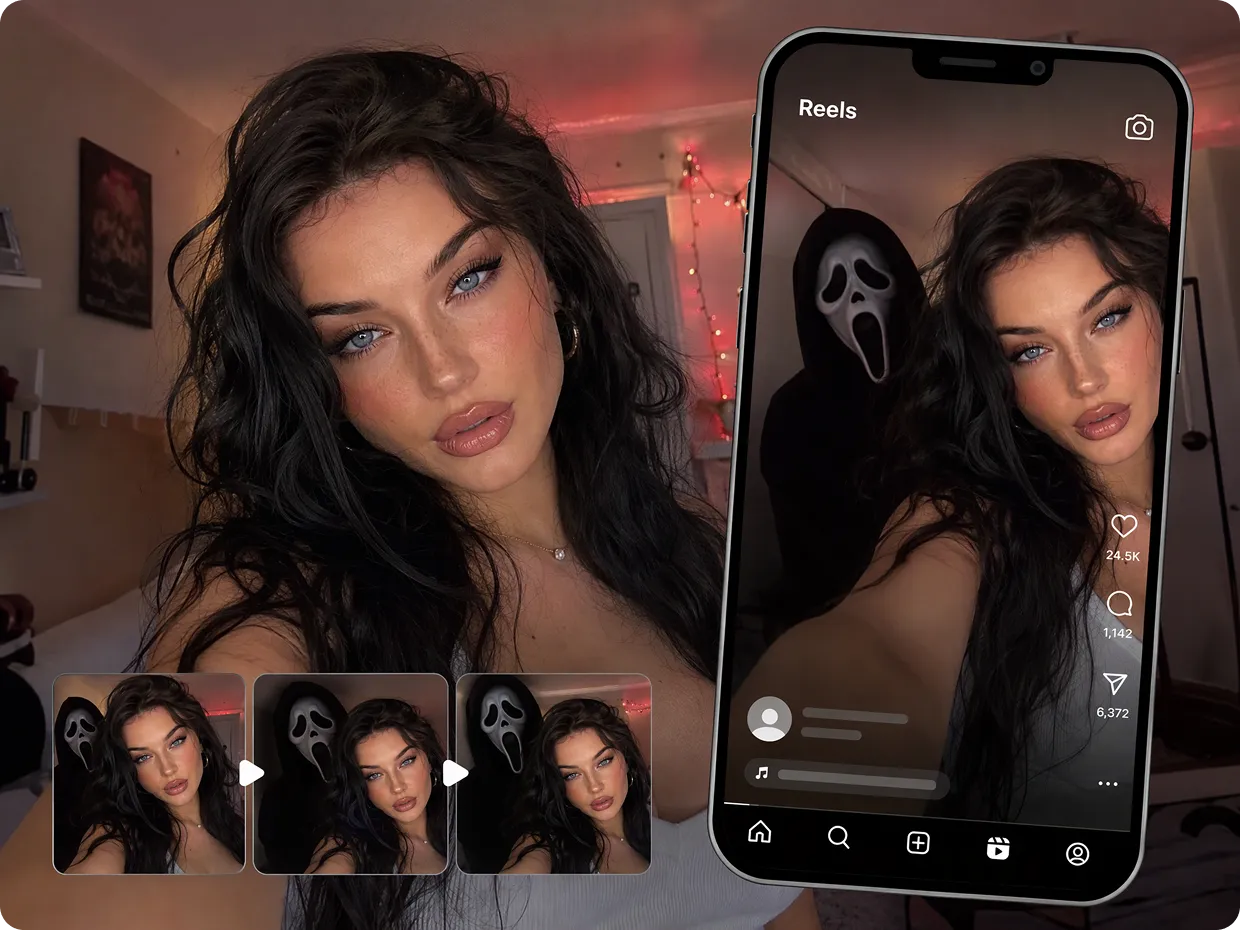
TikTok and Reels Trend Creators
When the ghostface trend peaks, short-form creators need to post fast. They make the 90s horror still from a selfie, then animate it into a before-and-after clip in the same session. Both pieces are ready to download and upload while the trend is still climbing.
Why Choose RoboNeo for Ghostface AI Photos
Frequently Asked Questions
What is the ghostface AI trend?
How do I make an AI ghostface picture?
What kind of photo works best?
Can I turn my ghostface photo into a video?
Is the ghostface AI generator free?
Can I post the results on TikTok and Instagram?
Explore more AI tools

AI Banner Generator

AI Headshot Generator

AI Movie Trailer Generator

AI Explainer Video Generator

AI Story Video Generator

AI Horror Movie Generator
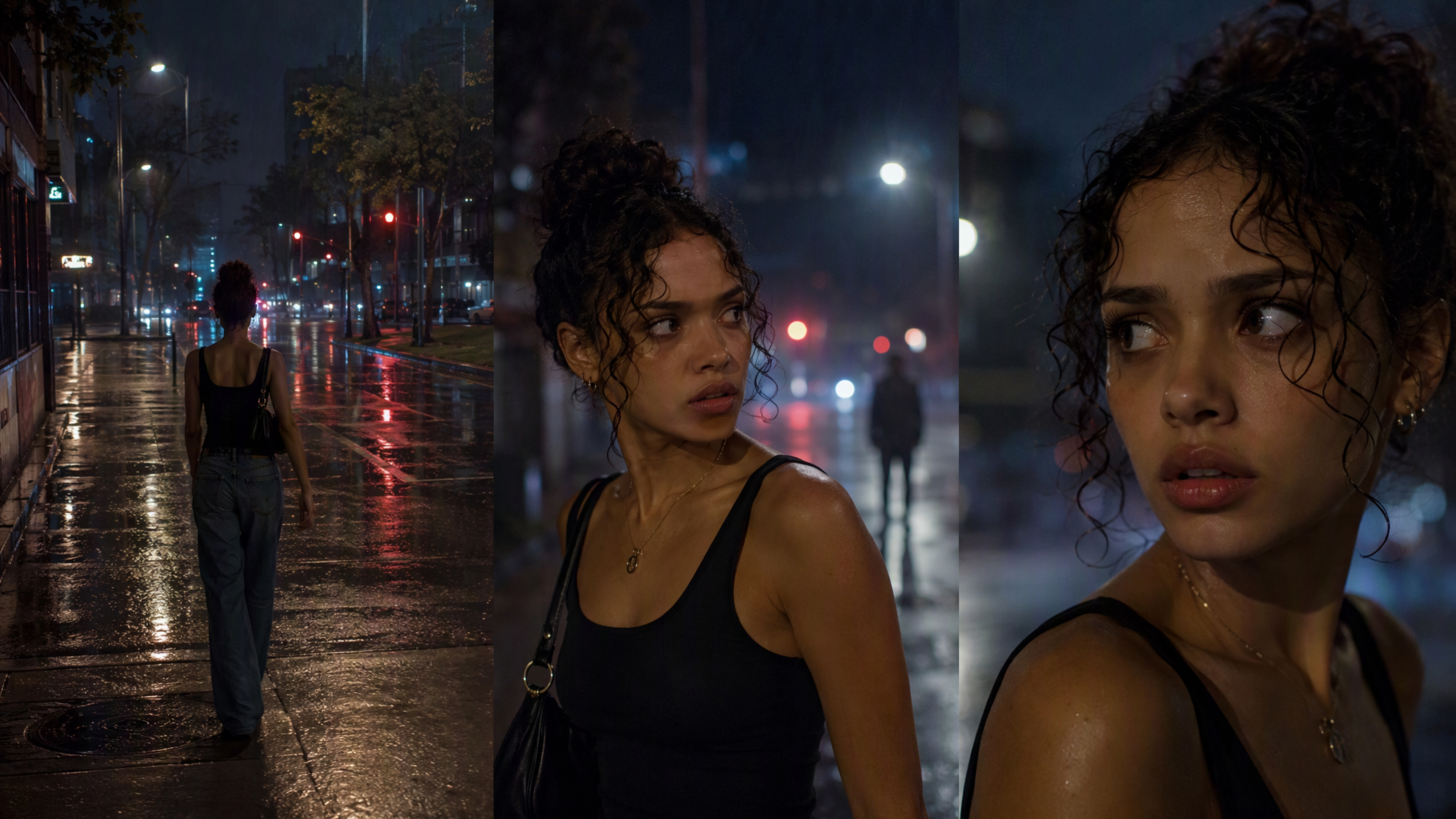
Horror Story Generator
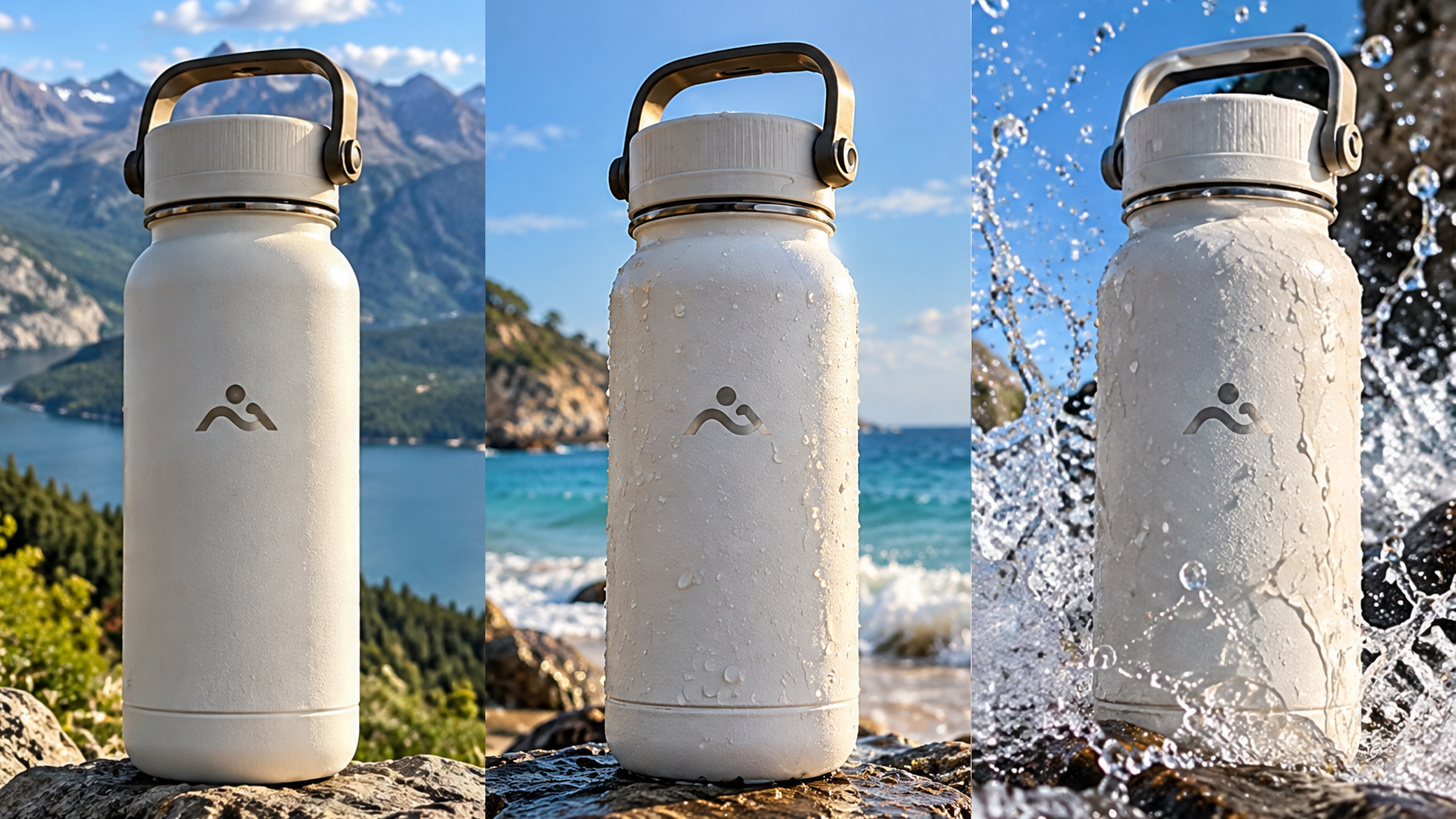
AI Product Video Generator
Start Your Ghostface AI Photo Today
Your take on the trend is one selfie or one prompt away. Upload a photo or describe your 90s horror scene, and RoboNeo’s ghostface AI generator builds the still with a masked figure lurking behind you. Refine the lighting, then turn it into a short clip and post it while the trend is hot.
What Users Say About RoboNeo’s Ghostface AI Generator
I saw the ghostface trend everywhere and wanted in that night. I uploaded one selfie, described the bedroom scene, and had my photo ready to post before the trend cooled off.
The grain, the lamp light and the satin bedding really feel like a still from an old horror movie. It looks like a real film frame, not a cheap filter.
Turning the still into a short clip was the best part. The slow head turn with the figure in the doorway got way more views than my photo alone.
I ran the same prompt with a few models and picked the one that handled my face and the lighting best. Having them all in one place saved me a lot of time.
I could change the room, the lighting and where the masked figure stood just by typing. It made it easy to match the visuals to each scary story I post.