
AI Headshot Generator for Your Professional Profile
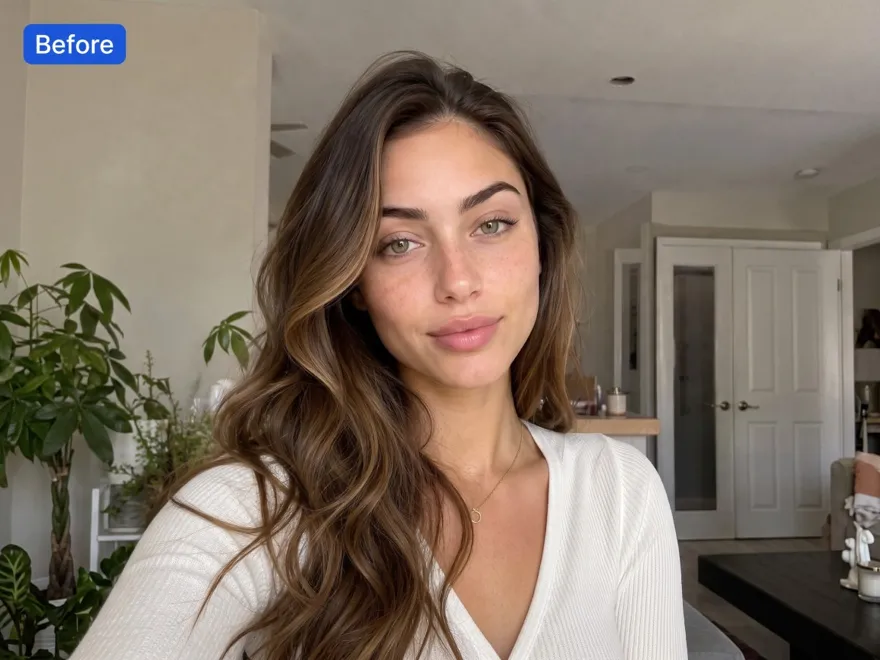
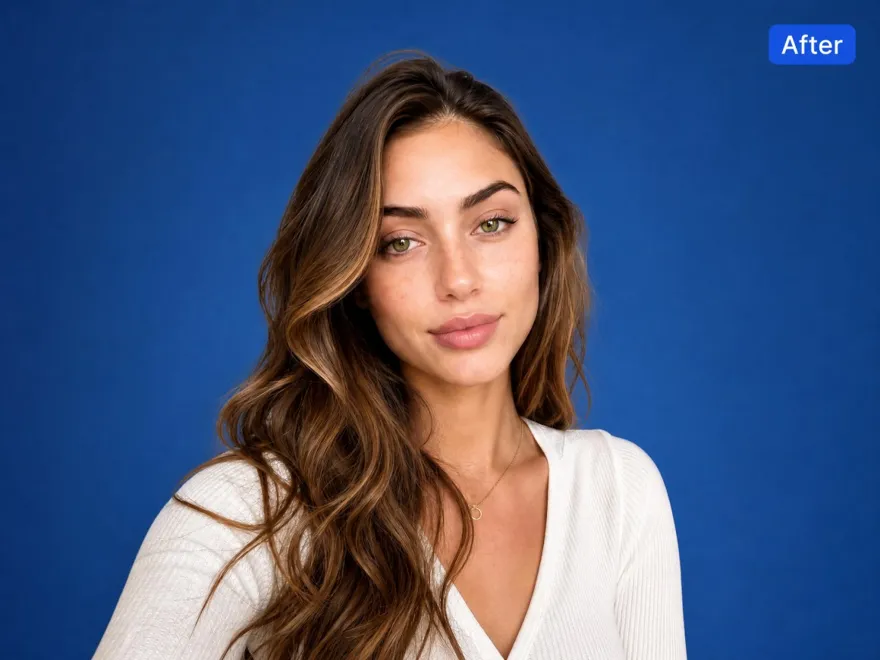
How to Create a Professional AI Headshot Online
Upload Your Photo
Upload a recent, well-lit photo facing the camera (head and shoulders). Avoid sunglasses, heavy filters, and group shots.
Describe the Look
Describe the portrait you need, including the background, lighting, and overall style. A simple brief helps keep the result focused and professional.
Review and Refine
Compare the result with your original photo. Request specific adjustments to the background, lighting, or skin texture while keeping your appearance recognizable.
Save Your Headshot
Review facial details at full size, then download your preferred result. Check the crop before adding it to your profile or website.
AI Headshot Generator Features for LinkedIn & Work Profiles
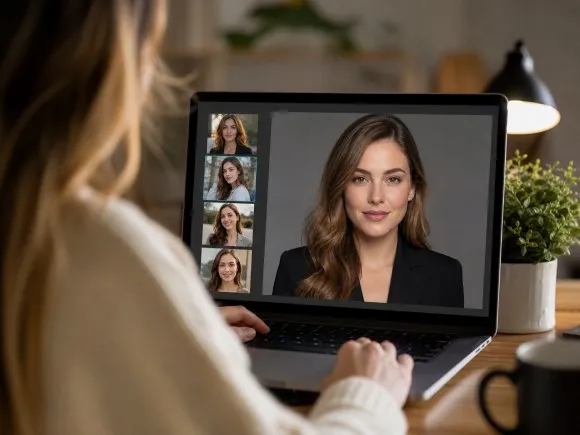
Start With a Photo You Already Feel Good In
A favorite photo gives you a familiar starting point. The AI headshot generator helps you develop a professional portrait from an existing image, with written instructions guiding the look. Spend less time planning a shoot and more time choosing what represents you.
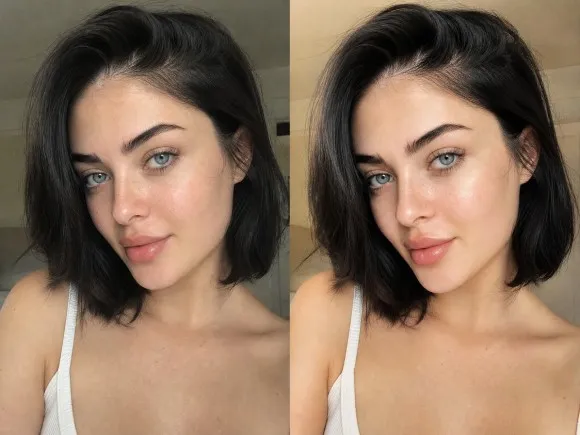
Give Your Headshot a More Natural Finish
A professional photo should still feel like you. Combine portrait retouching with lighting and color adjustments to refine an image without making heavy filters the focus. This AI professional headshot generator workflow helps you work toward a polished, recognizable result.
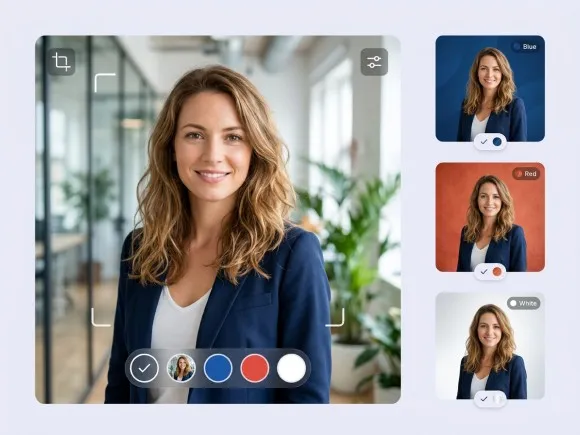
Choose a Background That Fits Your Field
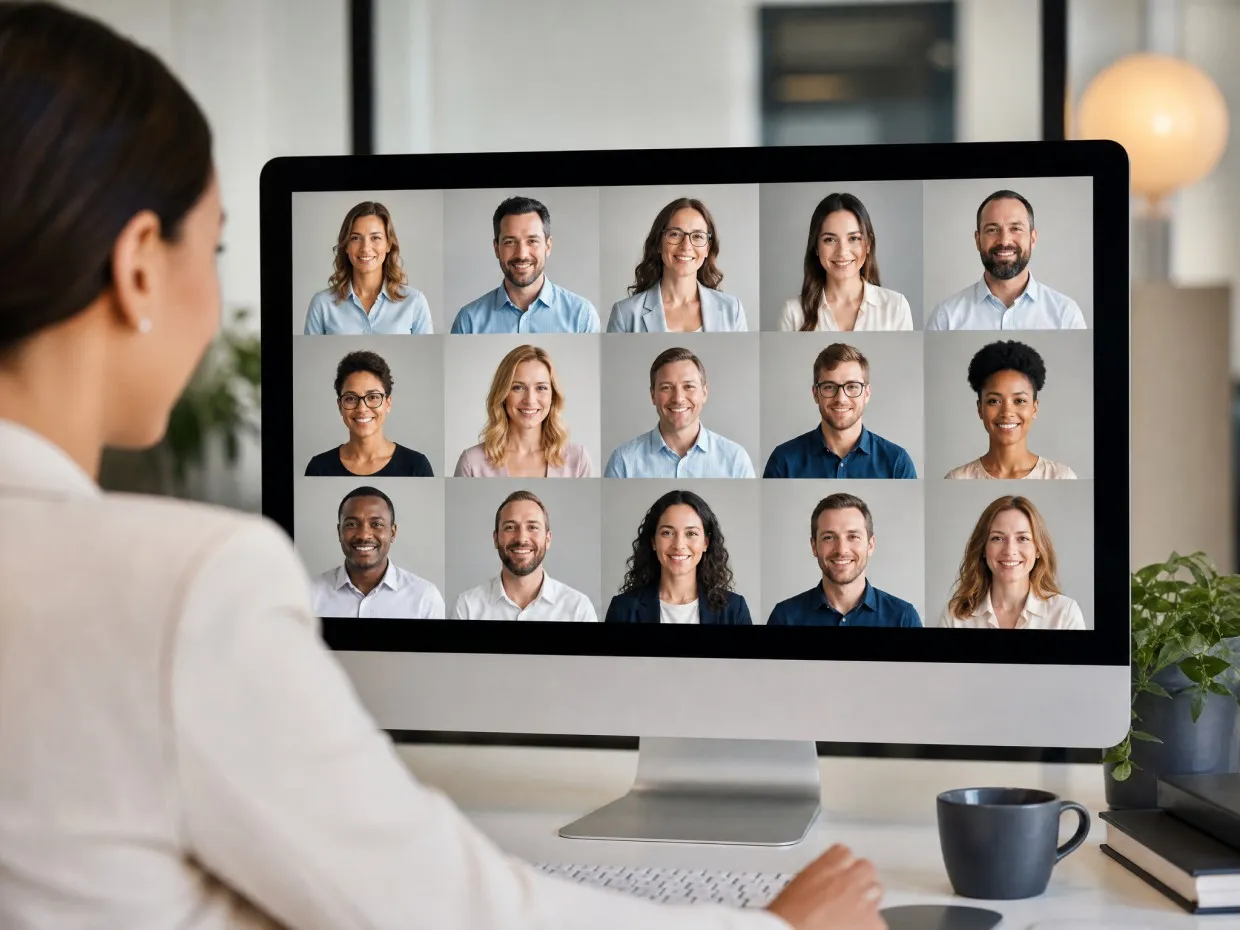
A busy room can distract from an otherwise useful portrait. Background removal and replacement let you explore a plain backdrop or a more relaxed setting. You can also generate a few professional looks from one photo, creating headshot variations for LinkedIn, company bios, or business websites. Your professional headshot generator workflow can reflect your field without requiring you to find a new location.
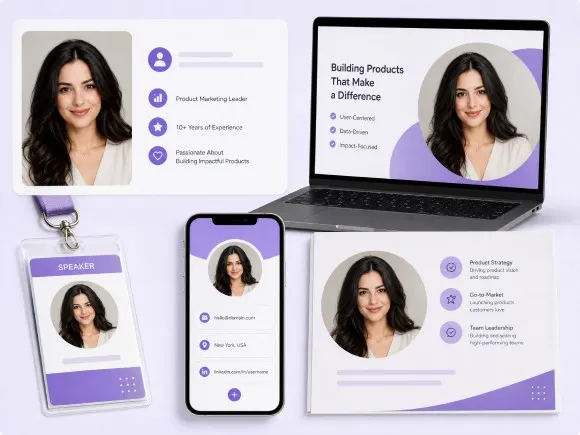
Carry One Portrait Across Your Work Assets
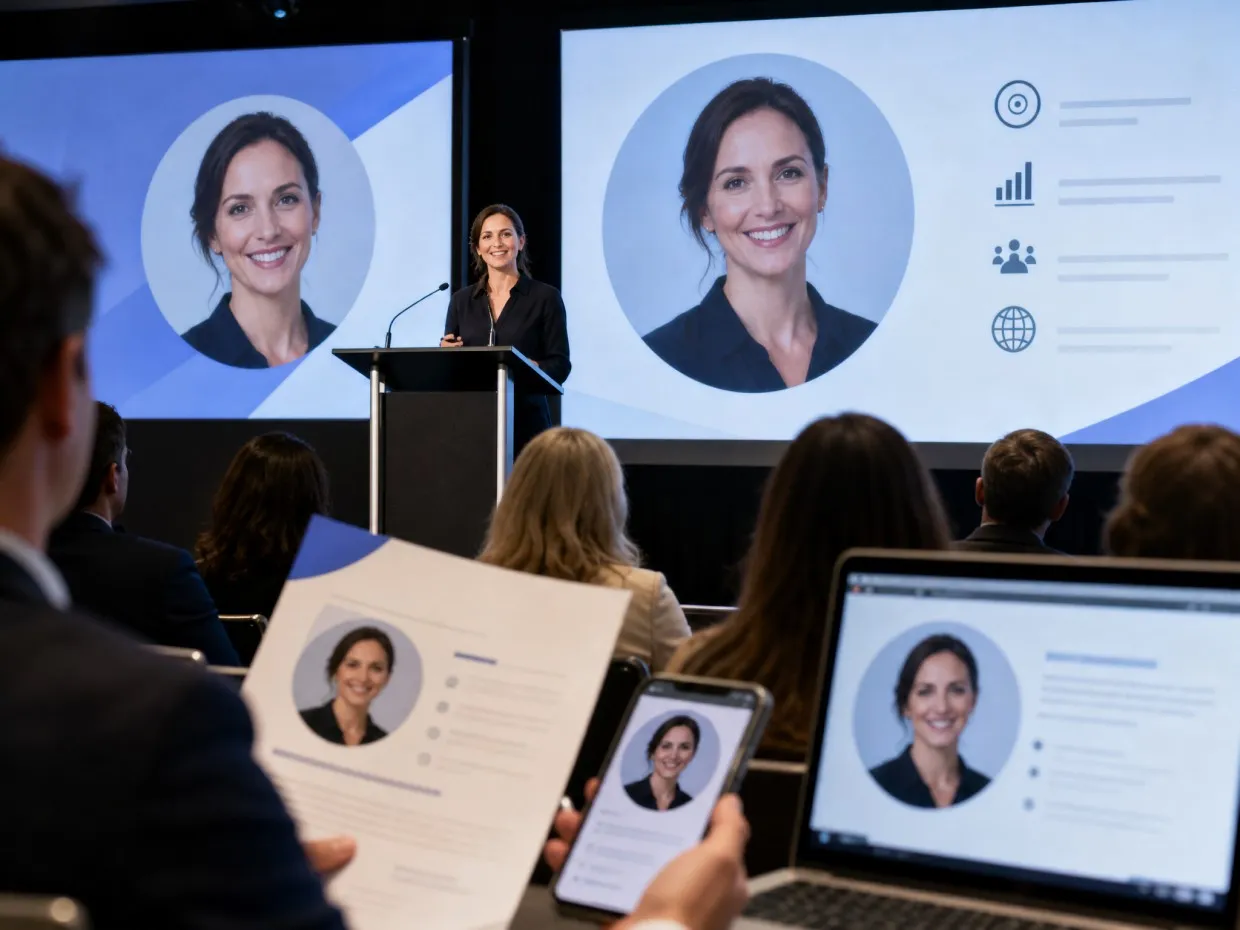
Your portrait often needs to appear in more than one place. Bring the finished image into further design work for a company bio, presentation, or speaker graphic. Keeping the same approved portrait helps your professional materials feel connected across different contexts.
A Professional Photo for Wherever Work Takes You
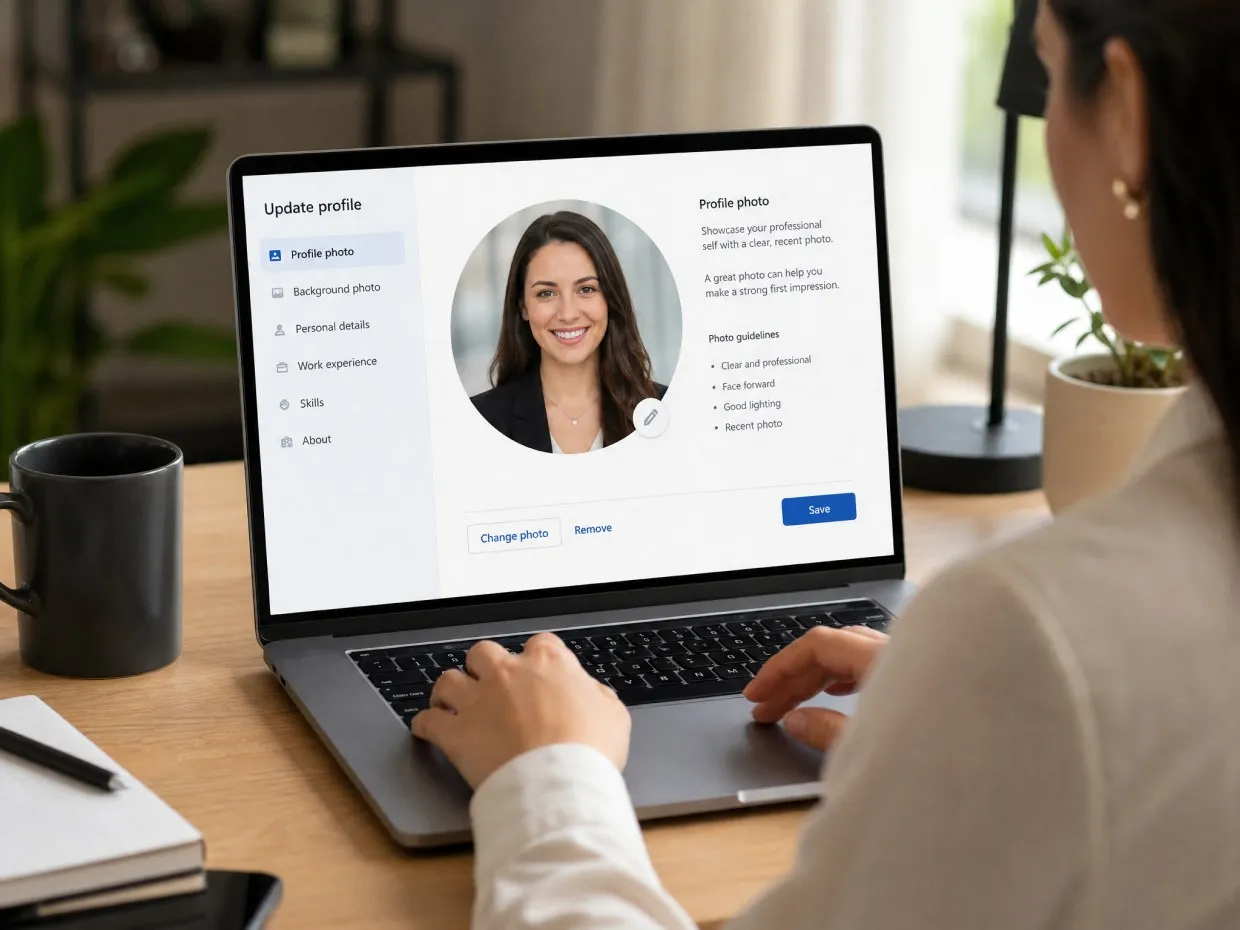
LinkedIn Profile Updates
Job seekers and professionals changing roles can use a refreshed headshot when updating their LinkedIn profiles. Start with a recent photo and aim for a clear, approachable portrait that reflects how you look today. The finished image gives recruiters and new connections a current face to put with your experience.
Frequently Asked Questions
What is an AI headshot generator?
How does an AI headshot generator work?
An AI headshot generator uses uploaded photos and written instructions to create or refine a professional portrait. Results depend on the source image, the model, and the requested changes, so review facial details before choosing a final version.
Is there a free AI professional headshot generator?
Some tools offer free trials or limited credits. Before generating a headshot in RoboNeo, check the current credit requirements and available account options. Free access should not be assumed to include unlimited generation or downloads.
What kind of photo should I upload?
Use a recent, sharp photo with your face clearly visible and evenly lit. Avoid sunglasses, strong beauty filters, deep shadows, and group shots. A photo taken at eye level gives you a useful starting point.
Will an AI generated professional headshot still look like me?
It can, but generated results may change facial details. Start with a clear reference and request a natural appearance. Compare the eyes, smile, face shape, and skin texture with your original before using the image professionally.
Can I use an AI headshot on LinkedIn?
Yes, you can use an AI headshot on LinkedIn. Choose one that accurately reflects your current appearance, keeps your face clearly visible, and looks natural when cropped as a profile photo.
What should I write in my headshot prompt?
Describe the intended use, background, lighting, clothing, and framing. For example: "Create a professional profile portrait with soft lighting, a neutral gray background, and natural skin texture. Keep my facial features consistent with the reference photo."
Ready for a More Professional AI Headshot?
Your next professional headshot is just a few steps away. With RoboNeo, a single photo can become a polished headshot with a background and overall look tailored to your professional image. Start creating your new AI headshot today.
What Users Say About the AI Headshot Generator
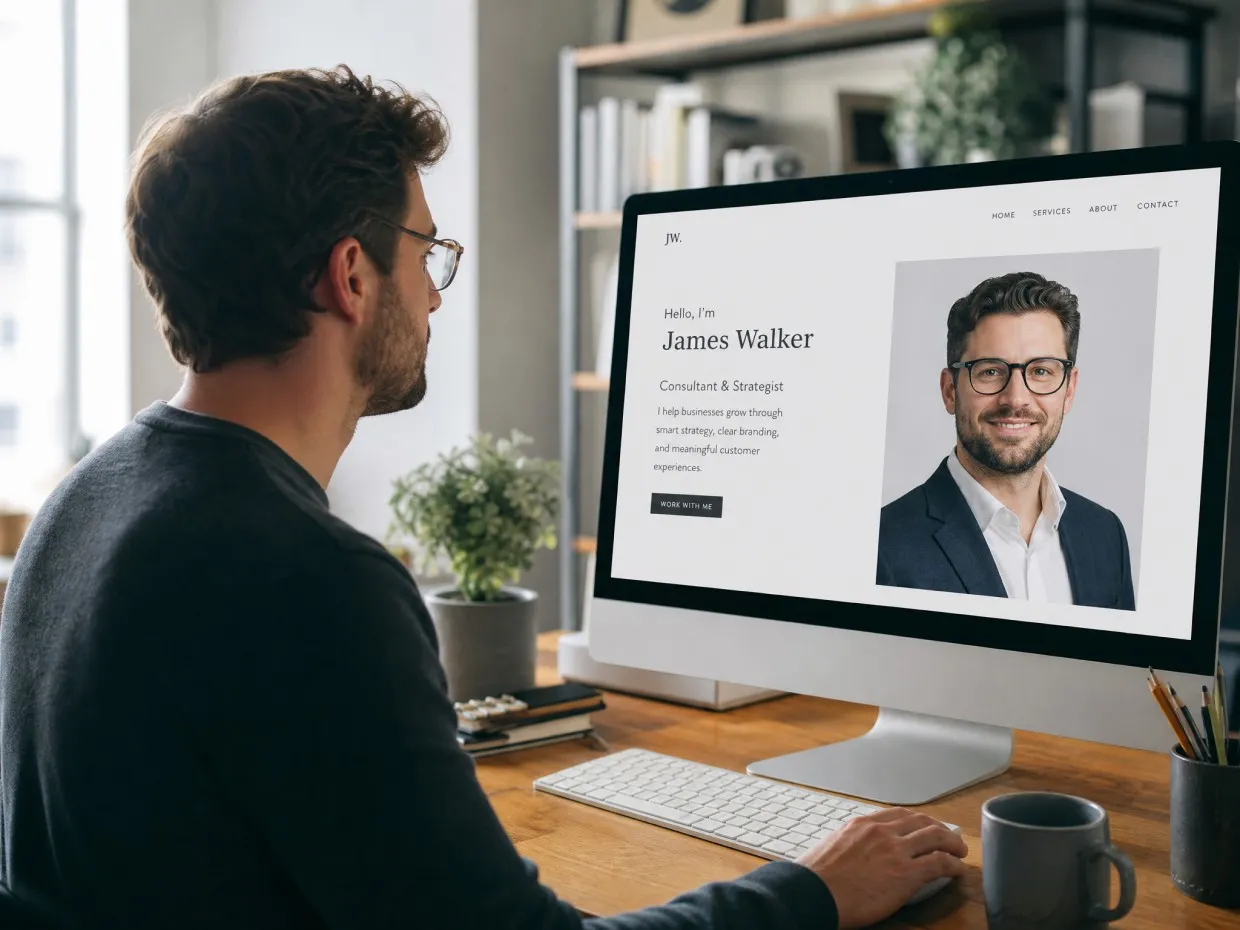
My old headshot felt too formal. The new background looks more natural and fits my consulting website much better.
I still look like myself, just with better lighting and a cleaner background. That was exactly what I wanted.
We used the same background style for our remote team. The photos now look consistent together without feeling identical.
Much better than the cropped vacation photo I had been using on LinkedIn.
The first result changed my smile slightly, but the next version looked much more like me. I used it for my agent profile and listing materials.