
AI Movie Trailer Generator
Your next movie trailer starts with an idea. As an AI movie trailer maker, RoboNeo brings scriptwriting, storyboard creation, character design, and cinematic video generation together in one workspace. From sci-fi teasers to suspenseful previews, your story can take shape scene by scene.
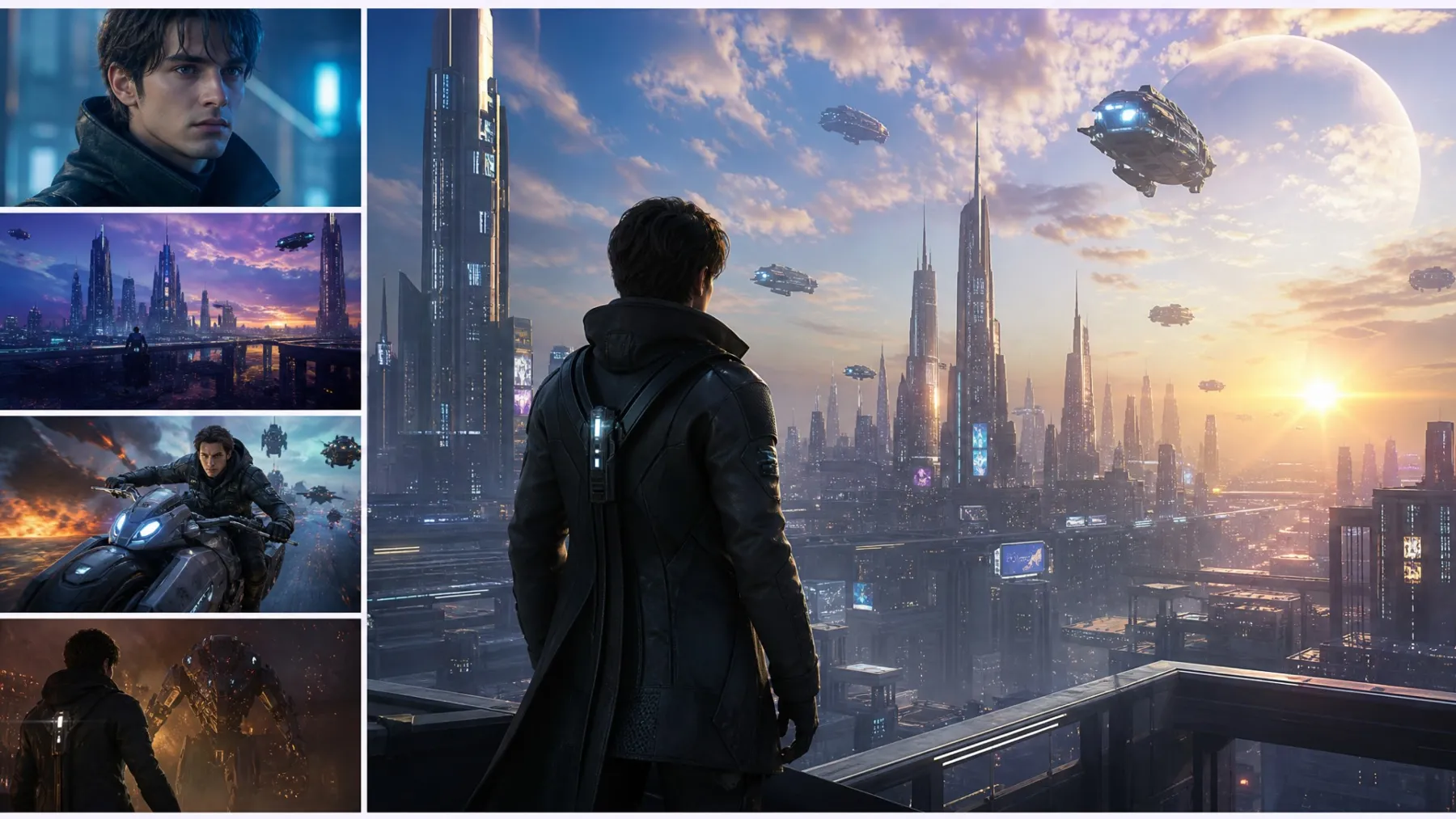
How to Create an AI Movie Trailer with RoboNeo
Enter Your Movie Idea
Describe your movie idea in RoboNeo, including the genre, main characters, stakes, and 1–2 key moments. These details help establish the story's direction and tone.
Develop the Story and Script
RoboNeo's AI Agent helps develop your idea into a story structure and script. Review the plot, dialogue, and pacing, then request changes to refine the story.
Build Your Storyboard
Plan your scenes with camera angles, movements, and lighting. Include key trailer beats, such as an opening hook, rising tension, and a title moment, to shape the sequence.
Generate Your Trailer Clips
Generate clips from your scenes using text-to-video or image-to-video tools. Adjust the aspect ratio, resolution, and duration where supported, then review and refine individual shots.
Assemble, Add Audio, and Export
Arrange your clips, add music or TTS narration, and include a title or tagline. Review the final trailer and export it in 16:9 or 9:16 for your intended platform.
AI Movie Trailer Maker for Your Film Ideas
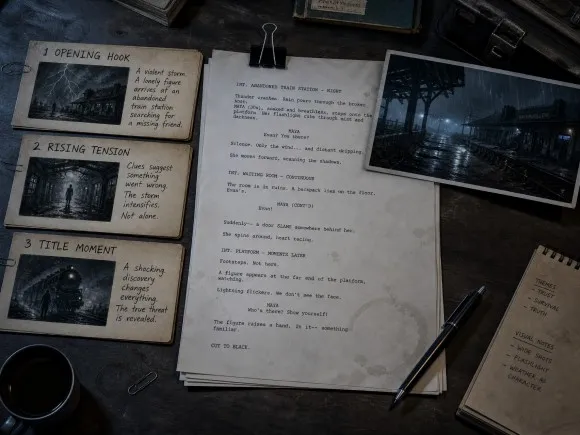
A Strong Story Behind Every Trailer
A memorable movie trailer starts with a compelling story. RoboNeo helps turn your initial idea into a story structure and script, giving you a clearer direction for the plot, characters, and key moments that will capture your audience's attention. These tools give every AI movie trailer creator a starting point for developing a story-driven preview.
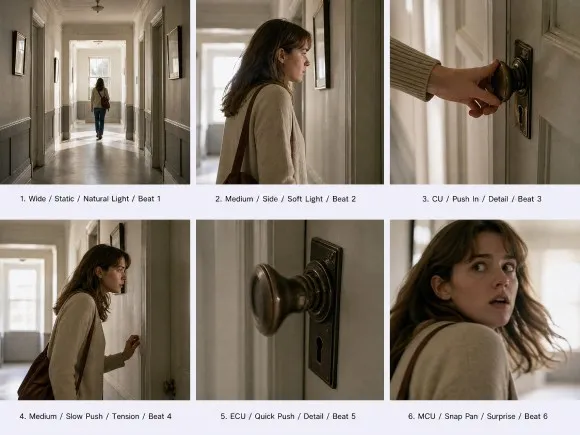
Storyboards That Bring Every Shot into Focus
A well-planned sequence helps your trailer tell its story with greater clarity. RoboNeo generates storyboards with shot descriptions, camera movements, lighting, and scene pacing, so you can review the visual flow and refine individual shots before video generation.
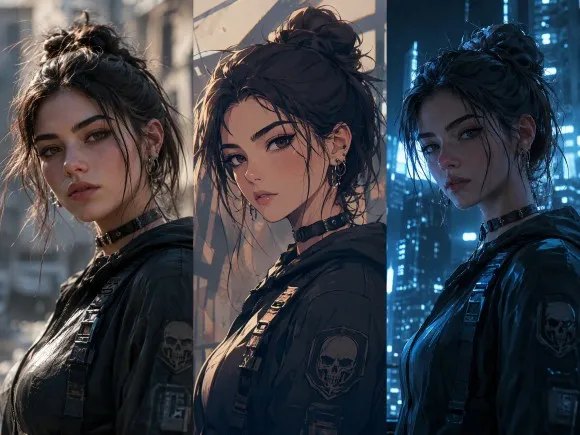
Cinematic Characters, Scenes, and Visual Styles
The look of a trailer helps establish its genre and atmosphere. RoboNeo supports character and scene design, photography and animation styles, multi-angle image generation, and lighting adjustments, giving your sci-fi, thriller, or drama concept a more distinctive visual direction.
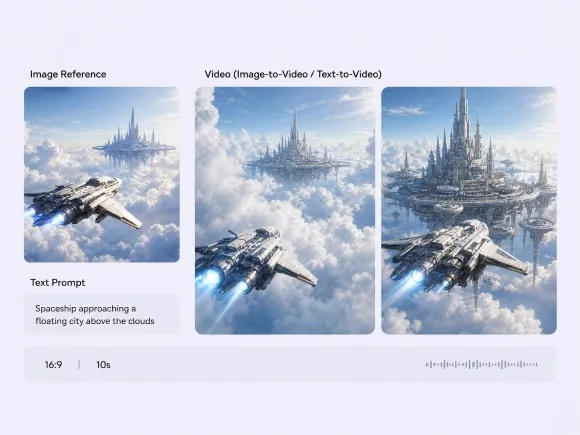
From Planned Scenes to AI-Generated Video
With your storyboards and visual assets ready, RoboNeo helps turn your ideas into video clips through text-to-video and image-to-video generation. Supported settings vary by model and may include aspect ratio, resolution, duration, and audio generation, giving you options to shape your trailer's final look and feel.
Bring Different Movie Concepts to Life
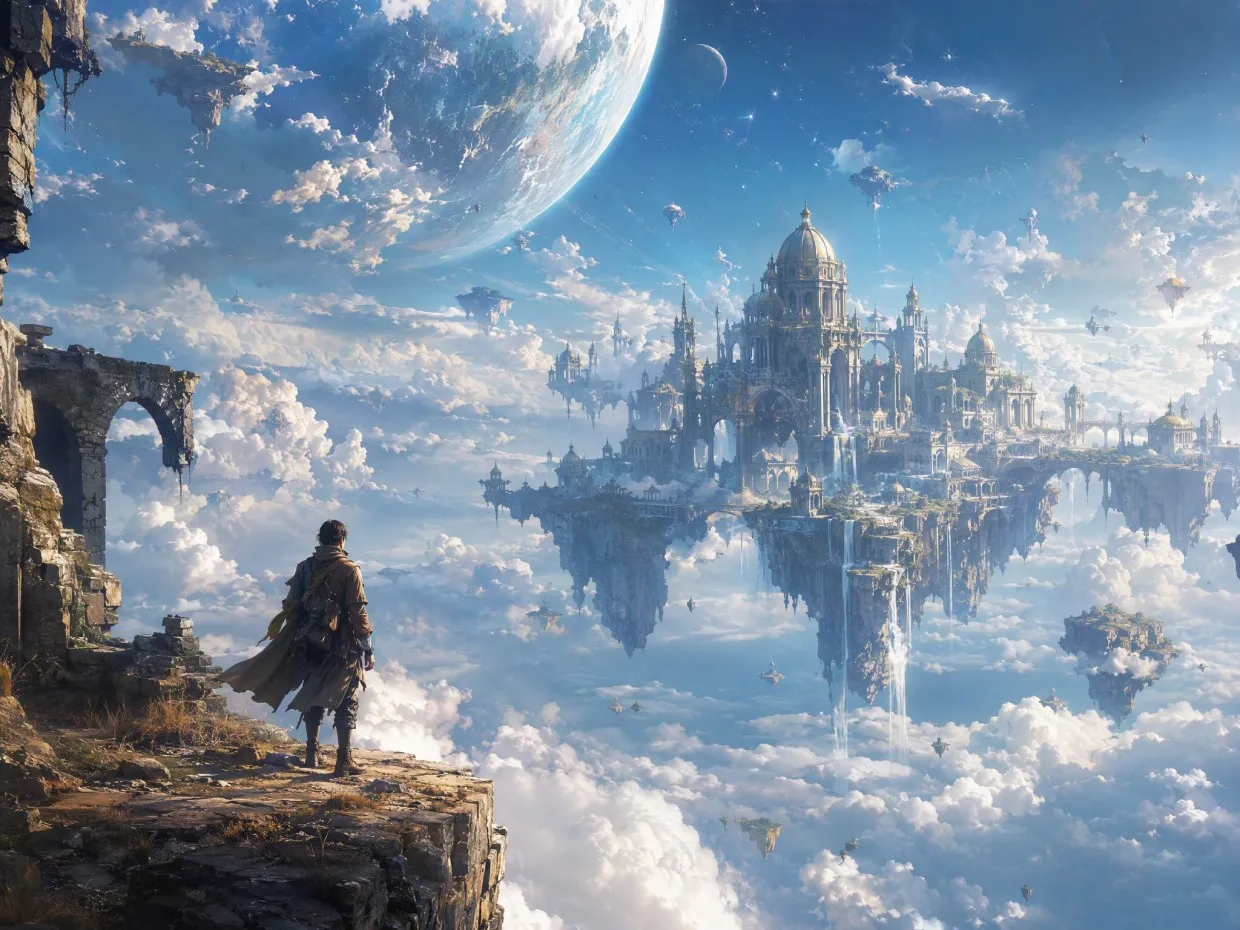
Sci-Fi and Fantasy Trailers
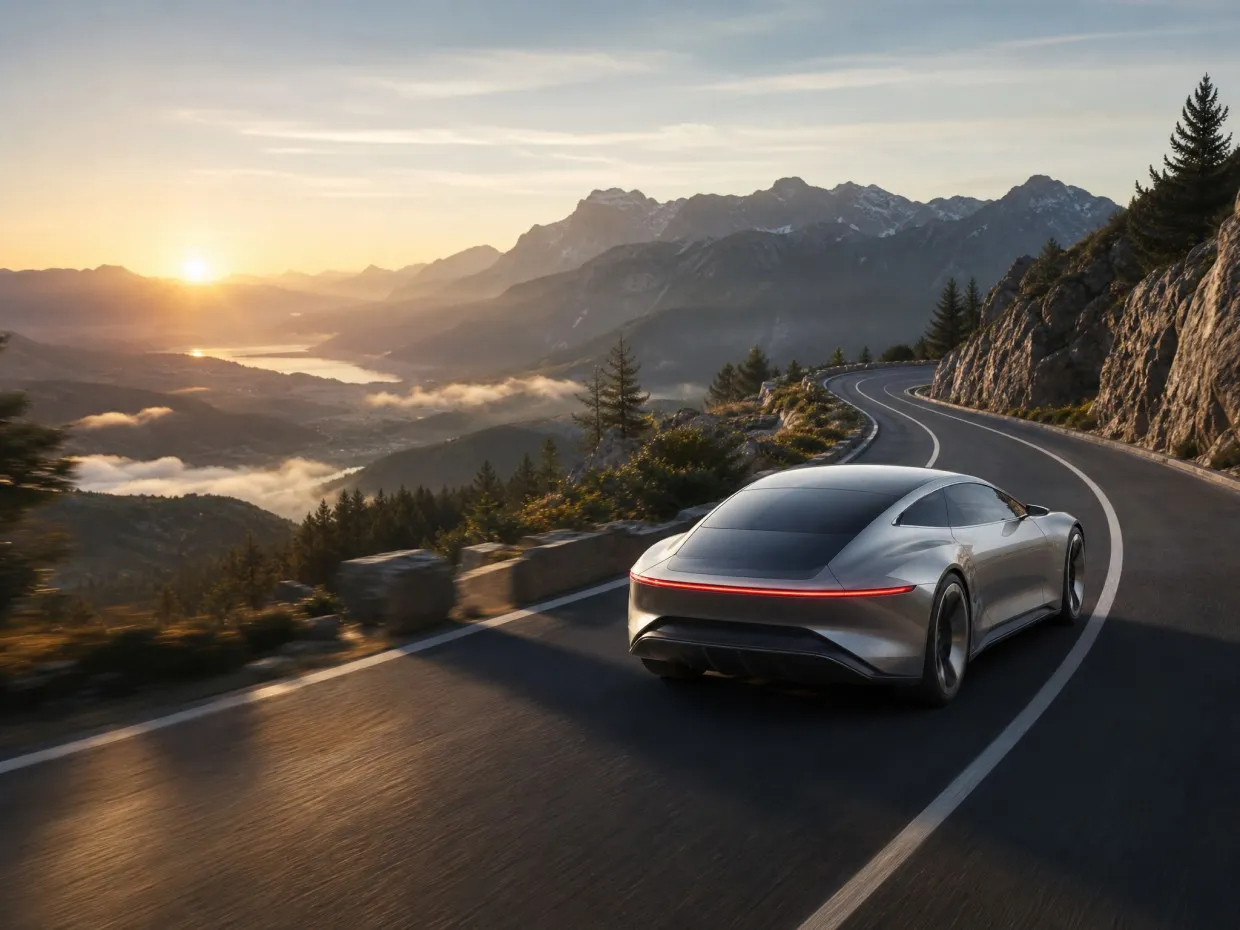
Futuristic worlds, imaginative settings, and dramatic visual sequences can give sci-fi and fantasy trailers their distinctive look. RoboNeo combines story development, scene planning, camera perspectives, and lighting controls to help bring these imaginative concepts to the screen.
Frequently asked questions
What is an AI movie trailer?
How do I keep the same character across different trailer scenes?
Start with a character reference image and reuse it when developing related scenes. RoboNeo lets you create character visuals and reference image assets in your workflow, although the results may vary depending on the video model and the prompts you use.
What if I don't have a script for my movie trailer yet?
You don't need a finished script to get started. Describe your movie idea, and RoboNeo's AI Agent can help develop the story structure and script before you move on to storyboards and video generation.
Can I control the camera angles and lighting in my trailer?
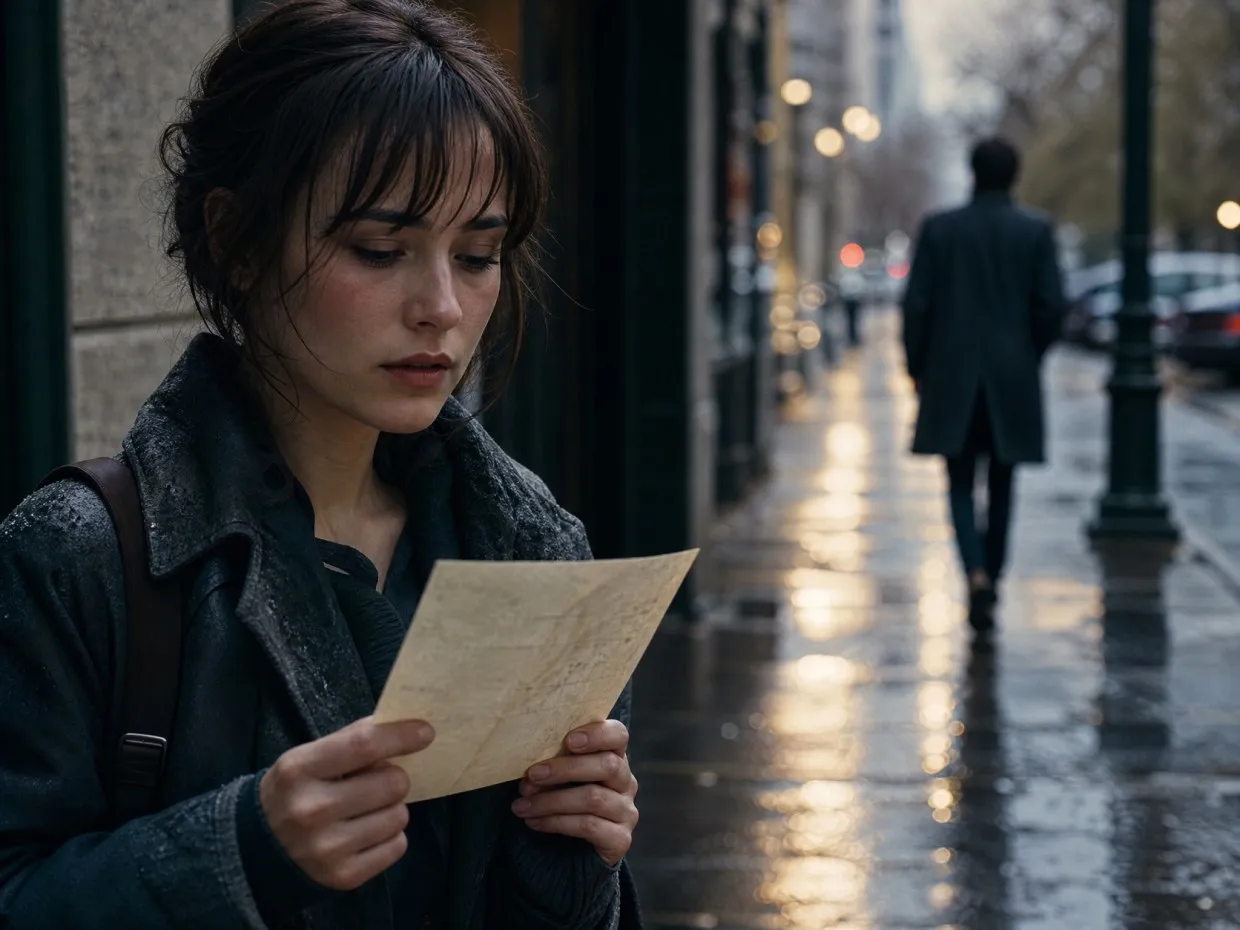
Yes. RoboNeo offers multi-angle image generation and lighting controls, with options for different perspectives and visual moods. These tools can help you plan close-ups, dramatic character shots, and darker scenes for a suspenseful trailer.
Can I turn a storyboard into AI-generated video?
Yes. RoboNeo supports storyboard creation and video generation, helping you move from planned shots to video clips. You can review the storyboard and make adjustments before generating the scenes.
How long can an AI movie trailer be on RoboNeo?
A single AI-generated video clip typically lasts around 4–15 seconds, depending on the video model. For a longer movie trailer, you can generate multiple clips and combine them into a sequence.
Are my uploads private on RoboNeo?
RoboNeo's privacy policy explains how uploaded content is handled. Your images and videos are processed through its cloud-based service, so they are not stored exclusively on your device. Check the privacy policy for details about data storage and usage.
Can I use the trailer commercially or on YouTube?
You may use your AI movie trailer commercially or on YouTube if you own the rights to your ideas and materials. Avoid using copyrighted movie footage, actors' likenesses, or protected characters to imitate official trailers without permission. Commercial use is also subject to RoboNeo's terms of service.
Your Movie Idea Deserves a Trailer
From the first story idea to cinematic scenes, RoboNeo brings scripting, storyboarding, and AI video generation together to help you create your next movie trailer.
What Users Say About RoboNeo
I needed a 30-second sci-fi teaser for a grant pitch. Built a six-shot storyboard, generated the clips, then added TTS narration and a title card. It was enough to show the film's tone without a full crew.
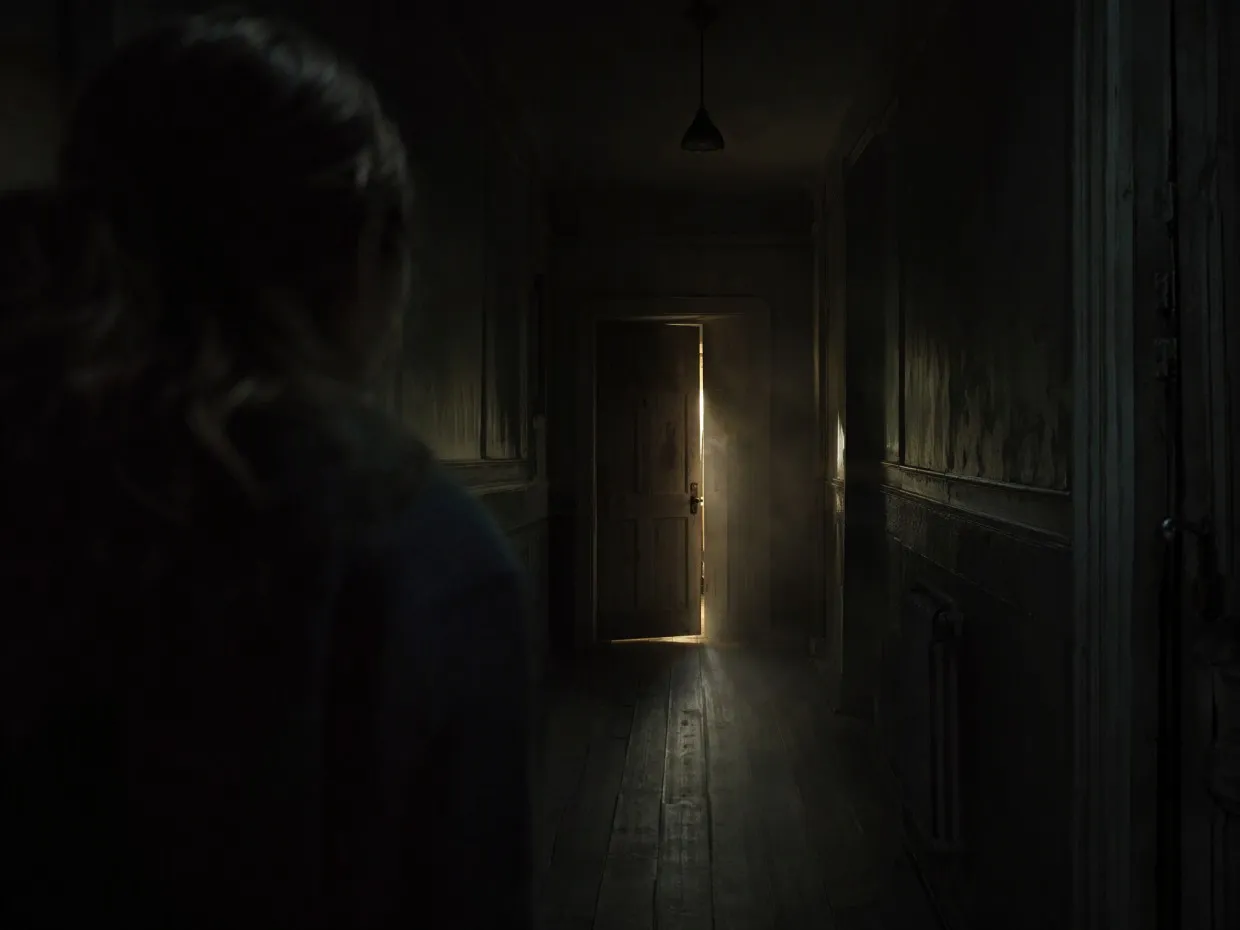
My mystery trailer needed a stronger opening. I changed the first shot to a dark hallway, added a close-up of a half-open door, and adjusted the lighting. The new sequence built suspense before revealing anything.
I made a 15-second fantasy teaser for a concept presentation. Started with a castle reference image, generated three short scenes, and added a voiceover. The finished clip gave the team a clearer sense of the setting and mood.