
Horror Story Generator
Have a creepy idea but no story yet? The horror story generator in RoboNeo helps you develop the plot, build suspense, and find an ending that leaves an impression.
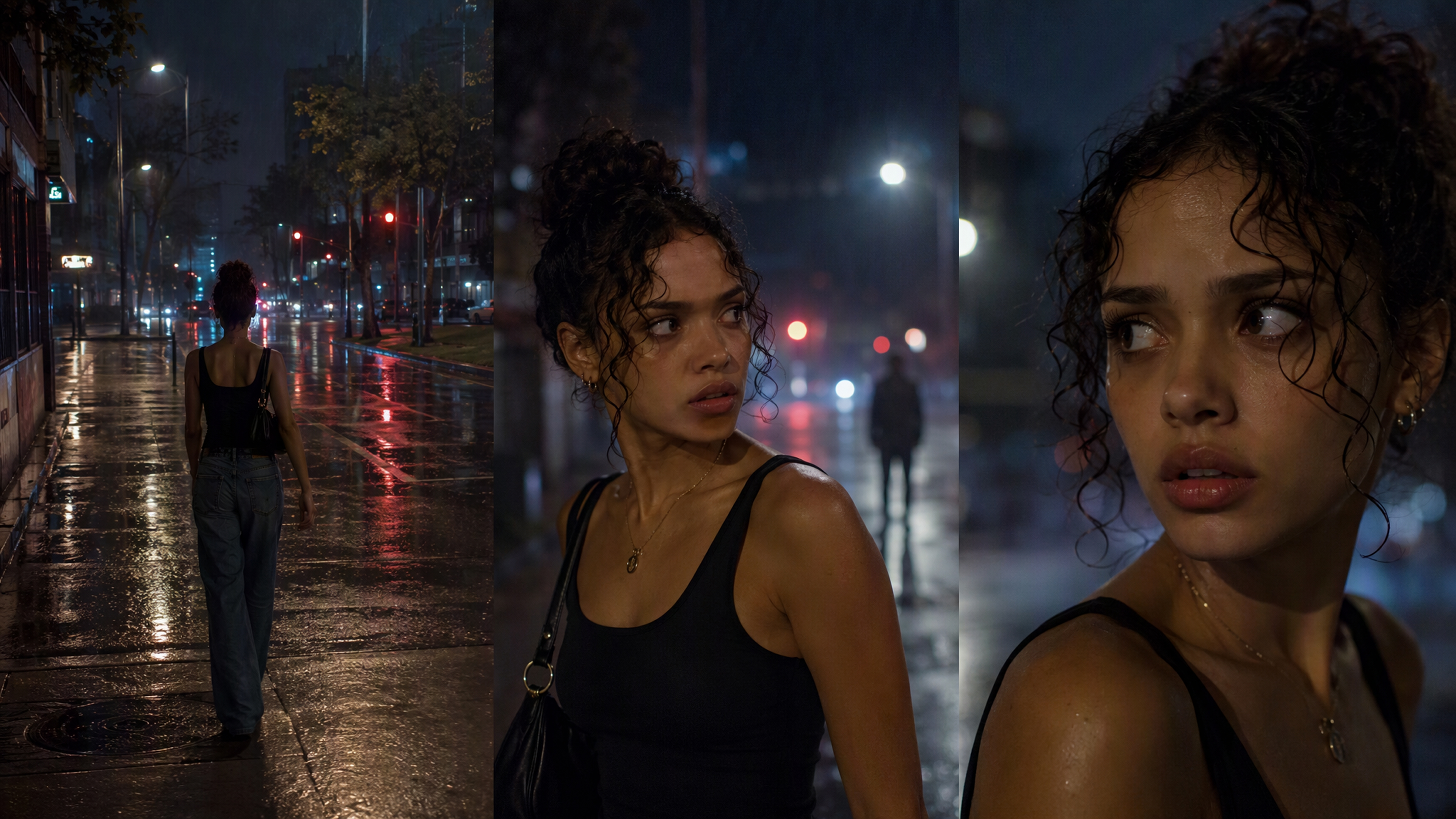
How to Use the Horror Story Generator
Describe Your Story Idea
Enter a setting, character, fear, or disturbing event. A few clear details help give the story a stronger direction.
Choose Your Horror Style
Add the mood or genre you want, such as psychological horror, supernatural horror, folk horror, or creature horror.
Generate Your Horror Story
Let RoboNeo develop your idea into a story with characters, conflict, suspense, and a clear plot.
Refine the Story
Adjust the opening, pacing, twist, or ending until the story feels darker, sharper, and closer to what you imagined.
A Horror Story Generator Built for Real Suspense
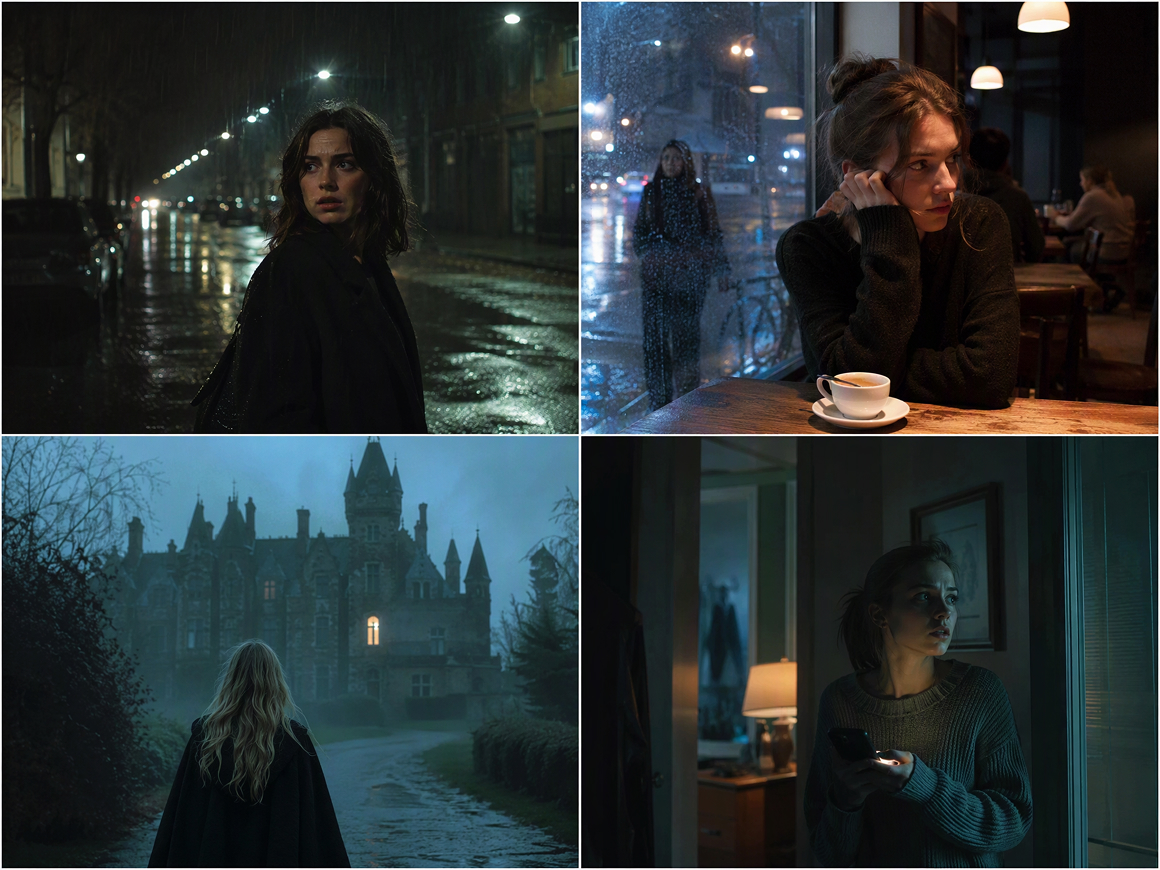
Fresh Horror Ideas Without Generic Prompts
When you only have a mood, setting, or frightening image in mind, RoboNeo can help develop it into a usable premise. Use it as a horror story idea generator to explore different threats, characters, conflicts, and unsettling situations before choosing a direction.
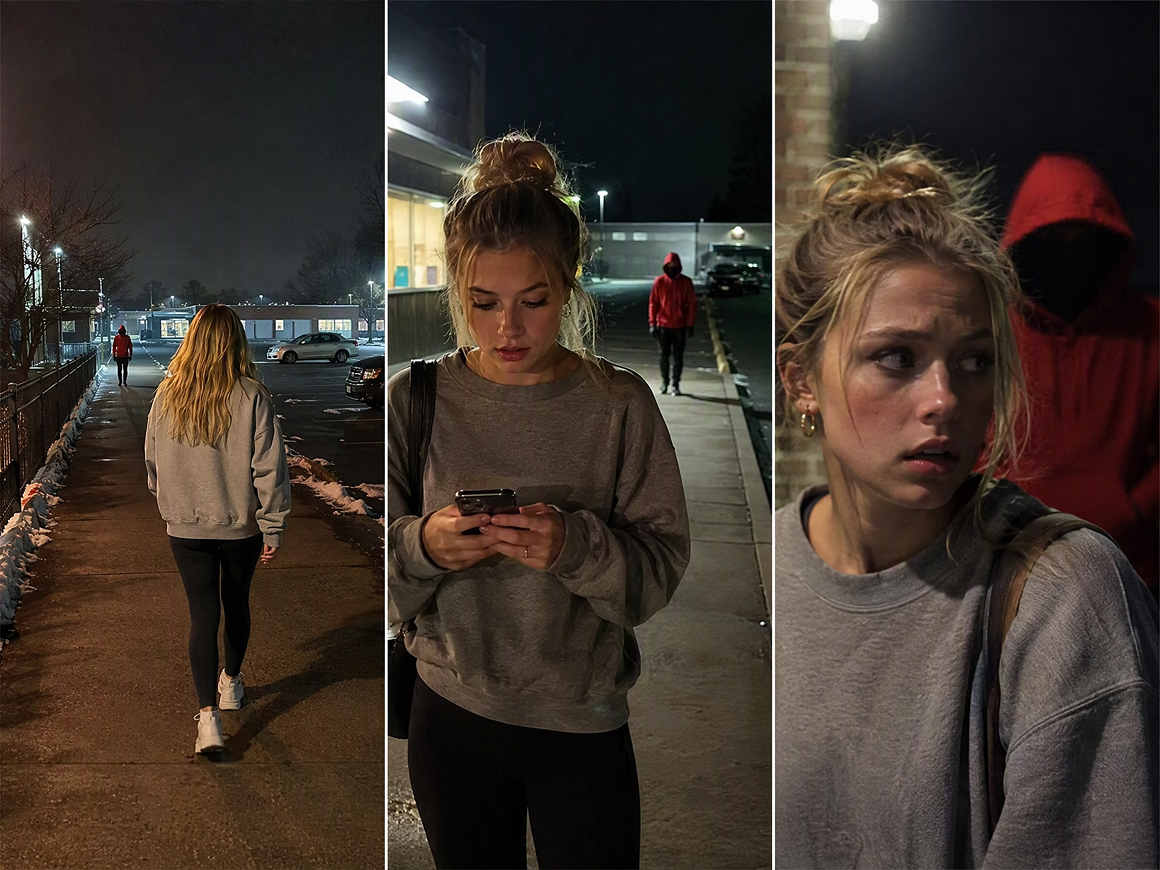
Plot Twists That Build Instead of Appearing
A scary reveal works better when the tension earns it. Use the horror story plot generator workflow to shape setup, escalation, turning points, and an ending that connects back to earlier details, rather than dropping a random twist into the final paragraph.
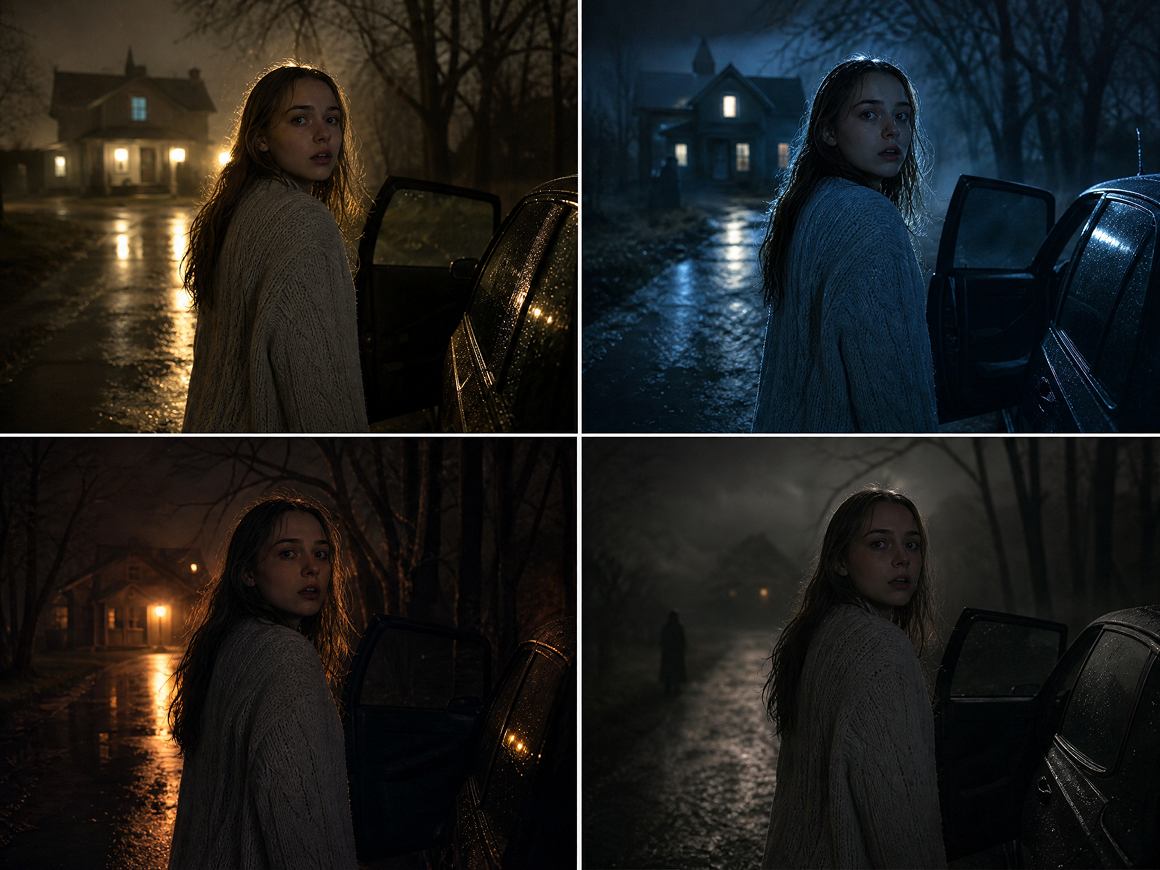
Control the Fear, Tone, and Story Direction
Psychological horror, supernatural dread, creature stories, and eerie mysteries need different pacing. Adjust your prompt with the atmosphere, subgenre, point of view, intensity, or ending style you want, then refine the draft until the story feels consistent instead of generically scary.
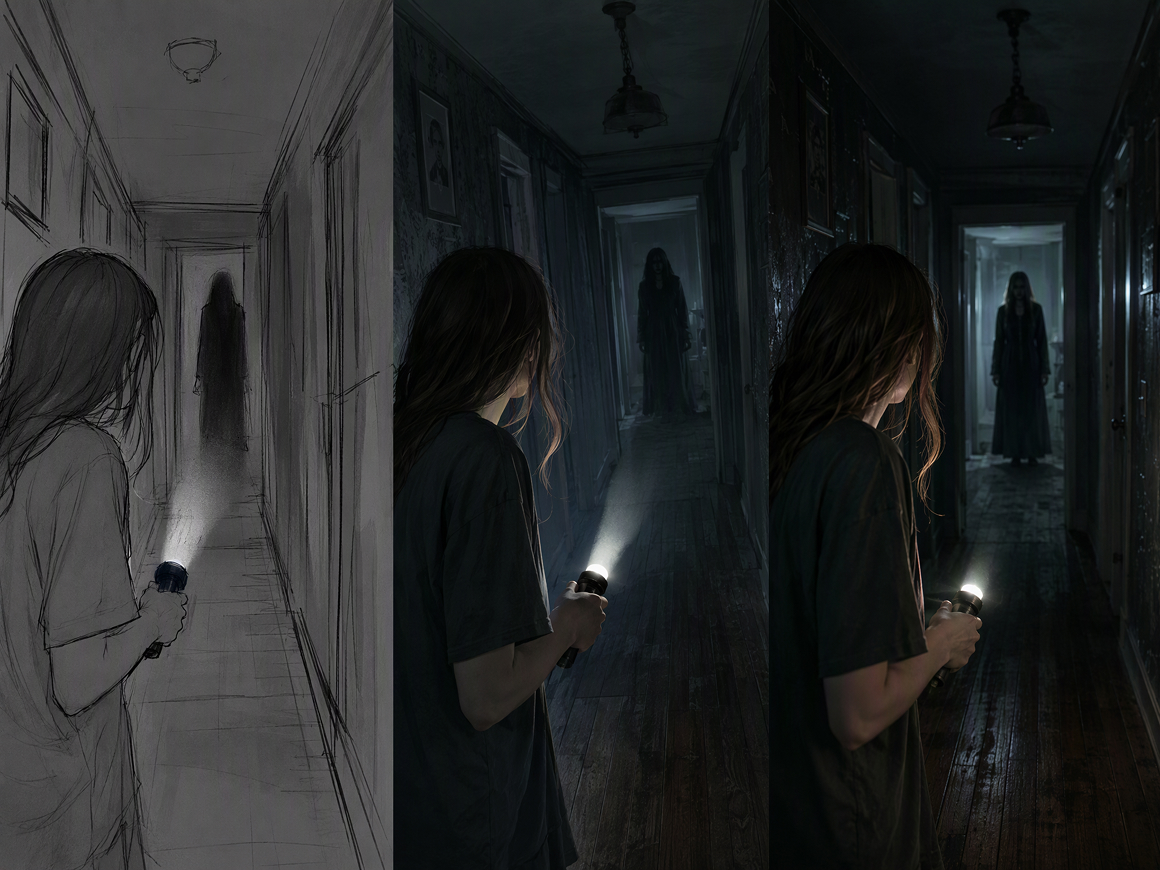
Move From Story Drafts Into Visual Creation
RoboNeo can support more than the first draft. Once the story direction is working, the same creative workspace can help you continue toward visual planning and video creation, making it easier to develop horror concepts without rebuilding the project in separate tools.
Create Horror Stories for Different Projects
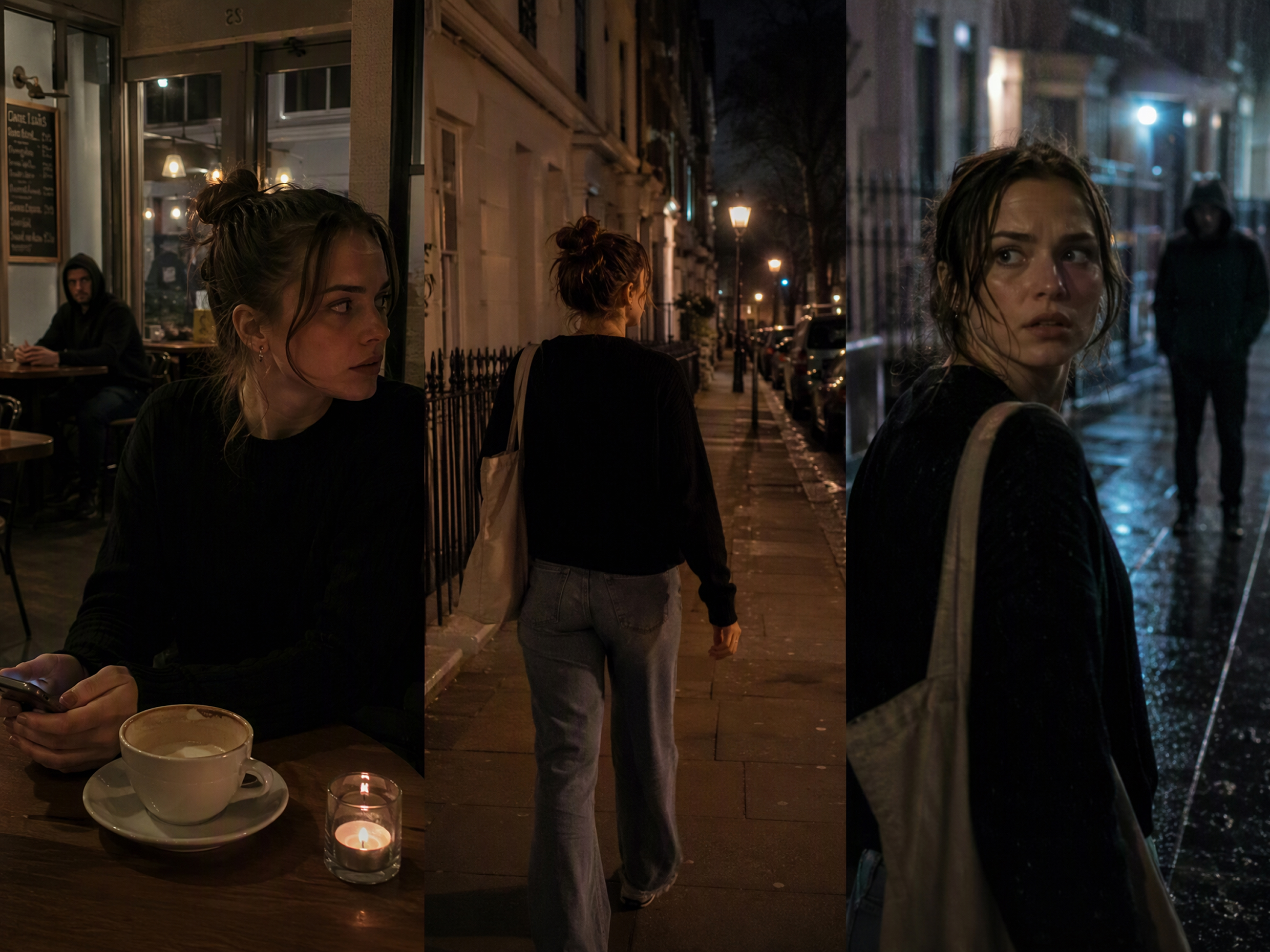
Horror Short Dramas
A horror short drama needs a clear build-up, rising tension, and an ending that feels earned. The horror story generator can help map out the setup, key turning points, scares, and final reveal first, so each scene has a purpose and the story moves naturally toward the payoff.
Frequently Asked Questions
What are some scary prompts for AI?
What should I put in a horror story prompt?
Include the setting, central threat, and the kind of fear you want to create. You can also specify the horror style, point of view, pacing, intensity, and the type of ending you want.
What types of horror stories can I generate?
You can create psychological horror, supernatural stories, gothic horror, folk horror, creature horror, cosmic horror, found footage, creepypasta, and other styles by describing the tone and direction in your prompt.
Can I control how scary or graphic the story is?
Yes. Tell the AI whether you want eerie suspense, psychological tension, intense scares, or minimal graphic detail. Clear limits in the prompt help keep the story closer to the level of horror you want.
How can I stop an AI horror story from feeling rushed?
Ask for a slower build, fewer major events, and more time before the main reveal. You can also refine the story scene by scene instead of trying to fit every scare into one generation.
How do I make an AI horror story less predictable?
Avoid revealing the threat too early. Ask for misleading clues, delayed reveals, conflicting explanations, or a twist that changes how earlier scenes are understood. Refining the ending separately can also help avoid an obvious payoff.
Give Your Horror Story Somewhere to Go
A good scare rarely arrives fully formed. The horror story generator in RoboNeo gives you room to test the idea, reshape the tension, and keep developing the story when you find a direction worth following.
Creators on Writing Horror with RoboNeo
I had this one image in my head—a girl standing in a hallway at 3 a.m.—and basically nothing else. I changed the setup a couple of times, and suddenly it felt like an actual story instead of just one creepy shot.
I mostly use it when the middle of a story starts dragging. I don’t keep every idea it gives me, but it usually gets me unstuck.
My first prompt was honestly pretty bad, and the first story was too obvious. I changed the reveal, cut one character, tried it again. That version was way closer to the kind of short horror thing I wanted to make.